
How to Make a 30-Second Product Ad with Seedance 2.5
A 30-second product ad needs more than a good-looking opening shot. In half a minute, viewers should understand what the product is, see it do something useful, and leave with a reason to remember it.
That is also where AI product videos tend to break down. The first seconds may look polished, but the packaging shifts later on. The product appears without a clear use case. Or the final frame has no room for a product name, offer, or next step.
A better way to approach Seedance 2.5 is to write a compact production brief rather than a vague visual prompt. Decide what must stay unchanged, give each reference asset a narrow role, then map the video from hook to final packshot.

What Seedance 2.5 Contributes to a Product-Ad Workflow
According to ByteDance Seed’s July 2026 product announcement, Seedance 2.5 can generate audio-video clips of up to 30 seconds in one pass and supports multimodal references: up to 30 images, 10 video clips, and 10 audio clips in a generation. The announcement also describes reference-based generation, editing, and multi-round extension capabilities.
For a product commercial, the practical value is not simply “a longer AI video.” It is the ability to plan a complete ad arc without treating every five-second shot as a separate project.
Still, availability, input limits, output settings, editing controls, and commercial-use terms can differ between tools that offer the model. Check the settings and documentation in the interface you are using before building a campaign.
Start with One Message, Not Every Product Feature
The clearest ecommerce video ads usually make one point well. Trying to explain every feature, audience, discount, and use case in 30 seconds often produces a busy video with no memorable center.
Write a short brief first:
For [audience], show how [product] helps with [specific situation] through [visible action or proof].
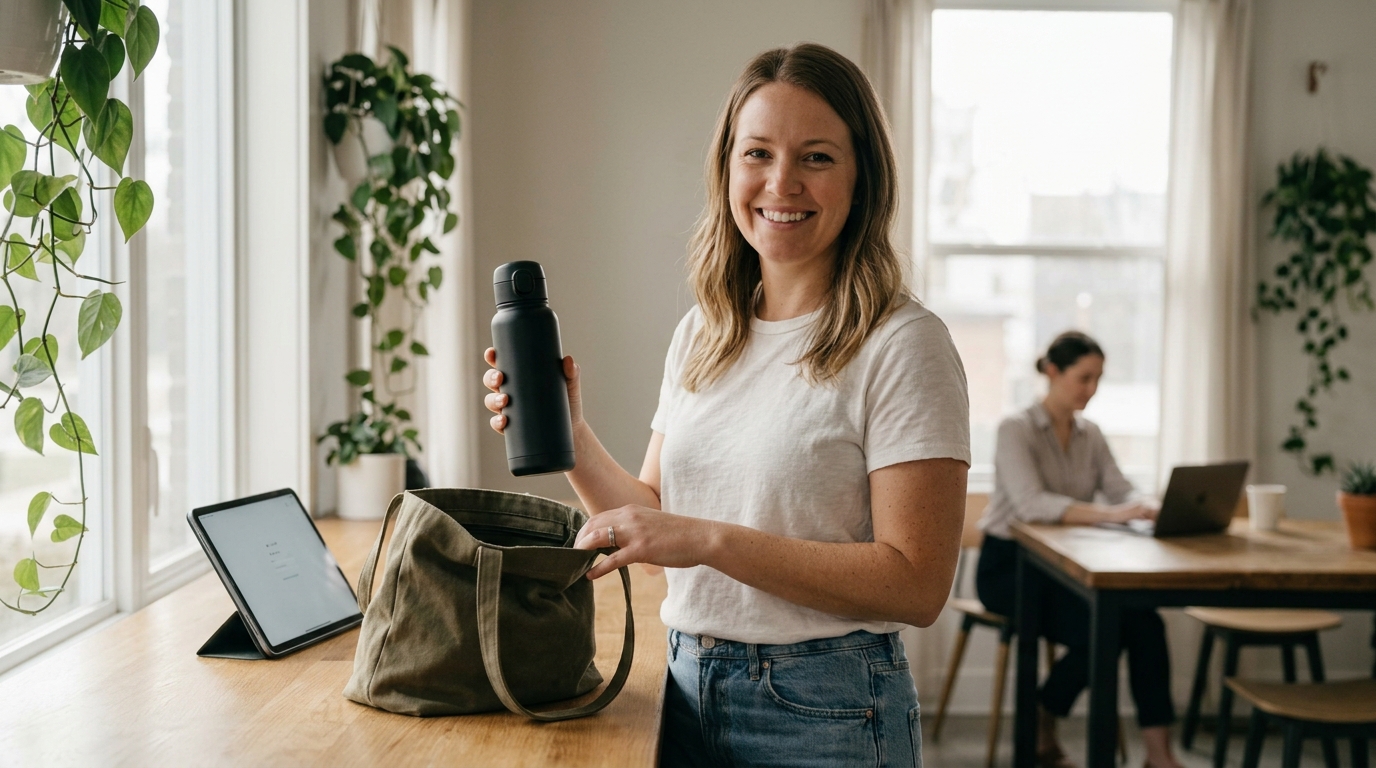
- Commuter bottle example: For commuters carrying drinks in a tote bag, show a reusable bottle being sealed and packed to demonstrate a secure lid.
- Skincare example: For busy adults with dry skin, show a serum being absorbed into cheekbones to demonstrate immediate hydration.
This gives the story a visible job. The product is not just sitting in a beautiful scene; it is solving a recognizable problem. Avoid claims that the viewer cannot see or that have not been approved. A visible action—opening, pouring, applying, folding, wearing, connecting—usually makes a stronger product point than a long spoken promise.
Build a Reference Kit with One Role per Asset
For an image to video product ad, references work best when they do not compete with one another.
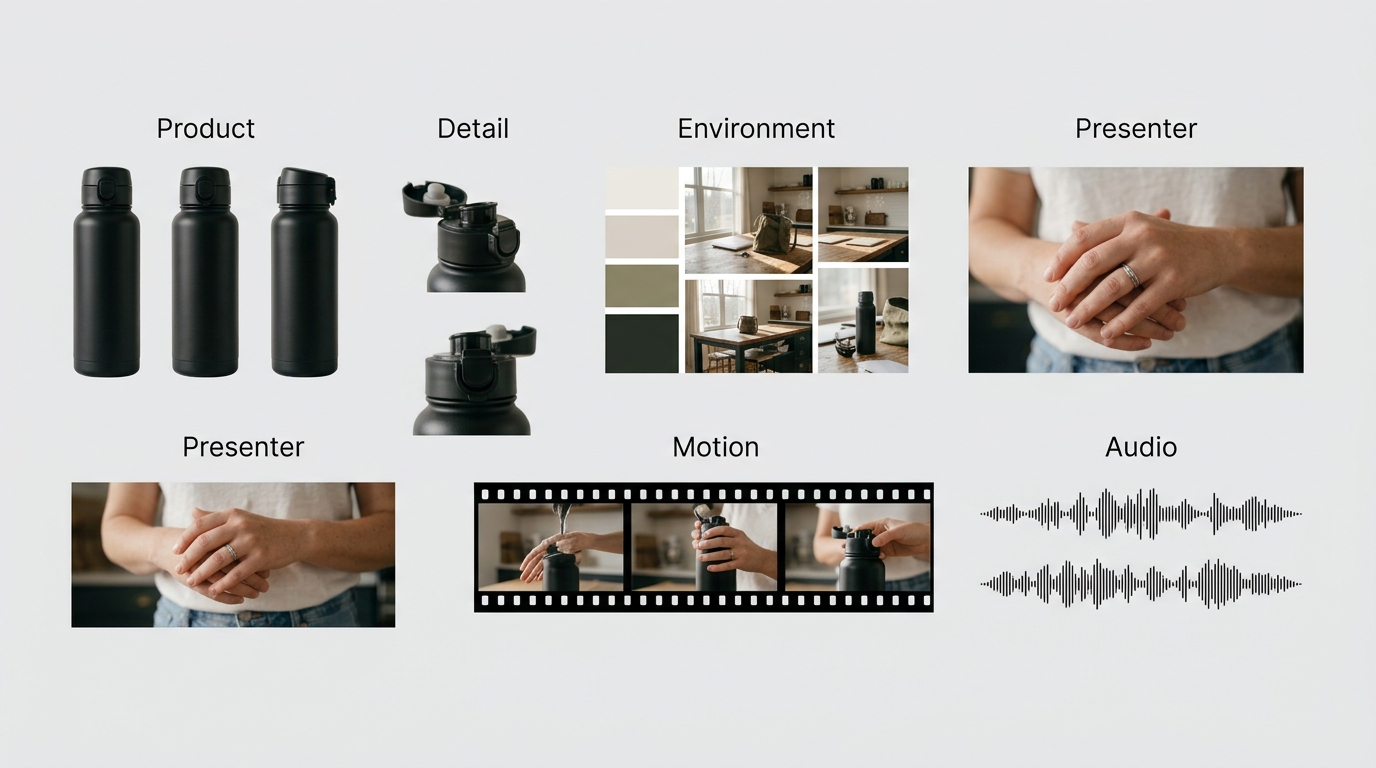
| Asset | Primary Role |
| Product photos | Product shape, packaging, color, label position, materials |
| Detail photos | Cap, texture, controls, connectors, ingredient or material detail |
| Environment reference | Lighting, location, palette, styling |
| Presenter reference | Adult presenter identity and outfit |
| Motion clip | Hand movement, product-use order, pacing |
| Audio reference | Voice, music rhythm, ambience, or sound direction |
Use the source product images as the visual truth. If the label, cap, and proportions matter, include enough angles for the model to understand them.
A movement reference should control movement, not the product appearance. A lifestyle image can set the mood, but it should not overwrite packaging details. That separation makes it easier to diagnose a weak output later.
Structure the Ad Before You Write the Prompt
This four-part structure works for a UGC product ad, an AI product commercial, a TikTok product ad, or a Shopify product video.
| Time | Purpose | What the Viewer Should See |
| 0–5s | Hook | A problem, a reveal, a contrast, or an immediately appealing result |
| 5–16s | Demonstration | The product being used in one clear action |
| 16–25s | Proof | A physical detail, result, comparison, or satisfying finish |
| 25–30s | Final packshot | Stable product composition with open space for final copy |
The timestamps are a planning device, not a guarantee of frame-perfect control. Their job is to stop the middle of the video from drifting.

Complete Example: A 30-Second Reusable Bottle Ad
This is an illustrative workflow, not a reported campaign result.
Creative Brief
- Product: Insulated reusable bottle with a locking lid
- Audience: Commuters and office workers
- Single message: The bottle can be packed into a daily bag with confidence
- Format: Vertical 9:16
- Final action: View available colors and product details
Asset Plan
- Product image 1: Front-facing bottle on a neutral background
- Product image 2: Close-up of lid and locking mechanism
- Product image 3: Side view showing the handle and proportions
- Environment image: Bright kitchen counter and tote bag
- Motion reference: A hand filling, locking, and placing a bottle into a bag
Storyboard
- 0–5s: An open tote bag sits beside keys and a laptop. The bottle enters frame.
- 5–16s: Close-up of the bottle being filled, closed, and locked with one hand.
- 16–25s: The bottle is placed into the tote bag. A short detail shot confirms the unchanged lid and product shape.
- 25–30s: The bottle stands upright on a clean surface in daylight. Leave negative space beside it for final text added in editing.
Prompt Template (Copy & Adapt for Your Campaign)
Create a 30-second vertical 9:16 ecommerce product video.
Product:
- A reusable insulated water bottle with a matte finish, a locking lid, a small carry handle, and the exact packaging shown in the product references.
Audience and message:
- For commuters and office workers, show the bottle being closed and packed into a daily tote bag. The message is a secure, practical morning routine.
Reference roles:
- Product images define only the bottle shape, lid, handle, color, label placement, proportions, and materials.
- The kitchen image defines only the environment, daylight, and palette.
- The motion reference defines only the hand movement: fill, close, lock, and place into the tote bag.
Timed story:
- 0–5s: Show an open tote bag, keys, and a laptop on a kitchen counter. The bottle enters naturally into frame.
- 5–16s: Show water filling the bottle, then one hand closing and locking the lid in a clear close-up.
- 16–25s: Place the bottle inside the tote bag. Show one brief close-up of the closed lid and unchanged product details.
- 25–30s: Show the bottle upright on a clean counter in soft daylight, with open space beside the product for text added later.
Camera:
- Start with a medium lifestyle shot. Use one close-up during the locking action, then return to a stable product hero shot. Avoid rapid cuts.
Audio:
- Natural morning ambience, light water-pouring sound, and no spoken dialogue.
Keep unchanged:
- Bottle shape, lid, handle, color, label placement, proportions, and lighting.
Exclude:
- Duplicate bottles, altered packaging, invented labels, unreadable text, extra logos, distorted hands, random objects, subtitles, and watermarks.
Use Different Creative Formats for Different Jobs
UGC Product Ad
A UGC-style product video is useful when viewers need to imagine the item in a real routine. Keep the presentation close to an actual use moment: a person reaches for the product, uses it once, and shows a small result.
- Skincare application: Show a single pump of serum applied onto dry skin, followed by a light tap to show immediate hydration.
- Daily wear: Show a user stepping into a slip-on shoe and walking past a doorway in one continuous movement.
Use one presenter, one product action, and restrained camera movement. The product should appear early instead of waiting until the end of a lifestyle scene.
Product Hero Video
A product hero video is better when the selling point is design, material, texture, or construction. Keep the movement simple:
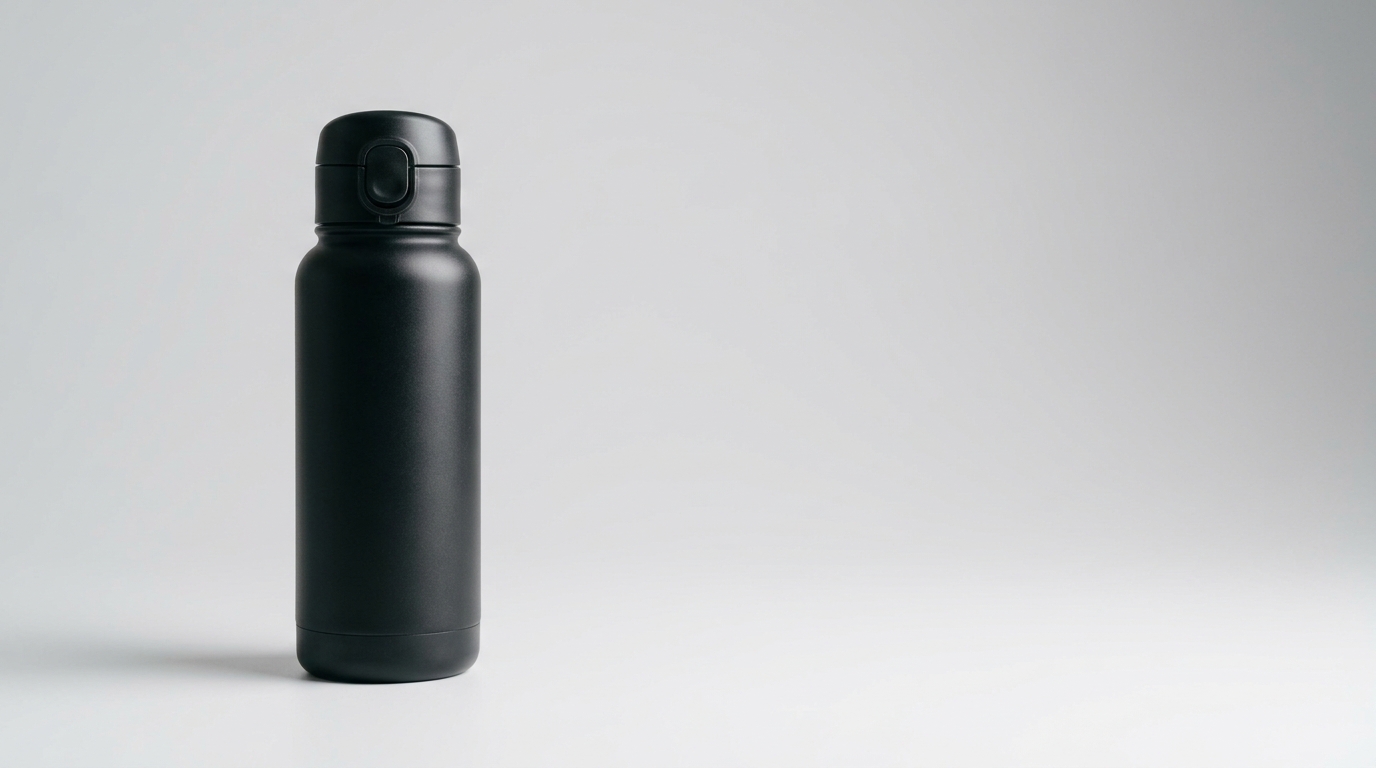
- Condensation forming on an insulated exterior
- Water droplets beading on a waterproof rain jacket during a movement test
- A close-up of a magnetic lid latch clicking shut
- A sole flexing naturally during a single stride
- A device connecting smoothly to a power interface
A product video does not become more convincing because it contains more effects. Extra scene changes, floating objects, and dramatic camera moves can make the item harder to inspect.
Review the First Version Before Creating Variations
Treat the first output as a baseline.
Watch it once without sound:
- Is the product recognizable in the opening seconds?
- Does the story make sense on a phone screen?
- Does packaging stay consistent?
- Can viewers see the product benefit?
- Is the last product frame stable and usable?
Then watch with sound:
- Does the audio support the visual action?
- Does the pacing give the product enough time on screen?
- Does any dialogue make an unsupported claim?
- Does the ending feel complete rather than abruptly cut off?
Change one thing per revision. If the label changes, improve the product references and constraints first. Do not rewrite the entire storyboard, soundtrack, and camera direction at the same time.
Quality Checks for an Ecommerce Video Ad
Product Accuracy
- Product shape, color, cap, label, and scale remain consistent.
- The product is handled in a believable way.
- The final packshot clearly shows the intended item.
- No extra product copies appear unexpectedly.
Brand and Copy Review
- Product names, offers, prices, and claims are correct.
- Generated text is not relied on for legal wording or essential product information.
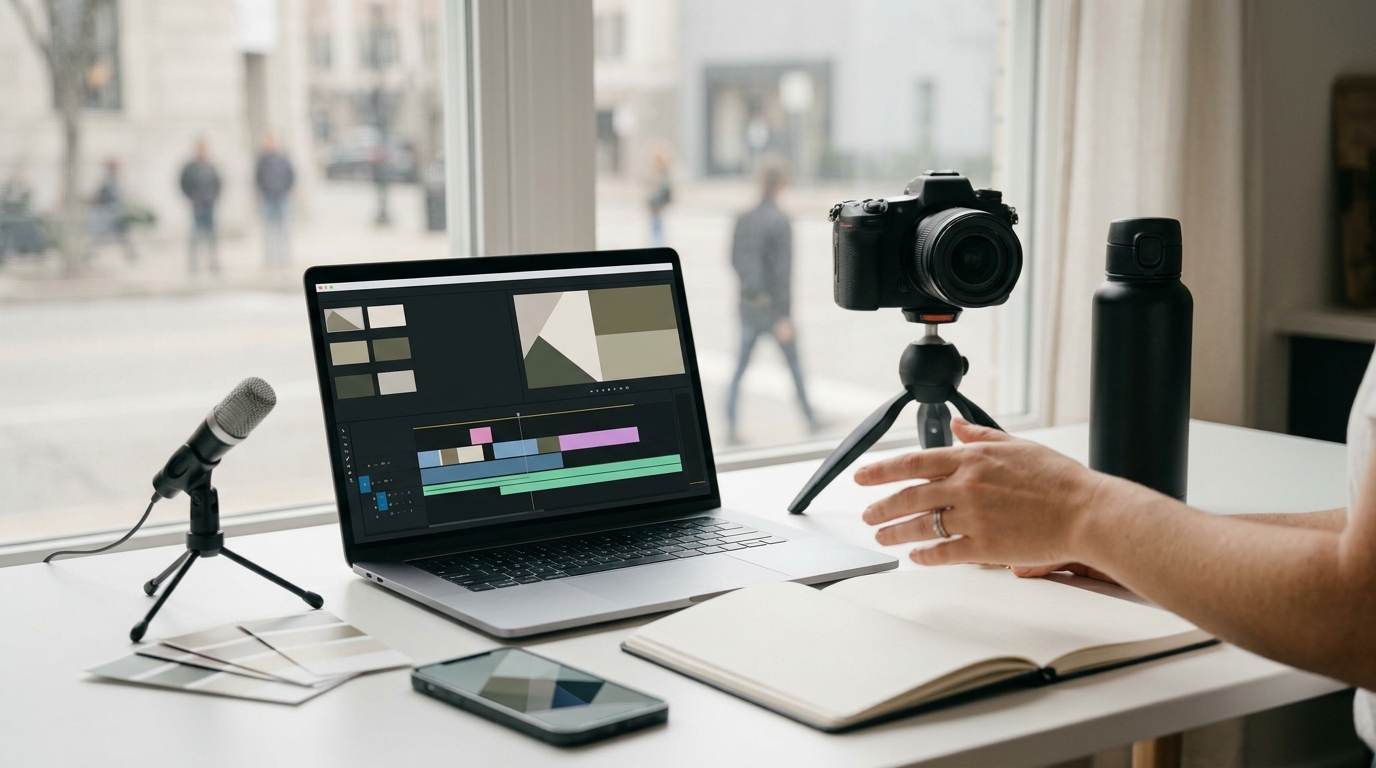
- Final captions, CTA copy, and required disclosures are added in a dedicated editing step.
- Images, voices, and music used in the project are cleared for the intended use.
Placement Review
- The video ratio fits the planned placement.
- The product remains readable on mobile.
- Important elements do not sit behind likely platform overlays.
- The video directs viewers toward one next step.
Common Problems and Practical Fixes
- The product changes halfway through: Use more useful product angles, name the details that cannot change, and reduce references that are trying to control the same visual element.
- The ad looks stylish but does not communicate anything: Return to the brief. Define the audience problem, show one product action, and include a visible proof point before adding visual effects.
- The middle feels slow: Tighten the timed story rather than adding more product features. A better demonstration is usually more helpful than another scene.
- The final frame cannot support an offer or product name: Reserve the final five seconds from the beginning. Ask for a stable packshot, clear product visibility, and intentional empty space for post-production copy.
FAQ
What should a Seedance 2.5 product ad prompt include?
Include product details, asset roles, a timed storyboard, camera direction, audio direction, unchanged details, and exclusions. This gives the prompt a structure that can be reviewed and revised.
How do I make a UGC product ad with AI?
Start with a clear routine or problem, show one realistic product-use action, keep the camera language simple, and end on a stable product shot.
Should product text and CTA copy be generated inside the video?
For important product names, pricing, offers, and legal wording, add final text in a dedicated editor. This gives you more control over accuracy and layout.
Can this workflow work for TikTok or Shopify?
Yes. The core creative brief remains the same. Adapt the aspect ratio, safe areas, runtime, and final copy for the target placement.
Final Takeaway
A useful 30-second product ad does not need more visual effects. It needs a recognizable product, one clear viewer benefit, a believable demonstration, and a final frame that leaves room for action.
Use the storyboard and prompt structure above as a first brief. Generate a baseline, review product details and pacing, then change one variable at a time. That makes the next version easier to judge and easier to turn into a repeatable ecommerce video workflow.
Bookmark this guide to structure your upcoming product launches. As access to Seedance 2.5 expands across video tools, this framework will help keep your generated commercial briefs aligned, consistent, and ready for post-production copy.
Source note: Product capability context in this article is based on ByteDance Seed’s “One-take Creation, Flexible Referencing: Introducing Seedance 2.5” announcement, accessed on August 26, 2026.