
Kling 4.0 vs Seedance 2.5: 4 Tests, Real Pricing, and Which One to Pick
I ran both models through four real production tasks and compared their current pricing. Here’s which one I’d pick for different types of video.
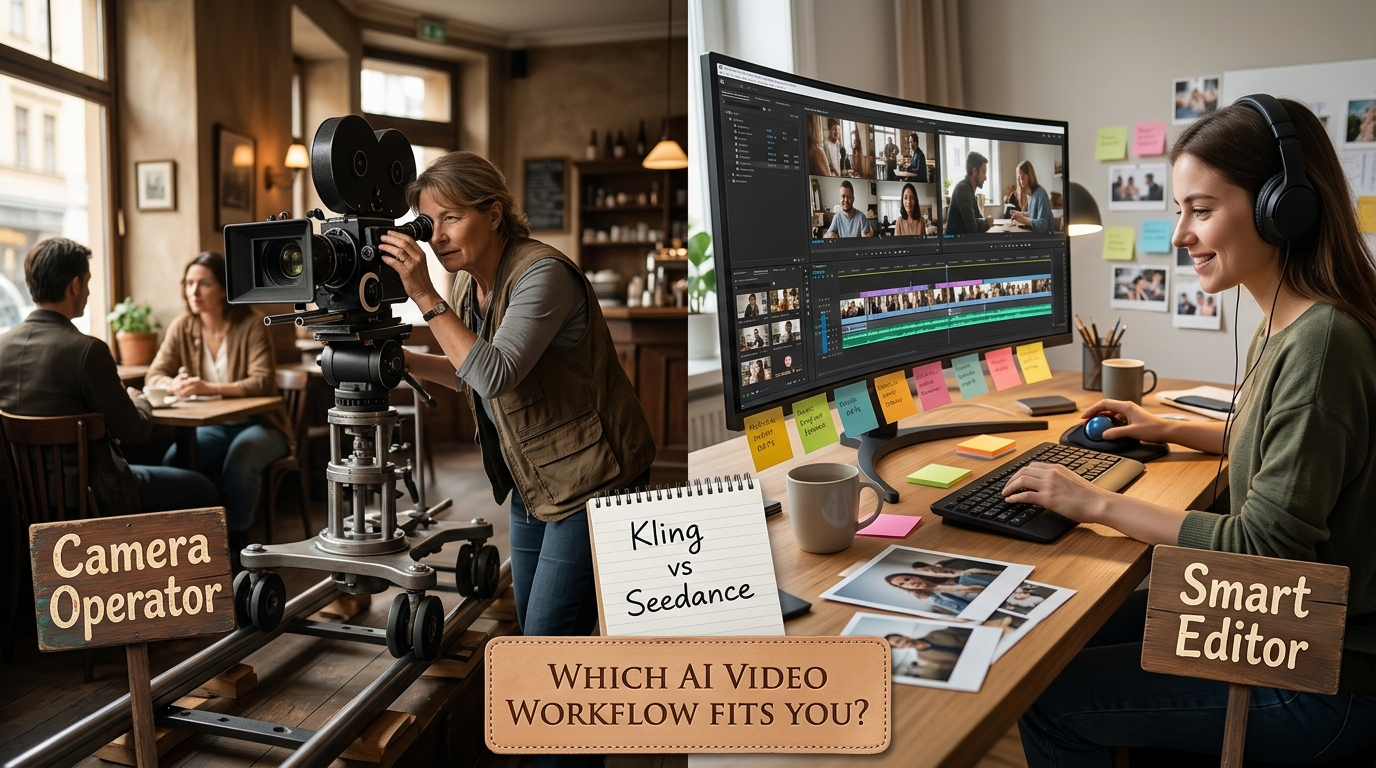
Short answer: Kling 4.0 behaves more like a smooth camera operator, while Seedance 2.5 behaves more like a smart editor. Choose Kling when a video requires one continuous camera move (like panning around a subject). Choose Seedance when a sequence needs multiple character photos, different camera angles, or a quick fix without regenerating the entire clip. After running identical test renders on both models, this feature split matters far more than basic specs.
If you make short videos for social media, ads, or personal projects, you already know marketing trailers never tell the full story. Hands still warp, models ignore your prompt instructions, and credit limits disappear fast. To find out how they perform under real pressure, I put both models through four practical test scenarios: continuous camera movement, multi-character scenes, audio timing, and late-stage fixing.
How I Compared Them
I evaluated both models using identical text prompts, matching resolution settings (from 1080p drafts to final 4K exports), and identical starting images. The goal was not to crown a universal winner, but to show which tool leaves you with less cleanup, fewer wasted credits, and a smoother editing experience.
Choose in 30 Seconds: Quick Decision Guide
- What are you trying to build today?
- Need one smooth, unbroken camera move? ➔ Choose Kling 4.0(Set up to 10 keyframe anchors—camera path markers—to control exactly how the lens turns, pans, or dollies).
- Need several active characters or automated shot cuts? ➔ Choose Seedance 2.5(Upload up to 50 reference photos to keep faces consistent, or fix just the bad seconds using timestamp edits).
1. Quick Workflow Comparison
| 🎬 Pick Kling 4.0 If You Need: | 👤 Pick Seedance 2.5 If You Need: |
|---|---|
| Long-Take & Continuous Camera Moves (Smooth pans, tilts, and uninterrupted motion) | Multi-Shot Edits & Cuts (Automatically cuts between camera angles in a single pass) |
| Single-Subject Detail (Real skin and cloth textures with natural lighting) | Multi-Character Scenes (Keeps multiple people distinct without blending faces) |
| Spatial 3D Audio (Immersive room sound where audio matches camera distance) | Fixing Bad Seconds (Fixes a 3-second mistake using timestamp patches without re-rendering) |
2. Pricing, Cost, and Real Usage Comparison
Understanding how each platform charges per render pass is key to keeping your monthly budget under control:
| Pricing Metric | Kling 4.0 | Seedance 2.5 | What this means for your wallet |
|---|---|---|---|
| Free Trial Credits | Limited daily credits (~66 credits/day) | Registration bonus (~100 credits) | Enough to test the interface, but not enough for full 30-second HD videos. |
| Paid Plans | ~$10/mo (Standard) to ~$92/mo (Pro) | ~$9.90/mo (Starter) to ~$89/mo (Pro) | Pricing tiers are almost identical, and both grant commercial rights on paid plans. |
| Credit Cost Per Second | ~22 credits/sec (720P) / ~33 credits/sec (1080P) | ~9-20 credits/sec (varies by resolution) | Seedance is slightly cheaper for lower resolutions, but costs jump at native 1080p/4K. |
| Draft / Fast Mode | Kling 4.0 Flash (~5 credits/sec) | Standard rendering tier | Kling’s Flash mode is significantly cheaper for quickly testing scene ideas. |
| API Pricing | Pay-per-second starting from ~$0.094/sec | Token/second-based pricing (scaling by resolution) | Both offer competitive pricing for developers building automated video tools. |
Bottom Line on Pricing:
- For Early Drafts & Testing: Kling 4.0 Flash is cheaper for testing rough ideas.
- For Fixing Mistakes & Revisions: Seedance 2.5 saves more money overall because timestamp patching lets you fix 3 seconds instead of paying to re-render the whole 30-second clip.
3. Four Real-World Tests: How They Handle the Timeline
| Test Scenario | Test Task / Prompt | Kling 4.0 Performance | Seedance 2.5 Performance | What this means for you |
|---|---|---|---|---|
| 1. Smooth Camera Moves | Track a person walking from a rain-soaked night street into a brightly lit store in one continuous 30s shot. | Preserved the camera path as one unbroken move; shop window reflections stayed stable. | Added an unwanted jump-cut midway; edge boundaries got soft during fast camera pans. | Winner: Kling 4.0. Gives you a clean long take without digital camera shake. |
| 2. Multi-Character Scenes | Render two distinct people sitting across a cafe table having an argument with hand gestures. | Great skin and fabric details on the front person; background person’s face occasionally glitched. | Used reference photos to keep both faces and clothing completely distinct. | Winner: Seedance 2.5. Saves hours of masking or throwing away bad takes where faces blend. |
| 3. Audio Sync & Foley | Sync environmental sounds (rain, footsteps, closing door) to match the visual actions. | Created realistic 3D sound; rain audio dampened naturally as the camera went inside. | Hit exact second markers for sound effects (e.g., a glass tapping at 0:08), but room tone felt flatter. | Tie. Kling wins on atmospheric room audio; Seedance wins on frame-accurate sound hits. |
| 4. Fixing Mistakes | Fix a distorted hand gesture at second 22 of an otherwise perfect 30-second clip. | Forced a full re-render of all 30 seconds after prompt changes, burning extra credits. | Allowed timestamp patching (selecting 0:20 to 0:24) to fix just the bad hand action. | Winner: Seedance 2.5. Drastically cuts iteration costs when fixing small late-stage glitches. |
4. The Pro Workflow: How to Combine Both Tools
If you create videos professionally, you don’t have to pick just one tool. The smartest workflow routes specific shots to the model that handles them best:
| Step | Engine to Use | Actionable Task | Goal & Benefit |
|---|---|---|---|
| Step 1: Setup & Dialogue | Seedance 2.5 | Upload character reference photos and generate multi-person dialogue scenes. | Lock character faces early while keeping draft costs low. |
| Step 2: Cinematic Hero Shots | Kling 4.0 | Generate long-take camera movements and high-detail focal shots. | Get smooth camera tracking and realistic physical textures. |
| Step 3: Quick Fixes | Seedance 2.5 | Use timestamp patching to fix isolated hand or face glitches. | Avoid paying credits to re-render full 30-second clips. |
| Step 4: Final Editing | Video Editor (CapCut / Premiere / DaVinci) | Combine clips, adjust colors, match audio timing, and export your final video. | Turn individual AI clips into a clean, complete video export. |
Practical Tips to Save Credits
Don't waste full-resolution credits on early draft renders. Keep your generation budget under control with these steps:
- Always draft in low resolution first: Test movement and camera paths in low-res or draft mode before paying for a full 4K export.
- Start with a reference photo: Image-to-video mode produces far more predictable motion than pure text prompts, cutting down on failed takes.
- Use lighter draft models: Use Kling 4.0 Flash for initial scene testing to keep your cost-per-second as low as possible.
Frequently Asked Questions (FAQ)
1. Which model is better for commercial product ads?
Seedance 2.5 is better for ads because its reference photo support makes it much easier to keep your product or character looking identical across different shots.
2. Which model is better for cinematic short films?
Kling 4.0 wins for short films due to its smooth single-camera movement, timeline keyframes, and native 21:9 cinematic widescreen support.
3. Which model saves more money on revisions?
Seedance 2.5 saves more money on fixes because its timestamp editing feature lets you fix just a few bad seconds instead of re-rendering the whole video.
4. Can I use both Kling and Seedance in the same video project?
Yes! Most professional creators use Seedance for multi-person scenes and dialogue, and Kling for dynamic long-take camera shots.
5. Which should I use if camera movement is my top priority?
Use Kling 4.0. Its keyframe path system gives you precise control over smooth pans, tilts, and dolly shots.
6. Which model is easier to use for client feedback revisions?
Seedance 2.5 is much easier for revisions because you can tweak a specific 3-second segment without altering the rest of an approved video clip.
Final Verdict: Which One Should You Pick?
- If you only want to pay for ONE tool for general social media videos and ads:👉 Choose Seedance 2.5. Its ability to fix bad seconds using timestamp patches and keep character faces consistent across shots makes it the most flexible all-in-one choice.
- If your primary goal is cinematic camera moves and high-detail long takes:👉 Choose Kling 4.0. Its single-camera keyframe controls, 3D spatial audio, and continuous motion physics deliver far smoother cinematic camera moves.
- For professional production teams:👉 Use Seedance 2.5 to build character assets and fix quick mistakes, then route your main hero camera shots through Kling 4.0.