
AI Polaroid Maker
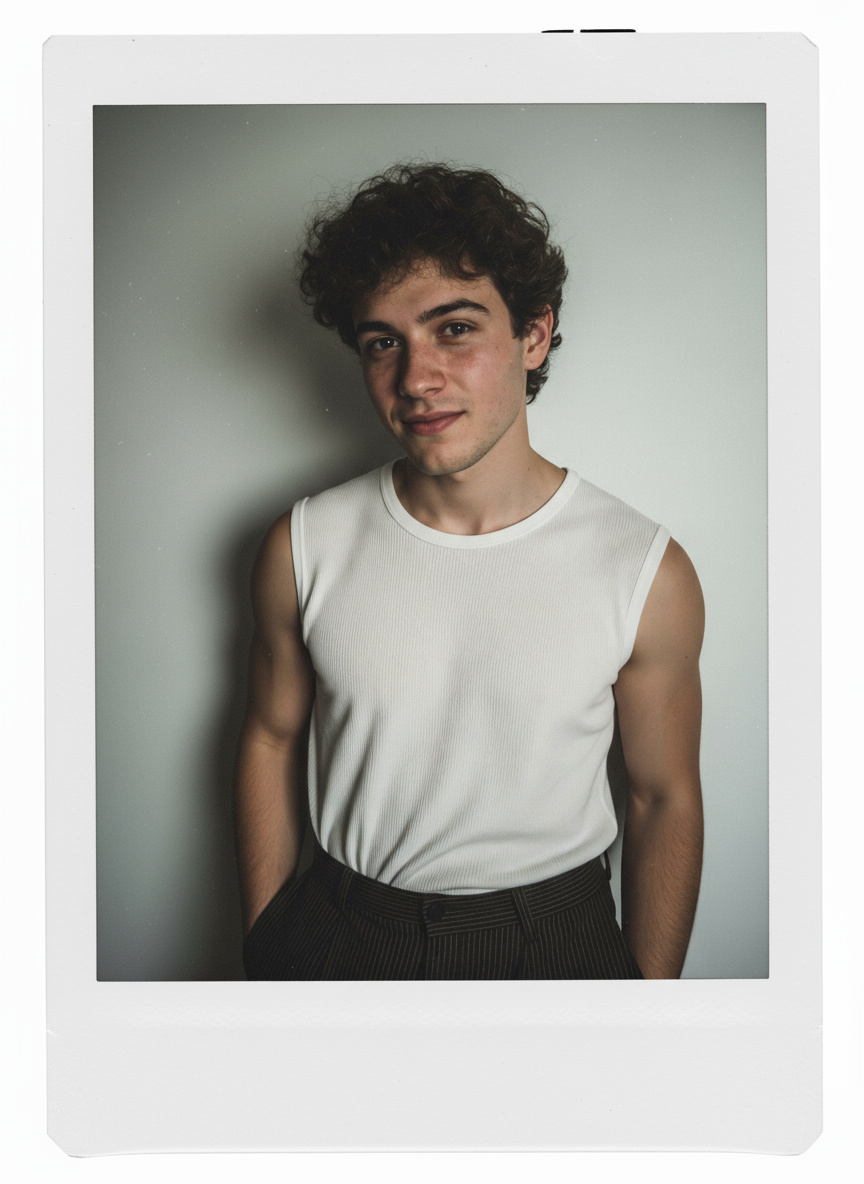
Turn Images Into Polaroid Photos With AI
Guma AI Polaroid Maker creates Polaroid-style photos with classic frames, instant photo layouts, and balanced compositions. Generate clean Polaroid images with flexible styles designed for different photo types.
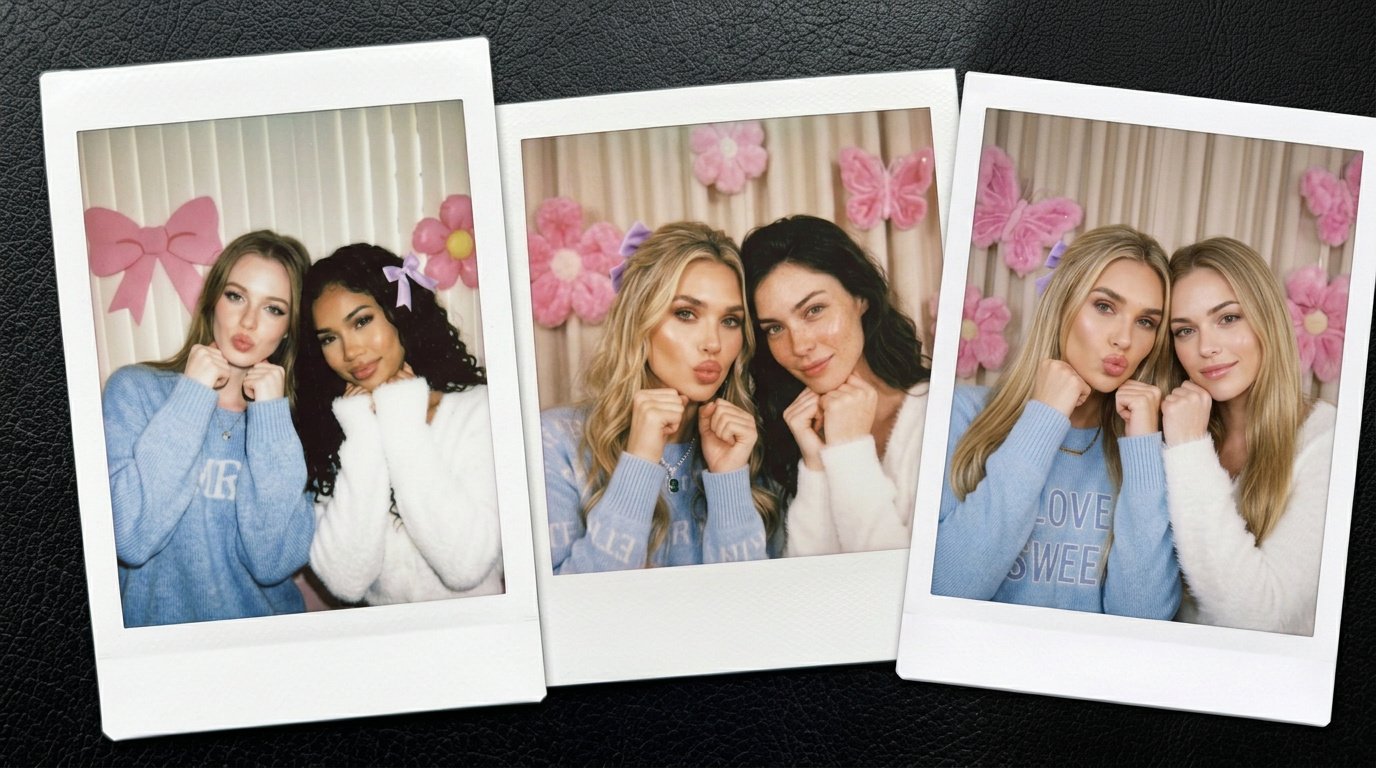
Generate Polaroid Photos with Instant Camera Layouts
Create Polaroid-style images with AI Polaroid Maker and add familiar instant photo elements. Apply clean borders, balanced layouts, and classic framing to achieve a polished Polaroid photo format.
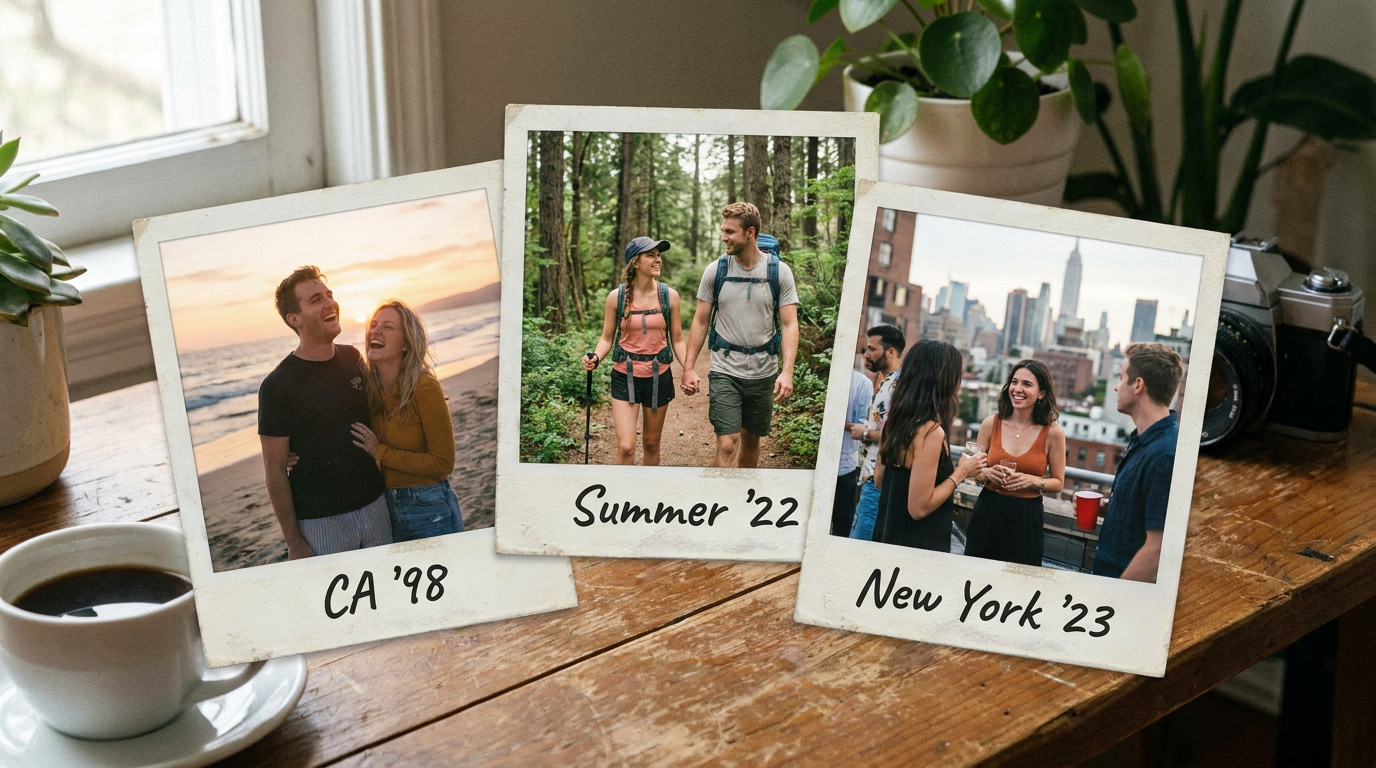
Quickly Transform Any Photo Into a Polaroid Format
AI Polaroid Maker converts images into Polaroid-style photos with automatic layouts and photo adjustments. Generate instant photo formats without complex editing steps or manual design work.
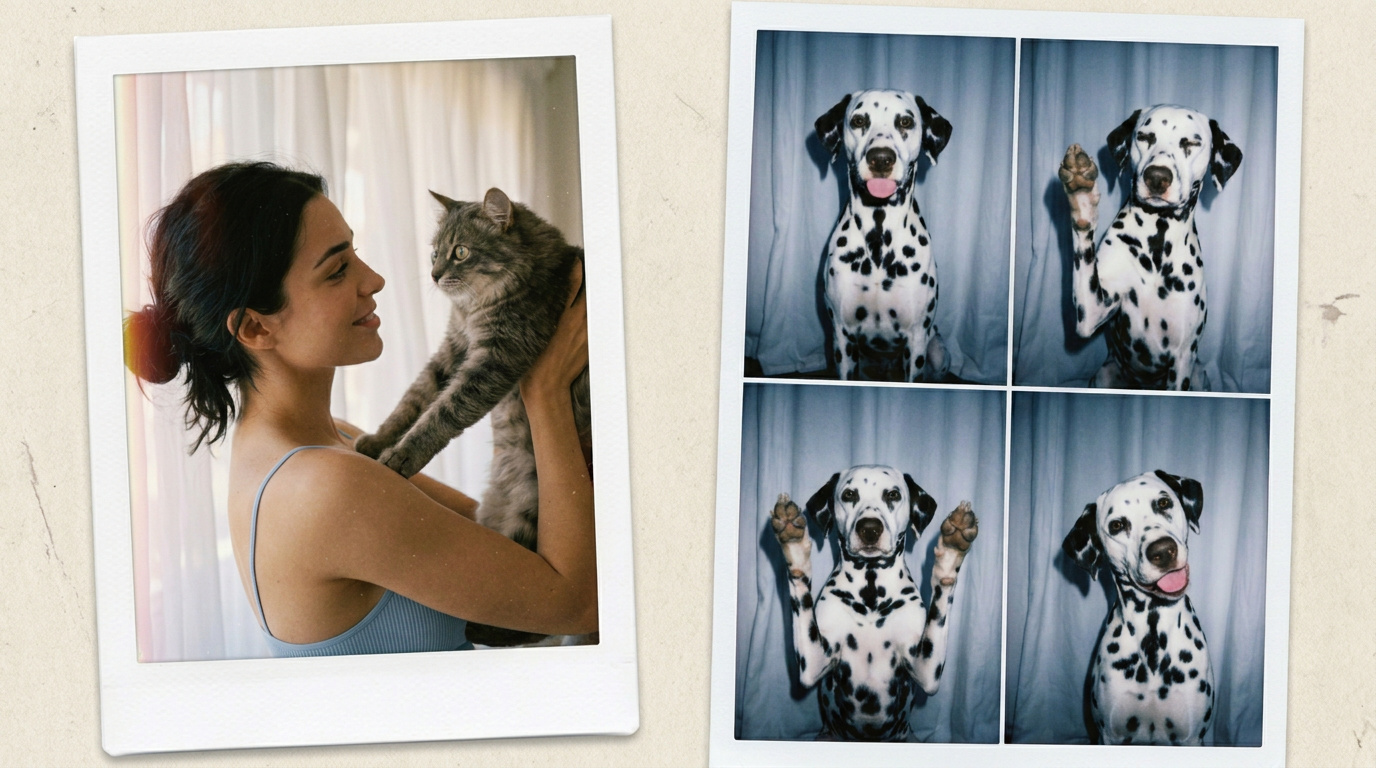
Create Polaroid Photos With Simple AI Editing
Generate Polaroid photos through a simple process designed for quick and easy results. AI Polaroid Maker helps refine image composition and add instant photo details with minimal effort.
How to Generate a Polaroid Photo with Guma AI
Upload Your Photo
Upload an image to start creating your AI Polaroid photo.
Generate Polaroid Photo
Let AI apply Polaroid effects and generate your finished photo.
Download Your Result
Download the finished Polaroid photo and save it instantly.
Explore More AI Photo Tools for Creative Image Editing
AI Image to Image
AI Text to Image
AI Image to Video
AI Text to Video
FAQ
What is an AI Polaroid Maker?
An AI Polaroid Maker converts regular images into Polaroid-style photos with instant camera layouts, clean frames, and photo effects. It helps create finished Polaroid images without manual editing skills or complex design steps.
Which photos work best with an AI Polaroid Maker?
Most clear photos can be used, including portraits, travel shots, and everyday images. Photos with visible subjects and balanced composition usually create better Polaroid results with natural framing and better visual presentation.
How does Guma AI Polaroid Maker create Polaroid photos?
Guma AI Polaroid Maker automatically applies Polaroid-inspired layouts, frame designs, and image adjustments. The process turns photos into ready-to-use Polaroid-style images through a simple generation process.
Can I use AI Polaroid Maker without editing experience?
Yes. The tool is designed for a simple upload-and-generate process. No professional photo editing knowledge is required, making it easy to create Polaroid photos without advanced editing skills.
Can I try Guma AI Polaroid Maker for free?
Yes. Guma provides free credits for users to try AI image generation features after signing in. Additional plans may offer more generation options and higher usage limits. For more ways to generate custom visuals from descriptions, explore AI text to image for additional image creation options.
What makes AI-generated Polaroid photos different from regular filters?
AI Polaroid Maker goes beyond basic filters by adjusting image layouts, framing styles, and overall photo presentation. It creates a more complete Polaroid-style result instead of only changing colors or applying effects.
Can I download the generated Polaroid photo after creation?
Yes. After the AI generation process is complete, the finished Polaroid photo can be downloaded and saved. The workflow makes it easy to move from image upload to final result.
How can I improve my AI Polaroid photo results?
Using clear, well-lit images with recognizable subjects can help achieve better results. Photos with suitable composition allow AI to create cleaner frames, balanced layouts, and more natural Polaroid-style outputs.
Use the Polaroid Generator for Free on Guma AI
Using clear, well-lit images with recognizable subjects can help achieve better results. Photos with suitable composition allow AI to create cleaner frames, balanced layouts, and more natural Polaroid-style outputs.