
Template
AI Silhouette Generator
MoreUpload an image to start your template-based generation.

Upload Image
AI Silhouette Generator
Turn Familiar Photos Into Striking Silhouette Art
Sometimes less detail creates more impact. Strip an image down to its most expressive form and bring attention to pose, profile, and composition with a dramatic silhouette look that feels simple, graphic, and instantly memorable.
AI Prompt
Using the user-uploaded image as the sole reference for the character, only the environment, lighting, and overall color tone will be adjusted. {{Strictly maintain the protagonist’s identity, facial features, expressions, hairstyle, clothing, accessories, body proportions, posture, movements, gaze direction, shot composition, camera angle, and the character’s position within the frame completely unchanged: 1.8}}. Replace the original background with a sunset beach scene; the orange-red sun is positioned to the protagonist’s head’s left rear, close to the horizon, and its rays create vertical golden-orange reflections on the sea surface. The shot is taken using strong backlighting, resulting in an overall exposure that is significantly reduced, turning the protagonist into a deep-black silhouette while preserving only the clear outlines of the face’s profile, hairstyle, shoulders, arms, and clothing. There are virtually no details visible within the figure itself; however, the original expressions and movements must remain unchanged. The edges of the hair are illuminated by the setting sun, creating a narrow, orange-red rim light, and the sun’s edge produces a subtle red lens flare. The sky transitions gradually from deep red and orange at the horizon to darker orange hues higher up, while the sea surface blends dark blue-black with warm orange tones. The overall effect is a high-contrast, low-exposure photograph capturing the realistic silhouette of a sunset scene, with slight soft focus and a natural grain texture.

Create a Silhouette Without the Usual Editing Work
Manually creating a silhouette can involve tracing edges, correcting uneven contours, and repeatedly adjusting the image until the subject is clearly visible. AI streamlines this process into just a few simple steps, making it easier to transform an ordinary photo into a finished visual without spending time on detailed editing.
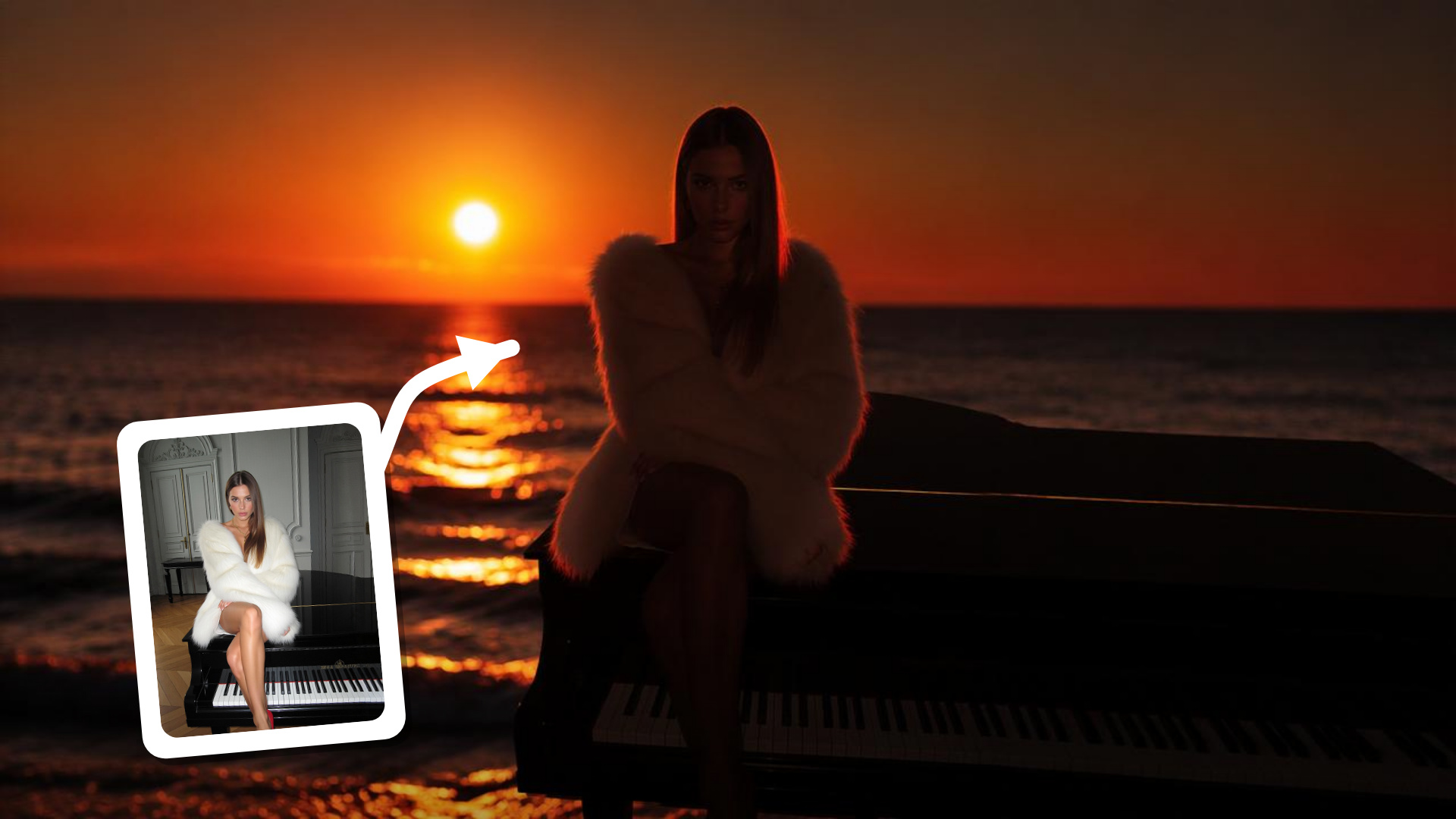
Add More Mood With Less Visual Detail
Silhouette imagery has a different kind of presence from a regular photo. It can feel dramatic, romantic, playful, mysterious, or quietly personal depending on the original scene. That makes the effect especially useful when you want to change the atmosphere of an image without filling it with extra filters, textures, or decorative elements.
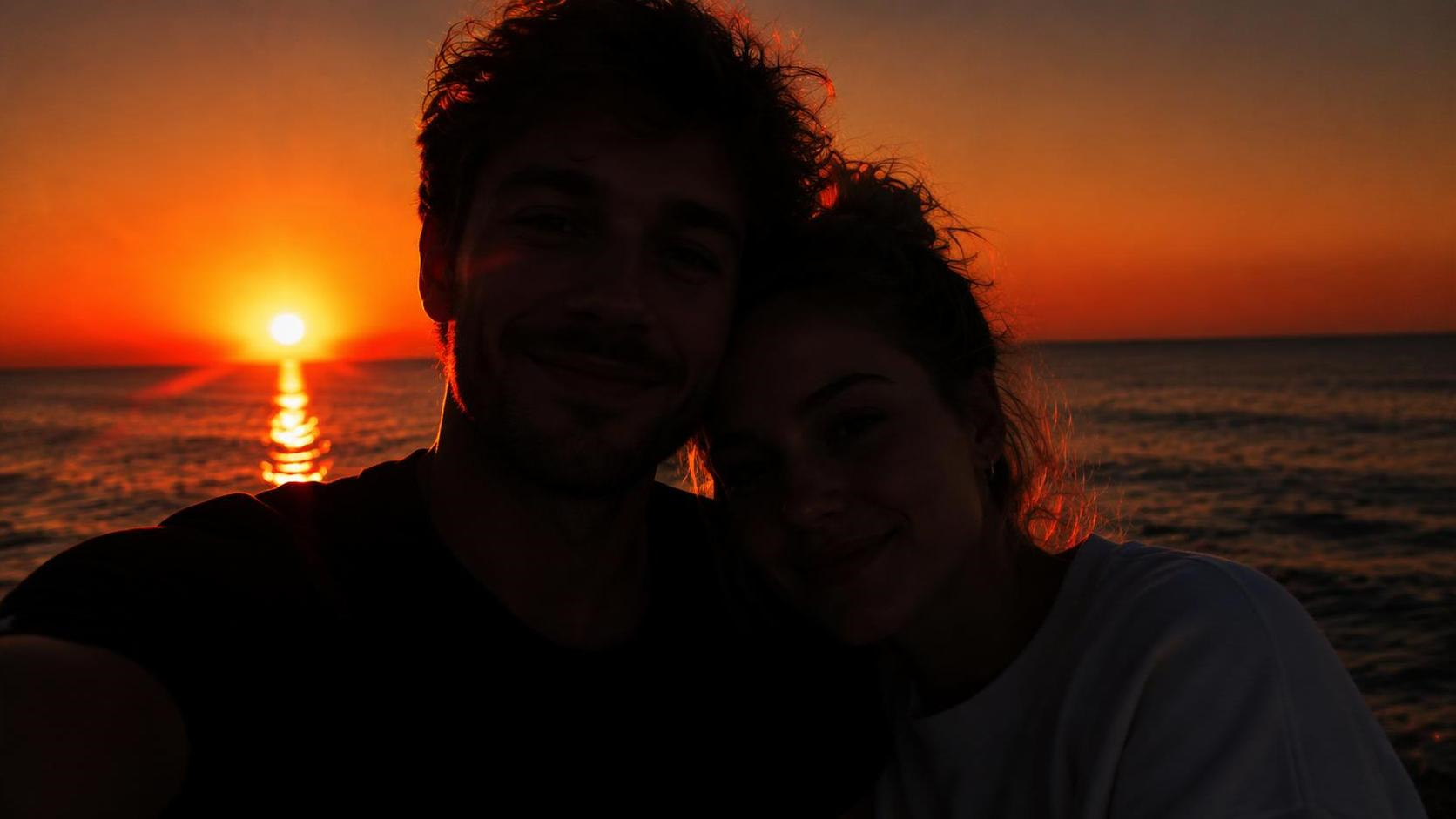
Let the Subject Stand Out Through Shape
The strongest silhouettes are often recognizable before you notice any detail. A distinctive profile, hairstyle, posture, gesture, or body position can carry the entire image. By shifting attention away from texture and facial features, the result puts more emphasis on the visual characteristics that make the subject unique.
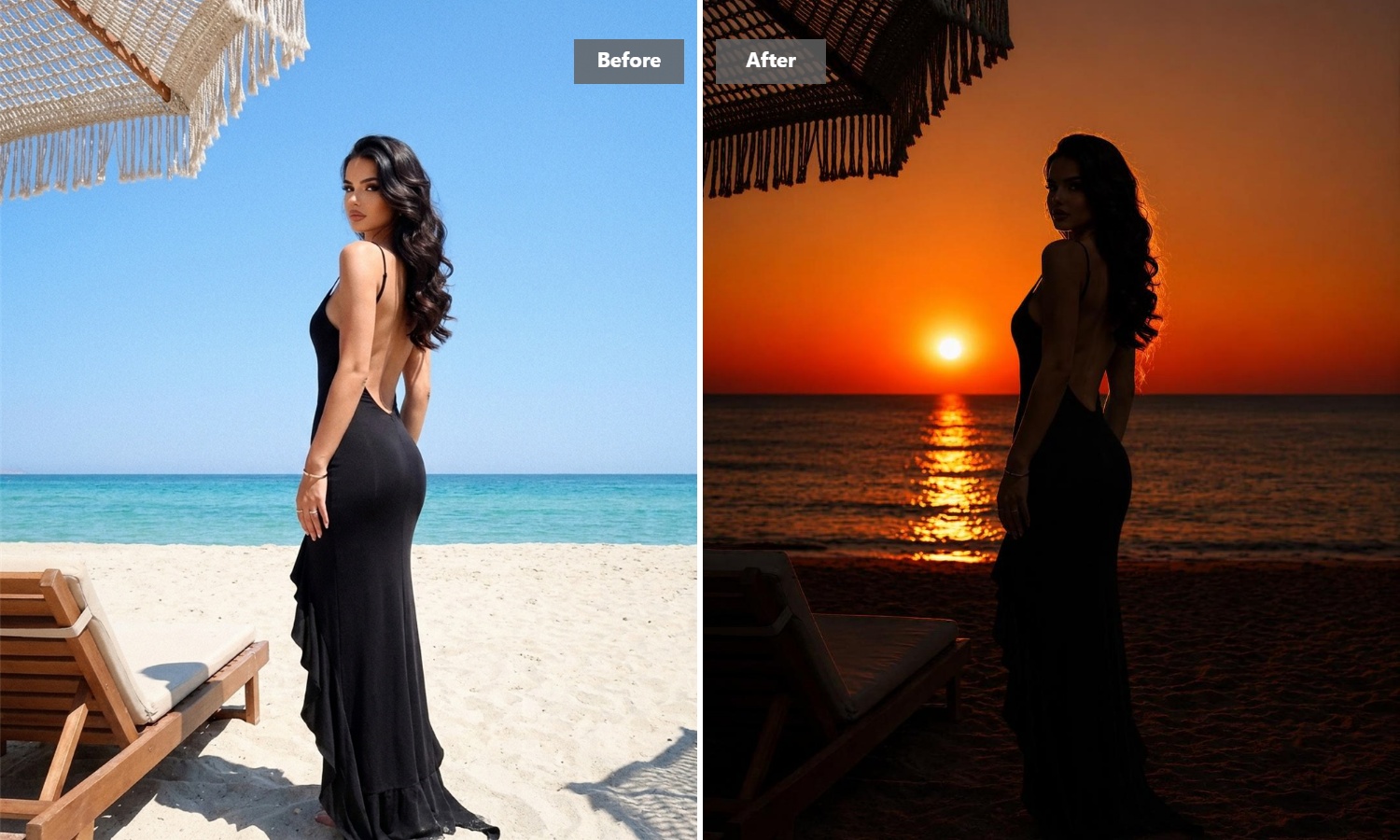
Turn One Image Into a Starting Point for New Ideas
A simple silhouette can work across more projects than you might expect. Use it as inspiration for a profile image, wedding design, poster, personalized gift, social graphic, wall art piece, craft project, or branding concept. Because the visual is reduced to its essential form, it is easy to imagine it in different creative settings.
How to Generate a Silhouette Image with Guma AI
Upload a Clear Photo
Choose an image where the person, pet, or object has a visible and recognizable outline.
Let AI Create the Silhouette
Let AI automatically turn your photo into a clean, high-contrast silhouette.
Preview and Download
Preview the result and download your finished silhouette.
Explore More AI Image Tools
AI Image to Image
AI Text to Image
AI Image to Video
AI Text to Video
FAQ
What is an AI Silhouette Generator?
An AI Silhouette Generator is a tool that turns a regular photo into silhouette-style artwork by simplifying the subject into a bold, recognizable shape with strong visual contrast. It makes creating silhouettes easier without manually tracing or drawing around the subject. For more ways to create and transform images with AI, explore our Image to Image Generator.
How do I turn a photo into a silhouette?
Upload the image you want to use and start the transformation. AI identifies the main subject and converts the visible shape into silhouette artwork automatically, so you do not need to trace individual edges or edit the image manually.
Is the AI Silhouette Generator free to use?
Guma provides daily free credits after account registration, so you can start creating silhouette artwork without immediately purchasing a subscription. Additional generation capacity and advanced tools are available through paid plans.
Do I need Photoshop or design experience?
No. You don’t need to trace outlines, remove individual details, or learn professional editing software. Upload your photo, generate the effect, and let AI handle the main image transformation for you.
What can I use a photo silhouette for?
Photo silhouettes work well for portrait artwork, profile pictures, couple and wedding graphics, pet art, personalized gifts, posters, social content, wall art concepts, craft inspiration, and simple branding ideas. The best use usually depends on how recognizable and expressive the original subject is from its outline.