
Template
AI ID Photo Generator
Upload an image to start your template-based generation.
Upload Image
AI ID Photo Generator
Create a More Formal ID Photo–Style Portrait with AI
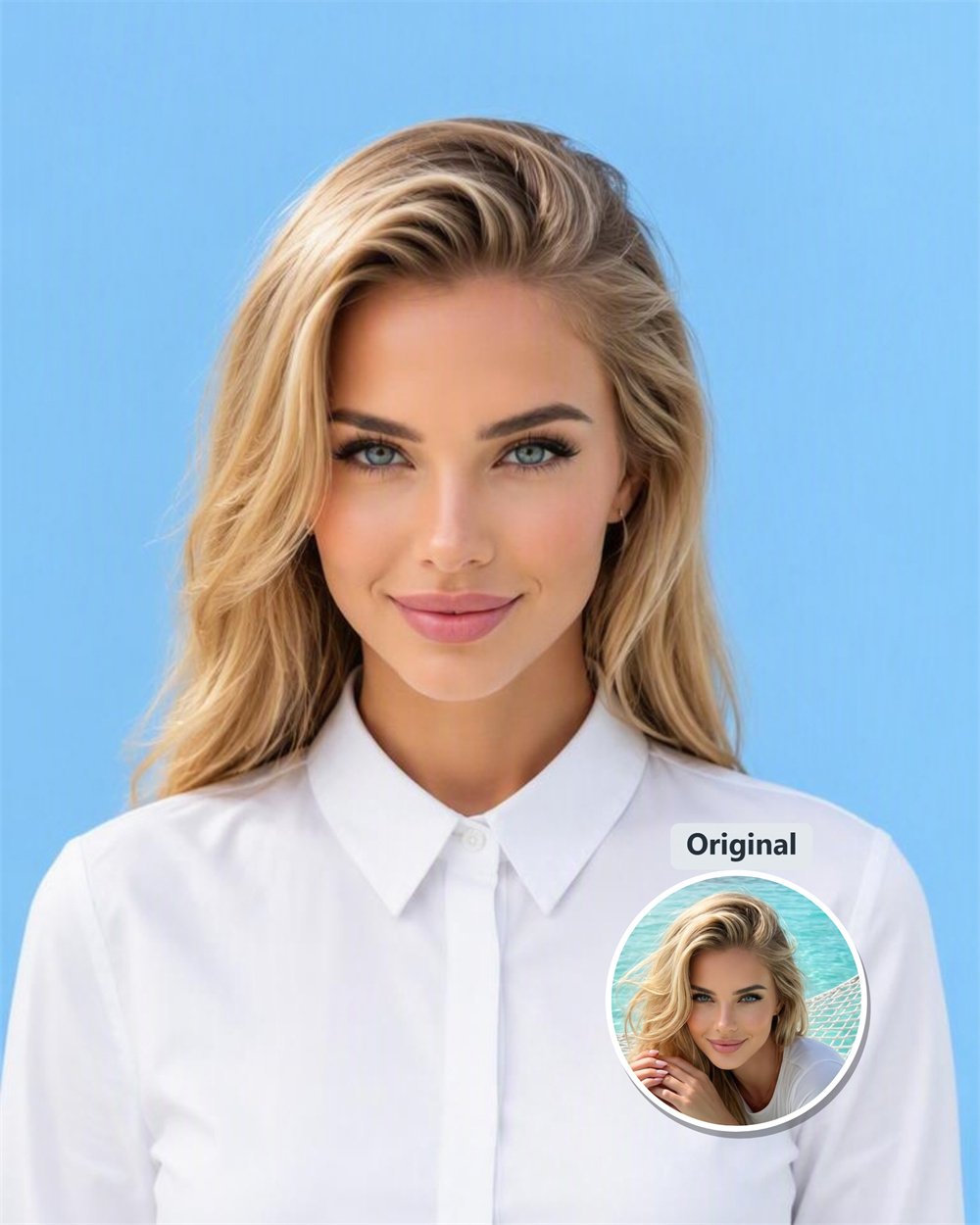
No need to retake your photo. Turn an existing selfie, profile photo, or half-body portrait into a cleaner, more professional ID photo-style image. AI refines the background, outfit, makeup, hairstyle, and overall portrait feel, making the result more suitable for resumes, professional profiles, application materials, and formal avatar use.
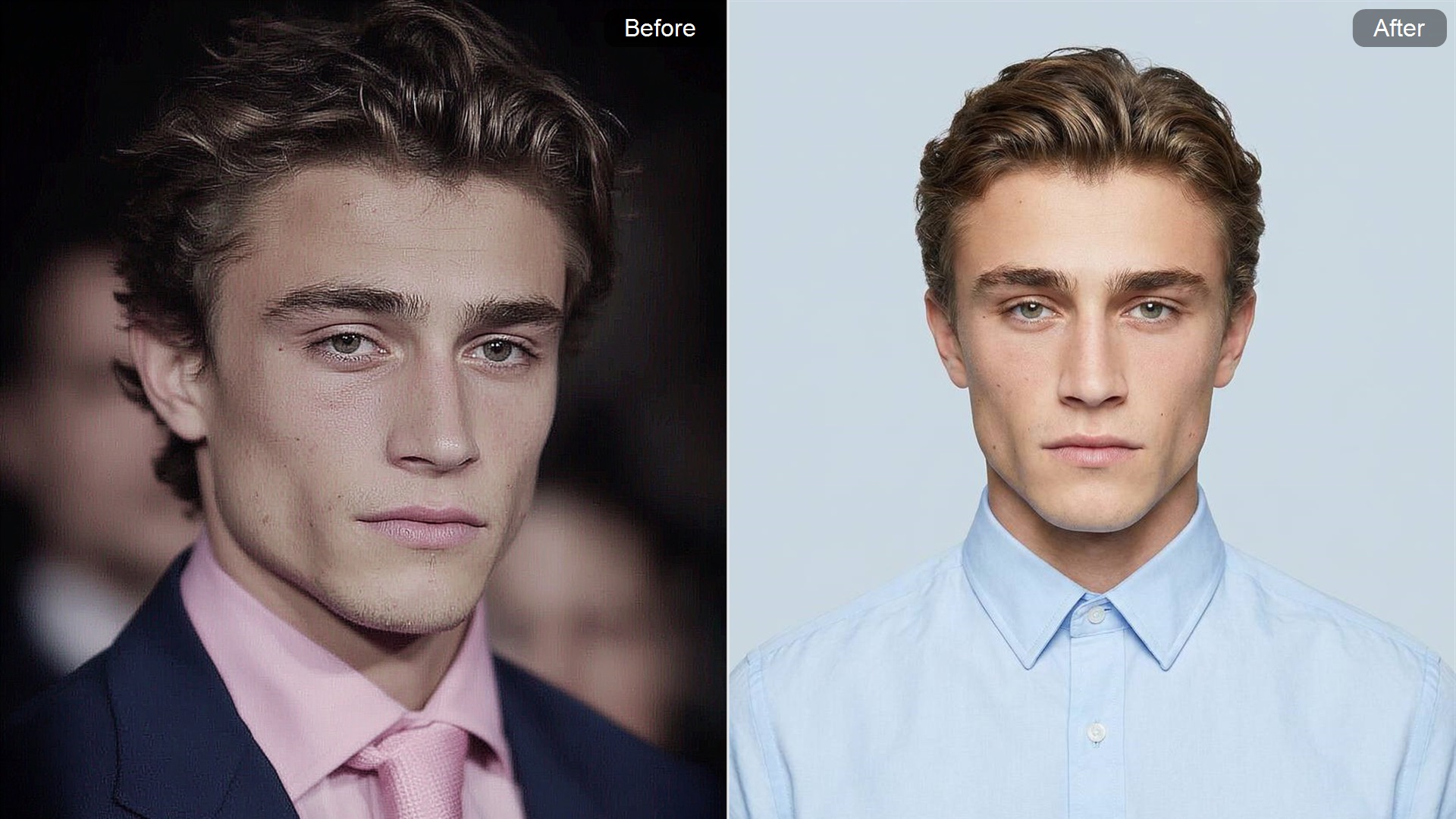
One-Click Formal ID Photo–Style Portrait
Upload a selfie, profile photo, or half-body portrait and turn an ordinary image into a cleaner, more formal ID photo-style portrait. AI adjusts the background, clothing, makeup, hairstyle, and overall portrait atmosphere, helping a casual photo look more suitable for formal use.
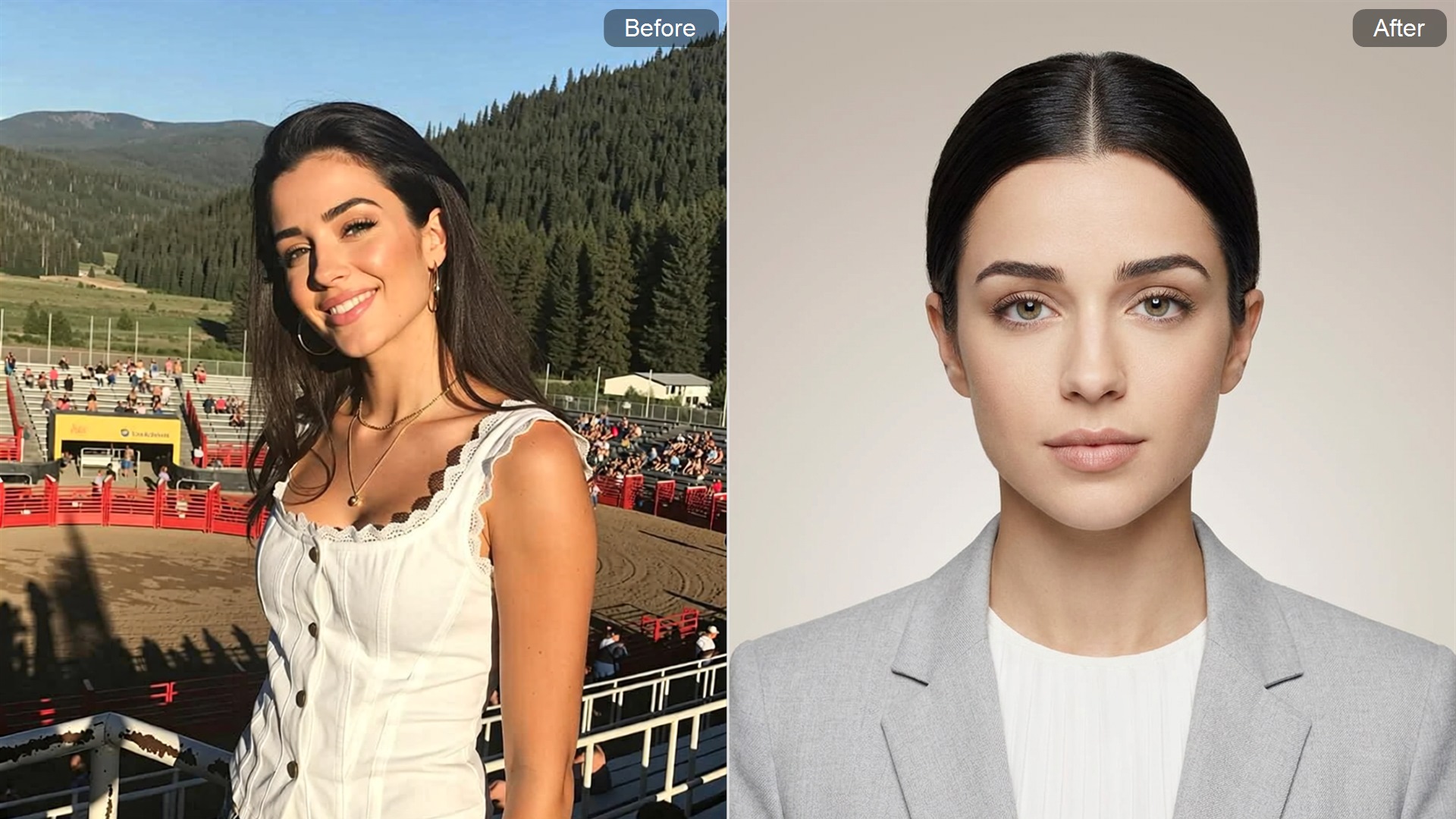
Create a Profile Photo That Looks More Career-Ready
Resumes, professional profile pages, personal bios, and application materials often need a polished headshot. This AI ID Photo Generator helps reduce the casual feel of selfies by adding a clean background, formal outfit styling, and a neater overall appearance.
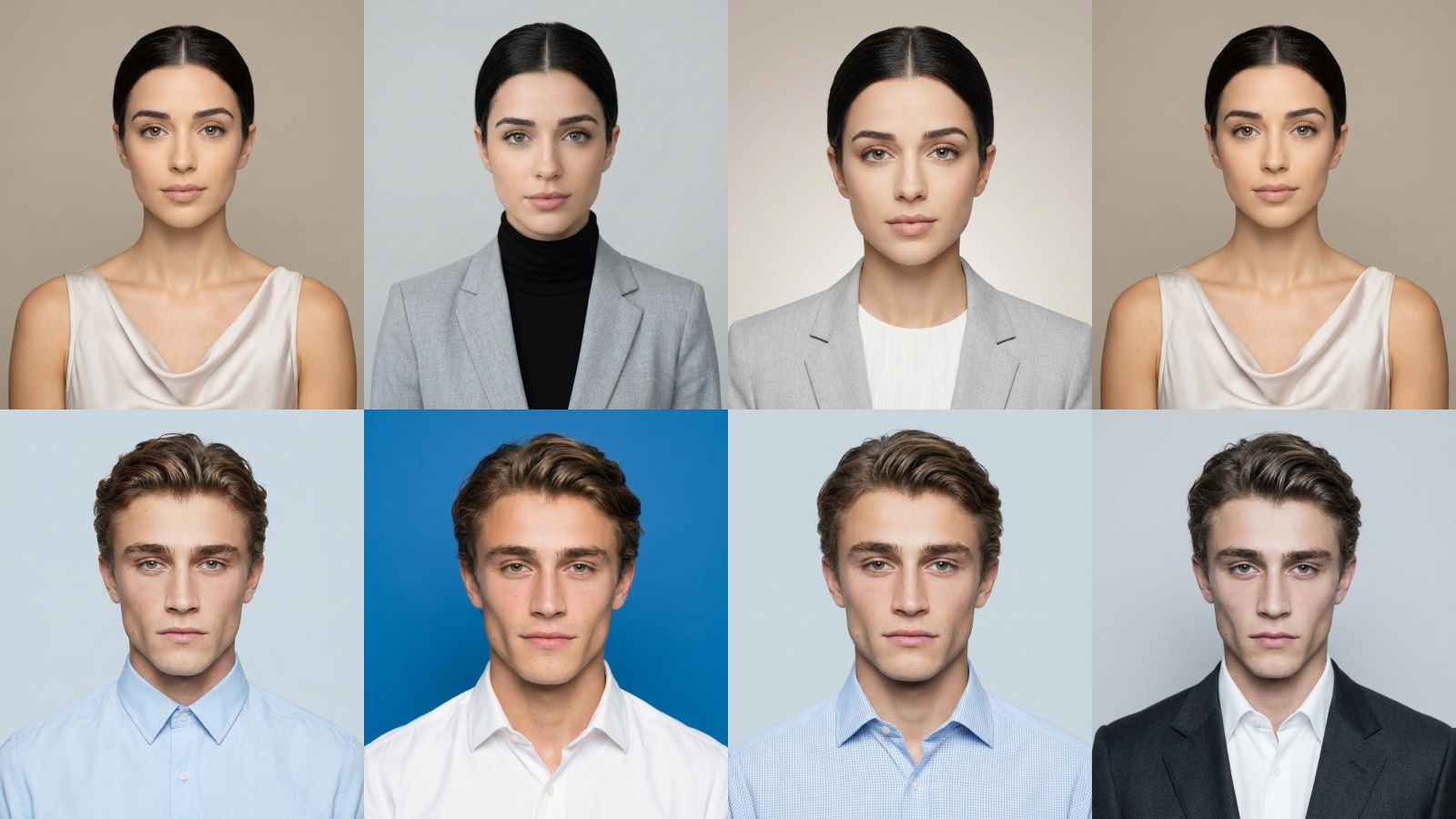
Look Natural, Formal, and Less Stiff
Traditional ID photos tend to look stiff, whereas this AI-generated ID photo style retains a formal feel while making the subject appear more natural and elegant. With refined makeup and hair, a light gray background, and simple attire, the final images resemble professionally edited profile pictures.
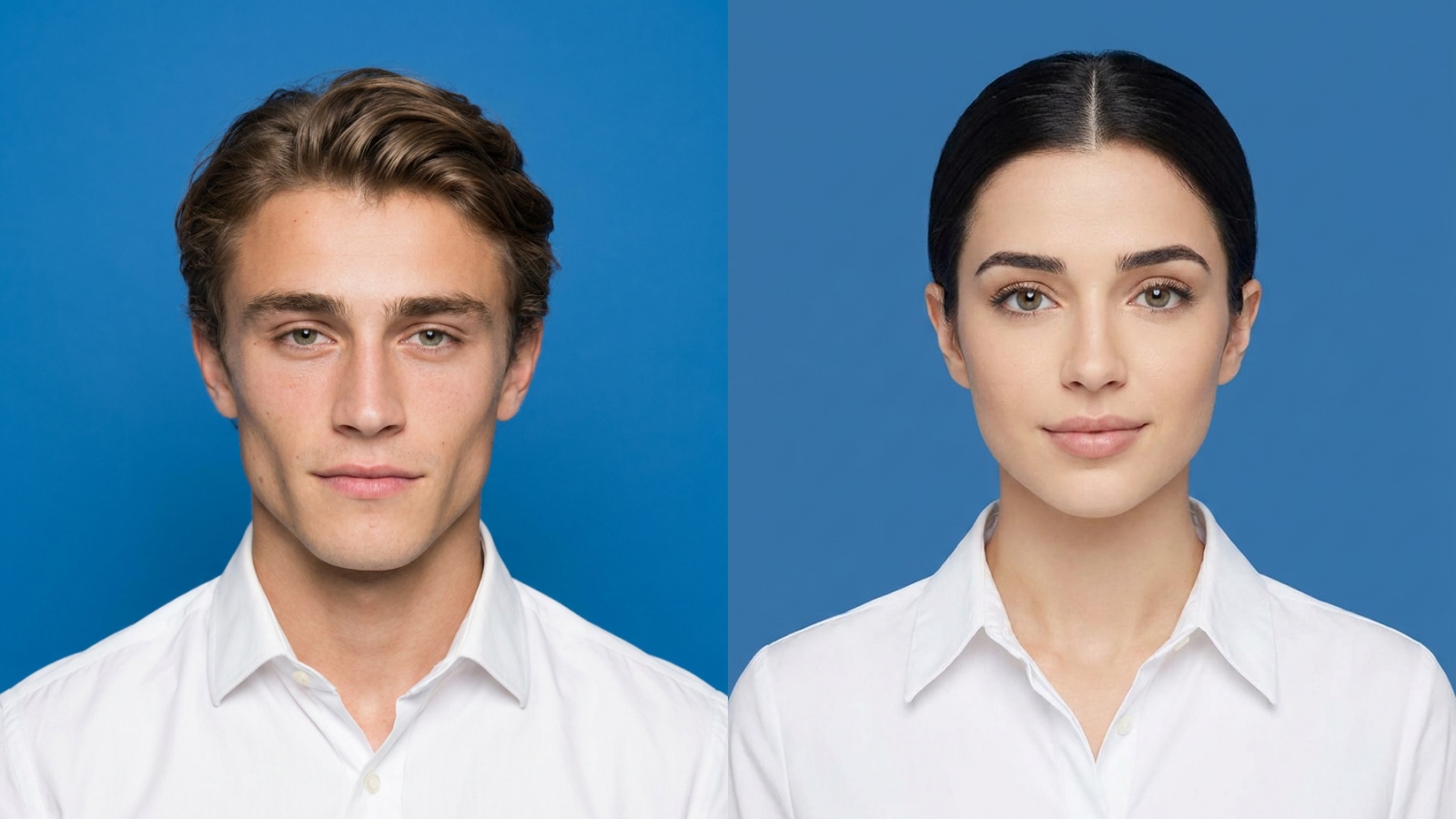
Get a Formal Portrait Without Retaking Photos
No studio, no suit, and no new photo session required. Use an existing clear portrait to quickly generate an ID photo-style result. AI completes the style transformation, making it useful for users who need a professional avatar, profile photo, or formal display image.
How to Generate ID Photo With Guma AI
Upload Your Portrait
Upload a clear single-person portrait photo.
Generate a Formal ID Look
Click generate, and AI will create a formal ID photo-style portrait.
Save Your ID Photo Result
Save your AI ID photo result for avatars, profile pages, or formal display scenarios.
Discover More AI Tools
AI Text to Video
AI Image to Video
AI Text to Image
AI Image to Image
FAQ
What is an AI ID Photo Generator?
An AI ID Photo Generator is an online portrait transformation tool. After uploading a selfie, profile photo, or half-body portrait, AI can create an ID photo-style image with formal clothing, refined makeup, a soft gray background, and a more professional appearance. It is suitable for career avatars, profile pages, and application material displays.
What kind of photo works best?
A clear, well-lit single-person photo usually works best. Front-facing or nearly front-facing portraits are better for creating a formal portrait effect. Blurry screenshots, group photos, exaggerated expressions, or heavily side-facing images may affect the final result.
Will the generated image look like my real appearance?
The AI will try to preserve your original facial features, skin tone, and overall look. The generated result mainly adjusts hairstyle, makeup, clothing, accessories, and background atmosphere. It is designed to create a more formal version of your portrait, not turn you into a completely different person.
What does the generated style look like?
The result features a center-parted long black hairstyle, darker eye makeup, glossy lips, a simple white suit, pearl earrings, a delicate silver necklace, and a soft gray solid background. The overall style feels formal and professional, with a subtle fashion-forward touch.
What can I use the generated photo for?
You can use it for professional avatars, personal profile pages, resume photos, application material displays, business profile images, or as a reference for an ID photo-style portrait. For official submissions, always check the exact photo requirements before use.
Can I use it directly for official ID documents?
It is not recommended to assume the image is ready for official submission. This page creates ID photo-style portraits, but that does not mean the result automatically meets passport, visa, national ID, driver’s license, or other official document requirements. Check size, background color, expression, head ratio, and file format before submitting.
Why does it use a soft gray background?
A soft gray background makes the image look cleaner and helps highlight the face, hairstyle, and white suit. It works well for formal avatars, professional profiles, and application displays. If your use case requires a white, blue, or other specific background color, adjust the image according to the required standard.
Can an ID photo-style portrait include makeup and accessories?
For career avatars, personal profiles, or application material displays, refined makeup and simple accessories can make the portrait look more polished and professional. For official documents, however, makeup, jewelry, clothing exposure, and background color may be restricted, so always follow the official requirements.