
Transform Any Scene Effortlessly with AI Video Recast
Drop any video clip into Guma and replace actors, clothing, or full character models in seconds. Guma locks onto your camera angles, environmental lighting, and natural movement, delivering crisp, high quality renders without requiring a single re shoot.
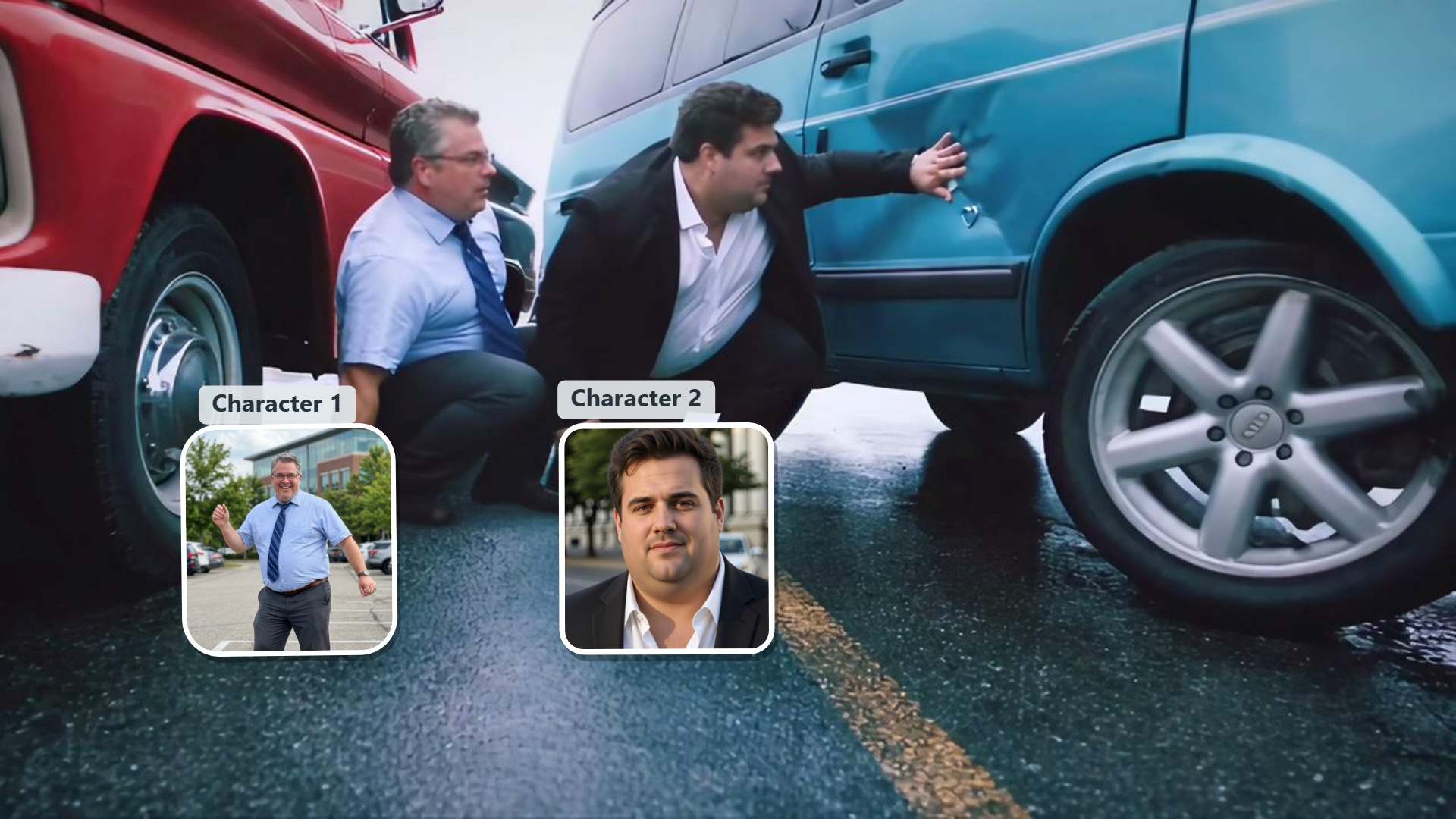
Choose the Right Model for Your Video Recast

Full Body Character Swaps with True 3D Depth
Guma rebuilds your subject from the ground up, accurately adapting skin texture, hair flow, clothing, and physical build. Your replacement character integrates naturally into the environment with subtle lighting reflections and realistic motion blur.

Star in Any Scene or Recreate Trending Clips
Put yourself or your friends directly into iconic movie moments, viral dance trends, or immersive Cosplay worlds. Simply upload a photo to play any character you want, spin up fun multi character videos, or refresh your favorite clips with a completely fresh look for your social feeds.

Stable Motion Lock for High Action Clips
Fast dance routines, sports clips, and dynamic camera work render smoothly in Guma. Spatial motion tracking anchors your new actor securely in the frame, keeping your character stable and sharp through rapid turns and intense action.

Multi Person Selection and Selective Masking
Selectively update main actors while keeping background extras intact, or swap an entire cast simultaneously. Automatic subject separation gives you precise control in multi person shots, preserving background sets, props, and original studio lighting.
Real World Examples and Creative Styles
Explore real community renders featuring viral social dances, UGC concepts, high fashion looks, and cinematic styles. Choose a look you like, upload your actor photo, and generate fresh video clips instantly.
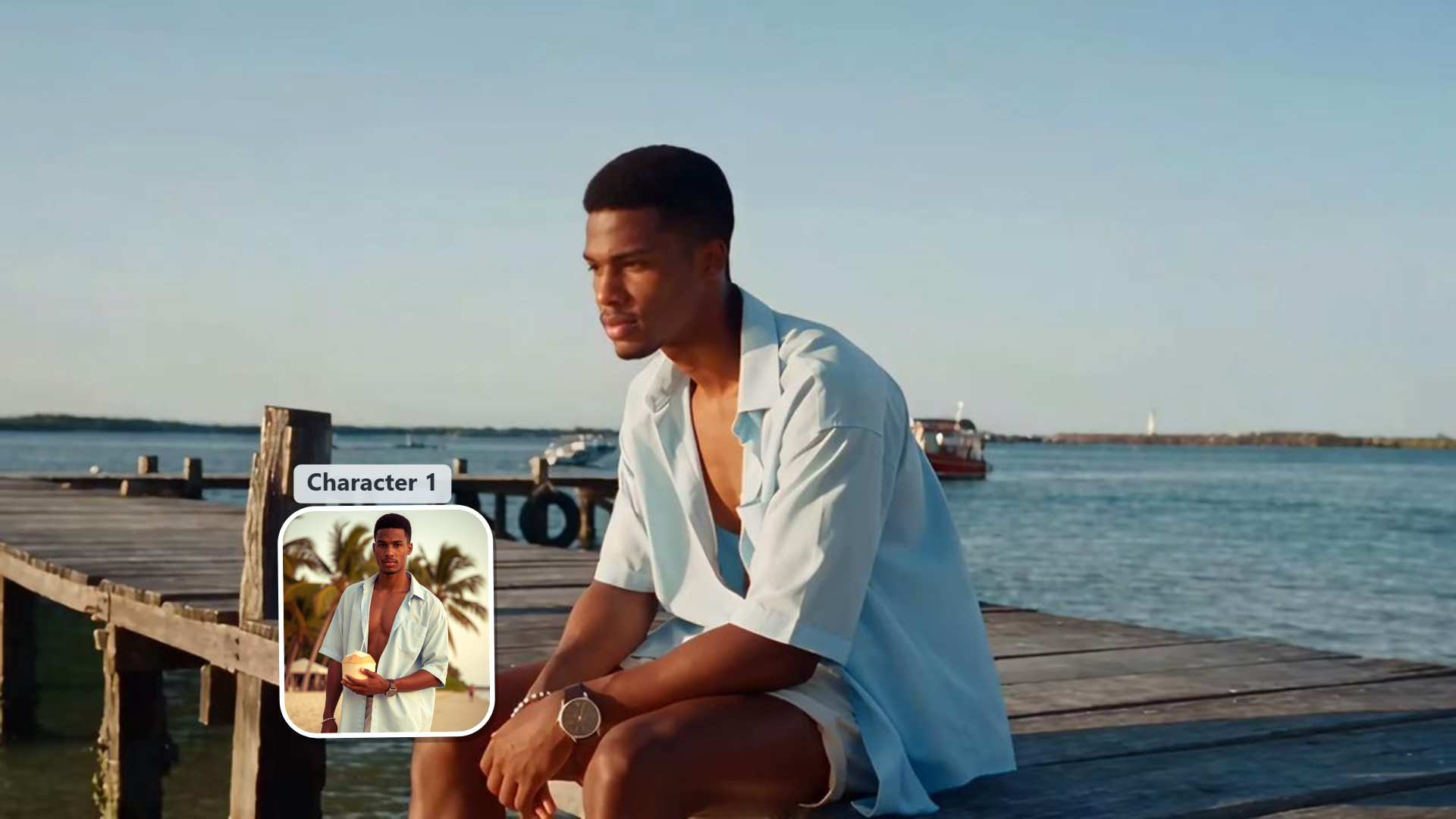
How to Recast Your Video in 3 Easy Steps
Upload Your Source Footage
Drag and drop your video clip into the workspace. Make sure the actor or person you wish to swap is clearly visible in the frame.
Choose Your New Actor or Upload a Photo
Upload a single reference photo of your new character model, or pick a ready to use persona from our asset library.
Render, Preview, and Download HD Video
Click Recast Video to start processing. Preview the final result, then download your high definition clip ready for immediate publishing.
Explore More Ways to Recast Your Videos


Frequently Asked Questions About AI Video Recast
What happens when I recast a video clip in Guma?
Guma reads the 3D space, lighting directions, and camera trajectory of your original video. It then builds your new character directly into the scene, matching every head turn, shadow detail, and expression while leaving surrounding elements unchanged.
How does full body recasting function?
Full body recasting updates outfits, physical builds, hairstyles, and facial features simultaneously. Guma maintains full character continuity, ensuring that movement, proportions, and lighting remain balanced throughout the entire clip.
What kind of source footage gives the cleanest result?
Clear lighting where your main subject is visible yields the sharpest output. Single person or multi person clips with steady camera work process quickly with high clarity.
What video lengths and resolution options are supported?
Guma handles everything from quick 5 second social clips to longer scenes up to 4K resolution, exporting in vertical, landscape, or square aspect ratios.
Can I use recasted videos for commercial advertising and brand campaigns?
Yes. Content creators, digital marketing agencies, and brands use Guma daily to generate viral social videos, swap talent, and refresh creative performance. All exported videos are fully rendered for commercial use across social media, broadcast, and digital channels.