
Template
AI Line Art Generator
Upload an image to start your template-based generation.
Upload Image
AI Line Art Generator
See Your Favorite Photos in a New, Simpler Way
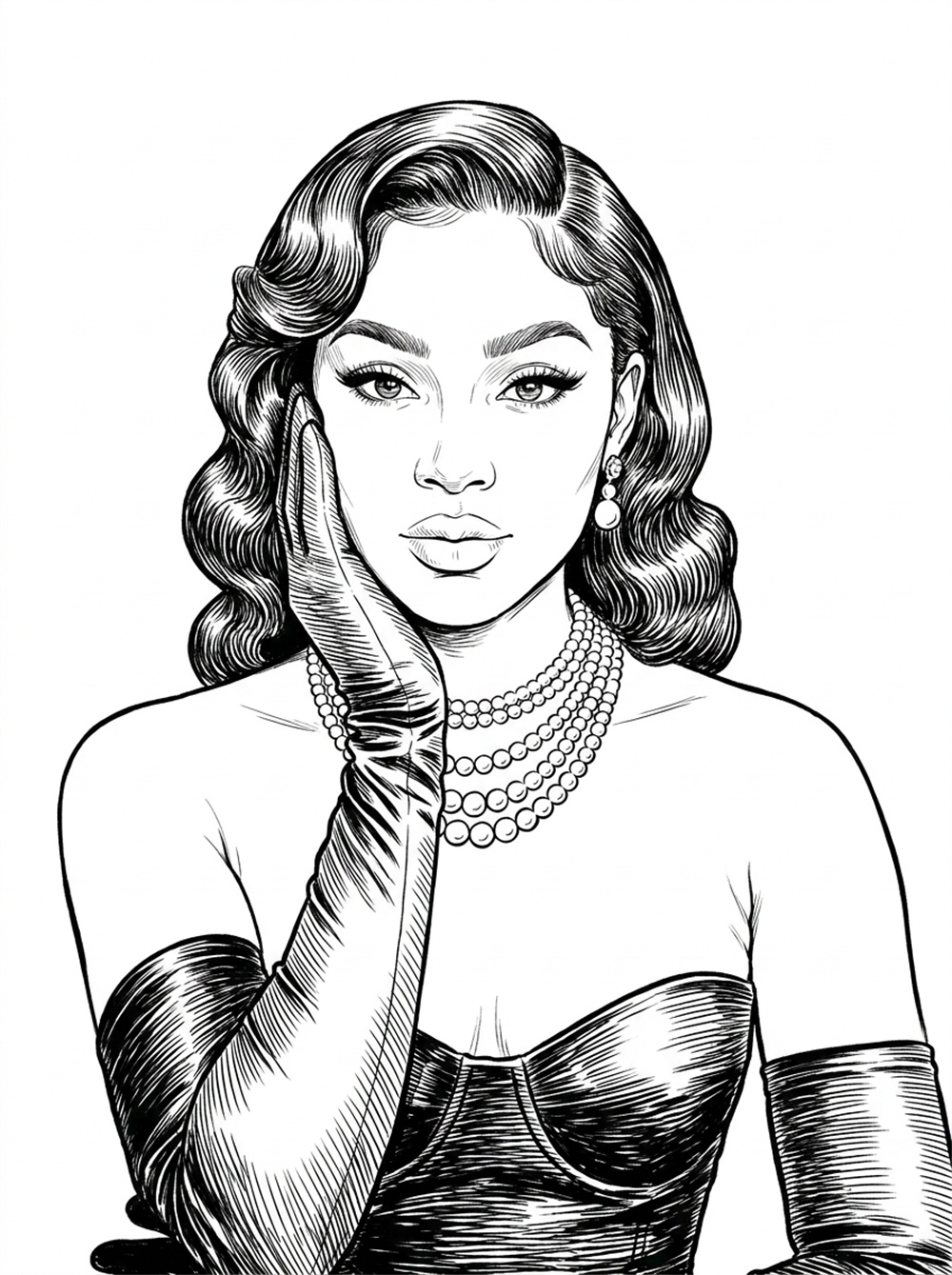
Turn familiar photos into expressive line drawings with a cleaner, more artistic feel. Preserve the shapes, poses, and details that make an image memorable, then use the result for coloring, drawing practice, prints, crafts, or personal creative projects.
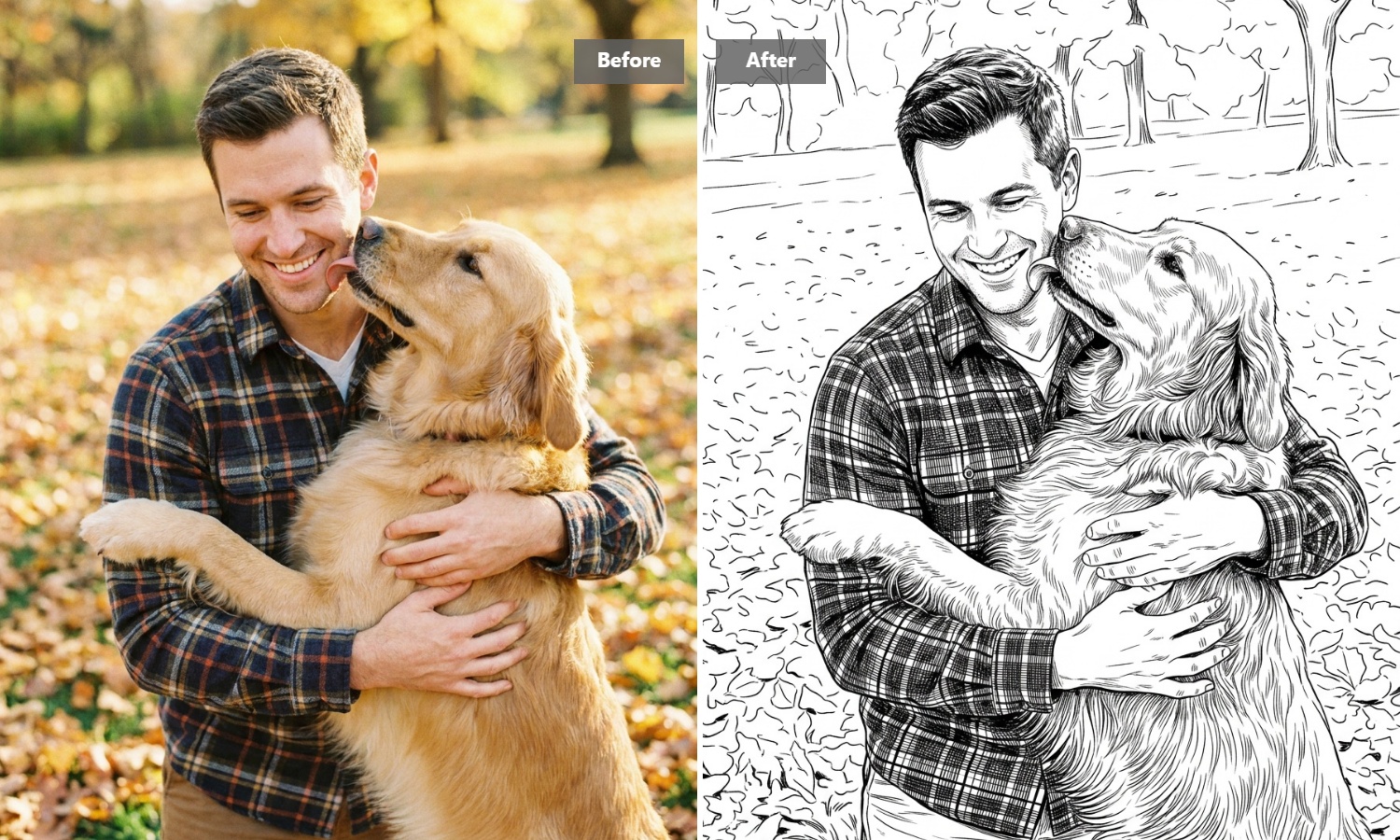
Turn Portraits and Pet Photos Into Personal Line Art
Give favorite faces a different kind of keepsake. Family portraits, selfies, couple photos, and pet snapshots can become simple line drawings that feel more personal than a standard photo. Save them as minimalist artwork, print them for a memory book, or use them as the starting point for a handmade gift.
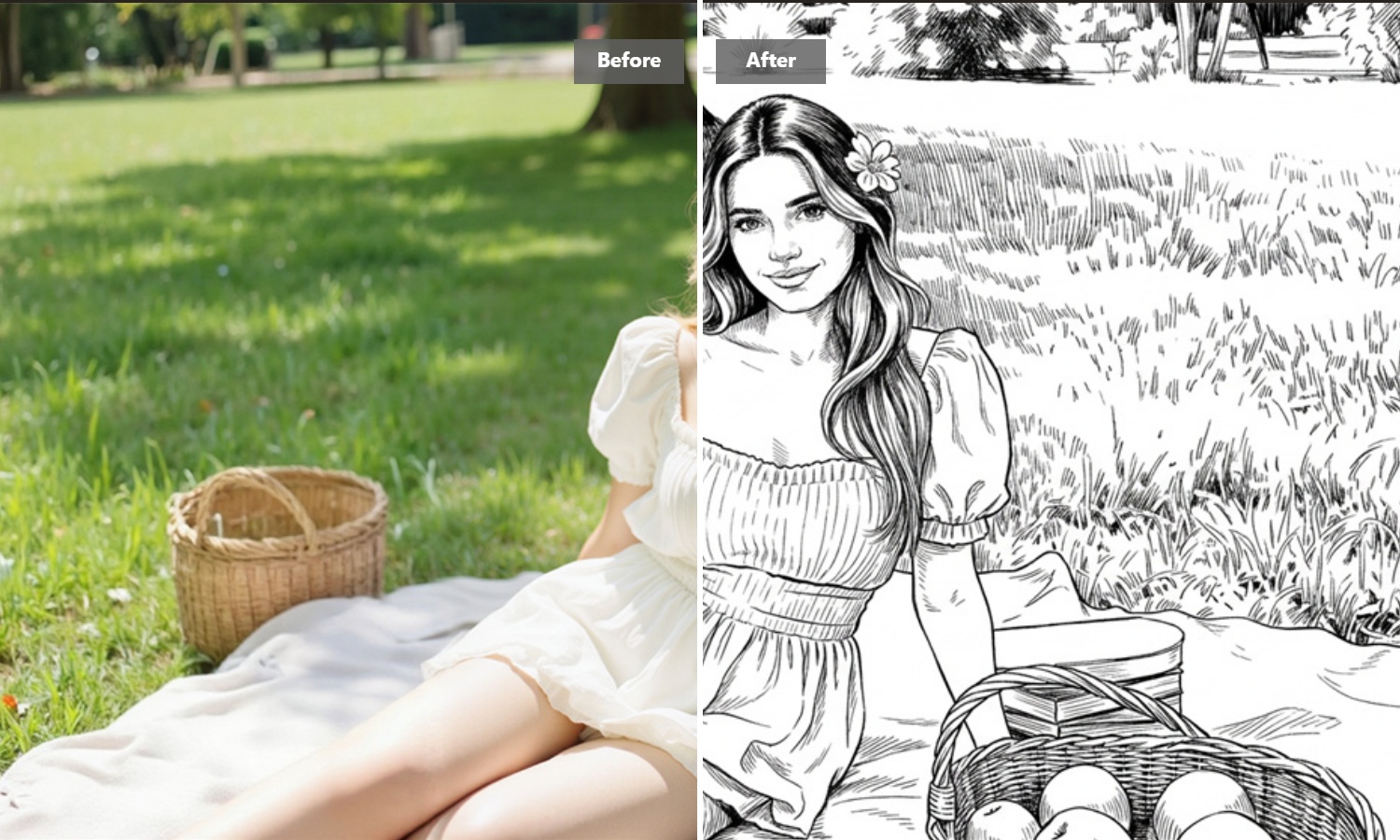
Make Coloring and Drawing Practice More Personal
Instead of working from generic coloring pages or practice sheets, start with an image that actually interests you. A favorite animal, flower, character, or everyday object can become a line drawing for coloring, tracing, or sketch practice, making creative time feel more relevant and enjoyable.
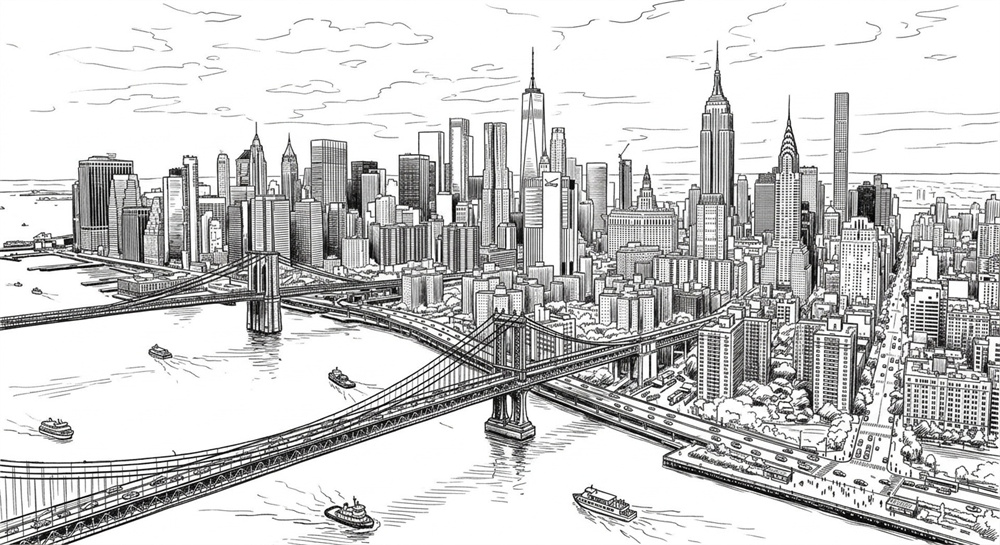
Reimagine Landscapes and Architecture as Minimal Artwork
Travel photos, city streets, houses, landmarks, and natural scenery can take on a completely different mood as line art. Removing much of the photographic detail lets the overall shape and composition stand out, making these images well suited to prints, journals, posters, and simple decorative projects.
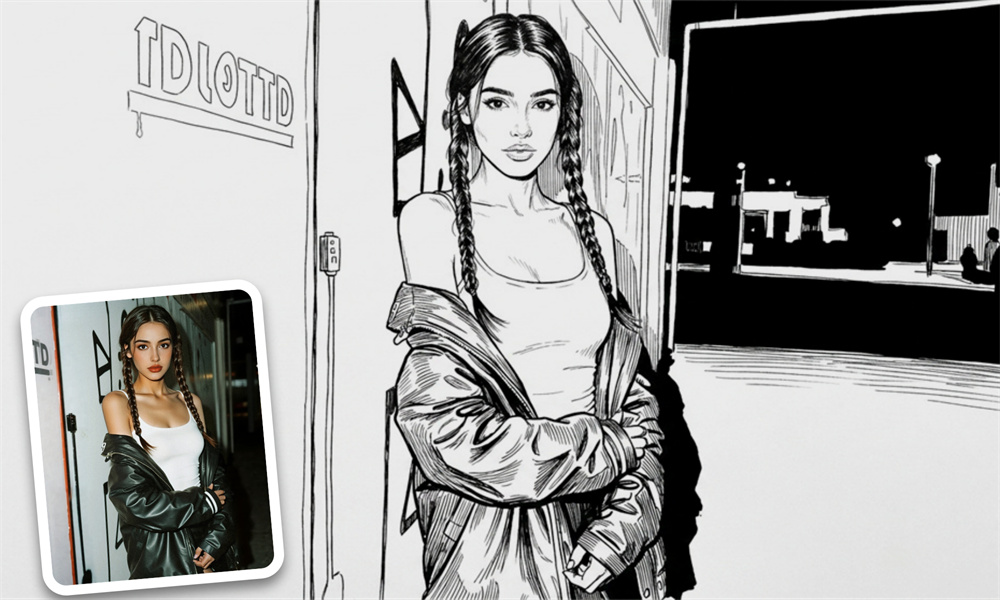
Turn Everyday Photos Into Ideas for Creative Projects
Sometimes a photo is useful because of one shape, pose, object, or composition inside it. Convert everyday images into line drawings and use them as references for crafts, illustration ideas, embroidery patterns, scrapbook pages, or your own hand-drawn work. It’s an easy way to turn something familiar into something worth creating from.
How to Generate Line Art Images with Guma AI
Choose Your Image
Upload the portrait, pet photo, object, or scene you want to use.
Create Your Line Drawing
Start the conversion after your image has been added.
Save the Result
Download the finished drawing and use it for coloring, reference, practice, or another creative project.
Explore More Creative Ways to Rework Your Images
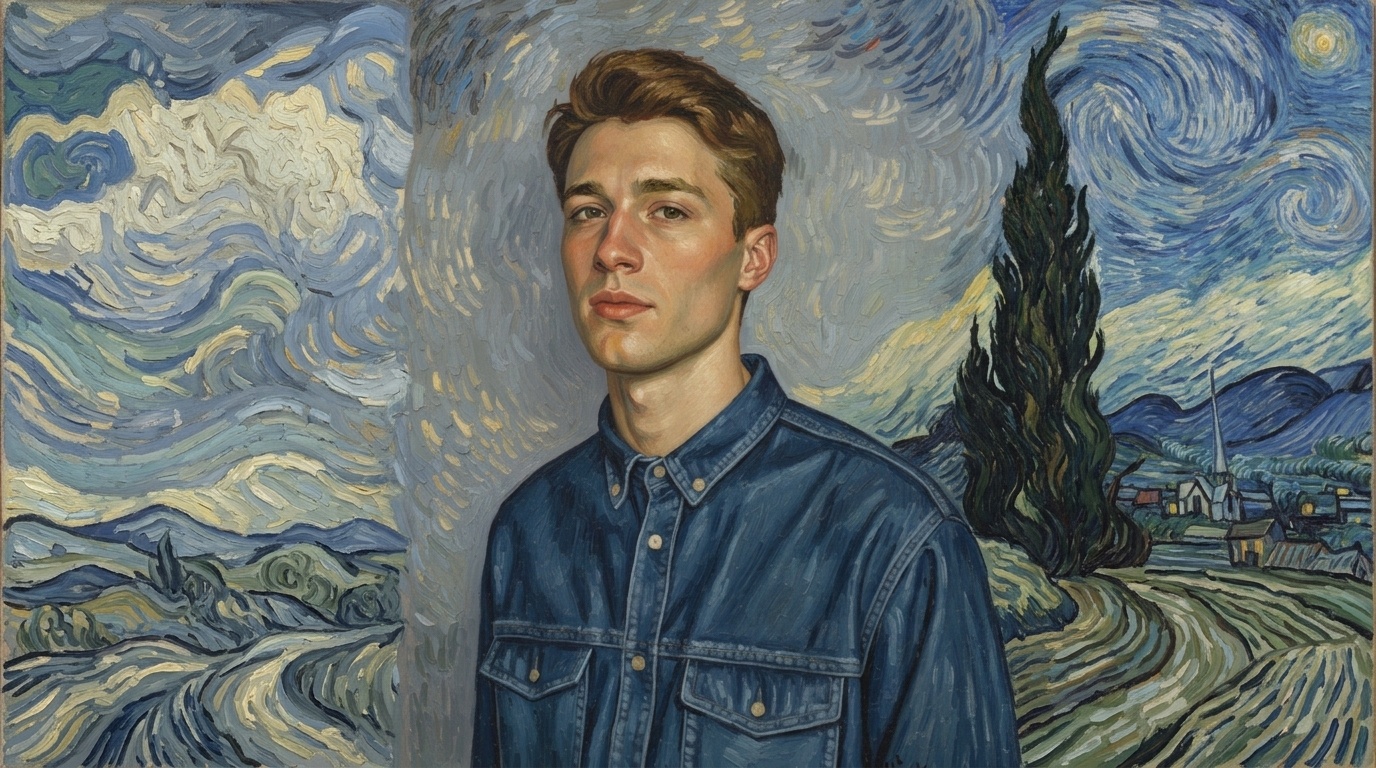
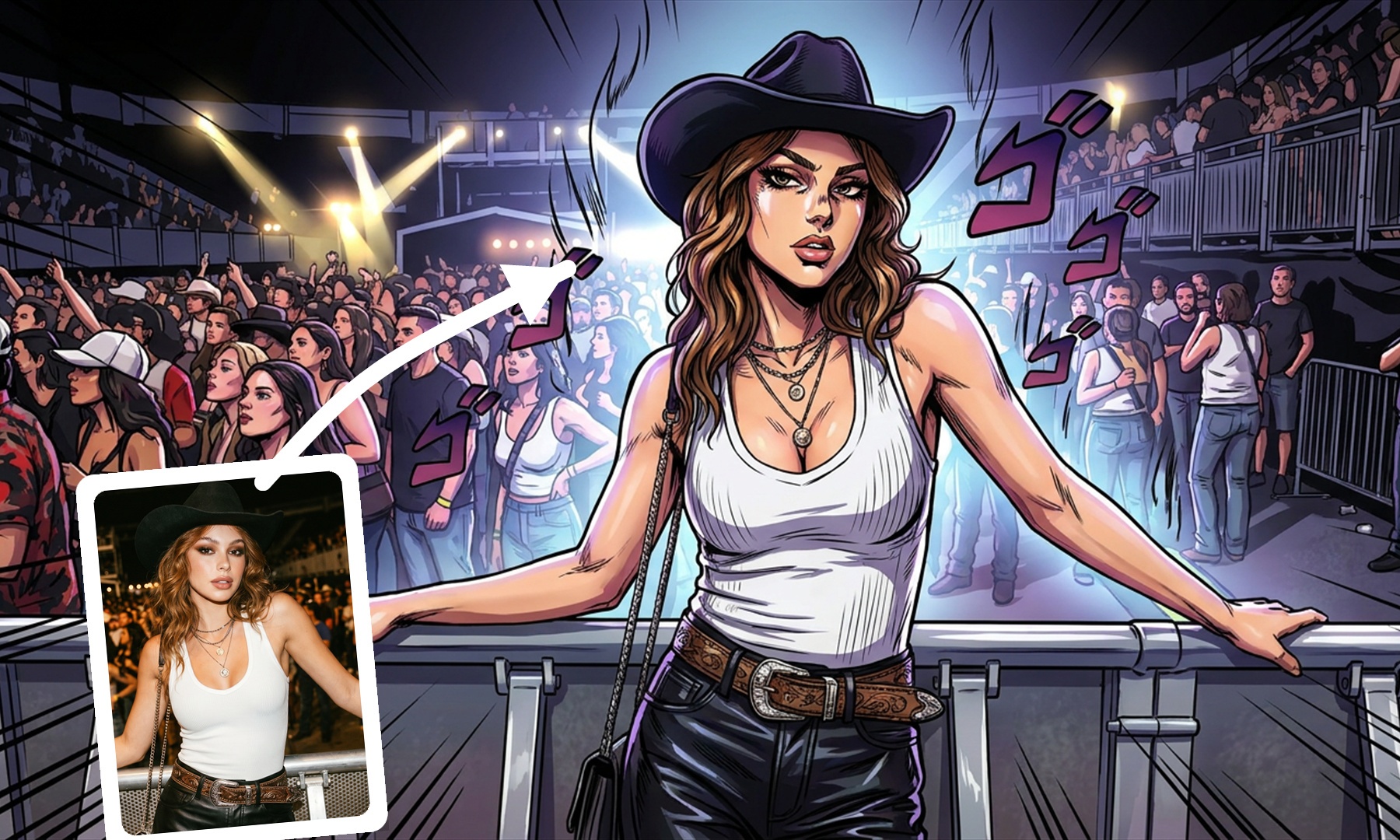
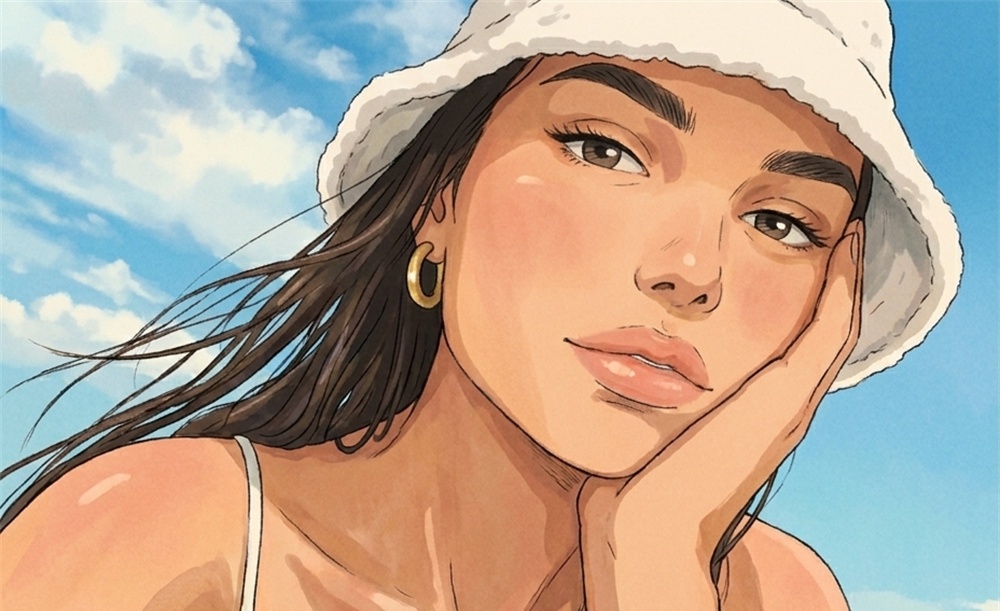
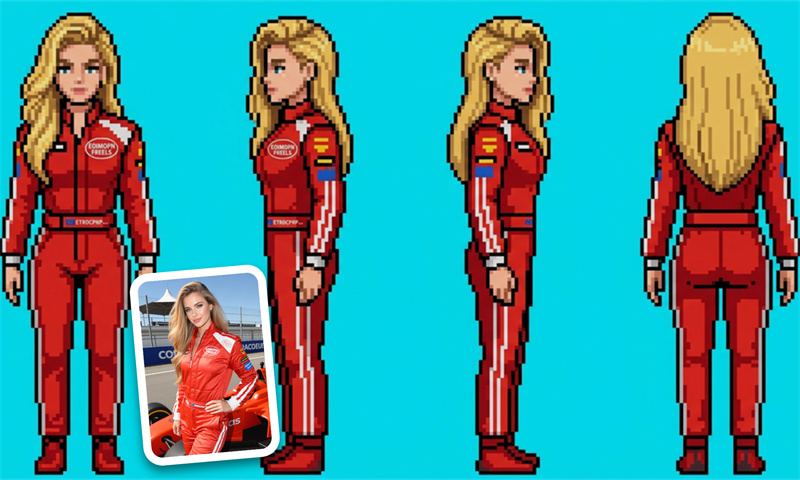
FAQ
What is an AI line art generator?
An AI line art generator helps turn an existing photo into a line-based drawing that can be used for coloring, drawing references, crafts, prints, and other creative projects. Portraits, pets, objects, plants, buildings, and scenery can all be good source images, and if you want to create completely new visuals from an idea instead of starting with a photo, you can explore our AI image to image generator.
Can I turn a portrait photo into a line drawing?
Yes. Portraits are a practical choice, particularly when the face is clearly visible. For a simpler result, consider using a close-up or half-body photo and avoid images where hair, clothing, shadows, and background objects overlap heavily.
Should I crop my image before using it?
Cropping can help when the part you care about occupies only a small area of the original photo. Removing unnecessary surroundings lets you focus the image on a face, pet, product, flower, building, or other subject before you begin.
What should I do if the finished drawing looks too busy?
Try using a simpler source image or crop closer to the main subject. Photos containing patterned clothing, dense foliage, crowds, textured walls, or many small background objects naturally contain more visual information, so reducing those distractions beforehand can help.