
Template
AI Mugshot Generator
Upload an image to start your template-based generation.
Upload Image
AI Mugshot Generator
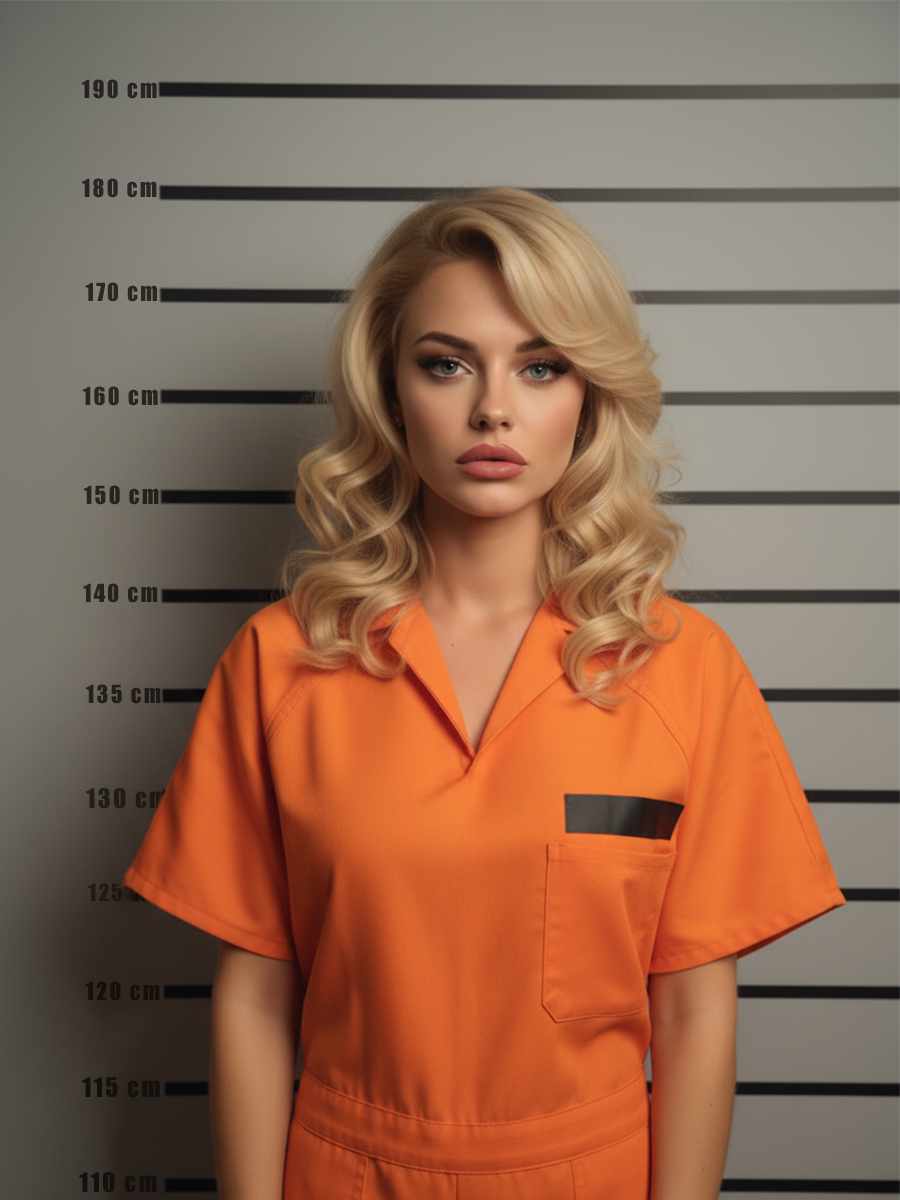
Generate Realistic Mugshot Styles from Any Photo in Seconds
Create a realistic AI mugshot effect with authentic portrait details, classic booking-photo styling, and natural-looking results. Guma helps transform photos into detailed mugshot visuals with an easy AI-powered experience.
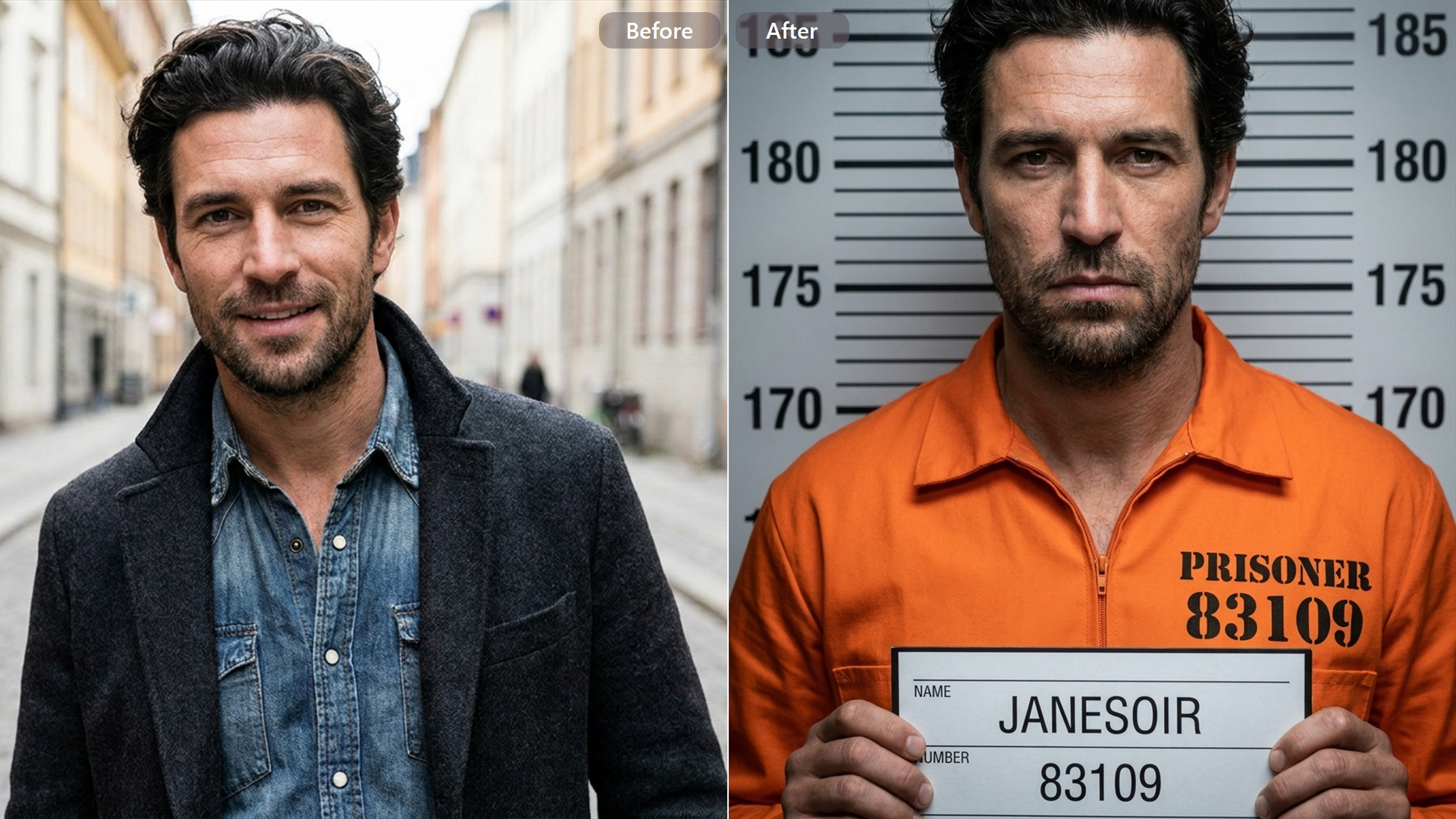
Classic Mugshot Style with a Realistic AI Transformation
Create a convincing mugshot-style portrait with balanced lighting, clear facial details, and a classic booking-photo appearance. Guma AI Mugshot Generator transforms photos into classic mugshot-style portraits with natural facial details.
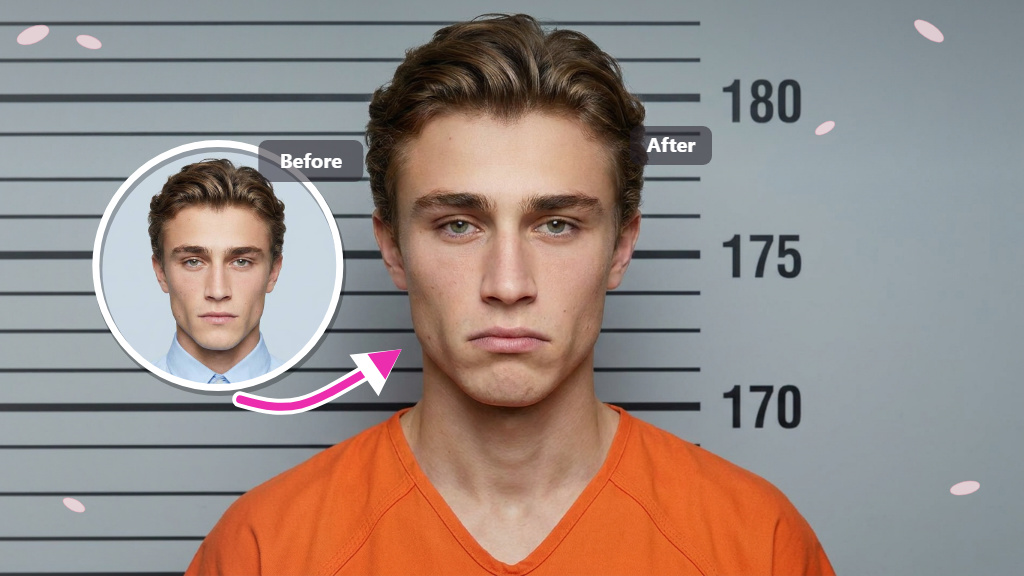
Classic Mugshot Style with a Realistic AI Transformation
Create a convincing mugshot-style portrait with balanced lighting, clear facial details, and a classic booking-photo appearance. Guma AI Mugshot Generator transforms photos into classic mugshot-style portraits with natural facial details.
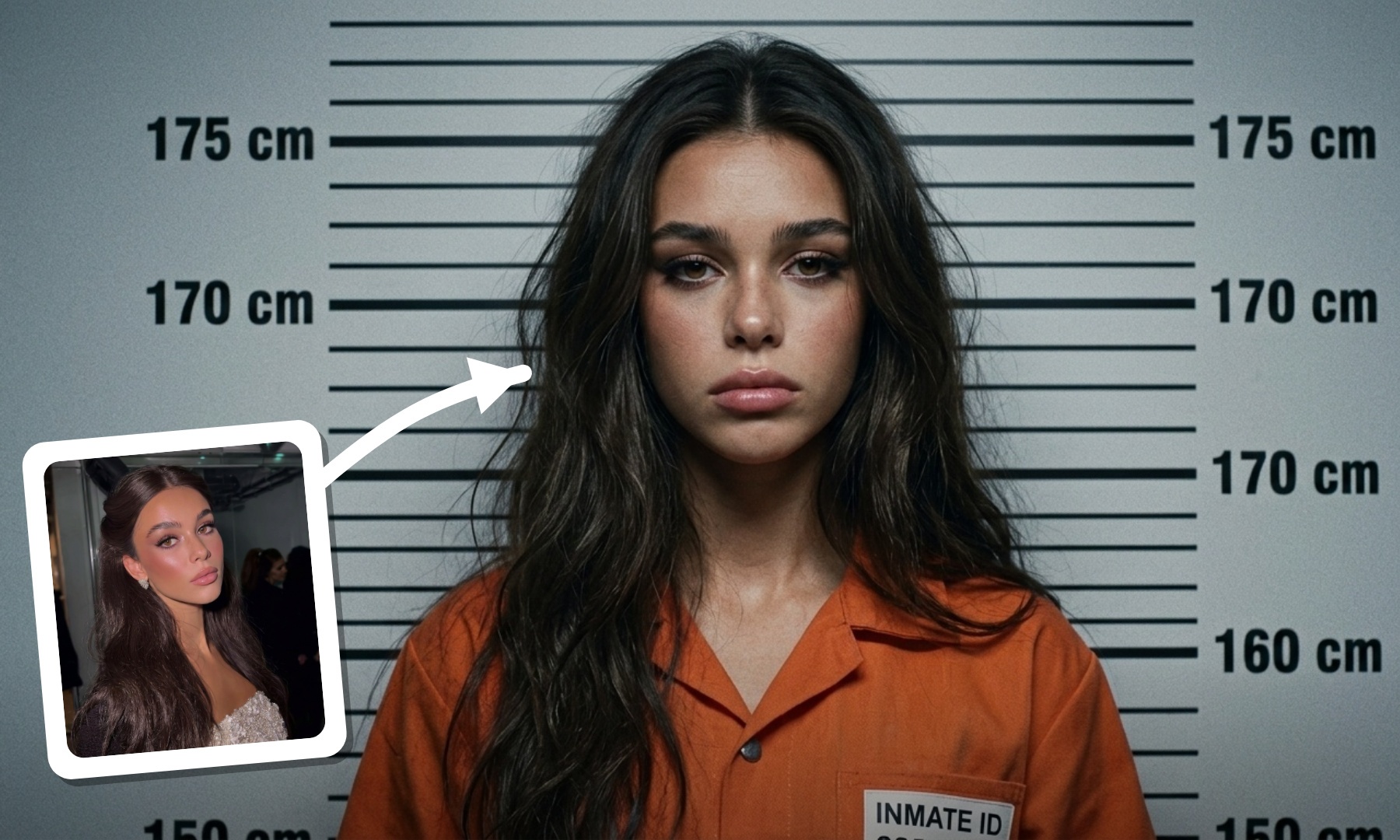
From Regular Photos to Striking Mugshot Portraits
Bring a distinctive mugshot look to any photo with authentic framing, balanced lighting, and refined portrait styling. Generate images that capture the familiar appearance of traditional mugshot photography.
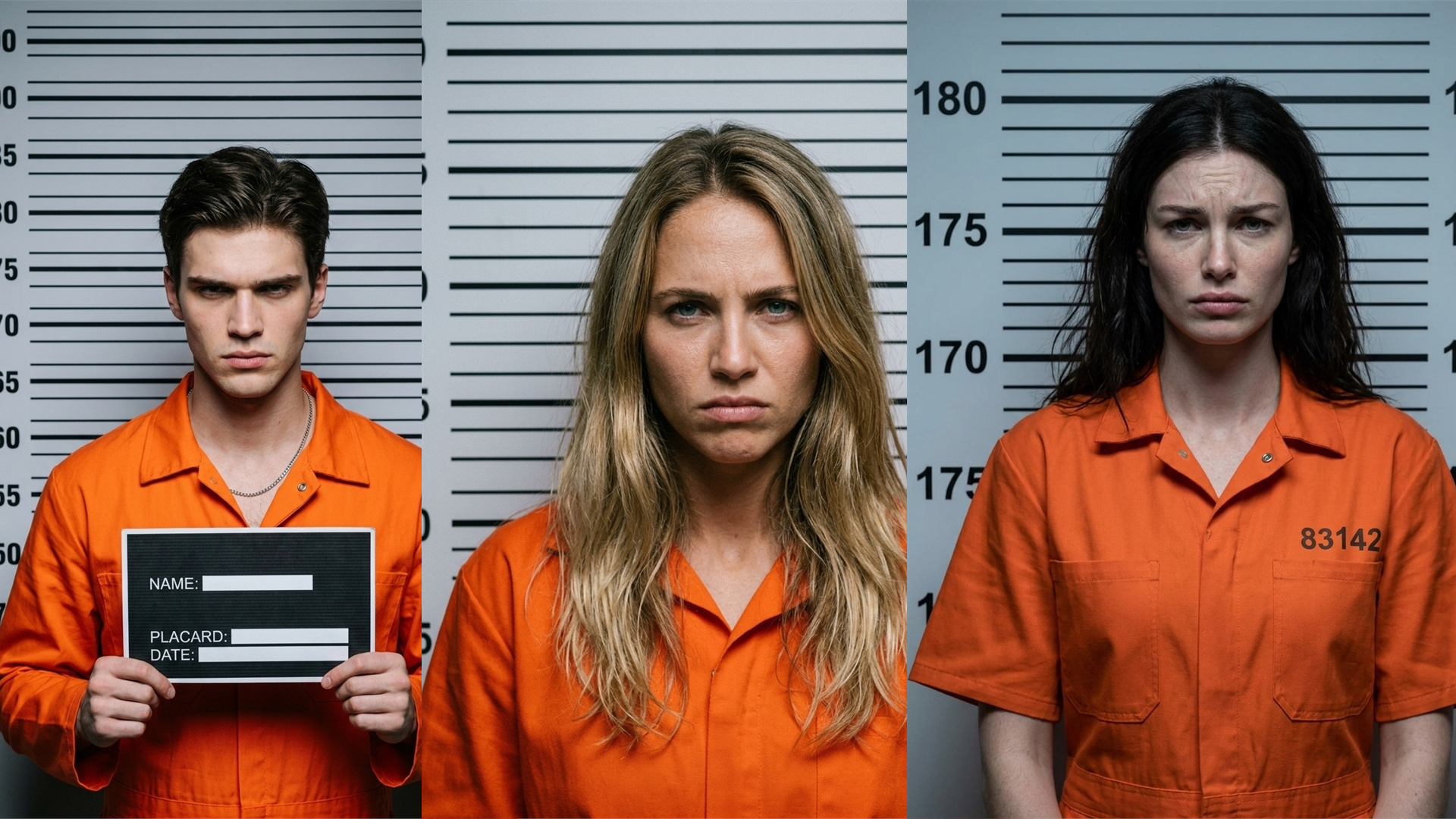
Realistic Portrait Effects Without Complex Editing
Achieve a polished mugshot effect with AI-enhanced details, professional framing, and smooth visual adjustments. Guma makes the transformation process simple while delivering detailed portrait results.
How to Generate a Mugshot Photo with Guma AI
Upload a Photo to Start
Upload a photo and start creating a mugshot-style image.
Generate Your AI Mugshot
Transform your photo into a realistic mugshot-style portrait.
Download the Final Image
Save your generated mugshot image with clear visual details.
Discover More AI Portrait and Photo Effects
AI Image to Image
AI Text to Image
AI Image to Video
AI Text to Video
FAQ
What can an AI Mugshot Generator create?
An AI Mugshot Generator transforms portraits into mugshot-style images featuring classic framing, lighting, and photo details. It produces a professional booking-photo look without the need for manual editing skills. For more ways to generate custom visuals from descriptions, explore AI text to image for additional image creation options.
What types of images work well with AI mugshot effects?
Portrait photos, selfies, and profile images can work well when the face is clear. For more portrait-focused transformations and professional styles, explore AI Portrait Generator for additional options.
Will the generated mugshot still look like the original photo?
Yes. Guma preserves the main facial features while applying the mugshot effect, producing a result that feels natural and recognizable rather than completely altering the original appearance.
How quickly can an AI mugshot be generated?
After uploading a photo, Guma processes the image and creates the AI mugshot effect quickly. The streamlined workflow makes it easy to get a finished result without complex editing steps.
Is the Guma AI Mugshot Generator free to try?
Guma offers free credits so users can experience AI image generation after signing up. Users who need more creations or additional features can choose upgraded plans for extended access.