
Template
AI Pixel Art Generator
Upload an image to start your template-based generation.
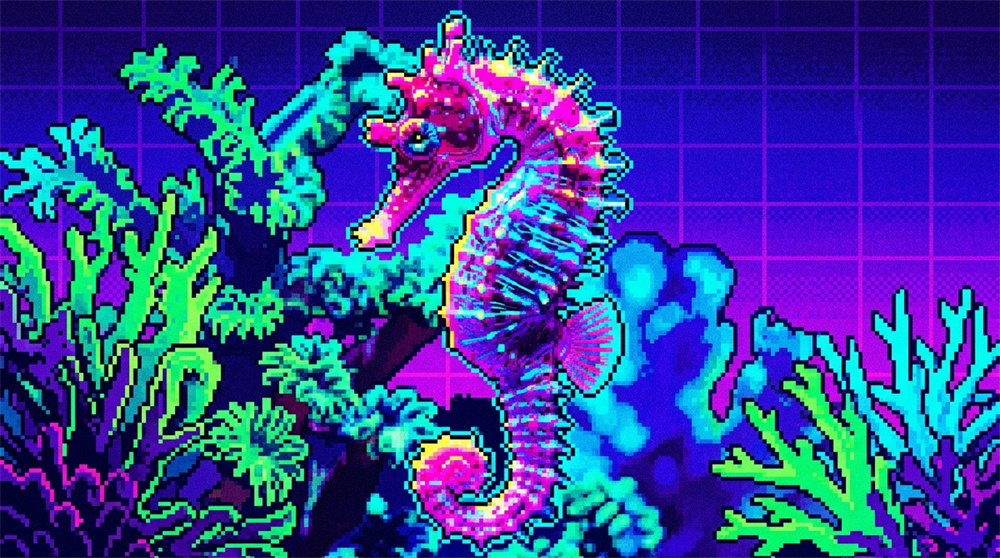
Upload Image
AI Pixel Art Generator
Give Your Image a Crisp Retro Pixel Look
Bring in a photo, illustration, character, or object and give it a fresh pixel art look. Guma turns familiar images into nostalgic, blocky artwork that feels right at home in avatars, game-inspired visuals, social posts, and creative projects.
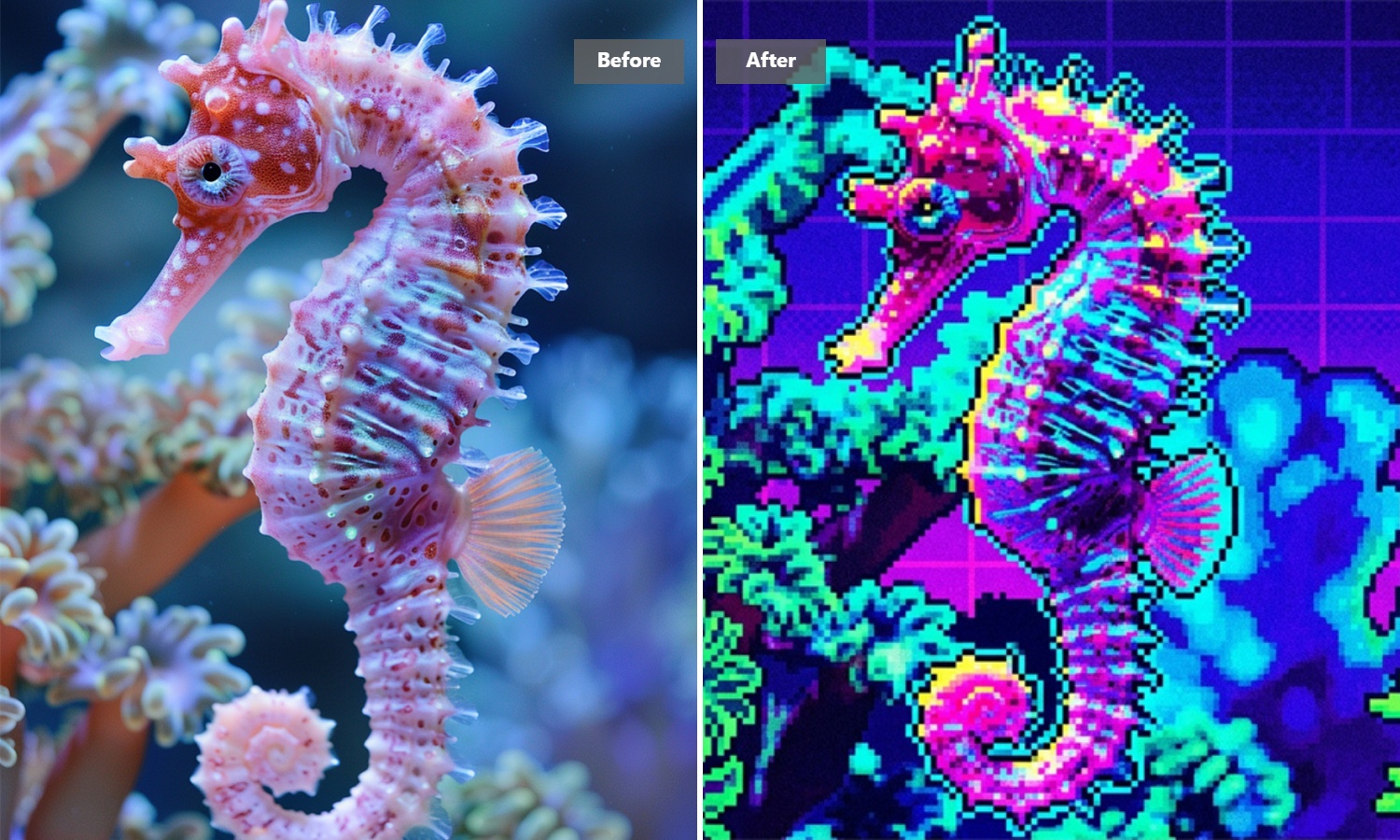
Turn an Existing Image Into Pixel Art
Already have an image you like? Use it as your starting point instead of rebuilding the subject pixel by pixel. Give portraits, illustrations, characters, and everyday objects a nostalgic new look while keeping the original idea recognizable and visually engaging.
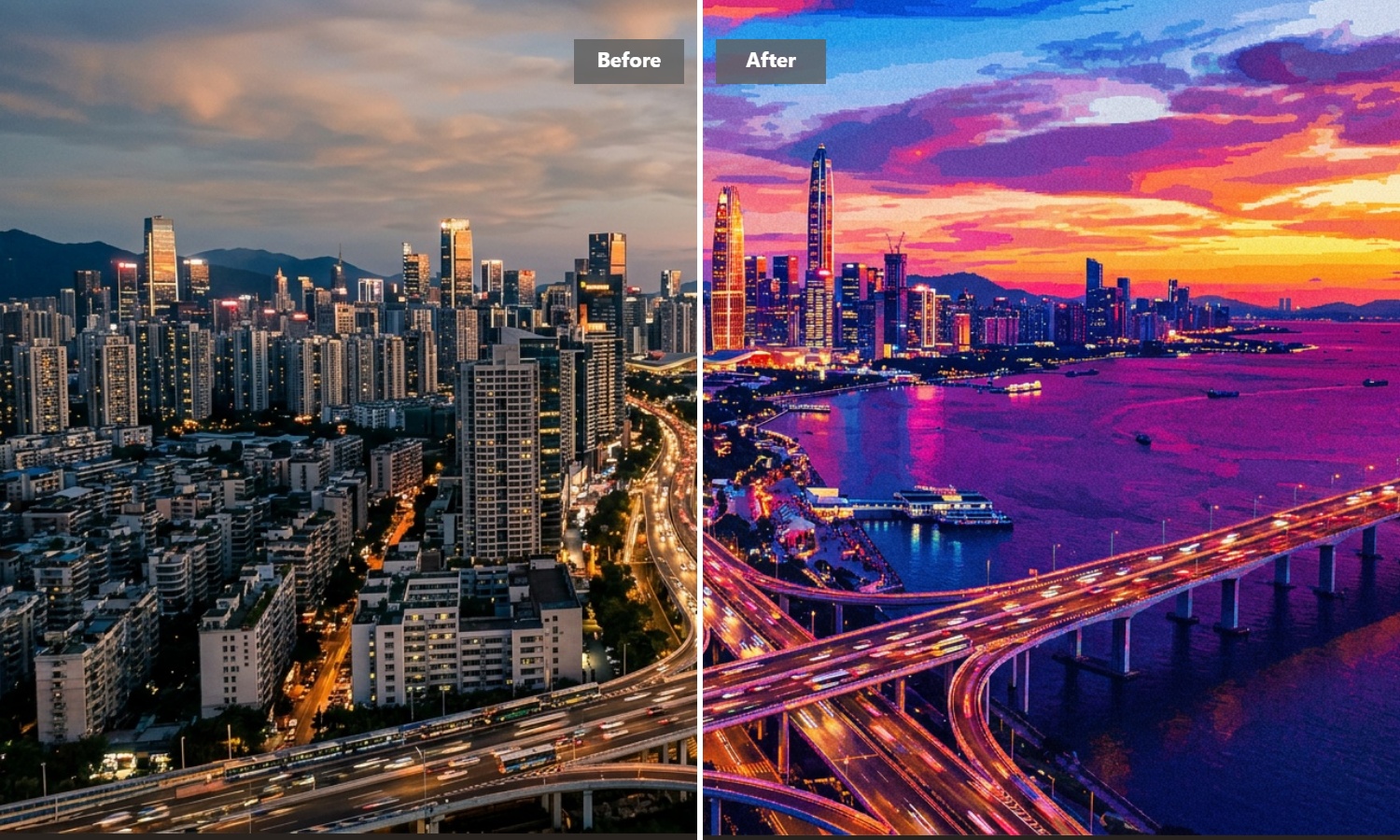
Bring Out a Distinctive Retro Look
Give an ordinary image the charm of classic digital artwork with crisp shapes, simplified details, and a bold pixel-inspired finish. It is an easy way to make familiar visuals feel more playful, nostalgic, and memorable without spending hours drawing them by hand.
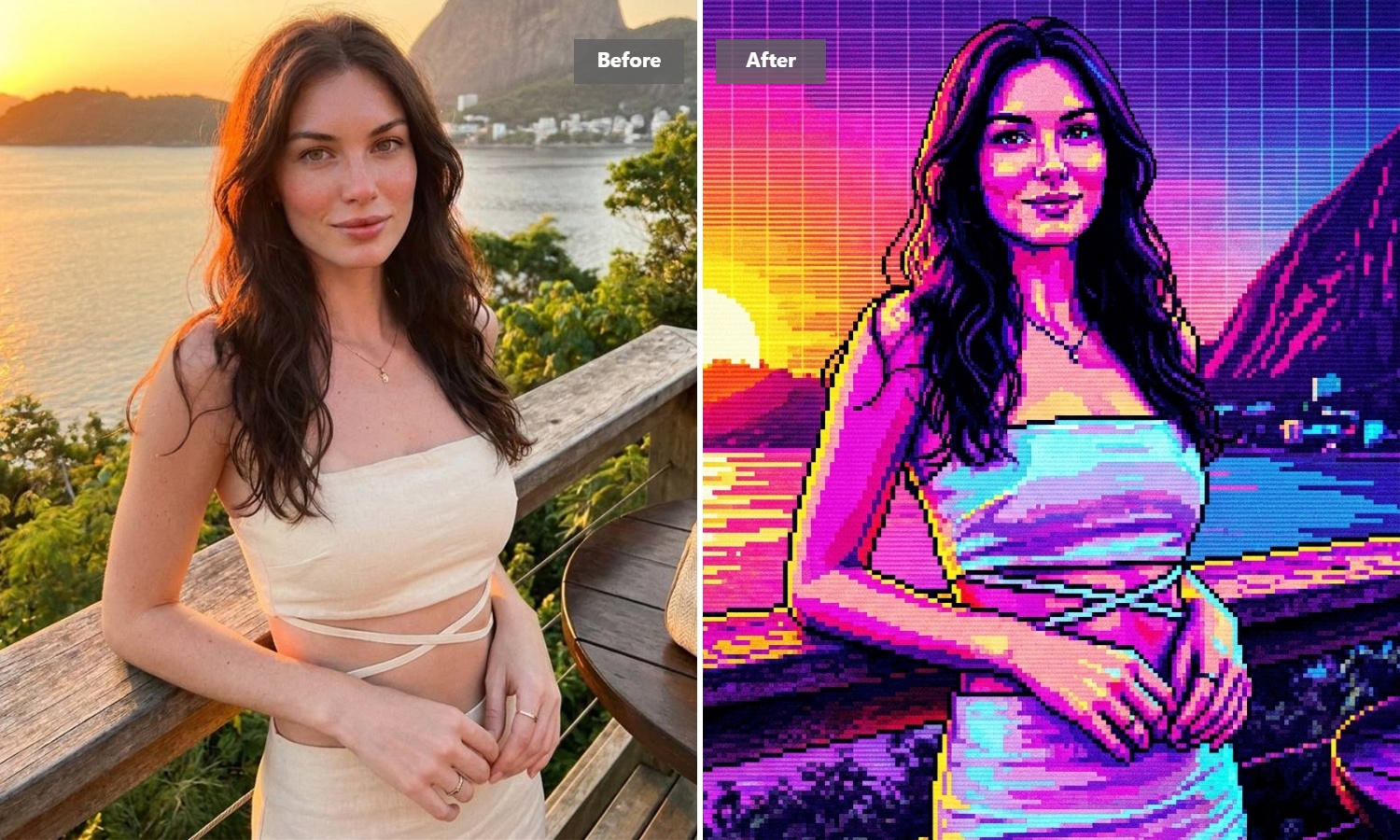
Start with images that read clearly.
Pixel-style artwork tends to work best when the main subject is easy to recognize. Portraits, pets, characters, products, and objects with clear shapes are strong starting points. Busy backgrounds and tiny details can become less prominent, so a simpler composition often creates a stronger visual result.
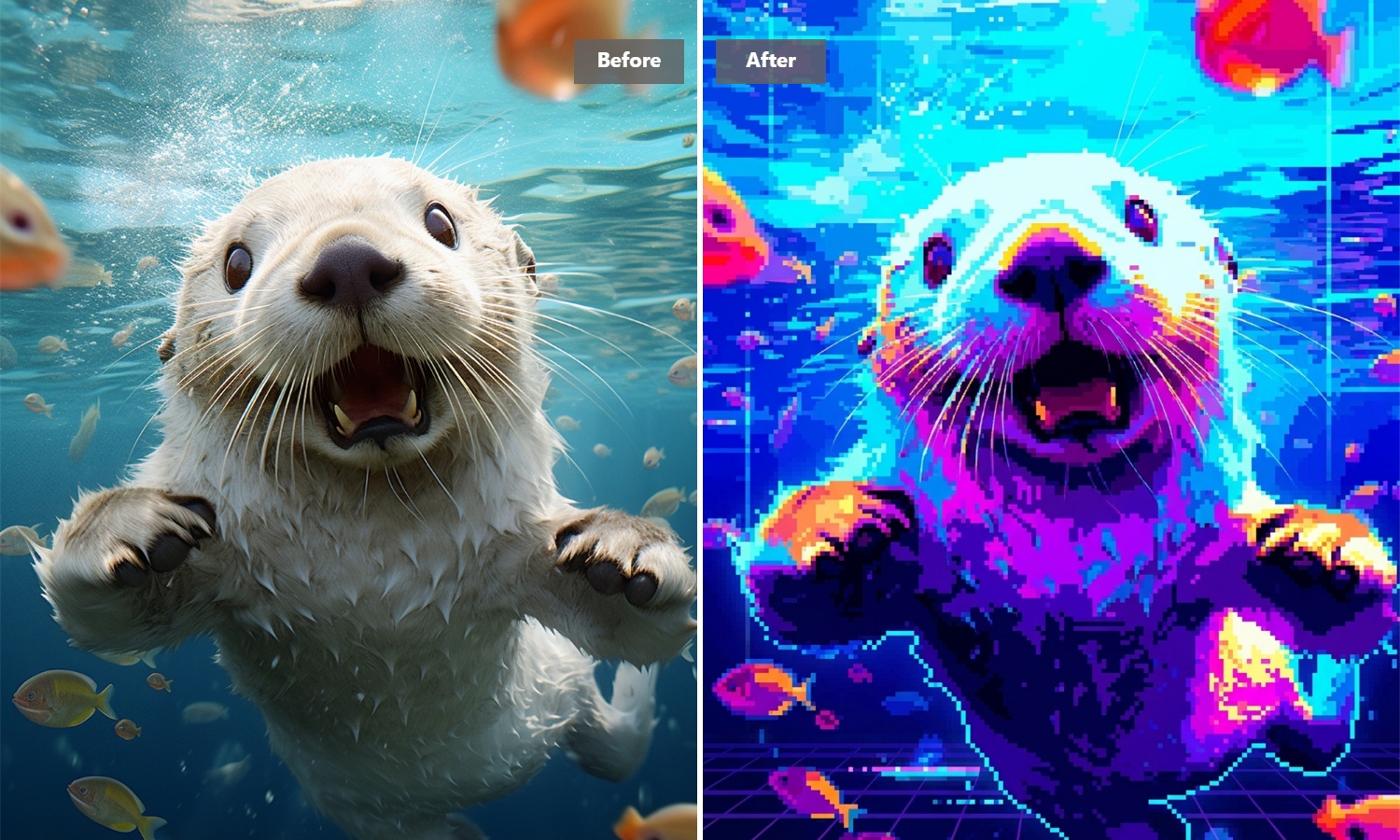
Create Pixel Art for More Than One Project
Turn your result into a retro avatar, character concept, social graphic, sticker idea, or game-inspired visual. A single image can take on a completely different personality in pixel form, making it useful for both quick creative experiments and finished visual content.
How to Generate a Pixel Art Image with Guma AI
Upload an Image
Choose a clear photo, illustration, character, object, or other image you want to transform.
Generate the Pixel Art
Let Guma automatically create a retro pixel-style version of your image.
Review and Download
View the generated result and download it.
Explore More AI Image Effects
FAQ
What does an AI pixel art tool do?
It uses AI to turn an existing image into artwork with the blocky, simplified visual character associated with pixel art. Instead of manually redrawing every detail, you can upload an image and create a new pixel-style interpretation automatically.
Is it different from using a basic pixel art filter?
A basic filter usually pixelates the existing image mechanically. AI-based generation can reinterpret visual details, shapes, and edges as part of the transformation, producing artwork that feels more intentionally stylized instead of simply lower in resolution.
Can I create a pixel art avatar from a photo?
Yes. Portraits and character images work well for creating retro profile pictures and pixel-style avatars. The result can be used for social profiles, gaming identities, community icons, or personal creative projects. For broader image creation, you can also explore our image to image generator feature.
Can I use it for free?
Guma provides daily free credits after account registration, so you can start experimenting with image generation without immediately subscribing. Additional generation capacity and advanced features are available through premium plans.
Can I use pixel art for game projects?
Yes. Generated artwork can be useful for character concepts, props, game-inspired graphics, mockups, and early visual exploration.
Can it create game sprites or sprite sheets?
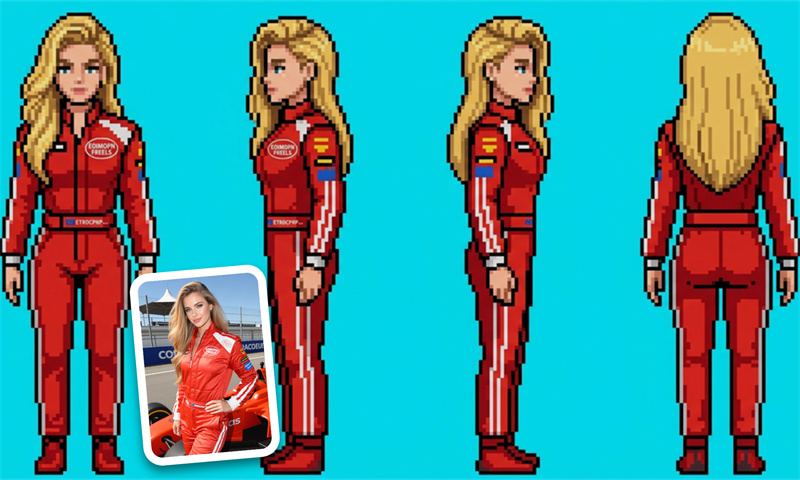
The generated artwork can be useful as a starting point for characters and other game visuals, but a complete sprite sheet requires consistent frames, sizing, positioning, and animation states. Additional editing may therefore be needed for production-ready sprite animation.
Can I create 8-bit or 16-bit-style artwork?
Pixel art naturally works well with retro aesthetics associated with classic 8-bit and 16-bit games. The final appearance can vary depending on the source image, so the generated result should be reviewed if your project requires an exact palette, resolution, or pixel grid.