
Template
AI Streetwear Filter
MoreUpload an image to start your template-based generation.
Upload Image
AI Streetwear Filter
Transform Your Photos with Urban Streetwear Style
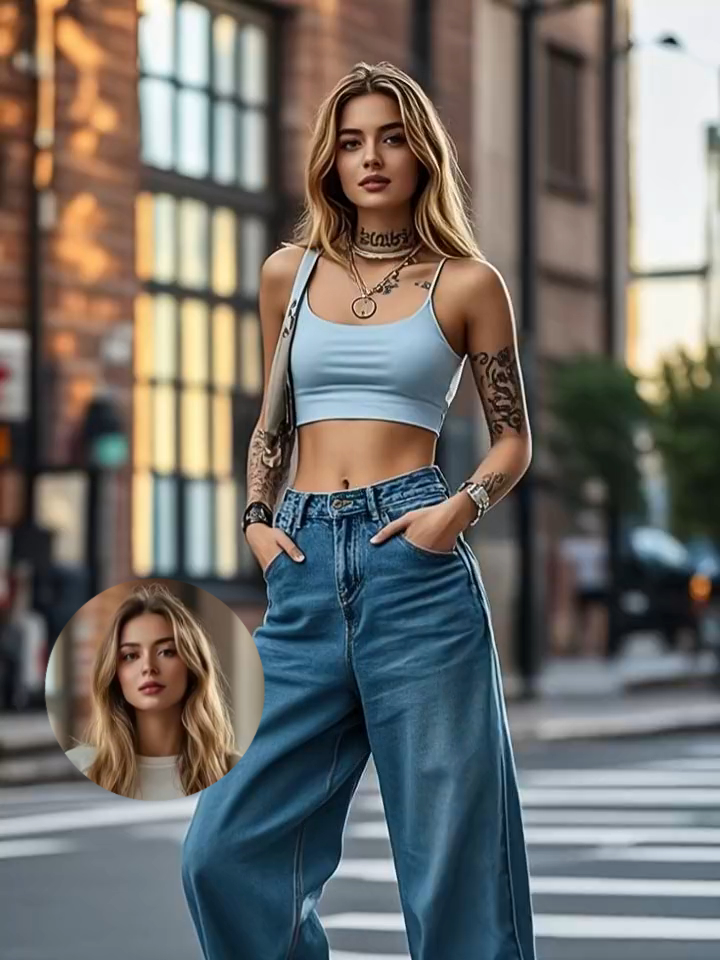
Turn everyday selfies into high-end street fashion shots without booking a photoshoot. This specialized AI filter renders authentic urban style—combining baggy denim, graphic crop tops, kick sneakers, and crisp neck tattoos directly onto your photo. Set against a clean city zebra crossing with natural streetwear lighting and realistic fabric drape, your updated look is ready for Instagram and TikTok right out of the generator.
AI Prompt
A cinematic overhead shoot of me standing on a zebra crossing, spotting a neck tattoo, baggy jeans, a crop top and kick sneakers, accessories included. Make it clean
Generate Your Urban Fit in 3 Simple Steps
Upload Your Photo or Selfie
Choose a clear portrait or full-body photo with decent lighting so the system can accurately map your posture and skin tone.
Apply the Streetwear Effect
Guma automatically tailors the oversized jeans, crop top, sneakers, and urban backdrop around your frame while matching natural shadows.
Save Your Export-Ready Portrait
Preview the finished result, check the outfit details, and download your high-resolution street fashion image instantly.
Explore More AI Fashion & Portrait Tools


Frequently Asked Questions
How does the filter fit streetwear clothing onto my body?
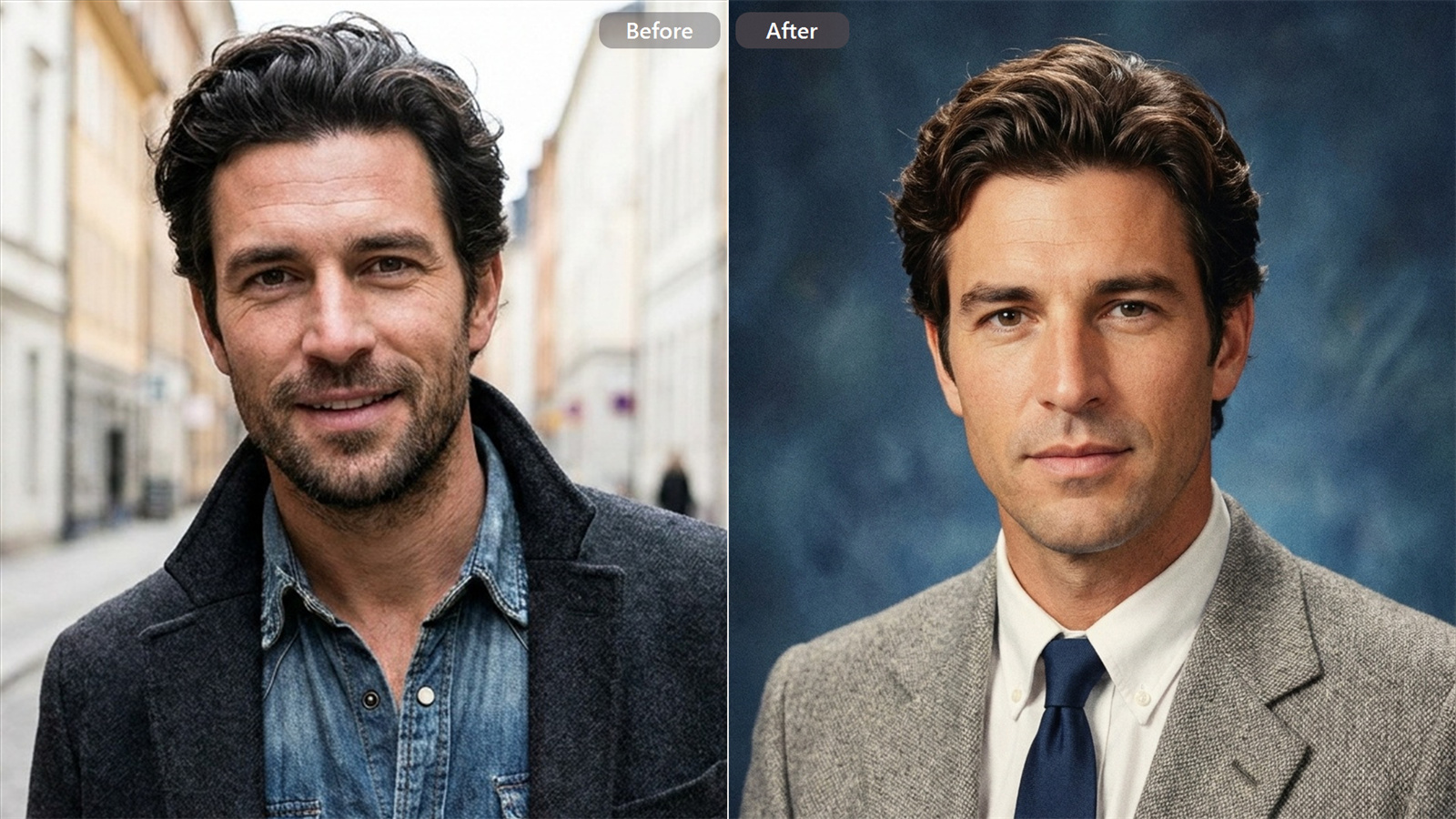
The system maps your facial features and body orientation from your base image. It then overlays the streetwear garments—adjusting denim folds, crop top seams, and sneaker placement—so the outfit naturally drapes over your body rather than looking artificially pasted on.
Can I get a clean output if my original background is busy?
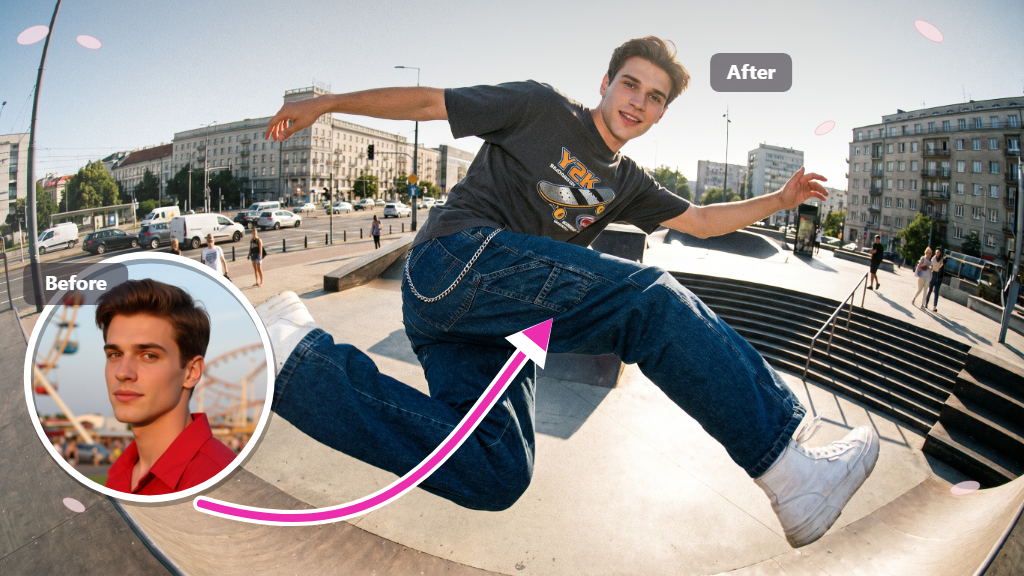
Yes. The tool automatically isolates you from your current environment, replacing messy surroundings with a clean, cinematic urban street setting complete with crisp pavement markings and soft city daylight.
What kind of photo works best for this style?
A front-facing or three-quarter angle photo with clear lighting yields the sharpest results. Avoid extremely dark selfies or low-resolution files so the tool can cleanly preserve clothing textures and tattoo details.
Will my face still look like me after generating the outfit?
Absolute realism is built into the workflow. While your clothes, accessories, and background swap to the street fashion style, your original facial identity, expression, and skin tone remain completely intact.