
AI Dog Dancing Generator
Make Your Dog the Star of the Dance Floor
Have a favorite photo of your pup? Upload it to Guma and watch your dog come to life in a fun, energetic dance video. Create a playful surprise for friends, brighten up your social feed, or simply enjoy seeing your pet move in a whole new way.
A Better Video Starts with the Right Photo
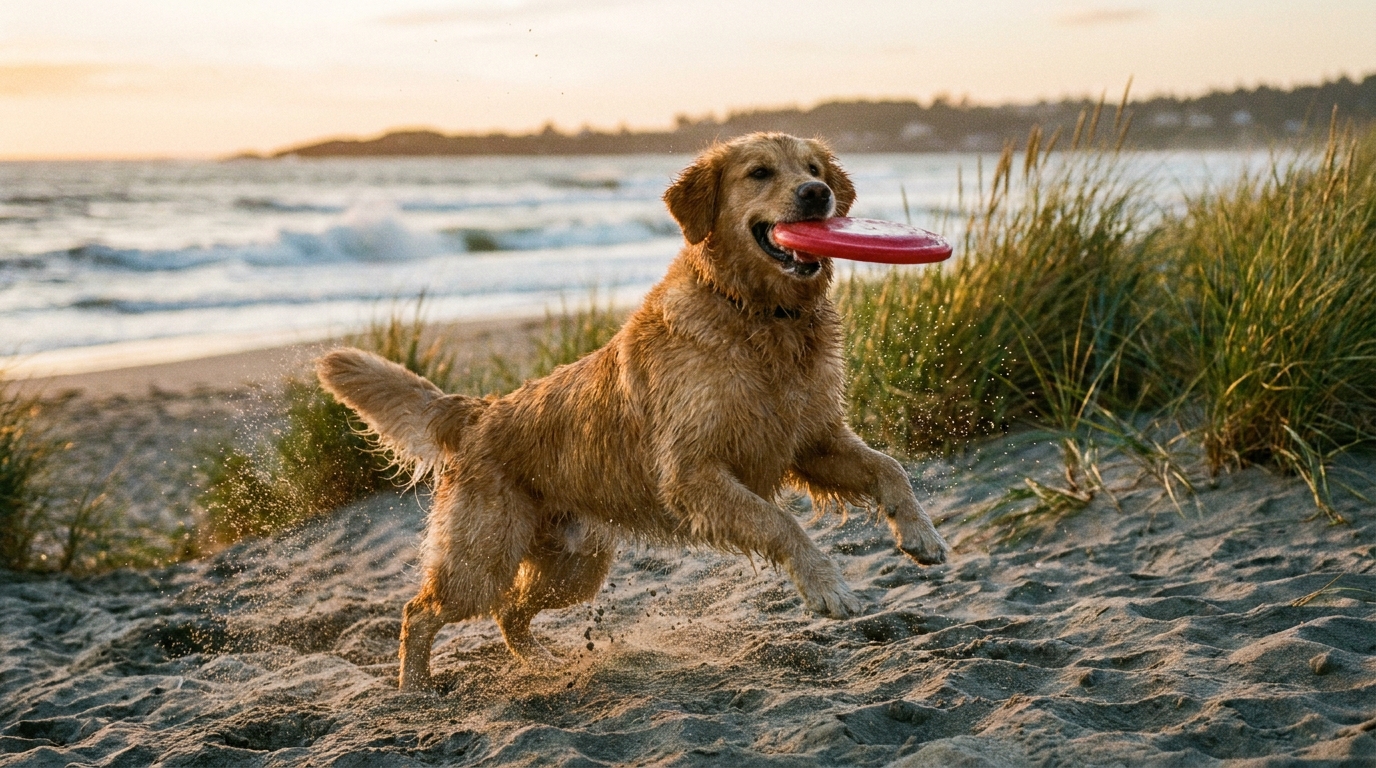
Your source image doesn’t need to look professionally staged. A well-lit shot with your dog in focus gives Guma a stronger visual starting point. Photos with a visible body, an uncluttered background, and no objects covering the face tend to produce easier-to-follow movement.
Bring a Still Moment to Life
That photo sitting in your camera roll can become a short AI dog dance video in just a few clicks. Guma adds movement while keeping the attention on your pet, making the result feel personal instead of like a generic animation.
Made for Laughs, Posts, and Private Shares
A dancing pet clip needs very little explanation. Send it to a friend, use it as a TikTok or Instagram Reel, or give your pet account a quick piece of original content. The idea is simple: make people smile before they scroll away.
Give the Image Another Chance
Not every photo produces the same result. A different angle, brighter lighting, or a less crowded background may help the motion look more natural. Small improvements to the source image are often more useful than trying to fix an awkward video afterward.
How to Generate Dog Dance Video With Guma
Upload Your Photo
Add a photo that clearly shows your dog.
Generate the Video
Let Guma turn the still image into a dancing clip.
Download and Share
Preview the result, save the video, and share it wherever you like.
Explore More AI Pet Video Tools
Frequently Asked Questions
What is a dog dancing AI generator?
A dog dancing AI generator transforms a still pet photo into a short animated dance video. Guma creates the movement from the image you provide, so you can make a playful clip without recording footage or learning video-editing software. If you want to create other types of AI videos, explore our image to video generator.
What kind of dog photo works best?
Choose an image with good lighting, a sharp subject, and as little obstruction as possible. A photo where your dog is easy to recognize gives the generator more useful visual information.
Do I need editing experience?
No. The workflow is designed for a quick start: add an image, generate the clip, and download the result. There is no camera setup or editing timeline to figure out.
Can one photo become a dancing pet video?
Yes. The tool is built around a single-image workflow. It can be used for a dog photo and may also work with other pets when their features are easy to see.
Can I share the finished video?
You can save the clip for personal sharing on TikTok, Instagram, YouTube, or private messages. Check the latest rules of the platform you plan to use.
Can I try Guma for free?
Guma provides free daily credits for registered users, so you can start exploring AI generation without a subscription. A premium plan adds more generation capacity and access to higher-tier features.
Why does my result look unusual?
The source image is usually the best place to start troubleshooting. Try a brighter shot, a simpler background, or an image that shows more of your dog. Different photos can produce noticeably different movement.
How does Guma handle uploaded images?
Upload only photos you have permission to use. For current information about processing, storage, and account data, read Guma’s privacy policy and terms.