
Drone Orbital Video Effect
Easily Recreate the Same Look with Drone Orbital Video Effect
Copy Drone Orbital Video Effect prompts in one click and quickly recreate the same look in your images and videos, without starting from scratch.
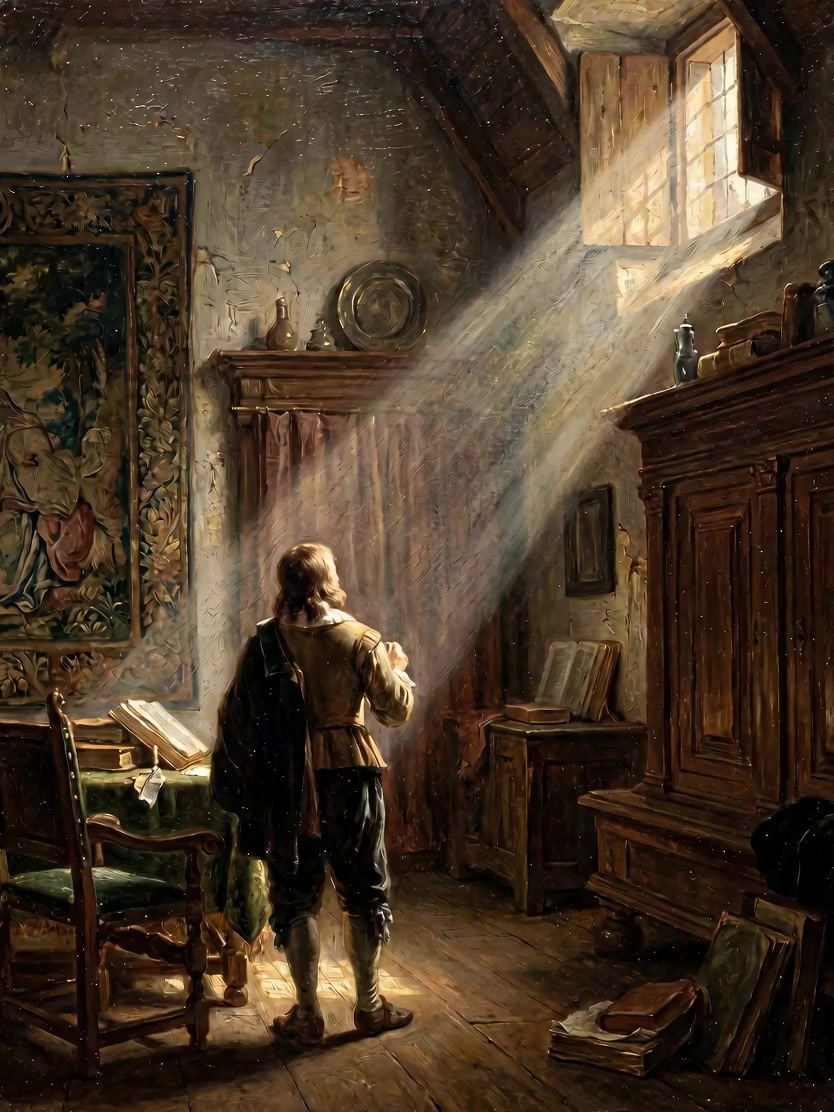
AI Prompt
Generate a 10-second hyperrealistic video with 4K high-definition, cinematic-quality realism. {The camera lens performs a smooth, uniform 360-degree horizontal arc around the existing protagonist as its center: 1.6}, {Camera shooting pixel parameters: 1.6}, natural image noise level: 3.0, {Realism parameter: 1.6}, with seamless transitions between light and shadow and perfectly accurate proportions of human anatomy; {The protagonist’s hairstyle, facial features, biometric characteristics, and pose remain 100% identical to those in the reference @image: 1.6}. --- [First Frame] The first frame remains unchanged. --- [10-Second Video Sequence] {The protagonist’s pose and expression remain completely still throughout the entire sequence: 1.6} {The protagonist does not make any facial or bodily changes at all.} 0s–3s: Slow-speed arc-shaped camera movement, medium shot. Scene transition: As the camera moves, the left side of the scene gradually comes into view. Camera movement: Starting from the initial position, the camera slowly arcs horizontally to the left, always maintaining a medium-shot framing. The protagonist remains firmly centered in the visual field throughout the entire shot, with smooth, fluid motion free of any shaking. Protagonist’s state: Always maintains a static posture, without significant body movements, appearing calm and immersed. Lighting: Natural lighting. 3s–7s: Continuous arc-shaped camera movement, transitioning from medium shot to medium-close shot and back to medium shot. Scene transition: As the camera completes its arc and faces the protagonist directly, it sequentially reveals details of different areas within the room, enhancing the sense of spatial depth during the movement. Camera movement: Continuing to orbit around the protagonist, the camera slightly zooms forward toward a medium-close shot, clearly capturing the protagonist’s serene expression. Then, the camera slowly pulls back to a medium shot again, with a steady and gentle pace. Protagonist’s state: Remains completely still throughout the sequence. Lighting: Rich, film-like chiaroscuro effects. Third shot: 7s–10s—Returning to the initial camera position, medium shot. Scene transition: The camera continues its arc, gradually returning to the original viewpoint of the protagonist from the opening scene, bringing the overall setting back to its initial layout. Camera movement: Maintaining a uniform arc-shaped motion, the camera eventually returns to its starting position, reverting to the original medium-shot framing. The entire arc movement creates a complete 360-degree spatial presentation. Protagonist’s state: Still maintains a static posture. Lighting: Returns to the original lighting conditions and shadow patterns.