
Bring Your Character Ideas to Life with an AI Character Generator
Use this online AI character generator to create a custom virtual character from a text description or reference image. Describe the character’s appearance, clothing, personality, and world, then shape the idea into an anime character, game character, story protagonist, personal avatar, or original character concept.
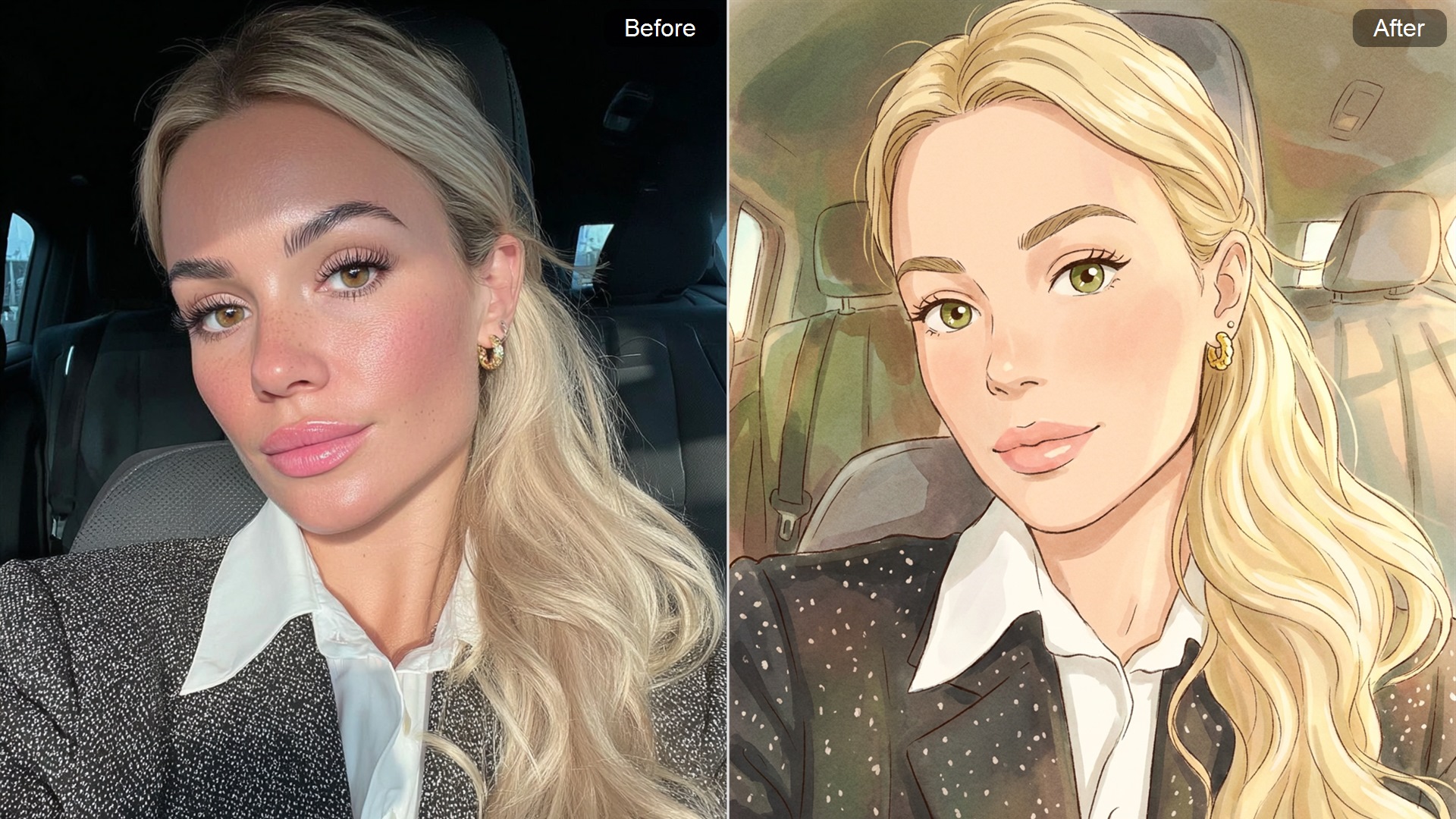
Start with One Sentence and Bring Your Original Character to Life
You do not need a complete character profile before you begin. Explain who the character is, then add a few details about their face, hairstyle, clothing, expression, and surroundings. “A young seaside mechanic with short curly hair, worn overalls, and a repair tool” gives the character more identity than “mechanic.” Start simple, review the first image, and refine the idea from there.
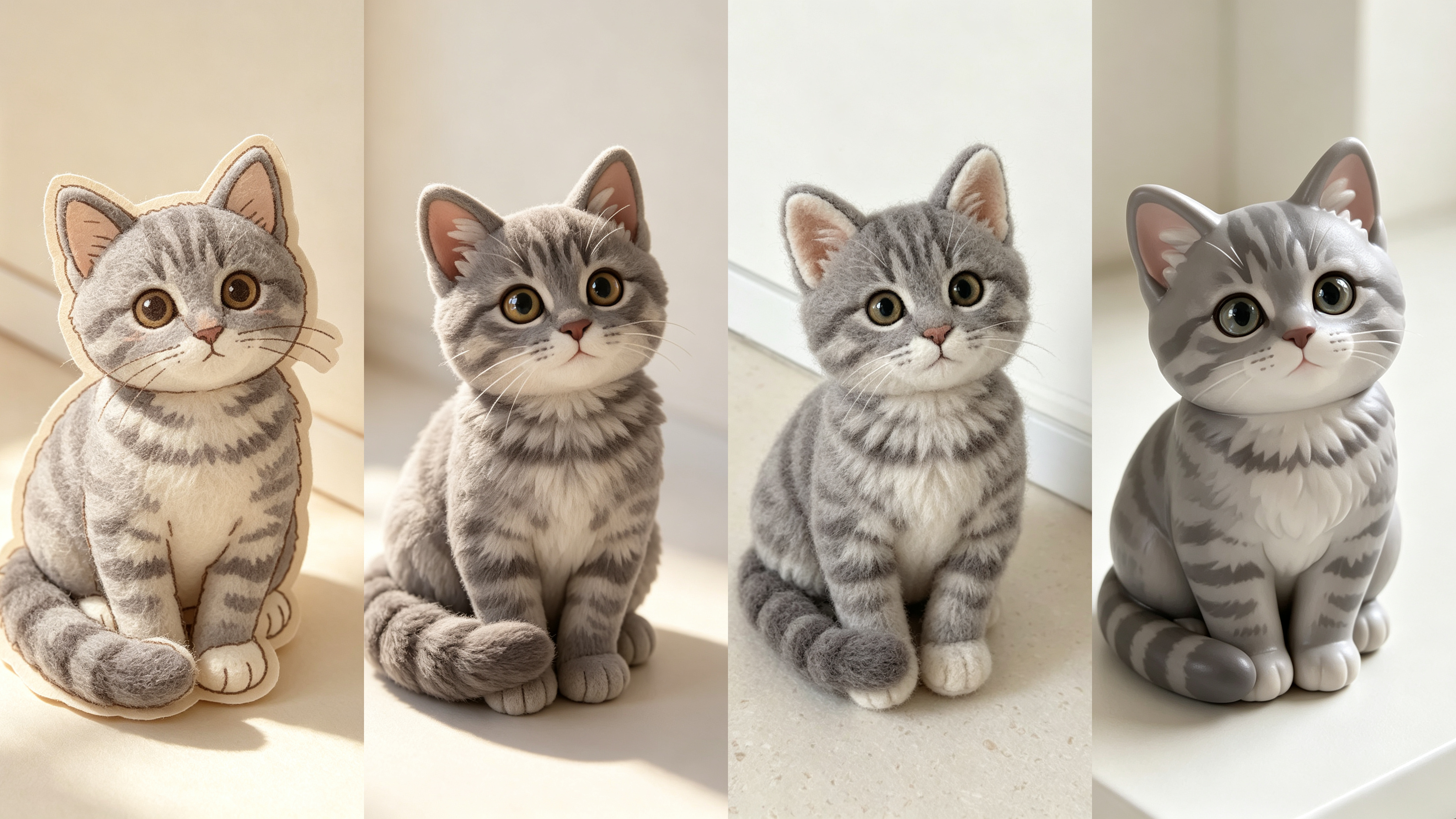
Make Your Character Look the Way You Imagined
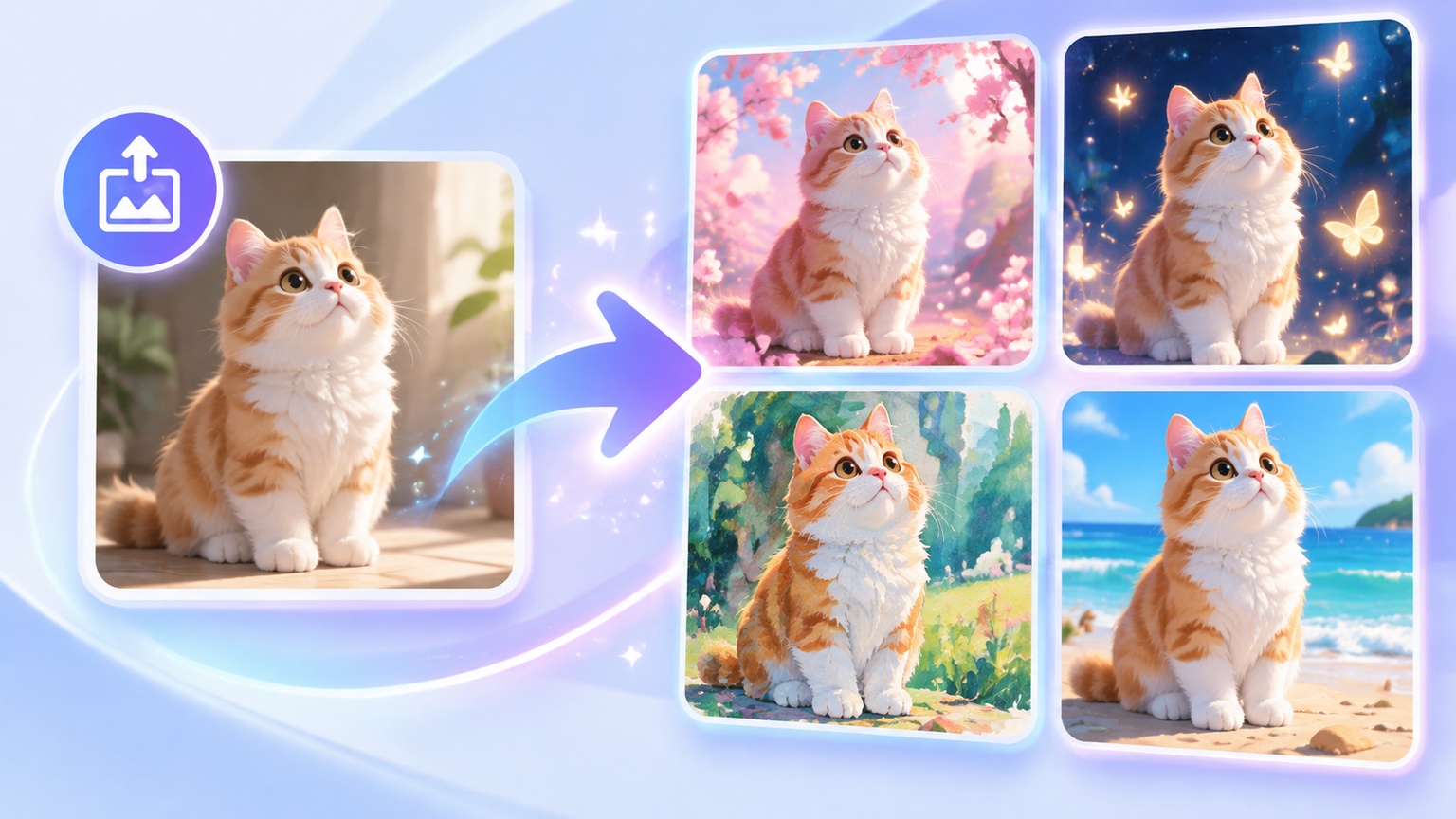
The same idea can become an anime, realistic, fantasy, cartoon, or cinematic character. Describe the visual style together with the composition you want, such as a close up portrait, full body view, side pose, soft lighting, nighttime street, or vintage outfit. Focus on the features that matter most and leave minor details open for natural variation.
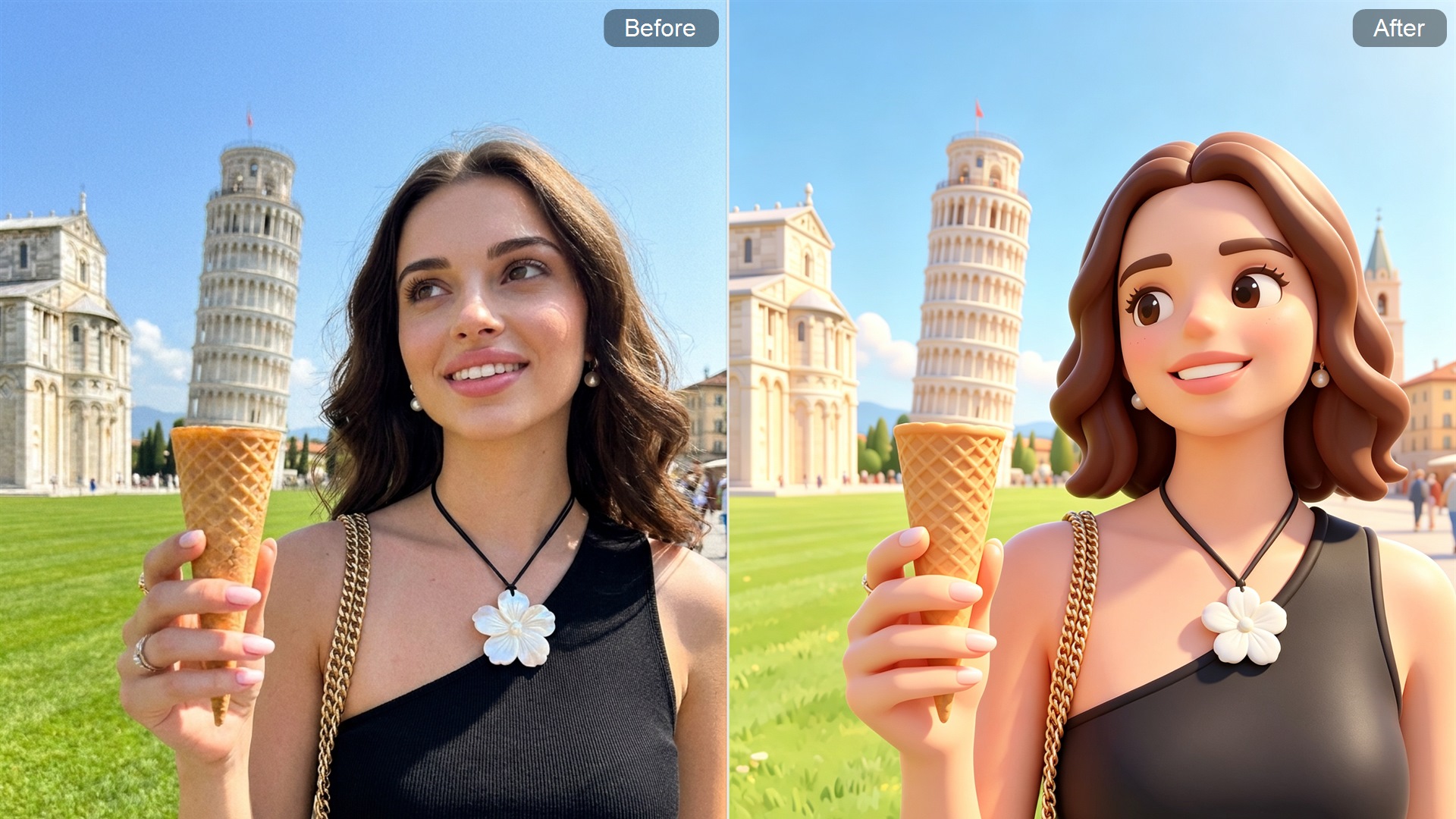
Create Characters for Stories, Games, and Personal Avatars
Create a story protagonist, supporting cast, game hero, villain, NPC, or personal avatar with a clear role in mind. A character made for a fantasy game may need a full body outfit and equipment, while a profile avatar may work better as a close portrait. Deciding where the character will appear often gives you better direction than adding a long list of unrelated adjectives.
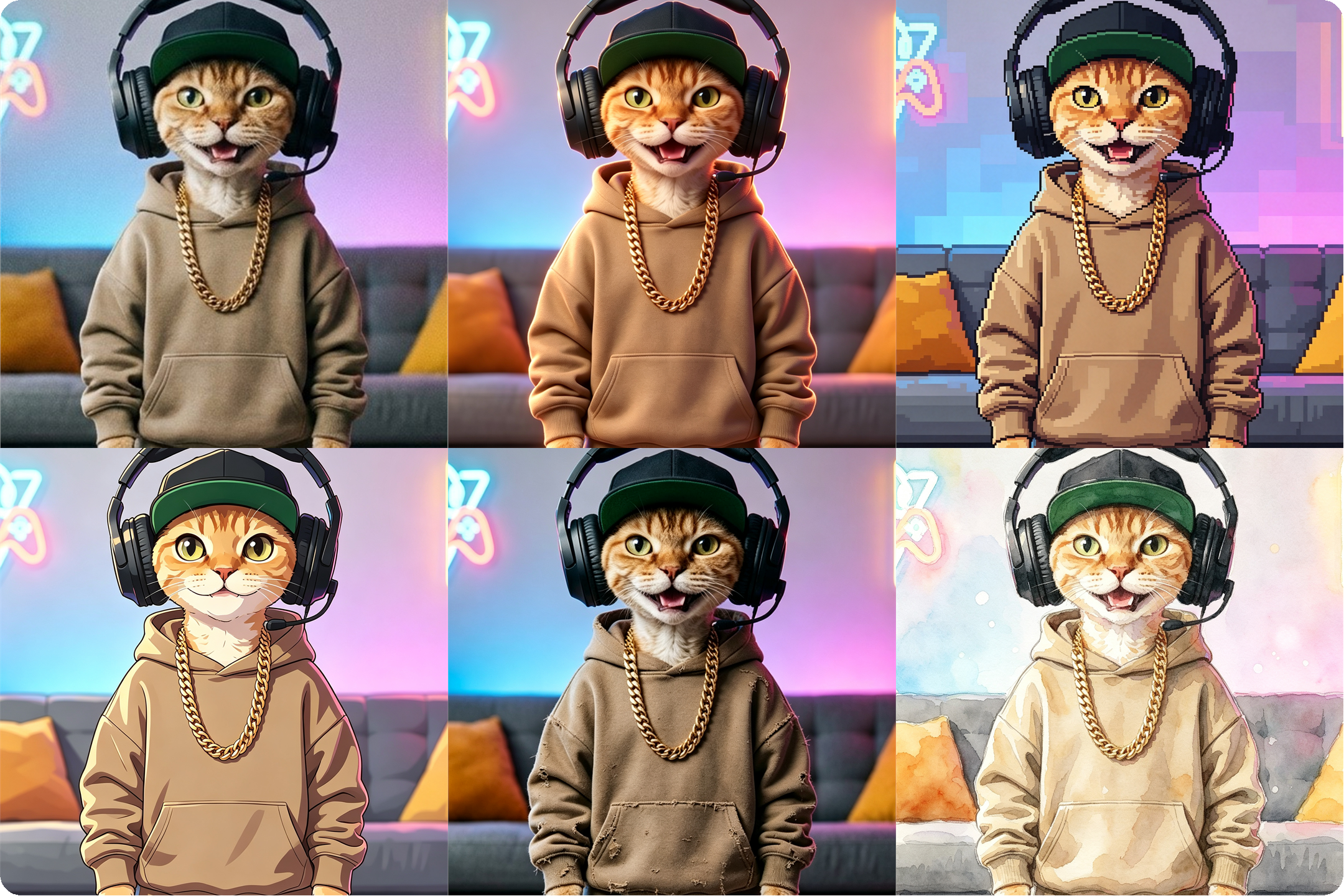
Keep Your Character Recognizable Across Images
When a character appears in several images, repeat the features people notice first, such as face shape, hairstyle, hair color, clothing colors, and accessories. Change only the pose, expression, background, or lighting when possible. Reusing the same reference image can also help. Results may still vary, but these steps can make the character easier to recognize from one image to the next.
How to Create a Custom Character Online
Upload Reference Image
Upload a character reference image, or describe the character’s identity, appearance, clothing, expression, and surroundings.
Generate Character Image
Submit the character concept and review the generated result to see whether the appearance and visual style match your idea.
Adjust the Details and Download the Result
Revise the details that need improvement, generate another result, compare the images, and download the character image that best fits your needs.
Explore More Ways to Develop Your Character
A finished character image can become the starting point for a new scene, a revised look, or a moving sequence. Continue with the creative path that fits what you want to make next while keeping the original character idea at the center.



Why Choose the Guma AI Character Generator
Guma AI brings character, image, and video creation tools into one browser based workspace. Start with a description or reference image, create a first result, and continue developing the idea without moving between separate websites.
Start Directly in Your Browser
Open the tool in a modern browser and begin with a description or reference image. No additional software installation is required.
Begin with Text or an Image
Write the character in your own words or upload one optional reference image. This makes it easy to begin whether your idea is already detailed or still taking shape.
Keep Image and Video Creation in One Place
A character idea does not have to stop at one image. Continue into other image or video creation paths when you want to develop the concept further.
Choose a Model Based on Your Creative Goal
Available image models may interpret faces, clothing, lighting, and art styles differently. Choose a model that suits the look you want, then compare the generated results.
Discover More Ways to Create Characters with AI
Choose an AI Image Model for Character Creation
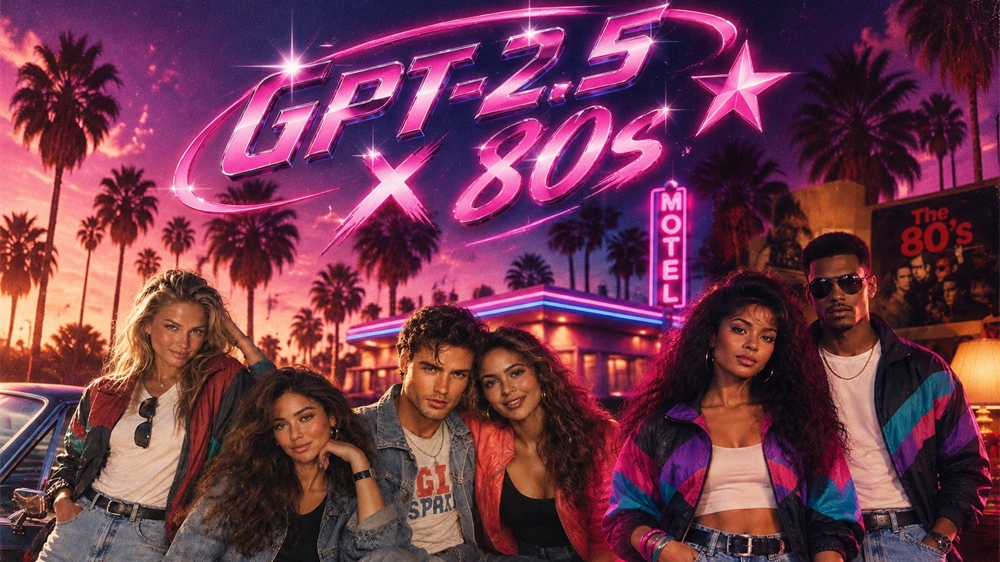
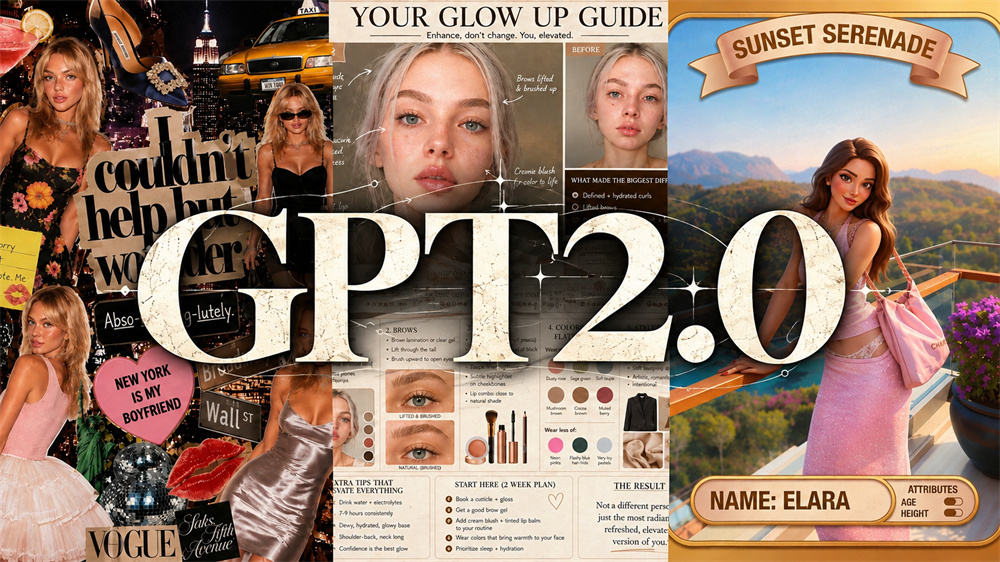
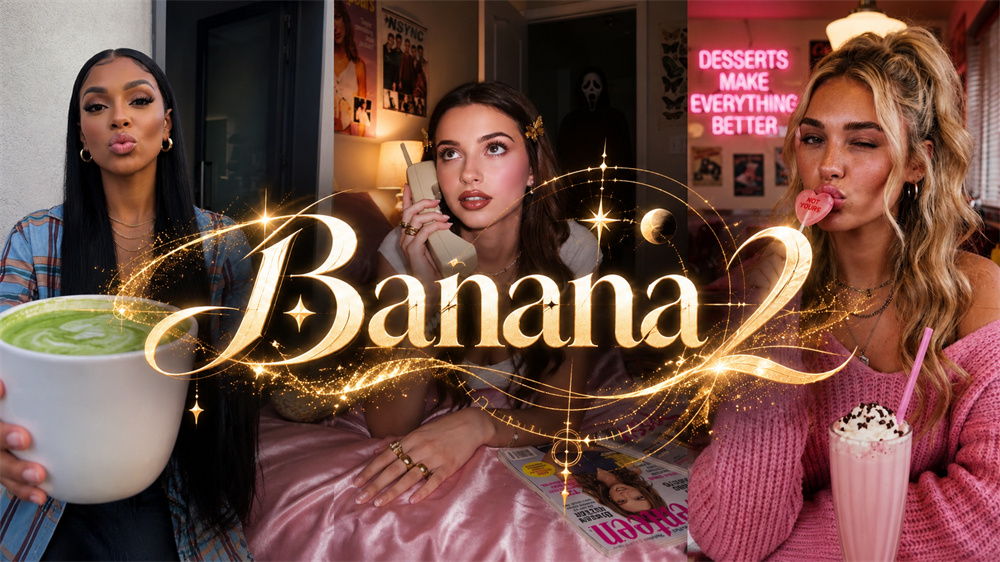
Different image models may interpret the same character description in different ways. Try the same idea with more than one available model, then compare the faces, clothing, lighting, and overall style to find the result that best matches your direction.
AI Character Generator Frequently Asked Questions
What Is an AI Character Generator?
An AI character generator is an online tool for creating character images from text descriptions or reference images. It can help you visualize story characters, game characters, anime characters, personal avatars, and original character concepts.
How Can I Create a Custom Virtual Character Online?
First, upload a reference image or enter a character description. Generate and preview the character image. If adjustments are needed, revise the appearance, clothing, pose, expression, setting, or visual style, then download the result that best matches your idea.
Can I Generate a Character Directly from Text?
Yes. A useful order is character identity, appearance, clothing, pose, setting, and visual style. Instead of entering only “female warrior,” add details about the hairstyle, armor color, expression, and surroundings so the intended character is clearer.
Can I Upload My Own Image as a Reference?
Yes. You can upload one optional reference image in JPG, JPEG, PNG, or WEBP format. The image file can be up to 10 MB.
Can I Create Anime and Game Characters?
Yes. You can specify anime, fantasy, realistic, cartoon, or cinematic styles in your description. You can also explain whether the character is a game hero, NPC, story villain, adventurer, or another type of person.
How Can I Generate a Full Body Character?
Clearly include phrases such as “full body view,” “complete standing pose,” or “visible from head to toe” in the description. Add details about clothing, shoes, pose, and background. If you only describe facial features, the result is more likely to appear as a portrait or half body composition.
How Can I Keep a Character Similar Across Multiple Images?
Repeat important details such as face shape, hairstyle, hair color, clothing colors, and accessories in every description. When changing the scene, adjust only the pose, background, expression, or lighting when possible, and reuse the same reference image. This can improve recognition across images, but it does not guarantee identical results.
What Should I Do If the Generated Character Does Not Match My Idea?
Check whether the description contains conflicting details, then clarify the most important appearance, clothing, and style information. Adjusting a small number of details at a time makes it easier to understand which parts of the description are influencing the result.
Can I Download the Generated Character Image?
Yes. Preview the generated results, choose the character image that best fits your idea, and download it to your device. The image can support story planning, game concepts, avatar design, and other personal creative projects.
Can I Use the Tool If I Cannot Draw?
Yes. You only need to describe the character you want in everyday language. You do not need drawing skills. Starting with a simple idea and adding details after seeing the result is often easier than trying to complete the entire character concept at once.
Do I Need to Install Any Software?
No. The tool works online in a browser. Open the page, enter a character description or upload a reference image, and begin creating.