
Model
empty
Nano Banana 2 AI Image Generator
The AI Image Generator That Gets The Words Right. Tired of mangled text, distorted hands, and waiting on sluggish rendering bars? Nano Banana 2 was built to end that headache. Describe your vision in plain English, specify the exact text you need, and let Guma render publication-ready visuals in seconds.
Explore Other Nano Banana Models
Explore More Nano Banana Capabilities
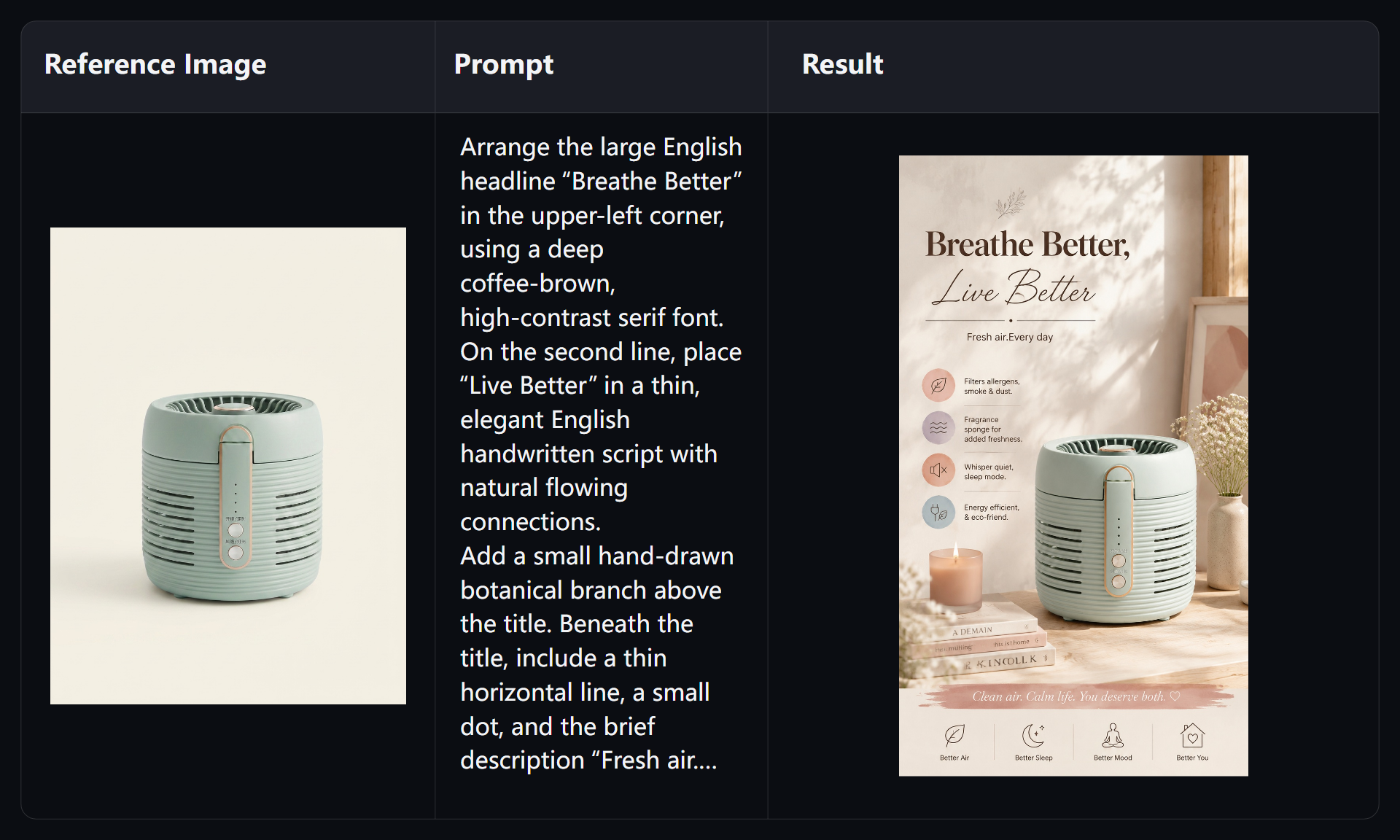
Render Clean Typography and Logos Directly Inside Your Images
No more switching back to Photoshop just to lay down a legible headline. Nano Banana 2 bridges the gap between language understanding and image synthesis. Enclose your required wording in quotes within your prompt, and watch brand logos, taglines, or product labels render with clean fonts and accurate alignment.
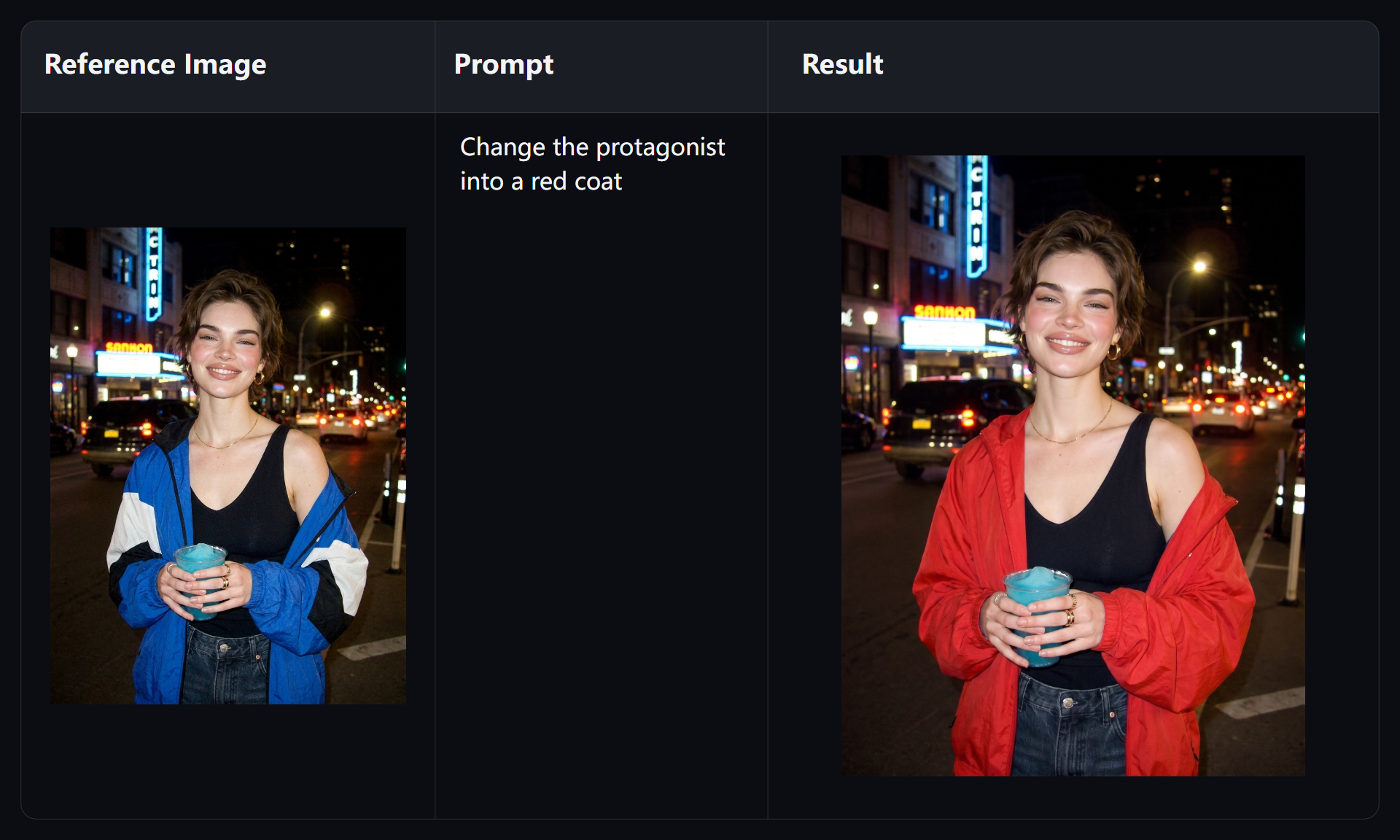
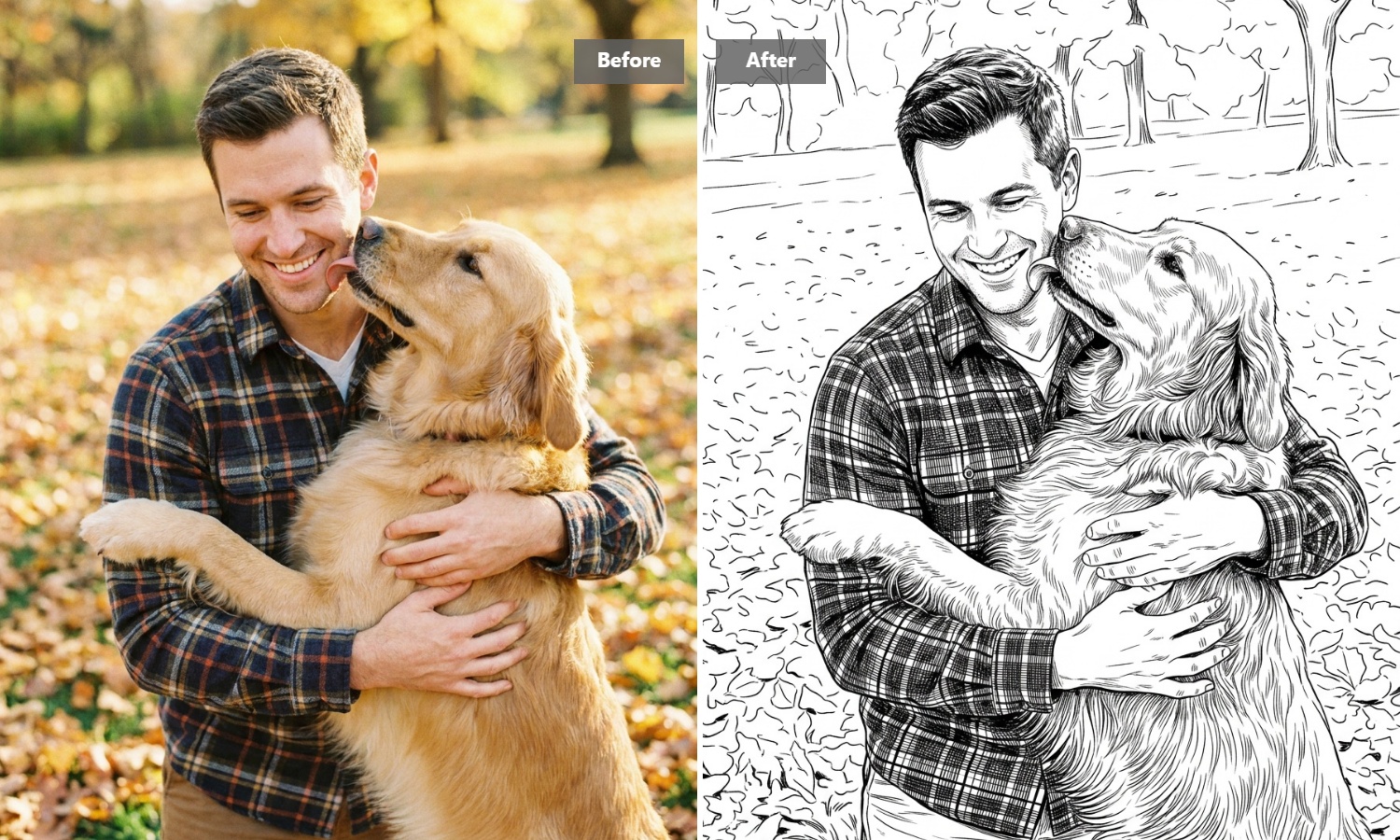
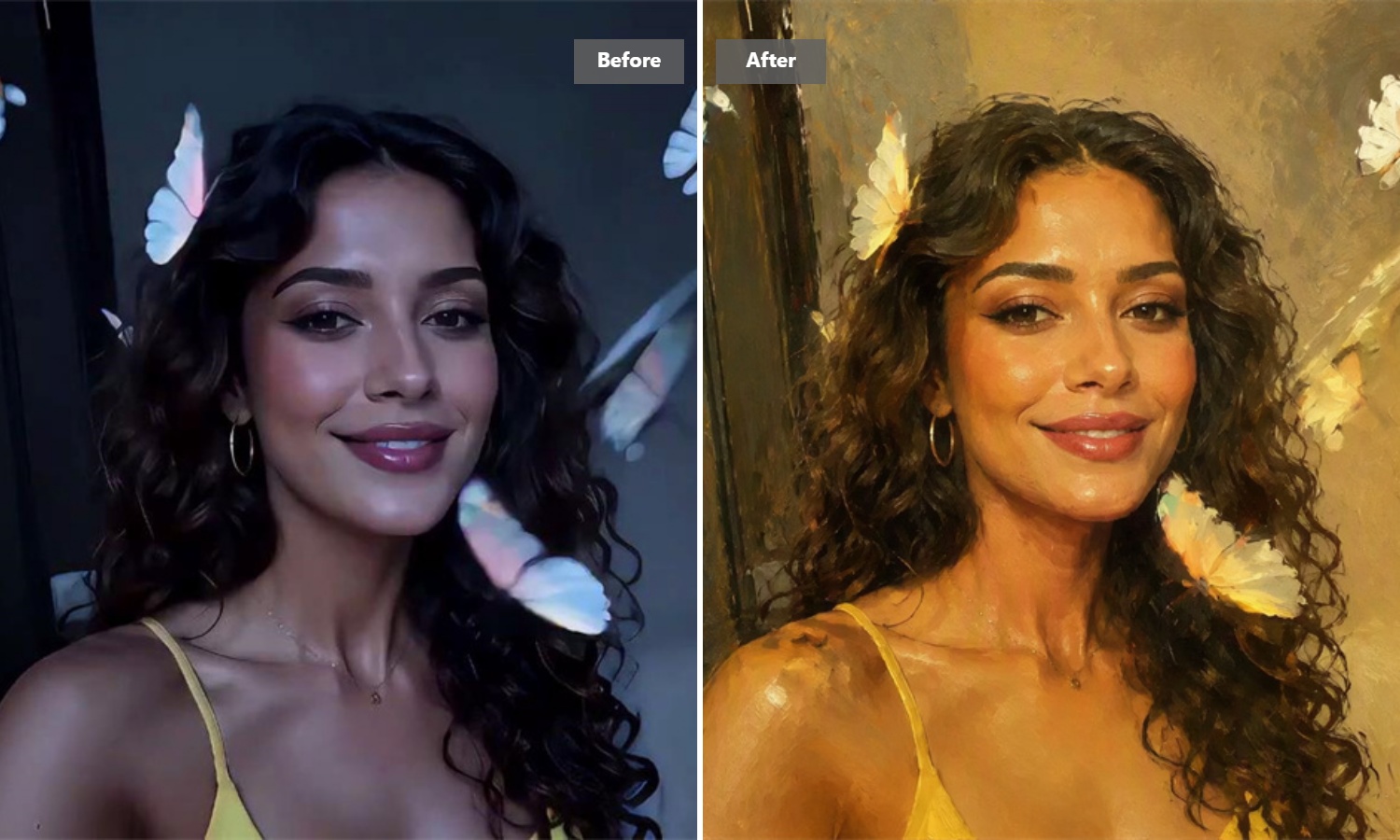
Edit Existing Photos Using Simple Conversational Instructions
Need to swap out a background or change a product's color scheme? Skip the tedious manual lasso tools and complex layer masks. Upload your image, type a quick edit like "replace the coffee mug with a green tea cup," and let Guma handle lighting, shadows, and edge blending automatically.
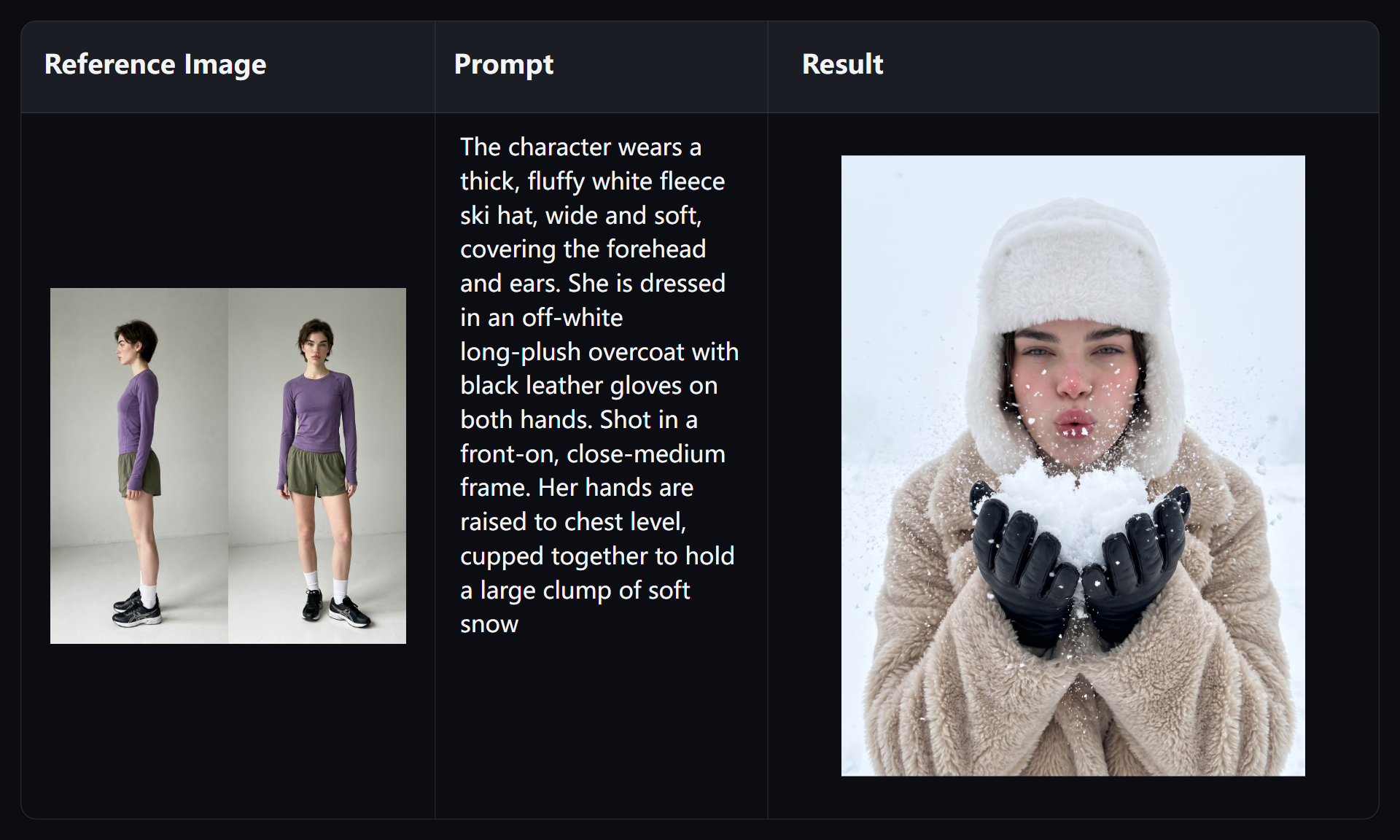
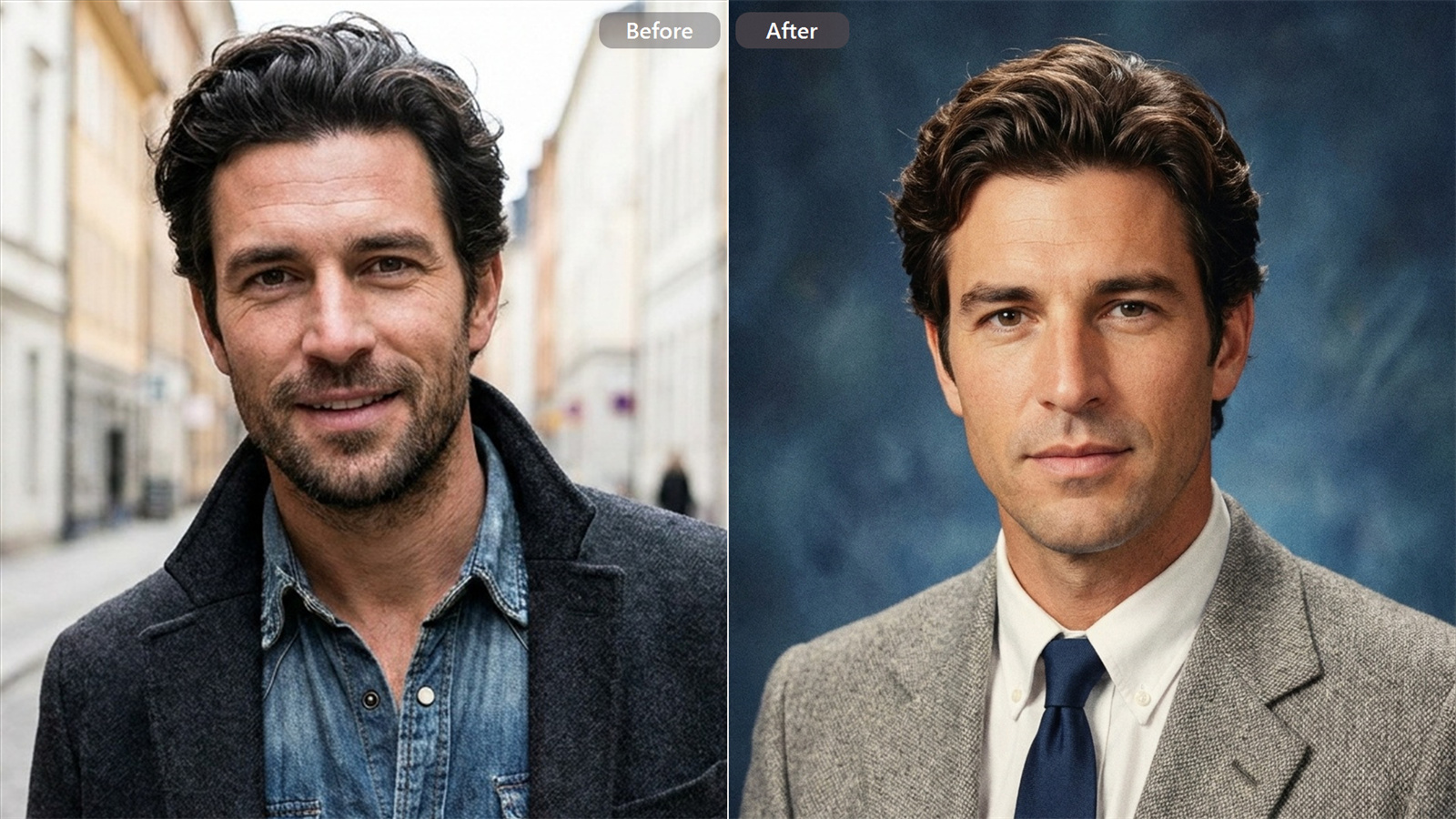
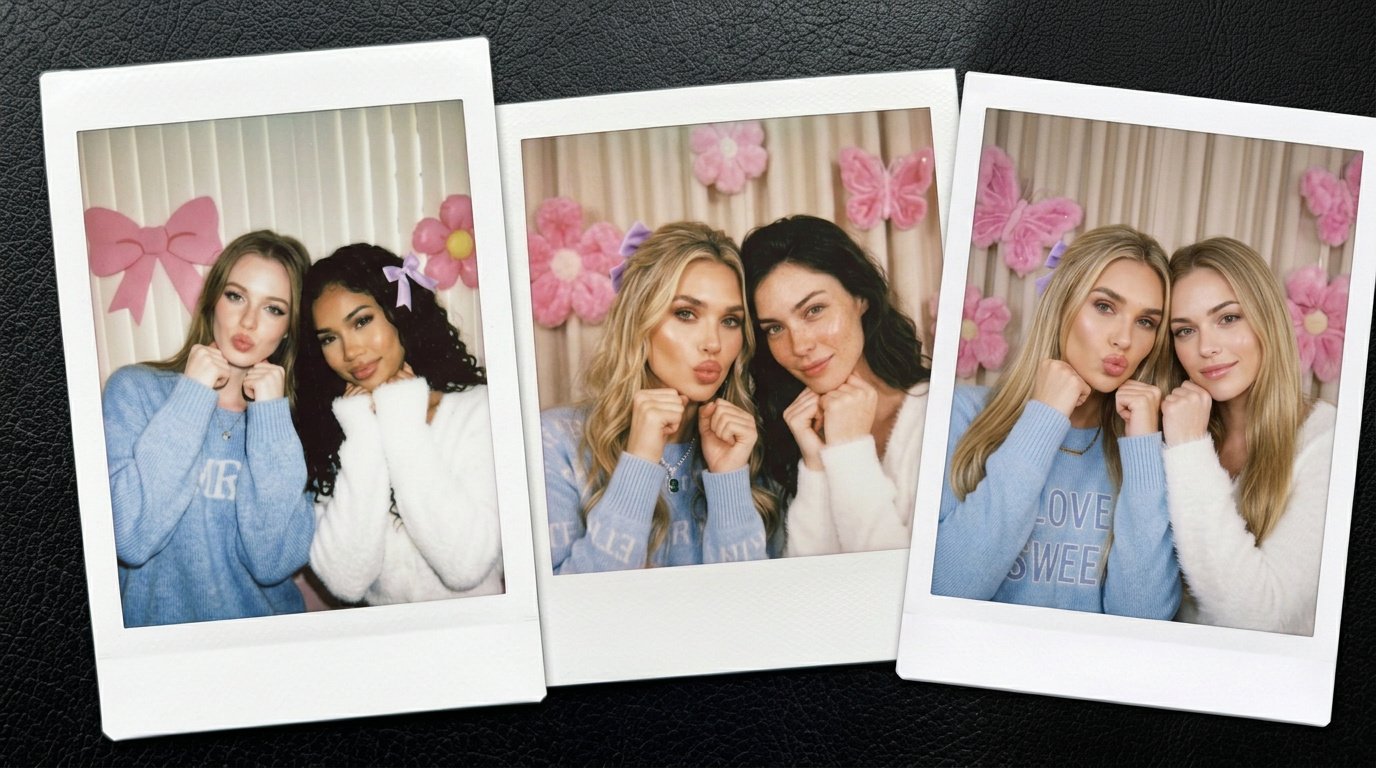
Keep Your Subject's Face and Style Consistent Across Scenes
Storyboarding a campaign or illustration series usually breaks down when your subject looks like a different person in frame two. By uploading a reference image, Guma locks in facial features, wardrobe details, and artistic tone—whether your subject is on a snowy peak or a neon-lit street.
Export clean visuals ready for print, web, or transparent backgrounds.
Whether you need a full-scale commercial poster or a isolated product graphic with a transparent background, Guma delivers clean, production-ready exports directly from your prompt. Spend less time cleaning up edges and more time shipping your creations.
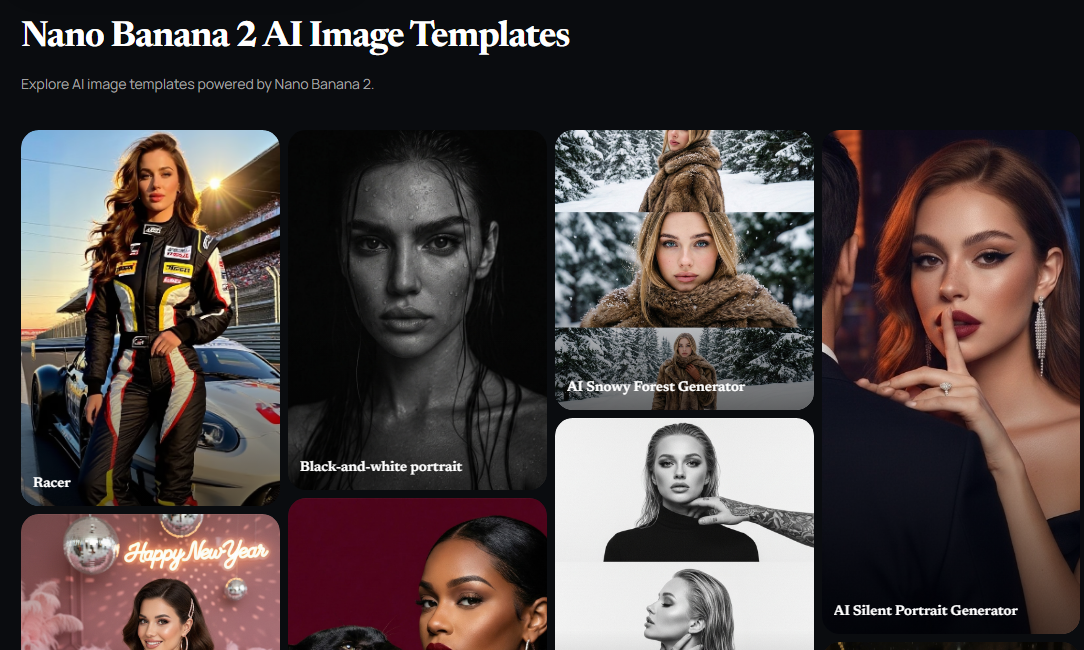
Jumpstart Your Projects with Ready-to-Use Commercial Layouts
Don't stare at an empty prompt box wondering where to start. Browse our curated library of commercial photography, crisp e-commerce product shots, 3D icons, and social media banners. Pick a composition you like, swap out the main subject with your product, and inherit professional lighting right away.
Three Simple Steps to Production-Ready Visuals
Upload or Describe
Drop in a reference photo or type out the scene living in your head.
Generate Instantly
Choose your preferred aspect ratio and hit generate to render in moments.
Download & Export
Download your high-res asset immediately, or type a quick follow-up to fine-tune details.
Explore More Creative Tools
Frequently Asked Questions
Can I try Guma for free?
You can easily get started with Guma by registering a free account to explore the platform. To unlock higher generation caps, priority queueing, and advanced editing features, you can explore image-to-image capabilities through a suitable subscription plan at any time.
What makes Nano Banana 2 different from older AI image generators?
The biggest shift is conversational comprehension and accurate typography. Older models often garble text or fail complex multi-object prompts. Nano Banana 2 handles inline text rendering and plain-English editing naturally, so you don't have to memorize convoluted prompt hacks.
Can I use the images I generate for commercial projects?
Yes. You retain full ownership and usage rights for every asset created on Guma. Feel free to use your generations for client pitch decks, ad campaigns, printed marketing materials, or e-commerce stores without licensing friction.
What if I need to tweak a minor detail on my generated image?
You don’t need to burn credits re-rolling from scratch. Use our conversational edit feature directly on your image. Tell the AI what to tweak (e.g., “make the background lighting warmer” or “remove the clutter on the left”), and it will modify only that region while keeping your core subject intact.