
empty
Nano Banana 2.1 AI Images Generator
Bring your ideas to life with Nano Banana 2.1 on Guma. Built for smooth visual creation, Nano Banana 2.1 lets you keep your main character or subject consistent while updating backgrounds, outfits, and scene details on demand. Turn natural language prompts and reference images into detailed artwork, vibrant character portraits, and creative graphics in crisp 4K resolution.

Why Choose Guma for Nano Banana 2.1
Guma provides a smooth, creator-friendly platform to explore the full capabilities of the Nano Banana 2.1 model. Whether you are building character concept art or tweaking existing scenes, Guma gives you intuitive tools for precise visual control and effortless artistic creation.
Keep the subject, change the scene
Lock your original subject details and reference features, then instantly generate new backdrops, atmospheric environments, and artistic settings without losing key traits.
Keep the person, change the look
Maintain consistent facial features while exploring creative costume variations, new hairstyles, or dynamic artistic lighting styles across different scenes.
Clear text and artistic typography
Render clean, legible lettering, headlines, and stylized captions directly inside your visual compositions without relying on extra graphics software.
Multi-turn edits with simple prompts
Refine specific image zones through interactive text notes to update background elements or adjust colors while preserving surrounding lighting and depth.
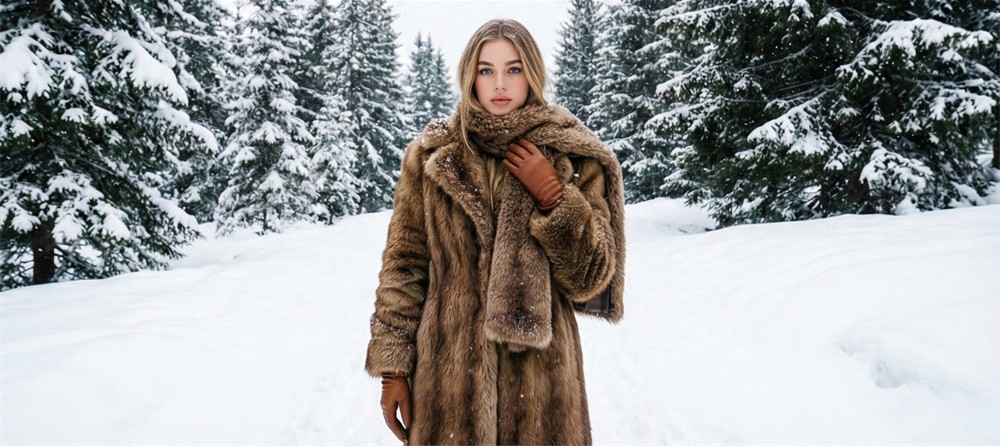
Lock main character details while exploring new background scenes
Upload your character references to hold facial features, signature traits, and visual style steady. Nano Banana 2.1 generates diverse seasonal backgrounds, artistic environments, and fresh fantasy scenes while keeping your original subject recognizable across every image.

Explore costume variations and styles while keeping facial identity
Test creative character outfits, armor designs, and fashion variations without losing your character's recognizable features. Generate multiple artistic lookbooks with updated color palettes and dynamic poses for your digital artwork.
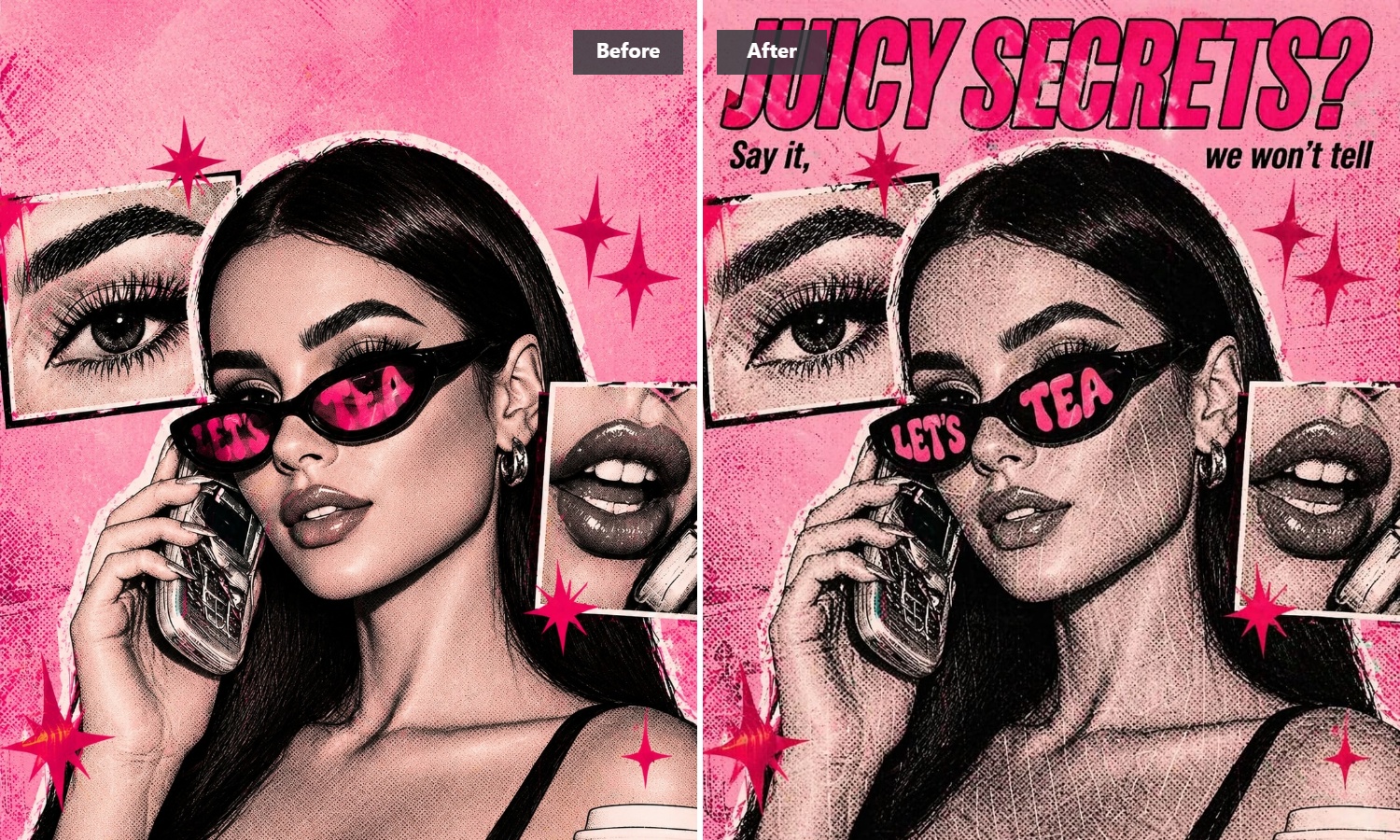
Render readable text and stylized captions inside your artwork
Add clear text elements, event titles, and stylized captions directly into your creative posters and graphics. The model understands spatial layouts and spelling, delivering legible text embedded seamlessly into your final composition.
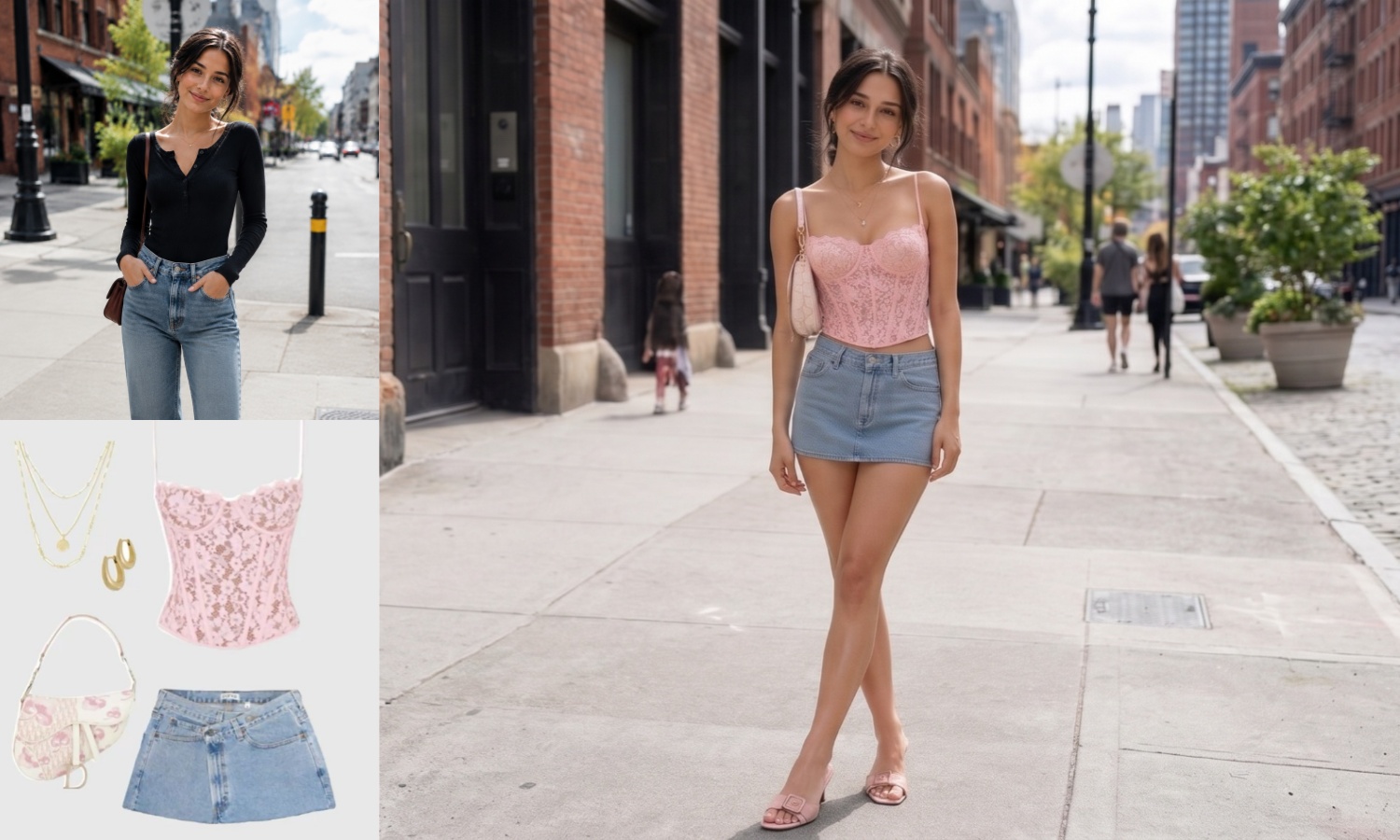
Make localized image edits using plain language instructions
Adjusting your generated pictures is as easy as describing what you want. When you want to modify a coat color, adjust lighting, or update a minor detail, simply type your instruction to refine target areas while keeping the overall scene intact.
Ready-to-Use Creative Prompts and Visual Styles
Explore a variety of artistic styles optimized for Nano Banana 2.1. Access pre-tested style setups including anime character designs, digital concept art, cinematic fantasy lighting, and creative illustration layouts. Pick a style, customize the prompt words, and generate your artwork fast.
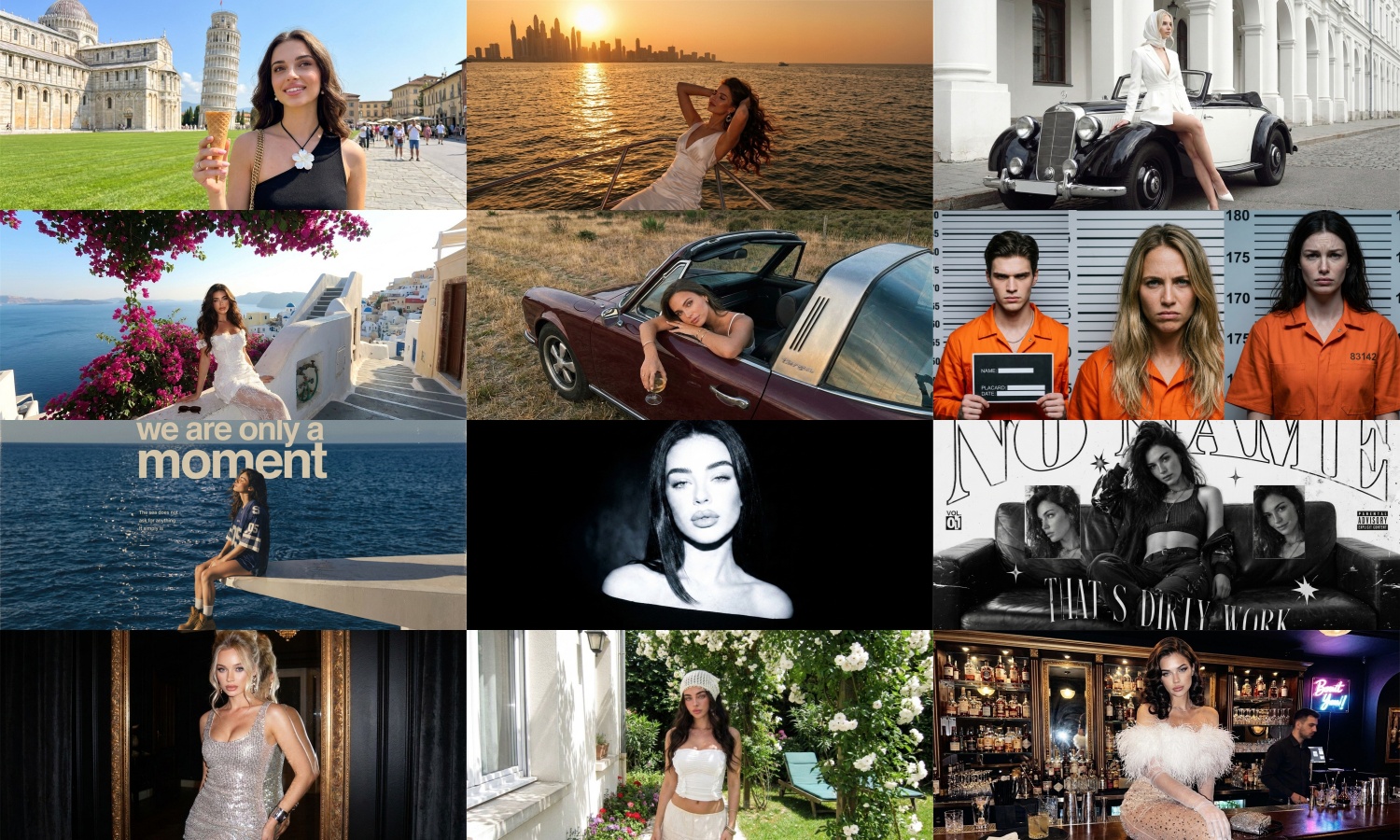
How to Create AI Images with Nano Banana 2.1
Select the Nano Banana 2.1 Model
Head over to the image generator, open the model drop-down menu, and select Nano Banana 2.1.
Add Your Input Details
Type in your text prompt, or upload reference images to guide character features and visual style.
Generate and Download Your Image
Click Generate, refine any local spots if needed, and download your final high-resolution 4K image once rendering is complete.
Explore Popular AI Picture Generators and Models
Discover More Creative AI Image Tools
Frequently Asked Questions About Nano Banana 2.1
How does "Keep the subject, change the scene" work in practice?
You upload your character or subject photos as reference anchors. The model recognizes the key visual features—such as facial traits and main elements—and generates fresh background environments while preserving the subject's identity.
Can I use Nano Banana 2.1 to create multi-frame character stories?
Yes. By attaching character reference shots, you can hold facial traits, hair structure, and signature clothing consistent across different action poses, expressions, and environmental settings.
How well does it handle text rendering in images?
Nano Banana 2.1 renders clear, legible lettering in English and multiple scripts. It is designed to include headlines, stylized labels, and readable text captions directly within your visual creations.
Can I make quick adjustments without starting from scratch?
Yes. You can use simple conversational commands (such as "change the night sky to a sunset glow") or highlight specific areas to edit. The model updates the requested region while keeping surrounding lighting and style balanced.
What resolution formats are supported for export?
The model exports images up to 4K resolution across 14 aspect ratios, ranging from vertical story formats to wide panoramic layouts, ensuring your artwork looks crisp on any screen.