
empty
GPT Image 2.5 AI Image Generator
Turn simple text prompts and rough drafts into clean, commercial-ready visual assets. Built for creators, marketers, and teams who need precise control without mastering complex prompt engineering, GPT Image 2.5 lets you retouch localized details, render crisp in-image text, and maintain total character consistency across every creative iteration.
What Makes GPT Image 2.5 Different
Built for creator workflows that demand pixel-level precision, non-destructive editing, and zero prompt-guessing.
Smart Scene Control
Blends new edits smoothly with realistic lighting, shadows, and depth.
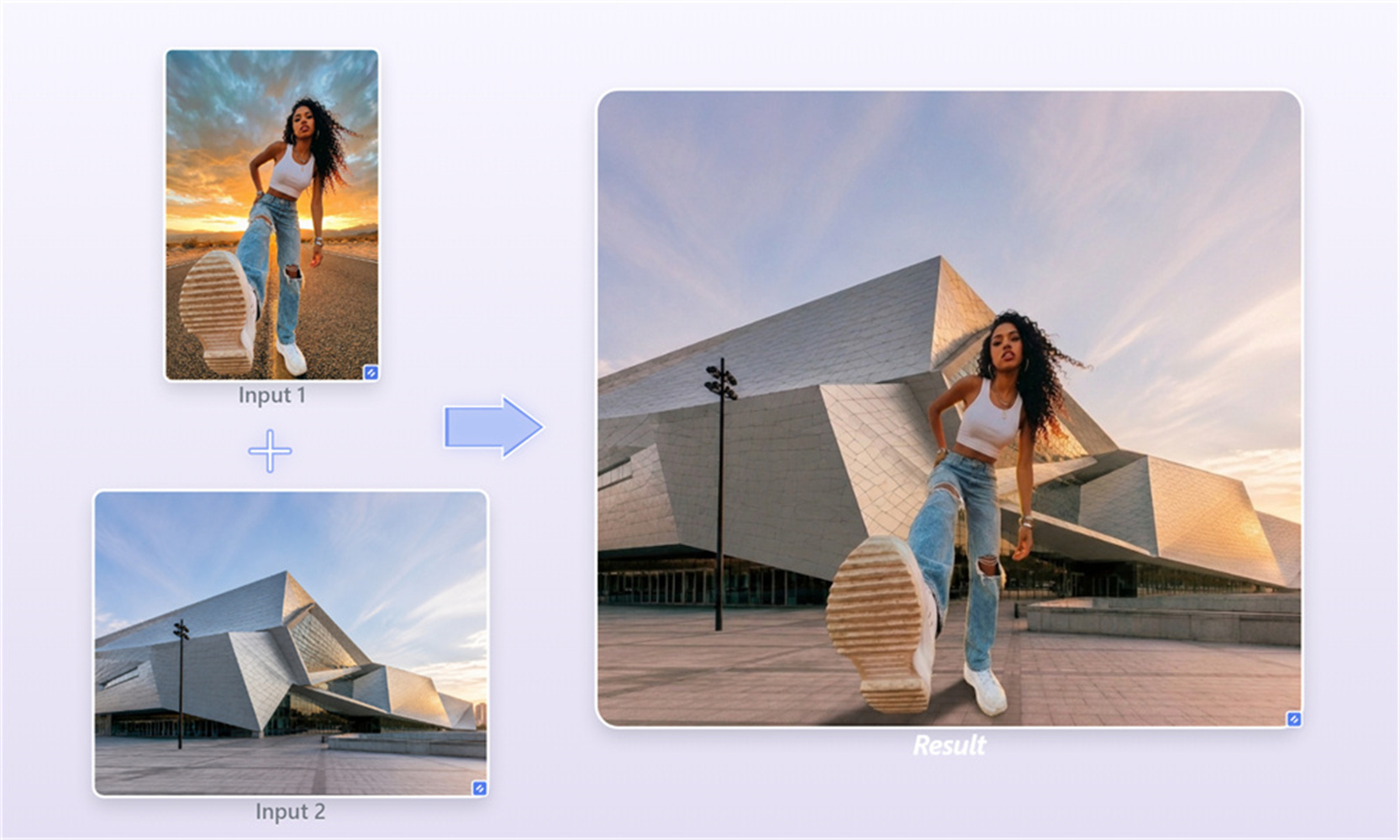
Multi-Reference Fusion
Merge up to 16 pictures seamlessly without losing visual quality.
Native Alpha Masking
Export clean cutouts on transparent layers for fast graphics work.
Low Re-Roll Friction
Follow complex visual prompts on the first try to save your time.

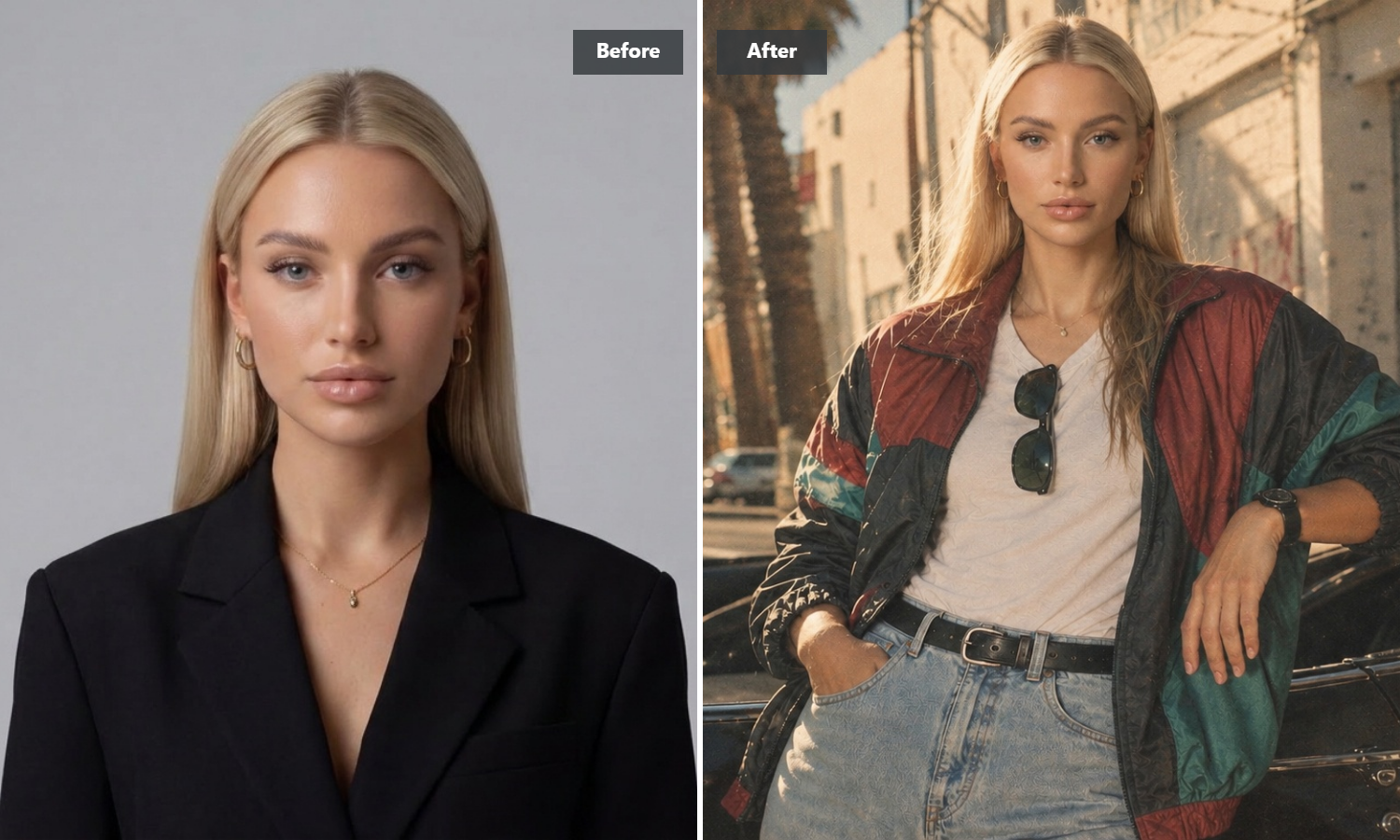
Keep the Same Character Across Every Scene
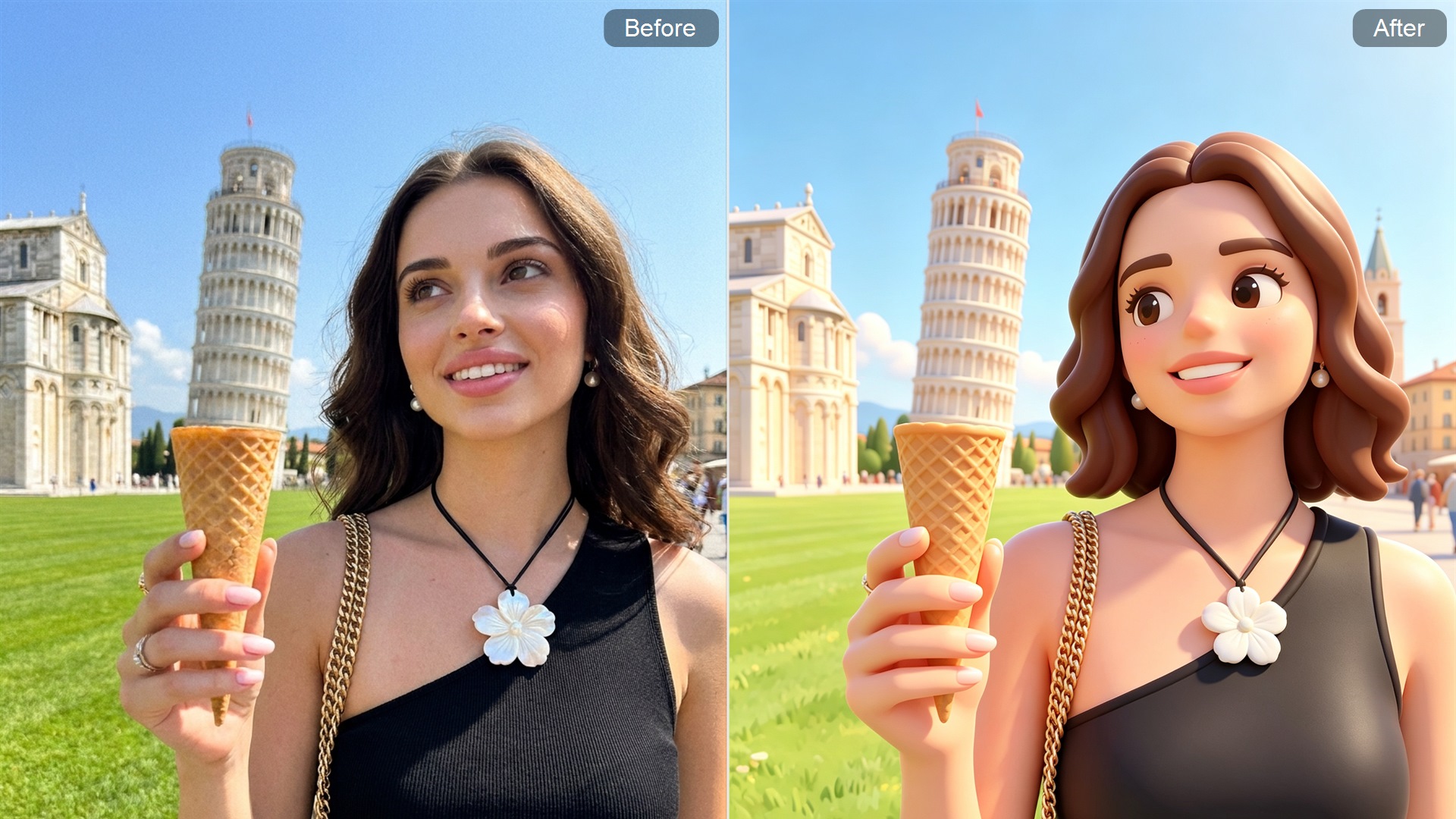
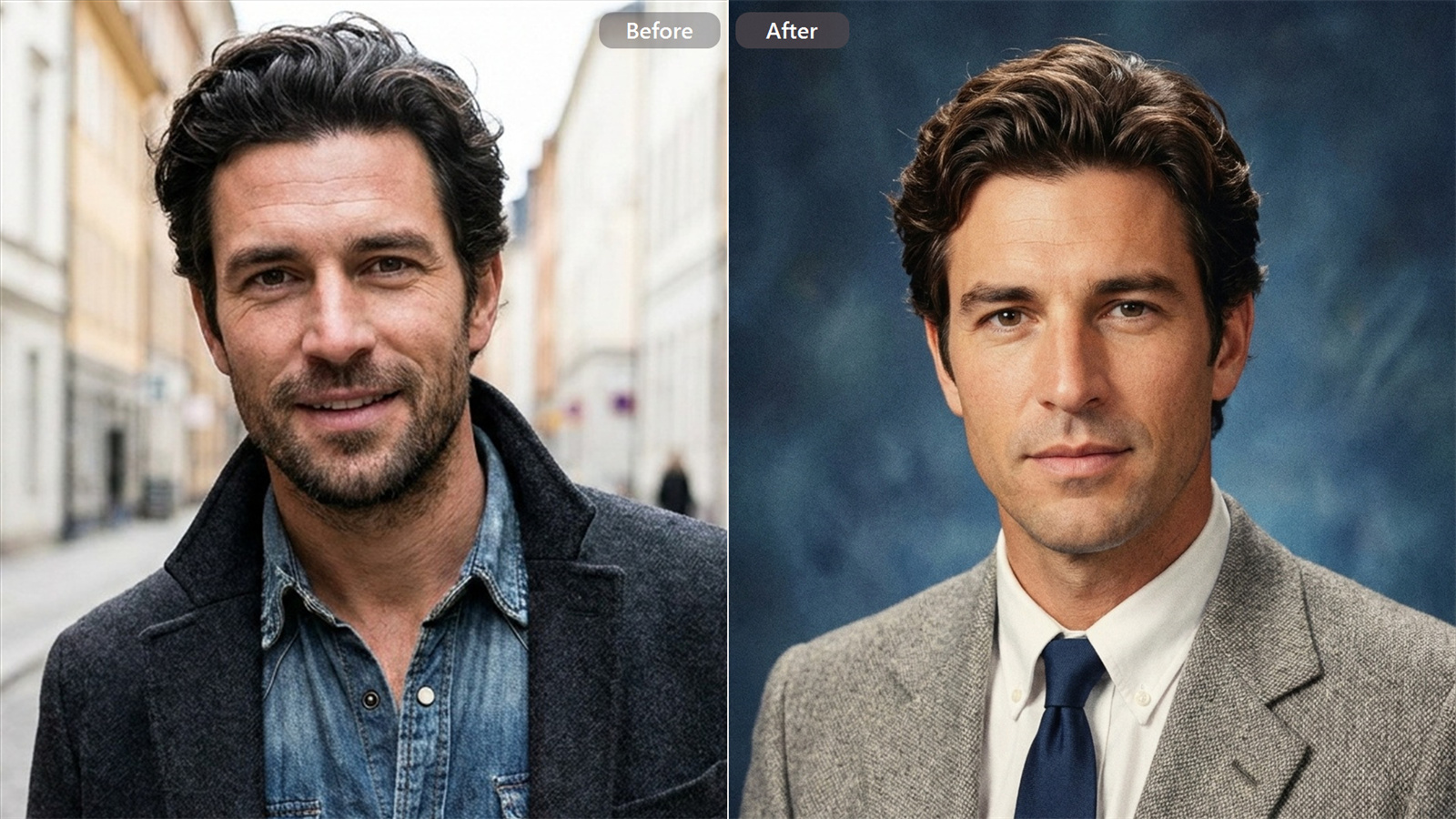
Adjusting your prompt shouldn't give you a totally different face every time. This model locks in facial structures, hairstyles, and outfits across multiple creative iterations. Feel free to shift the scene, tilt the camera angle, or alter the background lighting while keeping your core subject completely recognizable from shot to shot.

Tweak Specific Details Without Starting Over
Highlight a tiny region to swap out a small item or fix an unwanted flaw. The editor updates only the selected spot while keeping the rest of your composition untouched, blending shadows and ambient light naturally.
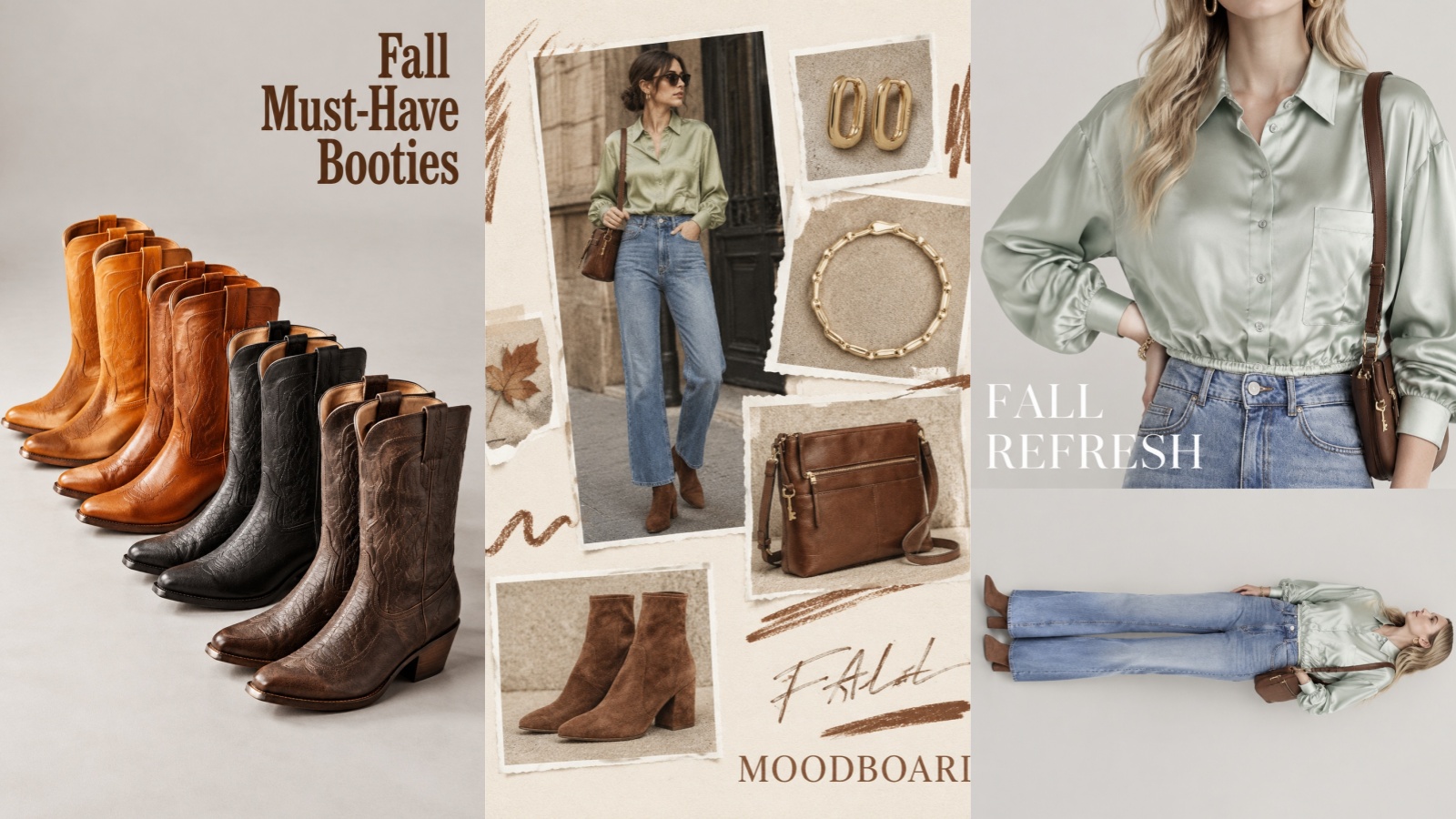
Add Readable Text Right Inside Your Visuals
Put readable words, clean labels, and crisp logos directly into your posters and packaging concepts without having to jump into a secondary design program just to type headline text.
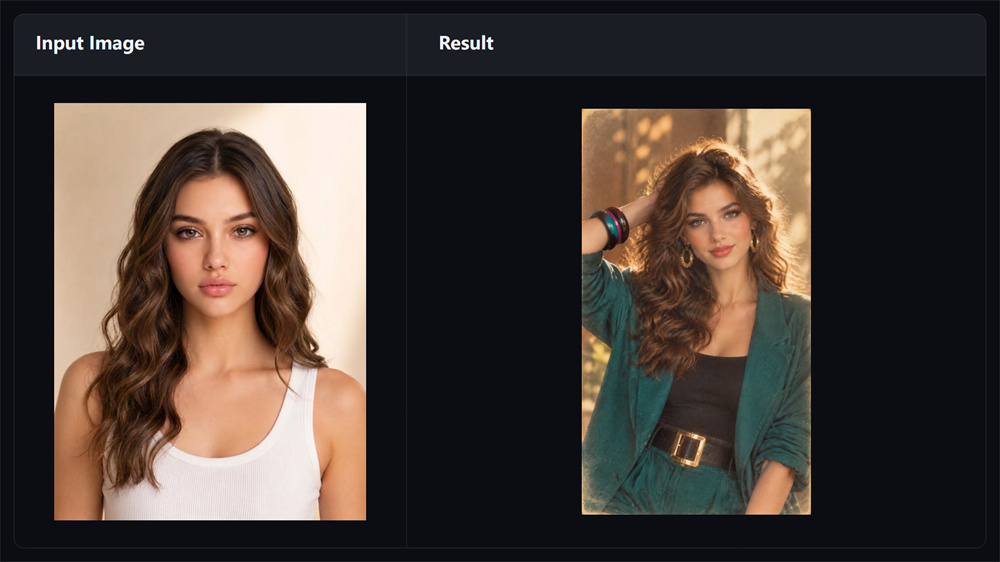
Quick Visual Feedback for Faster Editing
With rendering responsiveness tuned for active editing, you get instant visual feedback that keeps your creative momentum flowing smoothly while testing client ideas, iterating concepts, or refining marketing graphics.
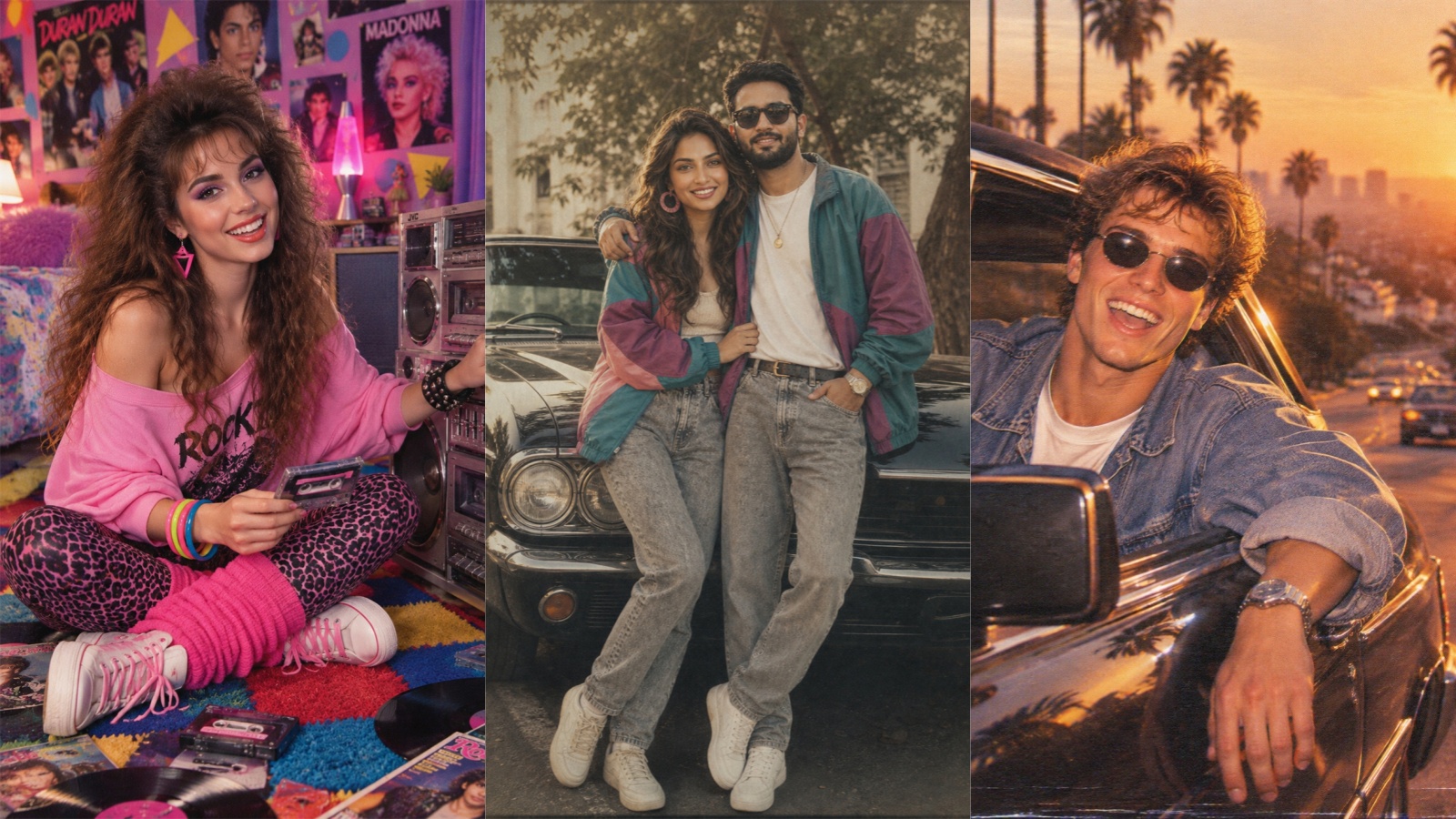
Creative Prompt Inspiration & Visual Style Ideas
Stuck on what to type? Browse through curated visual examples on Guma. Discover ready-to-use style ideas and visual directions to help you turn quick inspiration into finished artwork.
How to Create & Edit Visuals
Select GPT Image 2.5 Model
Go to the Guma AI image to image page, then choose GPT Image 2.5 from the model dropdown menu.
Add Your Input Content
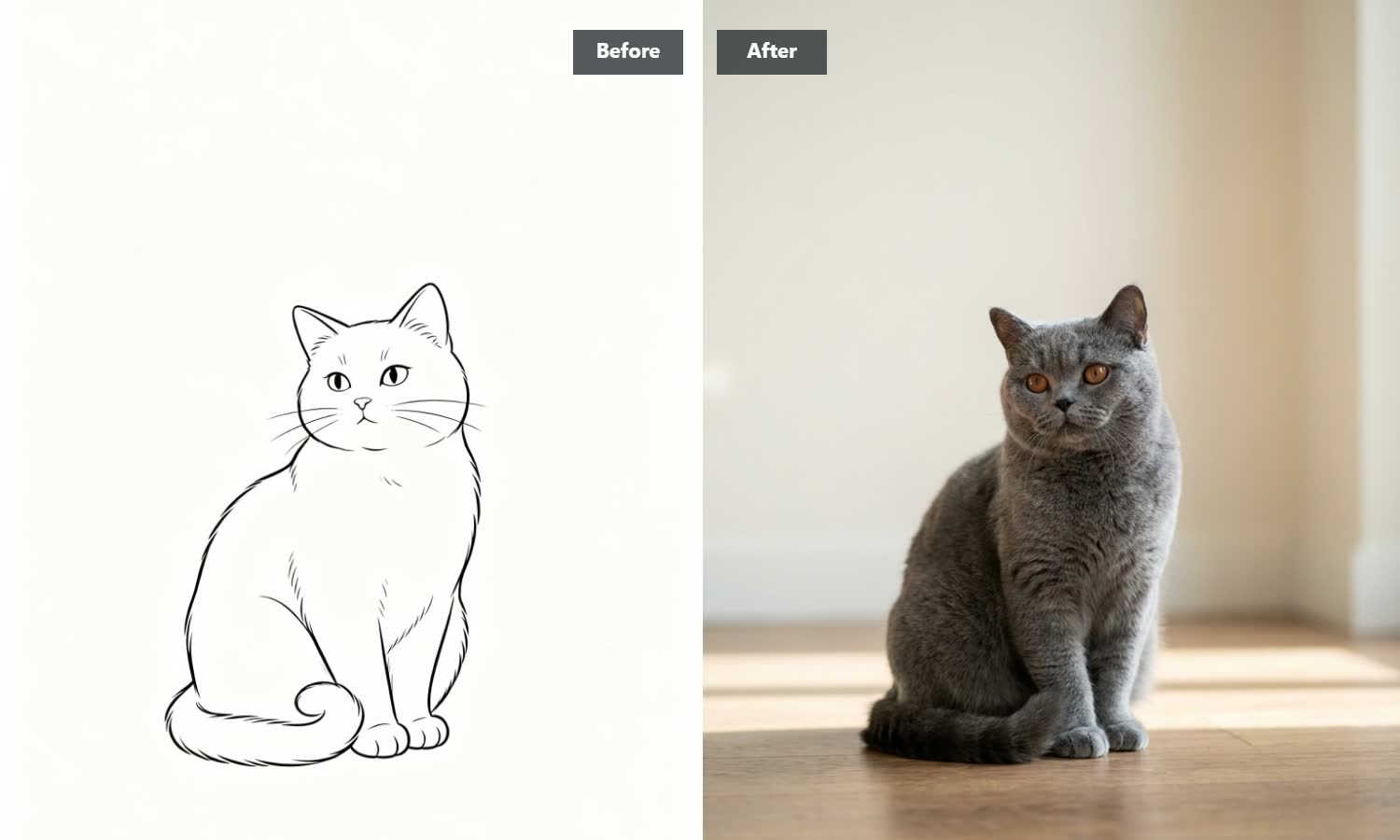
Enter a detailed text prompt, or upload a reference image sample to guide the generation.
Generate & Export Your Image
Click “Generate,” fine-tune any specific areas if needed, and download your high-resolution PNG or JPG files once rendering finishes.
Explore More GPT Image 2.5 Models
Explore More AI Image & Video Creation Tools
Frequently Asked Questions
Why choose Guma to use GPT Image 2.5?
Guma combines the raw generation power of GPT Image 2.5 with a streamlined, editor-friendly interface. You get direct access to local inpainting tools, intuitive multi-turn character tracking, and zero-friction export workflows without jumping between complicated menus.
What makes GPT Image 2.5 different from older image models?
The biggest upgrades are speed and control. Generation runs much faster, characters stay identical across continuous edits, and text renders clearly inside the image without strange spelling errors.
How does character editing work across multiple prompts?
The model remembers key visual anchors such as face shapes, clothing textures, or brand elements. When you request a change, it updates only what you ask for and leaves your core subject intact.
Can I remove background elements for product graphics?
Yes. You can generate subjects with clear background separation, making it simple to place products or isolated graphics straight onto transparent backgrounds for your web shop or sales decks.
How precise is the targeted photo editing?
You can pick exact spots to alter, such as changing a shirt color, adding a shadow, or replacing a prop, without distorting surrounding textures or shifting the ambient lighting.