
AI Image Combiner
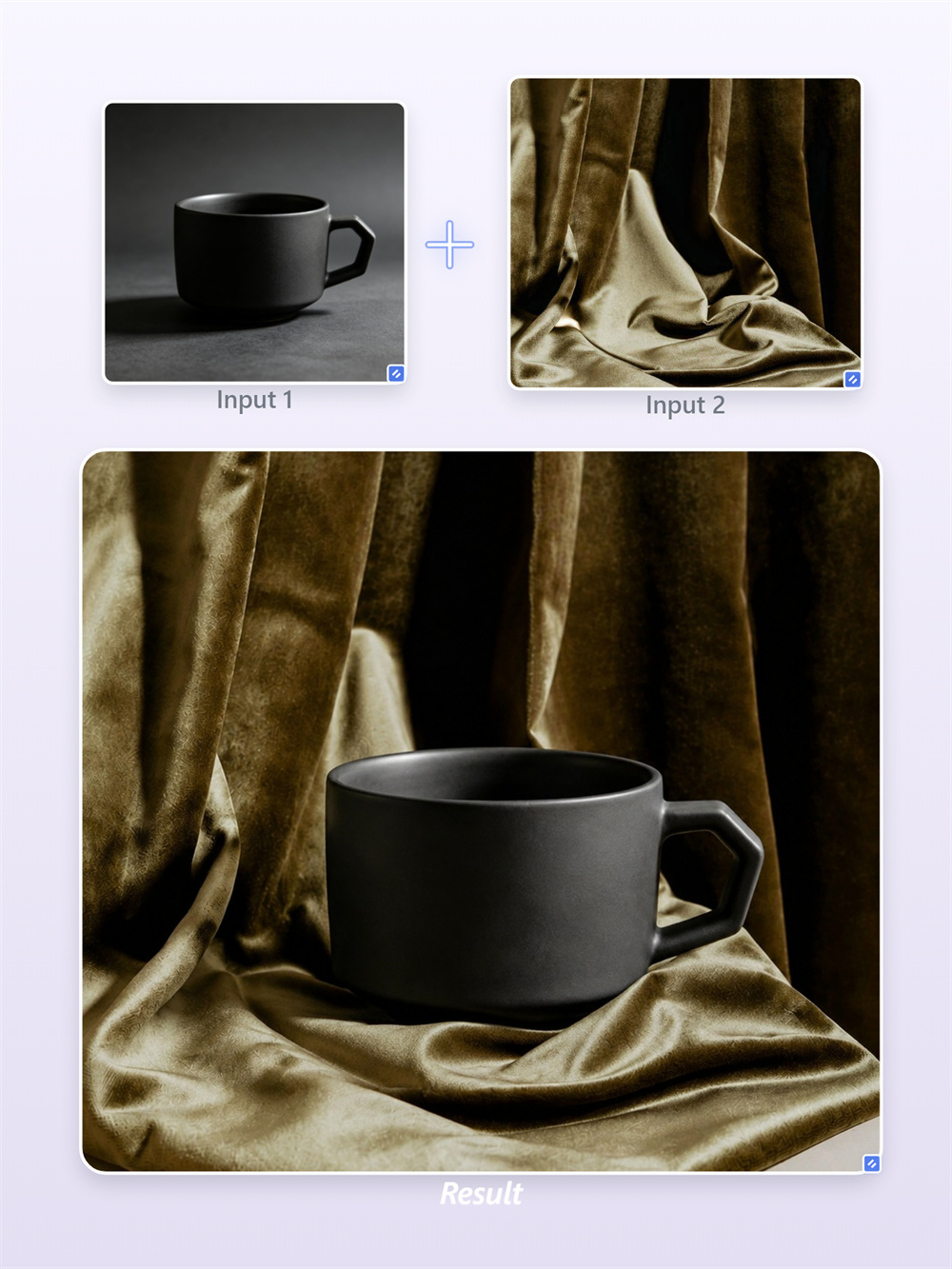
Blend Any Two Photos Instantly
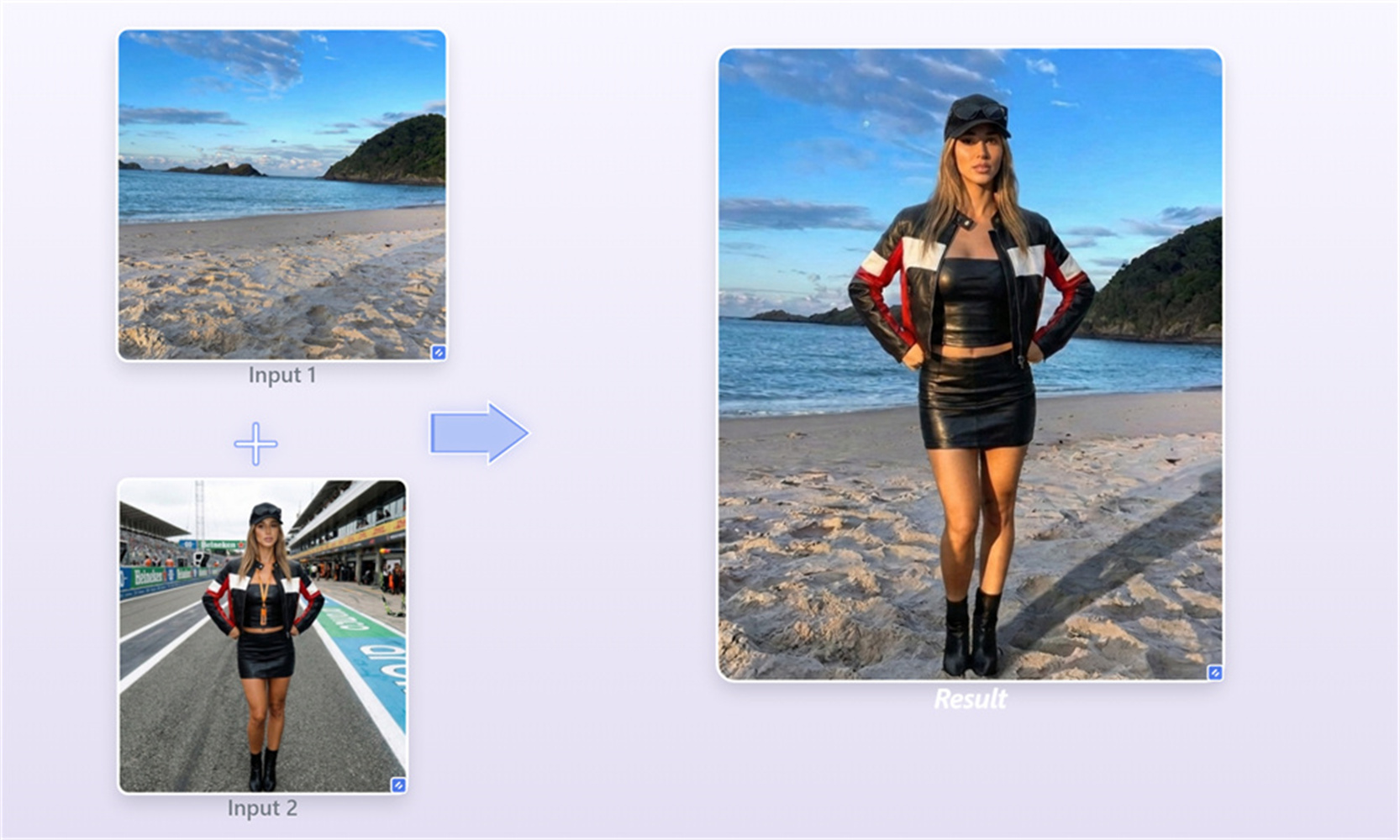
Skip the hassle of complex editing apps or tedious background removal. Just drop any two pictures here, hit combine, and let AI do all the hard work for you. In just seconds, your photos blend seamlessly with perfectly matched lighting and smooth edges—giving you a natural, pro-level picture that is ready to share anywhere.
AI Prompt
Use the uploaded image(s) as references and blend them into one natural, cohesive final image. Do not create a collage, grid, side-by-side layout, split screen, or separate panels. Keep the key subjects and details recognizable, and make the lighting, perspective, scale, colors, and shadows look consistent.
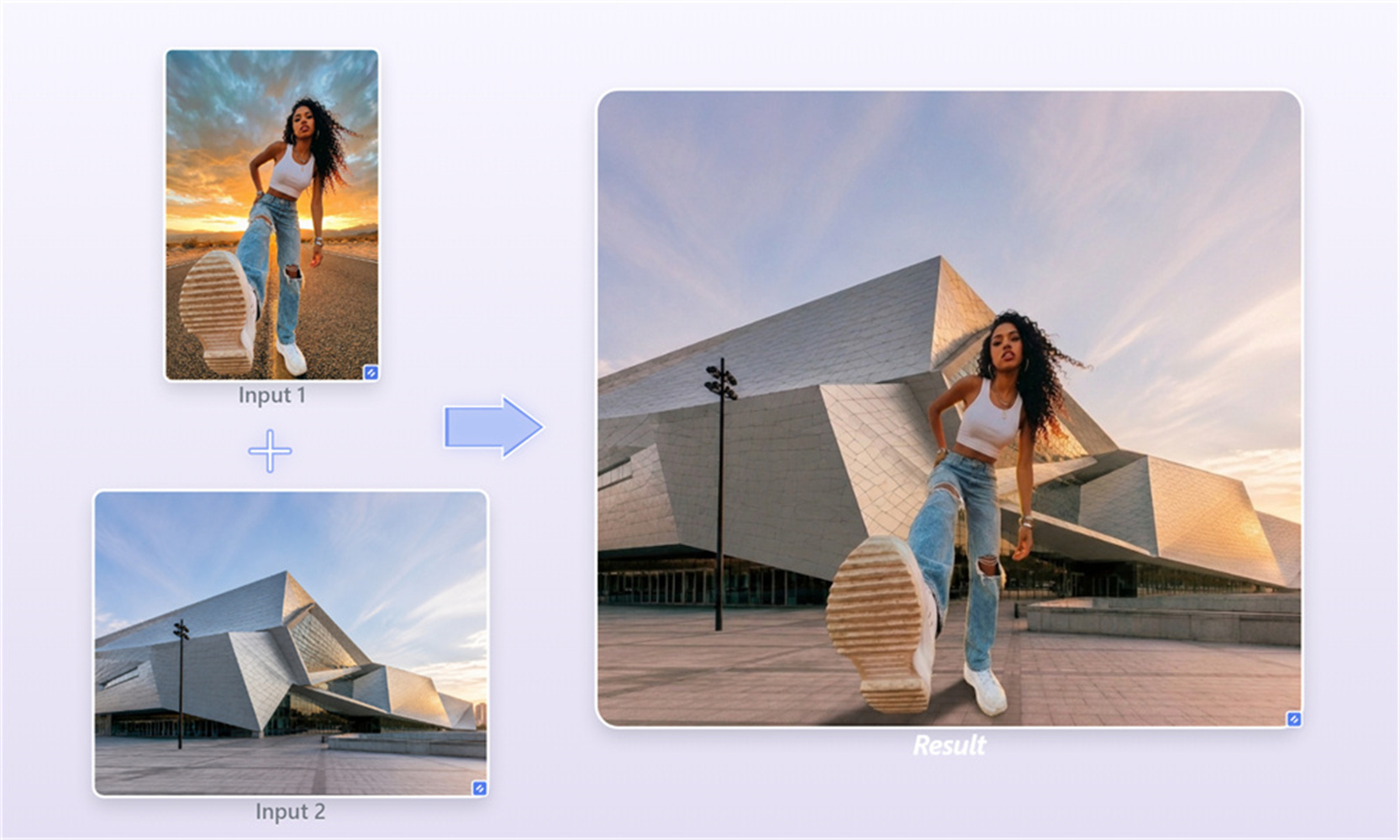
Smart color and lighting alignment for realistic fusion
When you merge two photos, bad lighting usually ruins the final composition. Our engine analyzes color temperature, light source angles, and shadow density in both uploads. It rebalances tone values automatically so the newly generated picture looks like it was captured in a single shot.
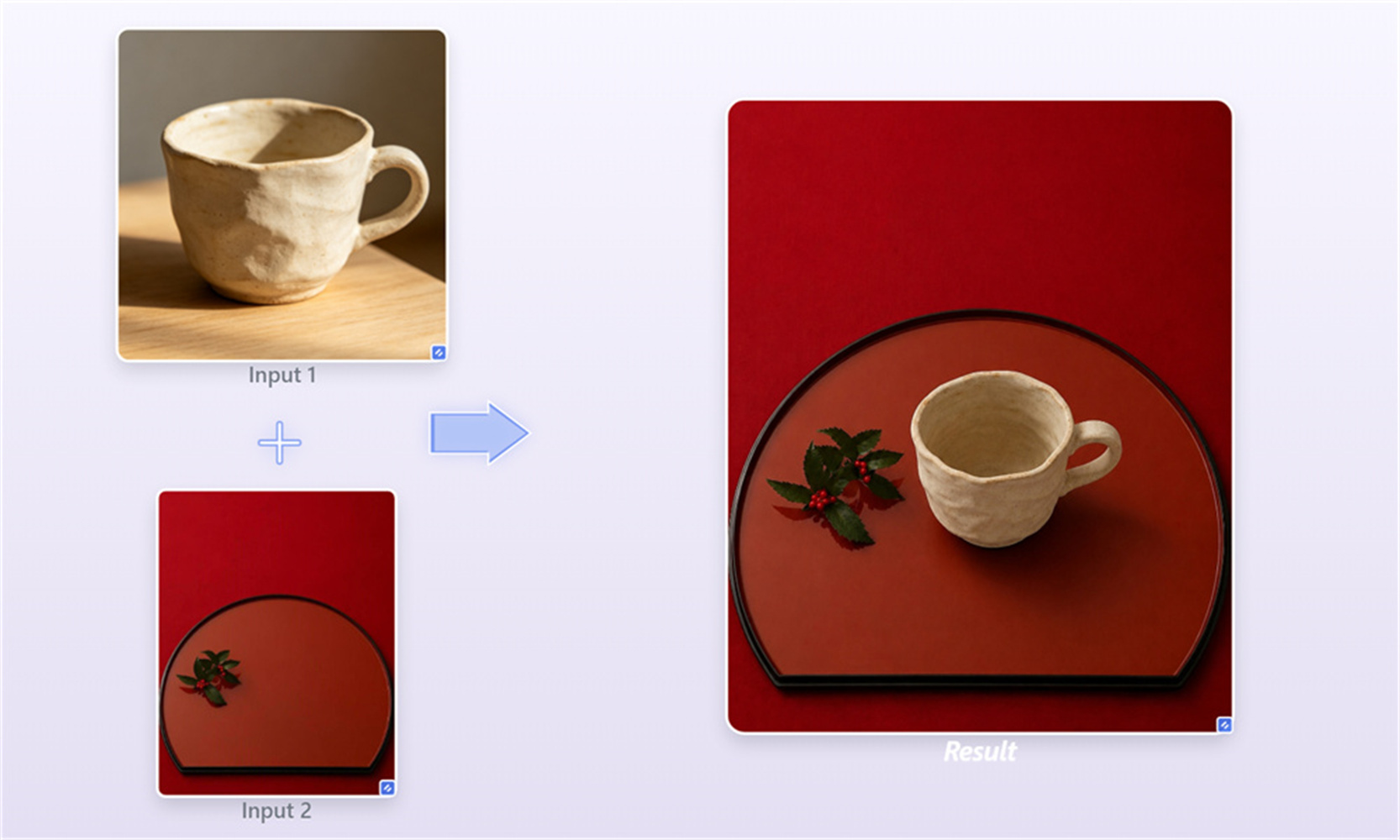
Create ready-to-use product shots without a studio
Avoid spending extra budget on commercial photoshoots. Drop a clean item shot alongside any background photo, and watch the system match spatial perspective, surface reflections, and ground shadows for you. It is the quickest shortcut to fresh store graphics and social media ads.
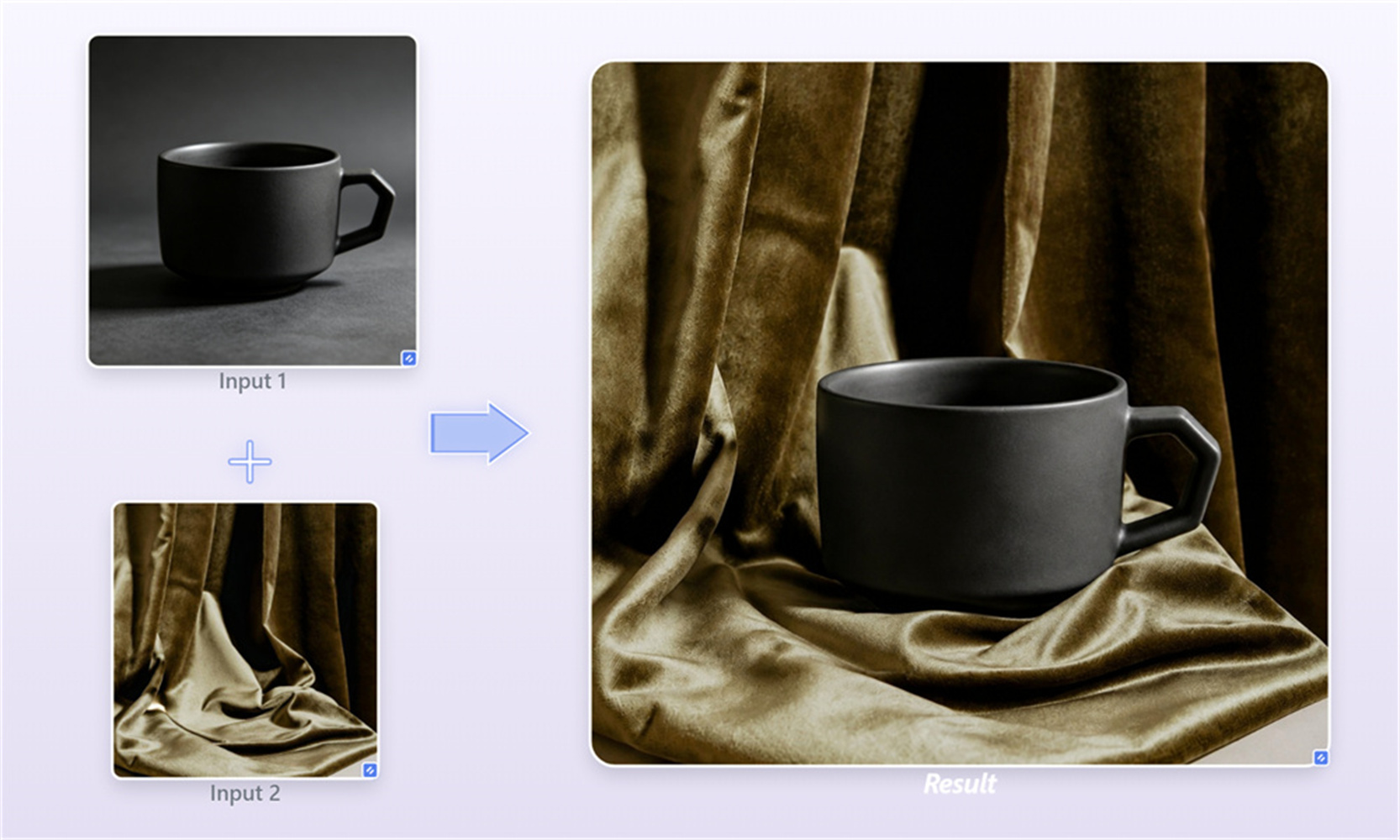
Crisp edge detection with zero manual trimming
Say goodbye to magnetic lasso tools and manual mask brushing. Advanced outline recognition detects hard-to-cut details—like fine hair strands, clear glass, or background foliage—and knits them straight into your new picture without leaving weird, blurry halos behind.
High-resolution exports ready for real-world publishing
You don’t have to settle for small, pixelated renders. The underlying image joiner preserves crisp surface textures and clear focal points so your finished design looks print-ready and polished. Export high-res graphics directly for your digital portfolio or print queue.
How to combine 2 photos into 1 in 3 simple steps
Upload Your Photo
Select and drop your two source images into the upload area.
Generate Fused Image
Click 'Generate' to automatically match ambient light and color balance.
Preview the Image and Download
Save your new high-resolution photo directly to your device.
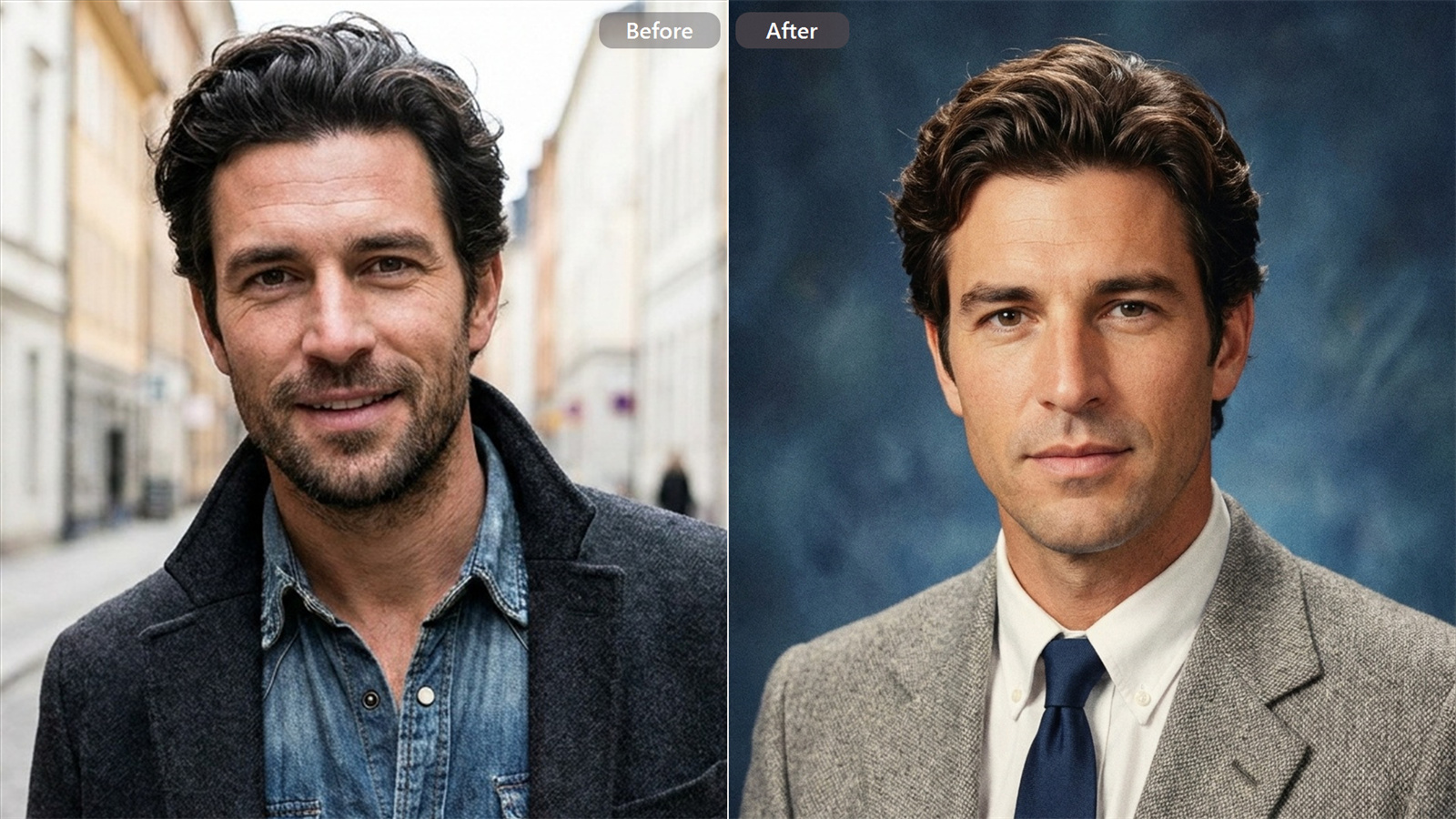
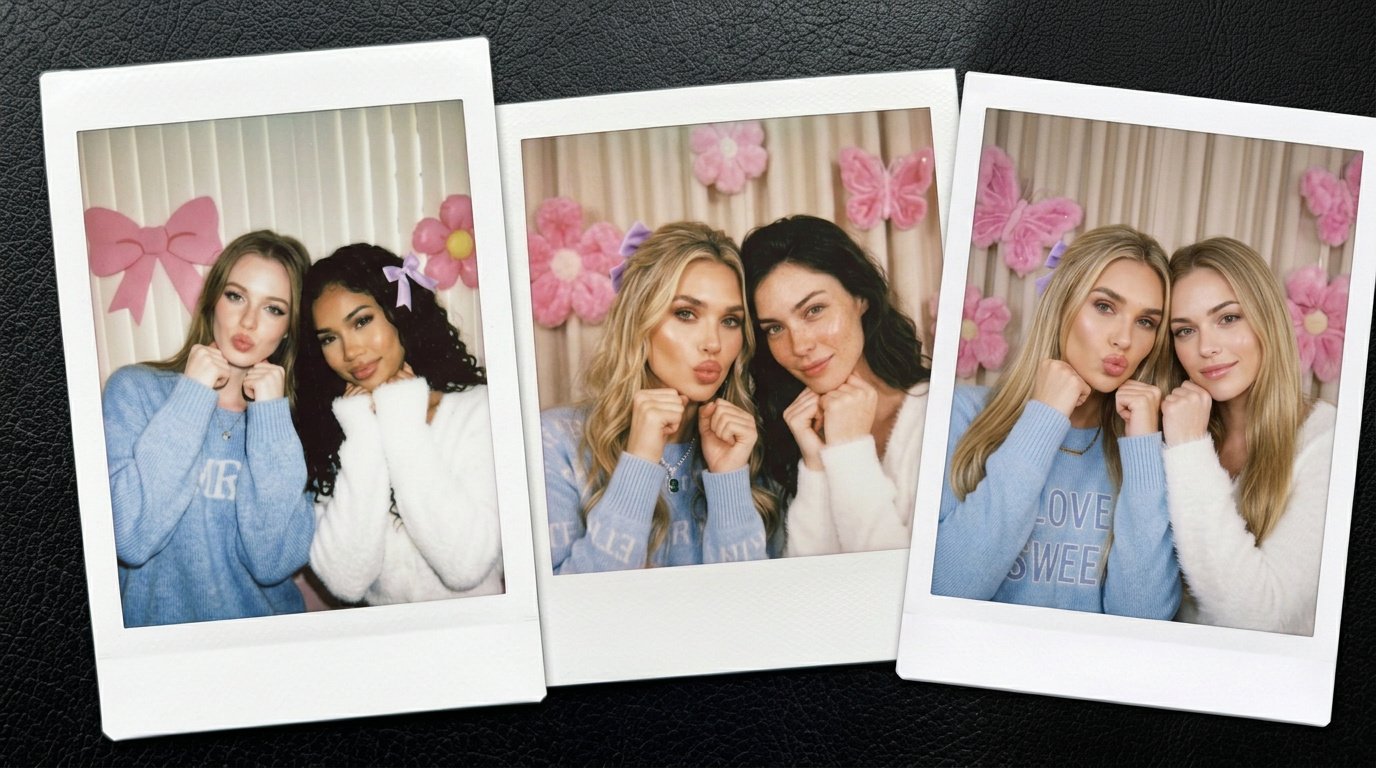
Explore More AI Creative Tools
Frequently Asked Questions
How does an AI image combiner differ from a simple photo merger or grid maker?
A basic grid maker simply places two images side by side with a split border line. An AI photo blender, on the other hand, actually analyzes the subject shapes, depth map, and lighting in both files, blending them into a single coherent image. If you’d like to create an entirely new scene from text prompts rather than using existing uploads, explore our Image to Image feature.
Can I combine 3 or more pictures at the same time?
This tool is strictly optimized for merging two photos at a time. Focusing on two uploads lets the picture mixer process fine edge details, light casting, and color balance with maximum accuracy without turning the scene into a cluttered mess.
Do I need prior editing skills to overlay pictures here?
Not at all. You don’t need to draw manual cutout paths, manage transparency levels, or adjust color curves. Just pick two pictures and let the system handle background blending and light matching automatically.
What resolution will my final combined picture be?
Your combined output maintains high clarity based on the resolution of your uploaded files. The tool processes crisp textures and sharp edges without forcing heavy compression, making your image ready for e-commerce listings, digital ads, or print projects.
Can I use this picture merger for free?
Yes! Creating an account gives you free credits so you can start testing the tool right away. If you need more generation capacity or higher export speeds, you can pick a paid plan anytime.