
Template
Cartoon Character Generator
MoreUpload an image to start your template-based generation.

Upload Image
Cartoon Character Generator
Turn Photos into Cartoon Character Images with AI Effects
Create a fresh cartoon version of any photo with Guma’s cartoon effects. The cartoon character generator transforms images with recognizable facial details, vivid styles, and finished cartoon character images. Create cartoon portraits with a fresh visual style in just a few steps.
AI Prompt
The Disney 3D-style conversion is applied exclusively to the original images uploaded by users, with strict preservation of the original image’s main content. The characters, animals, products, objects, quantities, identity features, facial features, hairstyles, clothing, accessories, actions, poses, gestures, expressions, gaze direction, composition, shot types, camera angles, aspect ratios, subject positions, background content, light directions, and shadow relationships in the original images remain unchanged. The original images are transformed into a high-quality Q-version 3D cartoon rendering style: featuring rounded, simplified outlines, soft and full volumetric effects, and moderate exaggeration that still ensures the original subjects remain easily recognizable. The rendering employs delicate 3D modeling textures, soft rubber or matte doll-like materials, smooth and clean surfaces, natural edge highlights, and gentle ambient occlusion shadows. Overall, the resulting visuals deliver an exquisite Disney-style 3D cartoon animation aesthetic—charming, clean, gentle, and three-dimensional, with high-quality commercial-grade 3D rendering textures. Only the visual presentation is altered; the actual content of the original images remains untouched. Whatever subject appears in the original image will retain its original identity after the conversion. All items, clothing, accessories, scenes, and backgrounds in the original image are preserved; only the real photographs or existing frames are transformed into a Q-version 3D cartoon rendering effect. The color and tonal relationships of the original images are retained, and no elements from the style reference images—such as cats, helmets, clothing, poses, color schemes, or other details—are incorporated. The style reference images serve solely as guidelines for 3D cartoon modeling, rounded proportions, material selection, lighting and shading techniques, and rendering methods; they are not used to directly replicate specific character details. The original image’s aspect ratio and compositional boundaries are maintained. The main subjects are not rearranged, cropped, expanded, or supplemented with new elements, nor are any existing elements deleted. The final output boasts clear imagery, crisp edges, fine textures, natural lighting and shadows, and fully detailed visuals.

Turn Photos into Cartoon Character Images Full of Personality
Convert photos into cartoon character images with natural facial details and smooth visual effects. Guma creates a recognizable cartoon appearance while keeping important features clear and balanced.

Add Expressive Cartoon Details to Every Portrait
Create cartoon character visuals with enhanced outlines, expressive features, and balanced details. Each image receives a polished cartoon look while maintaining a natural portrait feel.
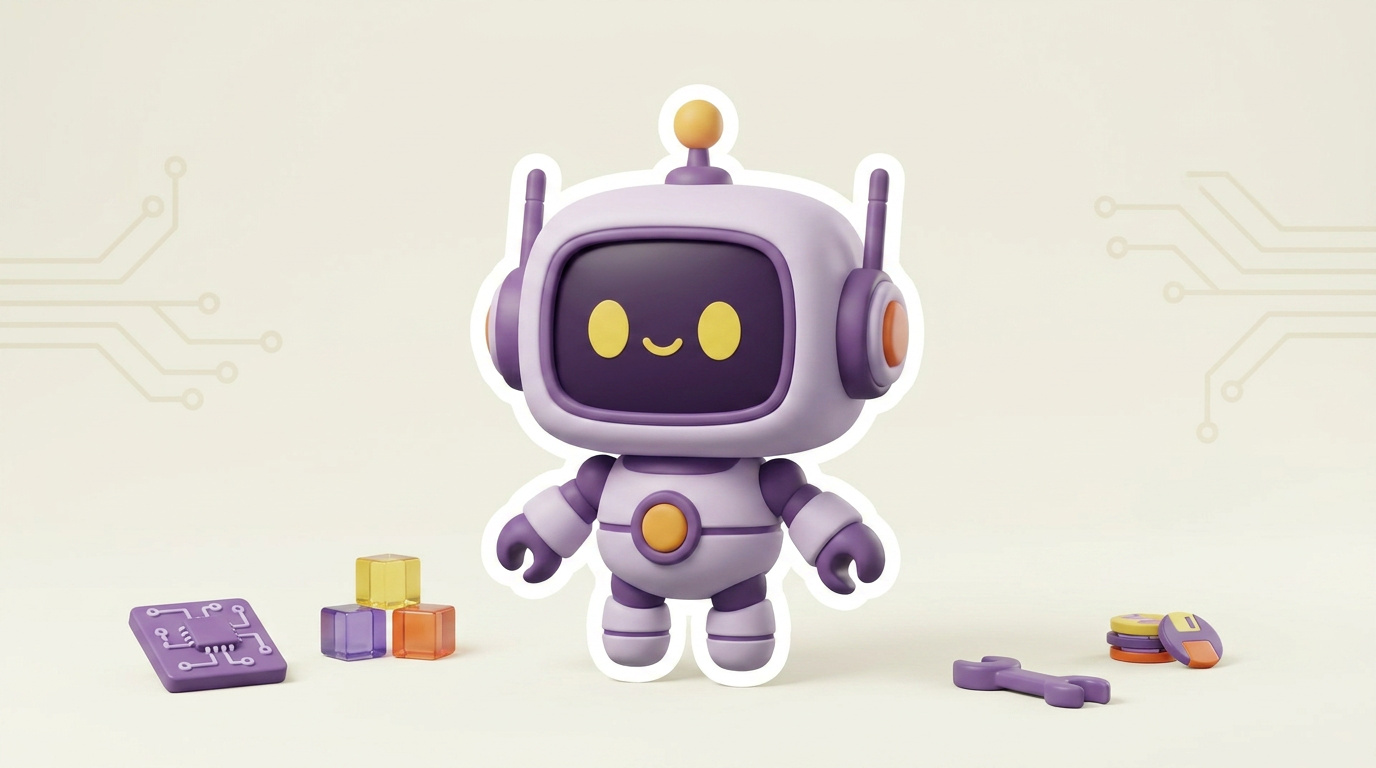
Create Different Cartoon Character Styles
Generate cartoon character images with different visual styles and artistic effects. From soft cartoon finishes to playful appearances, Guma creates a fresh cartoon look for every transformation.

Get a Finished Cartoon Character Image in Just a Few Steps
Create a cartoon version of any photo through a simple generation process. Guma creates clean cartoon character images without complex editing or design skills.
How to Generate Cartoon Character Images With Guma AI
Upload a Photo
Choose a photo to transform into a cartoon character image.
Generate Cartoon Effect
Apply the cartoon effect and generate your cartoon image.
Download the Result
Save the finished cartoon character image when ready.
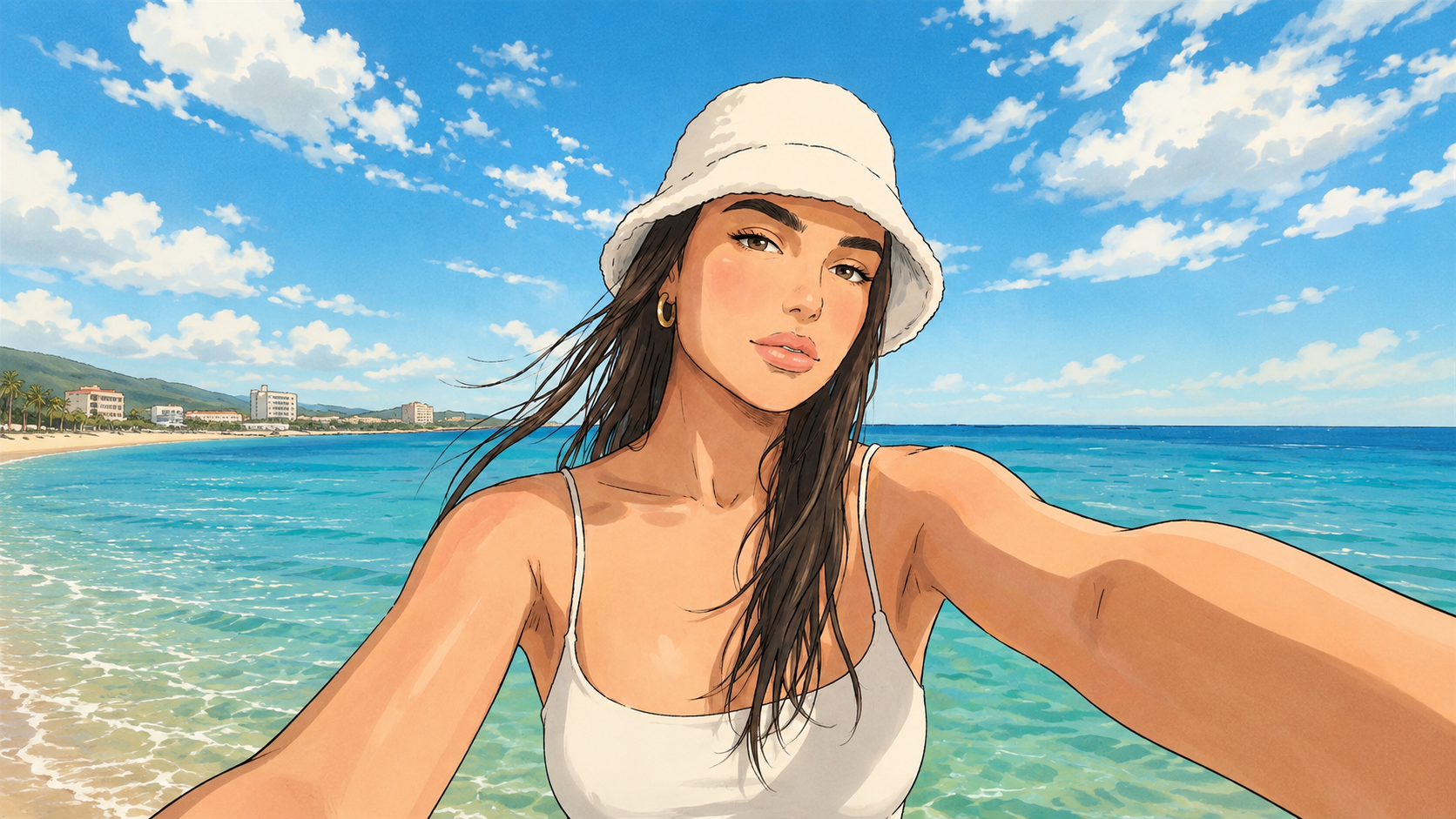
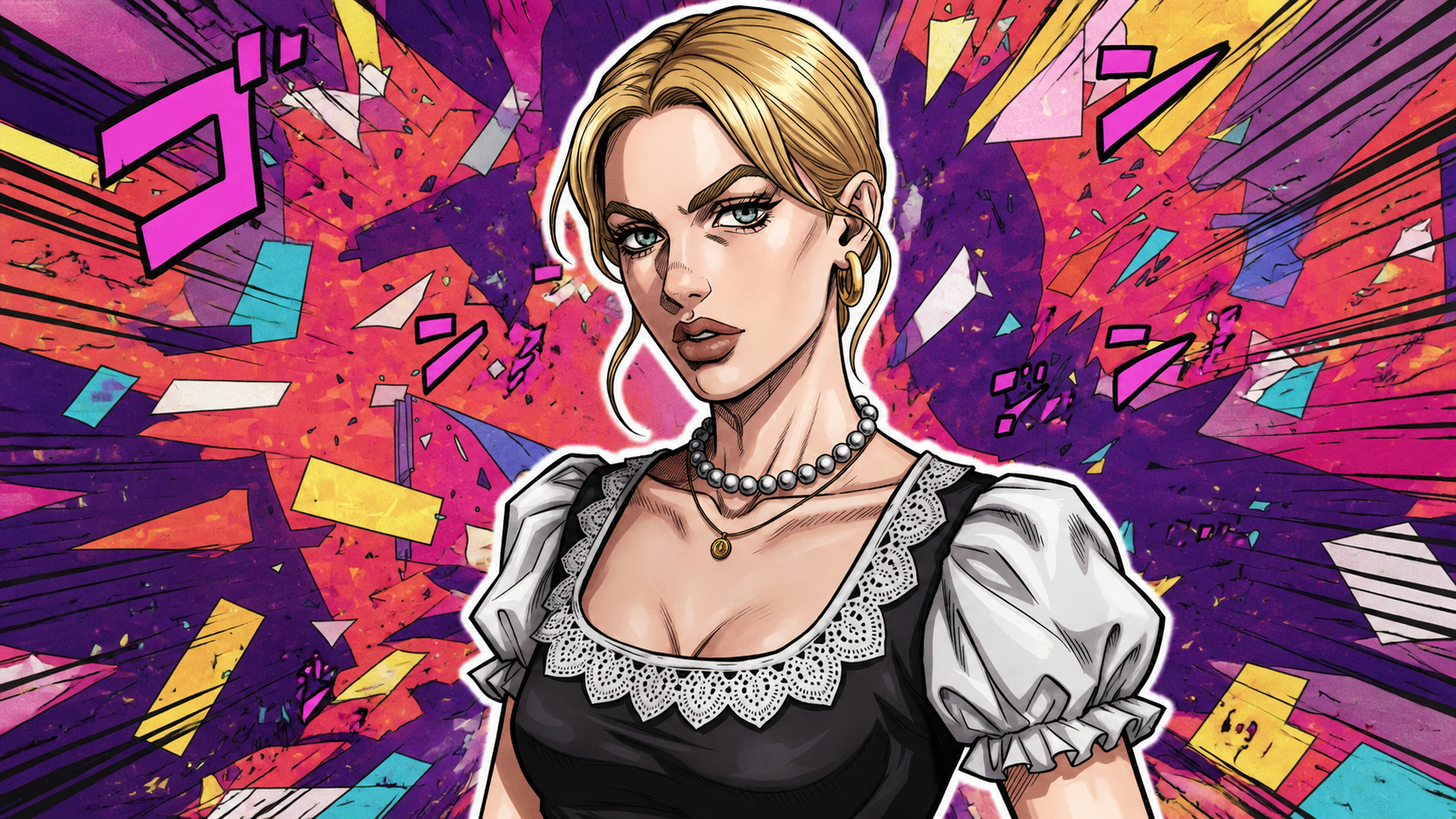
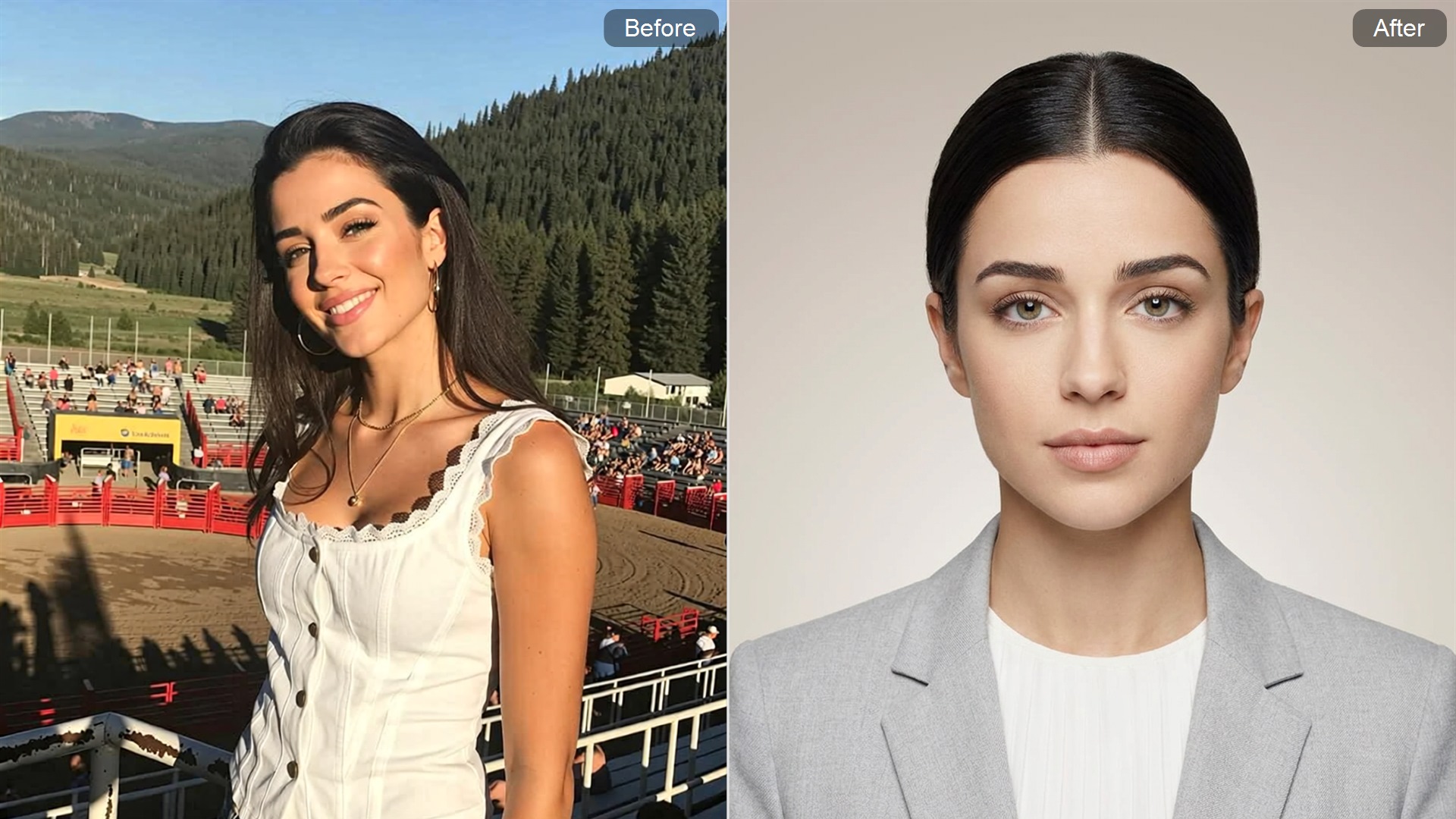
Explore More AI Image Effects and Character Generators

FAQ
Can I turn my photo into a cartoon character with Guma?
Yes. Guma can turn portraits and photos into cartoon character images with a smooth cartoon effect. The result keeps recognizable facial features while adding a stylized cartoon appearance without manual drawing or editing.
Which photos work best with the cartoon character generator?
Clear portraits with visible faces usually create better results. Photos with good lighting and simple backgrounds help the cartoon effect capture expressions and create a more balanced character image.
Do I need any design skills to create a cartoon character image?
No design experience is needed. Guma applies the cartoon effect automatically, allowing anyone to create a finished cartoon-style image with a simple generation process.
Is Guma’s cartoon character generator free to use?
Guma offers free options for trying out the cartoon character generator. Users can experience the cartoon effect and create images within the available usage limits, while additional features may be accessible through upgraded plans.
Will the cartoon result retain the original person’s features?
The cartoon effect preserves important visual details from the original image, including facial structure and overall appearance, while adding cartoon-style elements to give the character a refreshed look.
Can I use different types of photos for cartoon character generation?
Yes. The tool works with different photo types, including portraits, selfies, and everyday images. Clear subjects and visible details help create balanced cartoon character results.
How can I improve the image quality of my cartoon character?
Start with a high-quality photo that has clear details and good lighting. A suitable image helps Guma create smoother lines, better facial details, and a refined cartoon character appearance.