
Template
AI Painting Generator
Upload an image to start your template-based generation.
Upload Image
AI Painting Generator
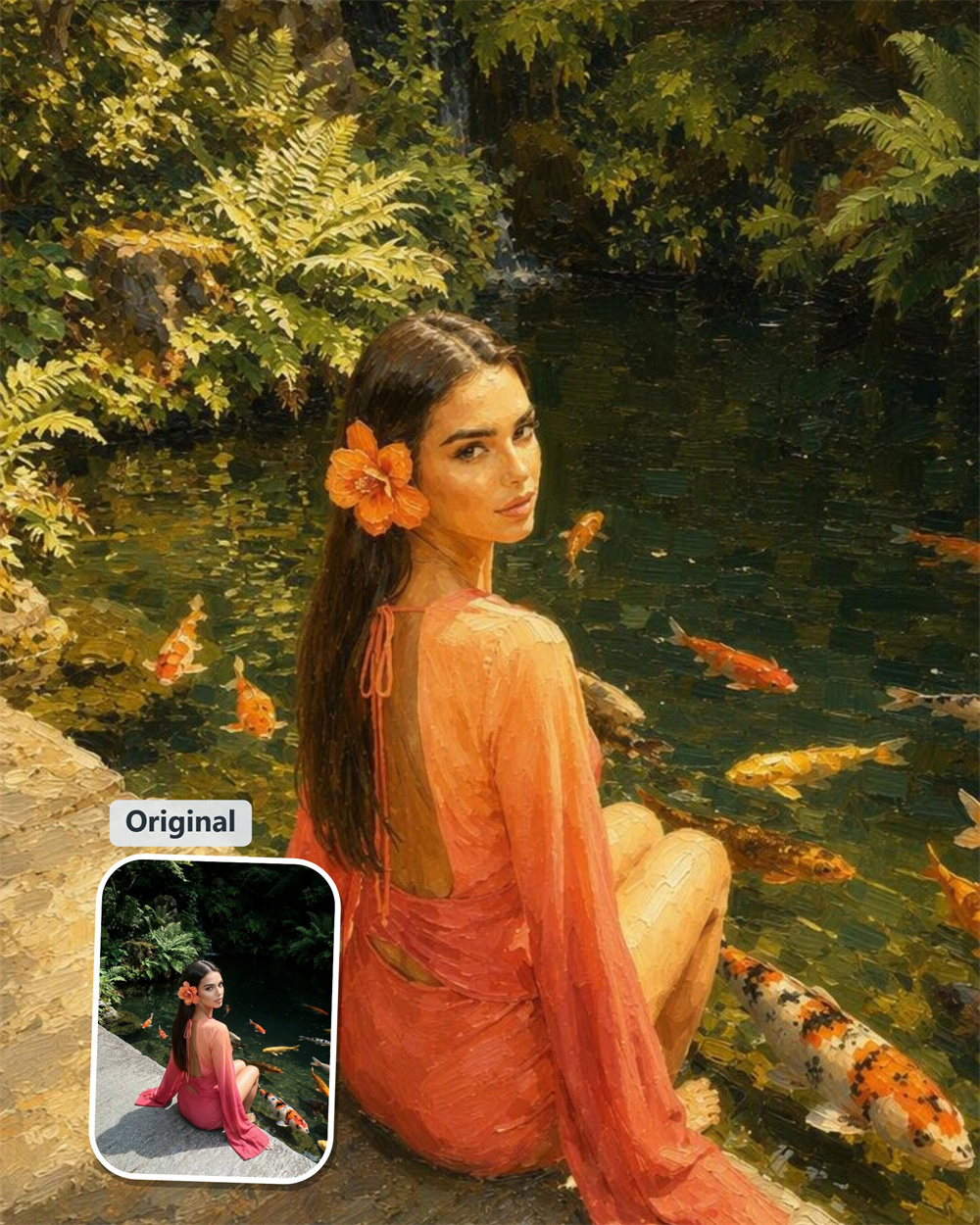
Give a Familiar Photo a More Lasting Artistic Form
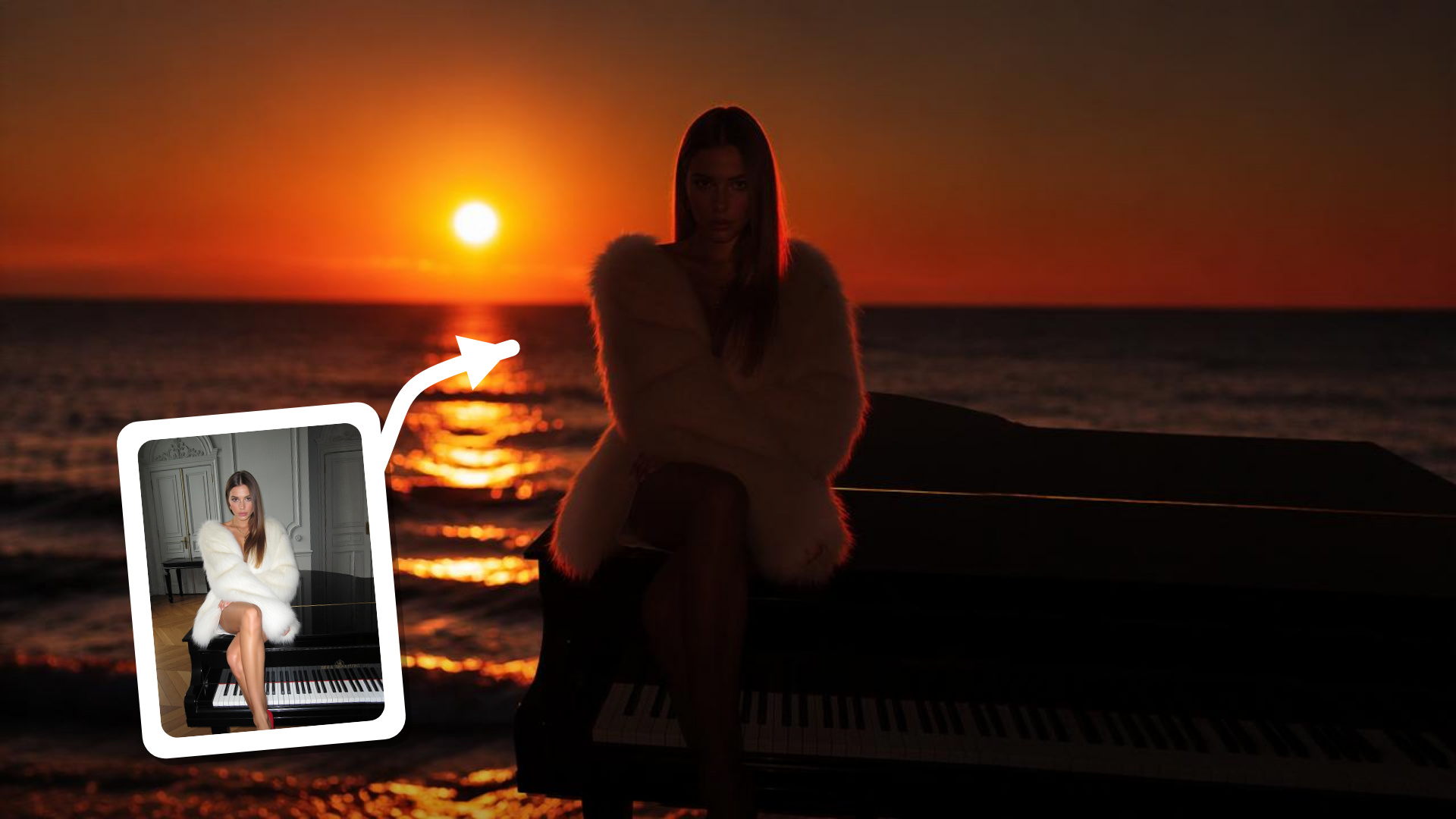
Guma’s AI painting generator gives a favorite photo a fresh, painterly presence. Begin with a portrait, pet, landscape, or memorable outing, then see it reimagined as artwork with the feeling of a piece worth keeping.
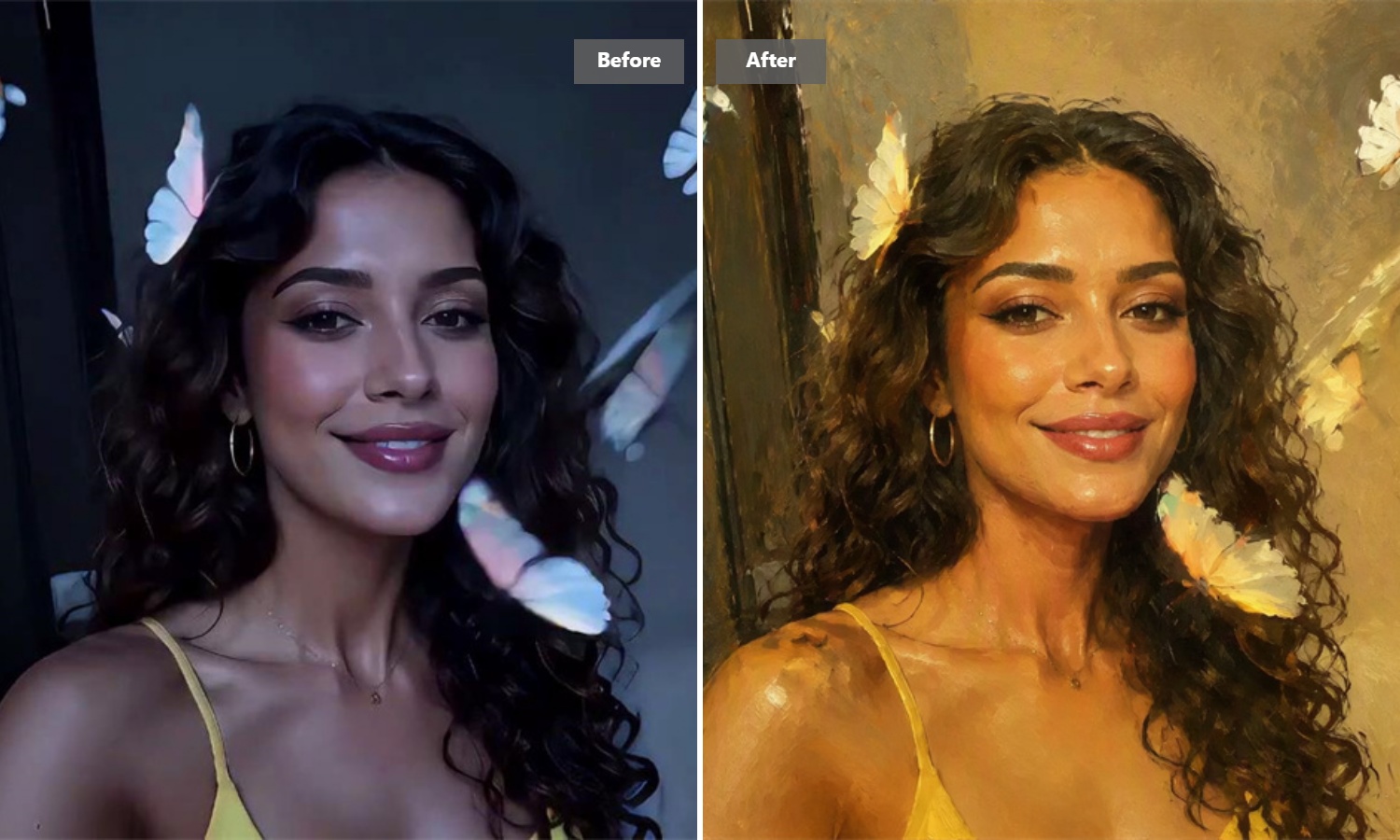
Let a Portrait Glow Beyond the Original Frame
A favorite portrait already has a mood; Guma brings that mood forward with a painterly finish. Soft light, familiar features, and the small details that make the image yours come together in a richer version of the moment. It is the kind of transformation that makes you look twice.
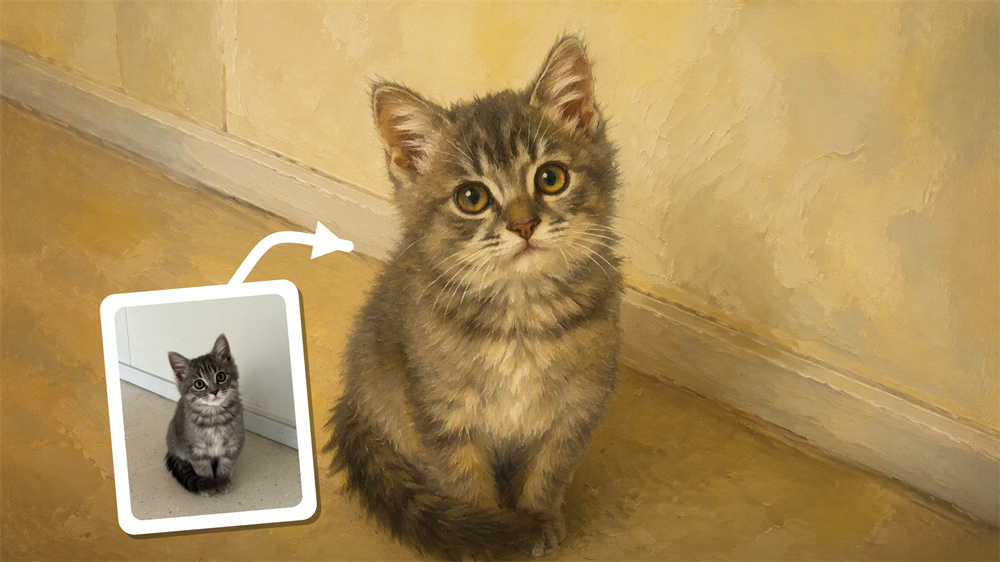
Give a Beloved Pet a Place on the Wall
The best pet photos usually capture more than just a face: the curious look, the tiny ears, the unmistakable personality. Turn that everyday snapshot into a warm pet portrait with a painted feel. It is a lovely way to make a much-loved companion feel like part of your home, not just your camera roll.
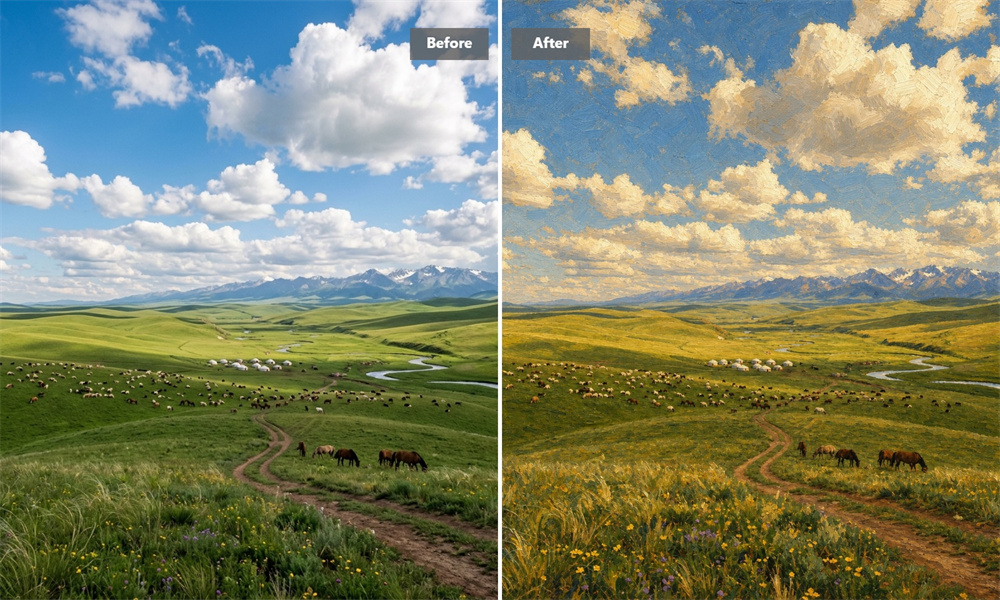
Make the View Feel as Big as It Did That Day
Some landscapes deserve more than a quick look on a screen. Let Guma turn an open sky, a winding trail, or a faraway horizon into a painting-inspired scene with new depth and atmosphere. The place stays recognizable, but the finished image carries a little more of the feeling that made you stop there.
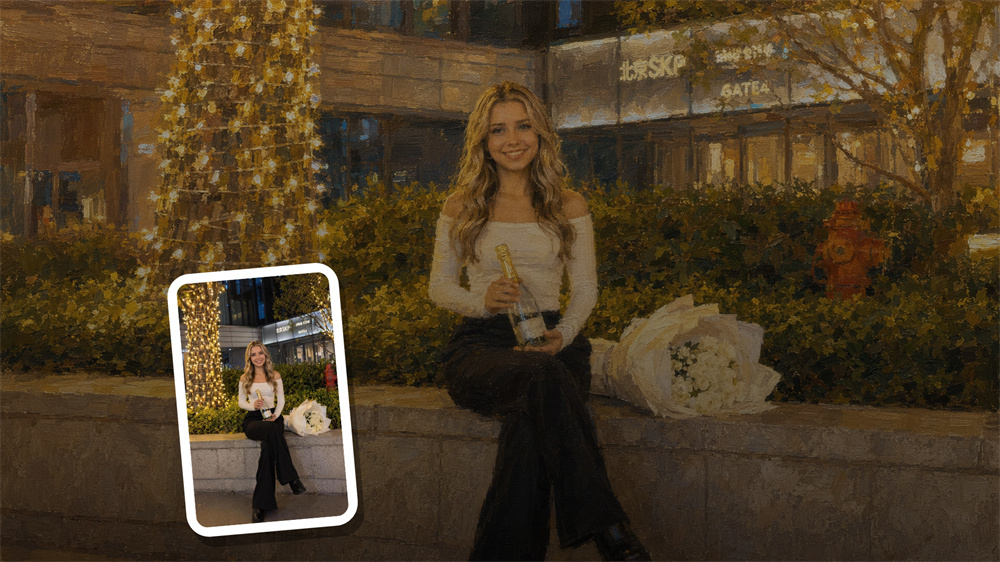
Keep a Celebration in a More Personal Form
An evening worth remembering should not disappear into a crowded photo library. Recast a celebration, graduation, date, or quiet milestone as artwork that feels considered from the first glance. The result gives the memory a more intimate presence—something you may want to print, frame, or give to someone close.
How to Generate Painting Art Images With Guma AI
Upload Your Photo
Choose a clear image that you own or have permission to use.
Generate Your Painting Art
Let Guma reimagine your photo as a painting-inspired artwork.
Download Your Artwork
Review the finished image, then save the version you want to keep.
Explore More AI Photo Effects
FAQ
How do I turn a photo into painting art with Guma?
Choose a photo, upload it to Guma, and start the generation process. Guma creates a painting-inspired image from your original, ready for you to review and download. For more ways to create visuals from your ideas, explore our image to image tool.
Is Guma’s AI painting generator free to use?
Registered users receive daily free credits to try AI image generation. If you need a higher generation allowance or additional features, you can upgrade to a premium subscription.
What kind of photo works best for a painting result?
Use an image with a clear subject, balanced lighting, and visible detail. Portraits, pets, landscapes, and memorable places are all good starting points because they give the generated artwork a strong visual anchor.
Do I need any design experience?
No. Guma is designed for anyone who wants to explore a photo-to-painting effect without using a traditional editing tool. A clear source image is all you need to get started.
Why can two generated paintings look different?
AI can interpret textures, lighting, and small details differently from one generation to the next. That variation is normal, and it lets you choose the image that best suits the memory or project you have in mind.
Can I use the finished artwork commercially?
Use only photos you own or are authorized to use. Before using a generated image in client work, marketing, or products, review Guma’s current terms and make sure your use respects privacy and copyright requirements.