
Template
AI Character Generator
Upload an image to start your template-based generation.
Upload Image
AI Character Generator
Create a Character Look That Feels Ready for the Scene
Give each character a clear face, a distinct outfit, and a style that matches the world you have in mind. With Guma character generator, a short idea can turn into a character look with clear detail and direction for fantasy scenes, game concepts, story visuals, or original character drafts.
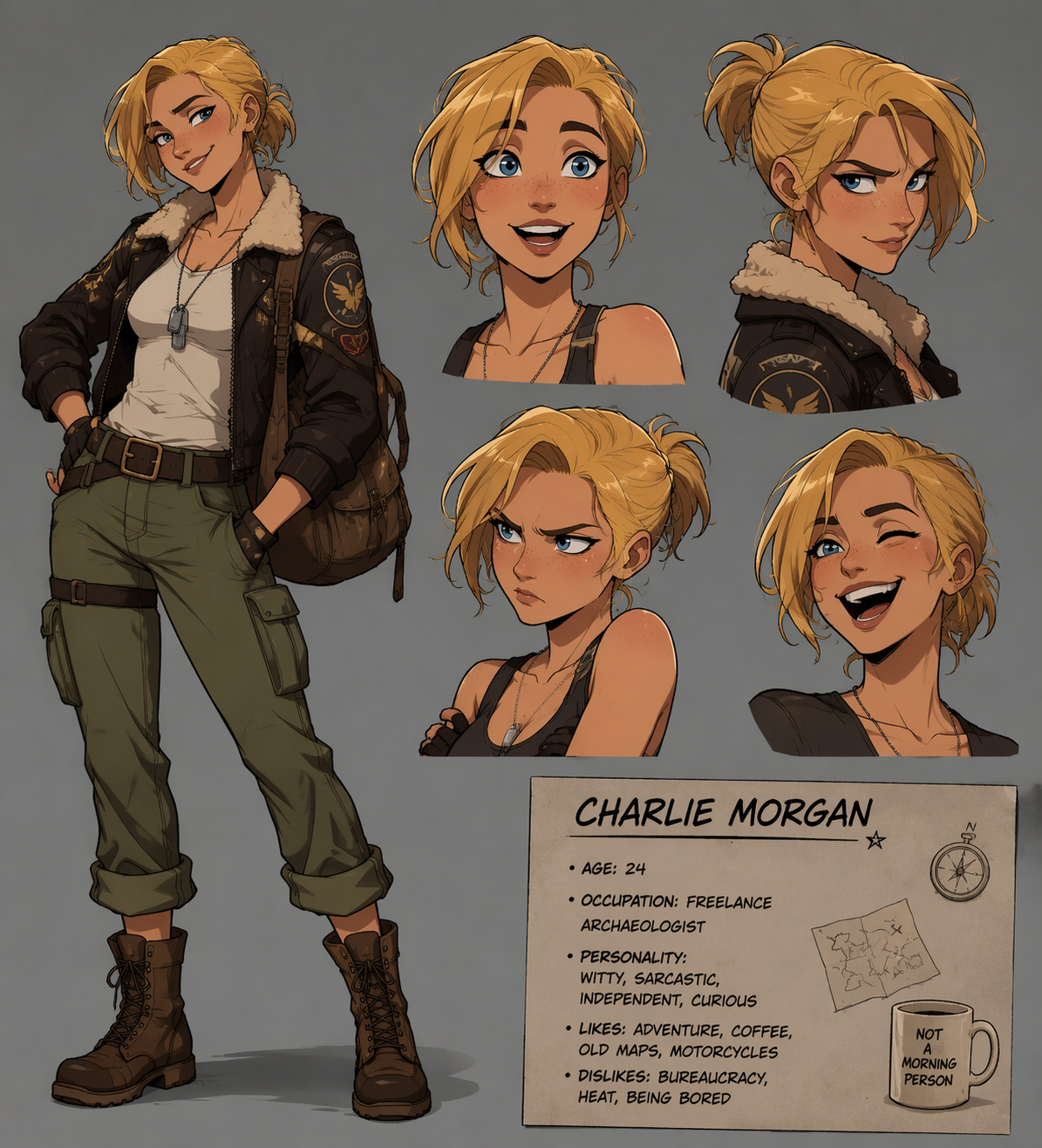
Characters That Emerge From a Single Idea
A simple prompt transforms into a formed character with facial identity, outfit direction, and visual tone. From rough imagination to defined character design, each result gives you a stronger starting point for stories, games, or worldbuilding scenes.
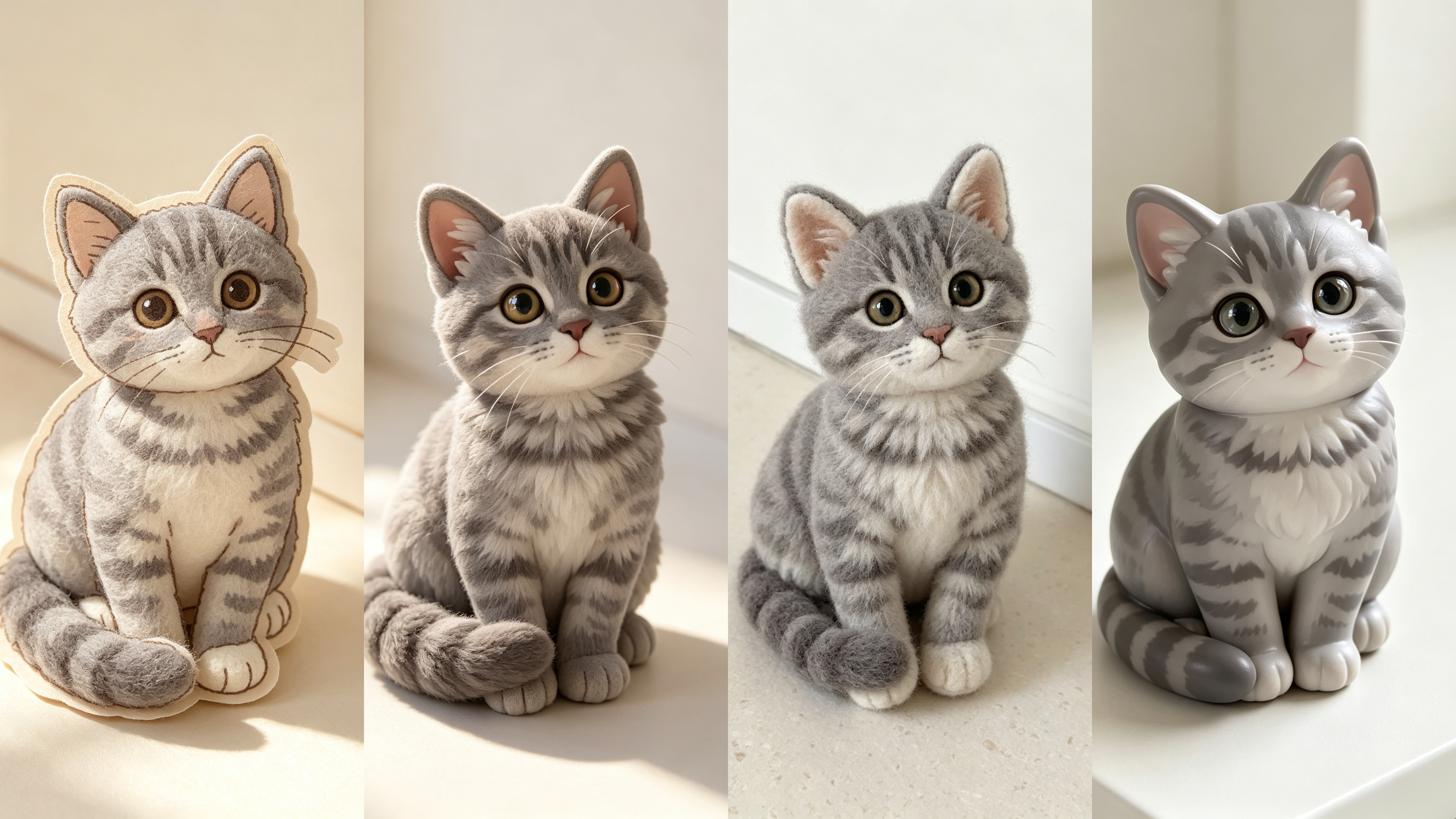
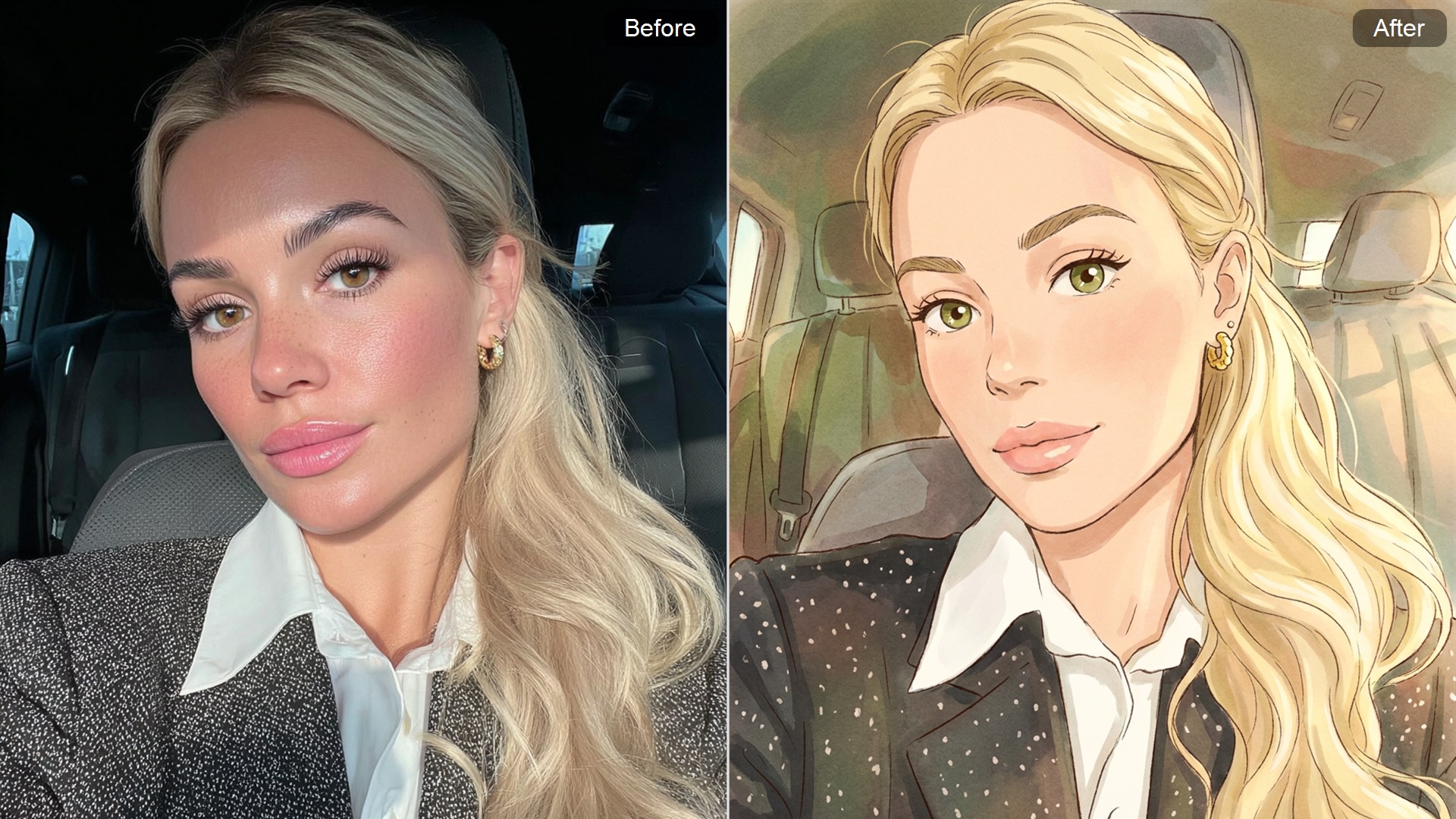
Style-Shaped Worlds Around Every Character
Anime, realistic, fantasy, or cinematic styles reshape the same character into different visual identities. Lighting, texture, and atmosphere shift the mood quickly, while a more dramatic cinematic stylized portrait direction can turn one concept into a stronger close-up character moment.
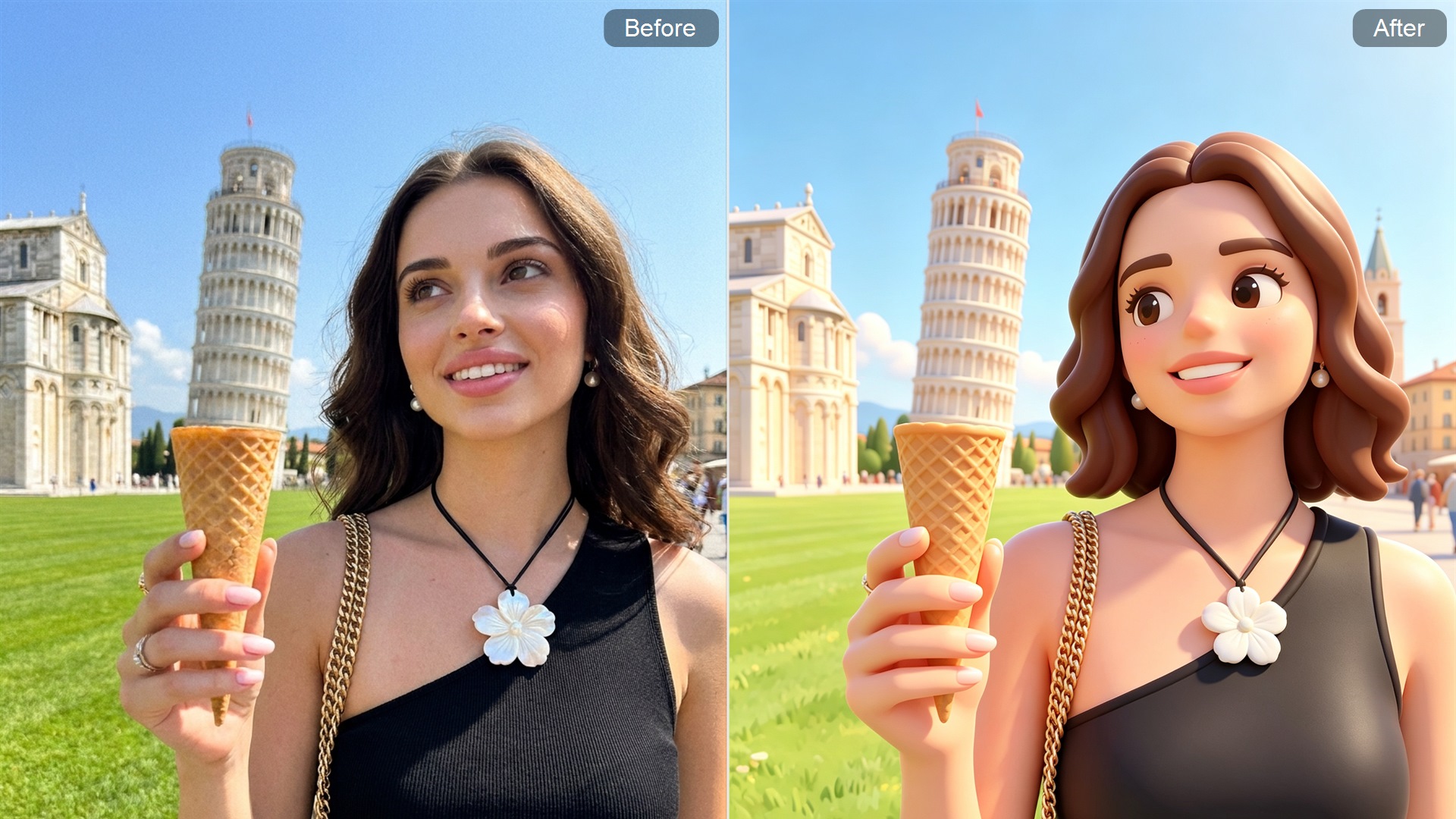
Consistent Characters Built for Ongoing Stories
Make it easier to keep a character recognizable across different scenes and settings. Whether placed in battle scenes, portraits, or story frames, core details can stay easier to follow across a longer creative project.
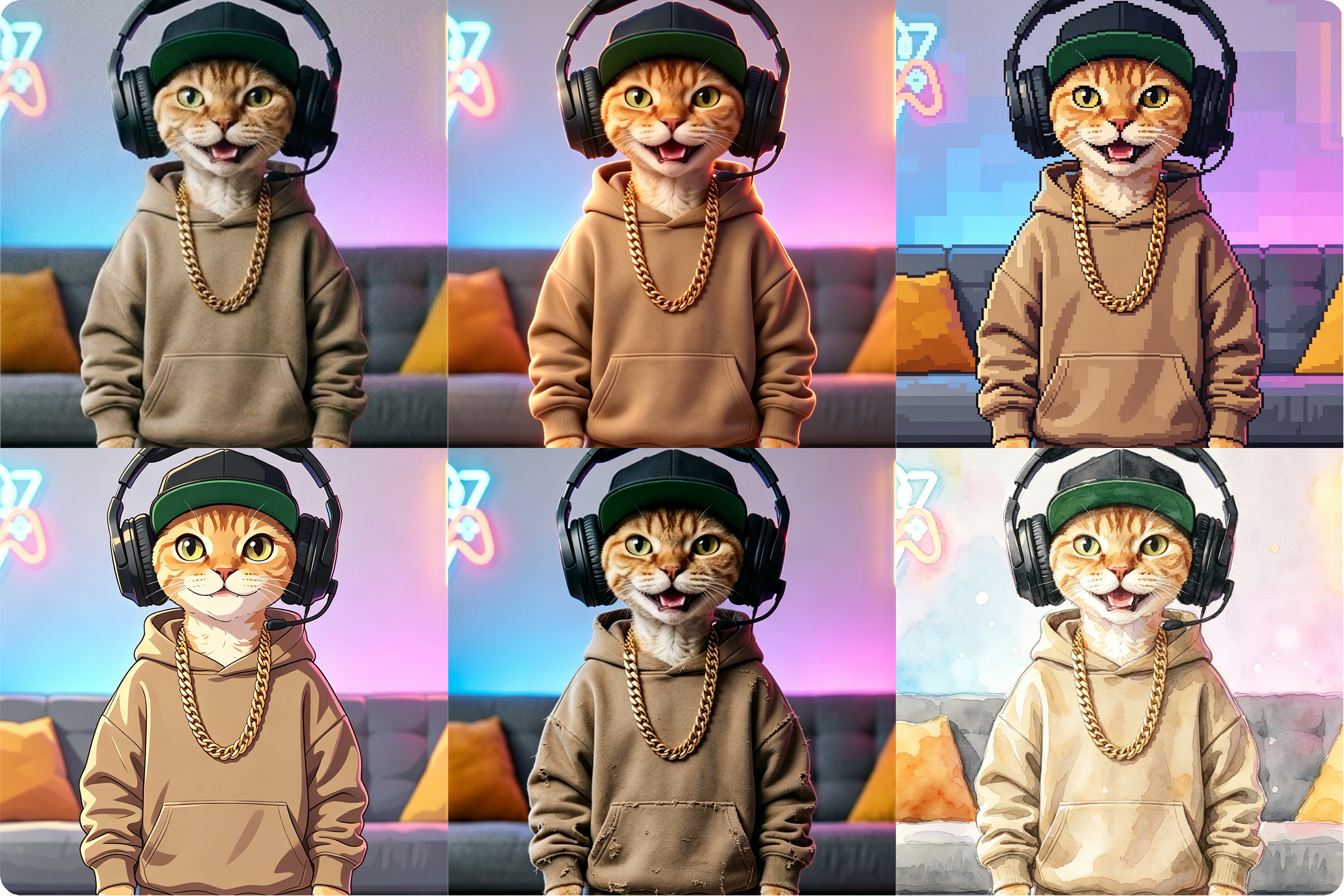
From Concept Sketch to Ready-to-Use Character Design
Turn loose ideas into character visuals with defined expressions, outfits, and posture. Ideal for RPG heroes, game NPCs, or original character concepts that need a clear visual base before production or storytelling.
How to Generate Character Images with Guma AI
Describe Your Character
Describe the character, style, mood, and world you want to build.
Generate the Character Design
Choose a visual direction and let the generator shape the design.
Refine and Download
Preview the result, adjust details, and download your character image.
Recommended AI Tools to Keep Creating Characters
FAQ
What can the Guma character generator create?
The Guma character generator helps turn a simple idea into a clear character image with a face, outfit, mood, and visual style. It works well for fantasy roles, game concepts, anime-inspired characters, story portraits, and original character drafts. Instead of starting from a blank canvas, you can quickly shape a character look for a scene, world, or creative project.
Is this character generator suitable for beginners?
Yes. You don’t need drawing skills, design software, or a completed character brief. Start with a short description—such as the character’s role, appearance, clothing, personality, or world setting. The generator turns that rough idea into a visual direction, making it easier to explore character designs even if you’re not an illustrator or concept artist.
What kind of prompts work best for character generation?
Strong prompts typically include the character type, visual style, clothing, expression, mood, and setting. A fantasy knight, cyberpunk hacker, anime student, or mysterious villain gives the generator more direction. Clear details help create stronger results, but overly long prompts are not always necessary. A focused idea often works better than a crowded description.
Can this tool help create characters for games or stories?
Yes. It is useful for building visual references for RPG heroes, NPCs, villains, novel characters, and worldbuilding concepts. Writers and game creators can use generated images to define appearance, tone, and identity before developing the full story or production asset. The result can work as a visual starting point for scenes, chapters, campaigns, or character sheets.
Can Guma generate different character styles?
Guma can help explore different visual directions for the same character idea, such as anime, fantasy, realistic, cinematic, cartoon, or concept-art-inspired looks. This makes it easier to compare how a character feels across different worlds and moods. Trying multiple styles can also help refine the final direction before using the character in a project.
How can I make the generated characters look more consistent?
Use clear identity details in your prompt, such as hairstyle, face shape, clothing colors, accessories, and personality cues. Reusing the same core description across generations can help maintain a more recognizable character direction. For multi-scene projects, keep the main identity details stable and only change the setting, pose, lighting, or mood.
Can I use the generated character images as the final design?
The result can be used as a strong visual draft, reference image, or creative starting point. For casual projects, avatars, roleplay, and story visuals, it may already be enough. For professional or commercial production, it is better to review the output carefully, refine details, and check usage rights or platform rules before publishing or selling the final work.
Why use Guma instead of a general AI image generator?
A general AI image generator can create many types of images, but the Guma character generator keeps the experience focused on character design. It helps shape faces, outfits, roles, moods, and visual identity with a clearer direction. For broader image creation, you can also explore Text to Image or Image to Image.