





What do you want to create today?
Trending
Tear off the sticker
Emotion
AI Cosmic Duo Generator
Human vs Bull Video Generator
Skydiving Video Generator
Dive Transition Effect
Graduation Video Generator
F1 Control Room AI Video Generator
Concert Screen Idol Video Generator
Bicycle Kick Goal Effect
Clay Court Tennis Player Effect

AI Ice and Snow 2026 Generator
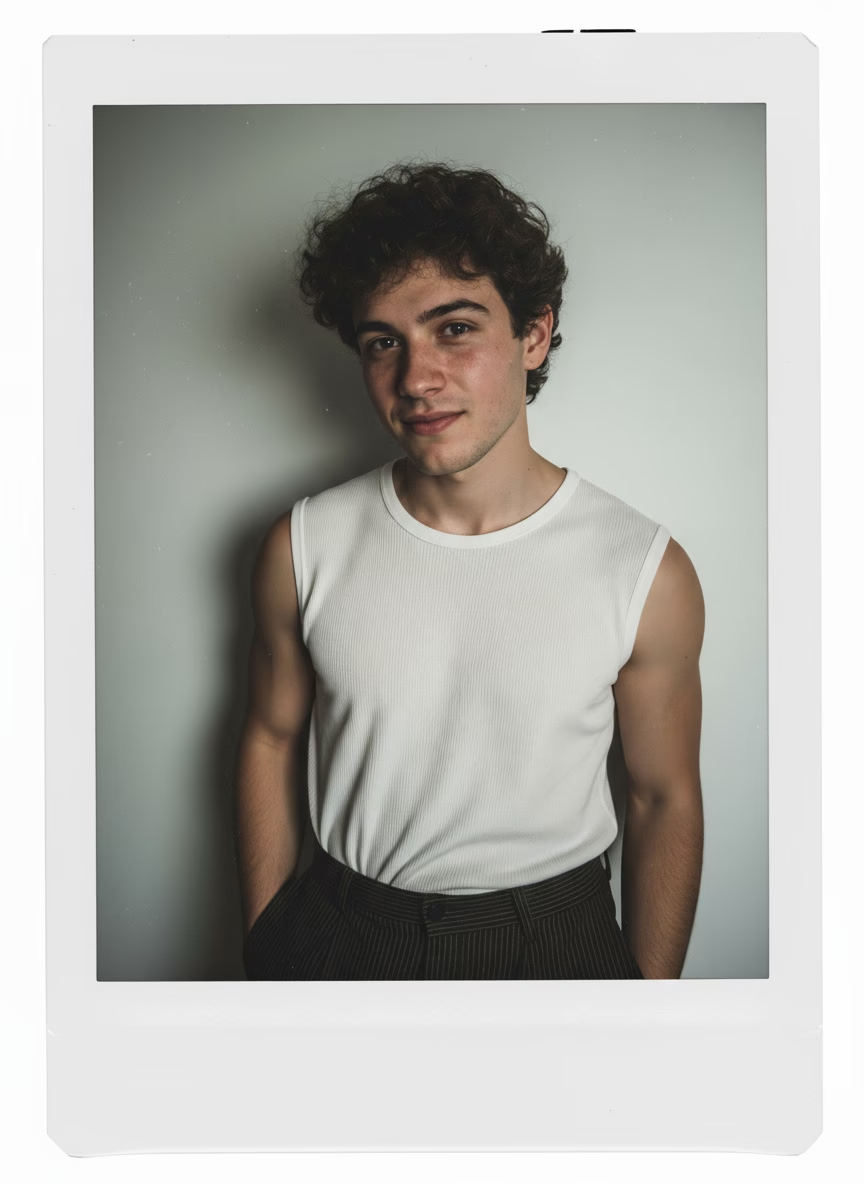
AI Polaroid Maker
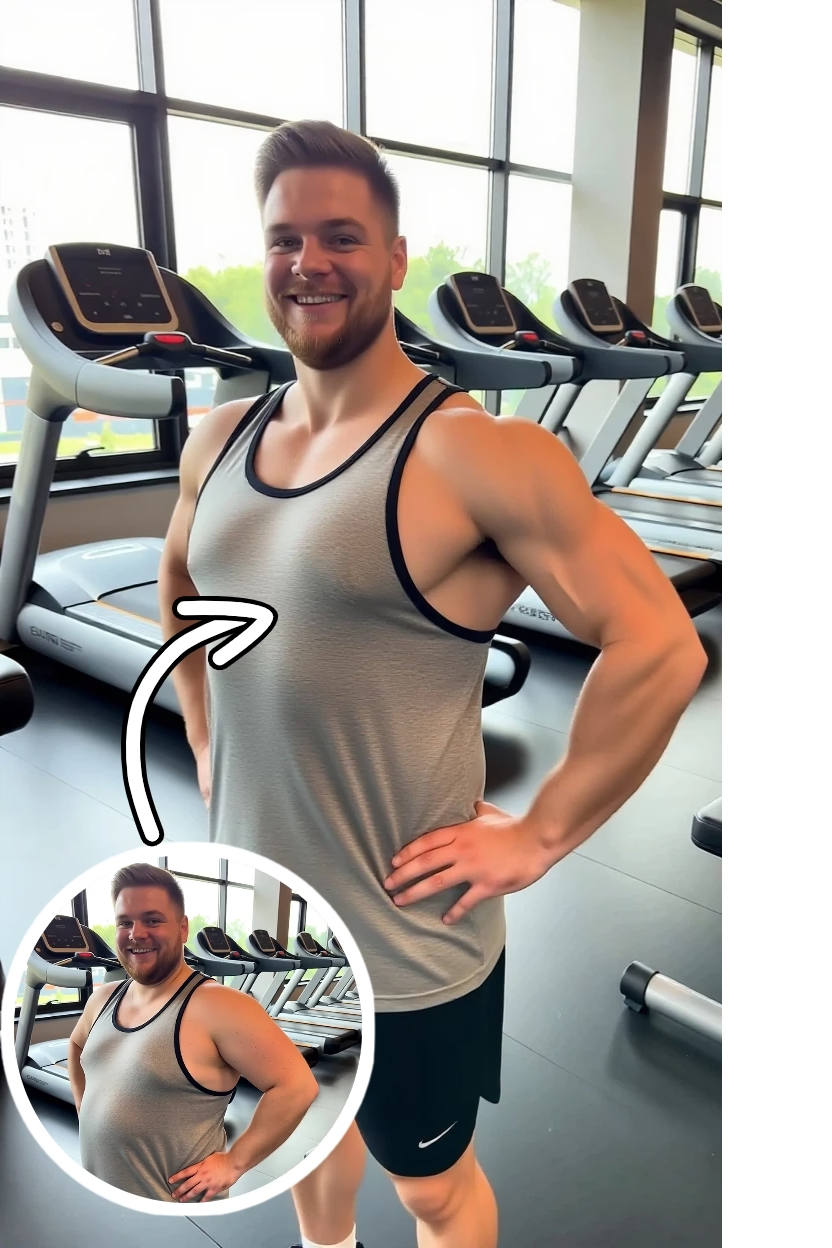
AI Fitness Body Generator
Recommend

Racer
Float Spin
Burning
AI Dream Skateboard Generator

AI Dog Generator
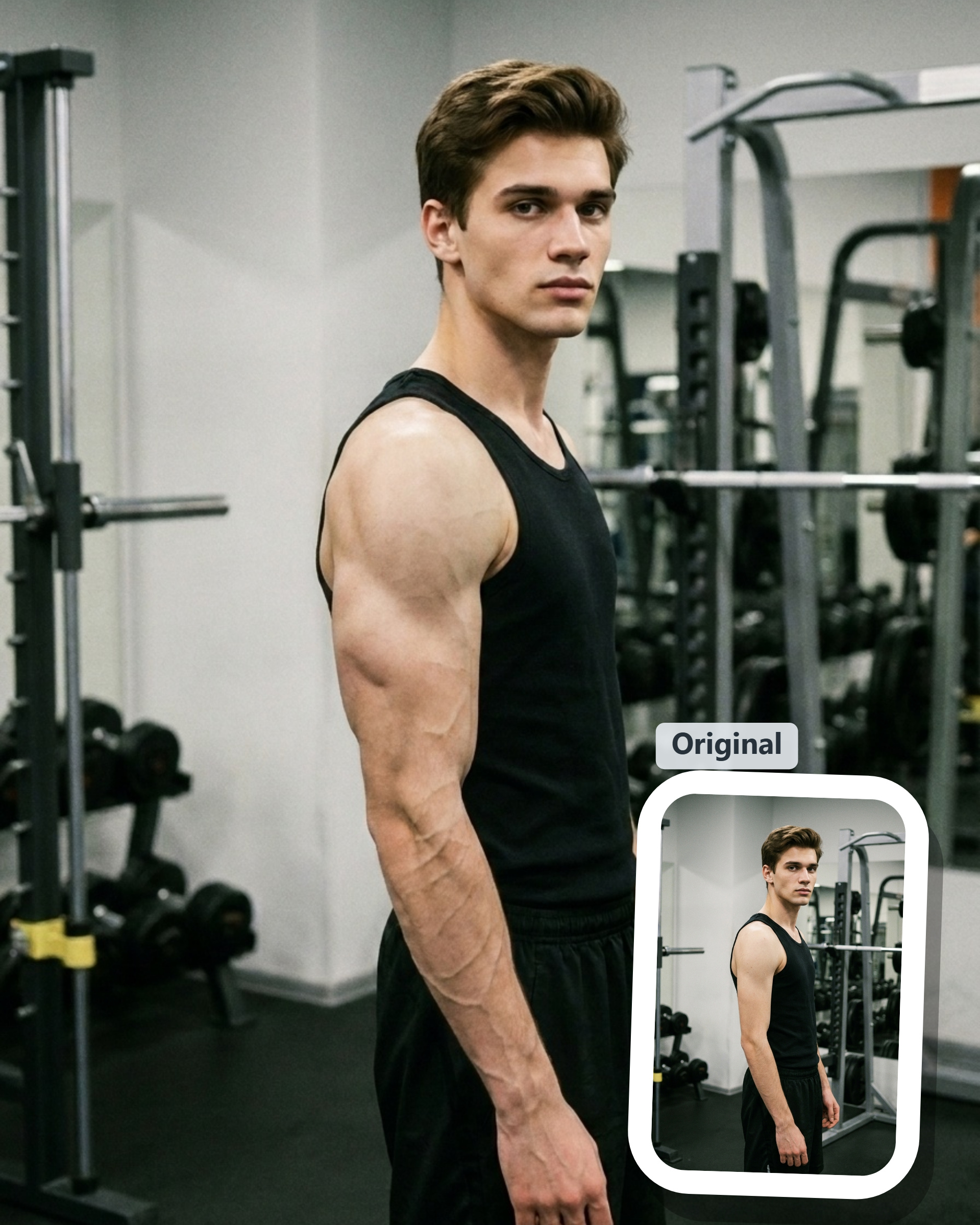
Muscle Generator

AI Mugshot Generator
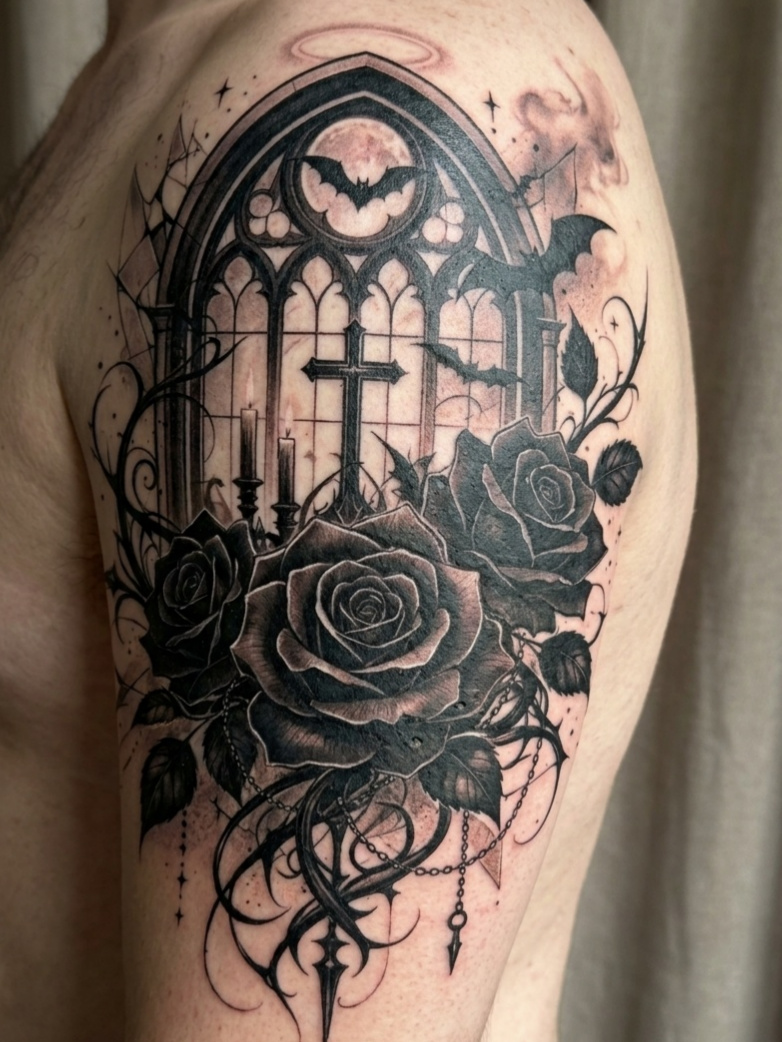
AI Tattoo Generator
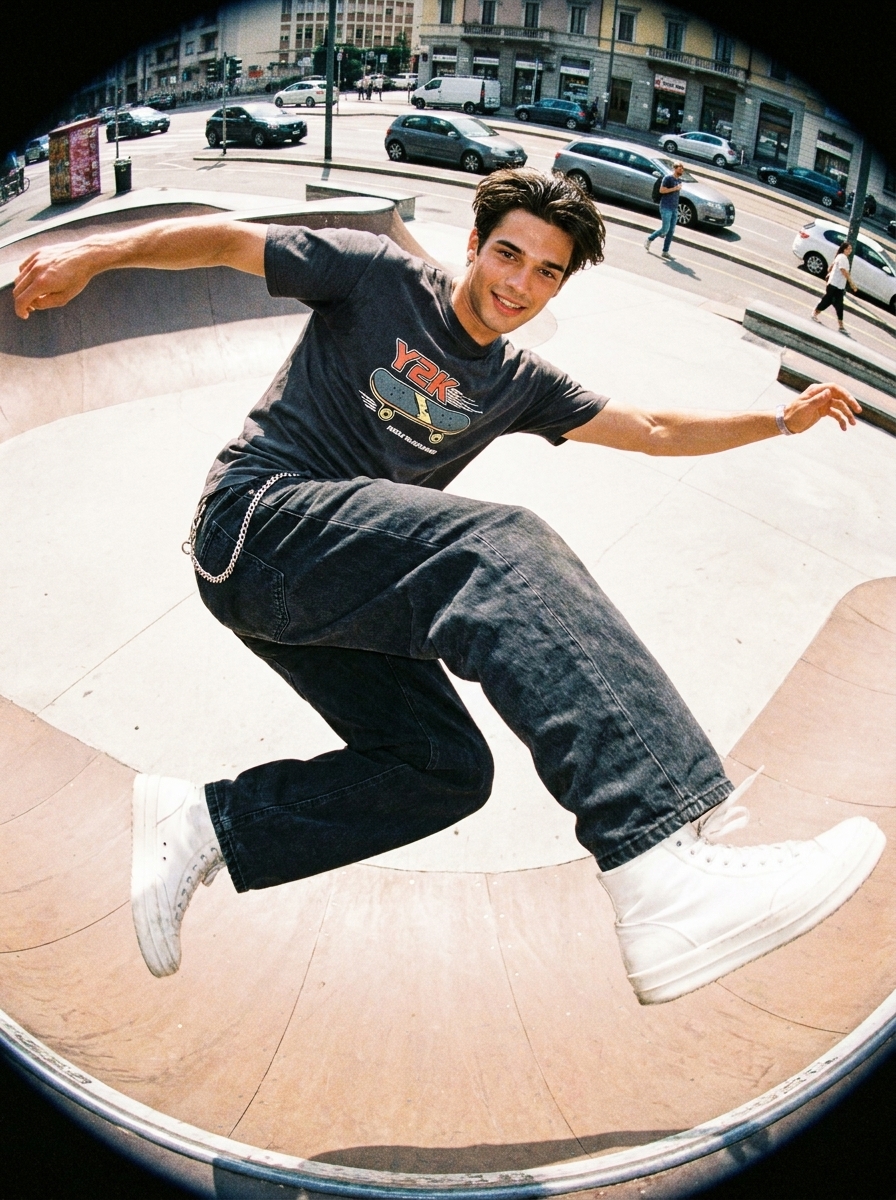
Y2K Fisheye Filter
AI Backflip Video Generator
AI Ice Sculpture Video Generator
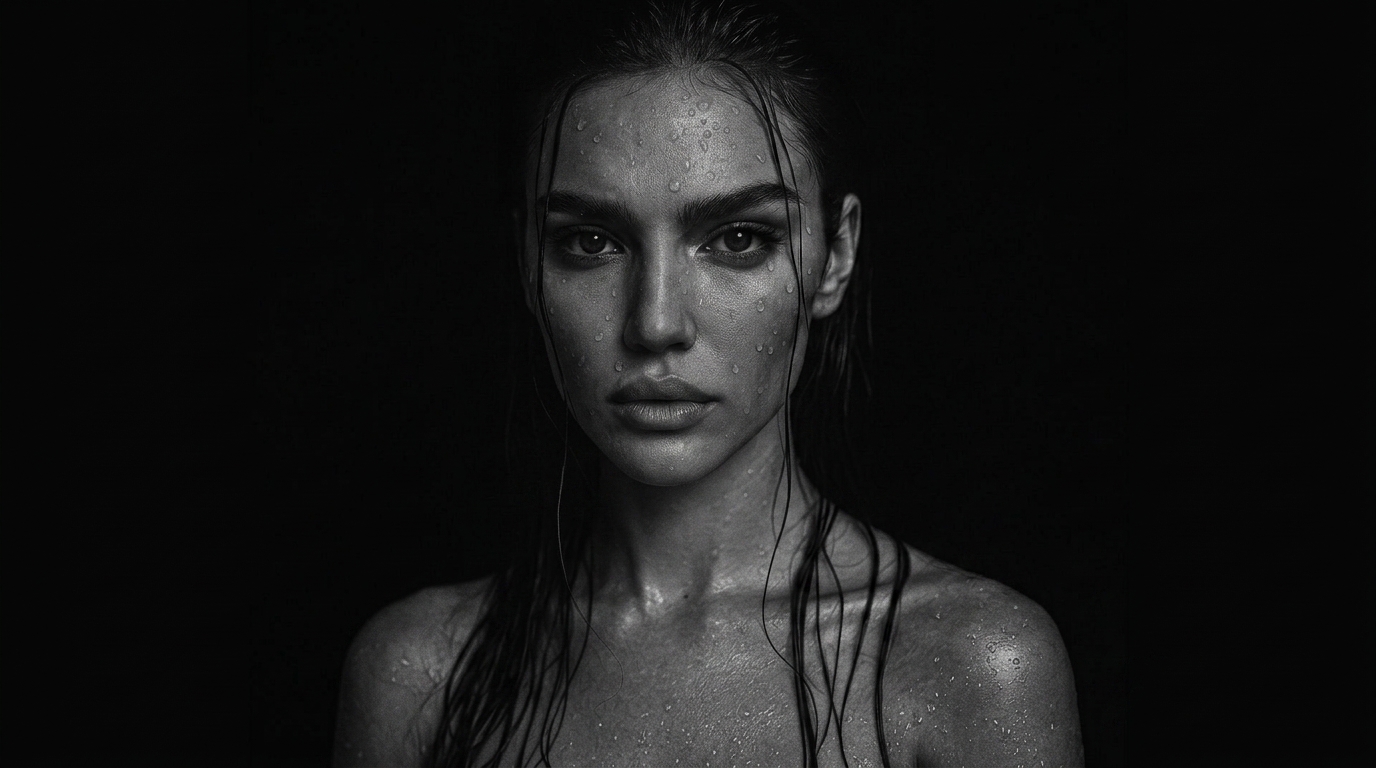
Black-and-white portrait
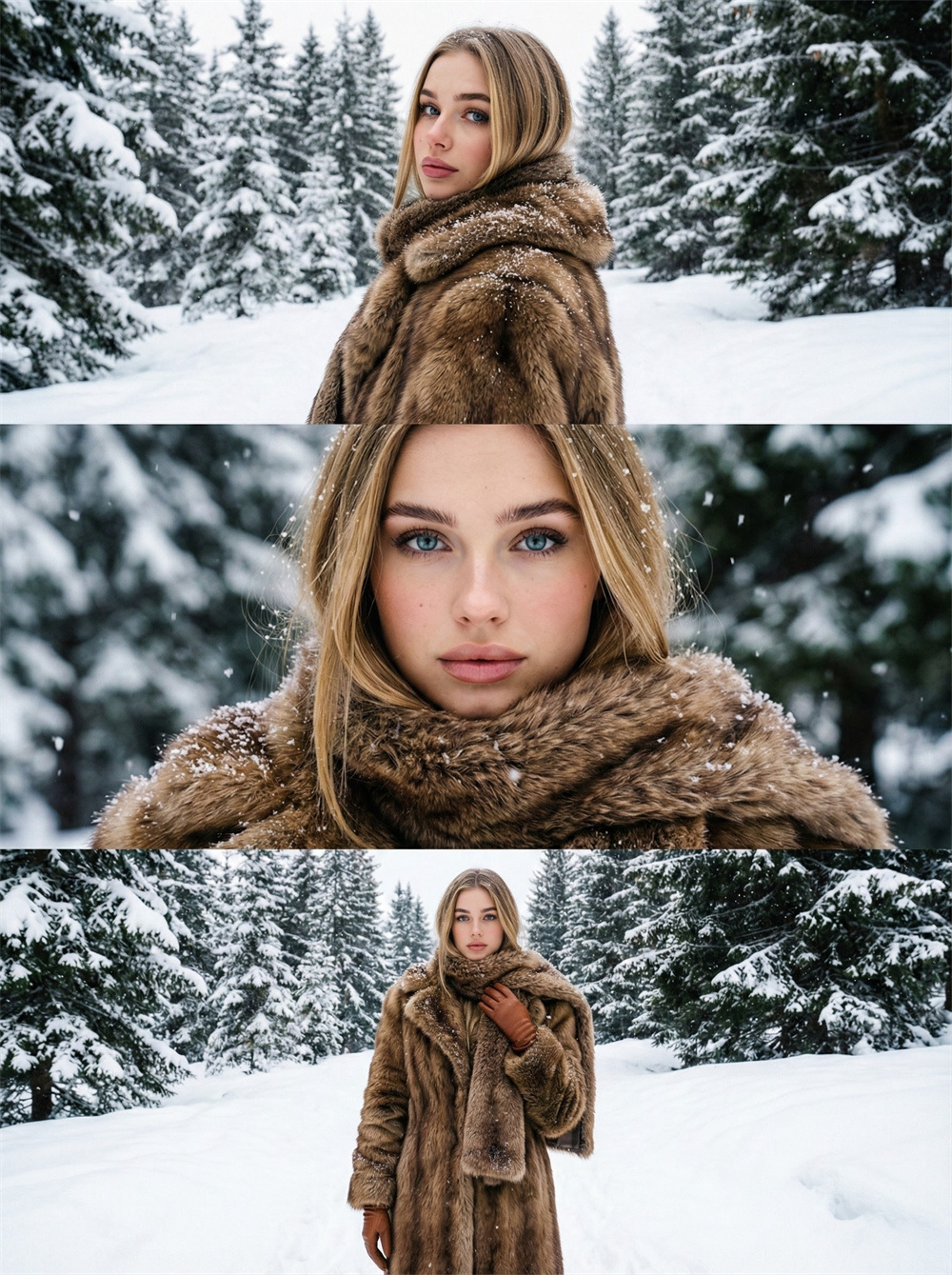
AI Snowy Forest Generator

AI Silent Portrait Generator
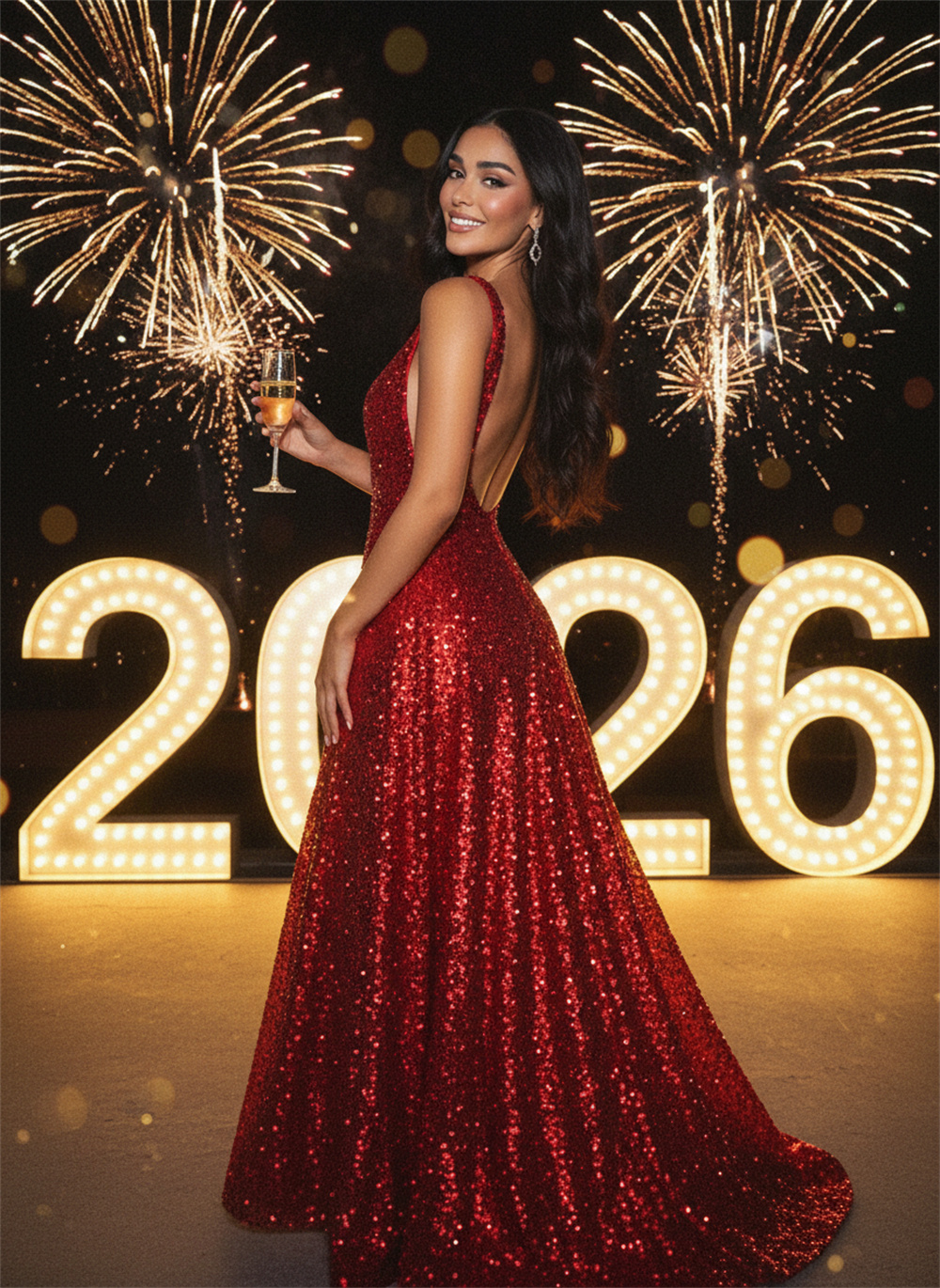
AI Fireworks 2026 Generator
Guma x Seedance 2.0
AI Helicopter Movie Generator
Street-film vibe
Kung Fu
Doomsday Mech Generator
Black Warrior
AI Backflip Video Generator
AI Ice Sculpture Video Generator
AI Become Werewolf Generator
AI blowing steam Generator
AI Earthquake collapse Generator
Best Al Earthquake collapse Generator
AI turns to stone
AI generator turns to stone
Glam Timelapse
Flaunting wealth style
AI Image & Video Generator FAQ
What makes Guma different?+
Guma combines AI video and image generation in one workspace so you can move from ideas to polished assets faster, with templates, prompt tools, and creator-focused workflows.
How does the AI creation flow work?+
Start with a prompt or image, adjust the model and settings, then jump into the matching generator to preview and create your final asset.
Can I browse more presets?+
Yes. Each category preview on the workspace is a curated slice — use View All to open the full template collection for that category.
Which tools can I start with?+
You can begin with Text to Video, Image to Video, Text to Image, Image to Image, or jump straight into Templates for faster starting points.
Do I need separate tools for video and image creation?+
No. The workspace is designed so you can move between AI video and AI image flows without leaving the main experience, then open the specialized tool only when you want deeper controls.
Can I use templates before writing my own prompt?+
Yes. Templates are a fast starting point when you want examples, preset directions, or more structured prompt ideas before creating your own workflow from scratch.
Is the workspace useful for quick experiments?+
Yes. It is built for fast exploration, so you can test prompts, compare tools, and move into the best generator for your use case without extra setup.