
AI Become Werewolf Generator
Become a Fierce Werewolf with AI
With Guma AI's Become Werewolf effect, upload a portrait and watch the subject transform into a fierce werewolf. Fur rises, the face sharpens into a wolf-like head, and a primal roar takes over as the body twists into beast form, creating a savage AI video filled with wild motion, dark tension, and raw werewolf energy.
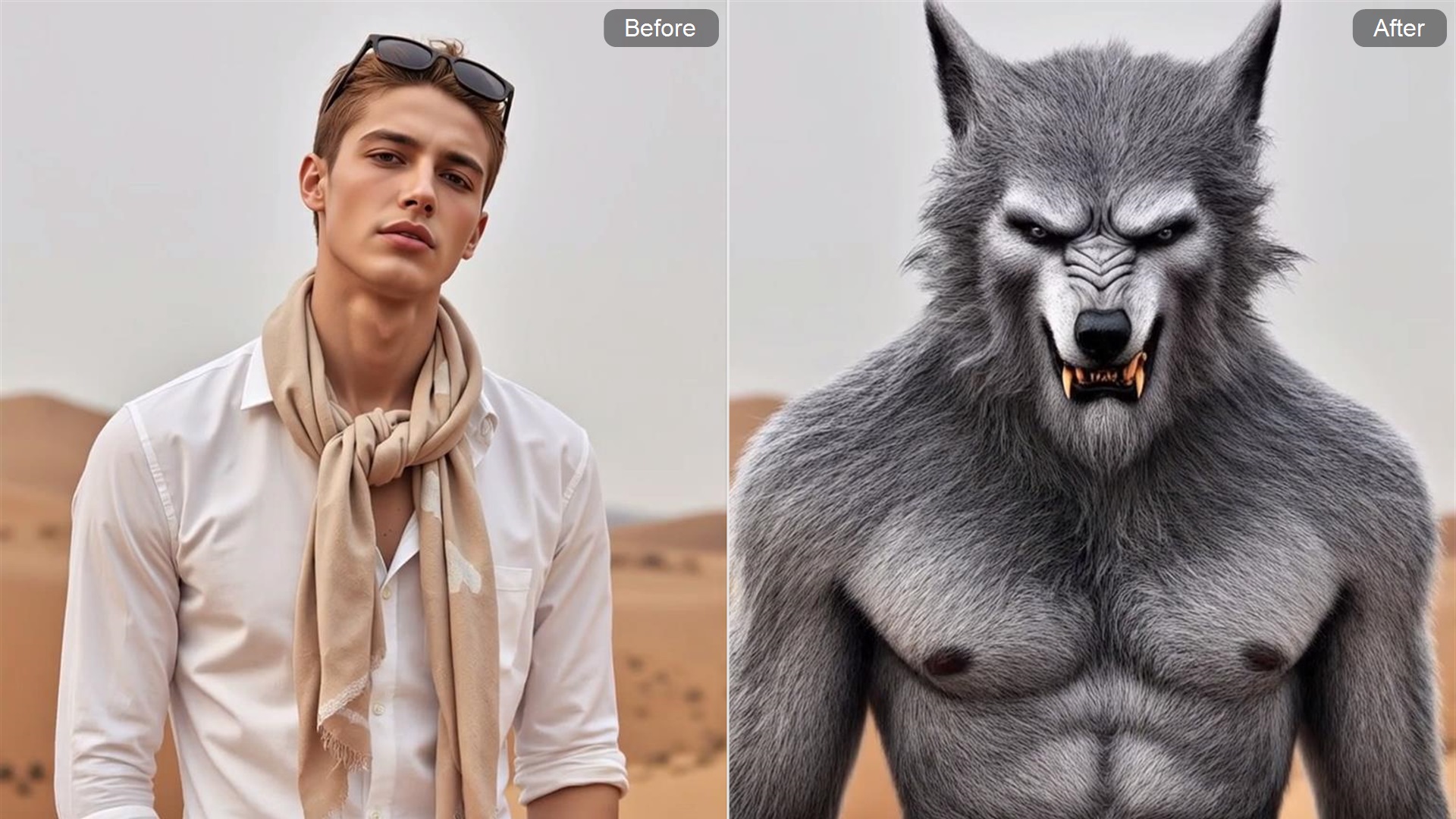
Make Your Character Roar Like a Beast
Give a plain portrait a louder, wilder entrance. AI adds a fierce mouth-opening motion and a beast-like shift, making the character feel more intense, powerful, and ready to break into a supernatural video scene.
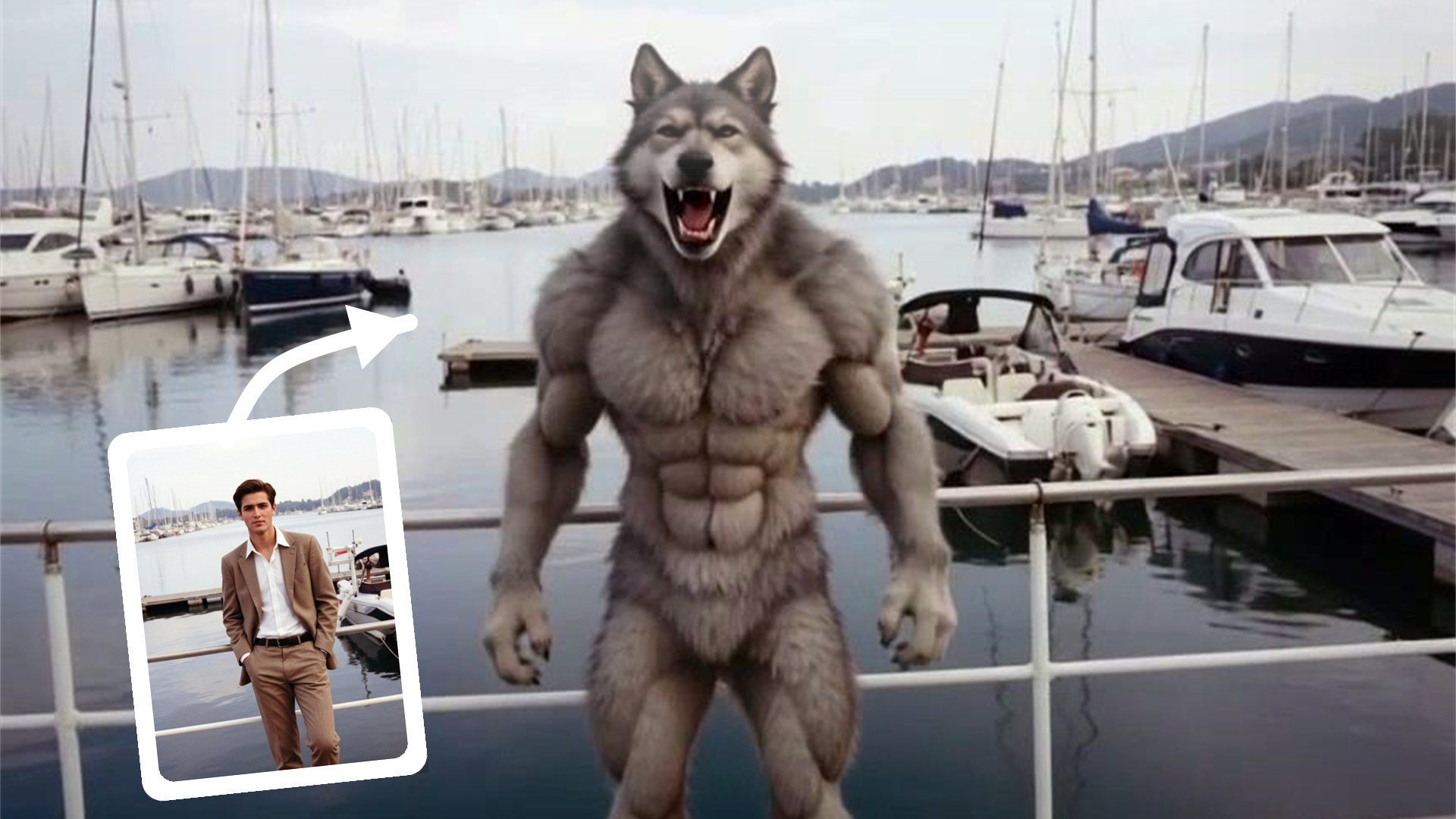
Create a Dark Fantasy Clip Without Filming
No costume, makeup, camera setup, or editing timeline required. Upload a clear portrait and let AI shape it into a werewolf video with dark motion, fierce energy, and a stronger monster-reveal effect.
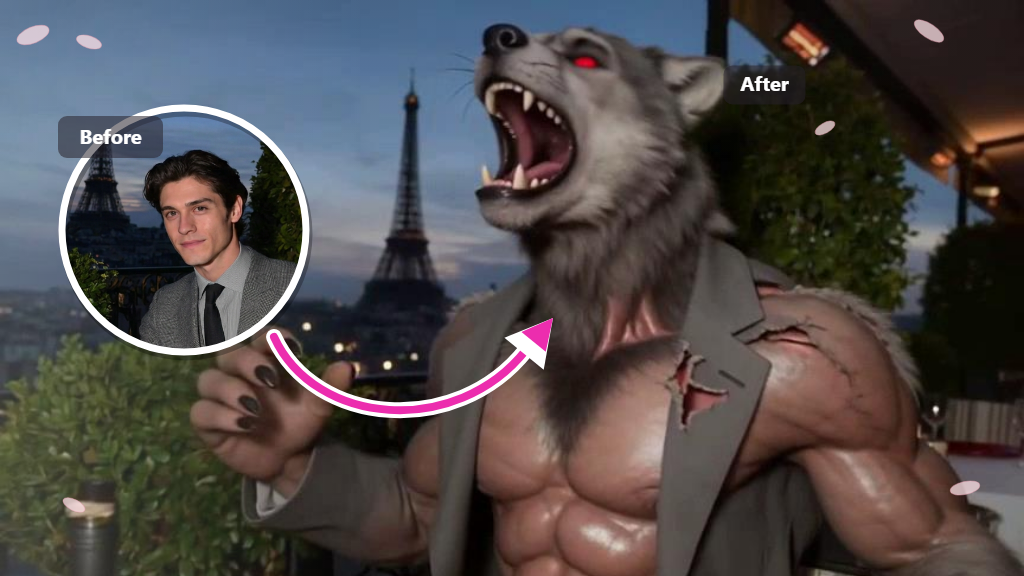
Turn a Simple Photo Into a Scroll-Stopping Monster Reveal
Capture attention with a raw transformation from human calm to primal beast energy. Fur rises, the body twists, and a savage roar takes over the scene, turning a simple image into a wild AI werewolf video that feels fierce, terrifying, and impossible to ignore.
How to Generate Werewolf Transform Video With Guma AI
Upload a Clear Portrait
Choose a clear portrait with the face visible.
Generate the Werewolf Effect
Let AI turn the character into a werewolf video.
Download and Share the Video
Save your video for Halloween posts, Reels, Shorts, or edits.
Explore More AI Horror & Transformation Effects
FAQ
What is an AI Werewolf Generator?
An AI Become Werewolf Generator turns a portrait into a werewolf transformation video. Instead of only creating a static monster image, it focuses on the change from human to werewolf, with motion, expression, and a stronger beast-reveal effect.
Does this generate a video or just a werewolf image?
It creates a transformation-style video effect, not just a still werewolf image. The result focuses on motion, expression, and the shift from a human character into a werewolf form.
Do I need to write a prompt or edit the video myself?
No complex prompt writing or editing workflow is needed for the basic effect. Upload a photo, generate the werewolf transformation, then preview the result before downloading or sharing it.
Can I download and share the generated video?
After the video is generated, it can be used for personal creative projects, social posts, Halloween edits, or fantasy content.
Is this effect suitable for scary content without being too graphic?
Yes, the focus is on a horror-fantasy transformation rather than graphic violence. It creates a fierce werewolf reveal with beast-like motion and atmosphere while staying suitable for general creative video use.