
Template
AI Shh Gesture Effect
MoreUpload an image to start your template-based generation.
Upload Image
AI Shh Gesture Effect
Bring Mysterious Atmosphere to Your Night Portraits
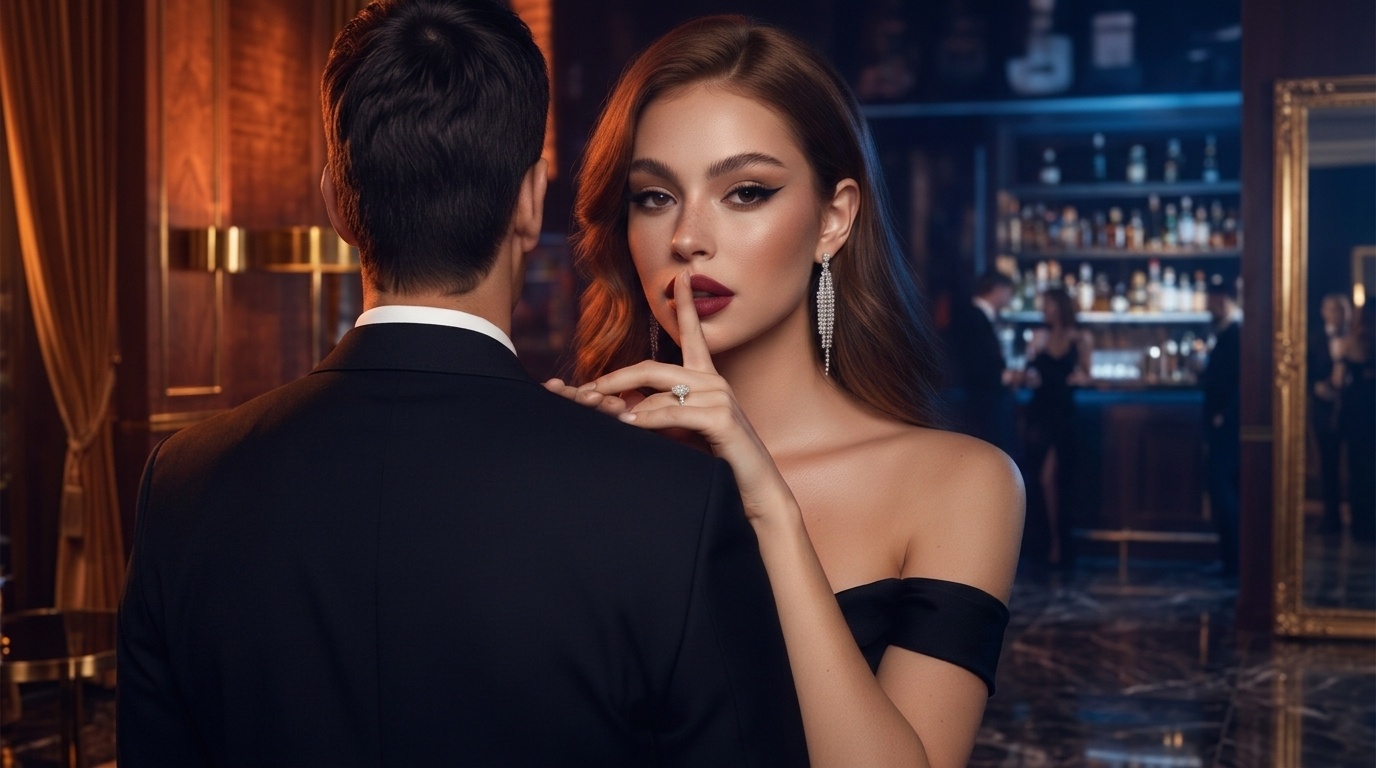
Turn a simple low light photo into a sleek cinematic scene filled with visual excitement. Guma helps you place that iconic finger to lip hush gesture seamlessly onto your subject, smooth out harsh dark shadows, and render vivid nightclub lighting, all while keeping your original face, hair, and character features completely authentic.
AI Prompt
(High-contrast color), high saturation, low noise, (based on the main facial features of the original image: 1.6) generated the protagonist. Night scene portrait: loose hair; the protagonist is in a close-up pose, one hand resting lightly on the shoulder of the man standing next to her, while the fingertips of her other hand gently touch her lips, making a shh gesture. The man is wearing a suit and stands with his back to the camera in the foreground. His expression is cold yet charming; the protagonist is dressed in a dark off-shoulder gown (revealing only her shoulders and arms), exuding both sexiness and elegance. The background depicts a dimly lit nighttime setting, where warm orange and cool blue lights softly illuminate the protagonist’s face (1); her makeup is bold and cool, featuring sharply angled eyeliner, matte red lips, and exquisite contouring. Her accessories include long diamond earrings and a diamond ring. The image employs a close-up shot (focusing on the interaction between the face, shoulders, and arms), and the tightly composed frame accentuates the protagonist’s expressive nuances and the tension of their interaction, fully capturing the alluring atmosphere of the nightclub. (The main facial features and hair color are identical to those in the original image: 1.6), and the proportions are precisely rendered.
How to Get Your Cinematic Night Portrait in Seconds
Drop In Your Night Portrait
Upload any clear face photo, evening portrait, or couple shot where the shoulders and face are fully visible.
Apply the Shh Gesture and Lighting Effect
Click to start processing so Guma can map the finger position over the lips, balance the dual tone rim lighting, and add smooth evening makeup highlights.
Preview and Download Your High Res Photo
Check the pose accuracy, diamond reflection details, and subtle shadow transitions, then save your high resolution image straight to your device.
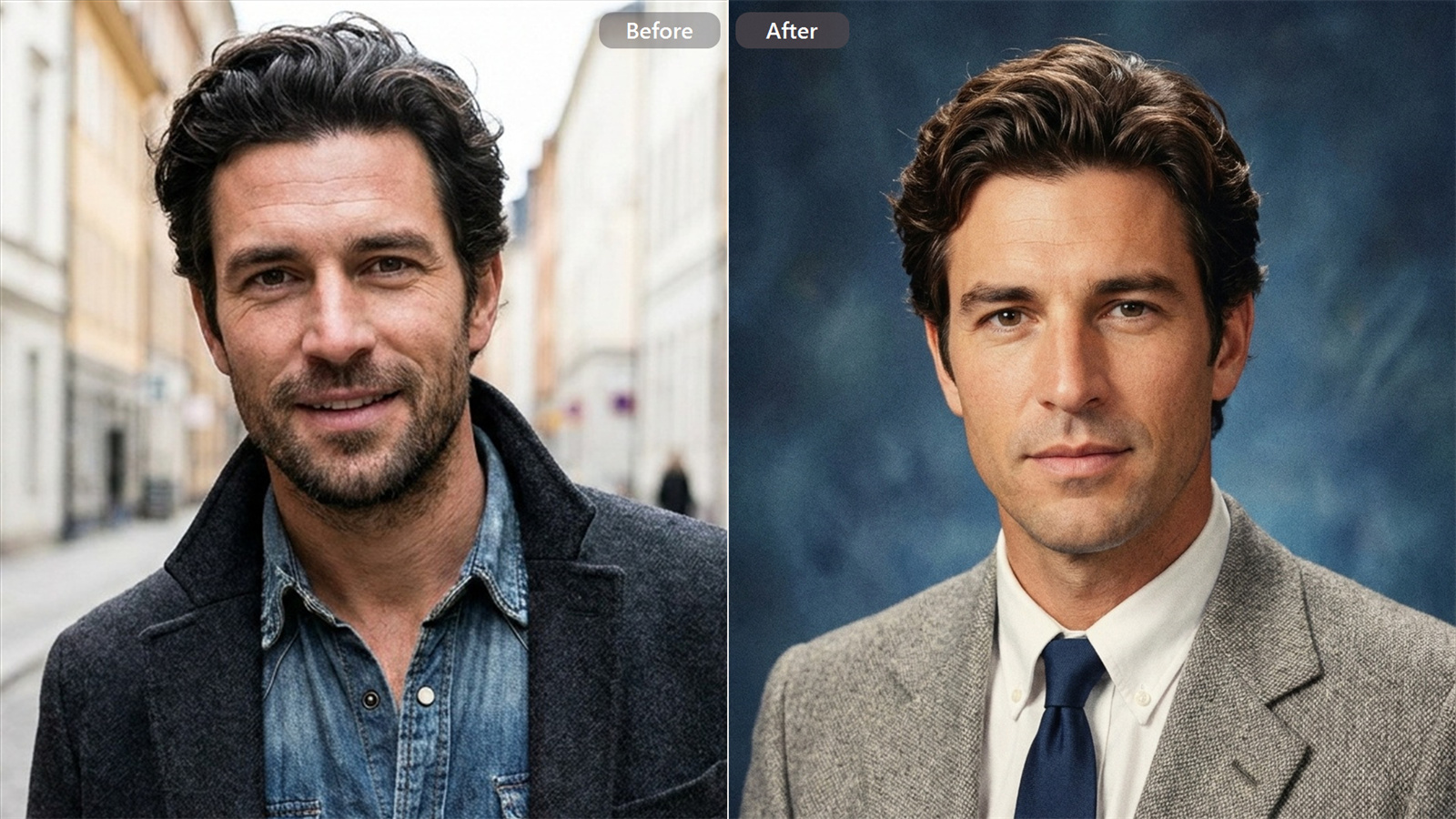
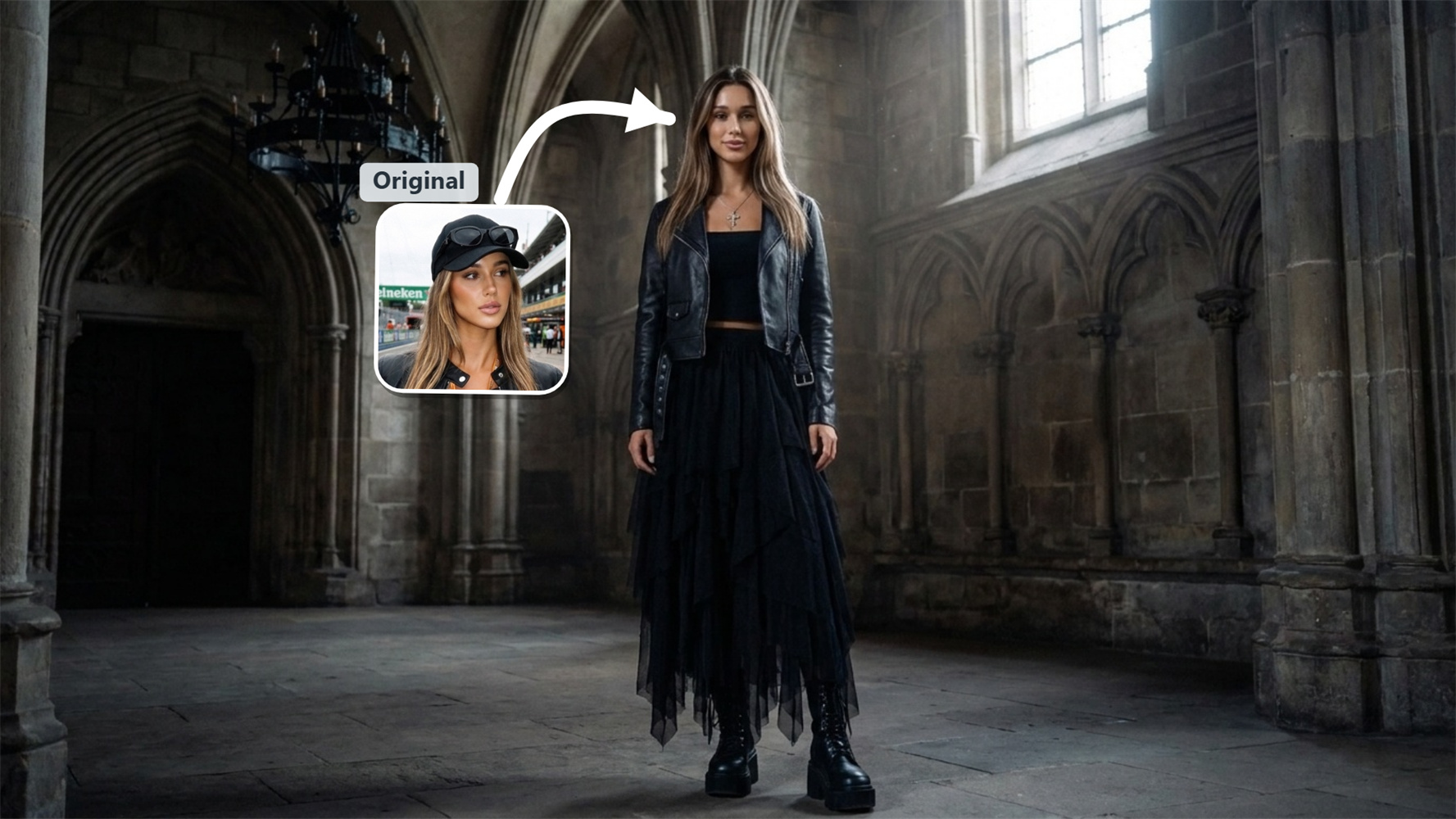
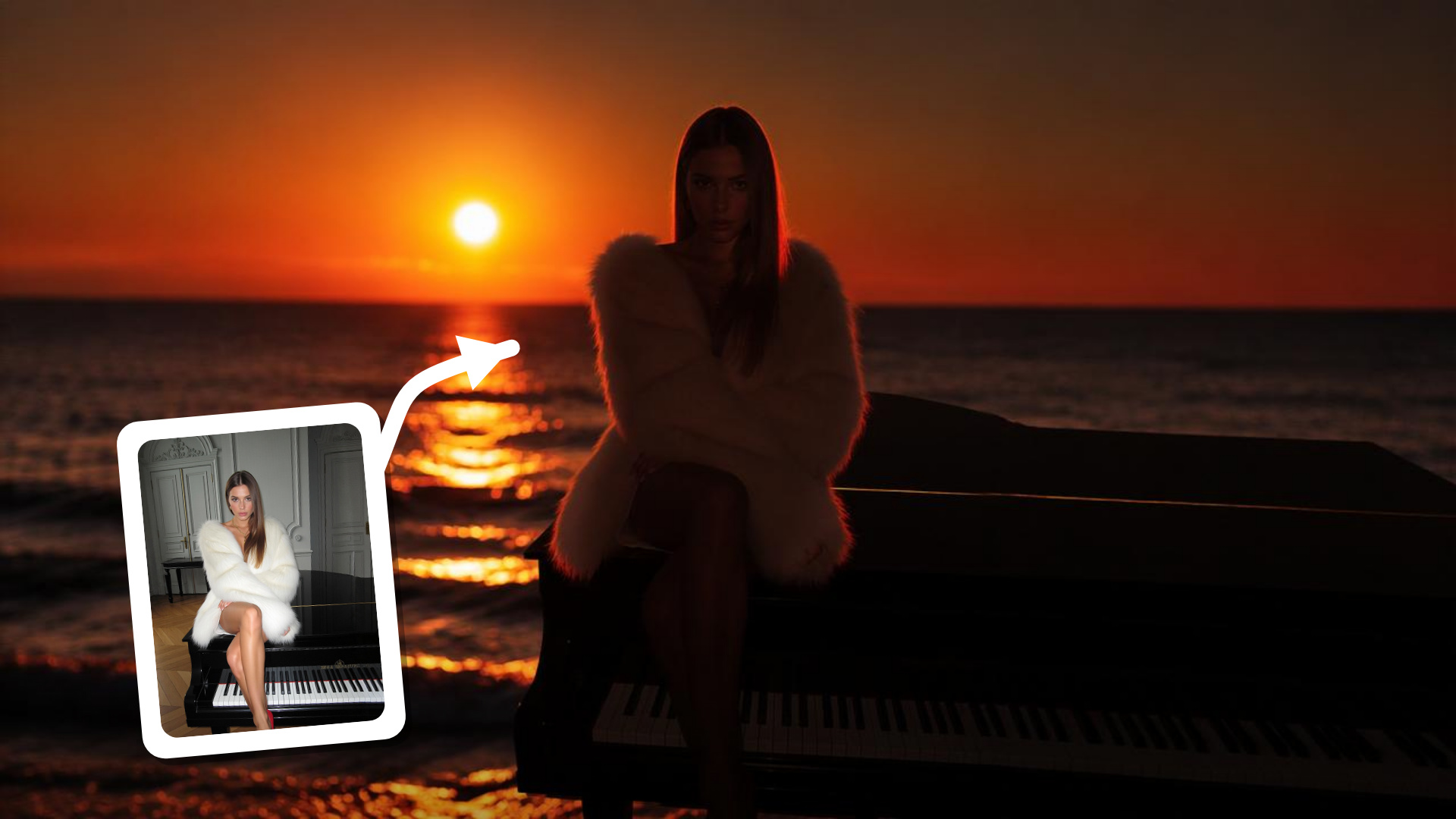
Related AI Editing Tools and Effects
Frequently Asked Questions About AI Shh Gesture Effect
How does Guma place the finger over the mouth without warping the face?
Our pose mapping system reads hand structure together with facial contours. Instead of placing a flat graphic on top, it aligns the hush gesture smoothly onto your subject's actual features so the skin overlay and finger placement look entirely natural.
Will this night effect alter my subject's original facial structure or hair color?
Your subject remains completely recognizable. The tool strictly preserves unique facial features, eye shape, and hair tone, focusing only on refining the pose, introducing the off shoulder dress, and enhancing dark ambient lighting.
How does it handle photos with two people or a background silhouette?
It manages foreground and background depth smoothly. The main subject stays sharp while making the gesture, while the partner or background figure retains a soft blur for a balanced, dramatic composition.
What kind of lighting works best with this hush gesture effect?
Close up photos taken in low light, bars, lounges, or evening streets deliver the most impactful result. The tool picks up those dark environments and enhances them with rich orange highlights and cool blue ambient glows.