
Comic Book Filter
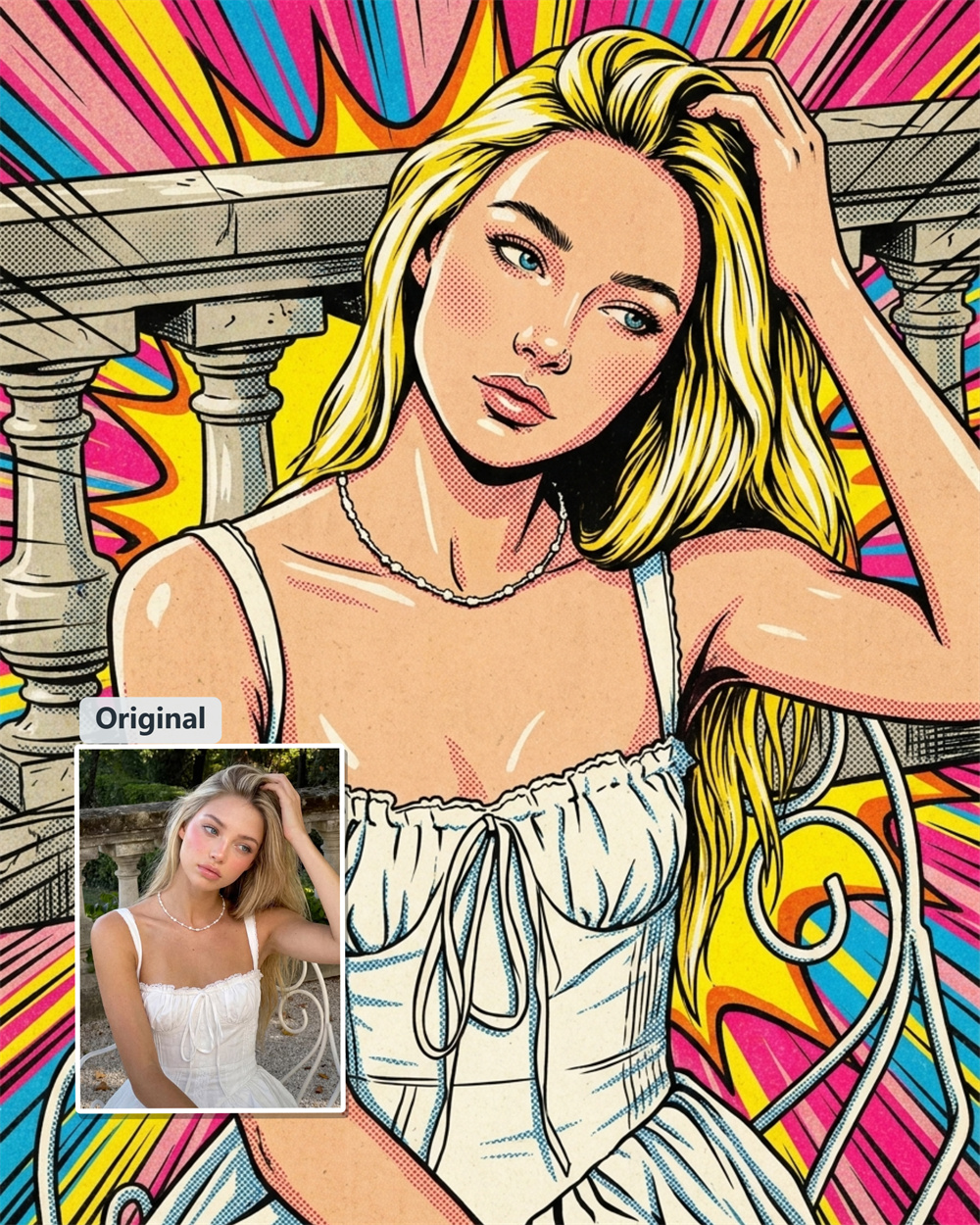
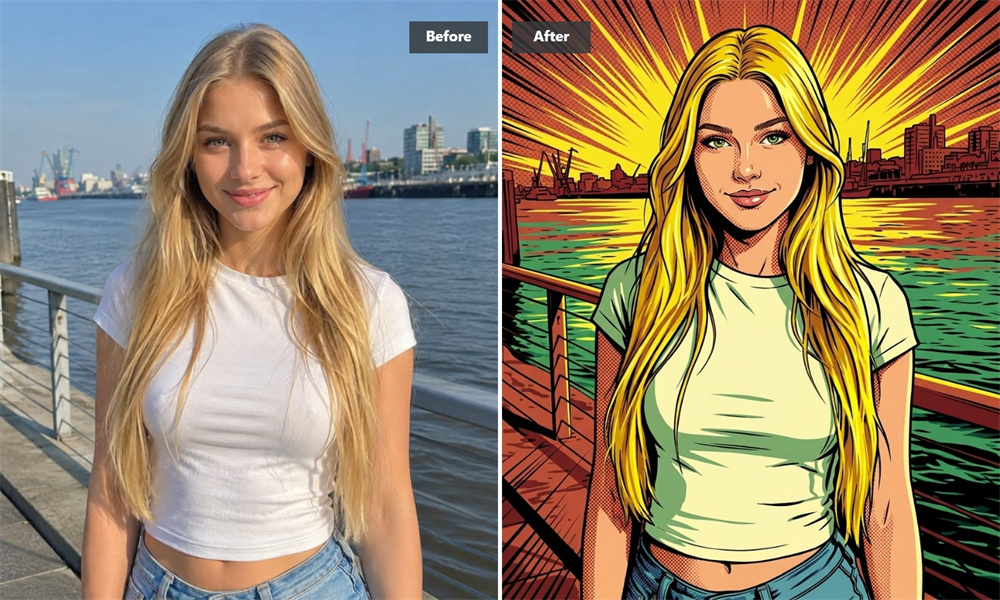
Transform Your Photos with an Instant AI Comic Book Filter
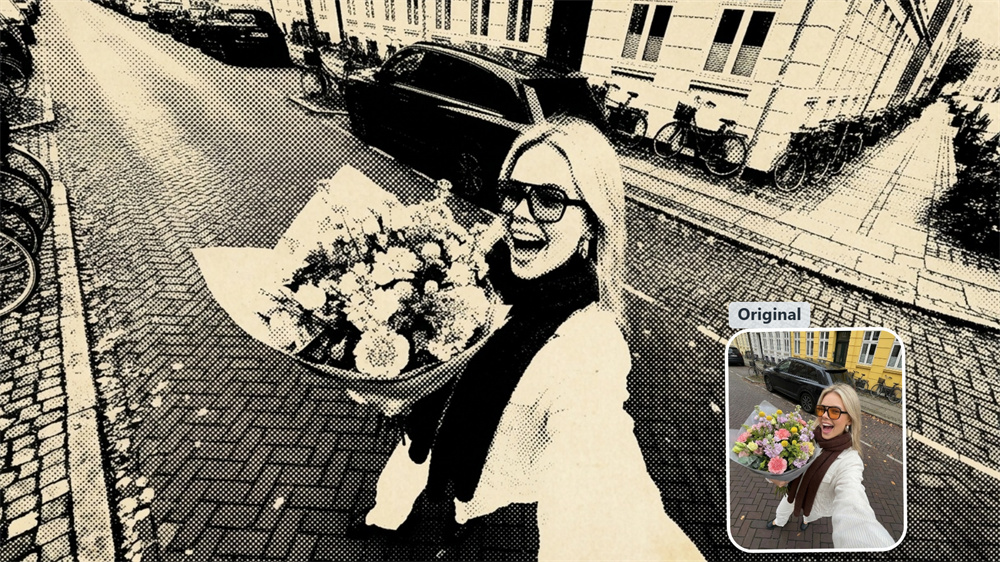
Ever wondered how your personal shots, pets, or travel moments would look inside a real comic panel? Simply upload any photo to our AI tool and watch it transform your images into dynamic graphic novel illustrations in seconds. There is no prompt typing, no manual editing, and no artistic background needed. You just upload your image and let Guma handle the rest.
AI Prompt
“Reference the original image’s character identity and facial features: 1.8}, {Character consistency: 1.8}. The composition, layout, character poses, object placements, background elements, scene structure, proportions of all components, and overall content are fully preserved—no new elements are added, nor are any existing ones removed or altered. Only the subject is transformed into a style that combines vintage European‑American comic aesthetics with Pop Art. The overall visual tone and texture embody a comic‑style illustration characterized by bold black outlines, flat color blocks, halftone shading, dynamic radial compositions, and a retro printing feel. Character lines lean toward delicacy, stability, and decorative flair, while environmental lines are more exaggerated, explosive, and full of motion. - The artwork employs highly saturated colors—brick red, golden yellow, fluorescent yellow, and emerald green—to create a striking visual impact. - Thick black outlines stand out prominently, evoking the aesthetic of old‑school comic book printing, screen printing, and poster illustrations. - Shadows aren’t rendered as soft gradients; instead, they’re expressed through halftones, grainy textures, short strokes, and cross-hatching, lending a rough, gritty quality reminiscent of vintage prints. - Radial rays, speed lines, and burst‑like light effects in the background amplify the sense of dynamism typical of comic‑book paneling. Character Line Work - Character silhouettes are defined by thick, fluid, and powerful black lines, while facial contours remain relatively rounded, imparting a gentle, portrait‑like quality. - Facial features feature finely drawn lines, with clear, decorative detailing on eyebrows, eyeliner, eyelashes, and lips. - Skin shadows are conveyed using dense halftones and short hatching, maintaining smooth skin tones while adding the textured graininess of printed paper. - Hair is treated with broad, solid color areas complemented by sharp highlights, creating strong luster and depth. - Hands, shoulders, and fabric folds are rendered with simpler lines, yet subtle arcs and strategic shading accurately convey pose and volume.”
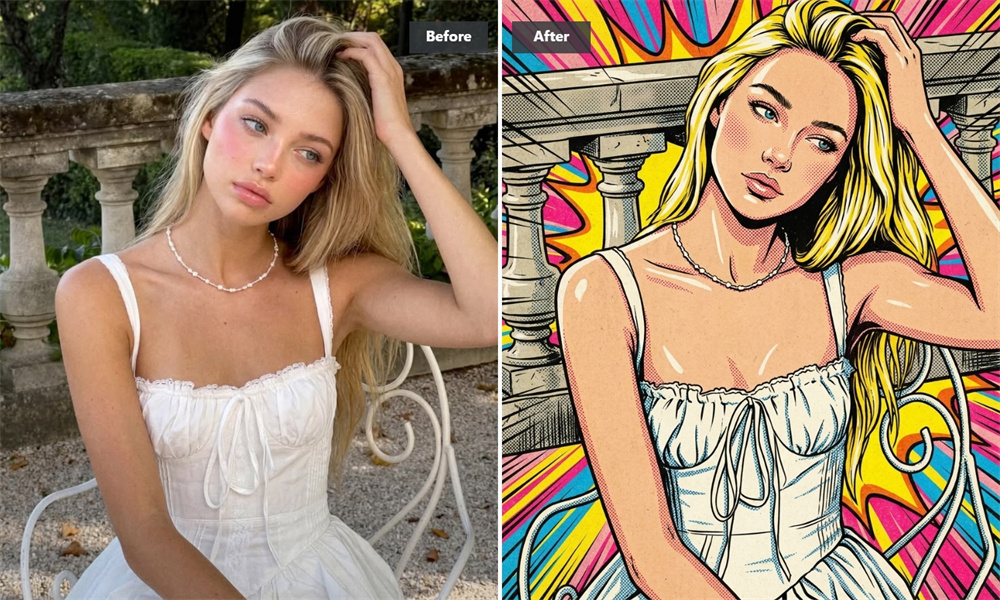
Keep the Person, Change the Style Without Losing Your Look
Personal comic transformations work best when you remain recognizable. Our AI tool identifies facial structure, nose contours, and eye shapes before applying clean ink contours and halftone shading. This approach helps create a striking comic style transformation while keeping the subject recognizable.
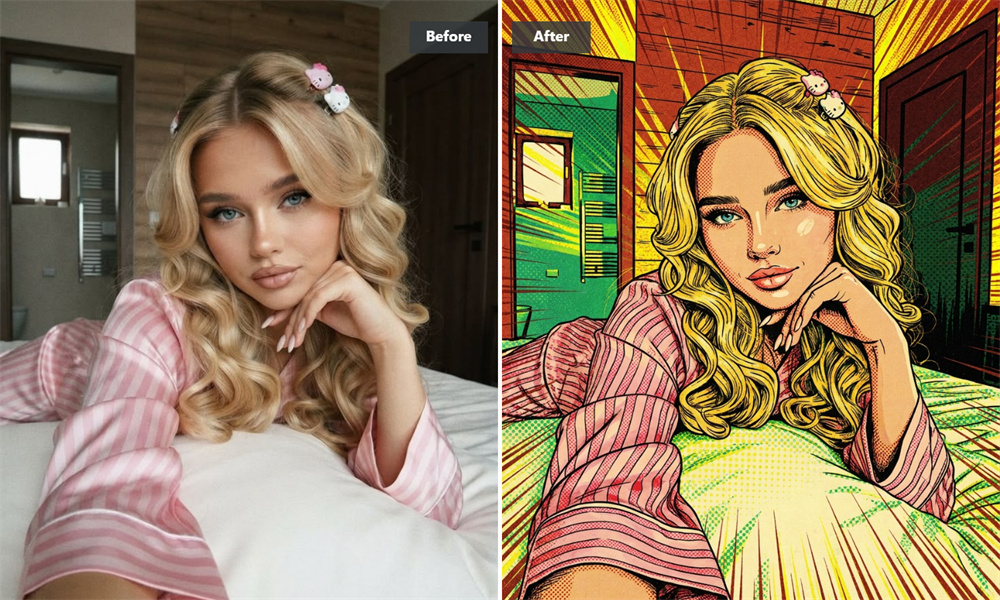
Keep the Product, Change the Scene for Engaging Ad Content
Product shots and marketing graphics can gain more visual impact through a comic inspired style. Upload raw studio photos or simple mobile pictures to our AI tool. It identifies the primary subject, helps preserve the product shape, and enriches the background with halftone patterns, speed lines, and graphic art callout boxes.
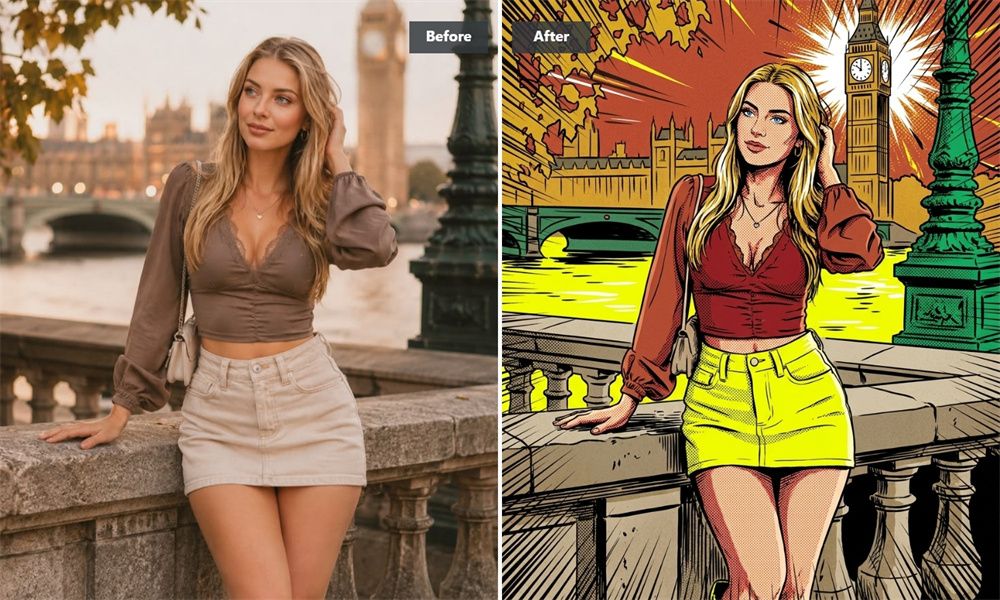
Get Clean Vector Line Art Built for High Resolution Printing
High quality visual exports require crisp details for every display. Our AI tool creates clean vector line art and rich color fills directly from your original picture. The result is suitable for social feeds, print materials, graphic novel layouts, and digital media.
Process Multiple Subjects Smoothly in Group Photos and Panels
Creating multi panel graphic stories or converting group photos can be simple and efficient. Our AI tool processes multiple subjects in one image and helps maintain recognizable details across couples, pets, and group pictures. Clear source images and balanced spacing between subjects can help produce cleaner lines and stronger background detail.
A Simple Three Step Workflow from Raw Photo to Graphic Panel
Upload Your Core Visual Asset
Drag and drop any high resolution portrait, product shot, or scene. Our AI tool supports JPEG, PNG, and WebP files.
Run Auto Contour and Halftone Extraction
Select generate to let our AI tool lock structural points, draw edge lines, and map halftone textures automatically without prompt setup.
Export Clean High Resolution Comic Assets
Preview your result, download the uncompressed file, and place it directly into your design projects, comic pages, or social campaigns.
Explore More AI Generation Tools
Guma provides flexible AI creation tools for transforming photos, prompts, and creative ideas into images and videos. Choose the workflow that fits your project and start creating in one place.
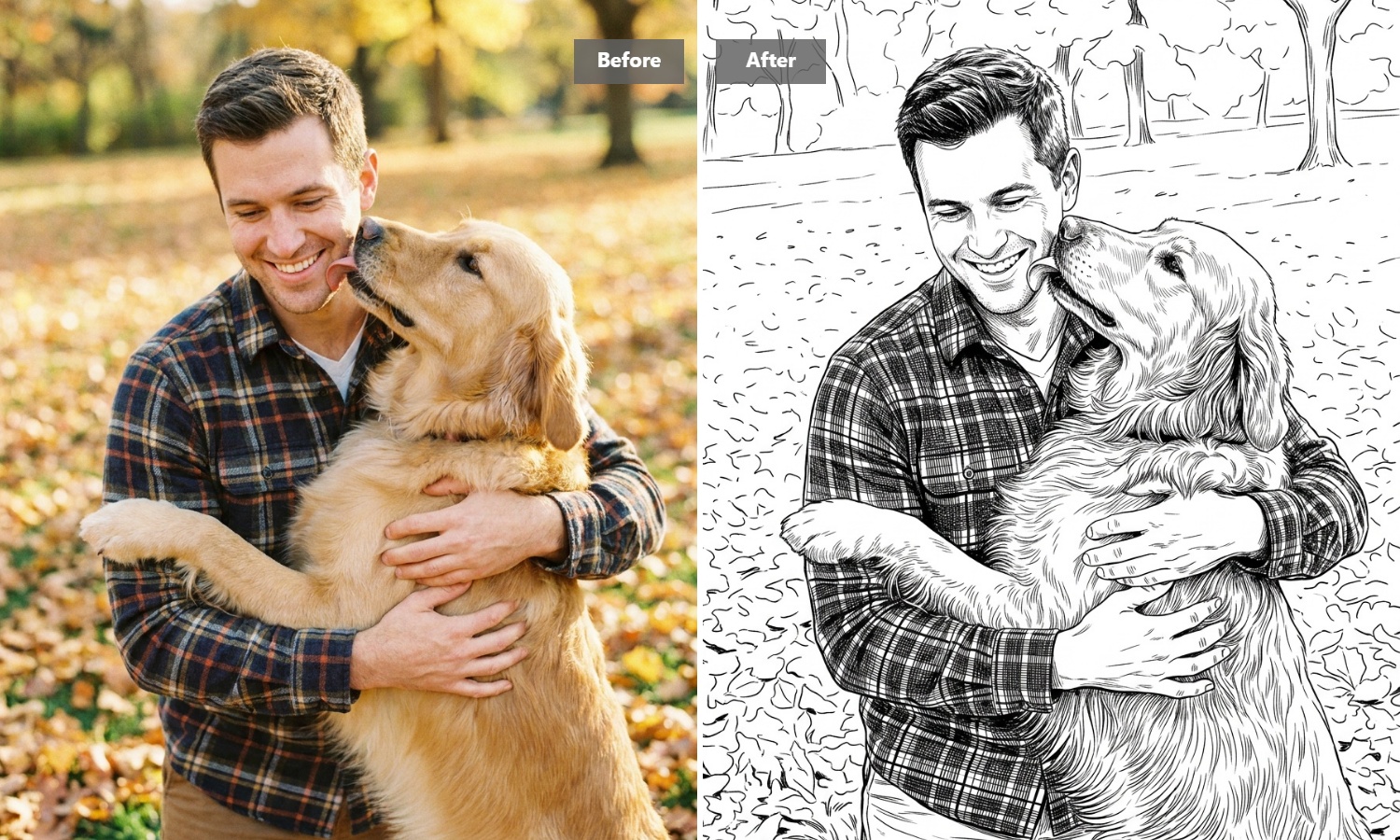
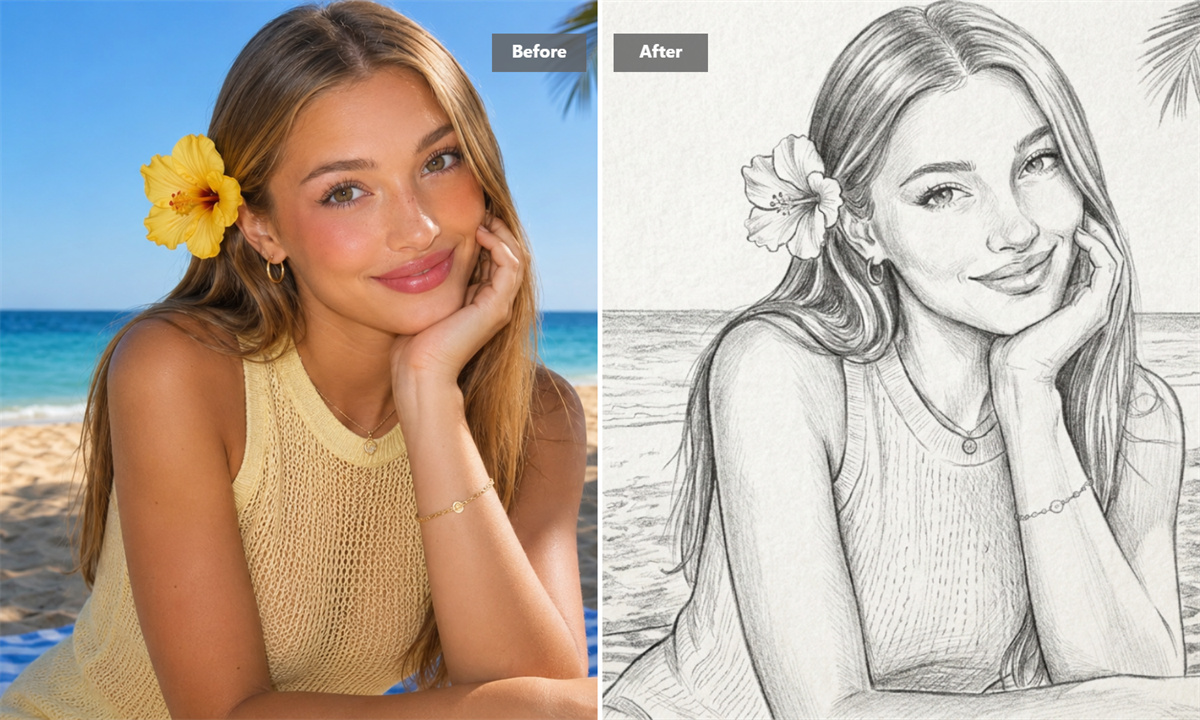
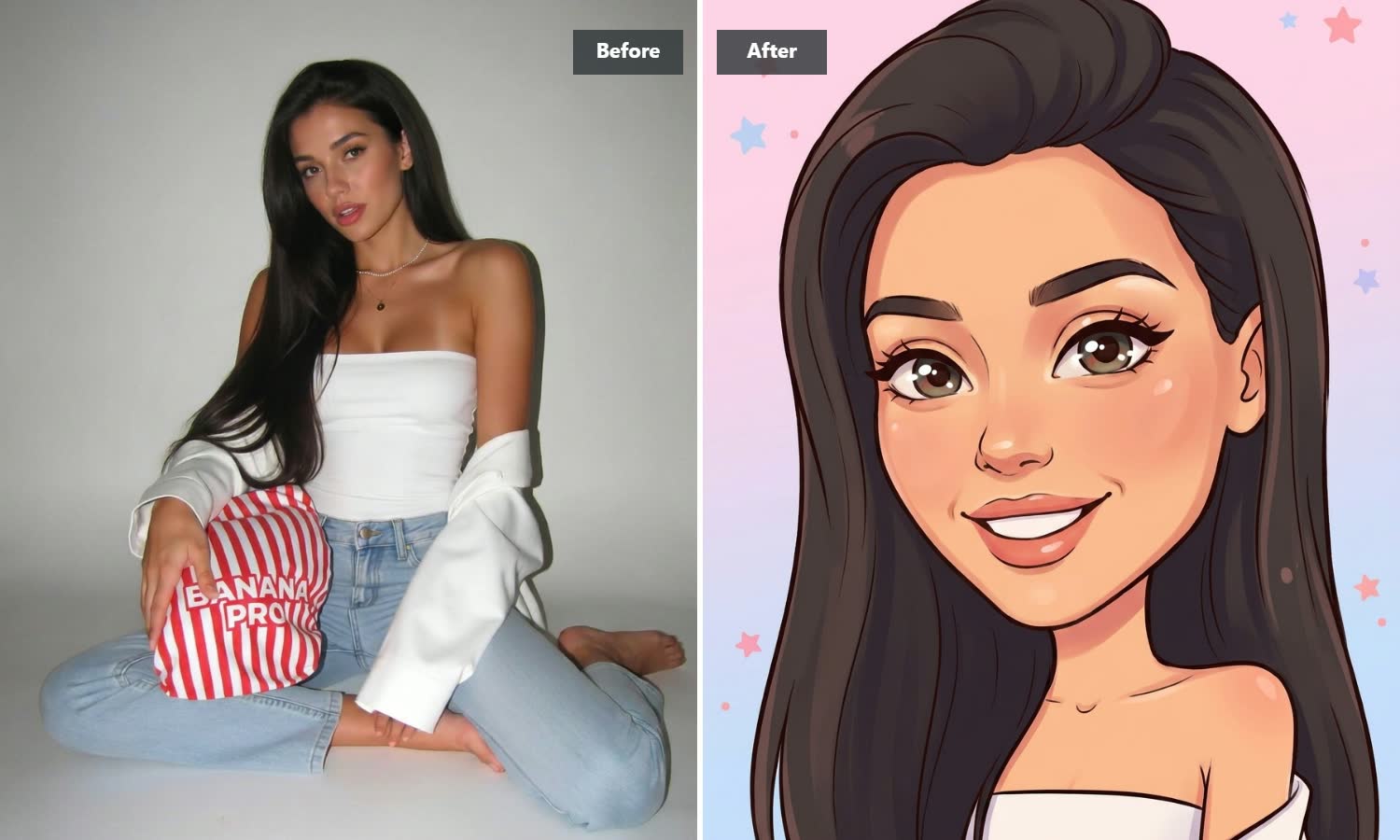
Explore Related AI Art Generator
Frequently Asked Questions About AI Comic Book Filters
How does the AI comic book filter preserve my subject while changing the art style?
Our AI tool first identifies edge boundaries, key facial features, and image depth. It then applies ink line art, color fills, and vintage halftone shading while helping the main subject remain recognizable.
Can I use this AI tool for commercial graphic novels, ads, and merchandise?
Commercial use depends on the Guma terms of service, your subscription plan, and applicable laws. Make sure you have permission to use any uploaded photos, logos, characters, products, or brand assets. Rights in AI generated content may also vary by location and intended use.
What camera angles and lighting work best for the AI comic book filter?
Clear photos with good lighting usually work best. Close up portraits, product photos with distinct subjects, and bright action pictures can produce clearer line art and more defined textures.
What happens to my private images and campaign assets after rendering?
Uploads are handled according to Guma privacy and security practices. Review the current privacy policy for details about transmission, temporary processing, retention, training use, and third party services before uploading confidential images or campaign assets.
Ready to Upgrade Your Visual Content Pipeline?
Transform your product photos, team headshots, and creative assets into striking graphic artwork today using our AI tool.