
Halftone Filter
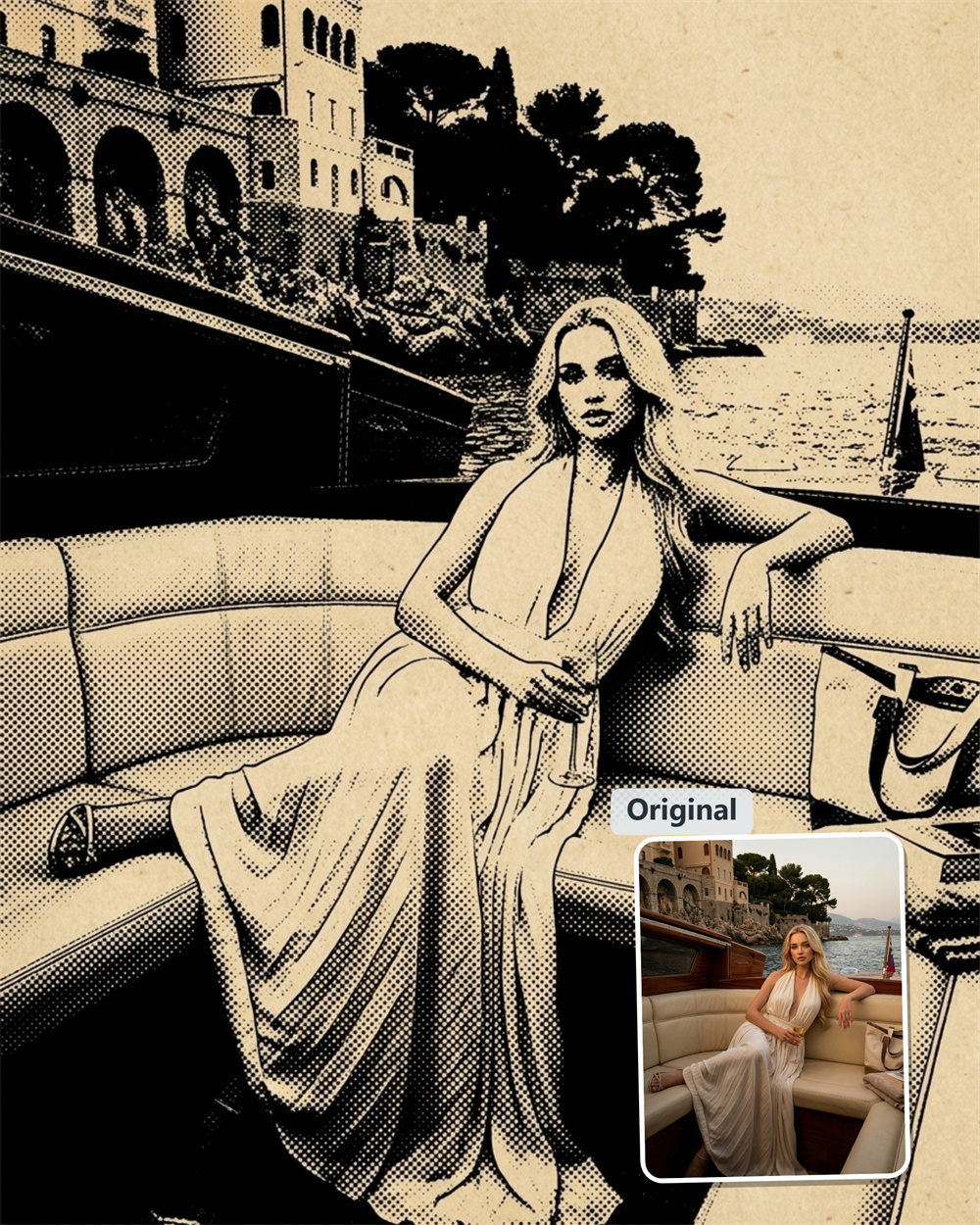
Convert Any Photo to Retro Halftone Dot Art
Turn any picture into classic halftone art or vintage newsprint graphics. Upload your photo and instantly apply an authentic AI halftone effect that captures light and shadow without complex design software.
AI Prompt
“Referencing the original image’s character identity and facial features: 1.8}, {Character consistency: 1.8}. Fully preserve the original image’s entire composition layout, character poses, object placements, scene structure, element proportions, and all content—without adding, deleting, or altering the shape or position of any existing visual elements. The main subject of the image will be transformed exclusively into a retro monochrome halftone style reminiscent of pop-style screen printing: Color and print texture: The background is uniformly rendered in a warm beige tone, simulating the vintage base color of yellowed old paper or aged newspapers. All main content is presented solely in pure black, with no other colors or smooth grayscale gradients. All tonal variations, light-and-shadow transitions, and textural details are achieved entirely through the varying density of evenly sized, neatly arranged circular black dots: In darker areas, the dots are densely packed, approaching pure black; in brighter areas, the dots are sparsely distributed, naturally revealing the underlying beige background. The dot patterns remain clearly visible, perfectly recreating the rough, grainy texture of traditional offset-printed newspapers and retro photocopy posters. Outline treatment: The outer edges of all main elements feature crisp, sharp black solid lines—with no blurring, softening, or feathering effects. The edges are clean and well-defined, exuding the sharp, graphic quality typical of printed cutouts. Detail fidelity: Precisely retain the original image’s facial features, hair textures, clothing folds, accessories, and structural details of objects. All stylistic information is naturally conveyed through the varying density of the halftone dots, without altering the original forms. The overall style is minimalist and retro, evoking the nostalgic feel of classic pop art and vintage print posters. This transformation focuses solely on changing the visual style while preserving 100% of the original image’s creative composition and all content information. {Referencing the protagonist’s key facial features and gender from the original image}, {Realism: 1.6}”
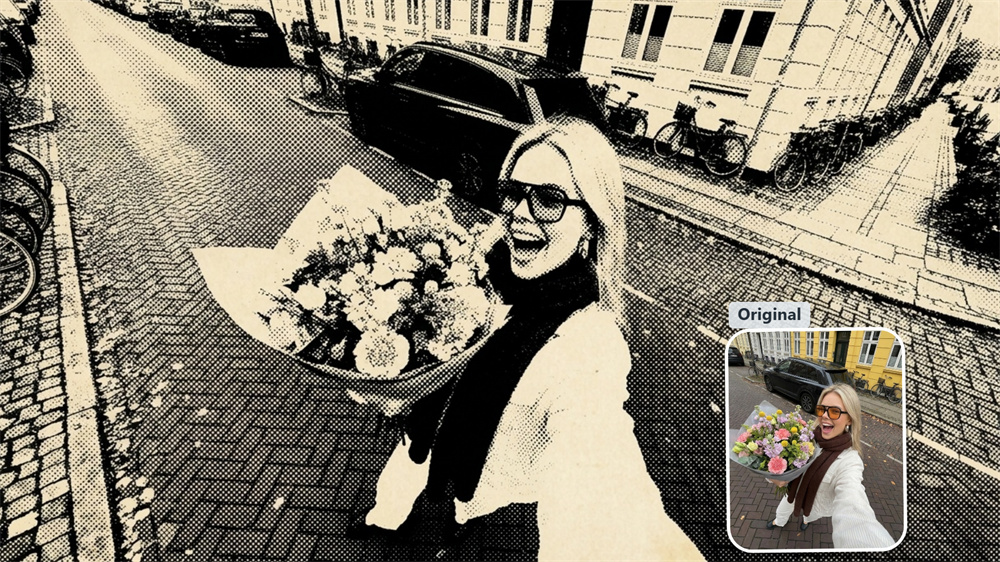
Classic Comic Book & Pop Art Aesthetics
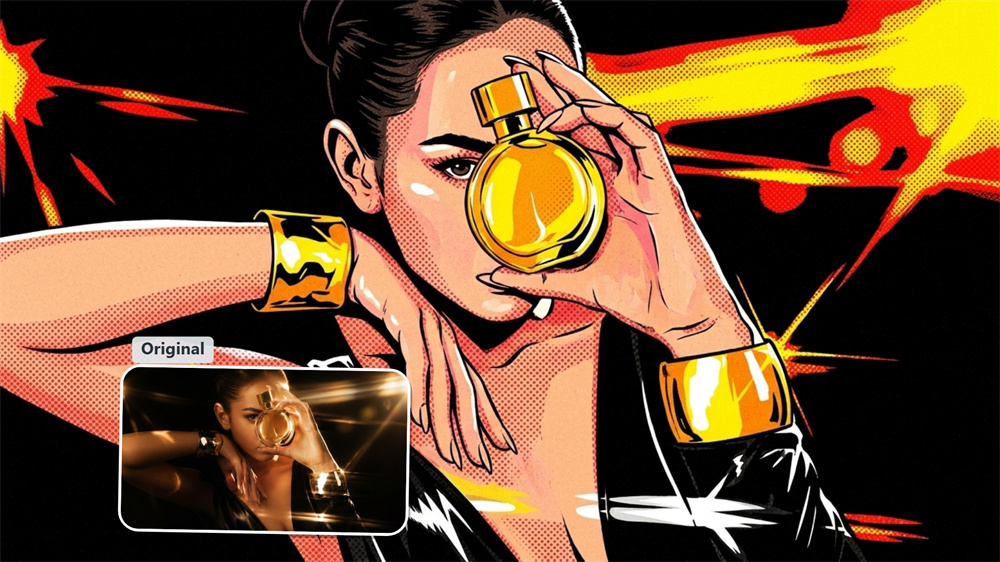
Recapture the iconic look of 1960s comic books and pop art prints. This AI halftone filter analyzes the brightness in your photo and renders it into crisp Ben-Day dots, turning everyday portraits and shots into striking visual artwork.
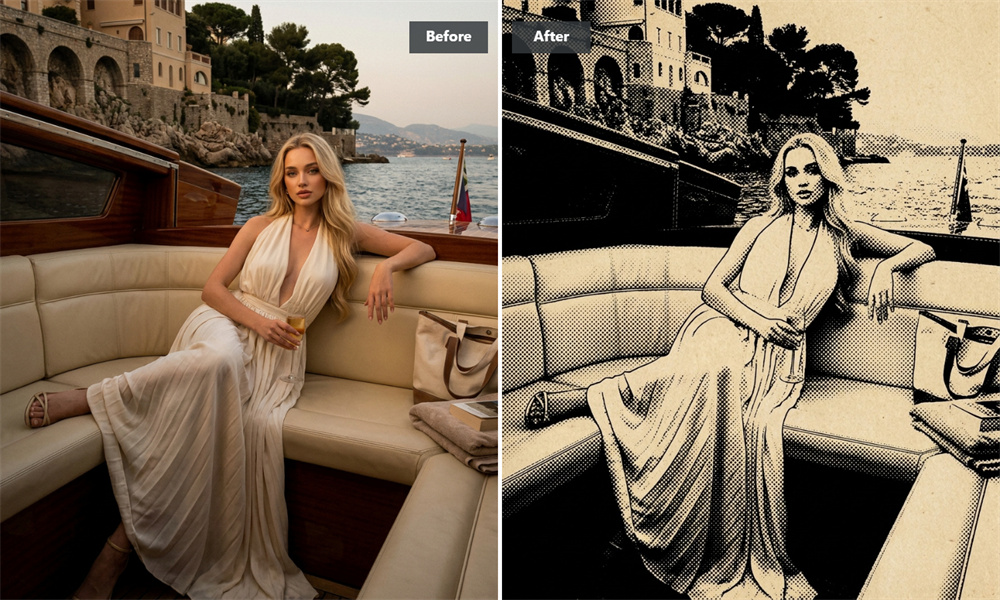
Instant Stipple & Screentone Texture
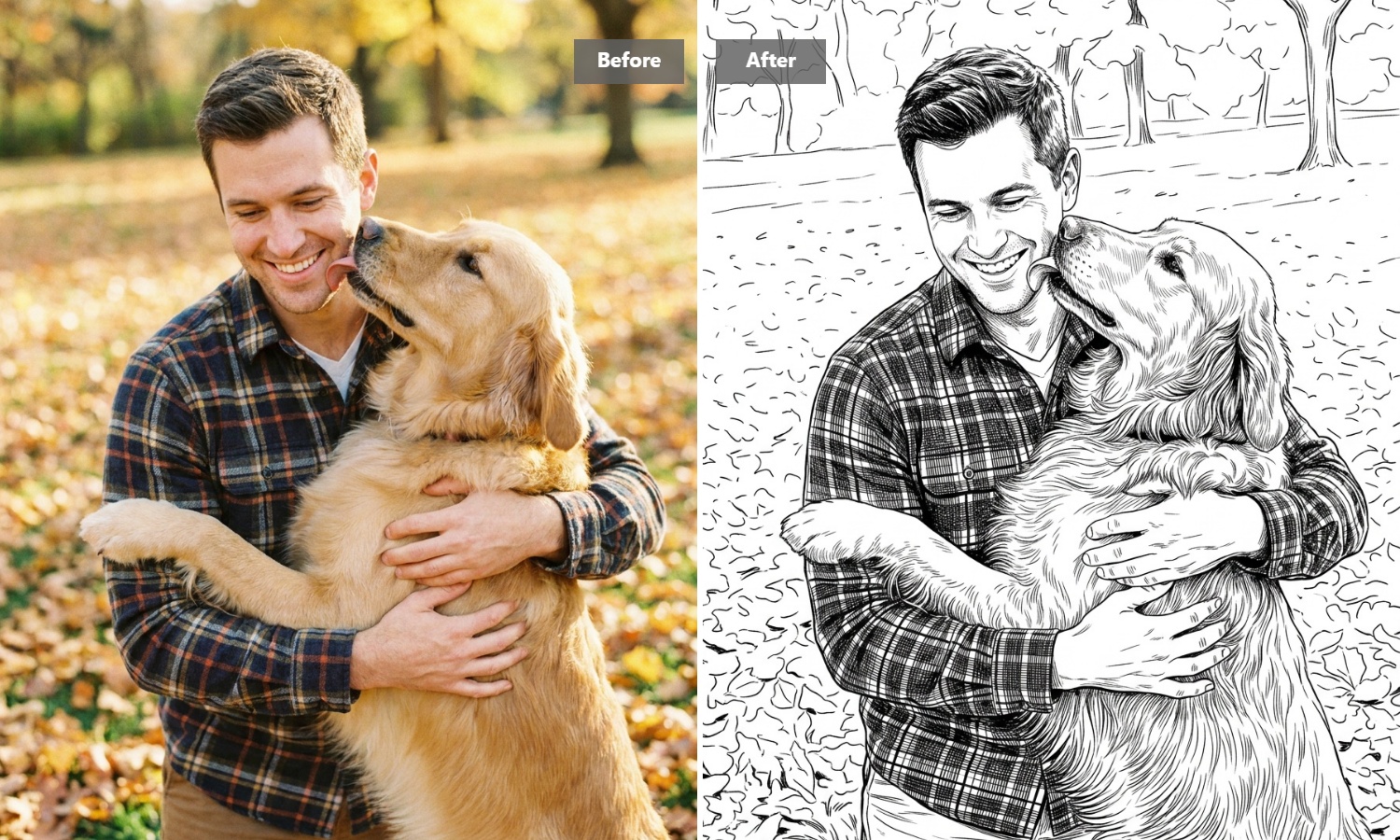
Achieve the look of traditional pen-and-ink stippling or manga screentone without the manual labor. Perfect for editorial graphics, apparel designs, or quick social visuals that need a distinct tactile edge.
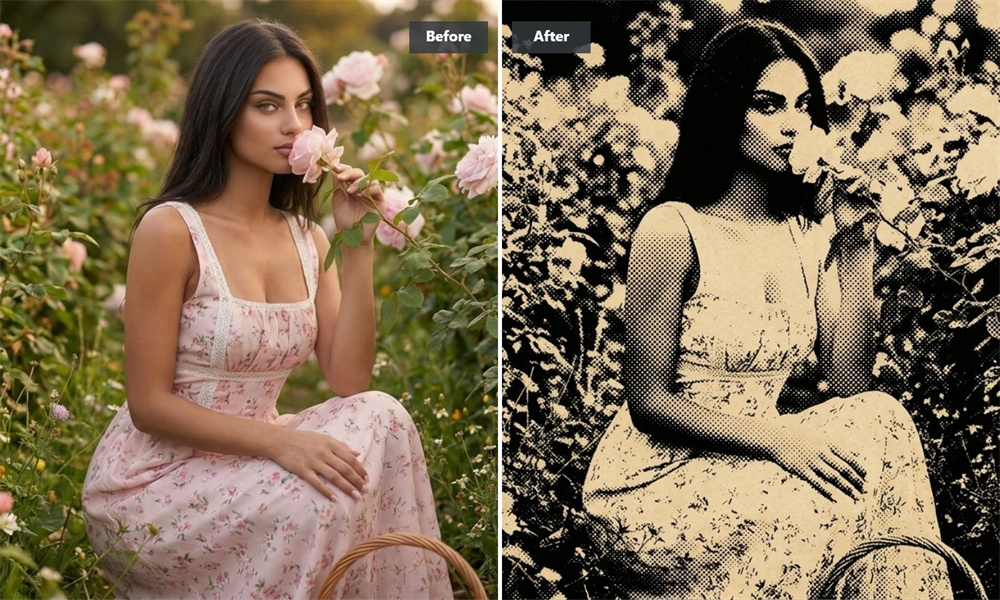
Instant Processing with No Layer Setup
Traditionally, creating halftones requires manual channel splitting, blur adjustments, and threshold tuning. Our AI generator automates the creative process, delivering a clean halftone effect as soon as you upload.
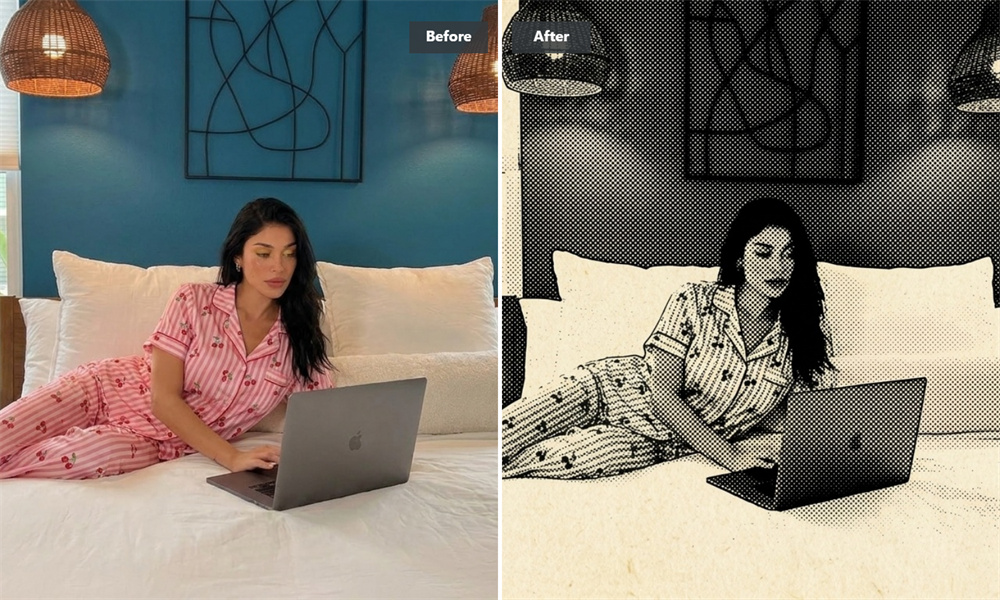
High-Contrast Output Built for Print and Screen
Strong dot patterns perform exceptionally well both digitally and in physical media. Use your converted graphics for screen printing on apparel, poster layouts, zines, or digital graphic design assets.
Convert Photos to Halftone Art in 3 Steps
Select and Upload Your Photo
Drag your image into the AI generator to begin.
Automatic AI Halftone Processing
Our AI model instantly renders your picture into a halftone dot layout.
Save Your Finished Graphic
Download the high-resolution artwork for your print or digital project.
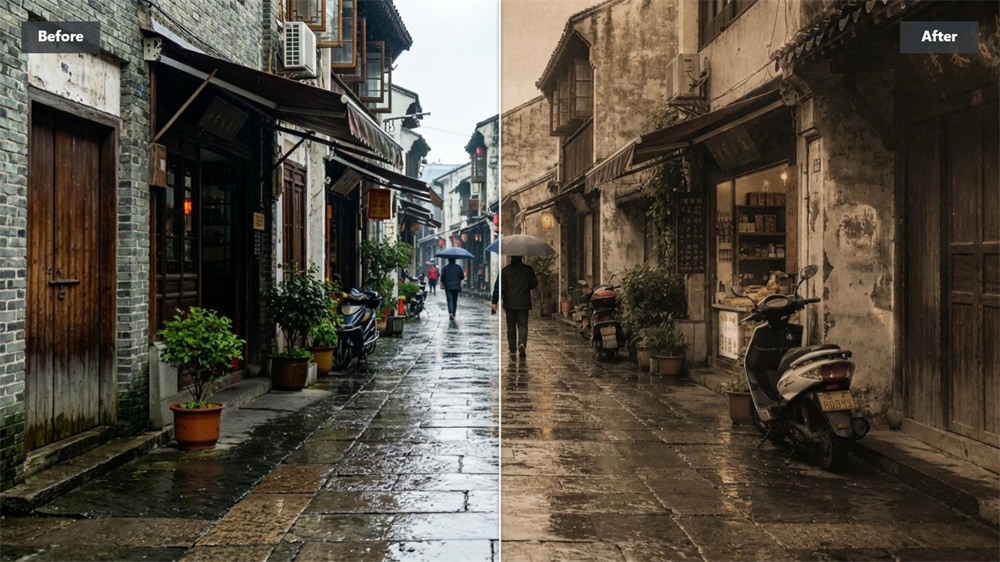
Explore More AI Visual Effects & Styles
Frequently Asked Questions About Halftone Filter
What is a halftone filter and how does it convert images?
A halftone filter breaks down continuous image tones into a grid of small dots. By varying the dot size based on light and shadow, it creates the visual illusion of smooth gradients—similar to vintage newspaper printing, comic books, and screen printing.
How does halftone differ from stipple art?
Both techniques build images out of dots, but they handle shading differently. Halftones place dots on a structured grid and change dot sizes to show tone. Stippling uses uniform dot sizes, adjusting shadow density by crowding dots closer together for a hand-drawn look.
What types of images yield the sharpest halftone effect?
Pictures with strong light-and-dark contrast work best. High-contrast portraits, bold product photography, graphics, and clean street shots produce clear, well-defined dot patterns.
Can these halftone images be used for physical screen printing?
Yes. High-contrast dot graphics translate cleanly onto physical media, making them well-suited for T-shirt printing, Risograph zines, posters, and laser engraving.