
Vintage Filter
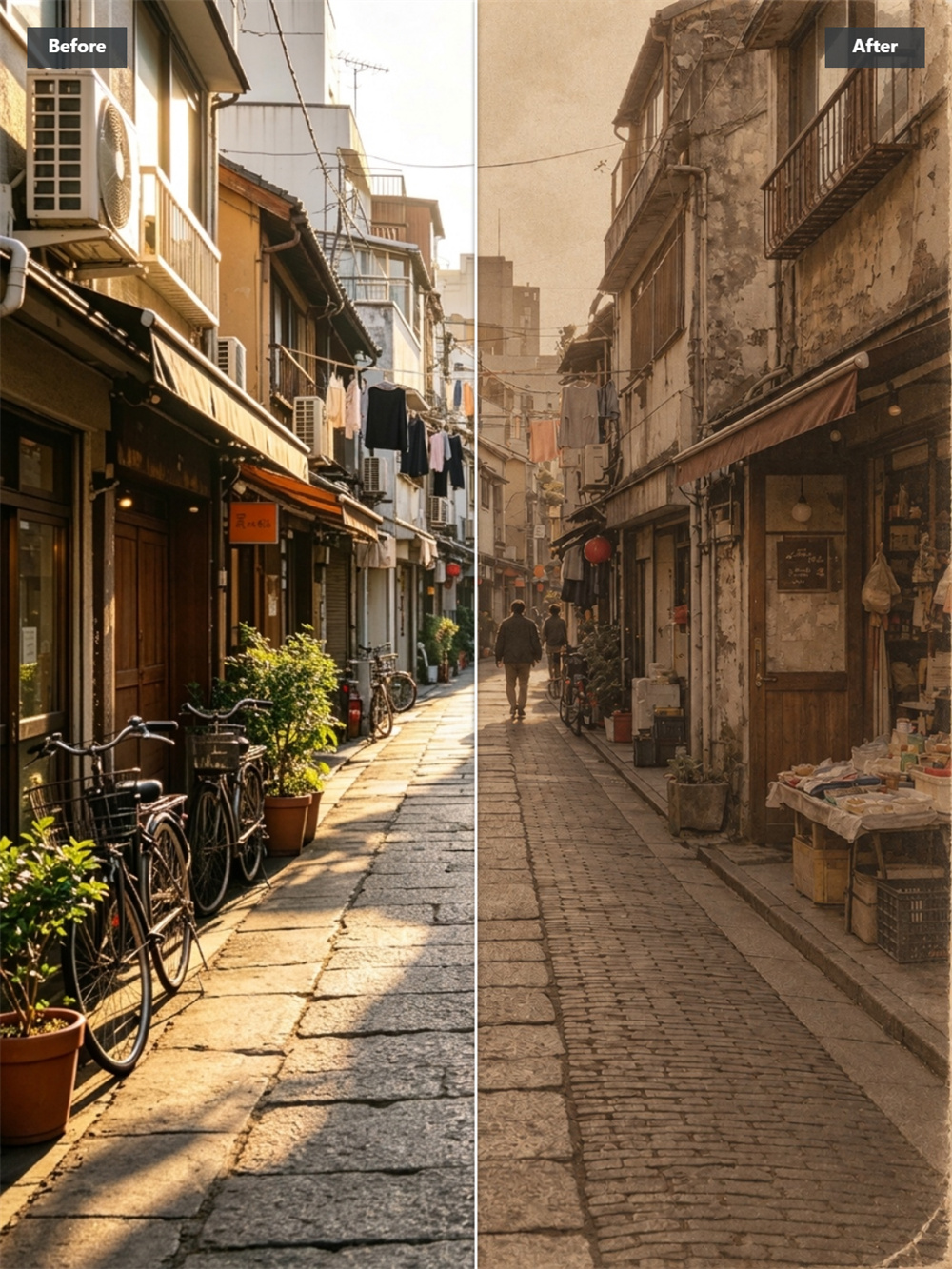
Turn Photos into Retro Art for Free
Give a clean digital photo the look of an old print. Guma’s vintage filter adds softer color, light film grain, gentle fading, and natural camera texture while keeping the main subject clear. It works well for portraits, travel photos, family memories, and everyday snapshots.
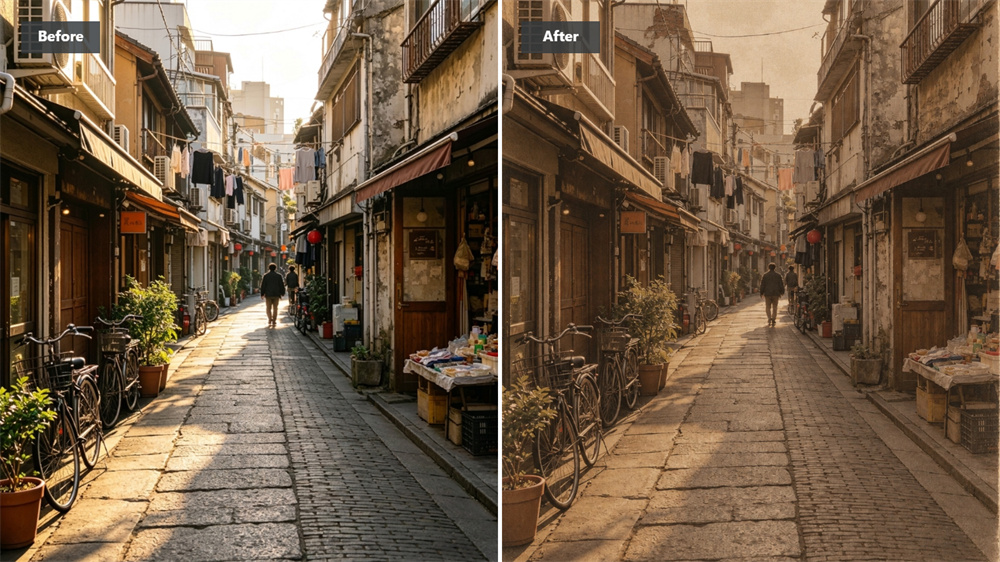
Add Film Texture Without Losing Detail
Heavy grain can make a photo look muddy. Guma keeps important details visible and adds texture around them, creating a more believable film effect. Faces stay recognizable, products remain clear, and backgrounds pick up the subtle wear associated with analog photography. It works as a vintage photo filter for images that need a softer, film-based finish.
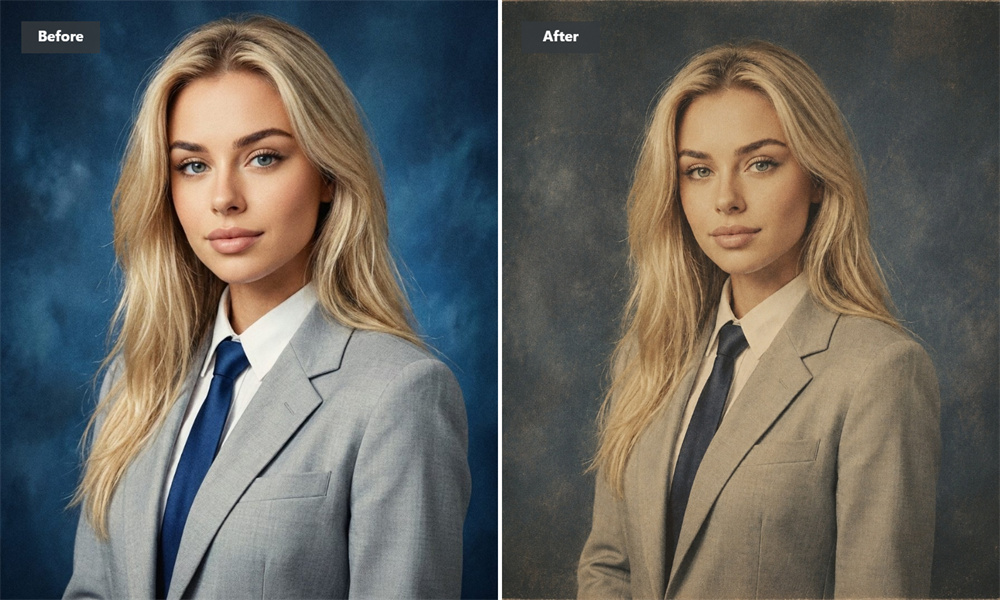
Turn a Digital Shot into an Old-Camera Photo
The effect goes beyond just changing the color. Highlights become softer, contrast becomes less sharp, and the image takes on the slightly imperfect character of an old camera. A street photo can feel like a saved holiday print, while a portrait can take on the look of a familiar family album. The result can fall somewhere between an old photo filter and a retro photo filter, depending on the original image.
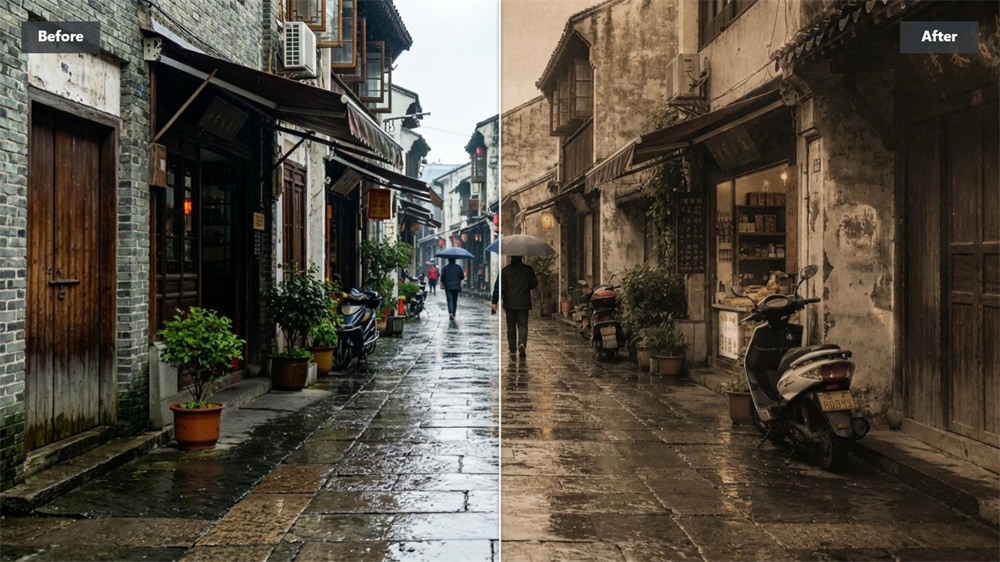
Give Related Photos a Shared Look
A retro filter can help photos from the same trip or project feel like part of one set. Images taken on different devices or in different lighting conditions begin to sit together more naturally. Use it for travel galleries, social posts, product collections, or personal photo journals that need a consistent visual thread.
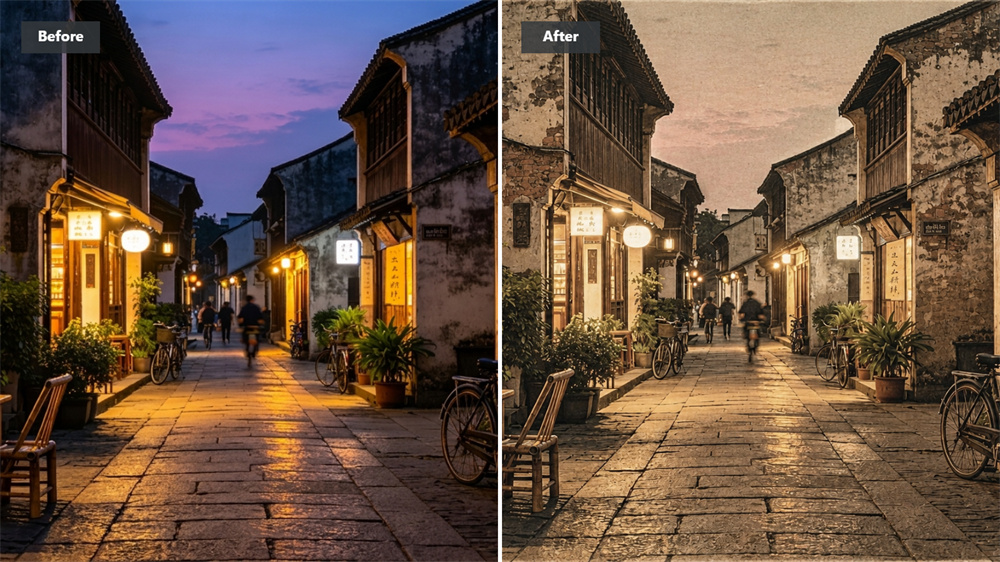
Make Ordinary Pictures More Memorable
A simple snapshot doesn’t need a dramatic redesign. A little faded color, softer light, and film-inspired texture can make it feel more personal. The result is still your original photo—just with the warmth and visual character of something found in an old camera roll. Use this free vintage filter when a photo needs more character without a full redesign.
Create a Vintage Photo in Three Steps
Upload Your Photo
Choose the image you want to transform.
Generate the Result
Guma applies a vintage filter and creates a retro-style version in moments.
Download Your Image
Save the finished image when it is ready.
Explore More AI Photo Effects
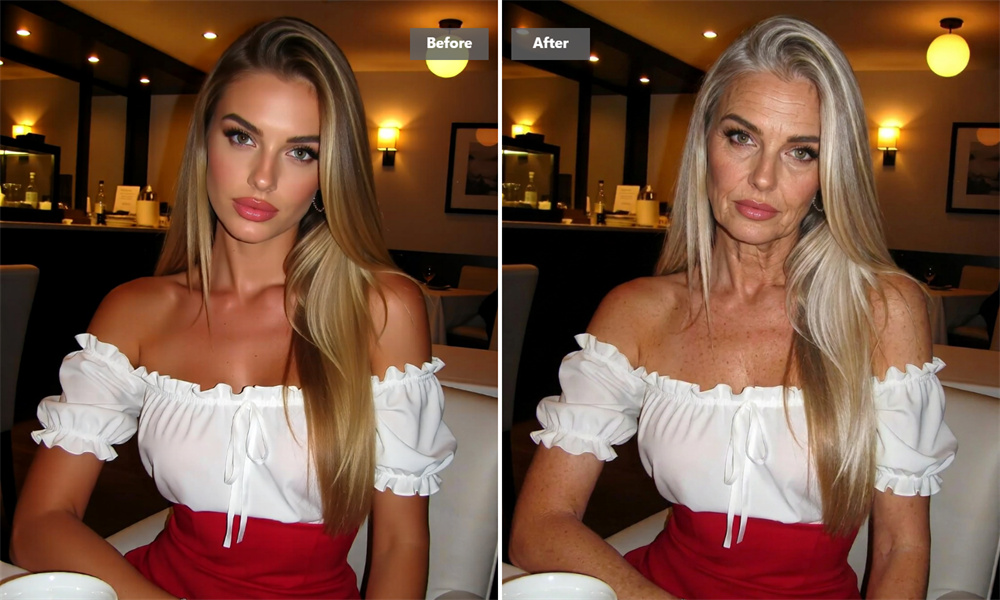
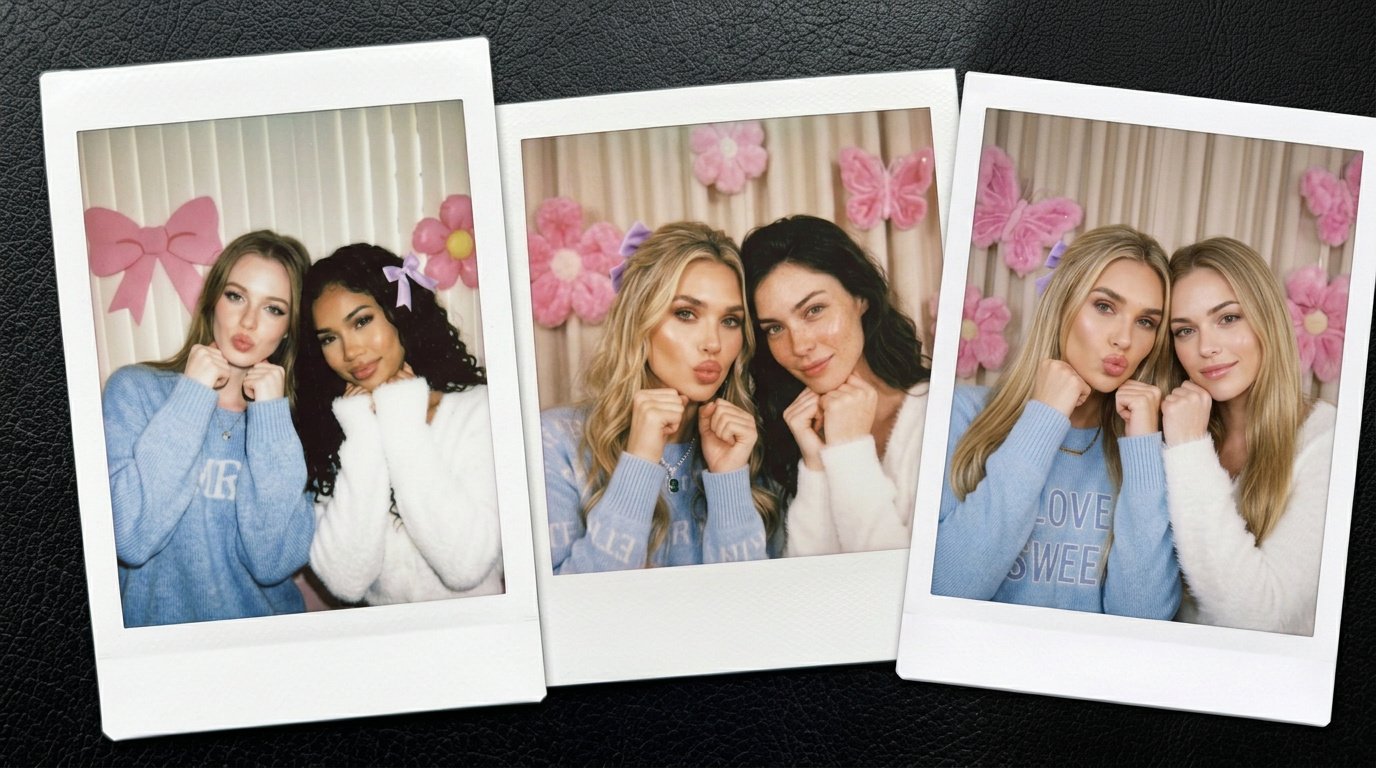
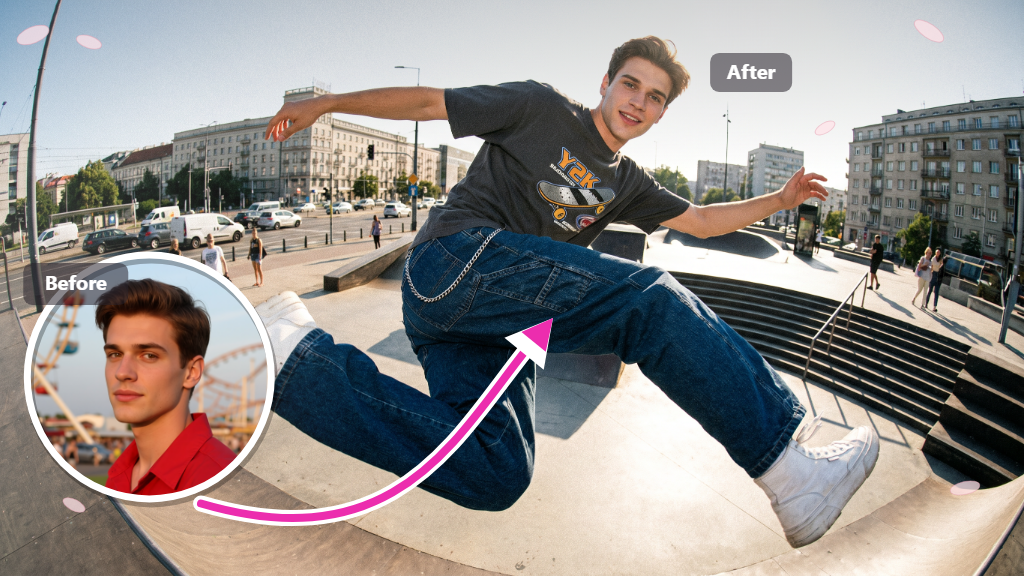

Vintage Filter FAQs
What Does an AI Vintage Filter Do?
An AI vintage filter gives a modern photo the visual qualities of older photography. It can soften the colors, reduce harsh contrast, add film grain, and create a lightly faded print effect. The subject remains the focus while the overall image feels older and more tactile. Guma also works as a vintage photo editor for quick image transformations online. For additional image editing, explore our Image to Image feature.
Can I Use Guma’s Vintage Filter for Free?
You can use Guma’s vintage filter online with daily free credits after account registration, so you can start trying AI image generation without paying immediately. A premium subscription provides more credits and access to advanced options.
Do I Need Photo-Editing Experience?
No. The tool is designed for a simple image-to-result workflow. Start with a photo and let Guma apply the vintage treatment automatically.
Which Photos Work Best?
Clear photos with a visible subject usually produce the strongest results. Portraits, travel scenes, city images, family photos, food, and product pictures are all suitable. A sharper original helps preserve small details after processing.
Will the Effect Cover Important Details?
The filter is intended to change the mood without hiding the subject. Photos with good lighting and a clear composition are more likely to retain recognizable faces, objects, and background details.
Can I Use the Result on Social Media?
Yes. Vintage-style images work well for photo diaries, travel posts, product feeds, mood boards, and personal collections. Applying the effect to related images can also make a set look more unified.
Why Do Results Differ from One Photo to Another?
Each source image has different lighting, colors, composition, and subject detail. Guma responds to those differences, so the finished effect may look warmer on one image and more muted on another. This keeps the result connected to the original photo.