
Pop Art Filter
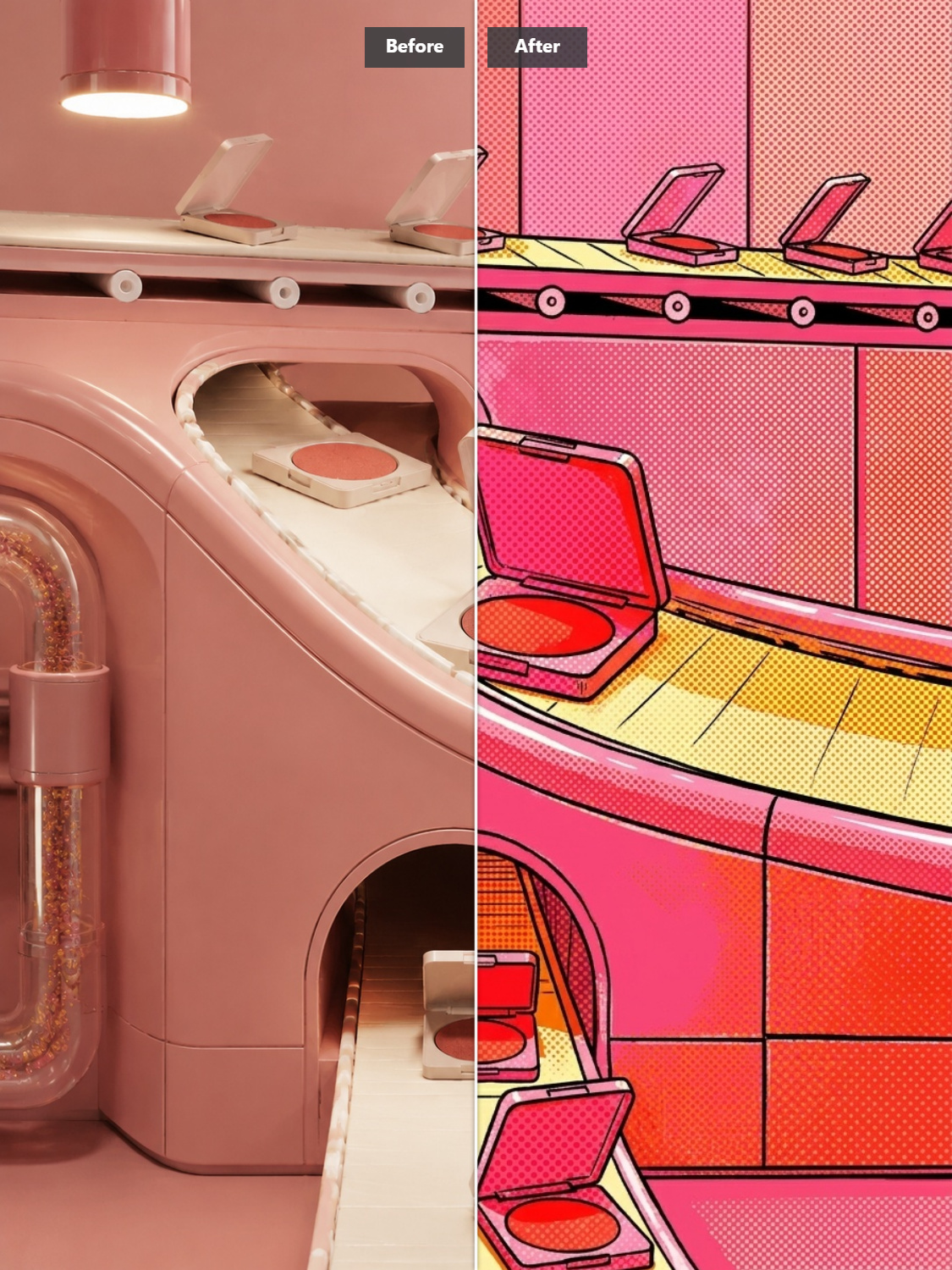
Instantly Turn Any Photo into Vibrant Pop Art
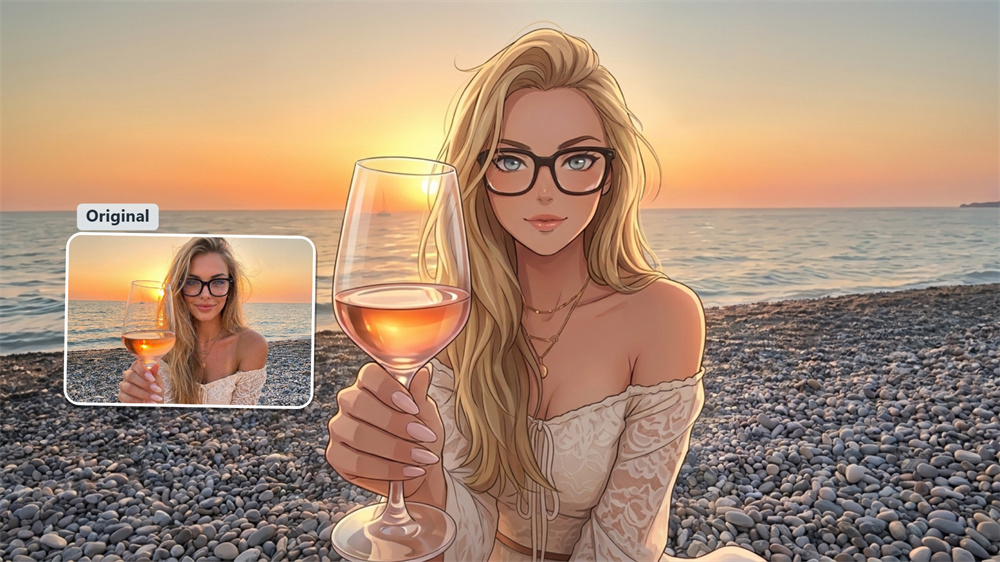
Got a portrait, a pet photo, or a quick snap that needs a fresh look? Guma turns ordinary images into dynamic graphic artwork without the steep learning curve of complex photo editors. Simply drop your image into the converter and let the engine do the work—ready for your social feeds, personal projects, or visual media in seconds.
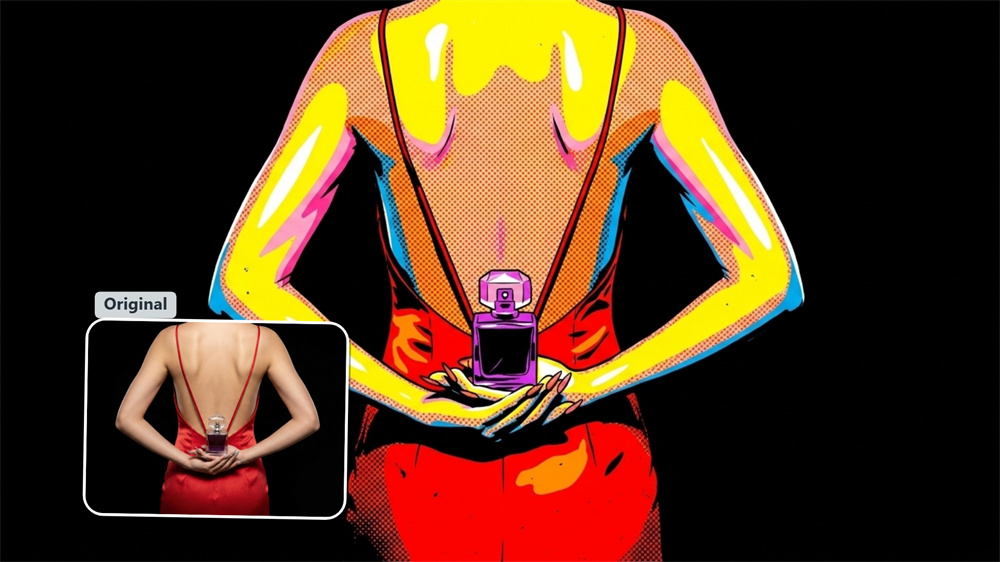
Iconic Styles & Graphic Effects
Experience classic pop culture aesthetics made easy. From vibrant four-quadrant color grids to graphic comic book visuals, Guma renders everyday photos into eye-catching graphic artwork using saturated hue blocks, heavy black outlines, and retro halftone dot patterns.
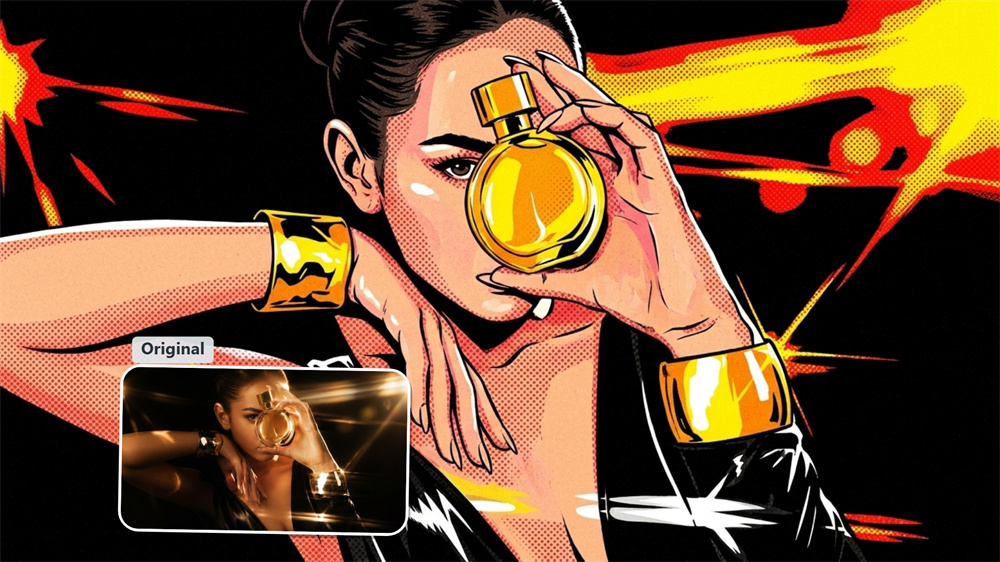
Built for Creators & Social Feeds
Make your digital presence impossible to scroll past. Perfect for content creators, vloggers, and digital marketers, this filter converts profile pictures and daily posts into punchy visual graphics that stand out instantly in crowded news feeds and stories.
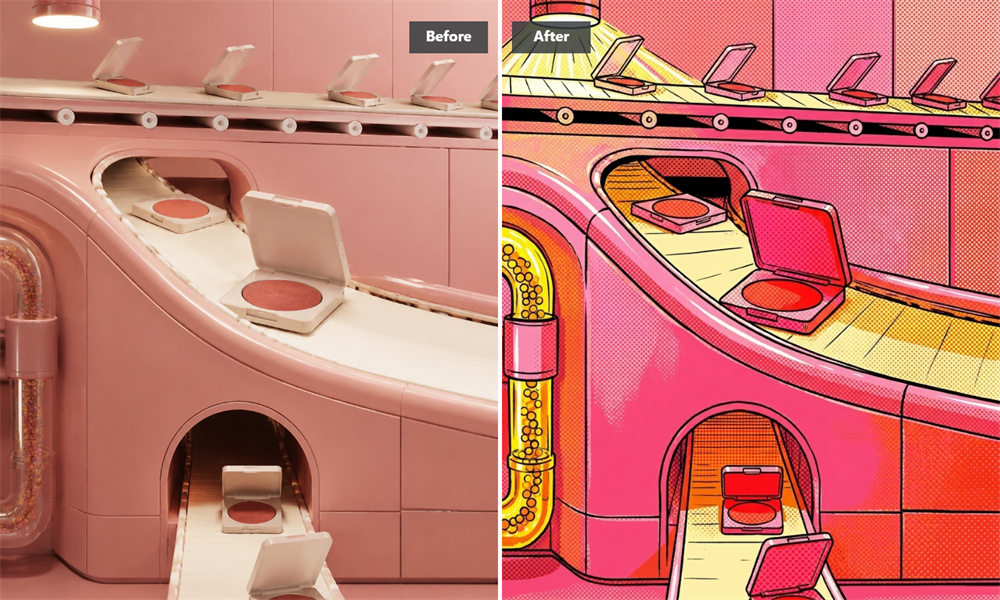
Crisp Multi-Format Quality
Get clean, sharp visual exports across all display sizes. The processing engine preserves key subject contours while converting fine lighting into solid color fills, ensuring your stylized artwork maintains its crisp graphic clarity whether viewed on a mobile screen or a large display.
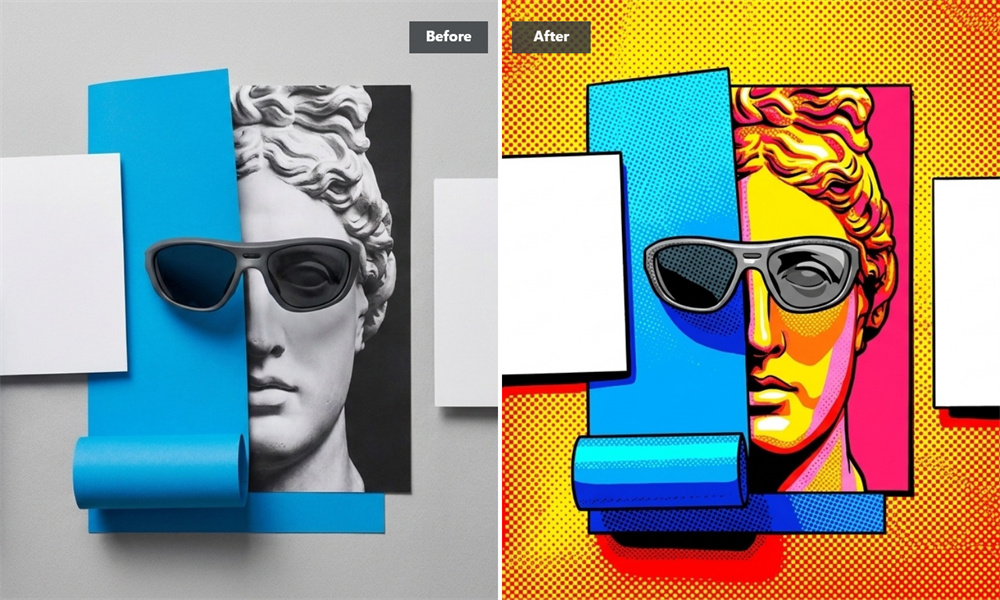
Bold Graphics for Marketing
Elevate your visual storytelling with high-contrast graphic aesthetics. Transform product shots, landscape pictures, or promotional visuals into vibrant graphic assets that draw immediate focus to your subject and add modern artistic flair to your campaigns.
How to Turn Your Photo into Pop Art
Upload Your Photo
Add any clear portrait, pet picture, or scenery shot to the converter.
Generate Pop Art
The AI automatically applies vivid color contrast, clean outlines, and comic stylings.
Download High-Res File
Preview your rendered visual artwork and save your watermark-free image.
Explore More AI Photo Filters and Graphic Styles
Frequently Asked Questions
What is a pop art filter and how does Guma process my images?
A pop art filter is a style transfer effect that turns standard photos into graphic artwork inspired by iconic 1950s and 60s pop art movements. Guma's image engine scans your picture, isolates the main subject, and transforms realistic lighting into high-contrast color blocks, halftone dot patterns, and graphic vector outlines. For further creative image transformations, explore our image to image feature.
Is the Guma pop art filter free to use?
When you sign up for an account, you automatically receive free credits to start turning your photos into pop art. If you need higher generation limits or broader usage for daily projects, you can upgrade to a premium plan anytime.
What kind of pictures work best with this pop art portrait maker?
Close-up shots of people, pets, and well-defined objects with good lighting work best. Clear contrast helps the AI identify edges accurately, producing cleaner vector outlines and vivid color divisions.
Will my downloaded pictures have watermarks?
No, generated outputs are completely watermark-free, making them ready for your social feeds, website, or physical print projects immediately.
Are my uploaded photos safe on your site?
Yes, your privacy is protected. Uploaded images are processed via encrypted connections and deleted from our servers shortly after processing. We do not store or sell your private pictures.
Can I use my pop art creations on products I sell?
Yes, you can use your pop art renders for commercial projects. You can print them on physical merchandise like apparel, mugs, or posters, or use them in digital visual assets without restrictions.