
AI Sketch Generator
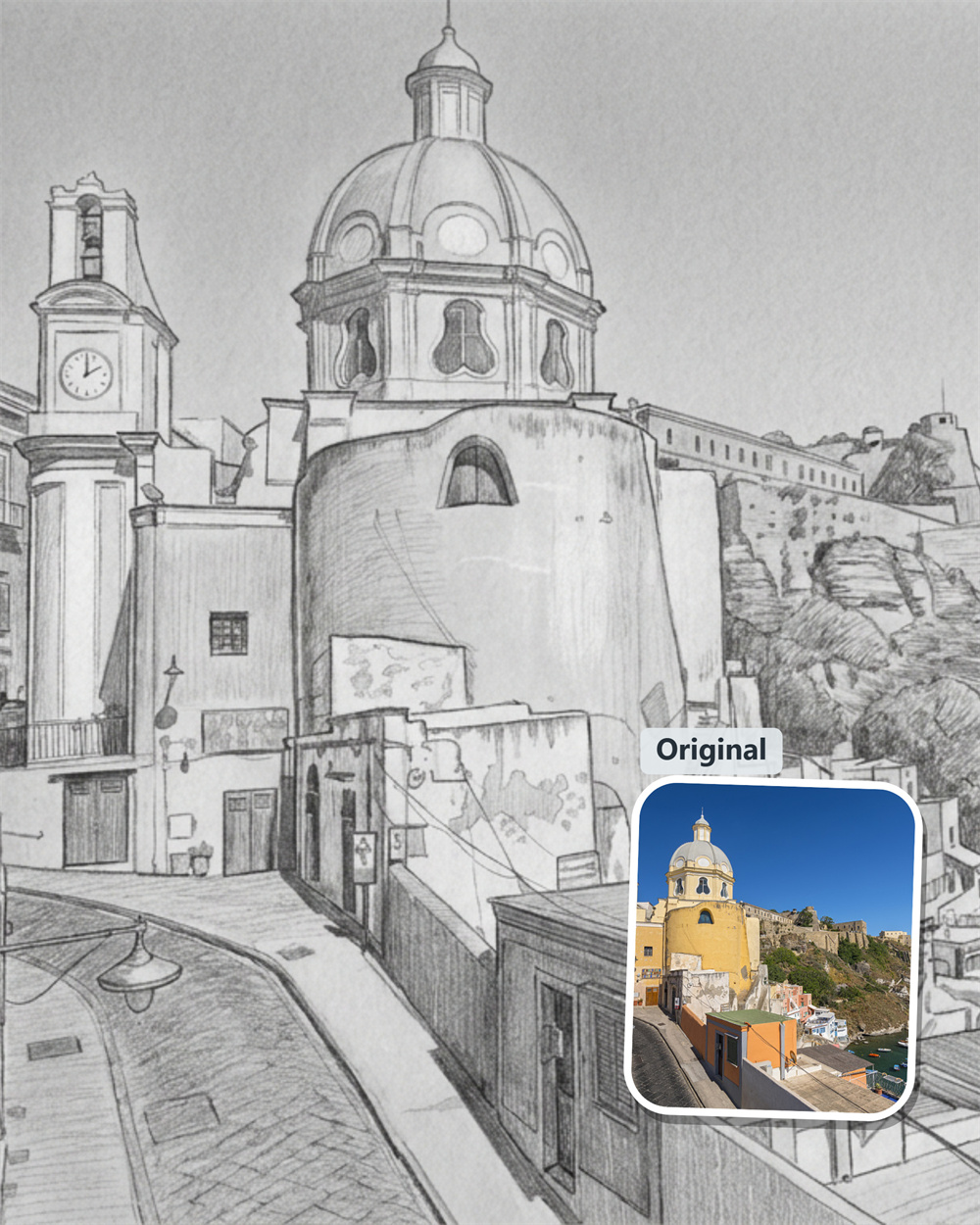
AI Sketch Generator for Photos That Need a New Look
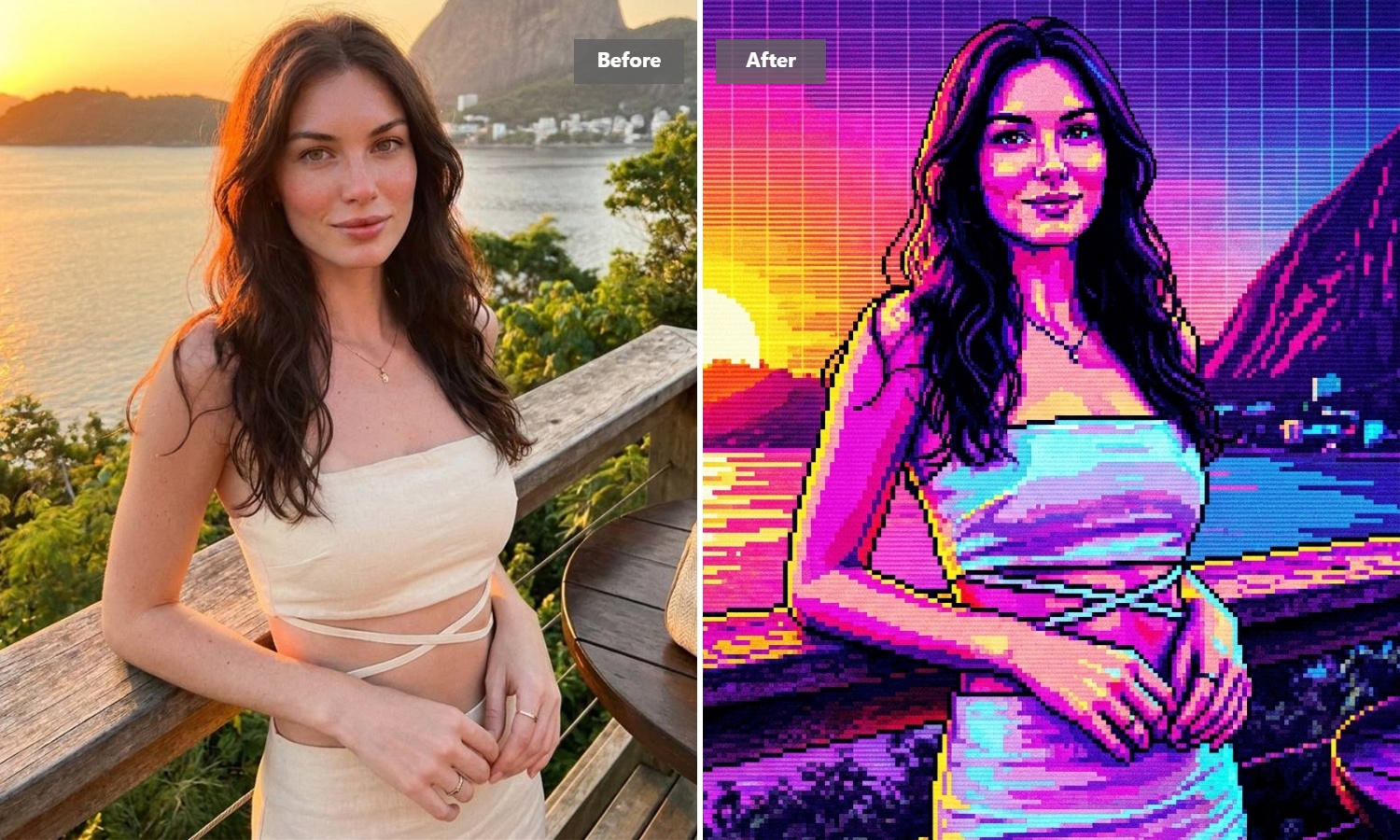
A strong image doesn’t always need a complete redo—it may just need a different visual language. Guma turns your photo into expressive sketch art, from soft pencil shading to bold ink lines. Bring in an image you already have and leave with a creative version that feels made for the moment.
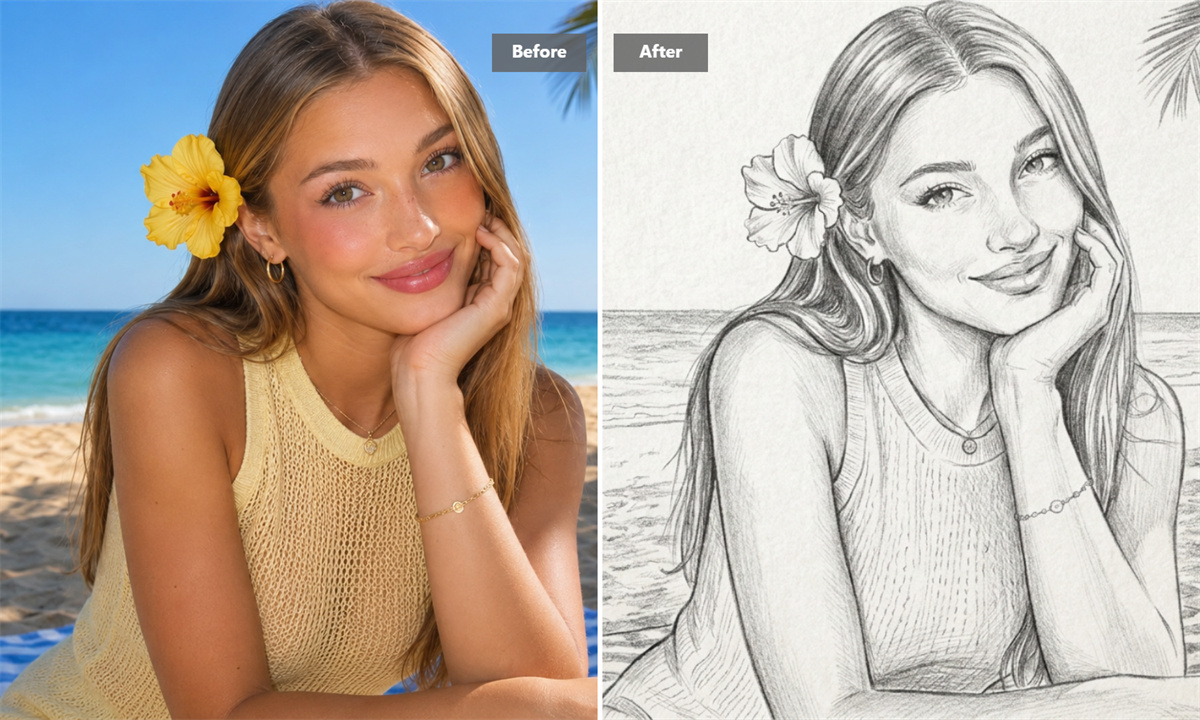
Bring More Texture to Everyday Photos
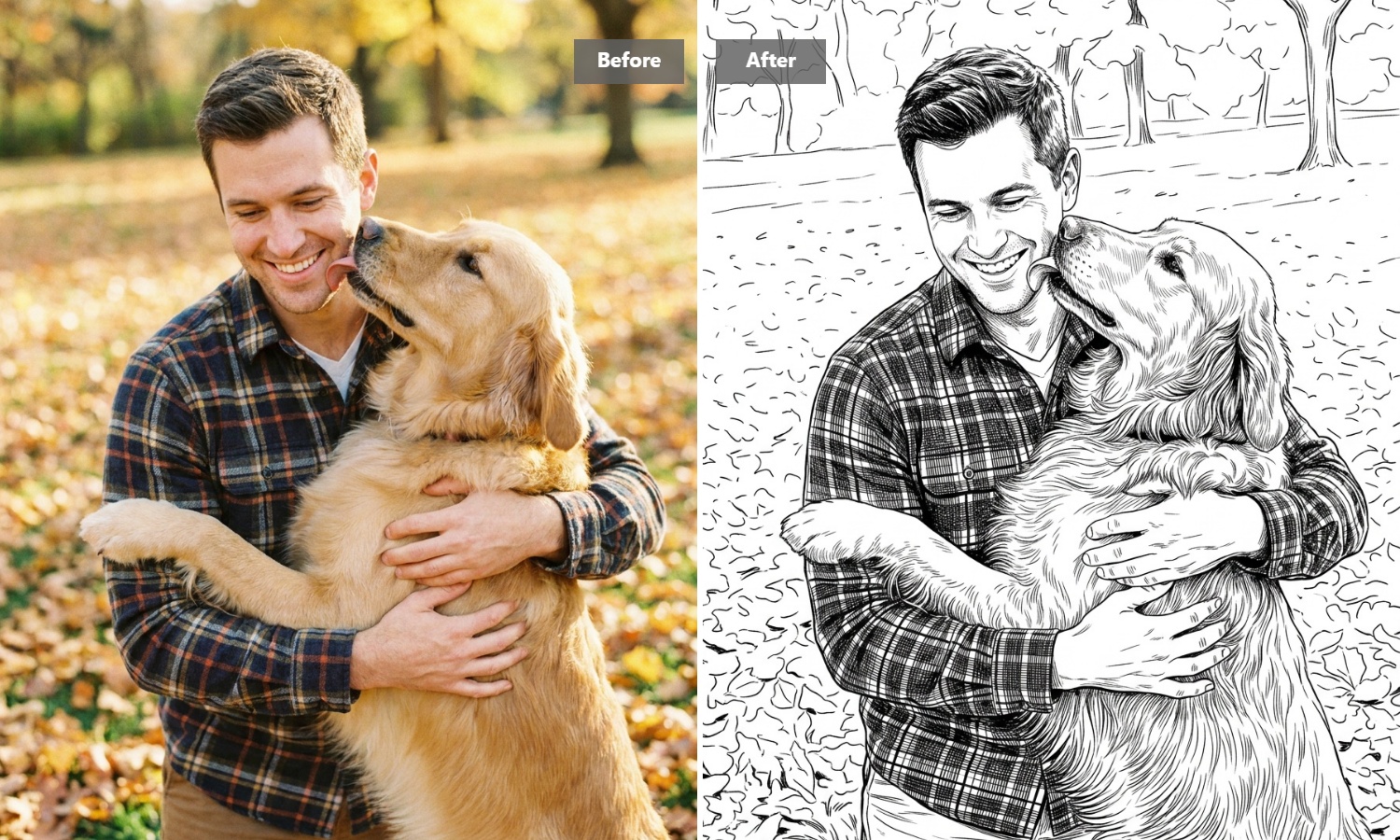
Some photos have a good story but a familiar finish. Turn a travel moment, pet picture, or candid portrait into pencil-style artwork that feels warmer and more personal. The drawn treatment adds texture and atmosphere, making an image better suited to a post, gift, or personal collection.
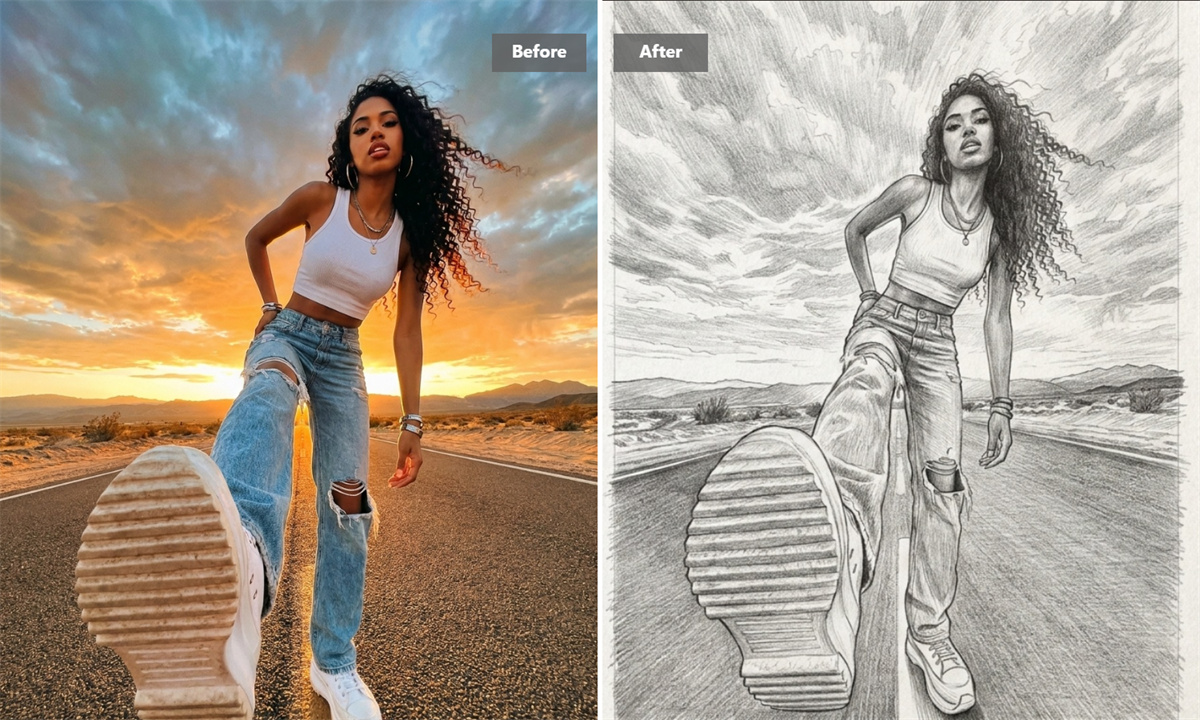
Clarify Product and Concept Ideas
Sketch art is useful when you need to show an idea without over-explaining it. Convert a product image, packaging concept, or early visual into clean line art or an ink drawing that puts shape and form first. It is a practical way to make a rough direction easier for others to understand.
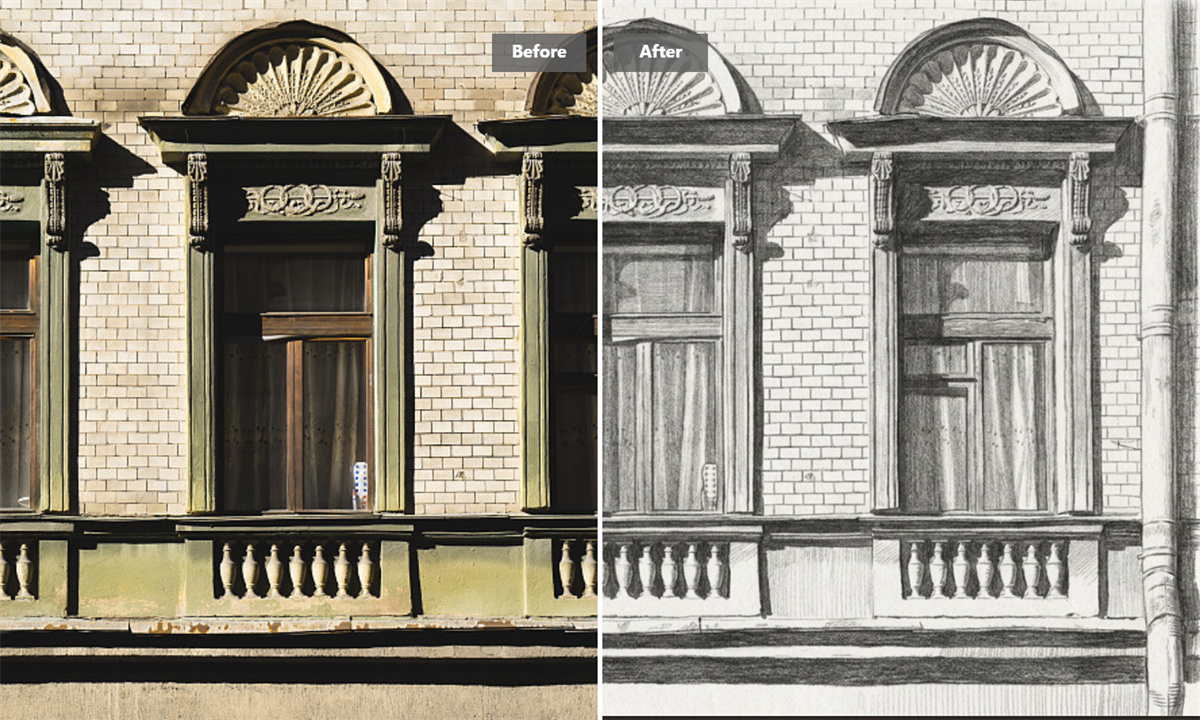
Give Portraits a More Personal Finish
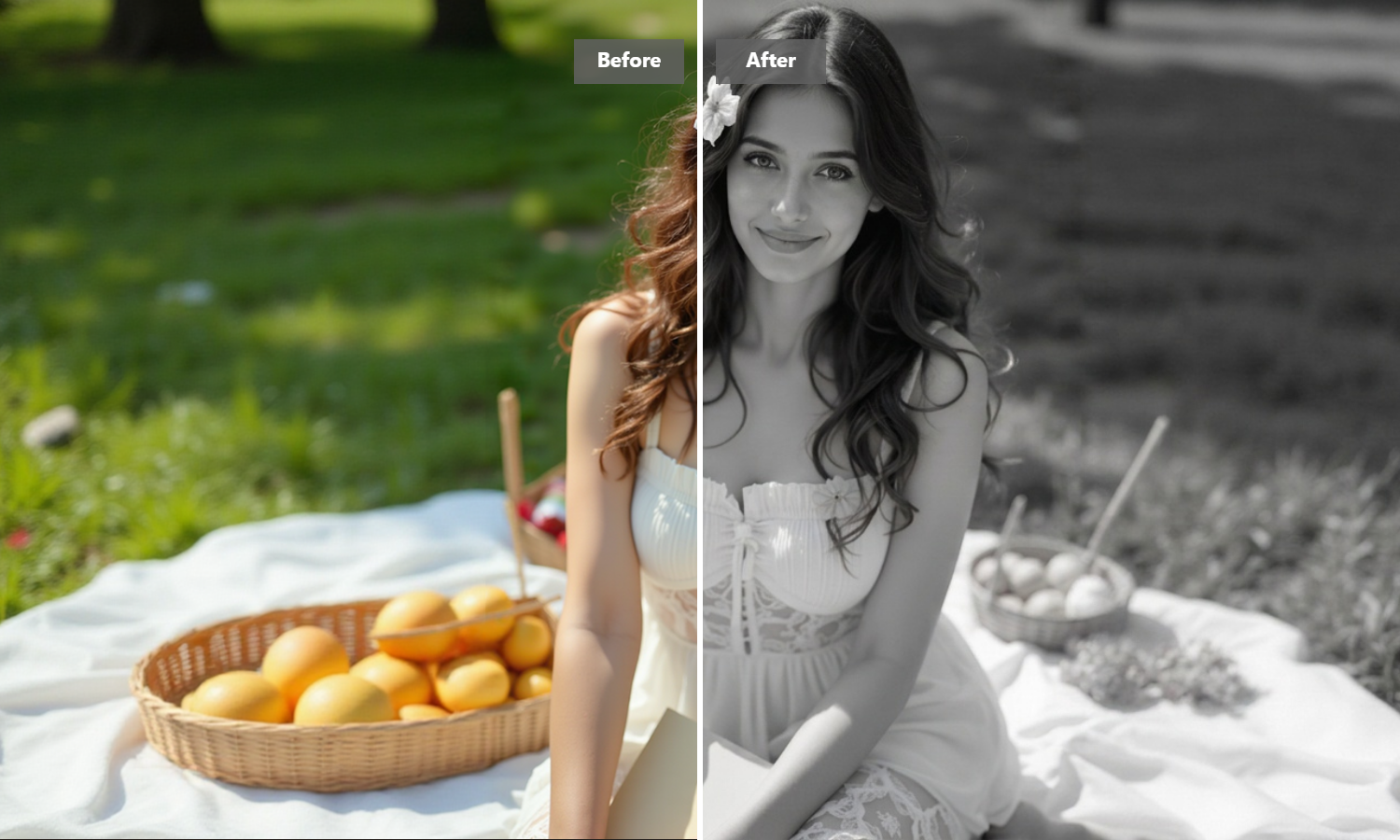
A pencil sketch can make a familiar face feel less like another camera-roll image and more like a keepsake. Use Guma to create portrait artwork with a softer, illustrated character—whether it is for a profile image, a thoughtful gift, or simply a different way to revisit a photo you love.
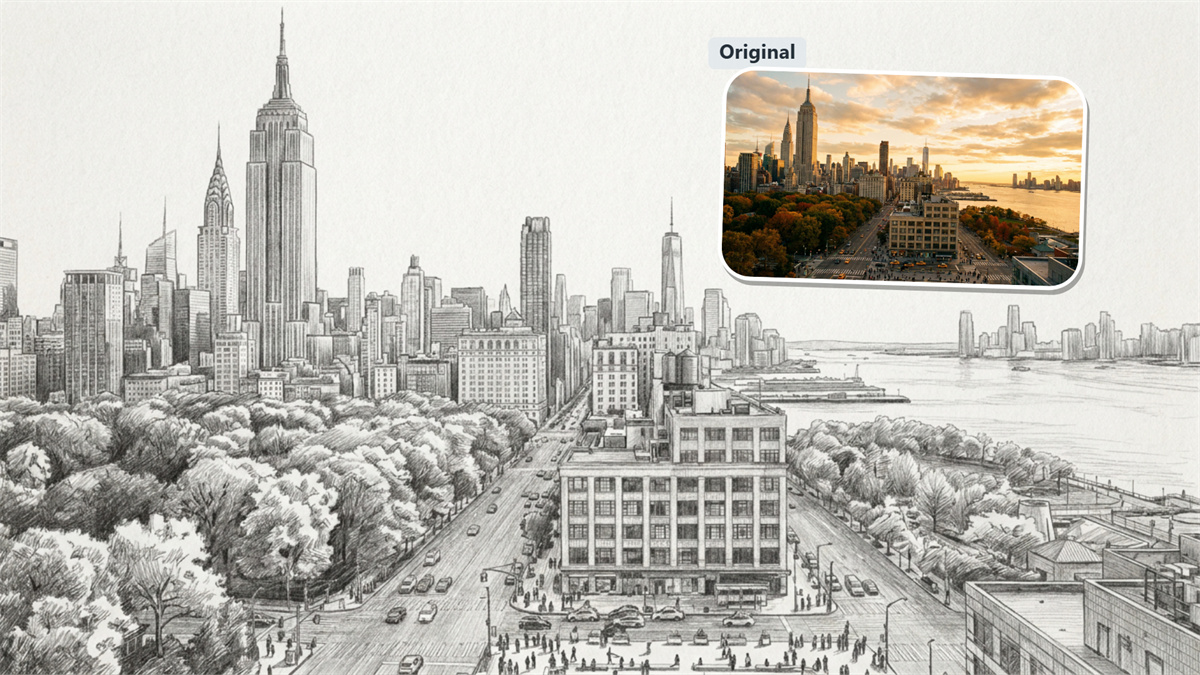
Make Early Ideas Easier to Discuss
Before a visual becomes a final asset, it often needs to become a clear conversation. Turn an image into sketch art for a mood board, creative brief, or campaign discussion. A simple drawn version can help people react to the direction itself, rather than getting distracted by production details.
How to Generate Sketch Art With Guma AI
Upload
Add a photo, drawing, or image you are allowed to use.
Generate
Create a pencil sketch, ink drawing, or line-art interpretation.
Download
Save the result that works best for your project.
Keep Exploring AI Image Creation
AI Sketch Generator FAQs
What is an AI sketch generator?
An AI sketch generator converts an uploaded image into a new illustration with a pencil, ink, or line-art appearance. It is a quick way to explore a drawn visual direction without making every stroke yourself. If you want to create artwork from a written prompt instead, explore our Text to Image Generator tool.
Can I use the AI sketch generator for free?
Yes. After creating a Guma account, you receive daily free credits to try AI image generation. If you need more generations or a larger allowance for ongoing work, you can upgrade to a paid subscription plan.
What should I upload for the best result?
Start with an image where the main focus is easy to recognize. Portraits, products, pets, and images with clear lighting generally work well. For line art, a distinct outline often produces a cleaner result than a heavily crowded scene.
Can I make a sketch from a drawing?
Yes. A rough drawing can be a useful starting point when you want to explore a cleaner or more stylized interpretation. Try a few generations if the first output does not capture the amount of detail or contrast you had in mind.
Can I use the result in commercial work?
Only upload images you own or have permission to use. Commercial use of generated artwork can also depend on applicable laws and your Guma plan terms, so check those details before using a result in advertising, client work, or products.