
AI Anime Filter
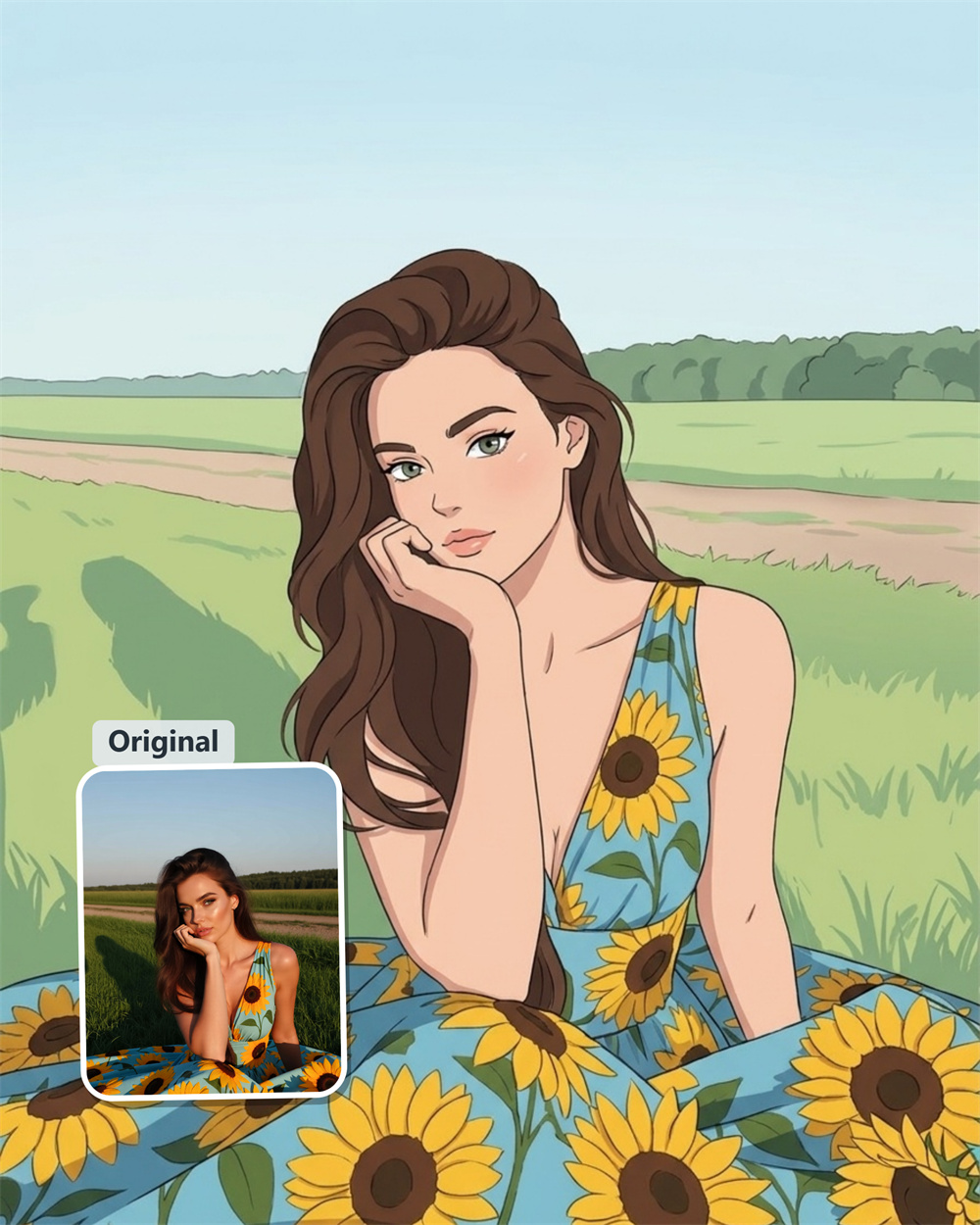
What Would You Look Like as an Anime Character? Find Out in Seconds
Drop your selfie or portrait into Guma and watch it turn into a clean, high-resolution anime avatar. No prompt typing, zero design skills, and no long render times—just your real face reimagined in an iconic animation style.
AI Prompt
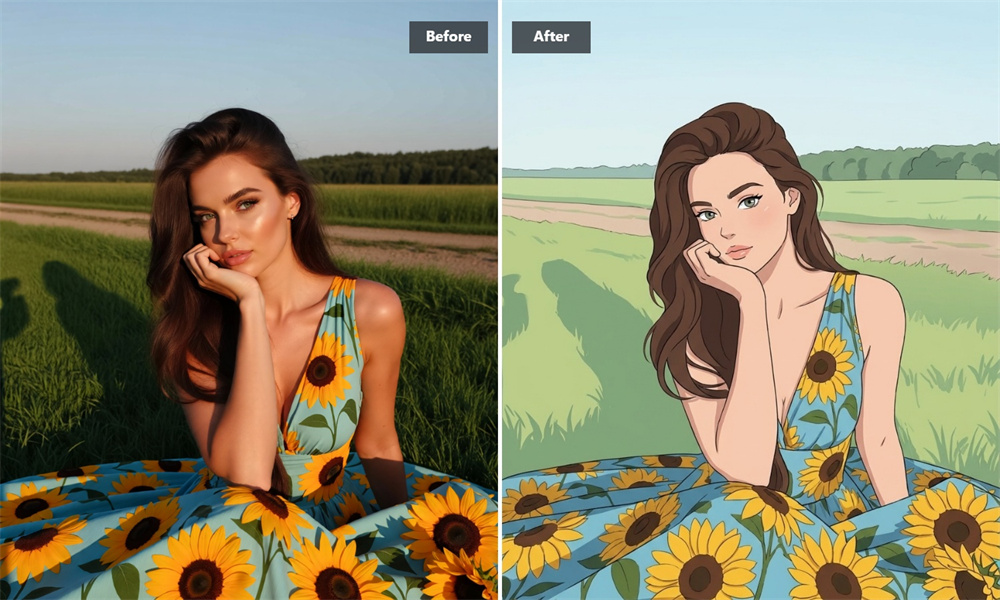
{Reference to original image’s character identity and facial features: 1.8}, {Character consistency: 1.8}, {Clothing style fully preserved: 2.0}. Convert the user-uploaded original image into a crisp, Japanese-style 2D animation aesthetic, capturing the texture of traditional TV animation or manga comic book screenshots rather than semi-realistic commercial illustrations. Strictly preserve the original image’s character identity features, including face shape, hairstyle, hair color, sense of age, expression, pose, clothing, accessories, body proportions, camera angle, composition, and background elements. The characters must maintain clear identity consistency with the original image, without altering their actions or scene relationships. Use clean, slender, smooth, and relatively uniform-thickness dark-colored animation line art; facial structures should be simple and soft, with delicate and natural facial features. Eyes should be moderately anime-inspired but not overly large; noses and mouths should be rendered using concise lines. Minimize realistic skeletal modeling and three-dimensional shading, avoiding exaggerated brow bones, nasal bridges, cheekbones, collarbones, and body curves. Adopt flat, Japanese-style cel-shading coloring: primarily use pure color blocks, with only one or two layers of simple, sharply defined shadows. Reduce smooth gradients, airbrushing, and complex lighting effects. Skin tones should be even and translucent, with only very subtle blush retained; avoid shiny skin, strong highlights, or heavily retouched makeup. Hair should retain the original image’s hairstyle and curl structure, rendered with clear animated strands and simple color blocks. Highlights should be minimal, flat, and clearly edged—avoid silky reflections, excessive fine hair details, or the creation of realistic three-dimensional volume. The background should retain the original image’s scene, object placement, and dominant colors, while being transformed into a soft, 2D animation-style backdrop. Appropriately simplify details of flowers, trees, and distant landscapes, using bright and natural colors. Allow for slight depth of field, but do not add golden light flares, dreamy particles, intense backlighting, or cinematic lens flares that weren’t present in the original image. Overall, the effect should be fresh, bright, natural, and distinctly two-dimensional, with a clean, Japanese-girls’ animation aesthetic. Image details should be moderate—not striving for photo-realistic precision, avoiding heavy layering or semi-realistic rendering. {Refer to the original image’s main facial features, gender, hair color, and hairstyle; biological characteristics remain unchanged}, {Realism: 1.6}.
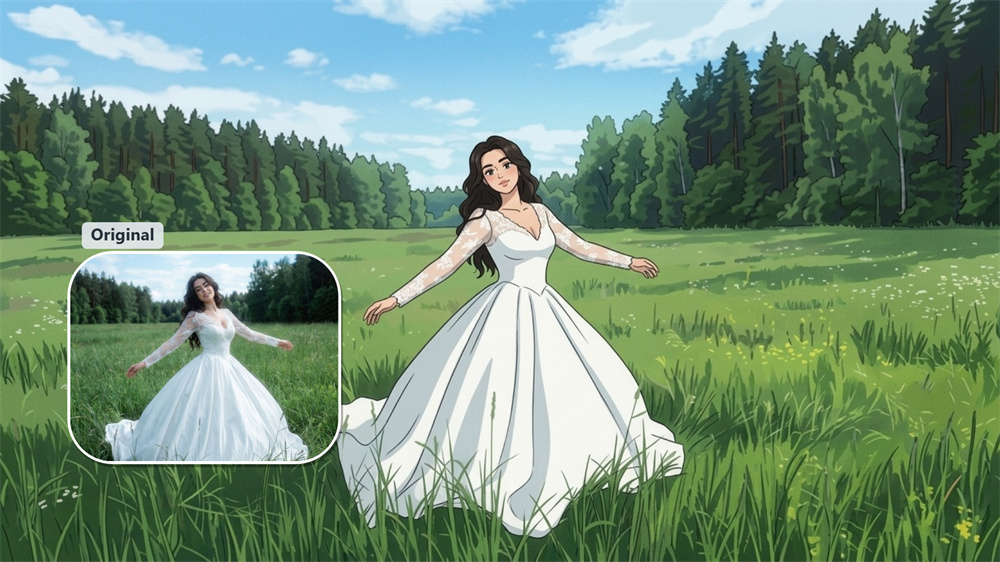
Get Real Anime Aesthetics Without Losing Your Face
Most photo converters wipe out your distinctive features, turning you into a completely different person. Guma automatically maps your facial contours, jawline, and eyes before applying animation shading. You get a stylized character portrait that friends will actually recognize as you.
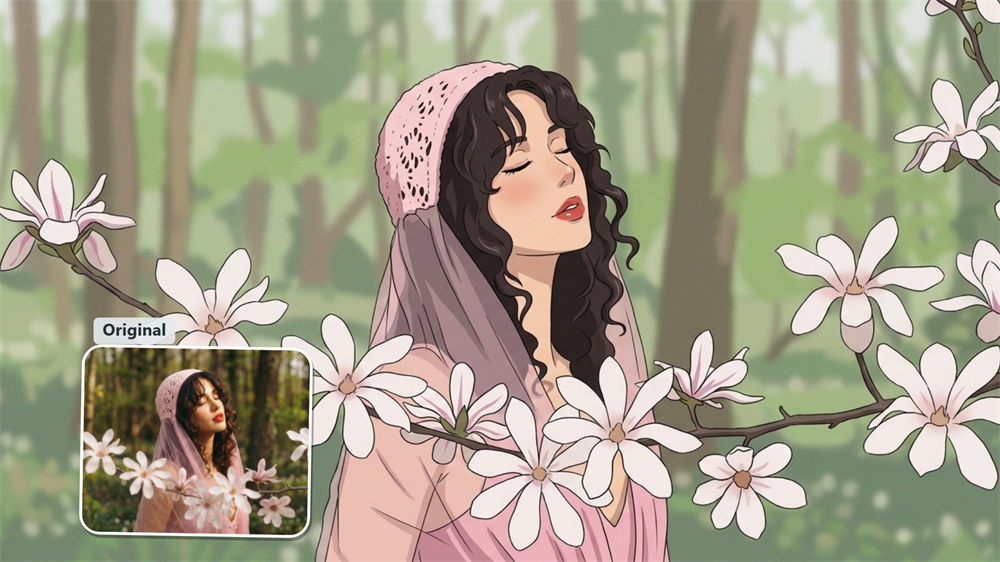
One Dedicated Anime Filter Tuned for Maximum Render Quality
Instead of cluttering your screen with dozens of low-quality artistic filters, Guma focuses entirely on mastering one premium anime aesthetic. The model balances soft skin diffusion, crisp line art, and vibrant shading to make everyday snapshots look like official animation stills.
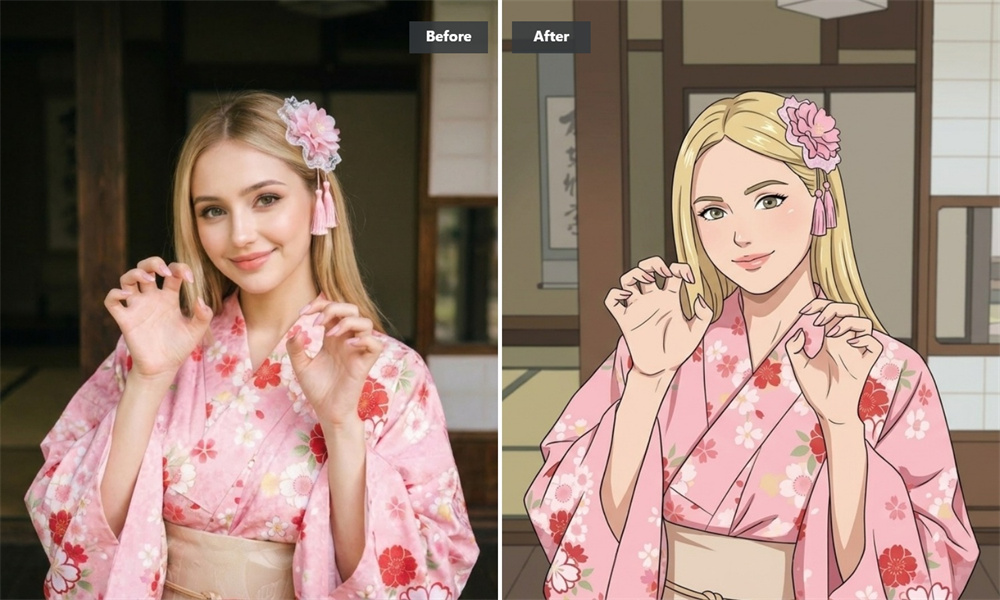
Skip Complex Prompts and Get Profile-Ready Art on the Spot
Forget about tweaking confusing prompt weights or wrestling with advanced settings. The system handles light, colors, and line weight behind the scenes. Upload your image, hit convert, and get a sharp digital avatar tailored for your Discord, TikTok, or Instagram profile.
Keep Your Photos Private with Crisp, Watermark-Free Exports
Your privacy remains fully protected. All uploads are processed over encrypted connections and are automatically deleted from our servers shortly after rendering. You’ll receive a full-resolution digital file free of any forced watermarks, ready to save or set as your permanent online profile.
Transform Your Photo into Anime in 3 Simple Steps
Upload
Select a clear selfie or portrait from your device.
Generate
Let the AI filter automatically redraw your image.
Save
Save your high-resolution, watermark-free anime picture directly to your device.
Explore More AI Creative Tools
Frequently Asked Questions About Guma AI Anime Filter
What is the Guma AI anime filter and how does it work?
Guma is an online photo to anime converter that turns real-life portraits into stylized anime artwork and digital avatars. It recognizes key facial traits and redraws the image using classic anime line art and shading principles while preserving your original expressions. To try this in action, test our online AI anime filter tool directly.
Can I use Guma to cartoonize my photos for free?
Yes. You receive free credits automatically when you create an account, so you can transform your photos right away. If you ever need larger export sizes or higher daily generation limits, you can switch to a paid plan at any time.
Will my uploaded pictures be saved or shown to other people?
No. Your uploaded photos and generated anime portraits remain strictly private to your account. Everything runs over secure HTTPS connections, and temporary image files are automatically wiped from our servers after rendering.
What kind of pictures turn into the best anime portraits?
Front-facing selfies or single-person shots with clear lighting yield the sharpest results. While the tool can handle pets and background elements, well-lit close-ups give the algorithm the cleanest lines to render your face accurately.
Can I use my generated anime pictures on social media or personal projects?
Yes, every image you generate on Guma is yours to use. Feel free to set them as profile pictures, share them on social feeds, or use them for personal graphic assets without restrictions.
Ready to See Your Anime Profile Picture?
Stop messing with complicated photo editors. Upload your picture now and get your custom anime portrait in seconds.