
Giant Hand Squish Effect
Turn Real People into Cartoon Forms with a Giant Hand Squish Effect
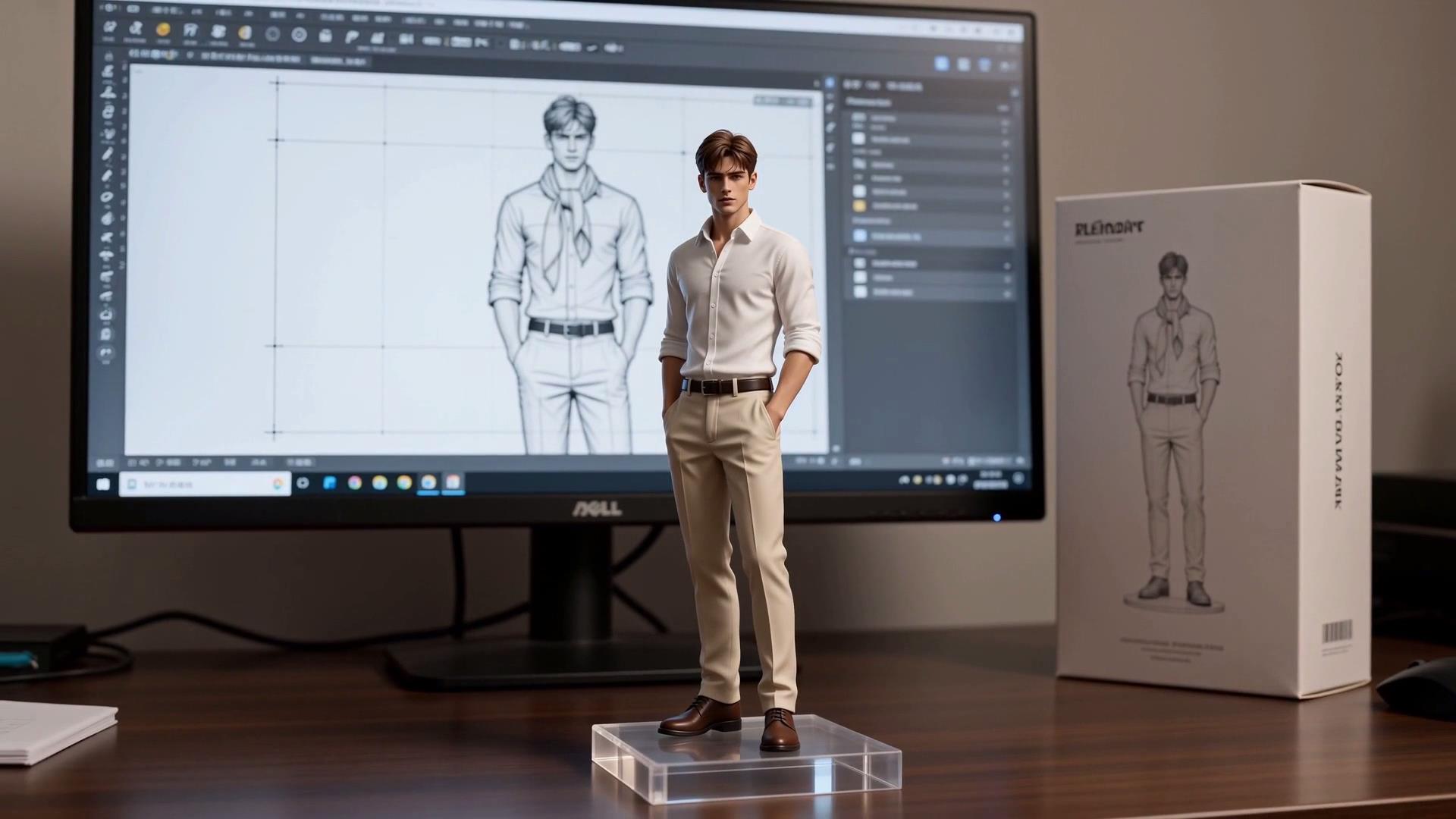
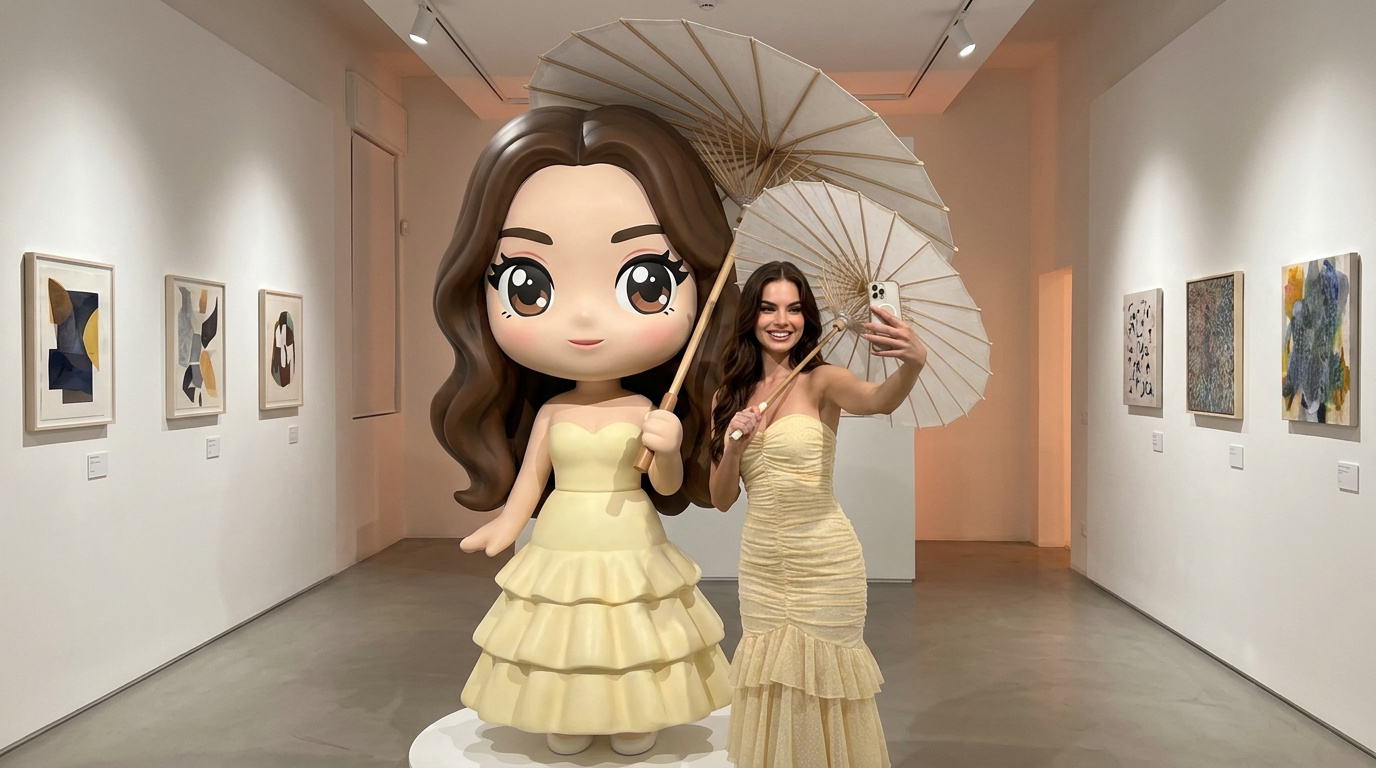
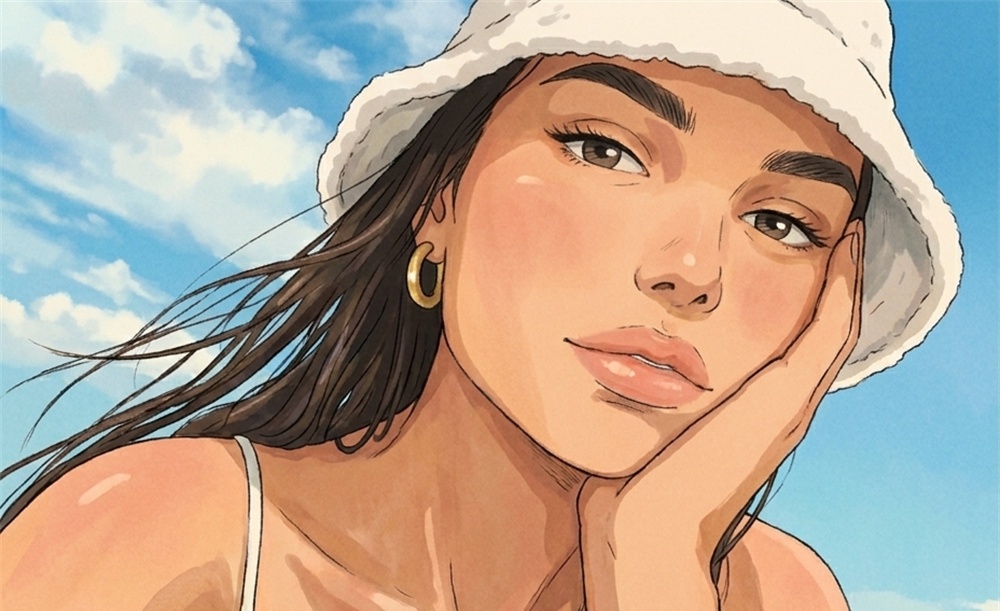
Transform real people into playful cartoon-style forms with exaggerated visual changes inspired by a giant hand squish effect. Preserve facial features, clothing details, and overall appearance while adding rounded proportions, enlarged expressions, and unique character transformations. Create smooth cartoon-style results from real footage without complicated animation workflows.
From Real to Cartoon: A Fun Squish Transformation
Transform real people into playful cartoon-style forms with exaggerated visual changes inspired by a giant hand squish effect. Preserve facial features, clothing details, and overall appearance while adding rounded proportions, enlarged expressions, and unique character transformations. Create smooth cartoon-style results from real footage without complicated animation workflows.
How to Generate a Giant Hand Squish Video with Guma AI
Upload a Person Image
Upload a clear photo while preserving key character details
Generate Cartoon Transformation Video
AI generates the giant hand squish and cartoon effect
Download Your Video
Preview the result and download the final video
Explore More AI Character Transformation Effects
FAQ
What is the AI Giant Hand Squish Effect?
The AI Giant Hand Squish Effect transforms real people into playful cartoon characters with a lifelike hand-squishing animation. It creates exaggerated expressions, rounded body shapes, and fun visual changes while keeping the person recognizable. Try the effect directly with Guma’s AI image to video tool to create your own cartoon transformation.
Will the generated video retain the person’s original appearance?
Yes. The effect preserves important visual details from the original image, including facial features, hairstyle, clothing, and overall character appearance. The person remains recognizable while the body shape, expressions, and proportions are transformed into a playful cartoon style.
How can I improve the giant hand squish video result?
For better results, choose images where the person is clearly visible and the main subject is not blocked by objects. Higher-resolution photos with balanced lighting and clear clothing details help create more natural movement, smoother transformations, and better visual consistency.
How can I improve the giant hand squish video result?
For better results, choose images where the person is clearly visible and the main subject is not blocked by objects. Higher-resolution photos with balanced lighting and clear clothing details help create more natural movement, smoother transformations, and better visual consistency.
1. Can the effect be applied to different people and character styles?
Yes. The effect can be used with different people and character images. It adapts the squish transformation based on the original appearance, creating different cartoon-style results while maintaining the unique characteristics of each subject.
Is the AI Giant Hand Squish Effect free to use?
Guma offers free credits for users who want to try AI effects. You can create an account and start generating without an immediate subscription. If you need more generation credits or access to additional features, premium plans are available for extended use.