
How to Write a Romantic Video Script with Visual References
You may already have a few couple photos, character images, or film stills that you want to turn into an anniversary video, a confession video, a proposal video, or a short love story.
The difficult part is rarely making the video look romantic. The difficult part is deciding how those images connect and what changes between the two people.
To write a romantic video script with visual references, begin with one clear change in the relationship. Turn that change into visible actions, divide the actions into individual shots, and assign each shot the character, location, prop, or style reference it needs. Keep one main action in each shot, then check the characters and setting for continuity before generating the video.
A couple can hold hands at sunset, reunite in the rain, or sit together in an empty train station. Each image may look beautiful on its own, but if nothing changes between the characters, the result is still a collection of romantic images rather than a complete story.
That is why I usually begin with one question:
How is the relationship different at the end of the video from the way it was at the beginning?
That change is the real starting point of the script.
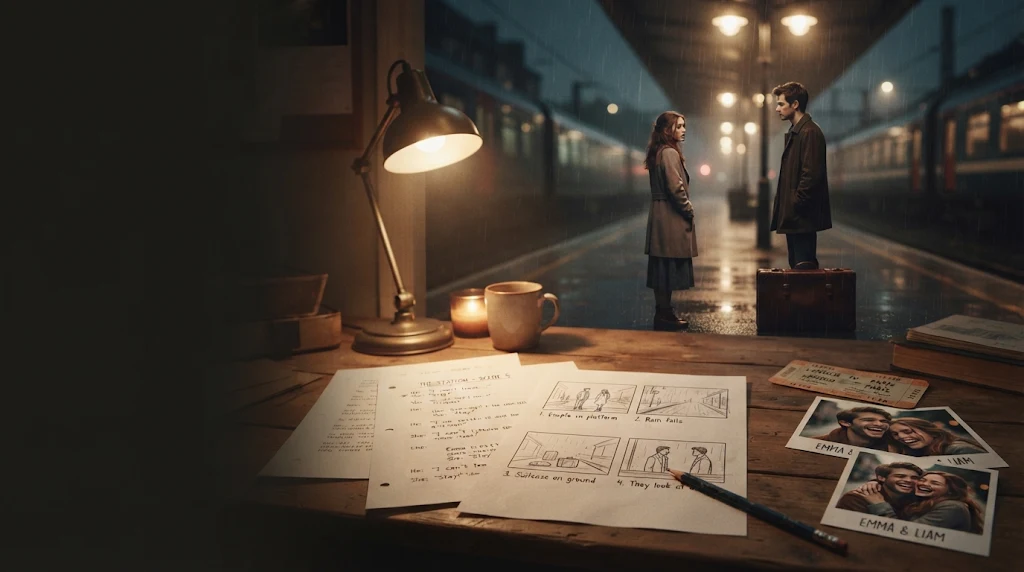
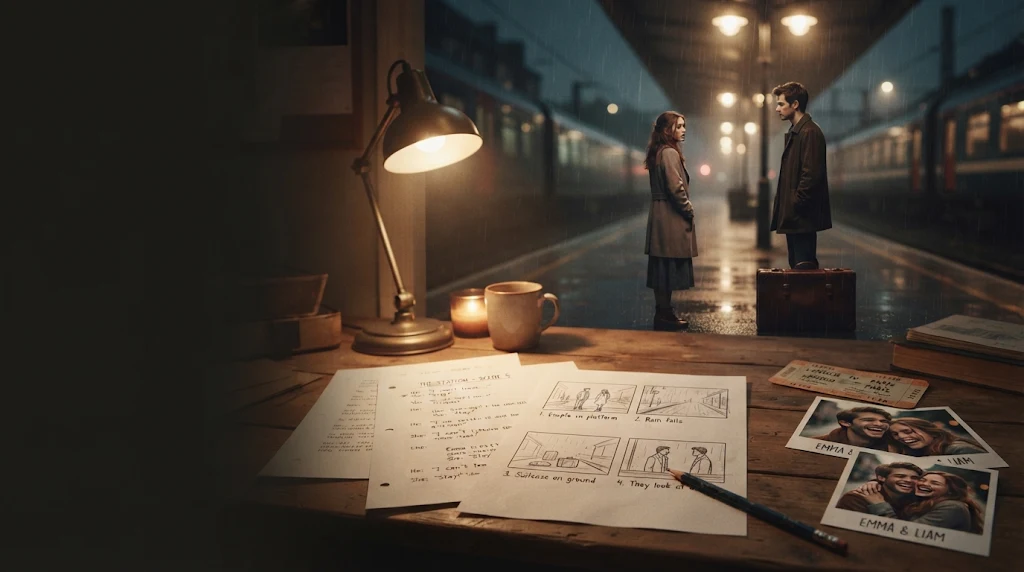
The train-station story used throughout this guide is an illustrative example created to explain script structure. It is not presented as the result of a controlled product test.
Start With an Emotional Turning Point Worth Filming
A short romantic video does not need to cover an entire relationship. Trying to include the first meeting, falling in love, an argument, a breakup, a reunion, and a proposal usually leaves too little time for any single moment to feel meaningful.
Choose one emotional turning point instead.
The turning point might be the moment someone finally confesses after repeatedly losing their nerve. It could be when someone preparing to leave suddenly stops. It might also be a reconciliation, a proposal, or two people meeting again after several years.
To define the direction of the story, answer these four questions in order:
- What is the relationship between the two people at the beginning?
- What prevents them from getting closer?
- Who makes the choice that changes the relationship?
- How is the relationship different at the end?
Suppose one person is preparing to leave while the other arrives at the last moment. The important event is not simply that someone reaches the station. The real question is whether the person holding the ticket gets on the train.
Romance does not always need a grand declaration. Putting down a suitcase, deleting an unsent breakup message, or taking one step forward can carry more emotional weight than a long speech.
Turn Emotions Into Actions the Camera Can See
“She does not want to leave,” “he still loves her,” and “they are both nervous” describe the characters’ feelings, but they are not yet complete visual directions.
A camera cannot film reluctance itself. It can film someone reaching the door, stopping, and looking back. It cannot directly film the desire to reconcile, but it can show someone taking a step forward and waiting to see whether the other person responds.
| Emotion to communicate | Action that can be filmed |
|---|---|
| She does not want to leave | She reaches the exit, pauses, and turns around |
| He wants to reconcile | He approaches, stops a few steps away, and waits |
| She is still angry | She sees him but does not speak immediately |
| She decides to stay | She puts down her suitcase and steps away from the train |
| She accepts him | She reaches out and takes his hand |
| She misses someone | She writes a message but cannot bring herself to send it |
Specific actions usually feel more natural than repeatedly asking the characters to say, “I cannot live without you” or “You are my one and only.”
Romantic tension often exists in the sentence a character cannot finish or the action they hesitate to complete.
Build the Romantic Video Script in Four Parts
Once the emotional turning point is clear, organize the story into four chronological parts.
- Establish the relationship. Show whether the characters are close, distant, separated, or preparing to leave.
- Disrupt the situation. Introduce a message, an unexpected arrival, a rediscovered object, or another event that changes the moment.
- Show a visible choice. Let one character turn around, stay, speak, reach out, or walk away.
- Reveal the result. Show how that choice changes the relationship.
These four parts do not have to become exactly four shots. Establishing the relationship may require two shots, while a difficult choice may need one shot for the hesitation and another for the final action.
The number of shots matters less than the purpose of each shot. If removing a shot does not change the relationship, reveal useful information, or affect the outcome, the shot may only be adding atmosphere.
Turn the Story Into a Romantic Video Shot List
When you divide the story into individual shots, give each shot one main purpose.
Here is a compact romantic video script example based on a reunion at a train station:
| Shot | Narrative purpose | Visible action | Dialogue or sound |
|---|---|---|---|
| 1 | Establish distance | A woman stands alone at a train station, holding a ticket | Rain and station announcements |
| 2 | Disrupt the situation | She hears footsteps, pauses, and turns around | The music briefly fades |
| 3 | Present a choice | A man stops a few steps away, and she puts down her suitcase | A brief apology |
| 4 | Show the result | They stand side by side and watch the train leave | “We missed the train.” |
These four shots communicate a complete change without explaining why the couple argued or reviewing their entire history.
A short love story video script does not need to answer every possible question. It only needs enough context for the audience to understand the choice being made.
If one shot asks the characters to run, turn around, hug, kiss, and deliver dialogue at the same time, the emotional focus becomes unclear. Divide complex moments into smaller shots so that each one completes a distinct action.
Use This Romantic Video Script Template
Use this table to turn one emotional change into a simple four-shot storyboard. Replace the example text with details from your own story.
| Shot | Relationship change | Visible action | Dialogue or sound | Visual reference | Camera and continuity |
|---|---|---|---|---|---|
| 1 | Show the starting distance | One character waits alone | Ambient sound or silence | Character and location references | Establishing shot; lock clothing and weather |
| 2 | Introduce a disruption | The character notices someone arriving | Music fades or footsteps begin | Same character and location | Keep lighting and screen direction unchanged |
| 3 | Show the decisive choice | One character stays, turns back, or reaches out | One short line or no dialogue | Character, prop, and couple references | Move closer without changing appearance |
| 4 | Reveal the new relationship state | The characters leave or remain together | Final line or environmental sound | Couple and location references | End on a stable two-person composition |
The “relationship change” column explains why each shot exists, while the “visible action” column defines what the audience actually sees. Visual references maintain the characters and setting, and the final column records the camera and continuity details that should not change.
If one row contains several unrelated actions, divide it into two shots. If two rows communicate the same emotional information, combine them.
What Is the Role of a Visual Reference?
A visual reference helps define who the characters are, where the story takes place, and which details should remain stable from one shot to the next.
Character references mainly establish faces, hairstyles, clothing, and apparent age. Location references define the setting, time of day, weather, and lighting. Style references help maintain a consistent color palette, composition, and visual treatment. Prop references can preserve an object that matters to the story, such as a ring, ticket, letter, or old photograph.
If the video is based on photos of a real couple, prepare a clear photo of each person with minimal facial obstruction, along with one photo of them together. The individual photos define each person’s appearance, while the couple photo can provide useful context for height difference, personal distance, and two-person composition.
Use images you are entitled to use, and make sure identifiable people are comfortable with their photos being included in AI-generated content.
You usually do not need a large collection of location images. One clear image of a rainy train station at night is more coherent than a mixture of sunny streets, beach sunsets, cafés, and indoor studios.
Each reference should have one main responsibility:
| Reference type | Primary purpose |
|---|---|
| Character reference | Defines identity, face, hair, and clothing |
| Couple reference | Defines height difference, distance, and two-person composition |
| Location reference | Defines environment, weather, time, and lighting |
| Prop reference | Preserves an object that affects the story |
| Style reference | Defines color, texture, framing, and visual mood |
When every image has a clear role, it becomes easier to decide which references belong in each shot.
Should You Write the Script or Choose the Visual References First?
If the video tells the story of a real relationship, begin with the photos and videos you already have. Look for an emotional turning point hidden within those materials.
You may not have a complete recording of a marriage proposal, for example, but you might have a photo of the ring, a restaurant photo, and a night scene from the journey home. Those materials can support a script about an ordinary date gradually becoming a surprise.
For a fictional story, it is usually easier to define the relationship and emotional turning point first. The first shared character image can then be created with an AI couple photo generator. This image becomes part of the visual reference set, defining the characters’ appearance, height difference, personal distance, and two-person composition before the story is divided into shots.
Whichever order you choose, do not let the visual materials replace the story. Attractive images do not automatically become a romantic video. The script still needs to explain why the images appear and how the relationship changes.
What Do the Script, Visual References, and Shot Descriptions Control?
A video script, a set of visual references, and an individual shot description perform different jobs.
| Element | Primary purpose |
|---|---|
| Video script | Determines how the story begins, what choice the characters make, and how the relationship changes |
| Visual references | Maintain the characters, clothing, location, props, and visual style |
| Shot description | Defines the action, composition, and camera movement in the current shot |
The script might say:
“She hears him return, but she does not walk toward him immediately.”
The references define the woman’s appearance, her clothing, and the train-station environment. The shot description then turns the moment into a specific visual instruction:
“Rainy train station at night. A woman in a camel coat hears footsteps behind her. She becomes still, then slowly turns around without smiling. The camera moves gently forward from behind her shoulder. Keep her appearance, clothing, and the station lighting unchanged.”
The shot description does not need to repeat the couple’s entire history. The script controls the complete emotional change, while the shot description makes the current moment visible.
Write Romantic Dialogue That Does Not Feel Awkward
A simple way to test a romantic line is to remove the character names and setting, then ask whether the same line could appear in almost any love story.
“You are the only person in my life” could belong to thousands of fictional couples. It says what the character feels, but it does not reveal anything specific about the relationship.
Dialogue connected to the current situation usually feels more believable:
“Didn’t you say you weren’t coming?”
“I thought I wasn’t.”
Neither character directly says “I love you.” The exchange still reveals the delay, hesitation, and final choice behind the reunion.
Dialogue is not always necessary. Putting down a suitcase, folding away a ticket, or sitting beside someone again can move the story forward without explaining the emotion twice.
Voiceover is useful when the visuals cannot quickly communicate important context, such as the passage of time or the distance between two cities. A line such as “After that day, we did not speak for three months” can replace several explanatory shots.
If the voiceover only describes what the audience can already see, remove it. When a character is visibly turning around, the voiceover does not need to say, “She did not want to leave.”
Keep the Characters and Setting Consistent
Before creating the video, decide which details must remain stable.
Pay particular attention to the characters’ faces, hairstyles, main clothing, important props, location, weather, lighting, and movement direction. These details help separate intentional story changes from accidental visual changes.
If the woman holds the train ticket in her right hand in the first shot, the ticket should not disappear without explanation. If the man enters from the right side of the platform, he should not suddenly appear on the opposite side. If the scene remains at the same station on a rainy night, the ground should not become dry and the lighting should not change to daylight.
You do not need to document every background detail. Focus on the elements that participate in the story or help the audience recognize the same people and place.
Check the Script Before Generating the Video
Read the complete script once before converting it into video.
Do not focus only on whether the writing sounds romantic. Check whether the actions communicate the story:
- Can the audience understand the relationship at the beginning?
- Does something meaningful change?
- Can the main choice be shown visually?
- Does each shot have a distinct purpose?
- Does the ending respond to the situation established at the beginning?
If the story still makes sense after removing the dialogue, the script probably has a clear visual foundation.
If every shot only shows the characters looking at each other while the voiceover explains the story, return to the action column of the script template and make the choices more visible.
How to Generate Scripted Shots in Guma AI
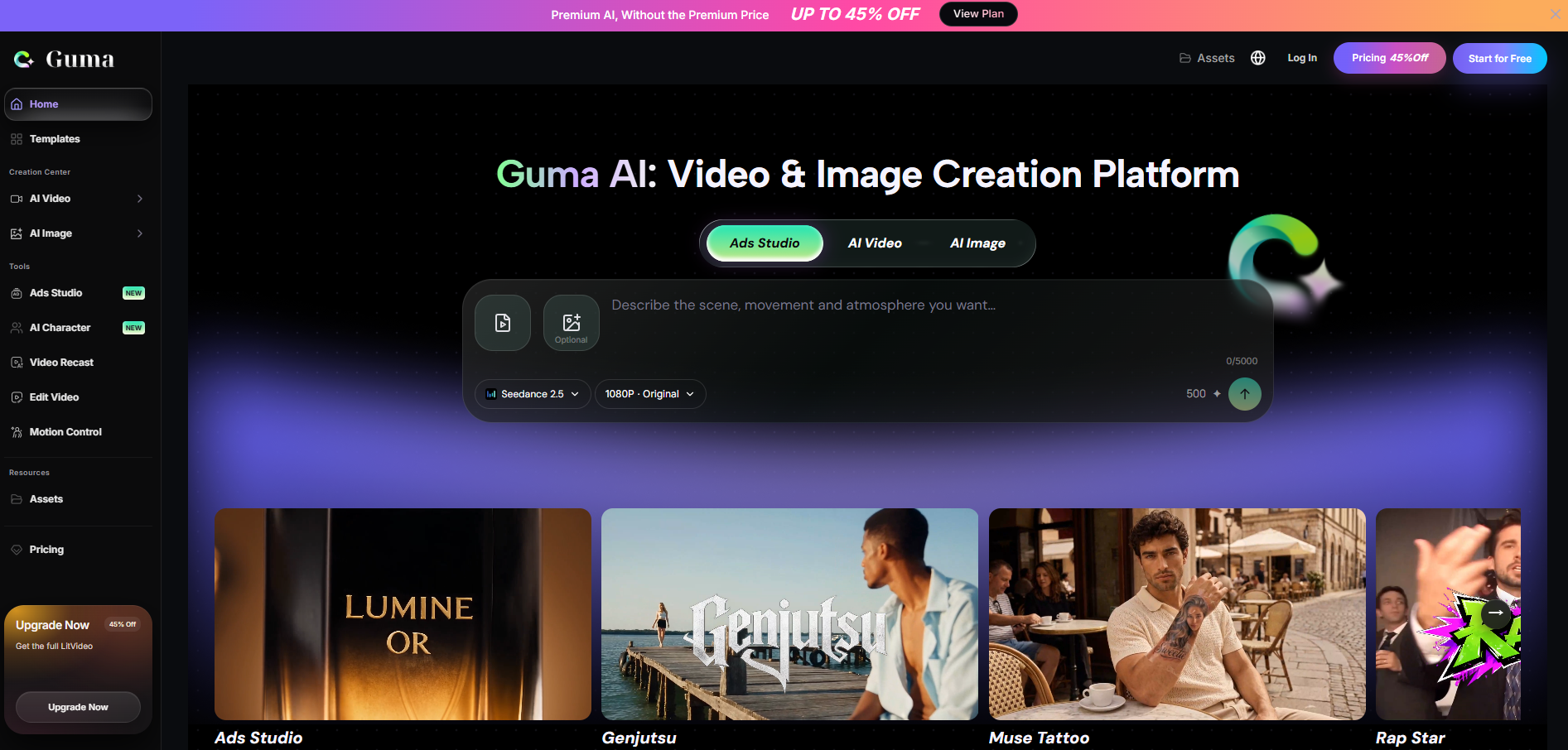
The following uses Guma as one possible tool for turning a completed script into individual video shots.
The appropriate generation method depends on the source material available for the current shot:
| Starting material | Generation method | Role in the shot |
|---|---|---|
| An existing video | Reference to Video | Uses an existing video as the reference for the new shot |
| A couple photo, character image, or opening frame | Image to Video | Preserves the visual starting point while the shot description defines what moves or changes |
| A completed script without visual material | Text to Video | Establishes the character, setting, action, composition, and camera direction from text |
Generate the story one shot at a time:
- Select one row from the completed script template.
- Choose the generation method that matches the source material for that shot.
- Add only the character, location, prop, image, or video references required for the current moment.
- Choose the video model, aspect ratio, duration, and resolution.
- Enter the visible action, composition, camera movement, and continuity requirements.
- Review the characters and setting before generating the next shot.
For the script line “She hears footsteps and turns around,” the shot description could be:
“Rainy train station at night. A woman hears footsteps behind her. Her body becomes still before she slowly turns around. The camera moves gently forward from behind her shoulder. Keep her appearance, clothing, and the station lighting unchanged.”
The full script has already established the relationship and emotional context, so the generation instruction only needs to describe what happens in the current shot.
Once the shots are generated, watch the video without sound to determine whether the relationship is understandable from the visuals. Then listen without watching to check whether the dialogue and voiceover sound natural. Finally, review faces, clothing, props, positions, and movement directions to make sure the shots belong to the same story.
When a shot does not work, identify whether the problem comes from the source material, action description, or camera instruction. Changing one factor at a time makes the cause easier to identify than rewriting the entire sequence.