
Fantasy Art Video AI Prompts
Create stunning AI fantasy videos with ready-made fantasy templates. Transform your photo into a luxury clip, dark angel, hero portrait, or epic battle scene - all in seconds.
Transform into an angel
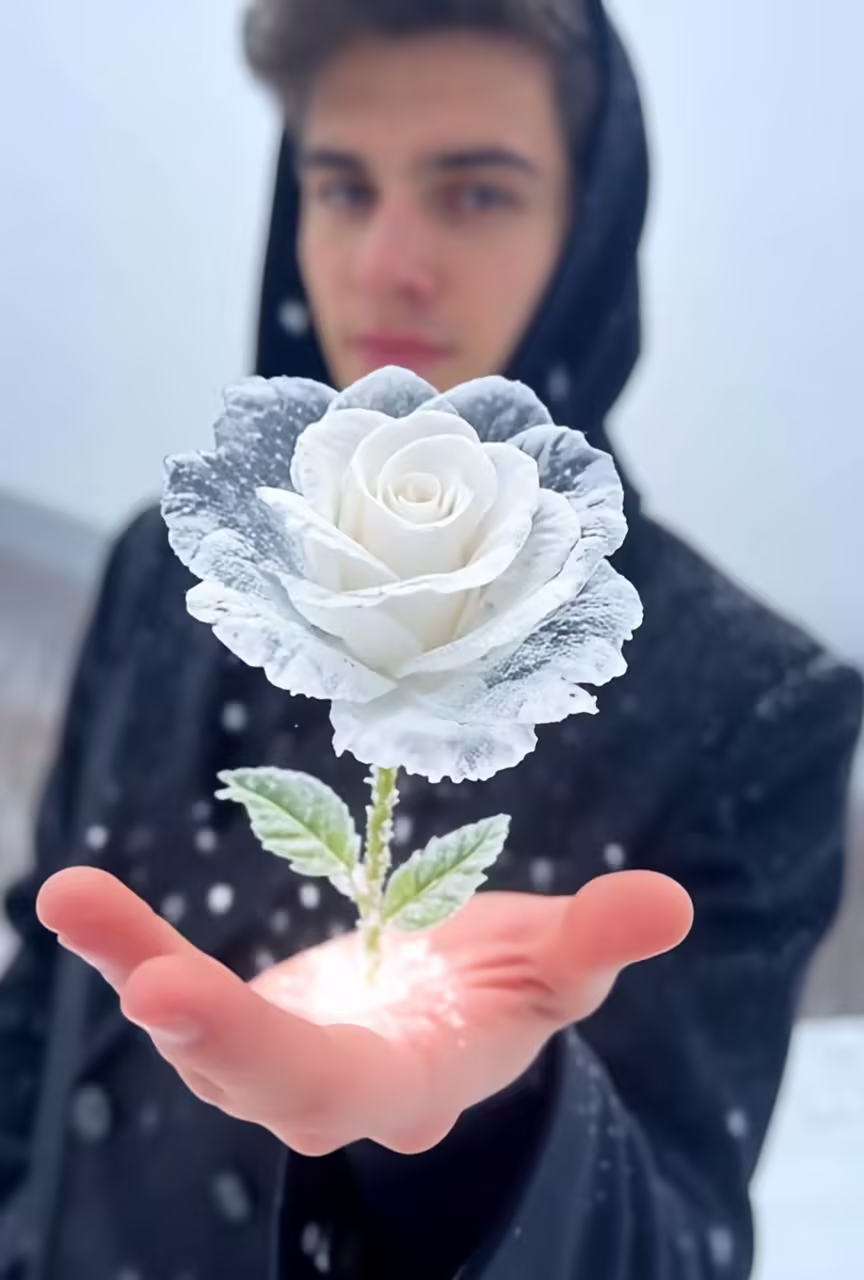
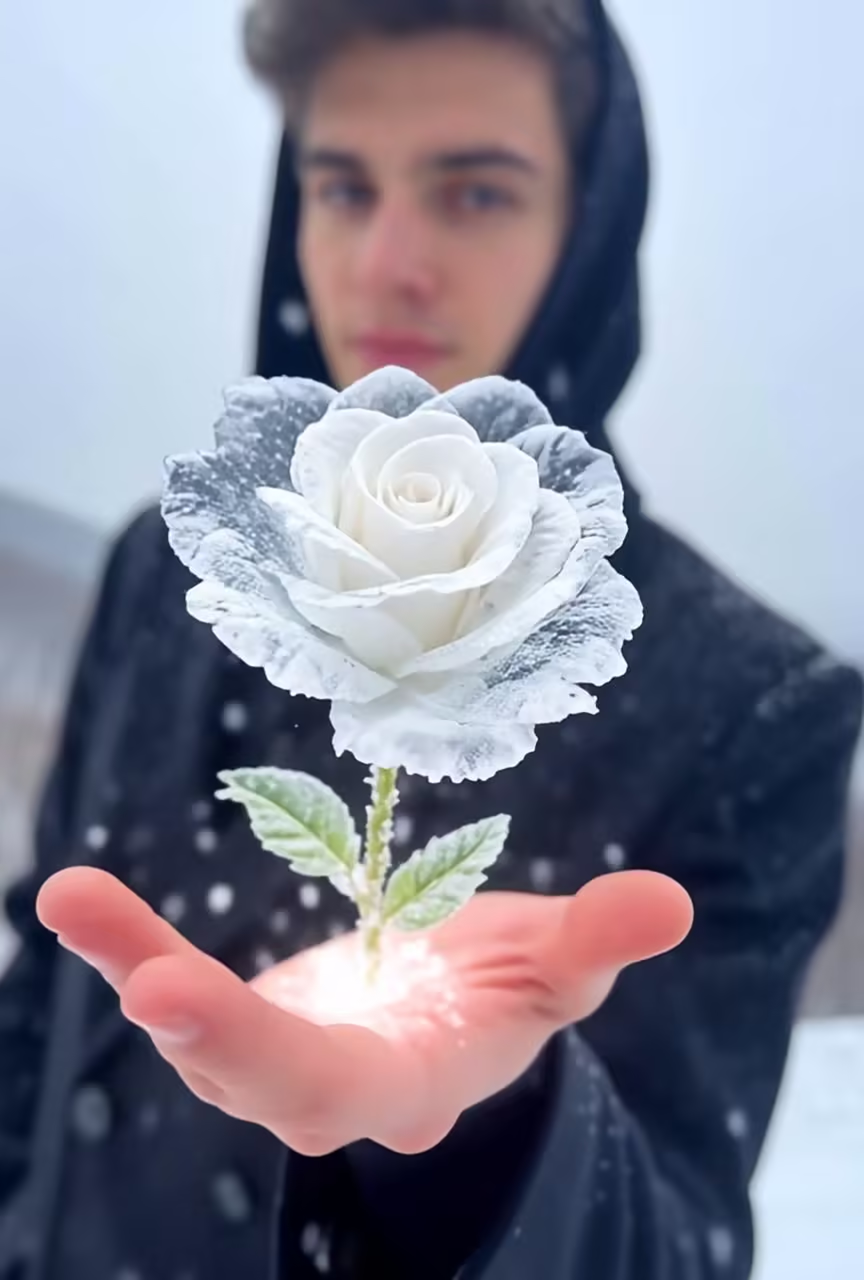
AI Ice Rose Generator
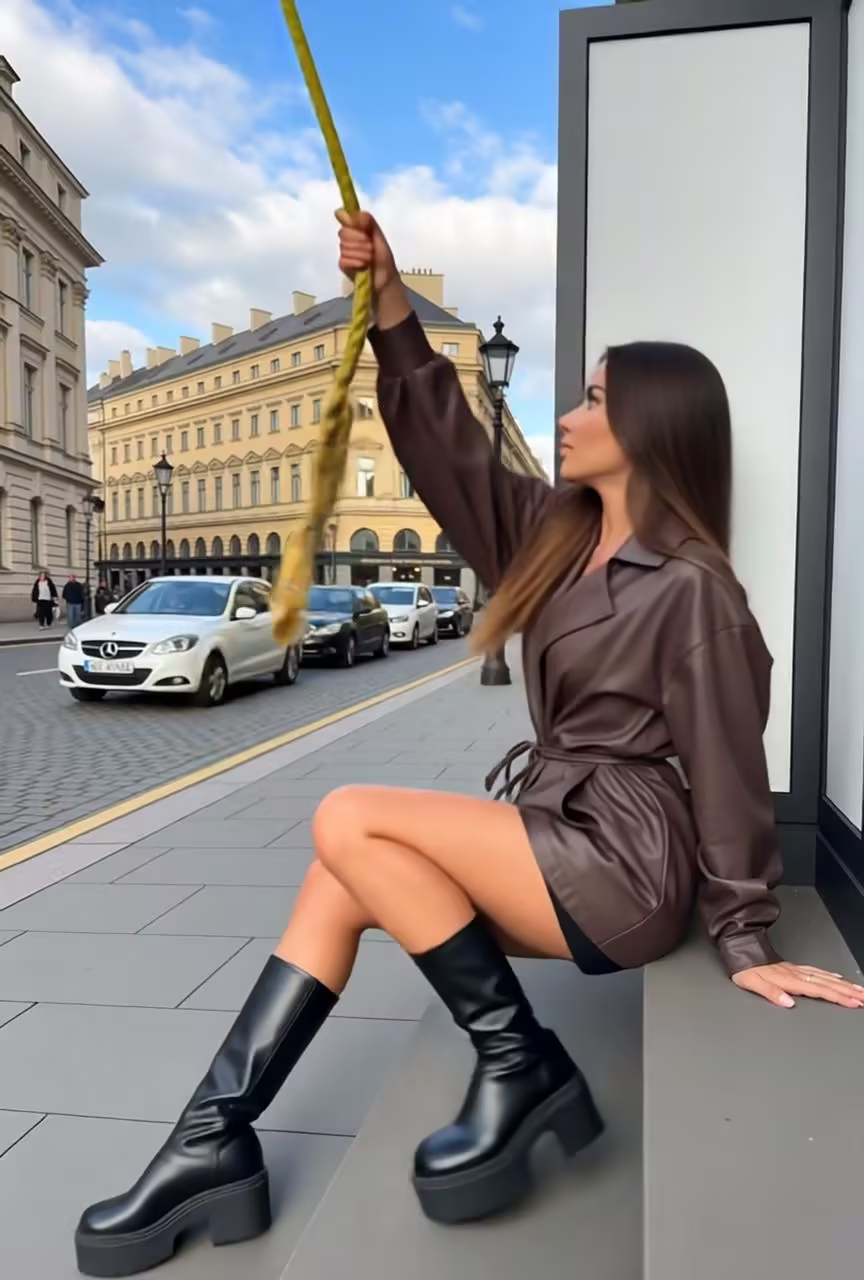
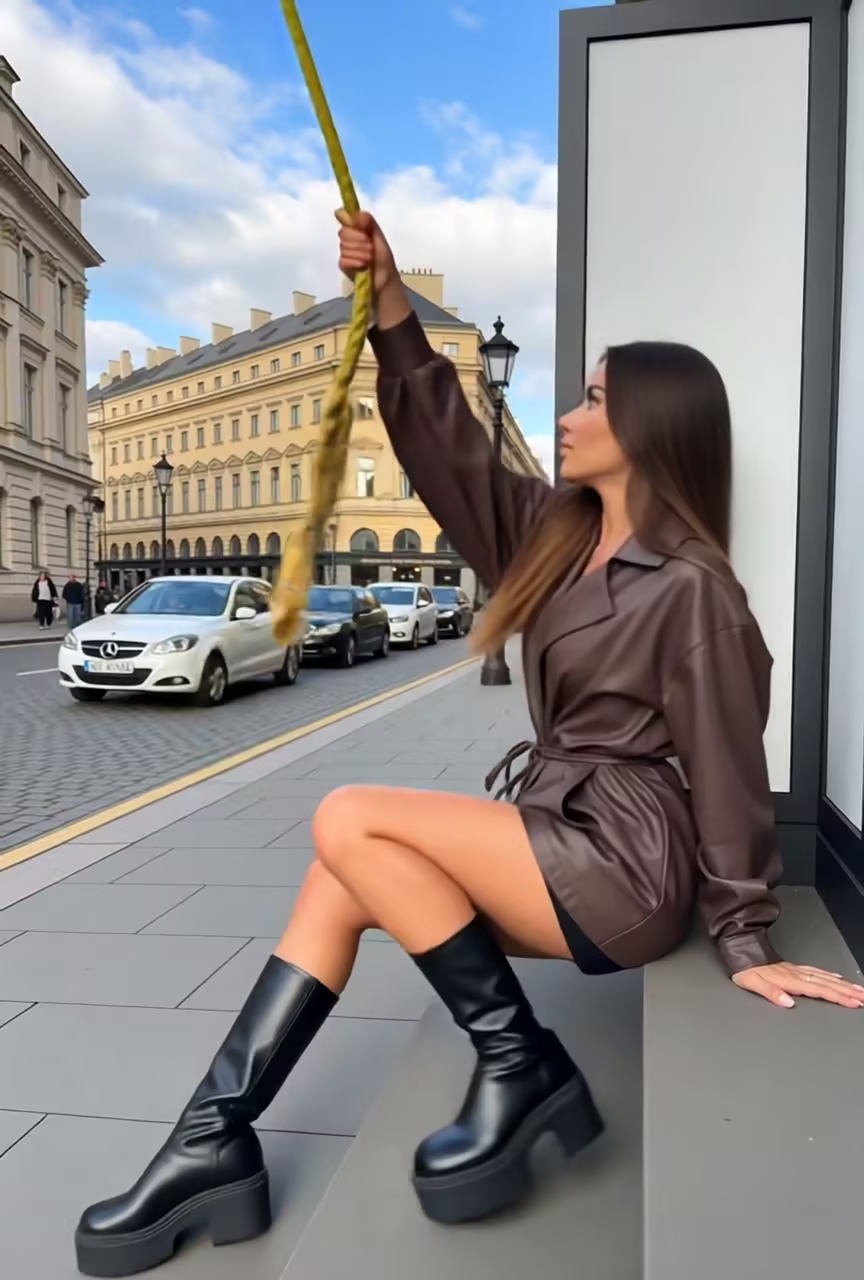
AI Helicopter Escape Generator
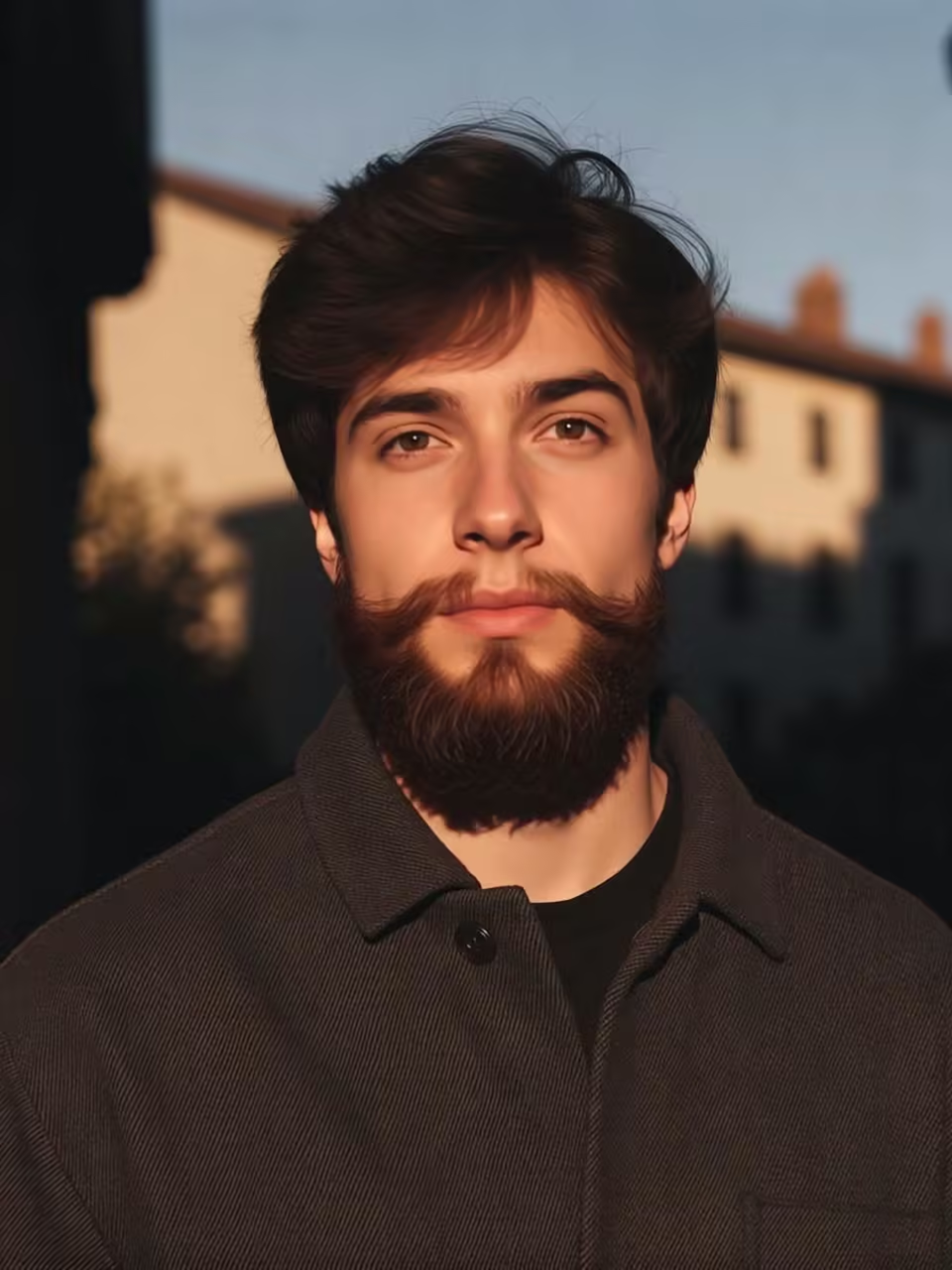
AI beard generator
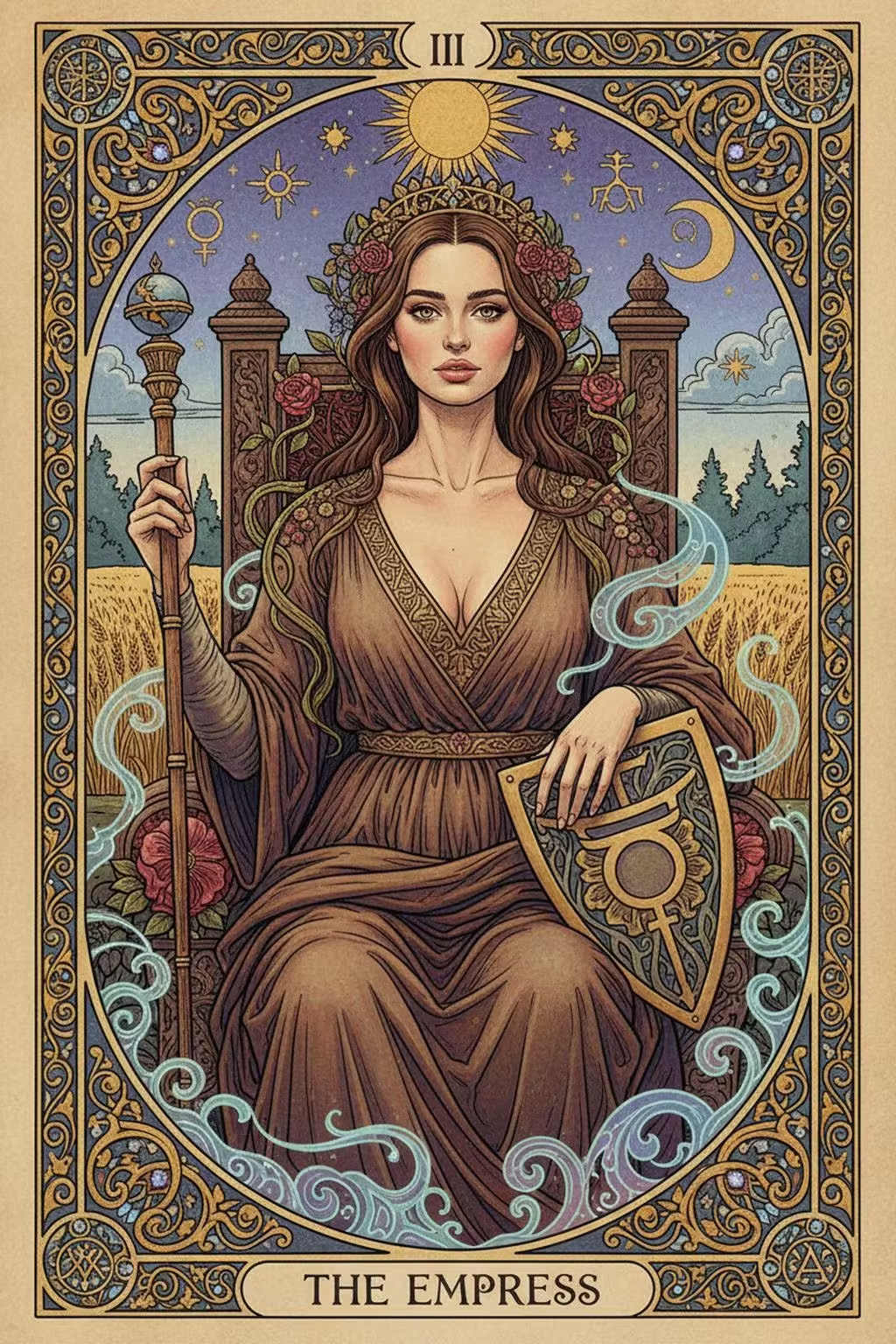
The Card of Fate
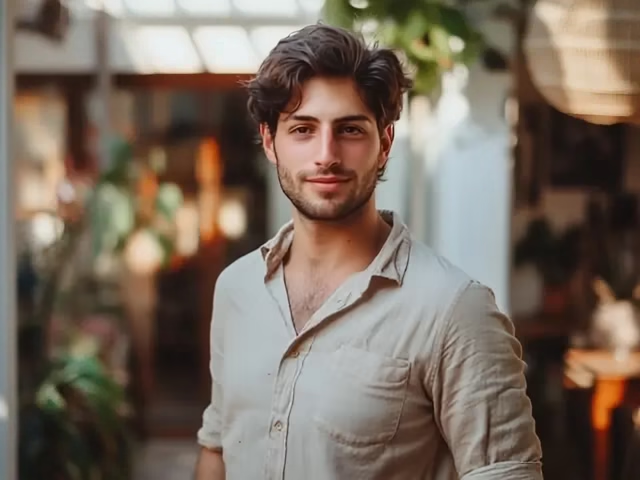
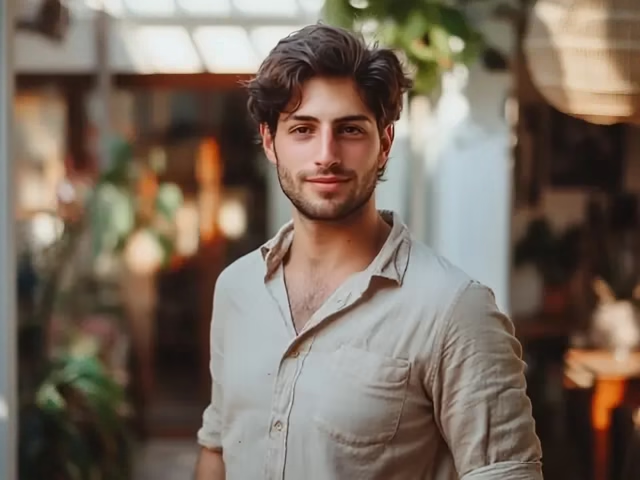
Muscle Man
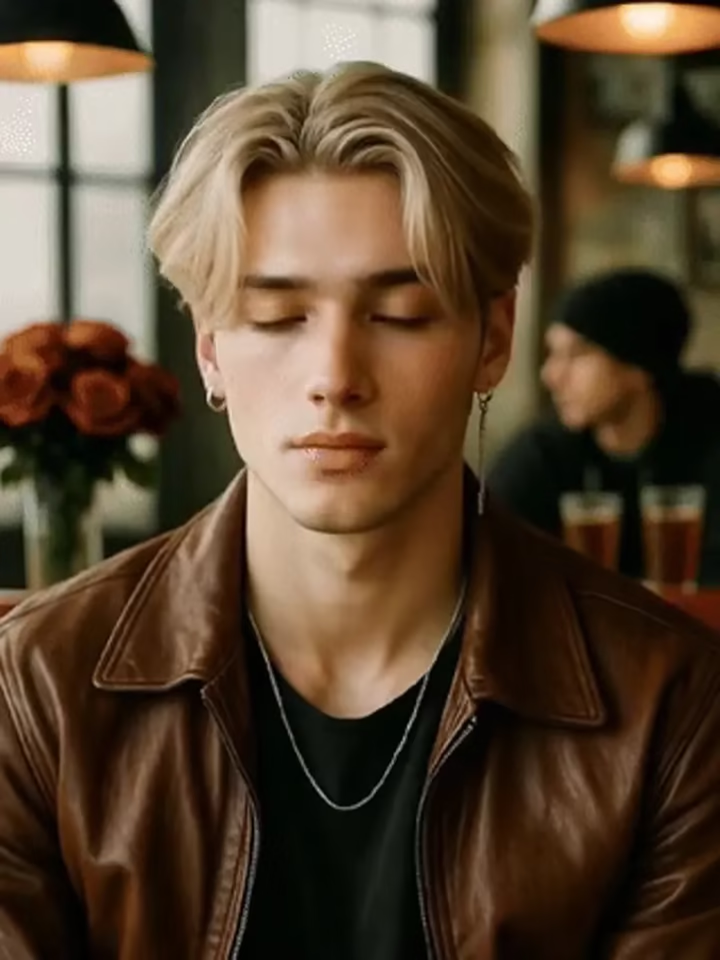
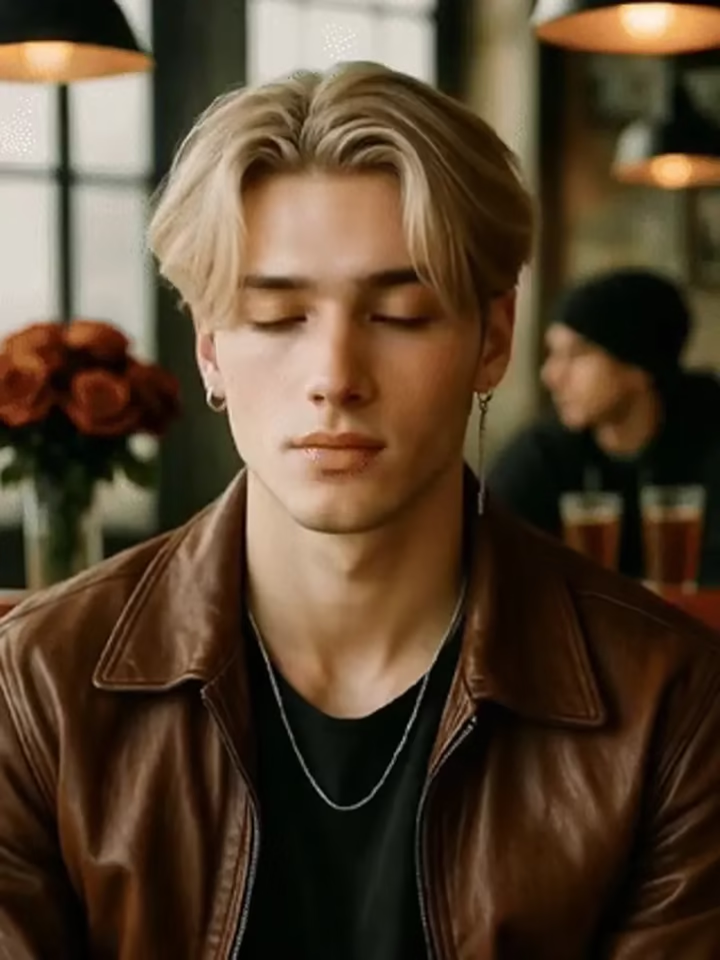
Give the middle finger
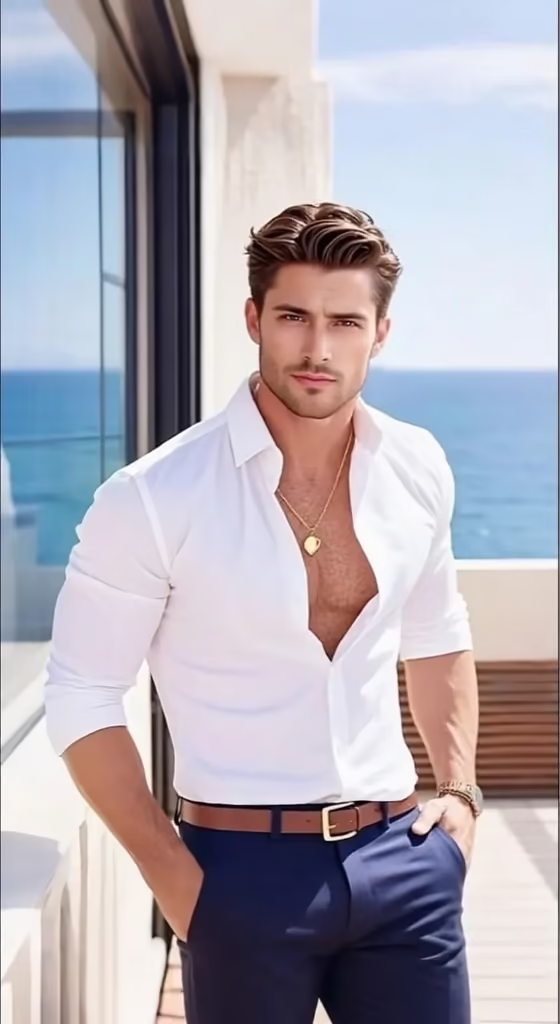
rich-me-1
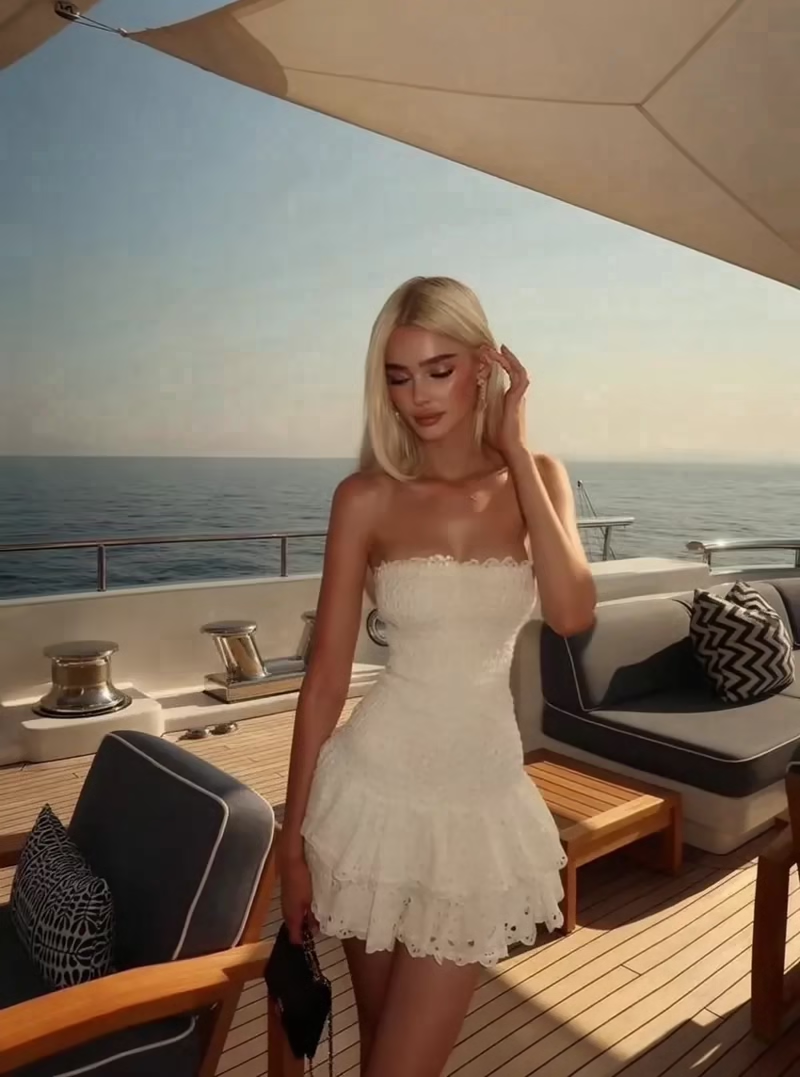
AI Bodyguards Generator
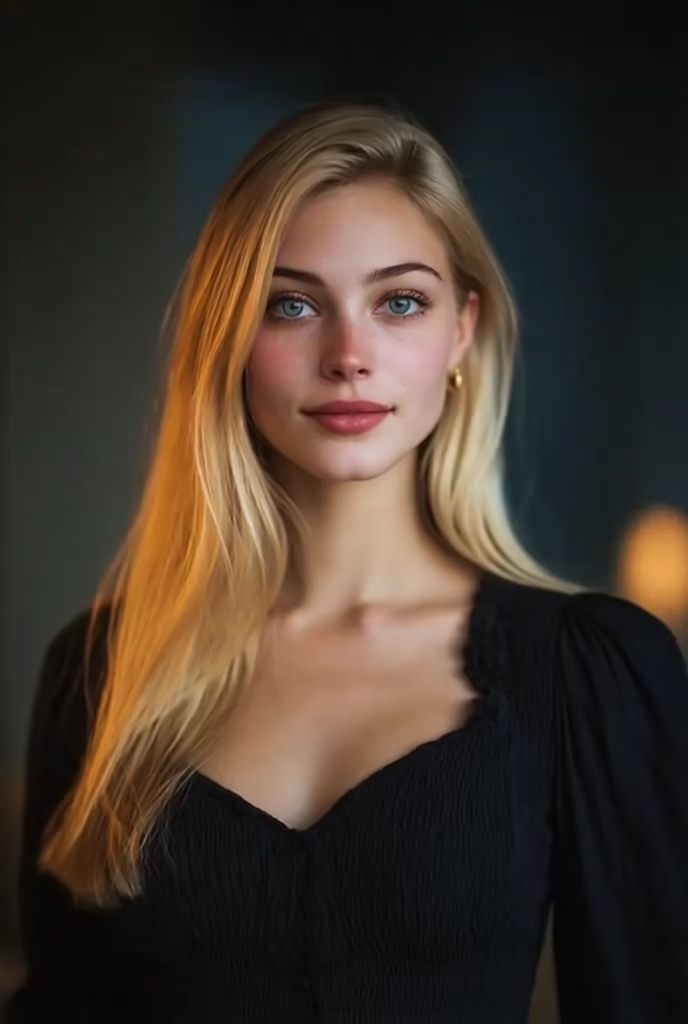
the-multiverse-of-skeleton
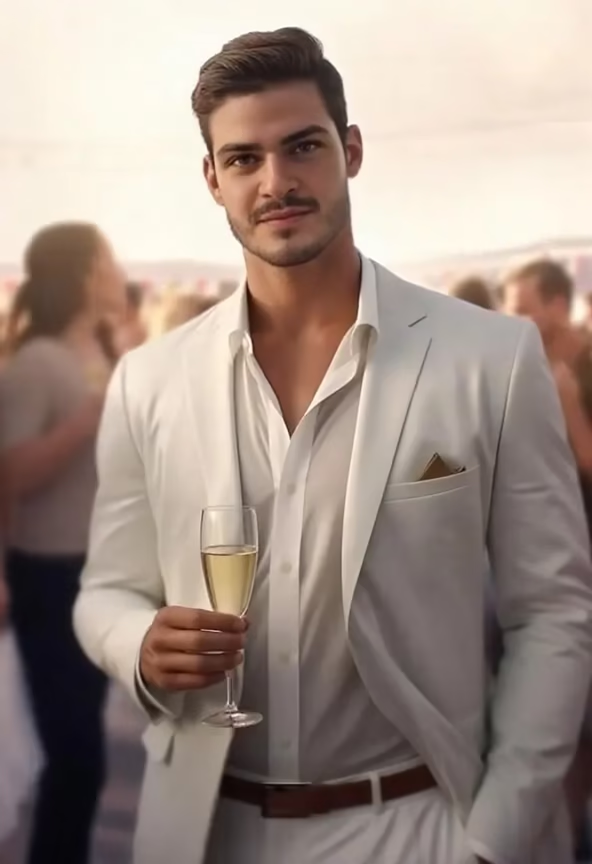
oscar-best-actor
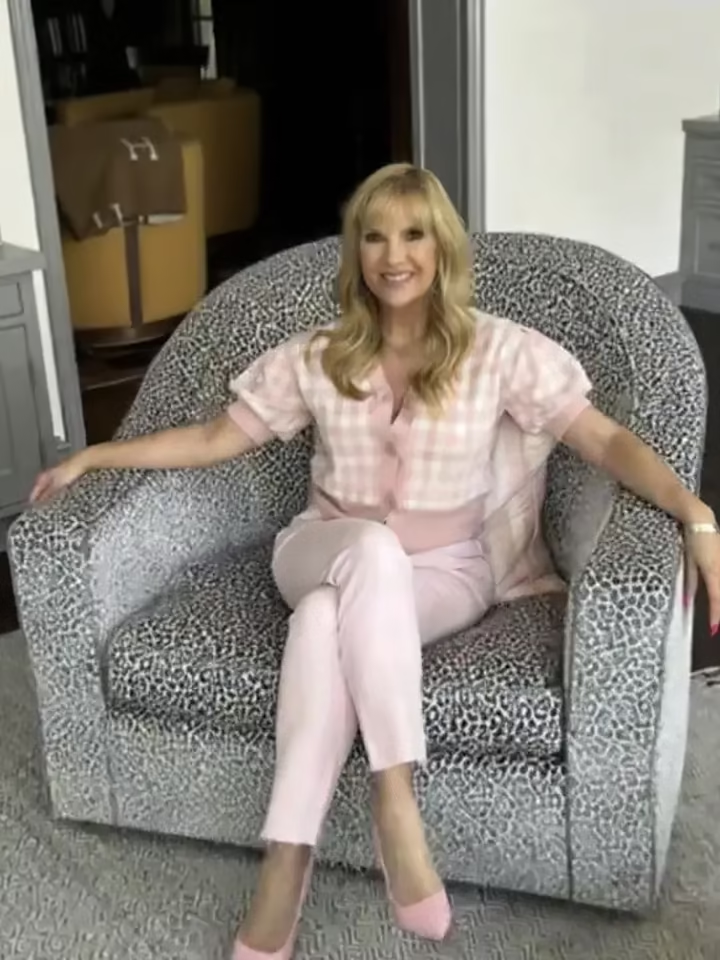
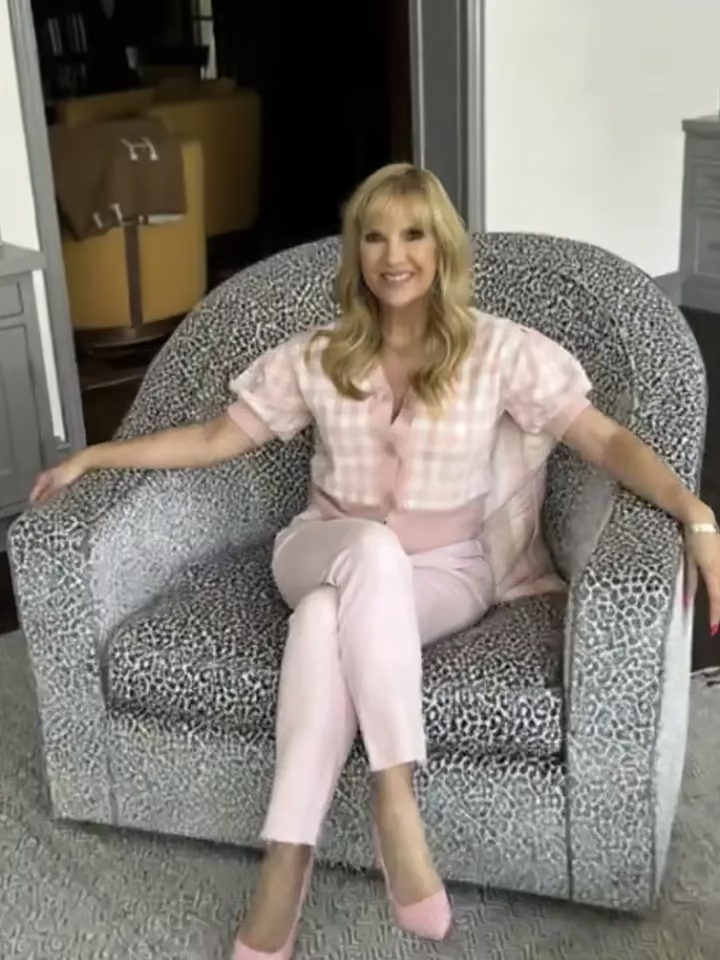
Skipping in the sky
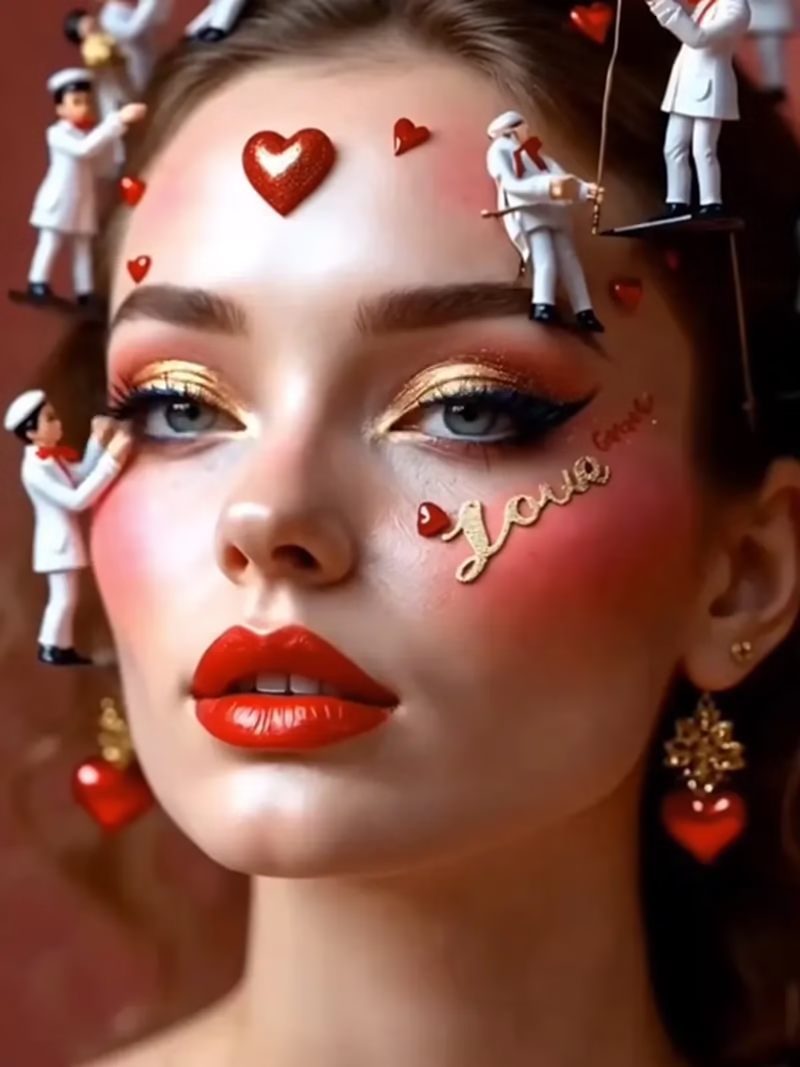
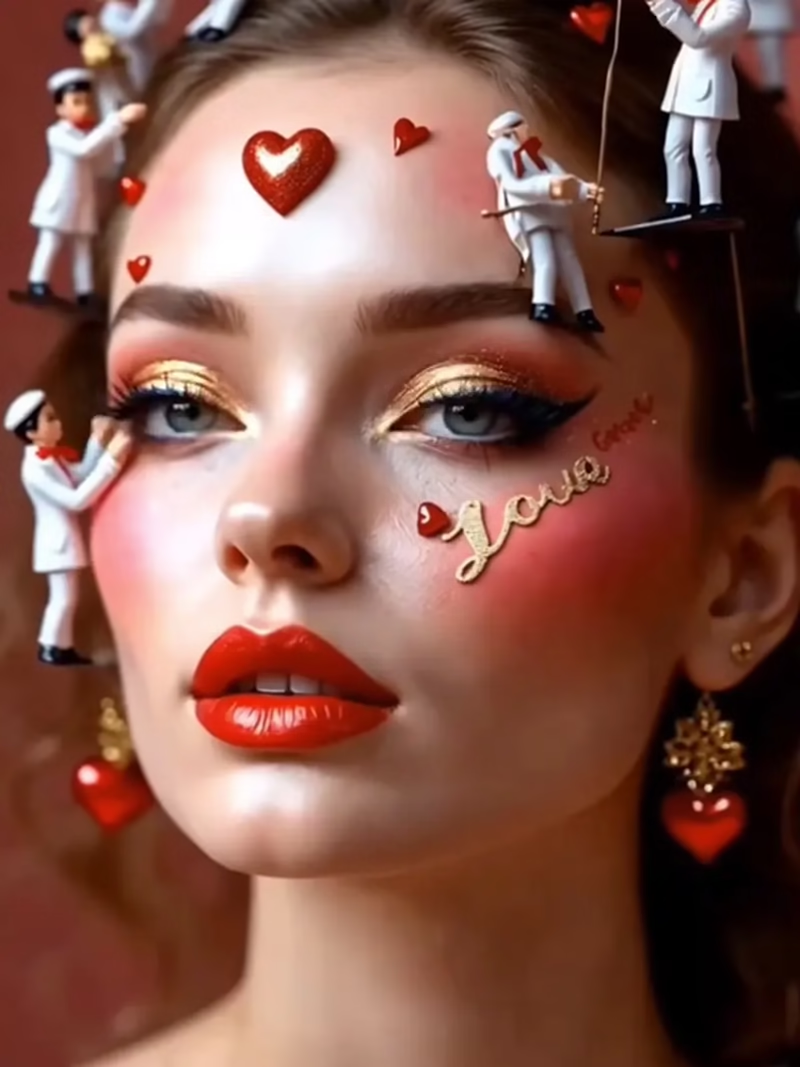
Makeup Miniature
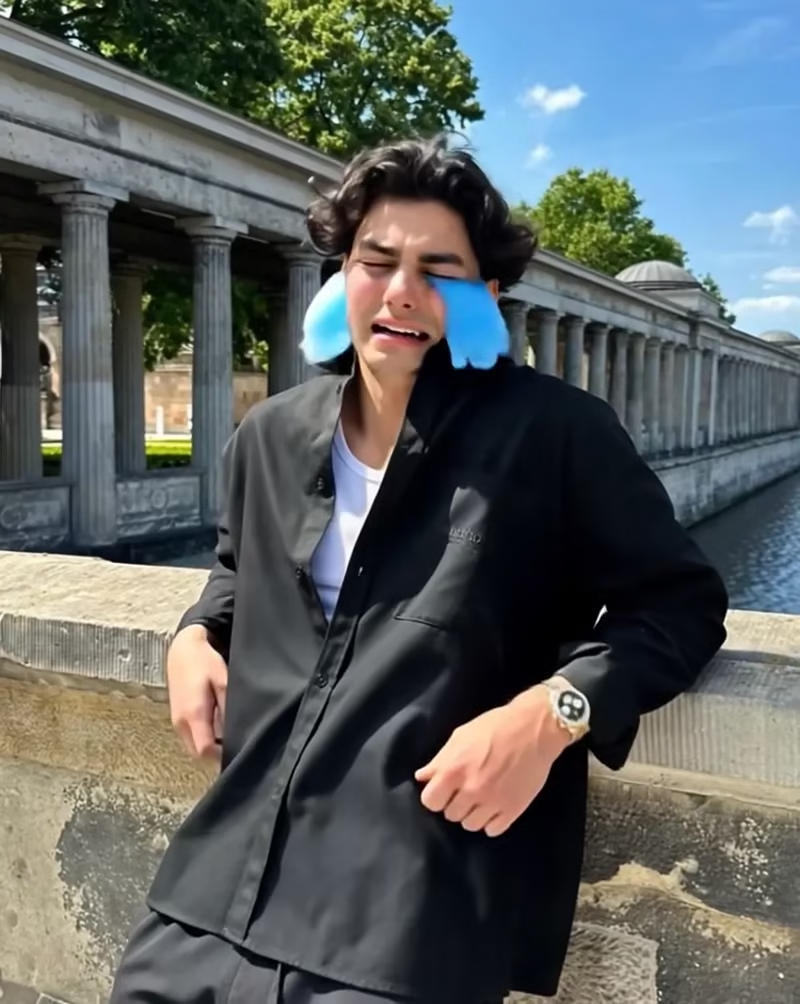
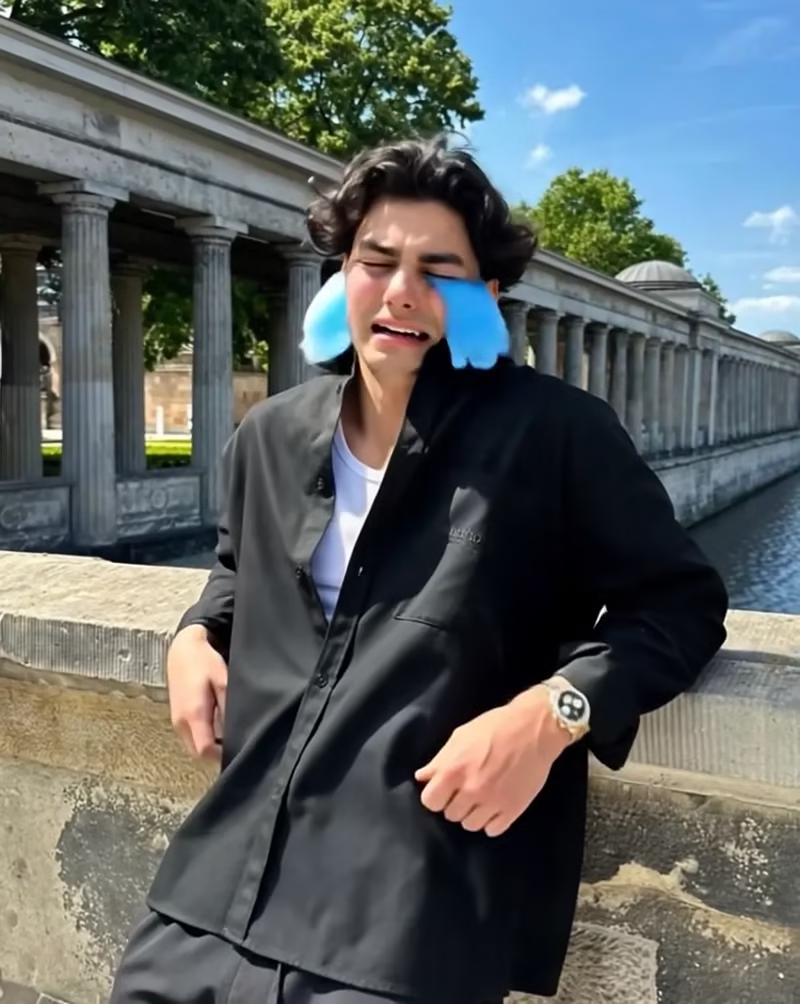
cry-me-a-river
Turn Your Photos into Fantasy Videos Online
Transform portraits, cosplay photos, and character artwork into fantasy video clips with animated lighting, ambient flames, atmospheric effects, and smooth camera movement. Upload an image, choose a ready-made motion effect, and generate a shareable video—no prompts, manual keyframing, or complex video editing required.
Why Choose Guma to Generate AI Fantasy Videos?
Guma adds motion and atmosphere to still images through ready-made fantasy effects. Create dark character reveals, stylized hero portraits, myth-inspired adventures, or social-ready visual clips without building animations from scratch.
Animate Photos Without Manual Editing
Apply lighting changes, environmental motion, visual effects, and camera movement without retouching individual frames or creating keyframe animations.
Explore Distinct Fantasy Styles
Turn a portrait or character illustration into a dark fantasy figure, mythical warrior, luxury-inspired character, or cinematic adventure scene by choosing a visual effect.
Preserve Recognizable Character Details
The generator is designed to keep important facial features, skin tones, clothing, and character details recognizable while adding motion and atmosphere around the subject.
Create on Desktop or Mobile
Open the online generator from a desktop or mobile device whenever you want to animate a new portrait, illustration, or character concept.
How to Generate Fantasy Videos from Photos in 3 Steps
1
Upload Your Photo or Artwork
Upload a clear portrait, cosplay photo, character illustration, landscape image, or environment artwork to the generator.
2
Choose a Fantasy Motion Effect
Select a ready-made visual effect and click generate. The generator automatically applies the configured lighting, motion, atmospheric elements, and camera effects—no prompt required.
3
Preview and Download Your MP4
Review the finished animation and download it as a share-ready MP4 file.

Generate Scenes of Wealth and Glamour
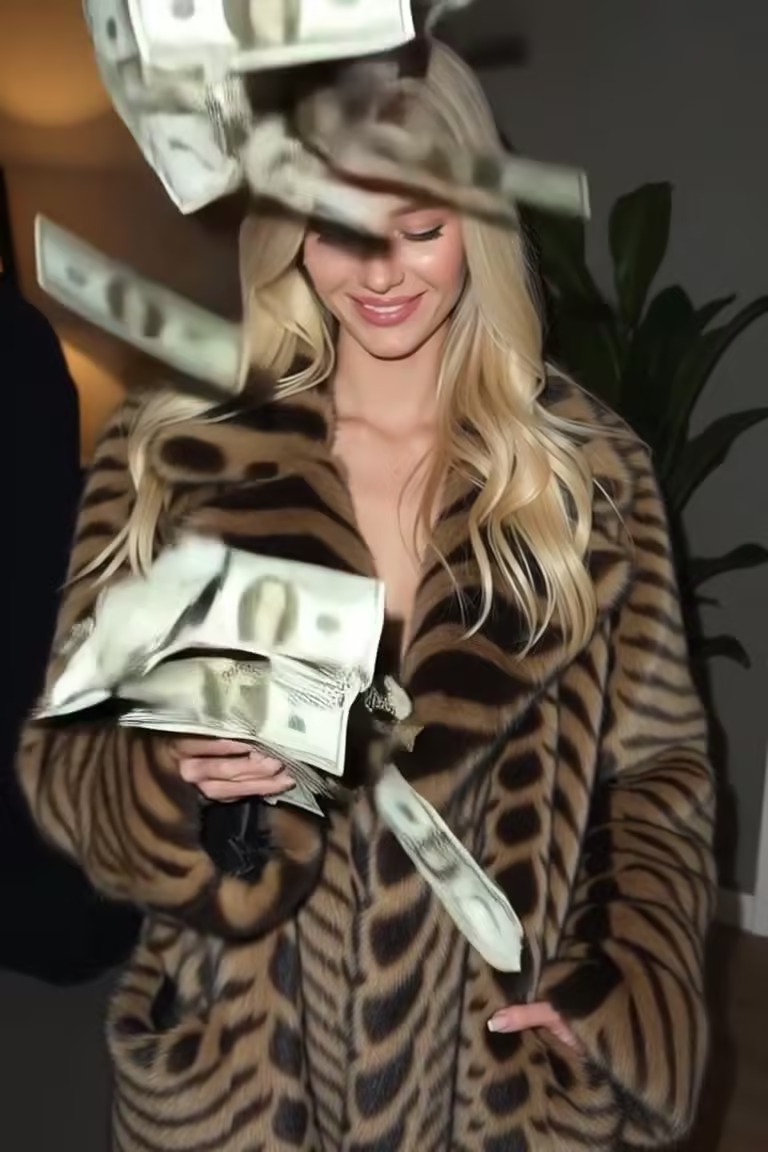
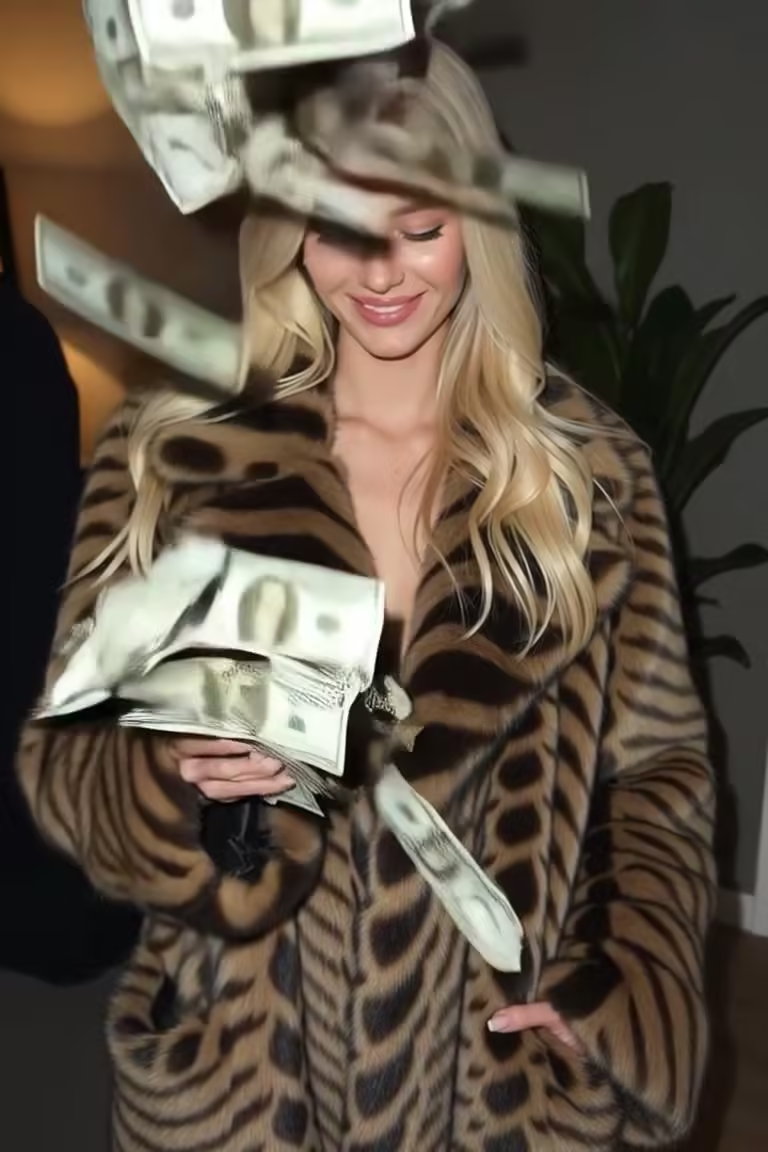
Add animated banknotes, warm highlights, and subtle camera movement to an everyday portrait. Create a luxury-inspired character clip for social posts, visual concepts, or stylized profile content.

Create Dark Fantasy and Fire Effects
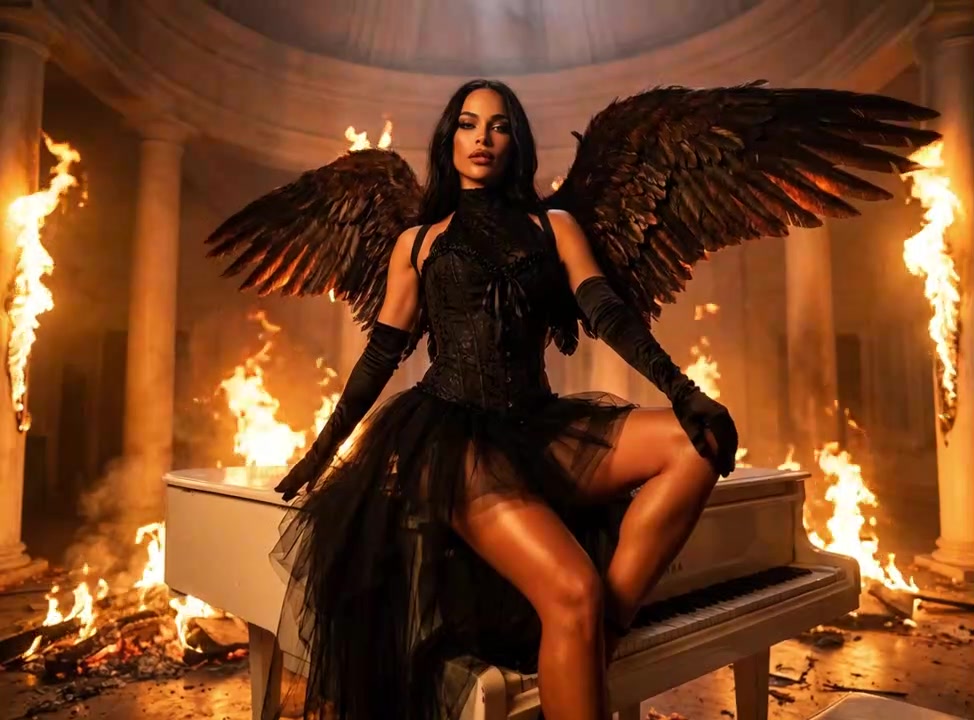
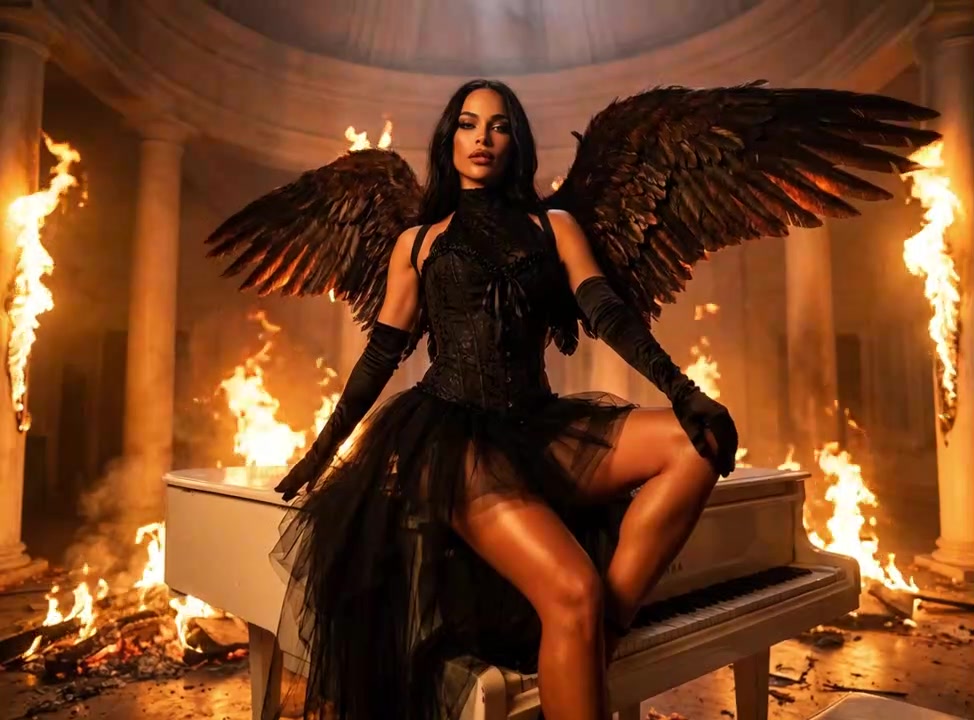
Surround your subject with animated flames, gothic wings, shifting shadows, and dramatic backlighting. Use the effect to create dark character reveals from cosplay portraits, villain artwork, or fantasy character concepts.

Highlight Heroic Physiques and Character Poses
Use controlled lighting changes and subtle camera movement to emphasize a strong pose, costume, or character silhouette. Turn fitness portraits and hero concept art into polished character showcase clips.

Animate Epic Riding and Battle Adventures
Place illustrated characters in myth-inspired riding scenes with moving cloaks, atmospheric landscapes, and sweeping camera motion. Give static hero artwork a stronger sense of scale, speed, and adventure.
Related AI Video Styles and Tools


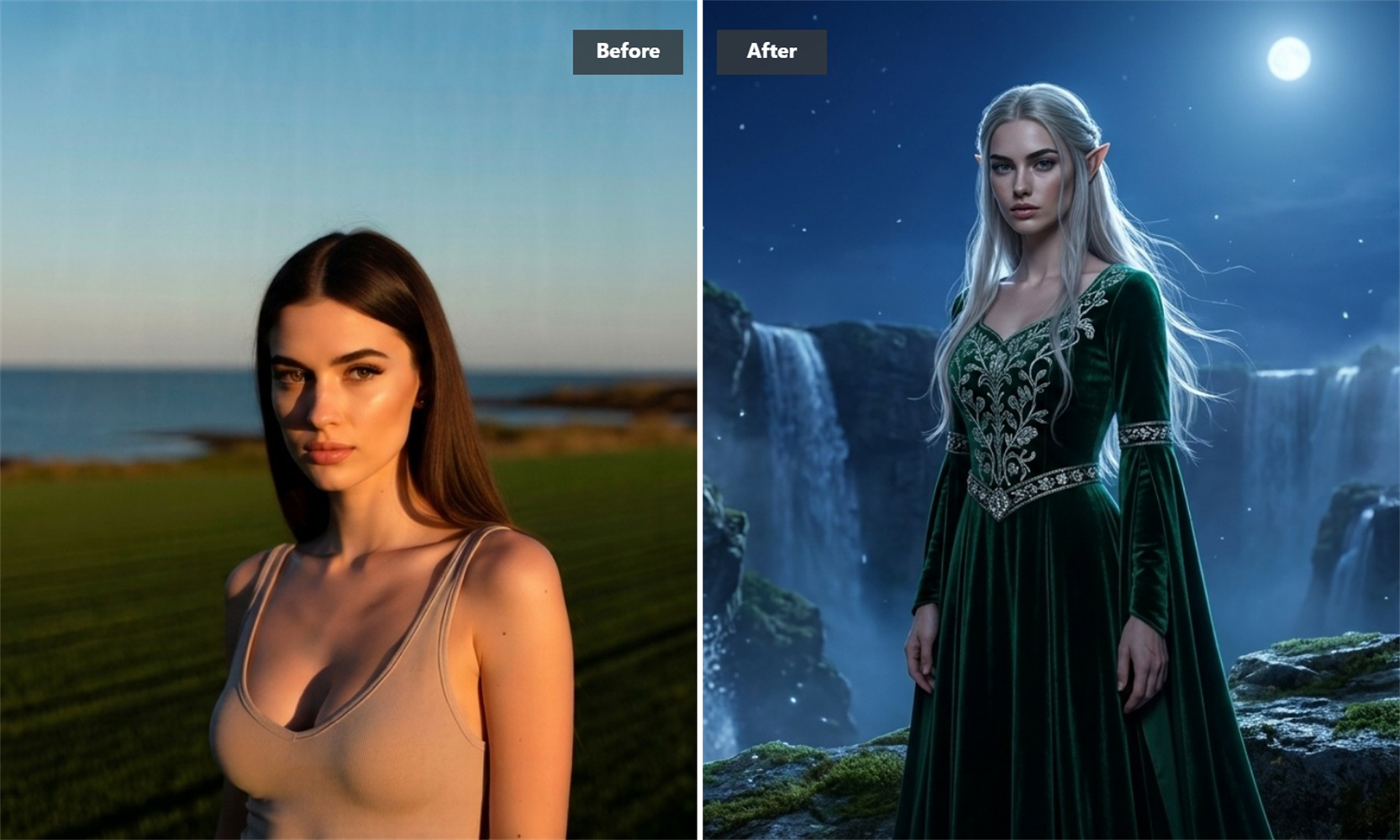
Explore AI Models for Fantasy Video Creation
AI Fantasy Art Generator FAQs
Which Photos Work Best for Fantasy Video Generation?
Clear portraits, full-body character artwork, and sharp landscape images usually provide the strongest starting point. Good lighting and visible separation between the subject and background can help the generator apply motion without obscuring important details. If you need to repair or expand a source image first, you can use our Image to Image feature.
Do I Need to Write a Prompt or Adjust Advanced Settings?
No. Each effect comes with preconfigured motion, lighting, and visual settings. Simply upload your image, choose an effect, and start generating—no prompts, manual keyframing, or advanced video settings required.
How Does the Photo-to-Video Generator Work?
The generator analyzes the subject, composition, and visual depth of your image before applying motion, lighting changes, atmospheric elements, and camera effects. The final result can vary depending on the clarity, composition, and visual style of the source image.
What file formats and resolution options are available?
All completed animations can be downloaded as MP4 video files. Before generating, you can choose from 480p, 720p, or 1080p resolution based on your preferred video quality, file size, and sharing needs.