
Angel Wing Generator
Add Realistic AI Angel Wings to Any Photo
Getting wings to sit right behind someone in a picture used to take way too long in Photoshop. You had to mask hair, erase edges, and fake backlighting. Guma handles all of that in one go. Drop in your photo—whether it’s a memorial portrait for someone special, a Cosplay edit, or just a fresh social profile picture—and watch a clean pair of feather wings appear right behind your subject.
Smart Depth Sensing for Natural Feather Placement
Flat sticker overlays always look fake because they sit on top of everything. Guma works differently by reading shoulders, hair strands, and background distance. The wings slip right behind your back, blending naturally with clothing folds and hair for real visual depth.
Soft Feathers, Heavenly Rays, and Angelic Halos
Good edits come down to lighting. The tool checks where light enters your original shot, then balances edge shadows and feather reflections to match. You get soft backlighting, clean feather textures, and a soft glow that feels like it belonged in the original file.
Turn Static Portraits into Motion Clips for Reels & TikTok
Movement always gets more eyes on social feeds than still shots. Convert your photo into a short video loop with slow-flapping wings, drifting light specks, and subtle glowing rays. It takes a few seconds and gives you a ready-to-post clip for Instagram or TikTok.
Put Angel Wings on Your Dog
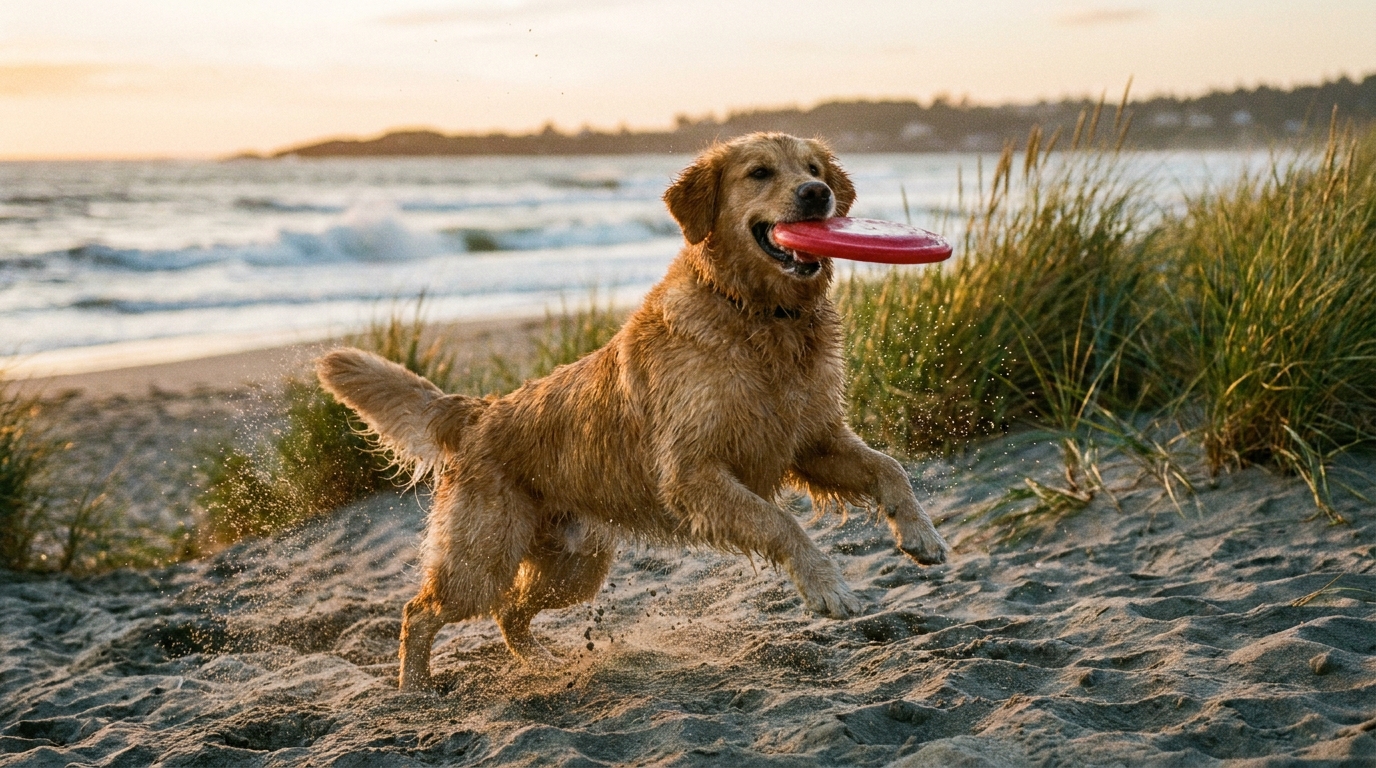
Turn your dog’s favorite photos into adorable keepsake images. The tool scans your pup’s shape and coat texture, adding glowing feather wings right on their back without making the fur look odd. Perfect for fun photo albums or to honor the memory of a dog who has passed away.
Add Angel Wings in 3 Simple Steps
Upload Your Photo
Pick a portrait, selfie, or dog picture from your device and drop it in.
Generate Your Wings
The tool scans the shot and builds a set of glowing angel wings directly behind your subject.
Download Your Visual
Save your high-resolution, watermark-free image to your phone or desktop.
Explore More AI Magic & Photo Effects
Frequently Asked Questions
Is the Guma AI Angel Wing Generator Free to Use?
Yes. Guma gives you daily free credits just for signing up, letting you start creating right away. If you eventually need higher daily limits or want faster processing, you can switch to one of our flexible paid plans. To further explore related operations, check out our AI Image to Image.
Will the Generated Wings Look Like Cheap Stickers?
No. Stickers look bad because they ignore surrounding light. Guma reads the light source in your original photo and casts matching highlights and shadows across the feathers, making the wings blend straight into the background.
Can I Make Memorial Angel Wings for Remembering Loved Ones?
Yes, tribute pictures and remembrance edits are a huge reason people use this page. You get soft halo lighting, warm rays, and classic white feathers to build a quiet, meaningful keepsake picture.
Can I Use the Finished Winged Photos for Commercial Projects?
Yes, whatever you export is 100% yours. You can put your winged photos on physical prints, book covers, merchandise, or social ads without paying extra usage fees.