
AI Eye Zoom Effect
Pull Your Audience Deep Into the Story With AI Eye Zoom
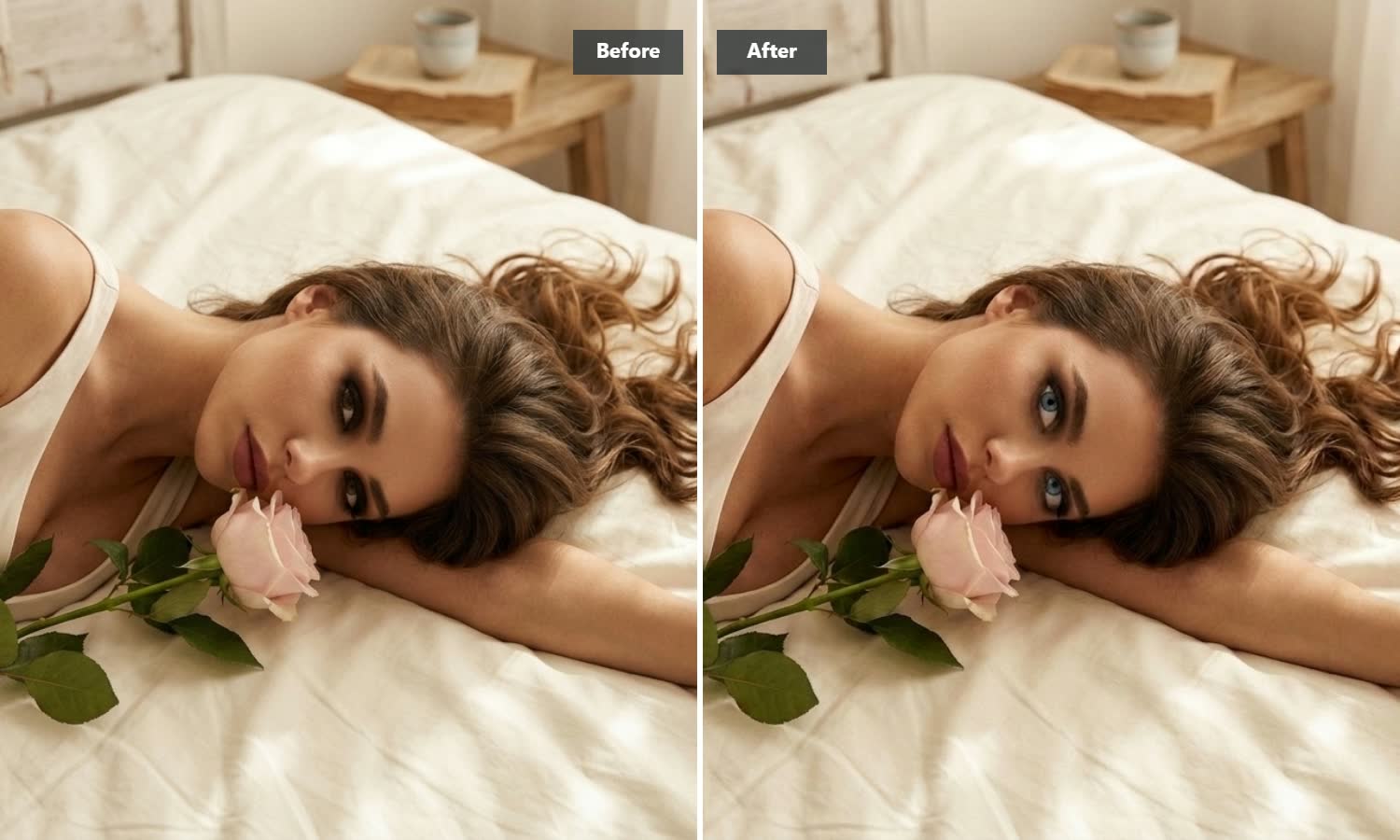
Drop in a portrait photo and let AI create a smooth camera movement that draws viewers into the subject’s eyes. Create immersive eye zoom videos for short clips and social edits in seconds without manual keyframing or masking.

AI Prompt
[Initial state description of the character/subject, which may include appearance, facial expressions, actions, environmental atmosphere, etc.]. [Initial camera angle/scene, such as frontal mid shot, side close-up, etc.]. Subsequently, the camera rapidly advanced into the pupil of his right eye, getting extremely close. The image remained high-definition without losing focus, and the light remained consistent. The image also zoomed in as it approached the eye, allowing for clear details of the pupil texture. Finally, the camera broke through the eyeball and the image turned black, revealing the Buddha's inner world.
Why Choose Guma for Your AI Eye Zoom Effects
Guma helps you create smooth, distraction-free eye zoom animations with clear visual details, controlled camera movement, and compositions suited to short-form content.
Automatic Pupil Alignment
Guma detects the visible eye area and helps keep the zoom path centered on the pupil, even when the subject is slightly angled or positioned off-center.
Smooth Camera Movement
AI generates a continuous camera path designed to reduce distracting jitter and abrupt movement, helping you create a polished eye zoom effect with less manual editing.
Detailed Close-Up Results
The effect helps preserve visible iris patterns, light reflections, and natural facial details as the camera moves closer. Results may vary depending on the clarity and resolution of the source image.
Social-Ready Video Framing
The centered zoom motion works well for vertical and square social edits, making it easier to adapt your result for short-form video platforms.
How to Create an AI Eye Zoom Video in 3 Easy Steps
Upload Your Image
Select a clear portrait, anime character, or digital artwork with visible, well-defined eyes.
Generate the Eye Zoom Animation
Start the rendering process and let AI analyze the visible eye position and generate a smooth camera movement automatically.
Download Your Video
Preview your eye zoom animation, save the high-quality video to your device, and share or edit it wherever you like.
Related AI Video Tools and Workflows


Frequently Asked Questions About AI Eye Zoom
What Type of Photos Work Best for the Eye Zoom Effect?
Front-facing portraits with good lighting, sharp focus, and clearly visible eyes generally produce the best results. Avoid images with heavy shadows, dark sunglasses, low resolution, or motion blur around the face.
Can I Apply This Zoom Effect to Anime and 3D Avatars?
Yes. Images of anime characters, digital mascots, and 3D avatars can work well when the eyes are clear and visually defined. The effect is designed to follow the visible eye area while preserving the overall style, linework, and shading of the source image.
How Does Guma Save Time for Content Creators?
Guma automatically analyzes the visible eye position and generates the camera movement for you. This reduces the need for manual keyframing, masking, and repeated zoom adjustments during video editing.
Can I Use My Generated Videos Commercially?
Commercial use is subject to Guma’s applicable Terms of Use and any third-party rights associated with your source material. Make sure you have permission to use the images you upload, especially when they contain copyrighted artwork, recognizable people, trademarks, or other protected content.
Where Can I Share My Generated Videos?
You can use the generated videos in short-form content for platforms such as TikTok, Instagram Reels, and YouTube Shorts, or import them into your preferred video editing software for further editing.