
Animate Old Photos
Bring Old Photos to Life with Natural AI Motion
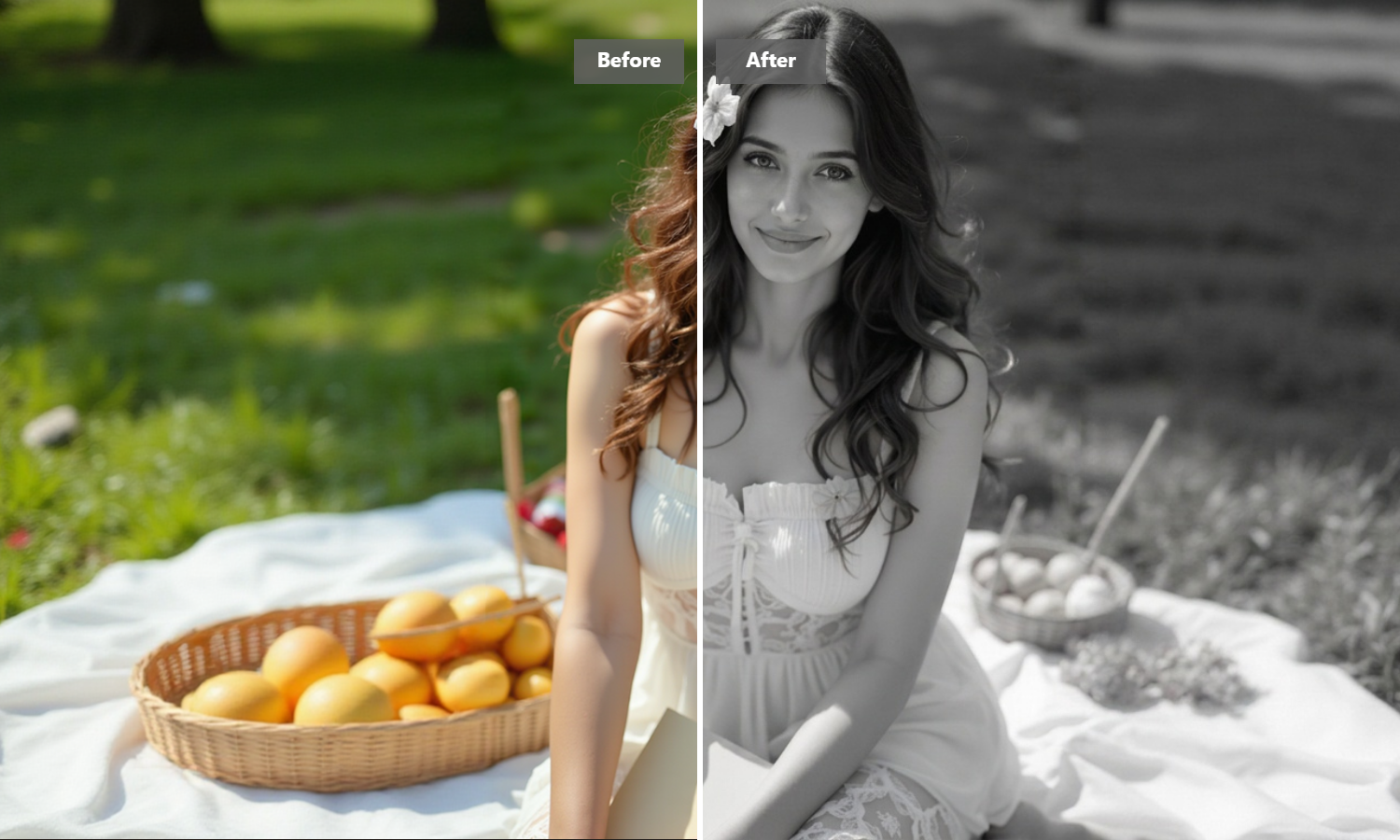
Turn black-and-white family prints into realistic short videos in seconds. Our image to video algorithm reads facial structure to generate authentic movement—giving ancestors natural eye blinks, gentle head tilts, and warm smiles without distorting their original likeness.
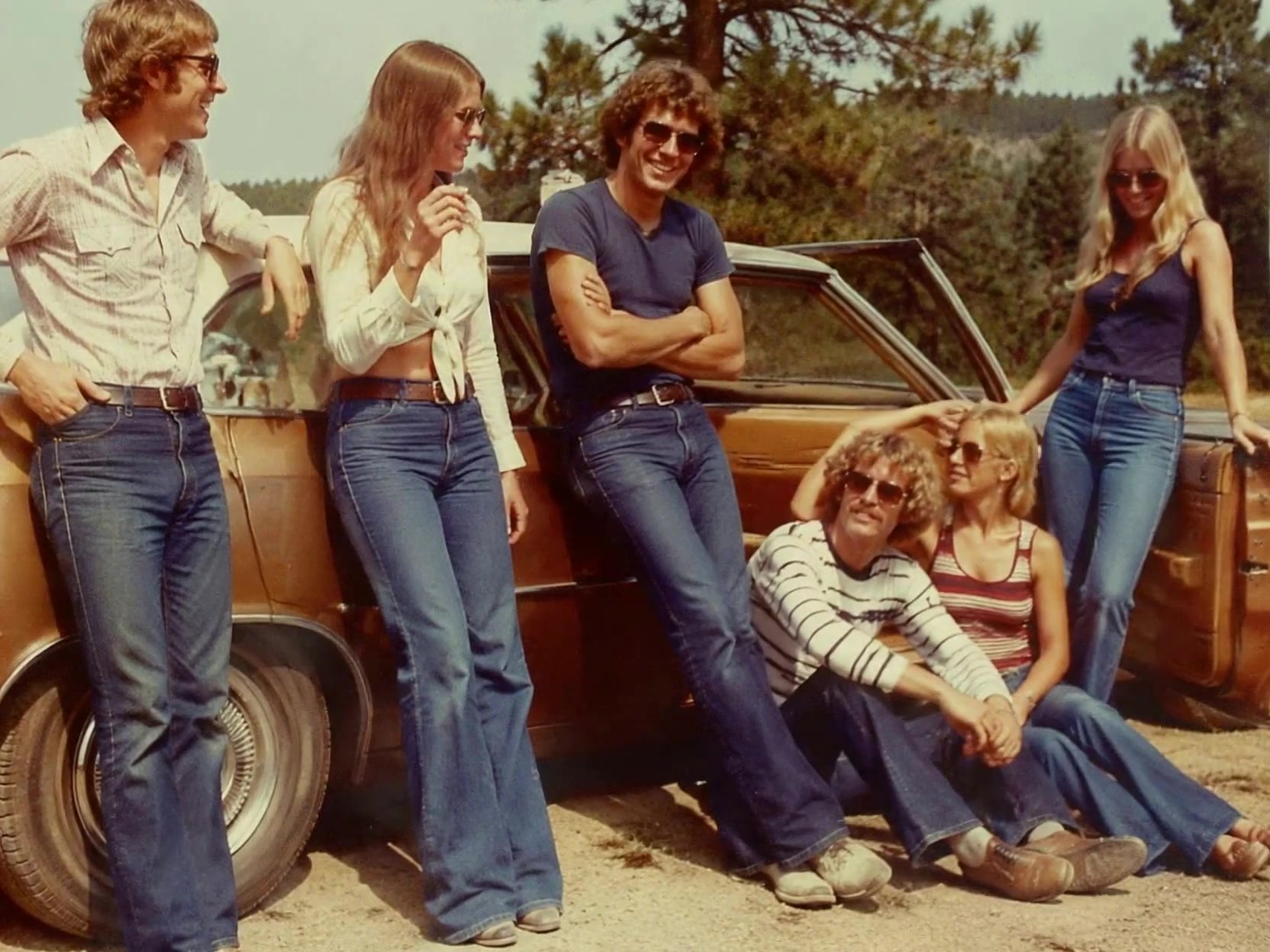
AI Prompt
The people in the photo come to life.

Natural Facial Movement That Keeps Features Authentic
Most online photo animators stretch static pixels across a flat plane, making people look synthetic or unrecognizable. Instead of pulling on facial features randomly, our model constructs a 3D depth map behind the original snapshot. It locks key landmarks like eyelids, cheekbones, and nose bridges into place, making every smile and head turn feel like a genuine moment captured on camera.

Clean Up Scratches and Add Motion in One Pass
Vintage pictures tucked away in old albums often come with creases, faded tones, and blur. You don't need to hop between different tools just to fix up an image before animating it. The algorithm clears surface dust, brightens faded shadows, and adds fluid face motion simultaneously, turning aged paper prints into sharp digital clips.

Your Family Albums Stay Private and Protected
Heirloom snapshots carry deep personal history. We don't sell your media, store your uploads on public drives, or use your family portraits to train open AI systems. Files are processed securely over encrypted connections and automatically cleared from temporary processing servers once your clip is ready. Your memories stay completely yours.

Clear Video Output Built for Modern Screens
Low-resolution clips often turn pixelated when played on larger displays or shared with relatives on smartphones. The motion generator renders every frame in high definition, preserving crisp details on eyes, hair, and clothing textures. You get a clean, ready-to-watch video file that looks clear on mobile screens, tablets, and desktop displays alike.
How to Make Old Pictures Move in 3 Steps
Upload a Vintage Snapshot
Choose a black-and-white or color photo from your phone or computer.
Let AI Restore and Motionize
AI automatically smooths out image flaws, sharpens facial details, and renders subtle motion.
Preview and Save the Moving Clip
Watch your newly animated video right in your browser and save the high-definition file.
Explore More AI Creative Tools
Frequently Asked Questions About AI Photo Animation
What Kind of Old Pictures Give the Most Realistic Results?
Front-facing portraits with clear facial features give the sharpest results. While the algorithm handles minor scratches, tears, and faded lighting quite well, a photo where both eyes and the mouth are clearly visible helps the system map depth accurately. If your original print is heavily damaged or lacks color contrast, you can run it through our image to image tool first to clean up details before generating motion.
Why Do Some Animated Photos Look Unnatural, and How Is This Different?
Unnatural “warping” occurs when basic software pushes pixels around on a 2D surface without understanding real facial anatomy. Our system uses a facial landmark model that estimates depth and head shape. It rotates the head slightly and shifts expressions while keeping facial proportions intact, avoiding uncanny or distorted facial movements.
Can I Reanimate Group Portraits with Multiple Family Members?
Yes. When you upload a group snapshot, the face detection system scans for every distinct face in the frame. It maps each person separately, allowing multiple family members in an old photograph to smile, blink, and move together naturally in one video.
How Long Does It Take to Convert a Static Portrait into a Video?
Most photos finish rendering within 30 to 90 seconds. Because all heavy processing runs on high-speed cloud systems, you won't need a powerful computer or specialized hardware to generate high-definition clips quickly.
What file type will I receive, and will it play on my phone?
Your final result downloads as a standard MP4 file. This format works natively on iPhones, Android phones, tablets, and desktop computers, making it easy to open, watch, or archive without downloading extra software.