
Colorize Photo
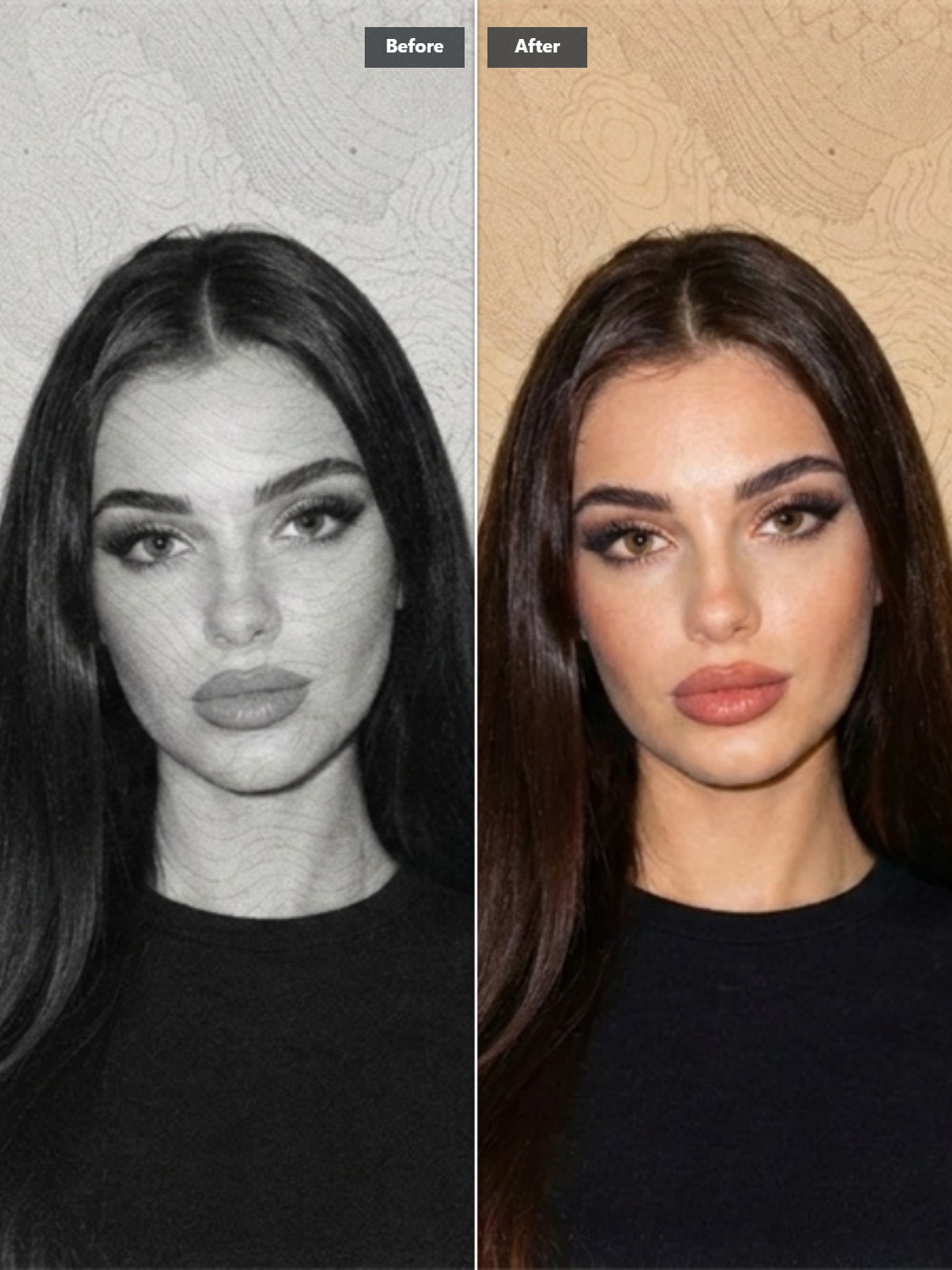
Colorize Black and White Photos Online with AI
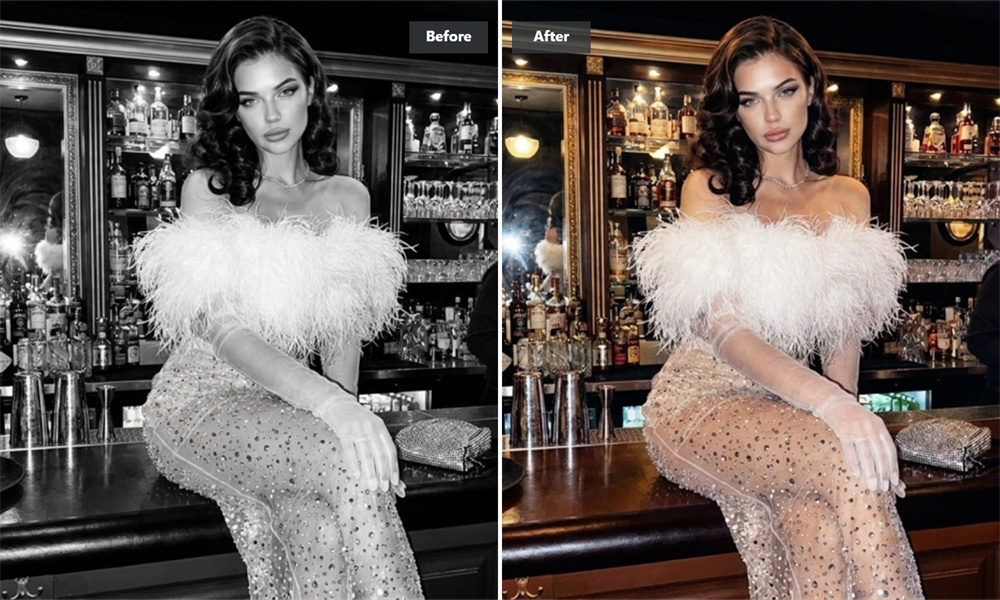
Turn a black-and-white photo into a natural color rendition in seconds. Guma’s AI photo colorizer automatically detects faces, skin tones, clothing textures, and lighting to reconstruct believable colors without harsh filters. Start with a family snapshot, a vintage portrait, or an old street scene—and see the moment with fresh clarity.
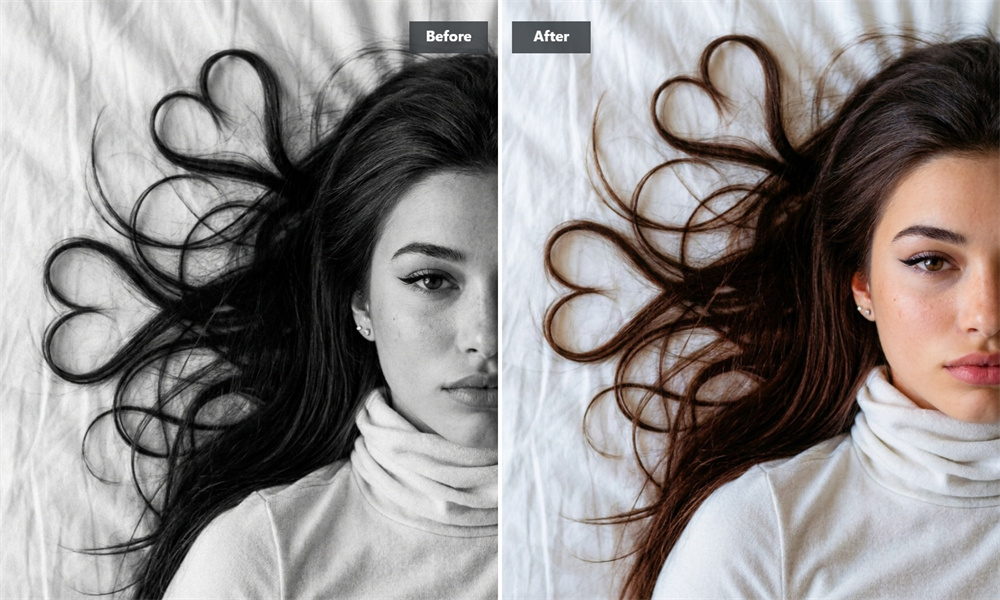
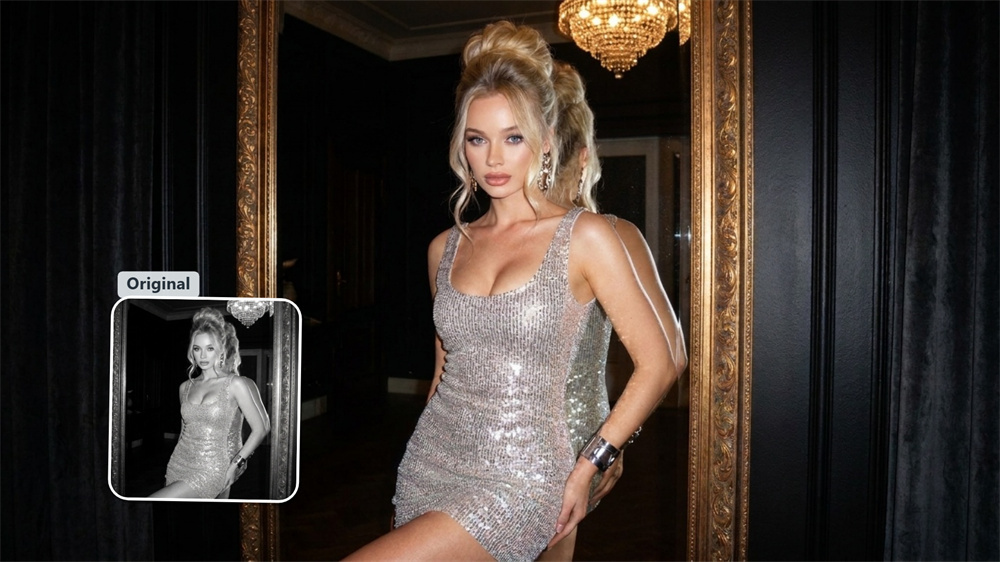
Give Family Albums a More Vivid Place in the Present
Colorizing old family photos makes it easier to notice the small, cherished details: a wedding bouquet, a child’s sweater, or warm afternoon light in a living room. Guma turns monochrome family photos into color images that are easier to share with relatives, add to a digital archive, or print as a thoughtful gift.
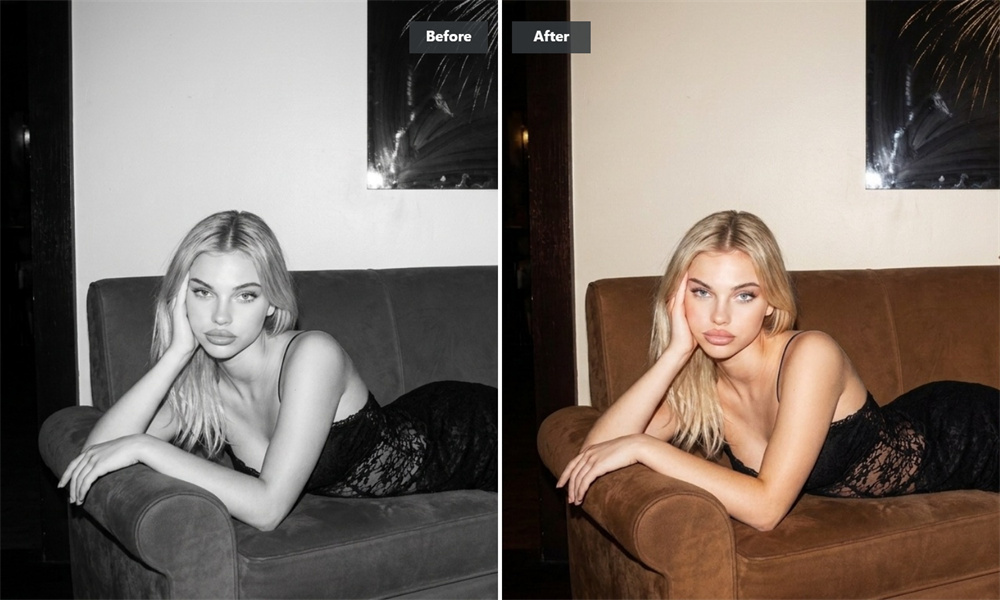
Let a vintage portrait feel like a person, not just a record.
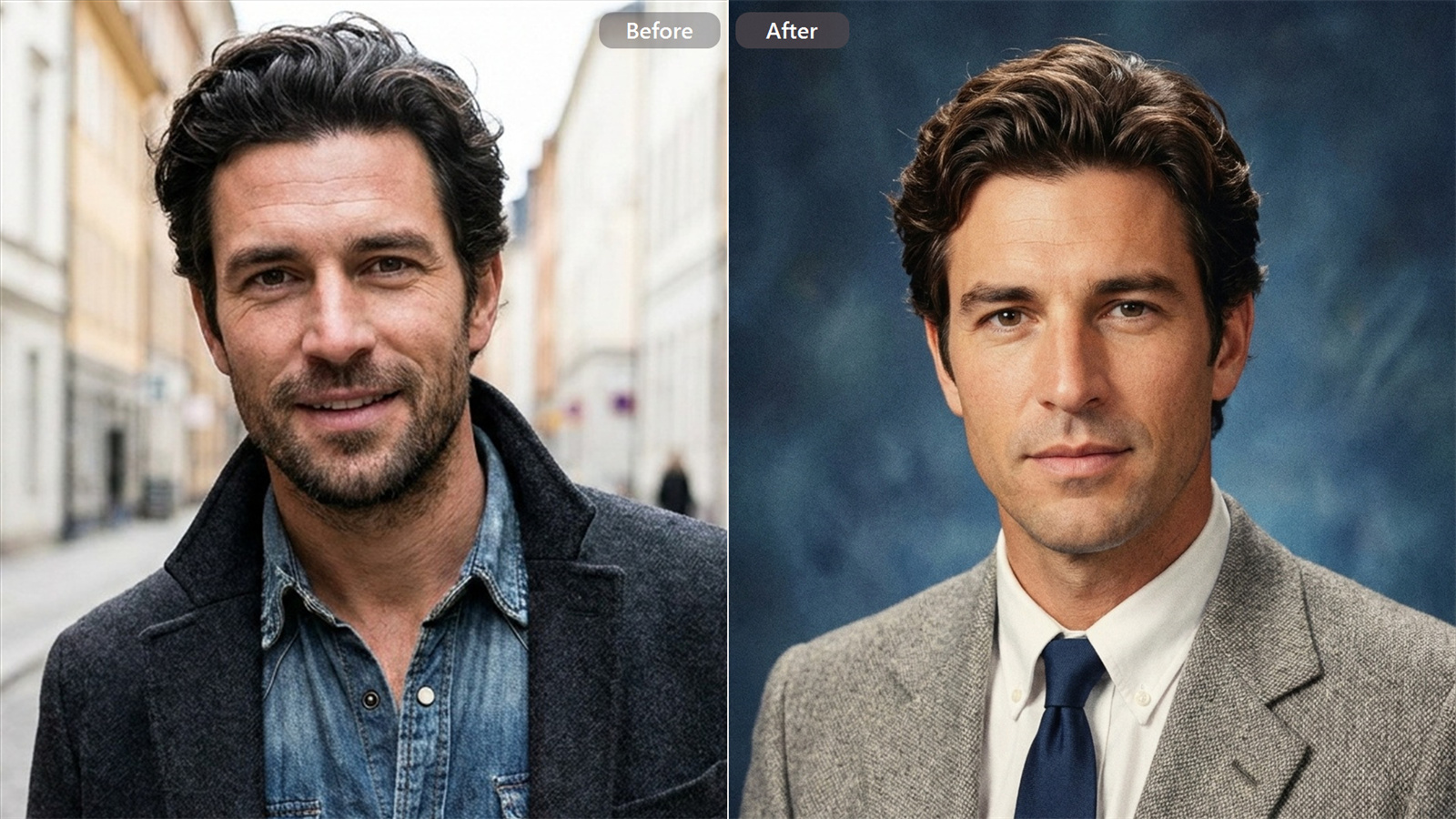
Monochrome studio portraits can feel distant and formal. Guma detects visual cues in facial features, hair, fabric weave, and studio lighting to create a rich palette while keeping the authentic expression of the source photo in view. Perfect for ancestor photos, heirloom portraits, and old studio shots.
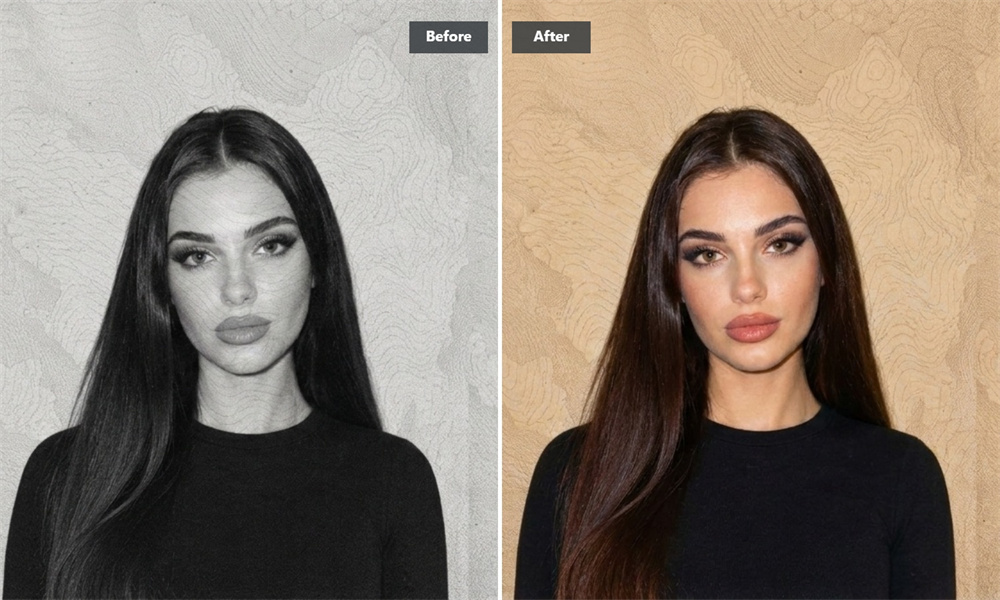
Add Context and Depth to Historical Photographs
Colorized historical imagery helps viewers visualize materials, weather, streetscapes, and everyday surroundings more easily. Guma delivers a plausible visual interpretation for archives, genealogy research, and educational storytelling. (Note: Colorized outputs are visual reconstructions and should be presented as AI-colorized interpretations rather than primary evidence.)
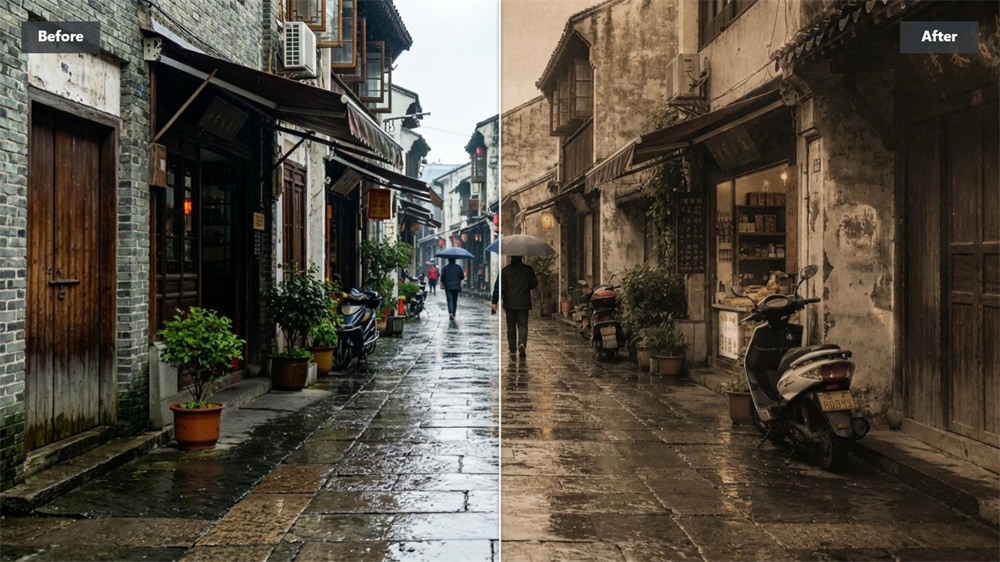
Bring Old Streets, Buildings, and Landscapes into View
A familiar neighborhood, a travel scene, or a long-gone cityscape holds rich detail beneath grayscale. Guma restores depth to skies, greenery, brickwork, and interior spaces, breathing new life into local history and vintage travel photography.
Colorize Any Photo in Three Simple Steps
Upload
Drag and drop your black-and-white photo (JPG, PNG, WebP supported).
Generate
Let Guma analyze the visual details and render believable colors automatically in seconds.
Download
Review your new colorized image and download it instantly in high resolution.
Related AI Tools for Photo Restoration
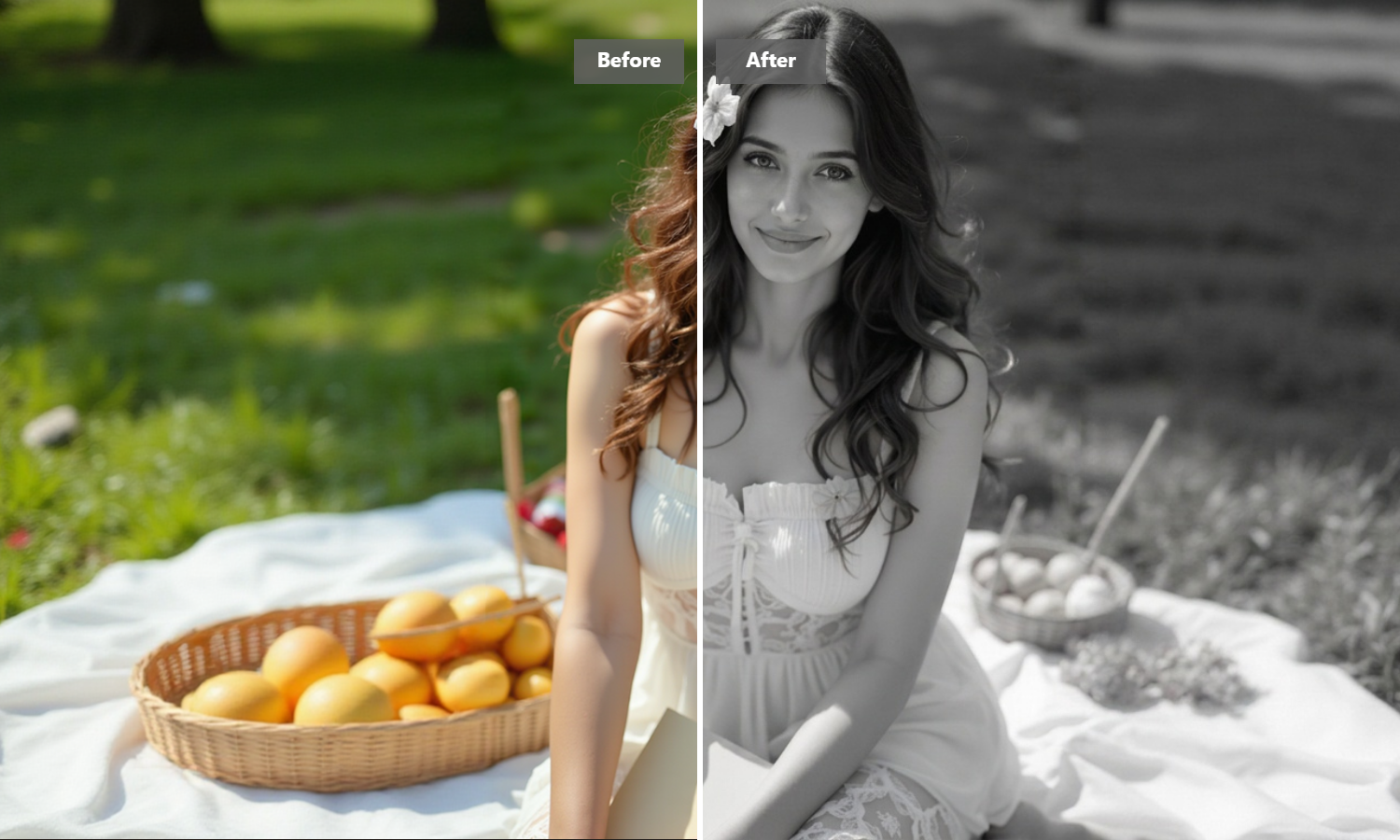
AI Photo Colorization Questions, Answered
What does an AI photo colorizer do?
An AI photo colorizer analyzes shapes, textures, lighting, and context in a black-and-white image, then predicts colors for skin, objects, foliage, and backgrounds. It works best on clean photos with clear details. If your photo is dark, blurry, or worn, try improving clarity first for optimal results.
Can I try the AI photo colorizer for free?
Yes. When you sign up for a Guma account, you receive trial credits to test the AI colorization tool. If you need additional credits, higher processing speeds, or high-resolution downloads, you can upgrade to a premium plan.
Is AI photo colorization historically accurate?
AI colorization provides a well-informed visual prediction, not proof of original colors. For instance, the AI may render a jacket blue when the original garment was green. For personal use, the result is engaging; for research or documentary work, always label images as AI-colorized reconstructions.
Which photos work best for black-and-white to color conversion?
Images with distinct subjects, good contrast, and visible facial features yield the highest quality conversions. Vintage portraits, family album scans, urban architecture, and landscapes work exceptionally well.
Can I use my colorized images for commercial or paid projects?
Yes, as long as you own or have the appropriate rights to the original source photograph. AI colorization does not alter or remove existing copyrights or archival permissions associated with the original file.
How are my personal photos and privacy handled?
Your privacy is fully protected. Uploaded photos are processed securely over encrypted connections and are never sold or shared with third parties. Please refer to Guma’s Privacy Policy for complete retention and deletion details.