
Blonde Hair Filter
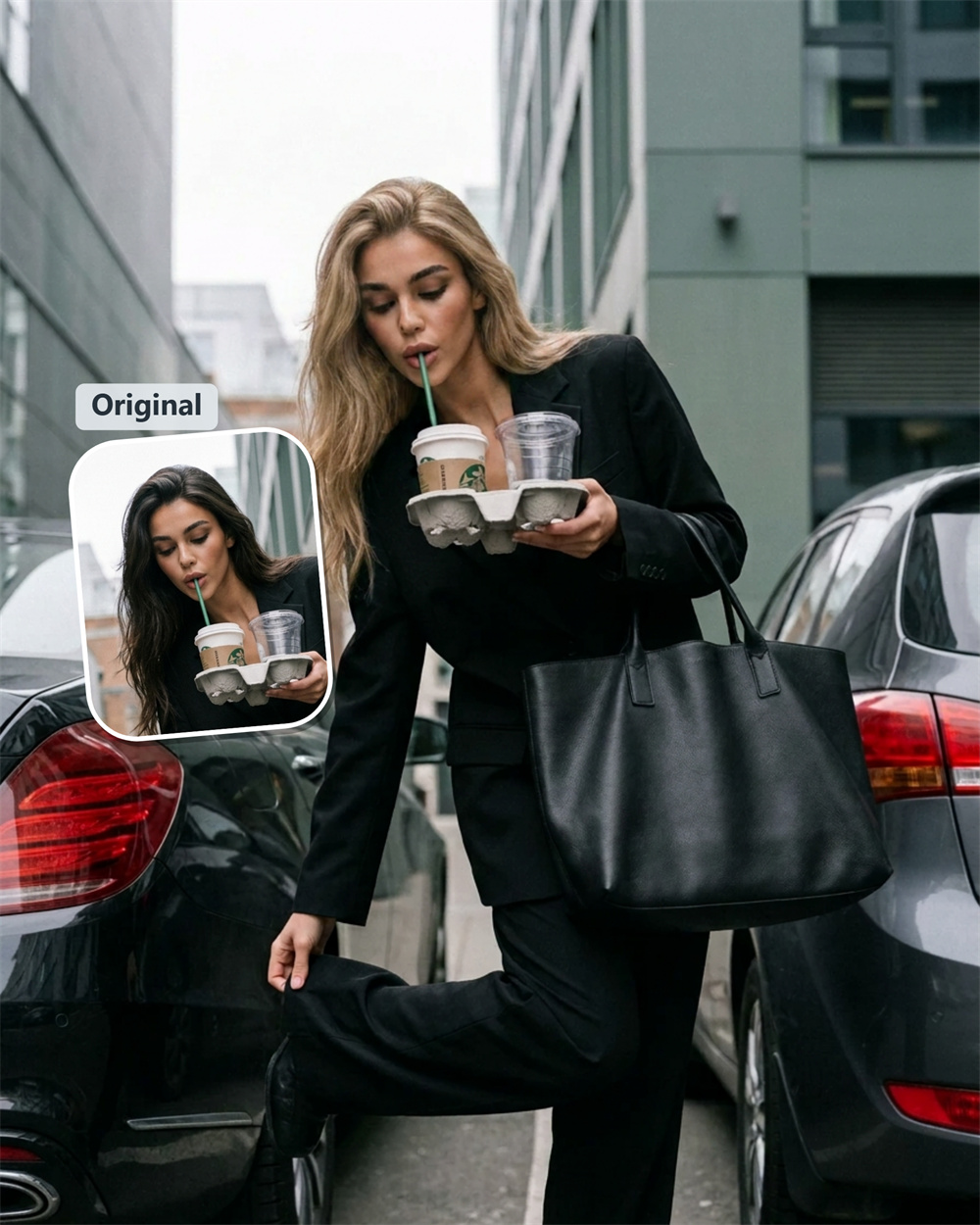
Wondering if blonde is for you?
You can think about it for weeks—or take a look now. Add a selfie and see yourself with blonde hair before you change anything for real. Guma makes it easy to picture the change on your own photo, rather than relying on someone else’s inspiration image.
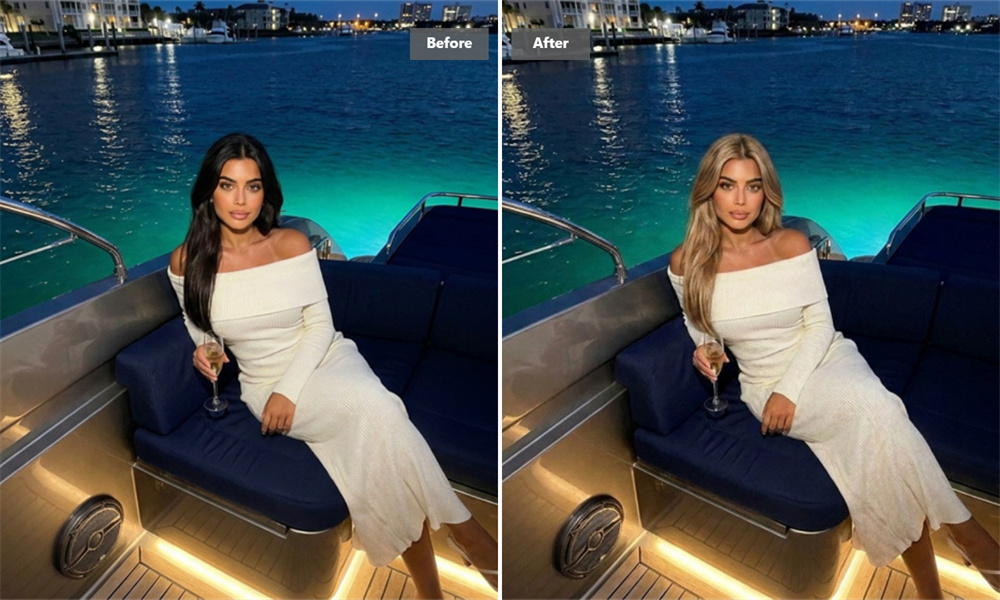
Take the Guesswork Out of Going Blonde
Hair color looks different on every person. What catches your eye on someone else may feel completely different once you see it with your own features and haircut. This blonde hair filter gives you a first impression to work from, whether you are planning a change or just want to satisfy your curiosity.
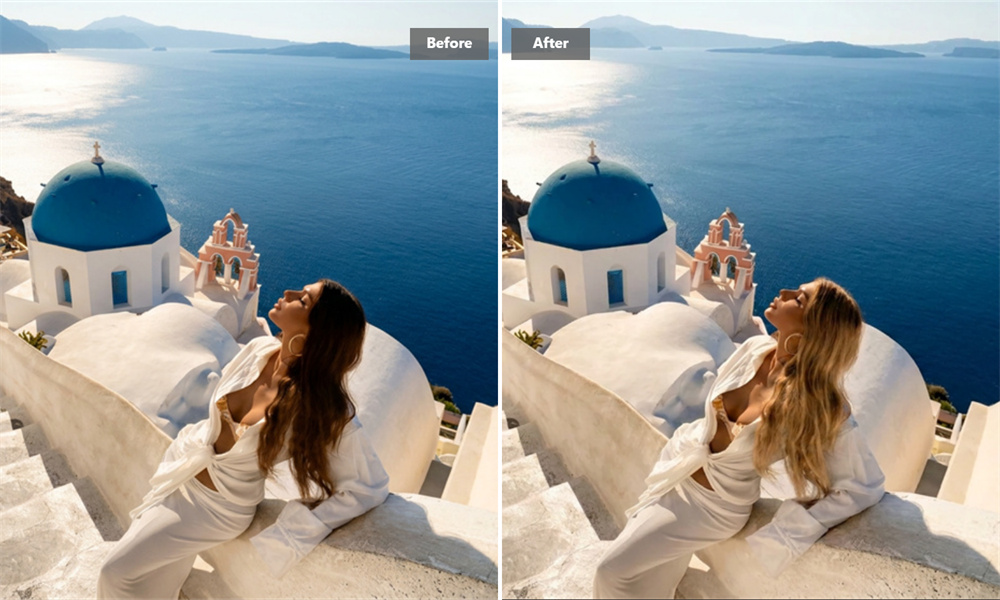
See the Idea in Your Own Photo
A virtual hair color try-on is more helpful when it starts with you. Use a photo where your hair is visible, and Guma creates a blonde version you can look at in your own time. No pressure to decide straight away—sometimes seeing the image is enough to tell you whether the idea has potential.
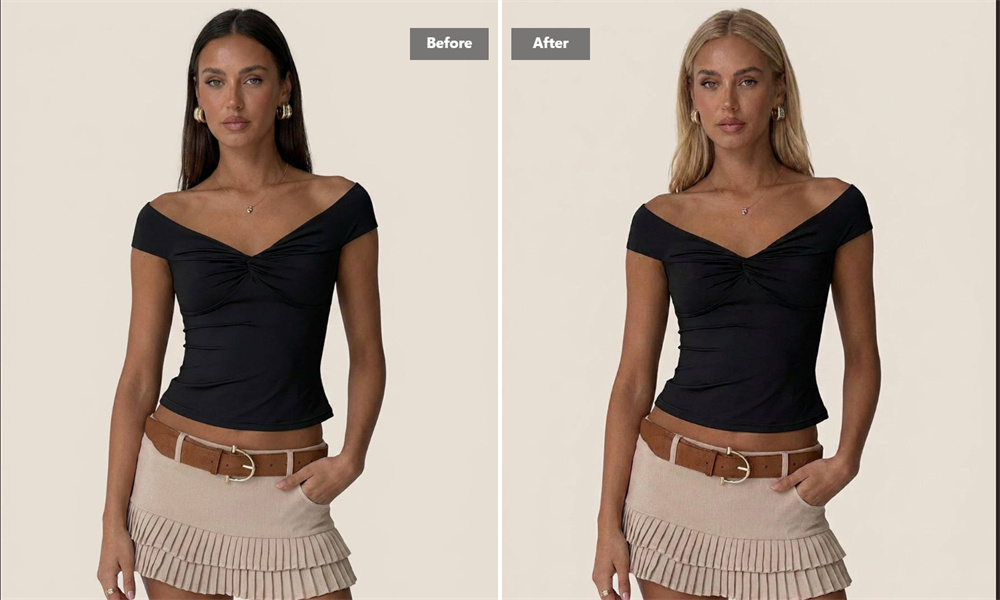
Bring Something Useful to the Salon
“Something lighter” can mean almost anything in a salon chair. A saved blonde preview gives your stylist a clearer starting point and helps you explain the direction you have in mind. It is not a formula or a promise of the finished color; it is simply a better reference than trying to describe a picture from memory.
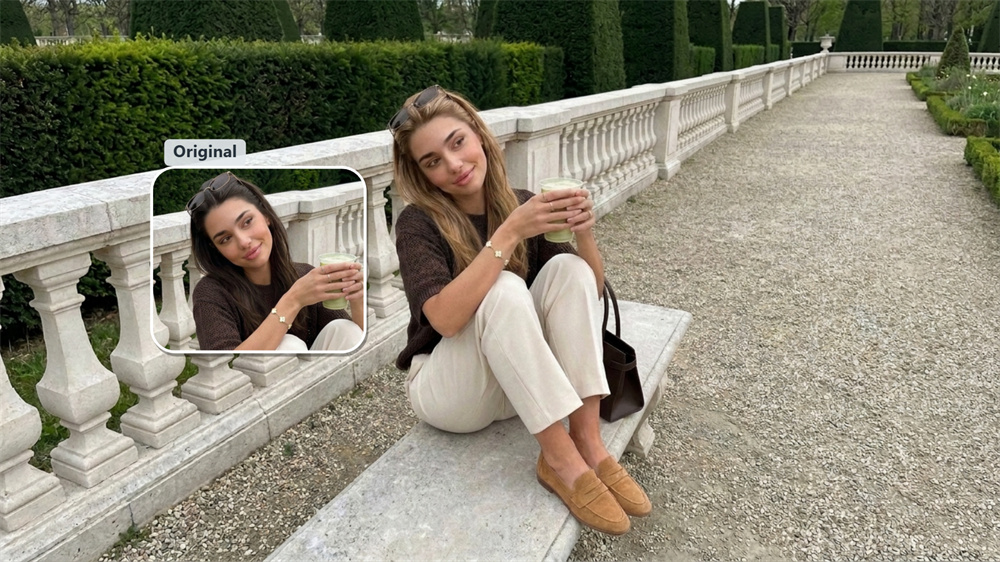
A Small Change Can Shift the Whole Picture
Sometimes you are not looking for a major makeover—you just want to see how one new detail changes your overall look. Try it for a profile photo, a night out, or the simple pleasure of seeing yourself differently. It takes a moment to create, but it may give you a surprisingly clear reaction.
How to Generate Blonde Hair Images with Guma
Upload
Choose a clear selfie with your hair in view.
Generate
Create your blonde hair image.
Download
Save the look for later or share it with your stylist.
Discover More with Guma
Blonde Hair Filter FAQs
What Does a Blonde Hair Filter Do?
A blonde hair filter lets you see a photo-based version of yourself with blonde hair. It is a quick way to explore a new look before you make a real change.
Is the Blonde Hair Filter Free to Use?
You can register for Guma and receive daily free credits to try image generation. If you use the tool often or need additional credits, premium plans offer more generations and advanced options.
Which Photo Should I Use?
Choose a clear photo in which your face and hair are visible. Natural lighting is usually the easiest to work with. Avoid photos where your hair is hidden, heavily filtered, or blurred.
Will This Be What My Hair Looks Like After Dyeing It?
Treat the image as inspiration, not a salon guarantee. Your final hair color depends on your current hair, its condition, the products used, and your stylist’s technique.
Can I keep the image after I create it?
Yes. Download your blonde preview and use it as a personal reference, share it with friends, or show it during a salon consultation.
Do I Need to Know How to Edit Photos?
No. The process is intentionally simple: upload a photo, create the image, and save it if you like what you see.