
Wavy Hair Filter
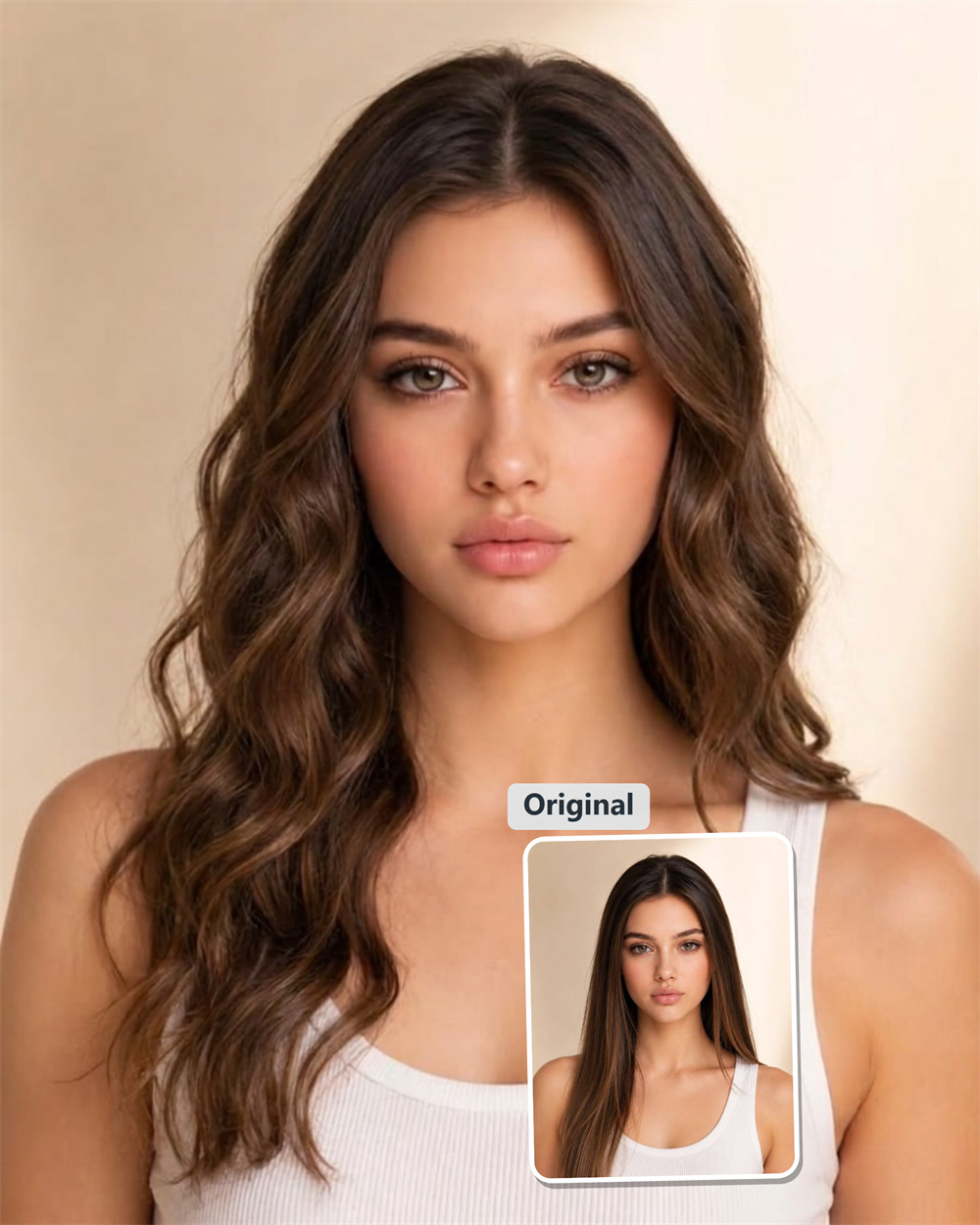
Ditch Flat Hair for Loose Beach Waves in Seconds
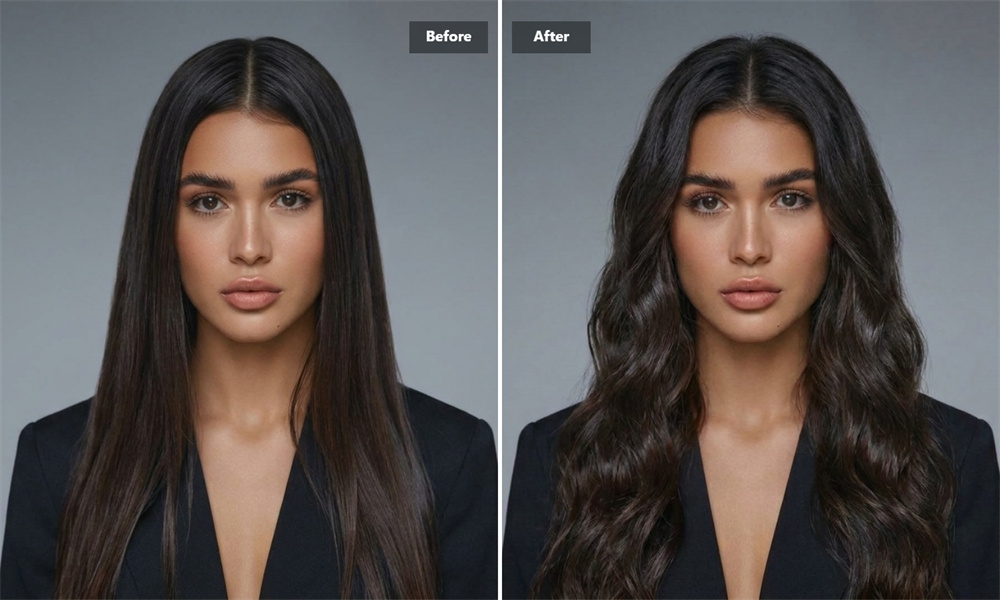
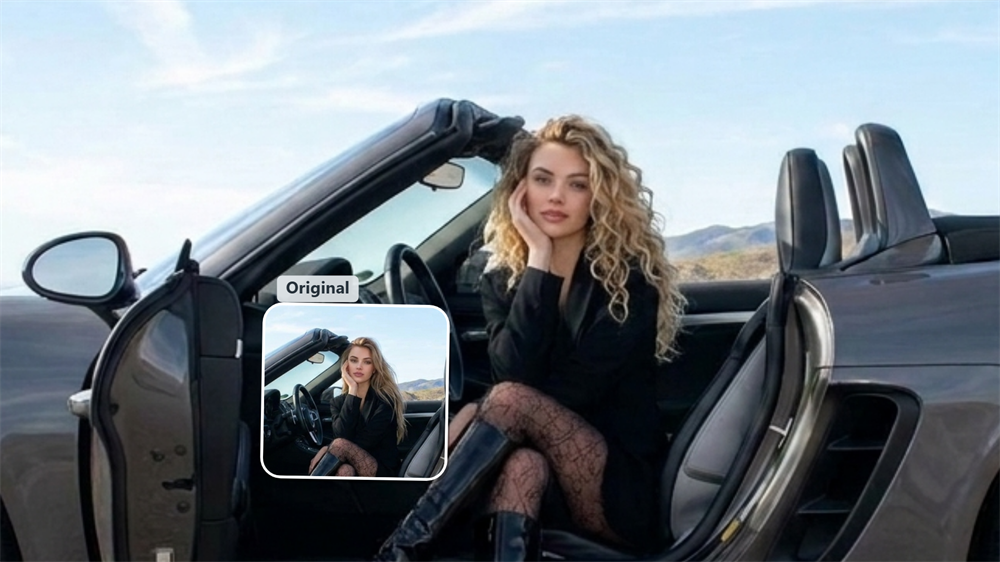
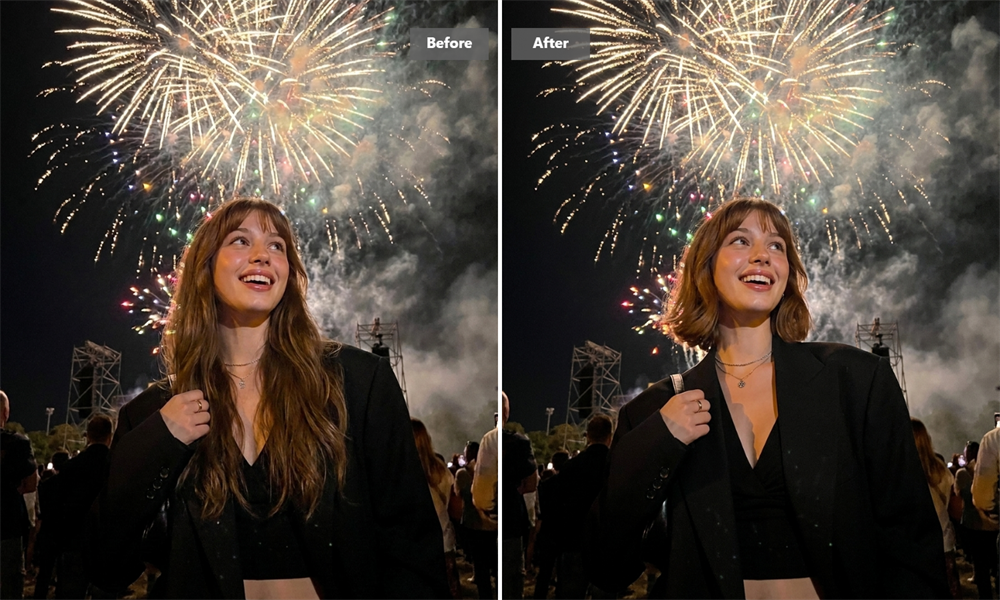
Ever wondered if you could pull off that lived-in, freshly-back-from-the-coast texture? Skip the heat damage, messy hair oils, and salon regret. Simply drop your photo in, and watch your straight or flat strands turn into soft, touchable S-waves—keeping your face, skin tone, makeup, and background completely intact. It is the easiest way to test-drive beachy hair online before touching a single styling wand.
AI Prompt
Reference the original image’s character identity and facial features: 1.8}, {Character consistency: 1.8}. Only change the subject’s hair in the image to wavy curls. Maintain the character’s identity traits, face shape, facial features, hairstyle, expression, skin tone, skin texture, and sense of age completely unchanged. Keep the character’s clothing, movements, pose, body proportions, lighting, shadows, background, composition, and overall image style entirely intact. Perform only natural retouching on the areas where the hair is curled, ensuring that the texture of the curly hair blends seamlessly and looks realistic without leaving any noticeable traces. {Refer to the main facial features and gender of the protagonist in the original image}, {Realism: 1.6}
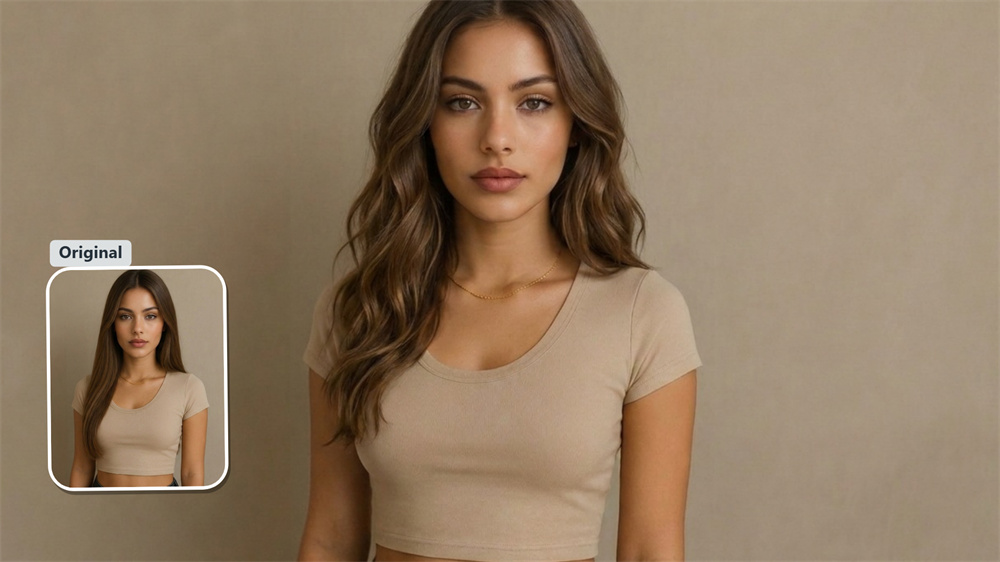
Soft S-Curve Texture That Looks Like Real Hair
Our generator traces your hairline and parting, weaving individual wave bends directly into your natural strands. Light falls naturally across the curves, leaving your roots softer and mid-lengths fuller—giving you that relaxed "I woke up like this" aesthetic that passes any close-up inspection.
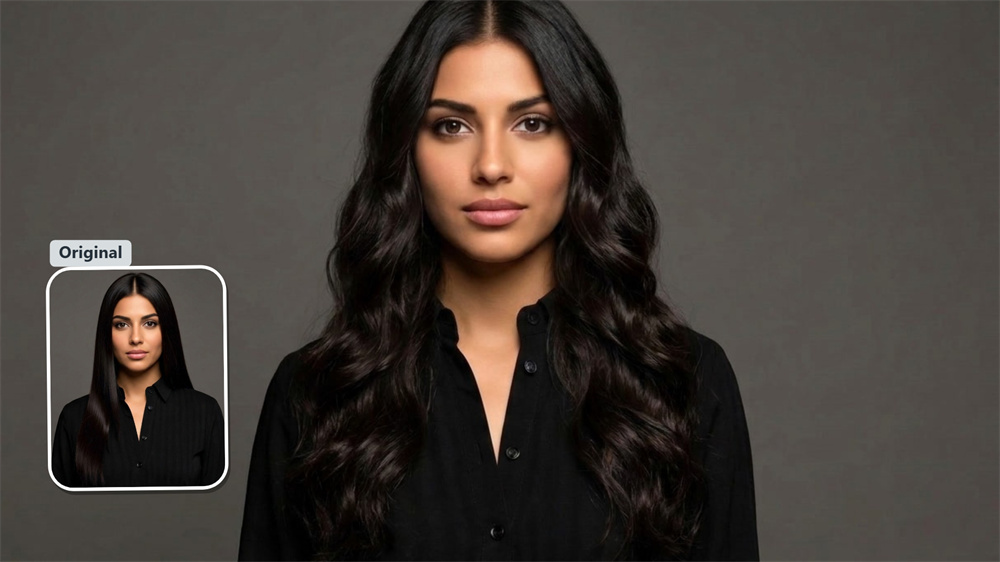
Adapts Seamlessly to Bobs, Lobs, and Long Hair
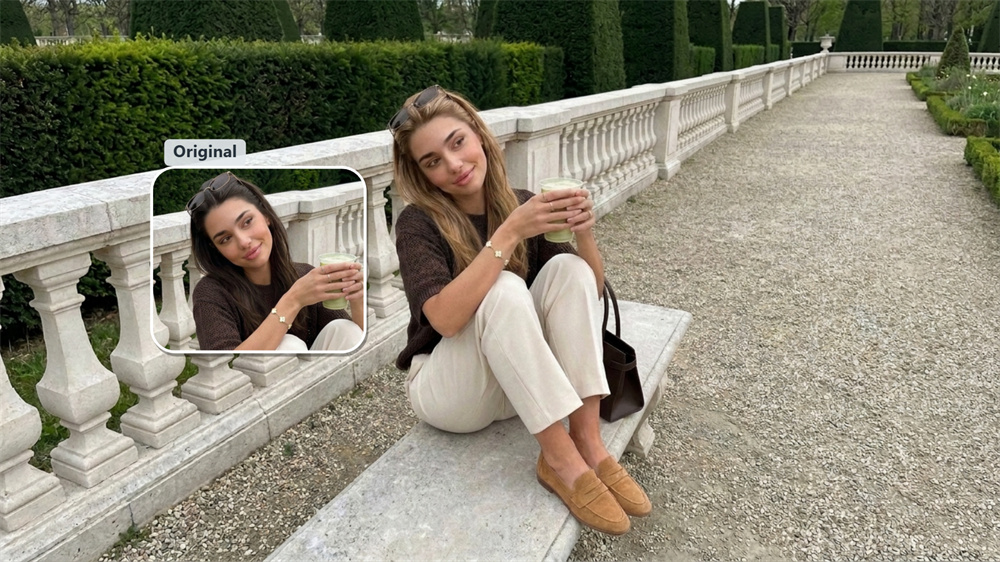
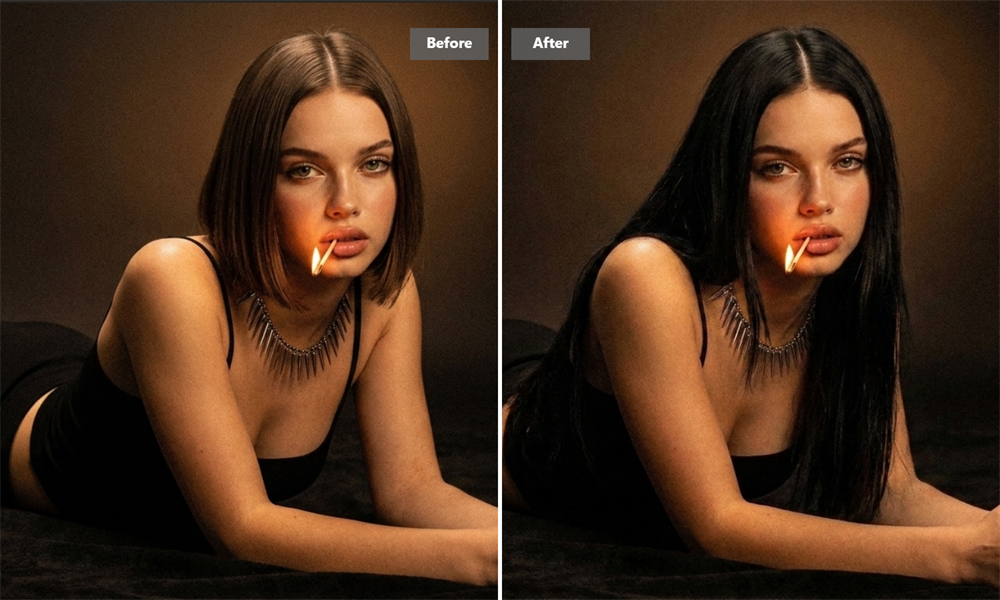
You do not need cascading long hair to rock beach waves. The effect automatically recognizes your current hair length, scaling the wave width and volume proportionally. Whether you are rocking a short bob, a shoulder-length lob, or long straight strands, the waves integrate naturally with your current cut.
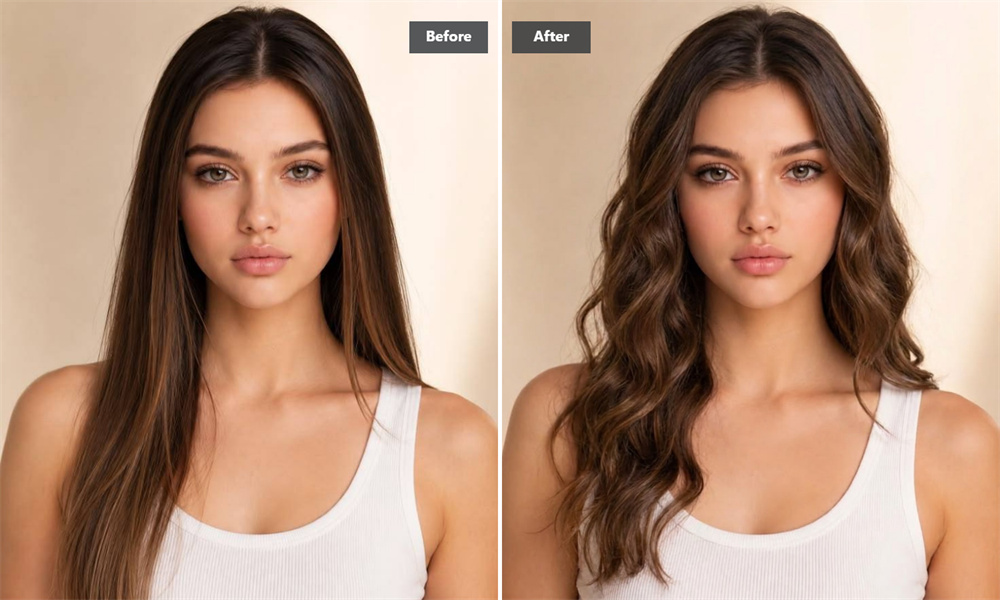
The Perfect Visual Reference for Your Next Salon Visit
Tired of trying to explain the exact beach wave look you want to your hair stylist? Generating a realistic preview on your own photo bridges the communication gap completely. Bring a high-res reference picture of yourself to your next appointment so your stylist knows precisely what volume, wave pattern, and texture you are aiming for.
Give Fine, Flat Strands Instant Body and Volume
If your hair tends to fall flat by noon, adding wave texture is the fastest visual fix. The feature builds subtle volume around the crown and temples, adding depth and movement to limp photos. Give your social profile pictures and avatars a quick style refresh without booking a photo shoot.
How to Get Wavy Hair Online in 3 Quick Steps
Drop in Your Photo
Upload a clear, well-lit picture showing your face and full hairline for the cleanest result.
Instant Wave Generation
Click the button and let Guma automatically turn your straight hair into natural, soft beach waves.
Save Your High-Res Picture
Download your high-definition preview straight to your device, ready to share or show your stylist.
Explore More AI Hair & Photo Effects
Frequently Asked Questions
How does this beach wave effect work on straight hair?
The feature reads your head shape, hair length, and original lighting directly from your picture, automatically swapping straight sections for natural S-wave patterns. If you want to touch up lighting, crop your picture, or clean up background details afterwards, feel free to explore our AI Photo Editor feature.
Will the wavy hair effect change my face or skin tone?
No. Editing applies strictly to hair strands. Your eyes, face shape, makeup, skin tone, and clothing remain completely untouched throughout the transformation.
What kind of picture works best for a realistic wavy preview?
A bright, front-facing portrait with clearly visible hair gives the best results. Try to avoid heavy shadows, dark hats, or big sunglasses so your hairline can be traced accurately.
Can I get beach waves if I have short hair or a bob?
Yes! Wave width and volume adjust automatically based on your current length—working smoothly on short bobs, shoulder-length lobs, and long cascading hair alike.
Can I select different wave sizes, or do I just upload a photo?
No manual options or settings are needed. This is a hassle-free, single-click effect: simply upload your picture, click to generate, and your beach wave preview is ready instantly.