
Long Hair Filter
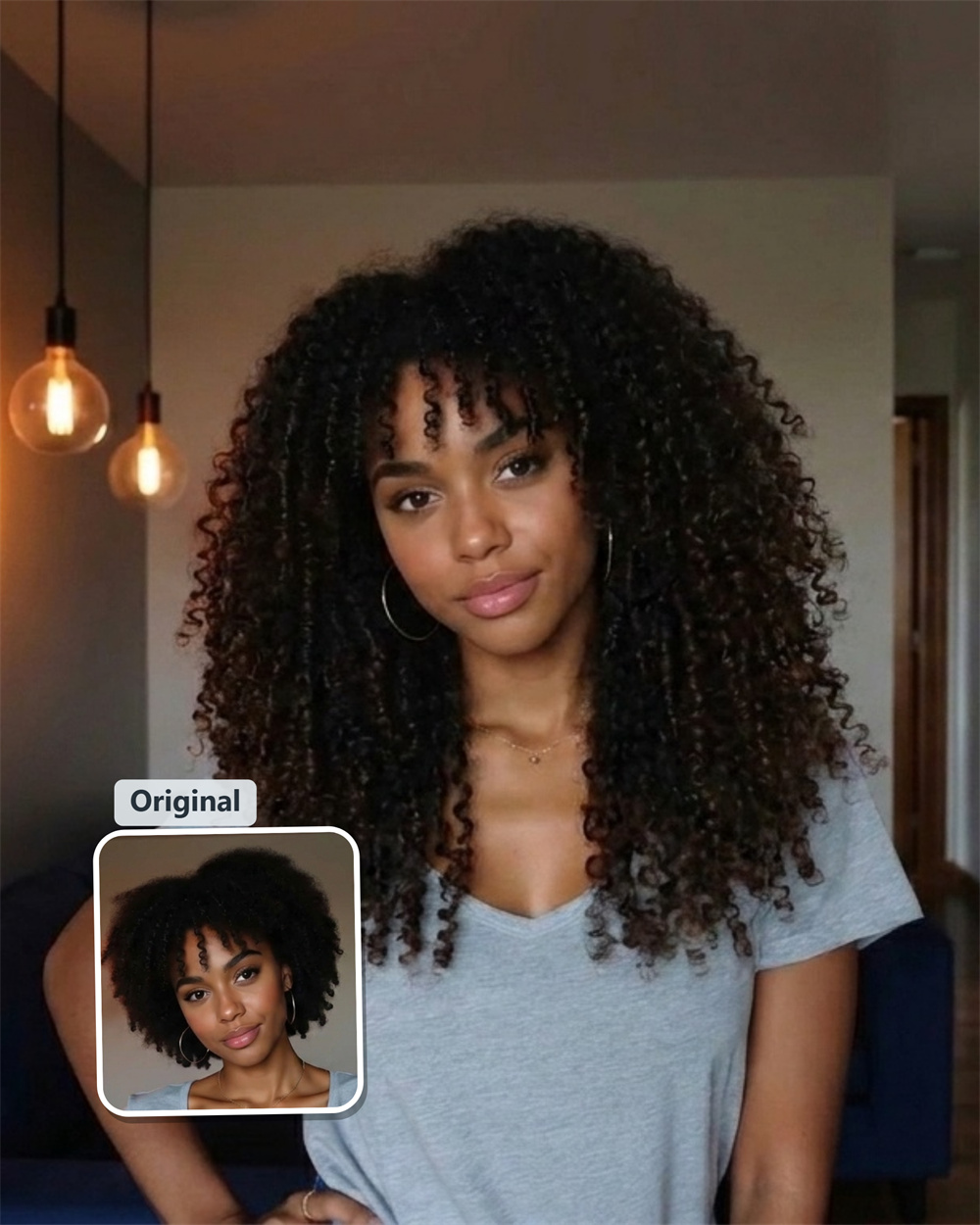
See how long hair looks on you
Some looks are easy to admire and hard to picture on yourself. Guma adds long hair to your photo, so you can see the change before you grow it out, buy extensions, or bring the idea to a stylist.
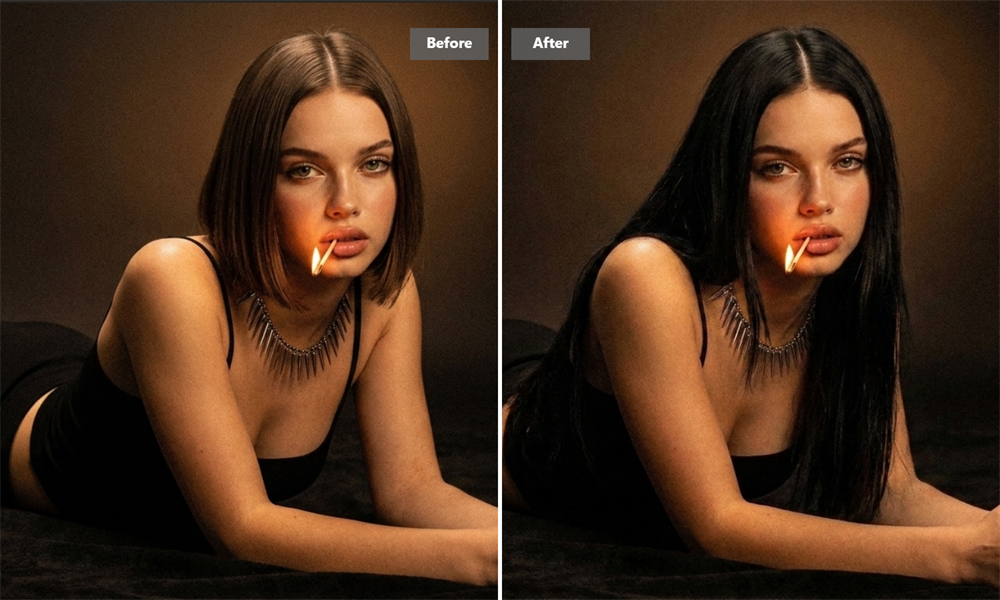
Put the Idea in the Right Frame
A haircut reference can show the length you like, but not how it will sit around your own face and shoulders. Use your photo to get past that gap. The preview gives you something concrete to react to: “yes, that works” or “not quite me.”
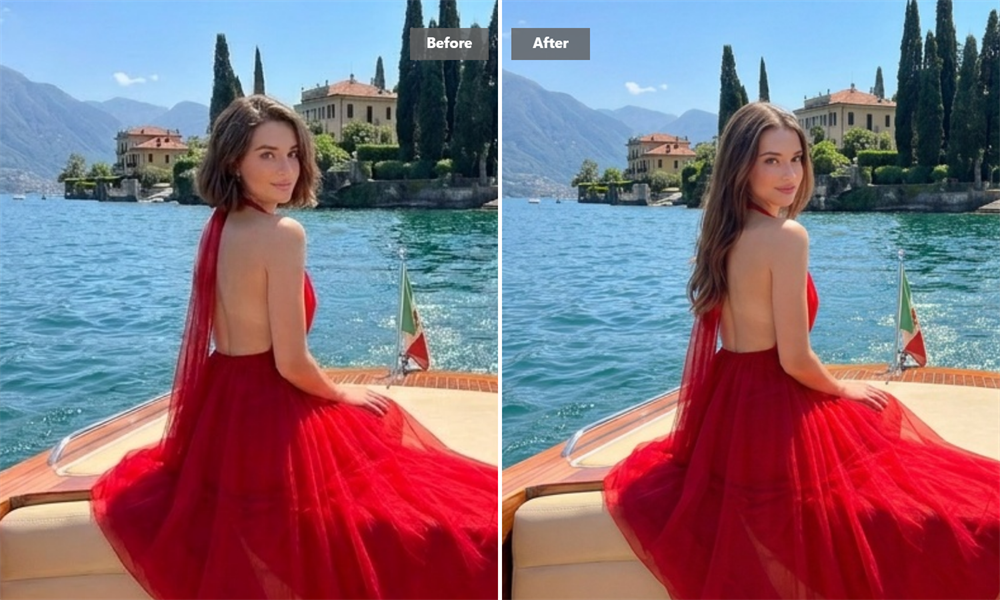
See What the Extra Length Changes
Long hair draws the eye downward and changes the outline of a portrait. On some people it softens the face; on others, it makes the whole image feel more polished or dramatic. Guma lets you see that shift without waiting through the awkward in-between stage of growing your hair.
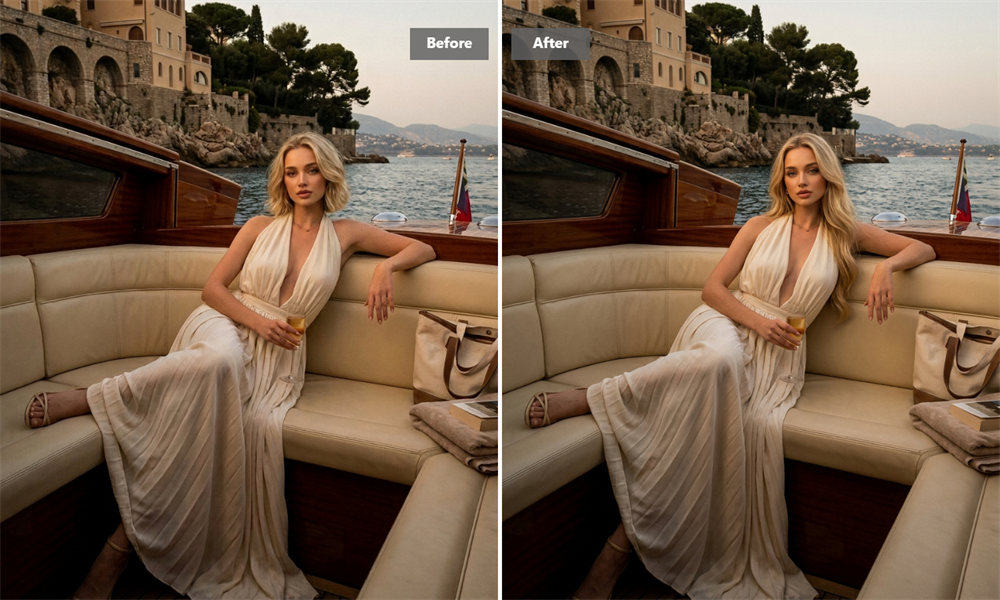
Keep a Reference You Can Actually Use
If you are planning a salon visit, save the preview rather than trying to describe the look from memory. It gives your stylist a starting point for the length and overall direction you have in mind. They can then adapt it to your hair texture, density, and routine.
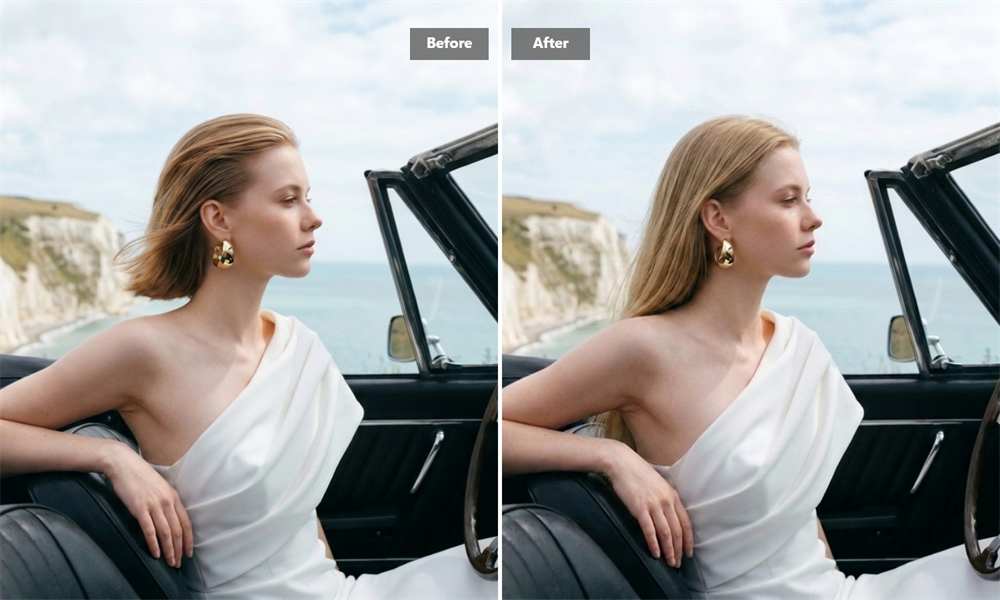
Create a Before-and-After That’s Worth Sharing
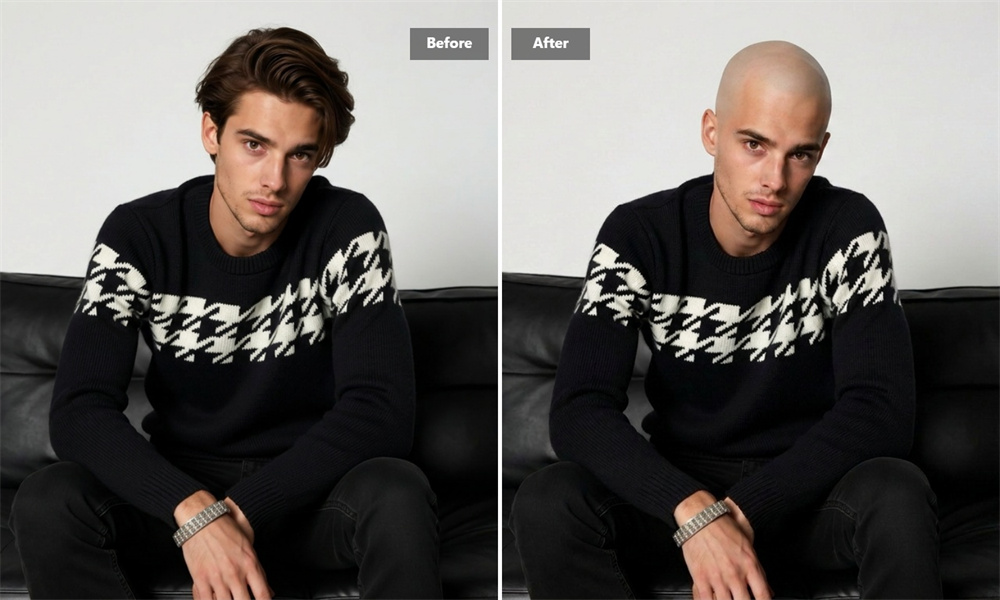
Not every result needs to lead to a haircut. Sometimes it is simply fun to see a different version of your usual photo. Keep the image for yourself, send it to a friend, or post the before-and-after when you want a fresh profile picture.
Get Your Long-Hair Preview
Upload Your Photo
Choose a clear photo that shows your face, hairline, and shoulders.
Generate the Image
Guma applies the long-hair effect to your portrait.
Download the Result
Save the finished image when you are ready.
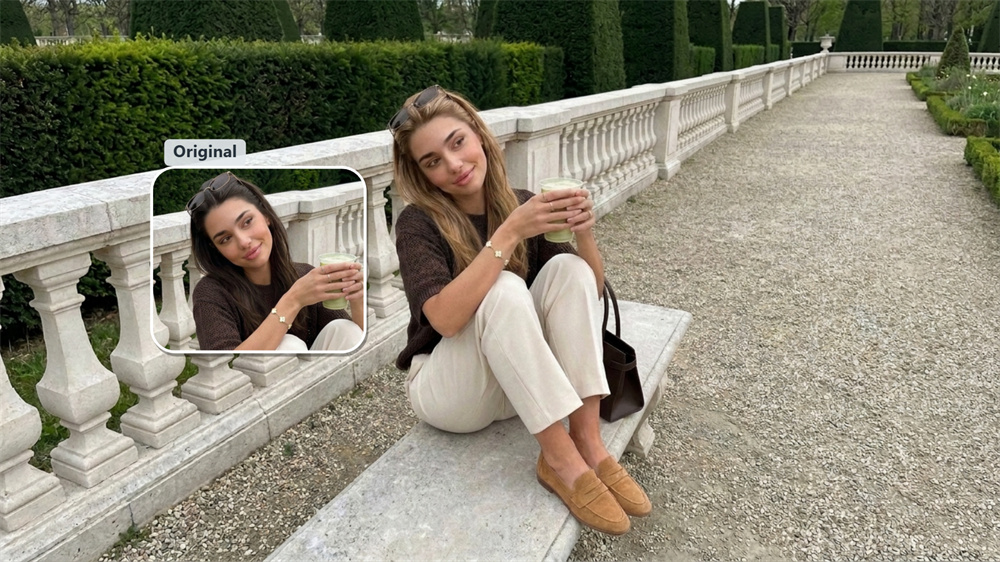
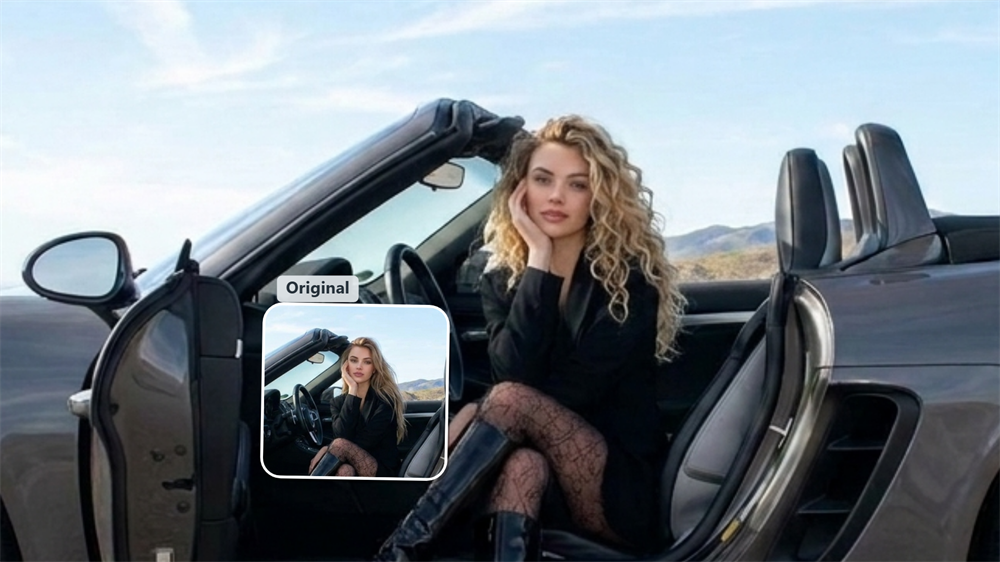
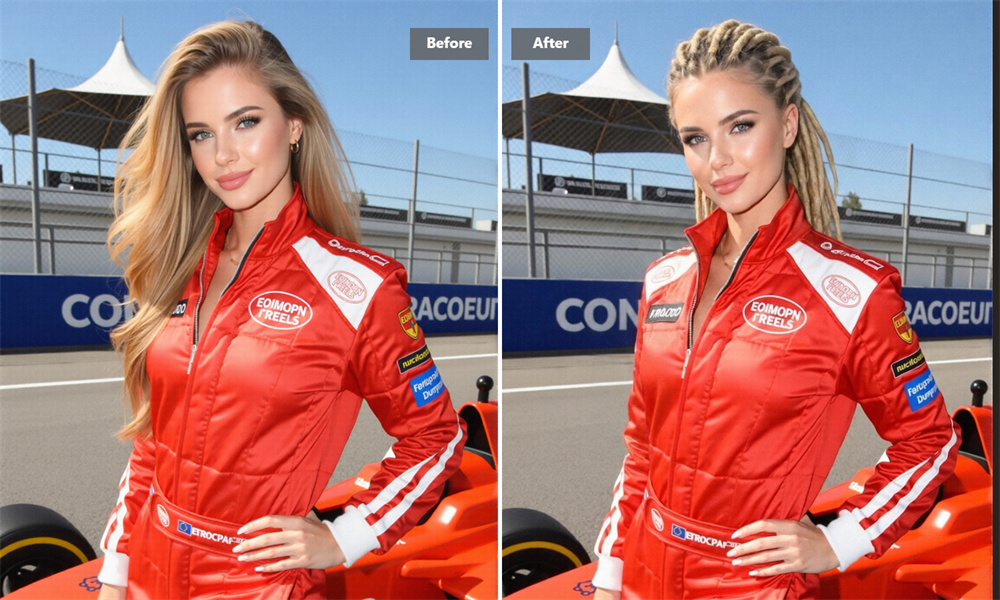
Explore More AI Hair Filters
FAQ
What Is a Long Hair Filter?
A long hair filter adds the appearance of longer hair to a portrait. It is a quick way to see how extra length may change your look, whether you are curious, planning a salon visit, or considering extensions. For related photo transformations, explore our Image to Image feature.
What photo should I upload?
Choose a front-facing photo taken in even lighting. Make sure your forehead, hairline, neck, and shoulders are clearly visible. Photos with hats, strong shadows, or tightly cropped heads leave less room for the hair to blend naturally.
Can Men Use This Tool?
Yes. The long-hair effect works on portraits of men and women. A photo that clearly shows your head and shoulders gives the tool the best basis for the edit.
Does It Change My Face?
The effect is designed to alter the hair while keeping your face, expression, and pose recognizable. A clear original photo helps preserve those details.
Can I Use the Image at a Salon?
Yes. Take it as a reference for the general direction you like. It is not an exact prediction of a salon result: your hair type, current length, and stylist’s technique will all affect the finished look.
Is the Long Hair Filter Free?
Guma provides registered users with daily free credits to try AI image generation. Upgrade to a premium plan if you need additional credits or advanced options.
Can I download the image?
Yes. Download your result to keep it, share it, or bring it to a future hair appointment.