
AI Bald Filter
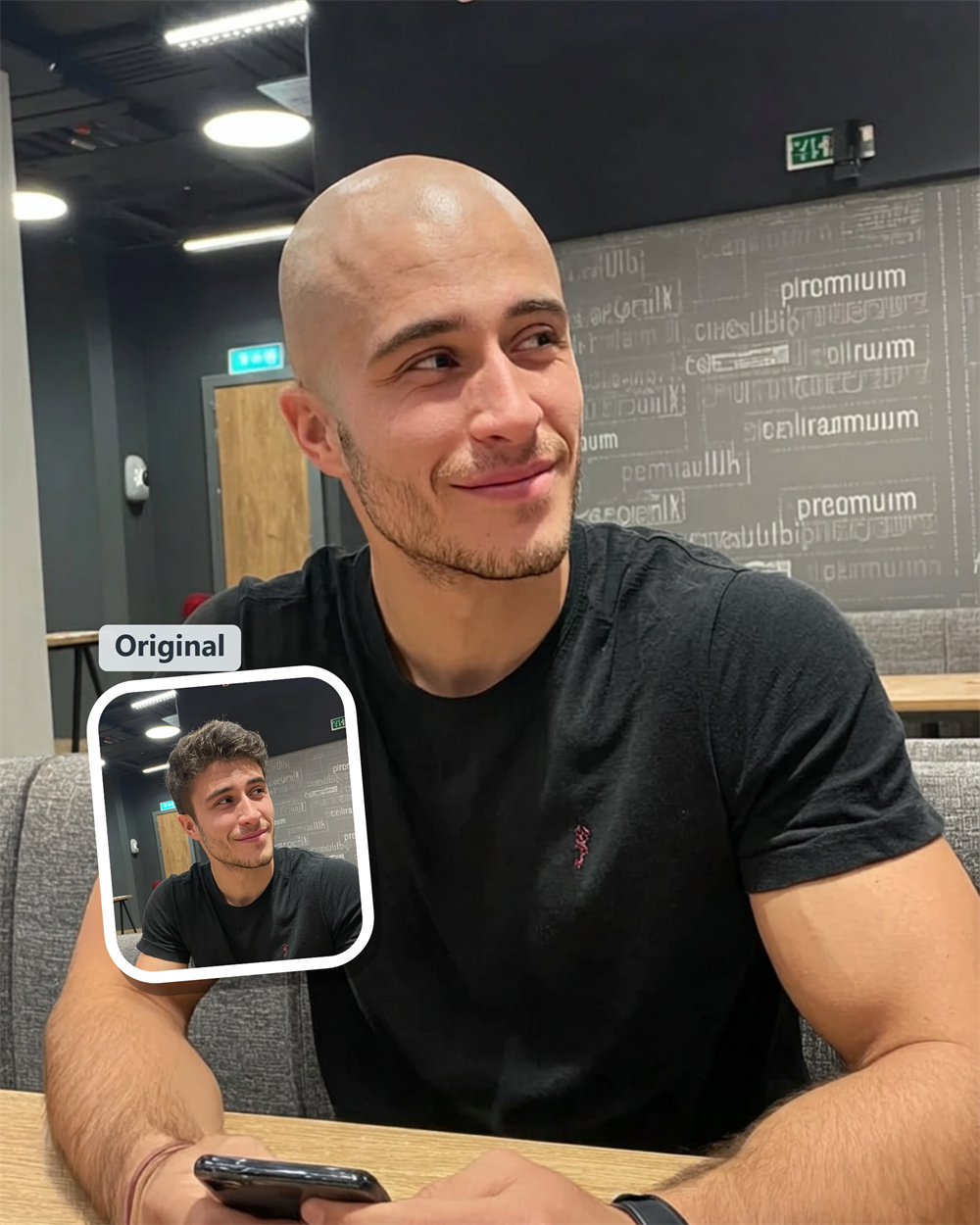
See Your Bald Look Before Making the Cut
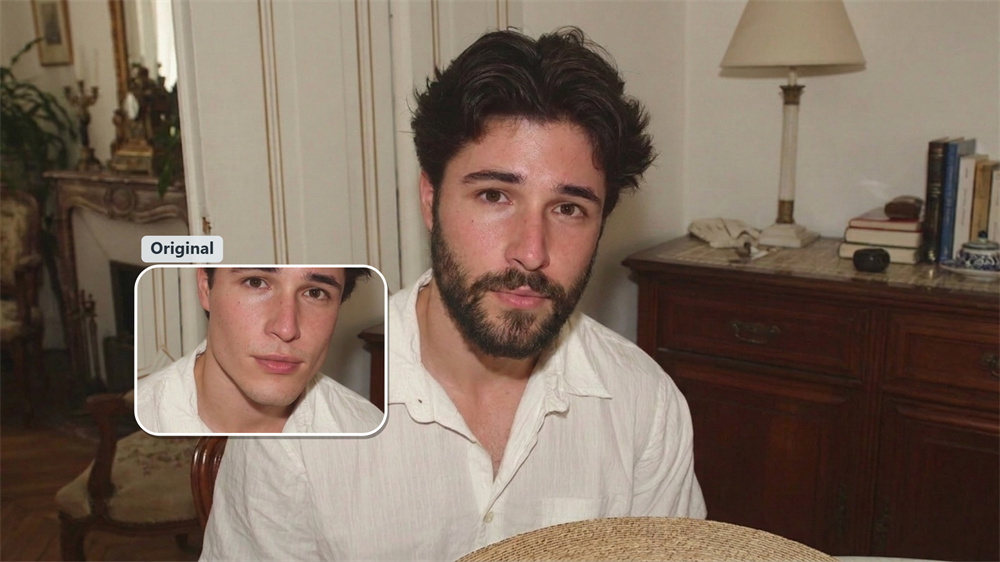
Thinking about shaving your head, but not ready to commit? Guma’s AI bald filter gives you a quick, photo-based look at the change. Upload a portrait, generate your bald version, and see how the style lands on your own face—not someone else’s.
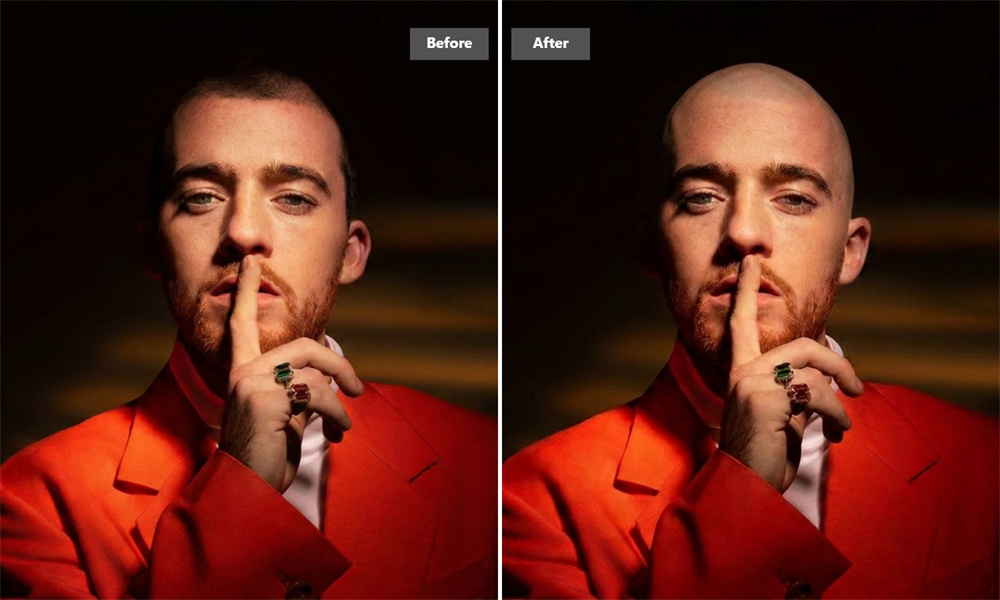
A Shaved-Head Look With the Details Still in Place
The best bald transformations don’t simply erase hair. They leave room for the features that make the photo recognizable: your expression, face shape, brows, and the way light falls across your face. For a cleaner result, start with a bright, front-facing portrait where your forehead is visible.
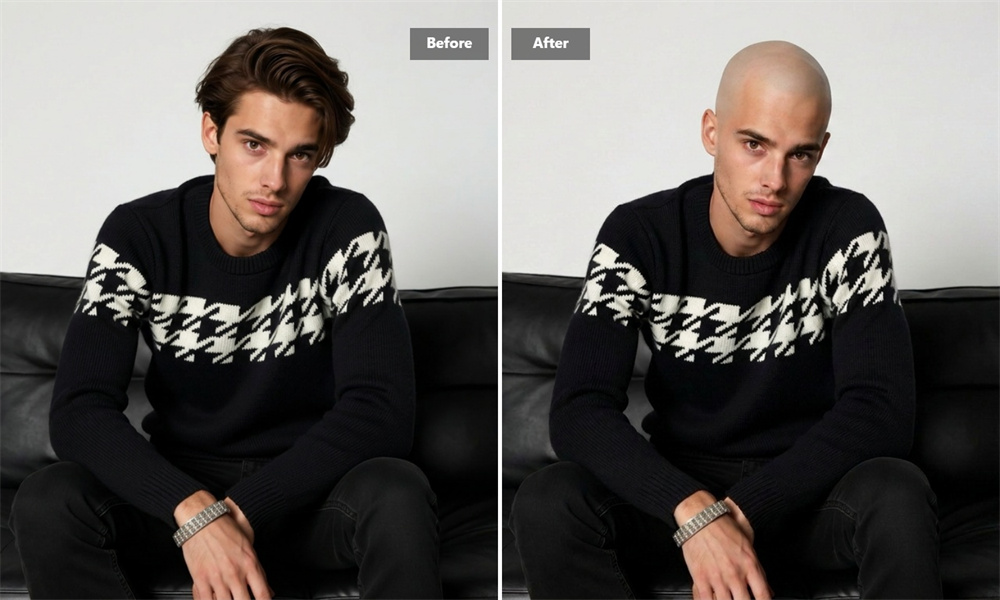
Better Than Guessing From a Mirror
A shaved-head filter is useful when you are weighing up a close cut, a full shave, or no change at all. Make one version for yourself, then get a second opinion before your next barber appointment. It is a practical reference when “I think it might suit me” is not quite enough.
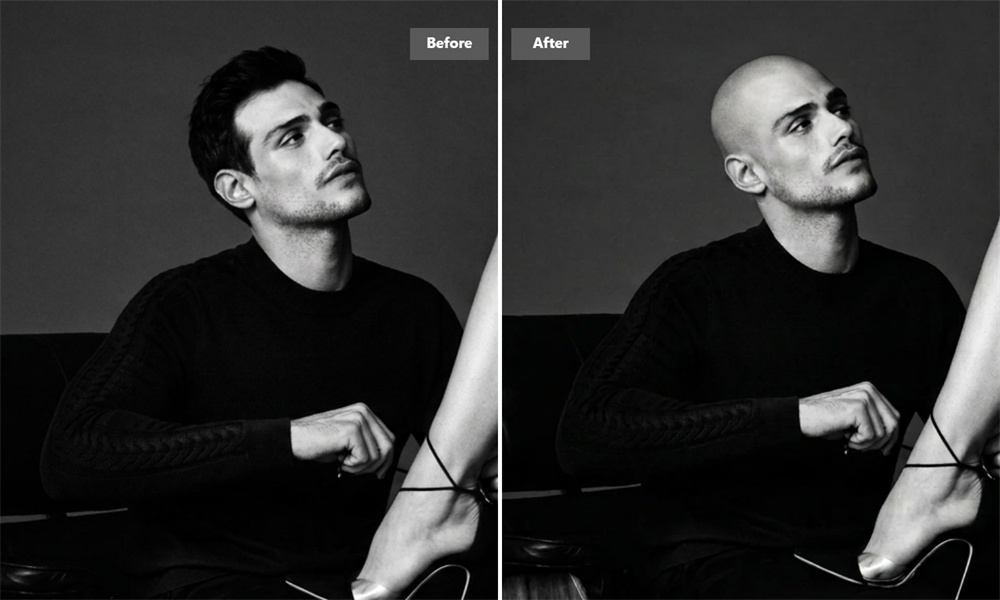
Save the reveal or send it to the group chat
Your finished image is yours to use however you like: keep it as haircut inspiration, share a before-and-after, or see who notices first. Download the result when you are done. A crisp original photo makes a noticeable difference, especially around the forehead and face outline.
Create a Bald Version in Three Steps
Upload
Choose a clear portrait with your face and hairline in view.
Generate
Let Guma turn the photo into a shaved-head image.
Download
Save your result for later, share it, or bring it to your barber.
Explore More AI Photo Tools
Questions About the AI Bald Filter
What Is an AI Bald Filter?
An AI bald filter is an online image tool that changes a portrait into a bald or shaved-head version. It is made for trying out the look before a haircut, settling a bit of curiosity, or creating a fun before-and-after. For a related image edit, explore our Image to Image feature.
Will the image show exactly how I would look bald in real life?
Not exactly. The result is a style visualization based on your photo, while a real shaved head also depends on your natural hairline, scalp, grooming, and haircut finish. It is still a far more useful starting point than trying to picture the change in your head.
Can I Use the AI Bald Filter for Free?
Yes. Create a Guma account to receive daily free credits and start generating images. If you need more generations or access to additional options, you can choose a premium plan with higher credit limits.
Which Photo Works Best With a Bald Head Simulator?
Use a recent portrait taken from the front or slightly turned to the side, with even light on your face. Images where your forehead is covered by hair, a hat, or dark shadows may produce a less convincing transformation.
Does the Bald Filter Work With Long Hair?
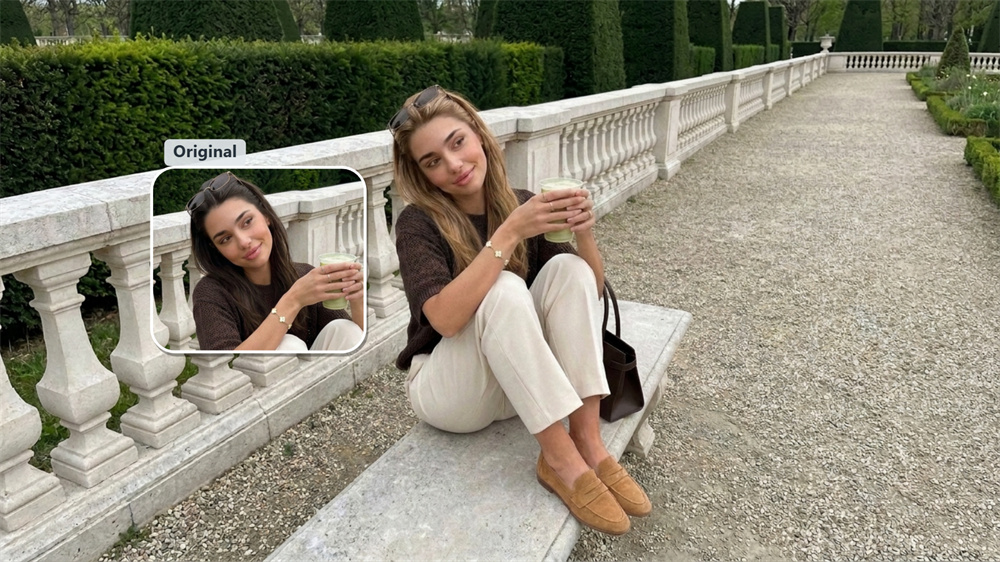
Yes, it can. A photo with long hair may still give a good result as long as your face is clear and the outline of your head is visible. If the first image feels off, try another portrait with less hair across the forehead.
Can I Try a Buzz Cut Instead of a Fully Shaved Head?
This page focuses on the bald look. If you want to explore shorter cuts, longer styles, or different hair colors, use Guma’s AI hairstyle changer for more hairstyle options.
Why Does My Generated Image Look Unusual?
Most issues come from the source image rather than the idea itself. Low resolution, strong side lighting, dramatic angles, or face-covering accessories can make a result less natural. Try a sharper, well-lit photo for a better second attempt.
Can I Use the Bald Filter on My Phone?
Yes. Open the AI bald filter in your mobile browser, upload a photo from your gallery, and download the finished image when it is ready.