
AI fat filter
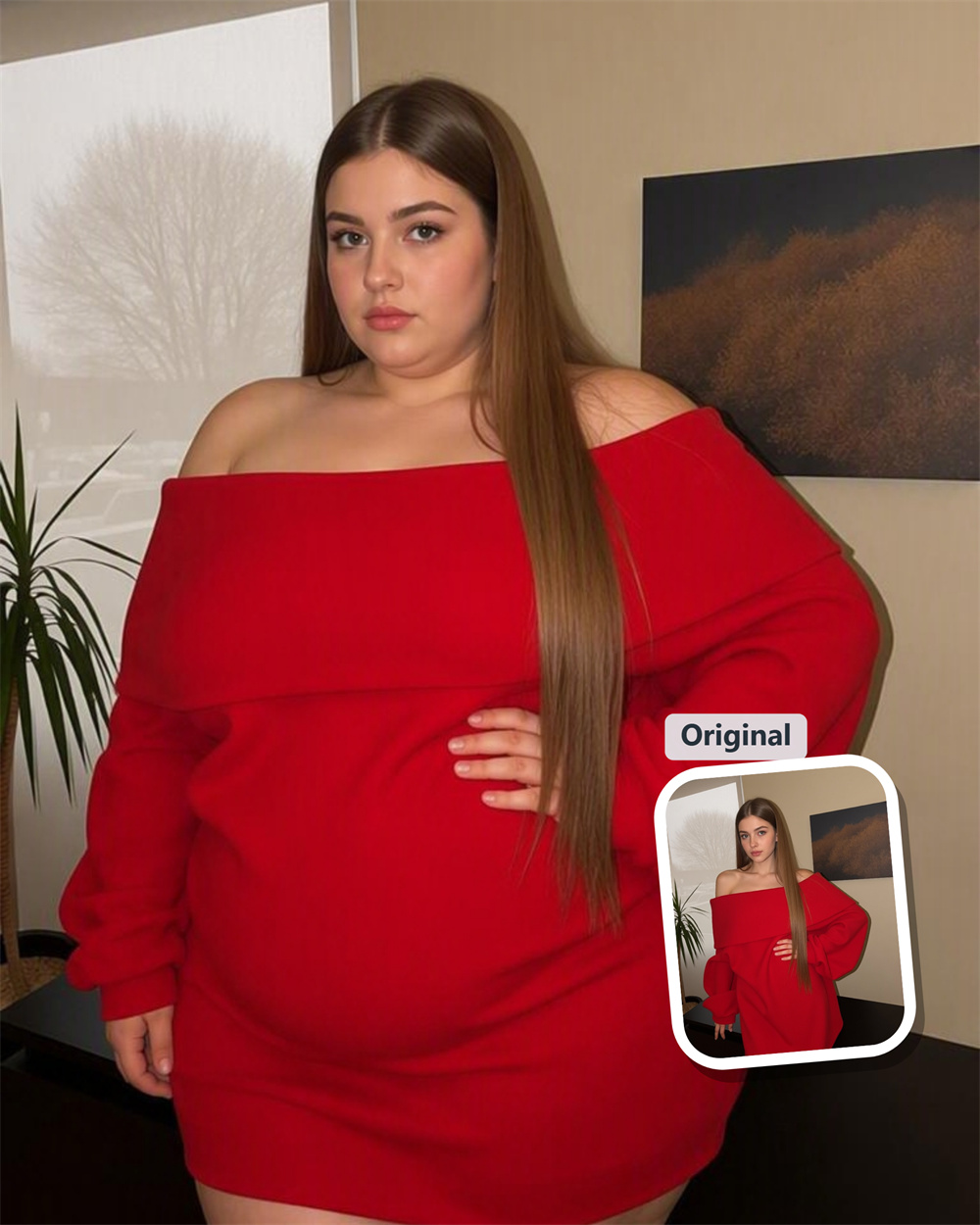
See a Familiar Photo in a Fuller Frame
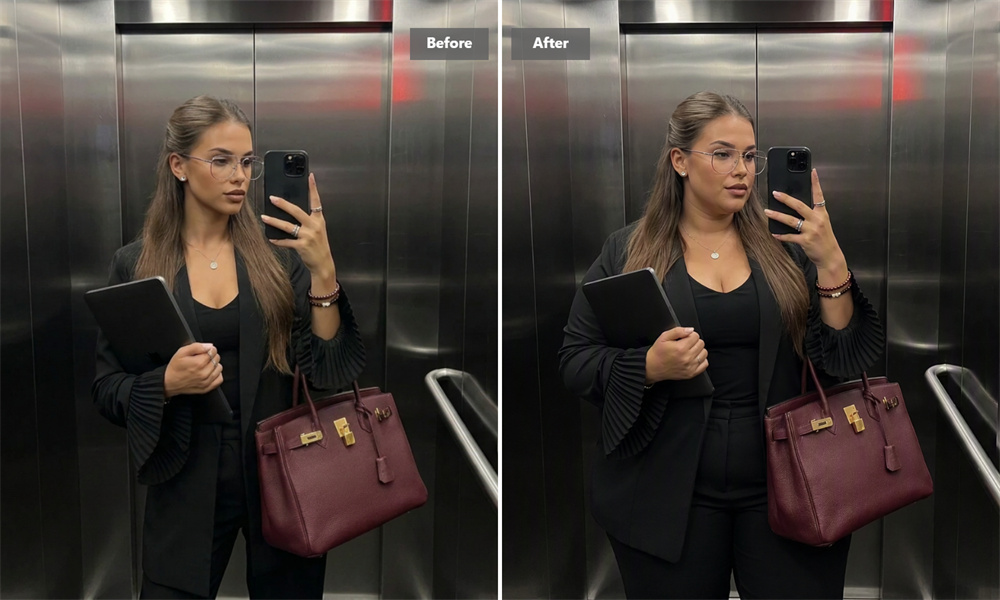
Guma's AI Fat Filter gives an everyday photo an unexpected turn. A face looks rounder, a frame looks fuller, and suddenly the picture feels like something worth sending around. It is quick, a little ridiculous, and much more convincing than a basic face-stretch effect.
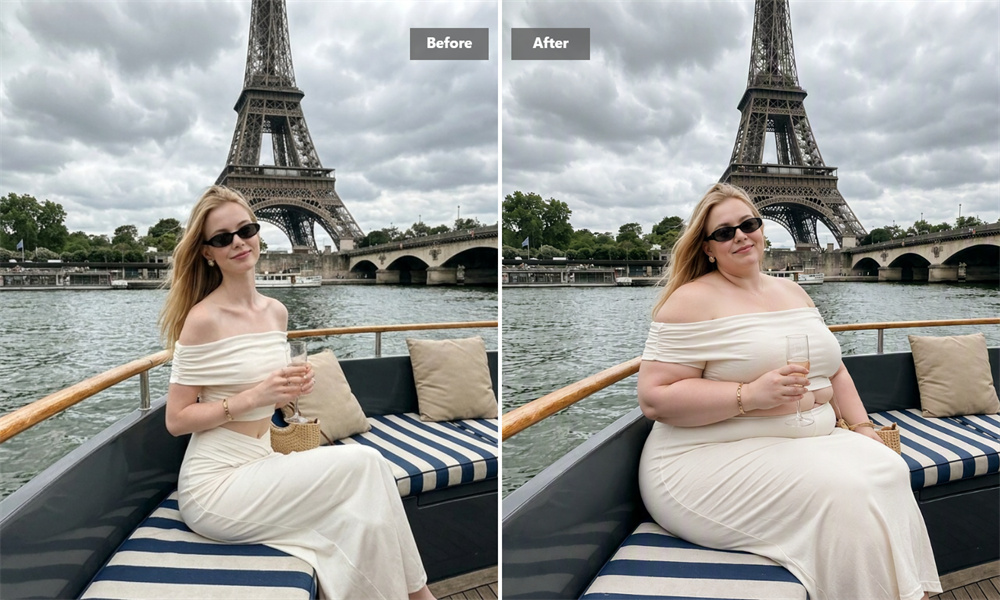
Meet Your Chubbier Self
There is something oddly compelling about seeing a familiar face with fuller cheeks and a softer outline. The change is obvious enough to be funny, but close enough to the original that you still recognize the person straight away. That balance is what makes the image work.
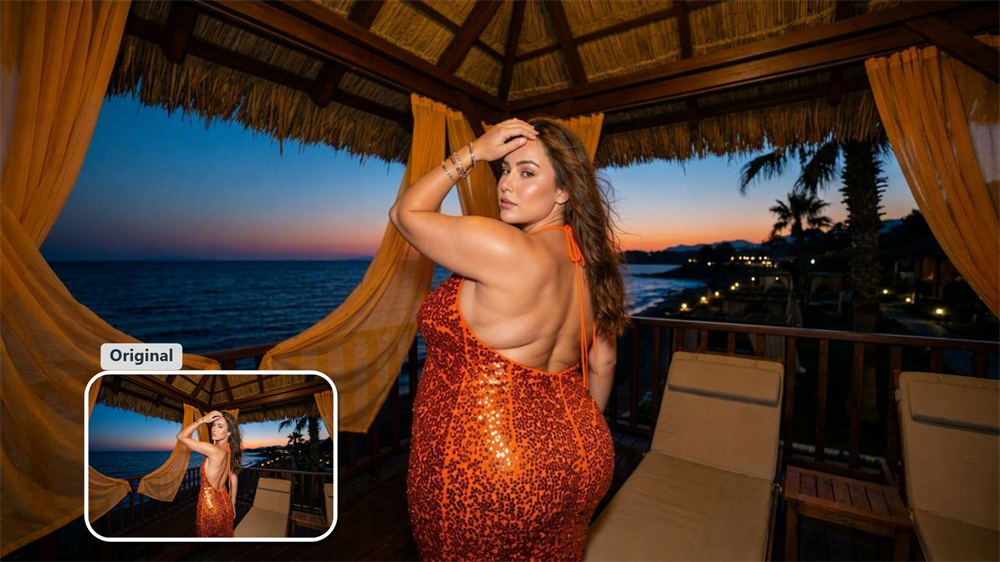
Keep Them Guessing
Send the image without an explanation. Let a friend wonder whether it is a new photo, an old photo, or something else entirely. The best reactions tend to come after that brief pause—when the picture looks believable enough to make someone take another look.
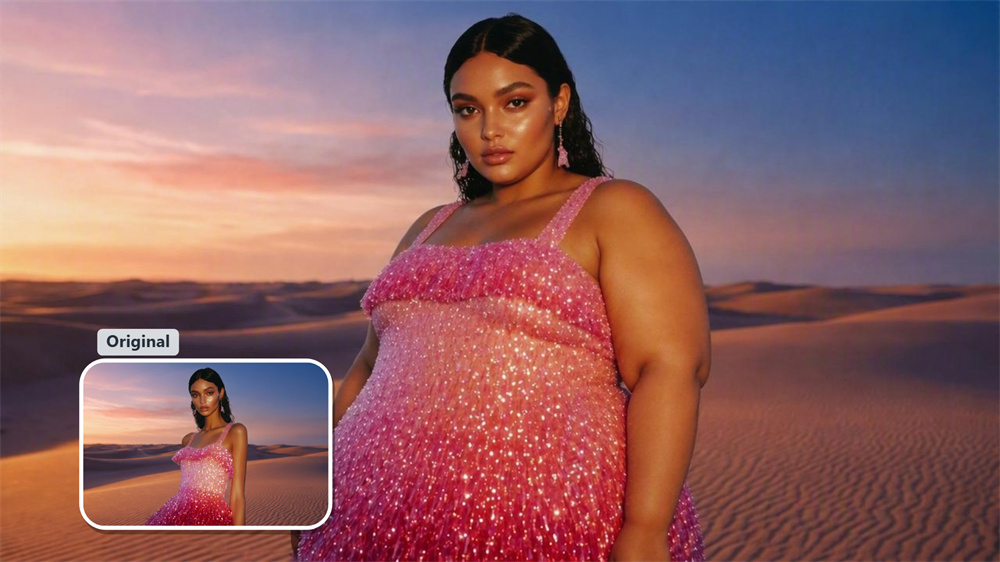
Put a Twist on a Character
A familiar character can feel completely different with a fuller build. The effect works well for fan art, avatars, and visual story ideas when you want to take a character somewhere unexpected. One image can be enough to change the tone from polished to comic, or from serious to instantly memorable.
Let the Picture Be the Joke
Not every meme needs a caption. Sometimes the altered image says enough on its own. Use the effect when a plain selfie, a reaction photo, or an inside joke needs one sharp visual detail to make people stop scrolling and send it on.
How to Use the AI Fat Filter
Upload
Choose a photo from your device.
Generate
Create the weight gain effect with one click.
Download
Save the finished image when it is ready.
Explore More AI Photo Effects

AI Fat Filter FAQs
What is an AI Fat Filter?
An AI Fat Filter changes an uploaded photo to show a fuller-looking face and body. It is made for image-based fun, character ideas, and visual experiments—not as a prediction of real-world weight gain or health. To complete further operations, you can explore our image-to-image generator.
Can I control how much weight is added?
No. The tool does not include controls for choosing a weight level or adjusting individual facial and body features. The final image is generated from the photo you upload.
Is Guma's AI Fat Filter free to try?
Yes. Register for a Guma account to receive daily free credits for image generation. A premium subscription is available if you need more credits or advanced features.
Is this the same as a fat face filter?
Not quite. A fat face filter focuses on facial changes, while this effect can make both the visible face and body appear fuller.
Will the image show what someone would really look like after gaining weight?
No. It is a generated visual effect, not a health assessment or a real-life appearance forecast.
Can I use a photo of someone else?
Only use photos you have permission to edit. If you plan to share the finished image, make sure the person in the original photo is comfortable with it.