
AI Beard Filter
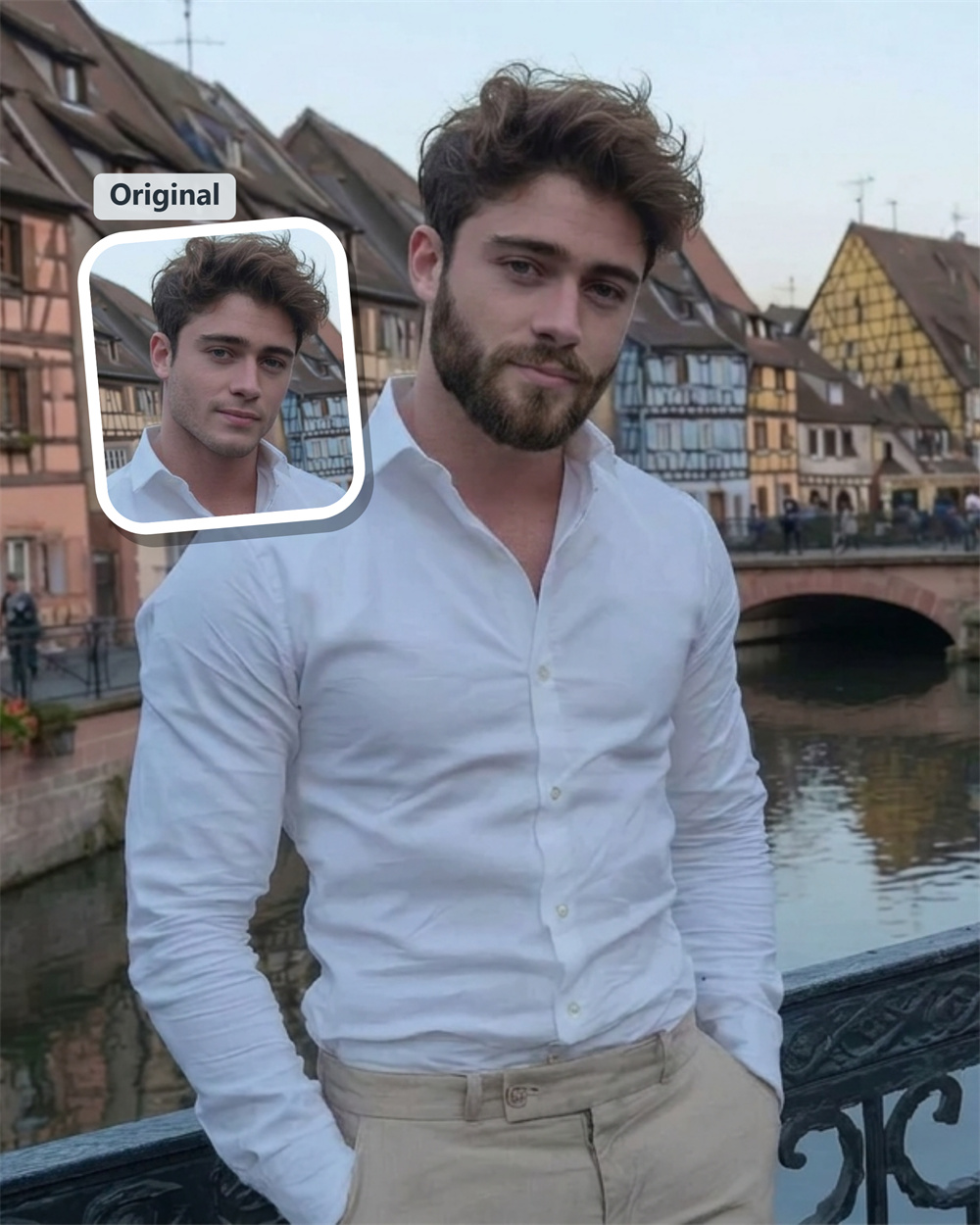
See What You Look Like With a Beard
A beard can change your whole appearance, but growing one just to find out is a long experiment. Guma’s AI beard filter adds a natural-looking beard effect to your portrait in seconds, giving you a quick idea of how facial hair might suit you.
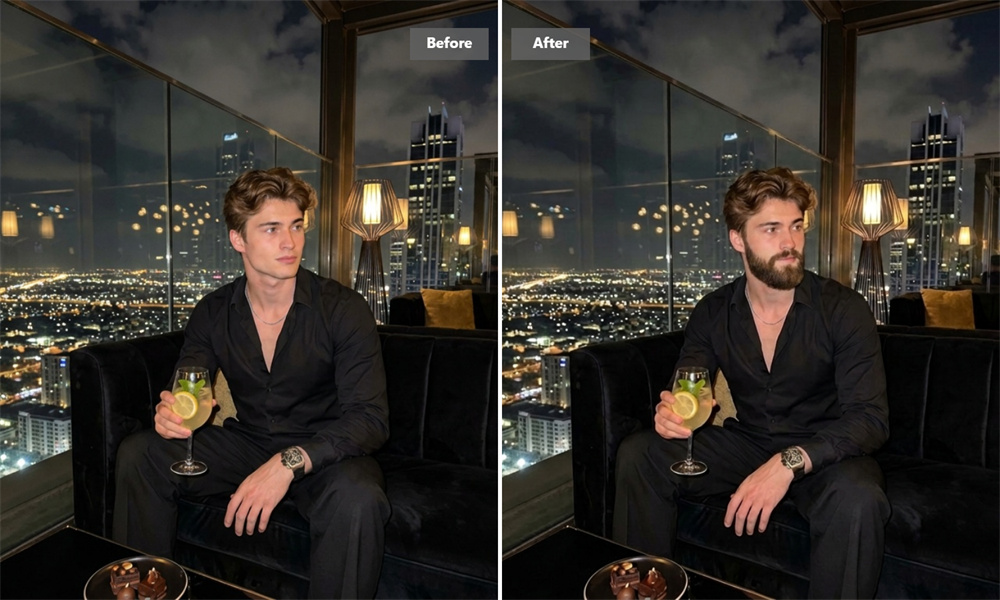
Add a Beard to a Photo in Seconds
Upload a clear portrait and let Guma transform your clean-shaven look. The tool is made for quick results, whether you are curious about growing a beard, updating a profile picture, or sharing a fun before-and-after image with friends.
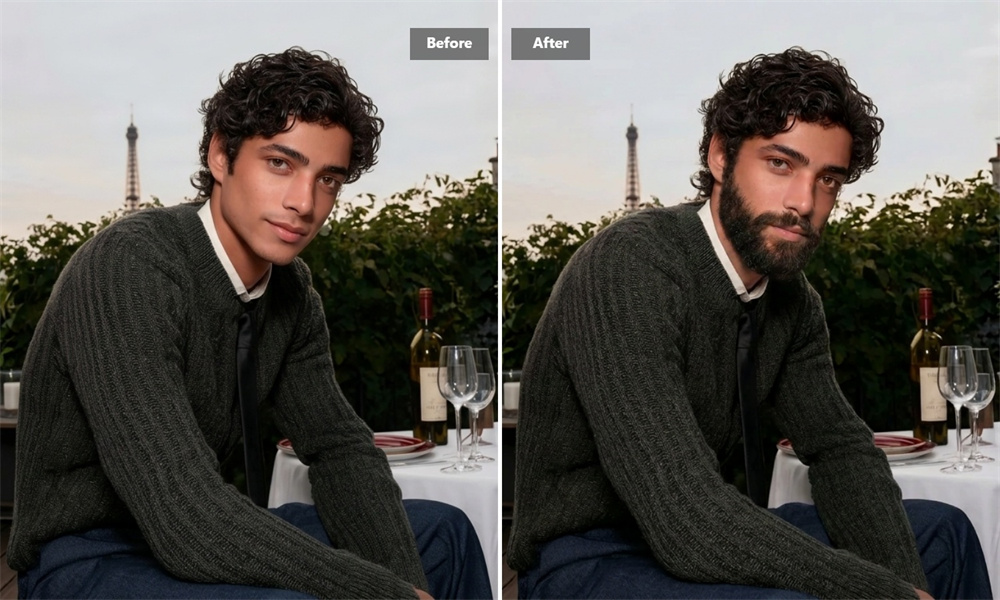
Get a Clearer Idea Before You Grow
It’s easy to imagine a beard on someone else. Seeing it on your own face is more useful. Guma creates a direct visual reference based on your portrait, helping you decide whether facial hair feels right before spending weeks waiting for it to grow.
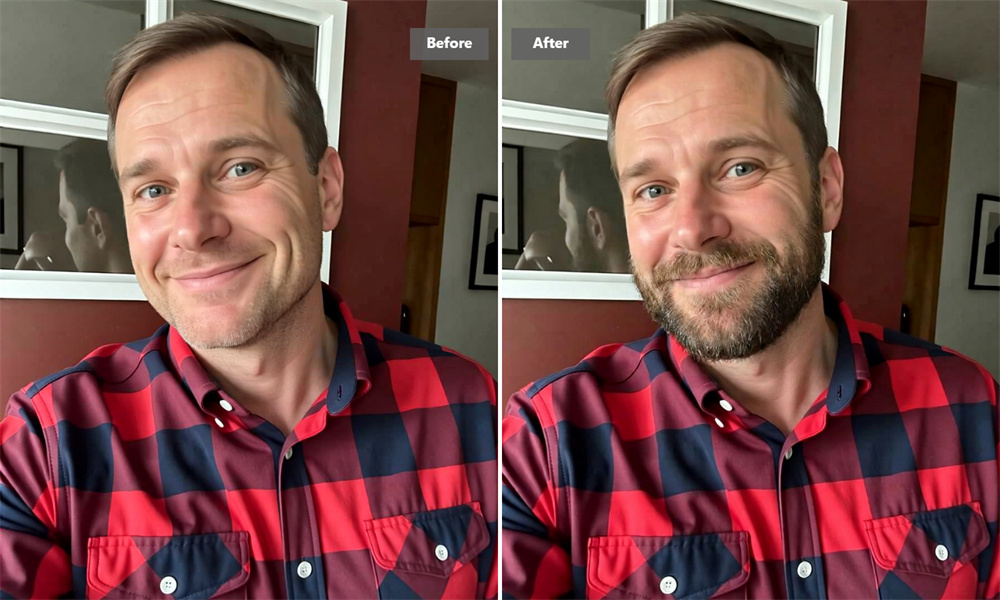
A Beard Effect That Fits the Photo
Guma works with the visible features in your image, including the face angle, lighting, and jawline. A front-facing portrait with good light usually gives the clearest result. The generated image is designed to feel like part of the original photo instead of a flat sticker.
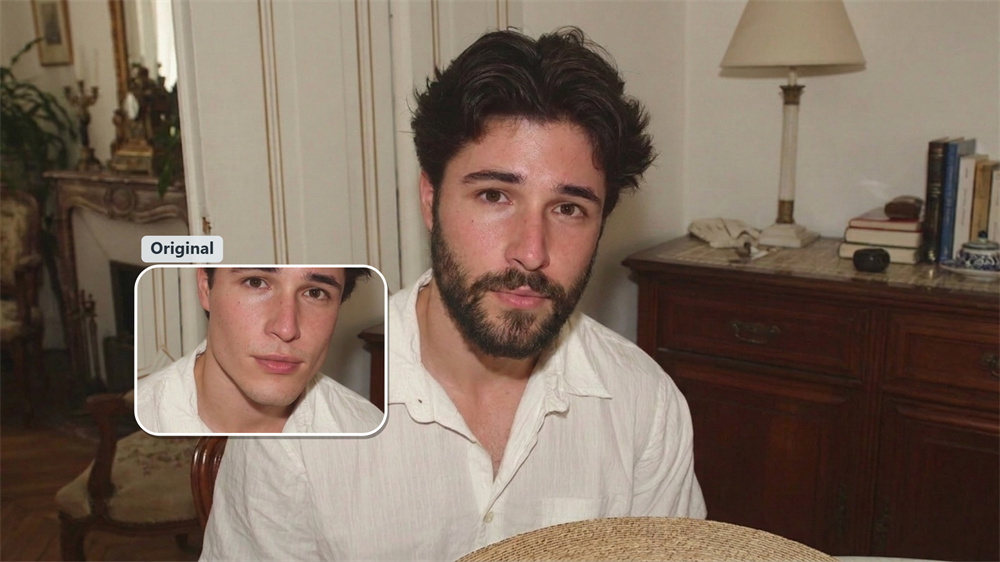
Share the Look Before Making a Change
Sometimes a second opinion makes the decision easier. Download your generated image and show it to a barber, partner, or friend. It can help you talk about whether a beard suits you without making a permanent change to your appearance.
How to Generate an AI Beard Portrait with Guma
Upload Your Image
Choose a sharp, well-lit portrait with your face and jawline visible.
Generate the Result
Apply Guma’s single beard effect to create your transformed image.
Download the Image
Save the result and keep it as a personal or grooming reference.
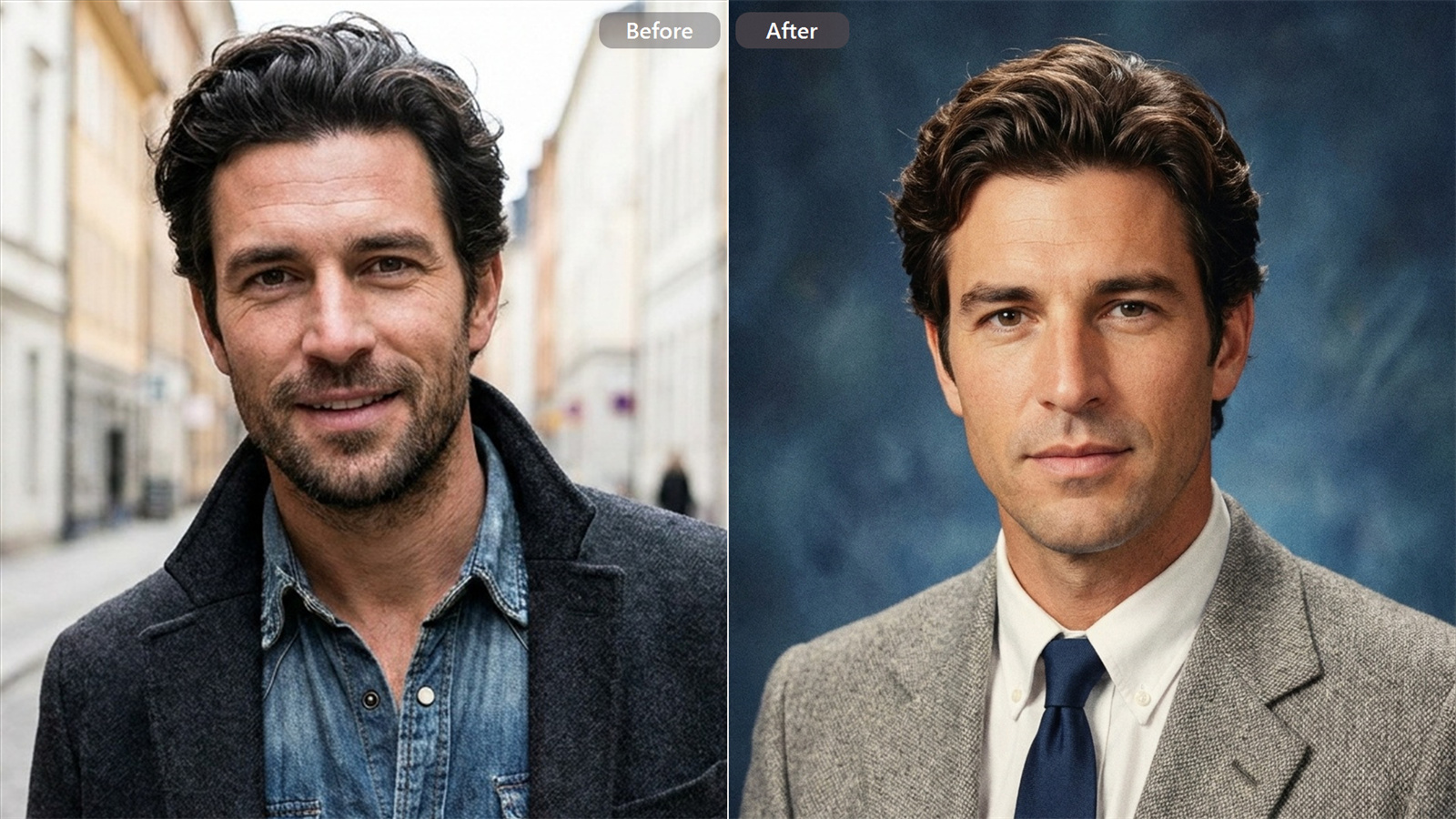
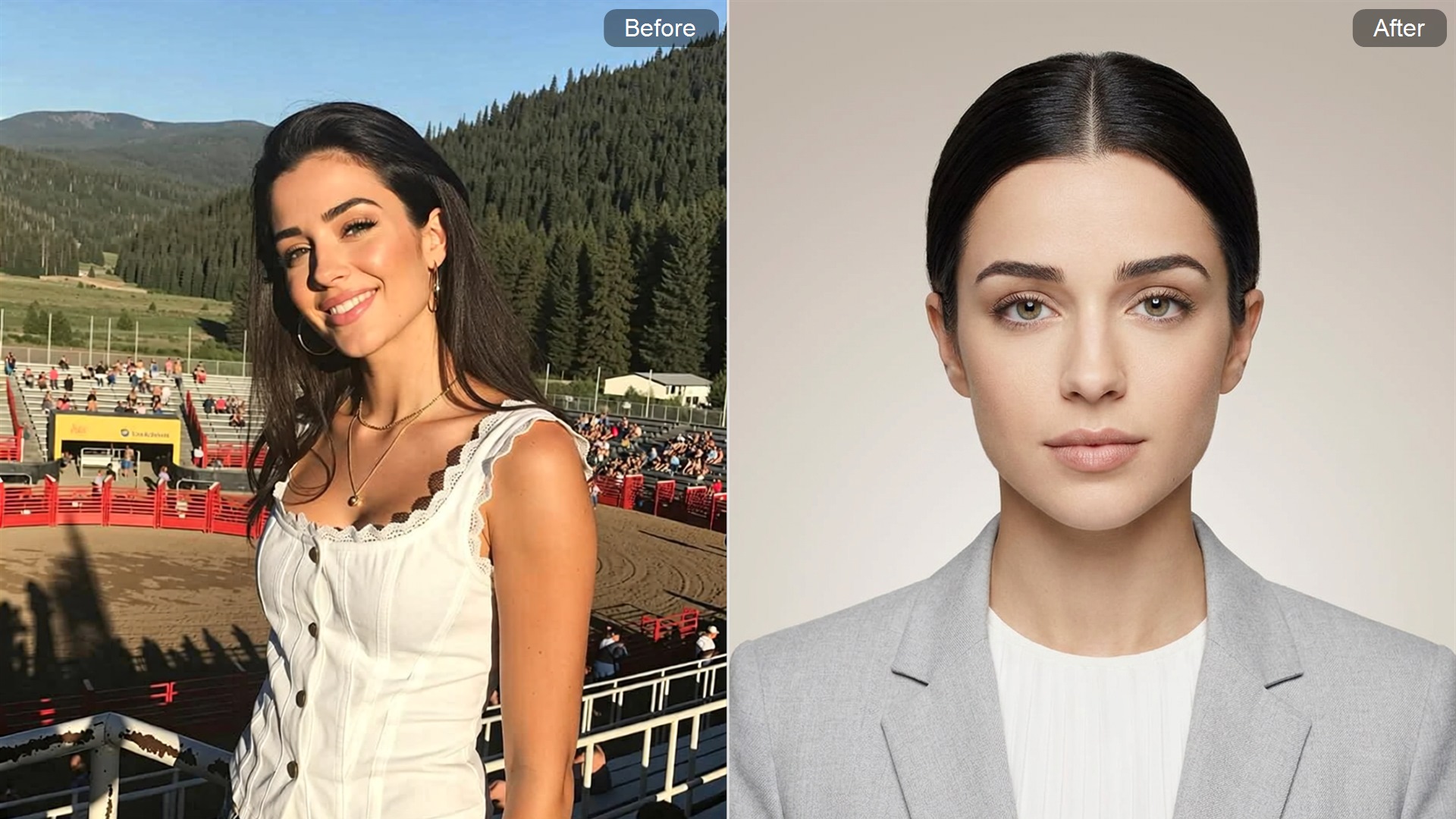
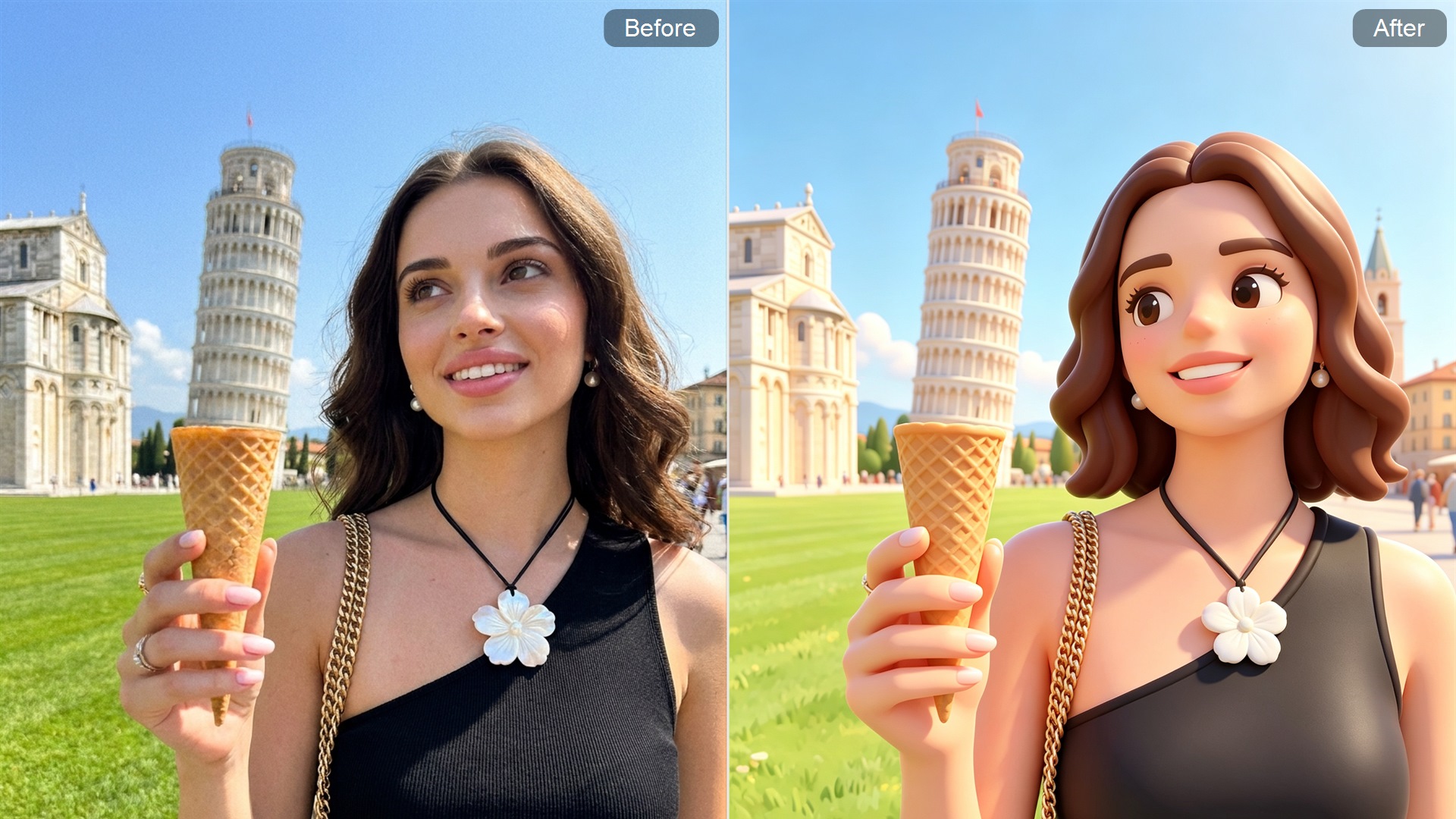
More AI Photo Editing Tools
FAQ
What is an AI beard filter?
An AI beard filter adds a simulated beard effect to an existing photo. It gives you a quick way to see how facial hair may change your appearance without growing or shaving a real beard. For more AI image editing options, explore our image-to-image Editor.
Does Guma offer multiple beard styles?
Currently, Guma offers only one beard-filter effect rather than a list of selectable styles. The experience is intentionally simple: upload a portrait and see the generated result.
How can I get a better result?
Use a sharp, well-lit photo with your face uncovered. A clear view of the jawline helps the tool create a more convincing result. Blurry images, heavy shadows, sunglasses, and face coverings can affect the output.
Is the generated beard an exact prediction?
No. It is an AI-generated visual reference, not a prediction of beard growth, density, color, or texture. Your real result may look different.
Can I use the image for a barber consultation?
Yes. The downloaded image can help you explain the general change you are considering. Your barber can still advise you on the length, shape, and maintenance that suit your actual facial hair.
Is the AI beard filter free to use?
Guma provides daily free credits for registered users, so you can start trying the AI image-generation experience after creating an account. Premium plans are available for higher usage and advanced options.