
Curly Hair Filter
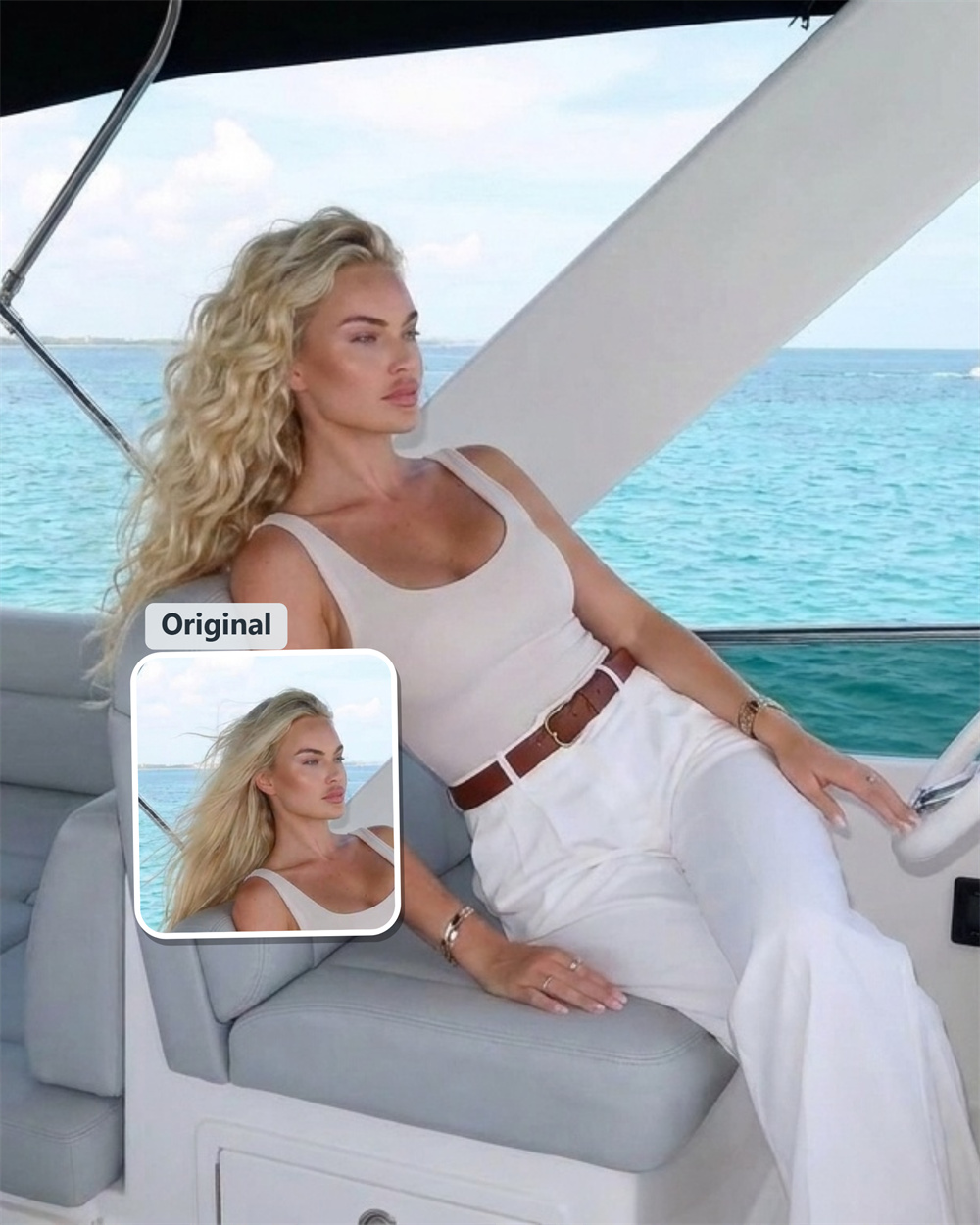
Add Natural Curls to Your Photo
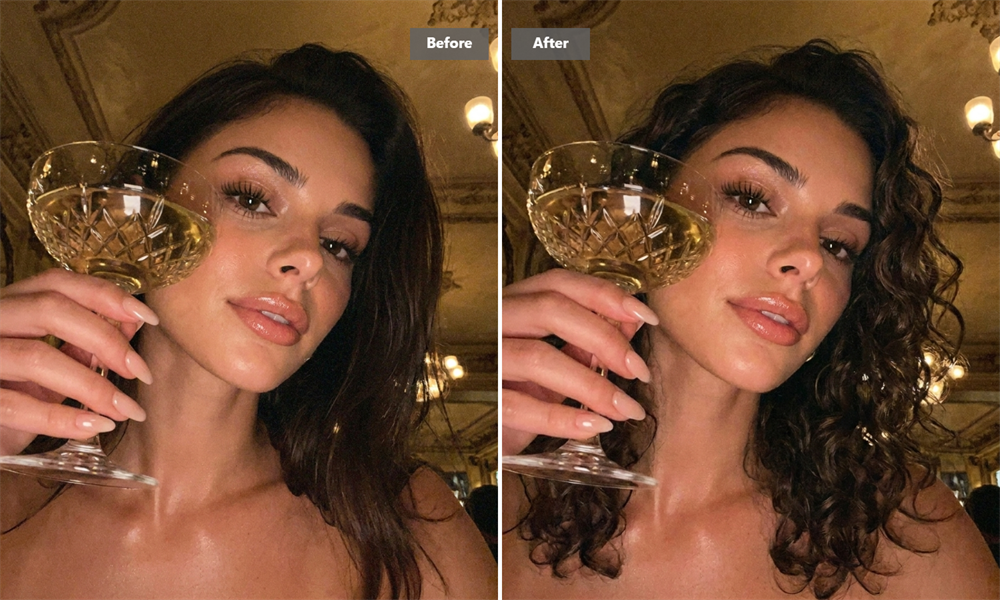
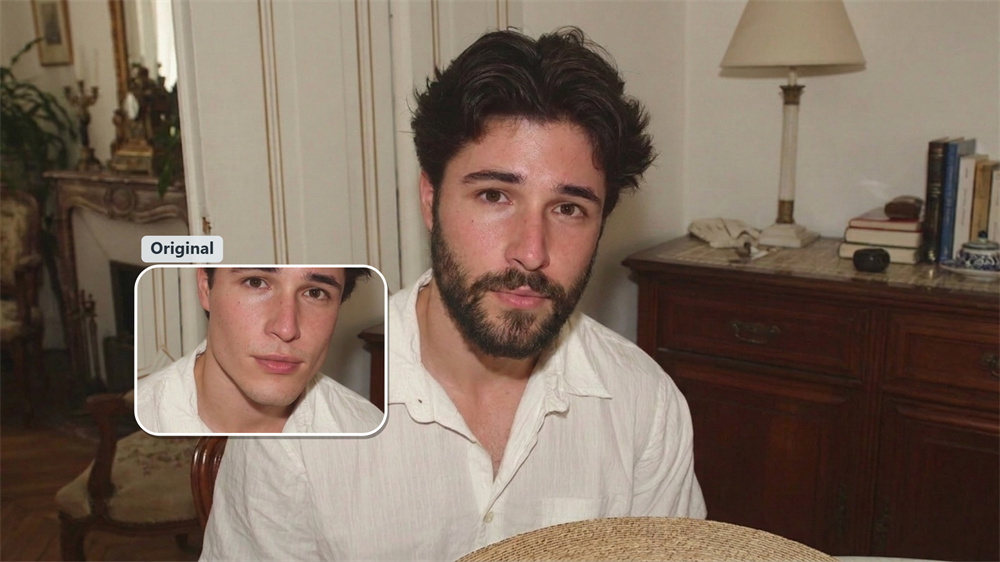
Turn a clear portrait into a curly-hair image with Guma. The filter gives your photo a fresh curl texture in moments—ideal for a new avatar, style inspiration, or a little creative fun.
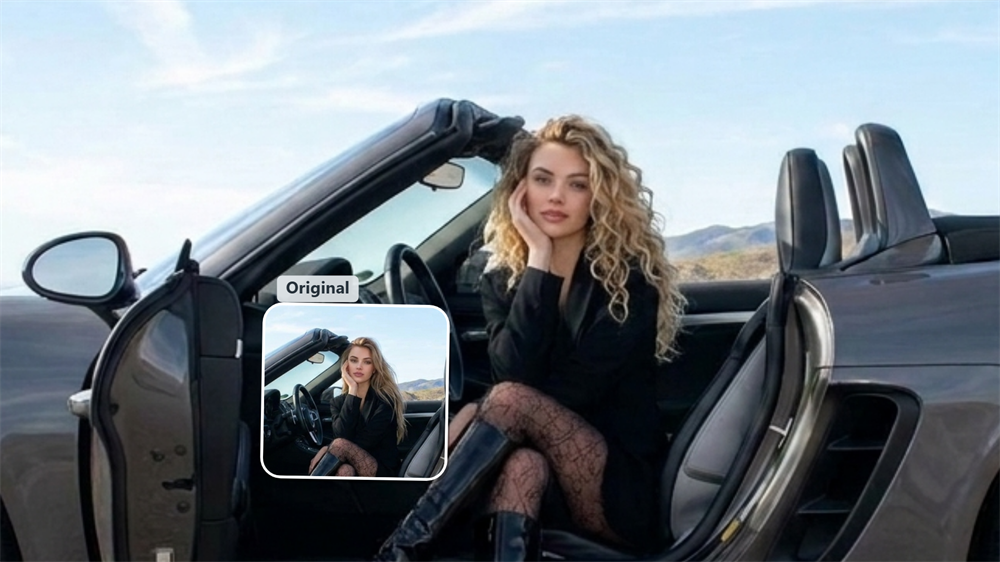
Bring More Shape to Your Look
Curls add movement, volume, and a different silhouette to a portrait. Guma shows how that texture changes the overall feel of your image, from relaxed and soft to more defined and expressive.
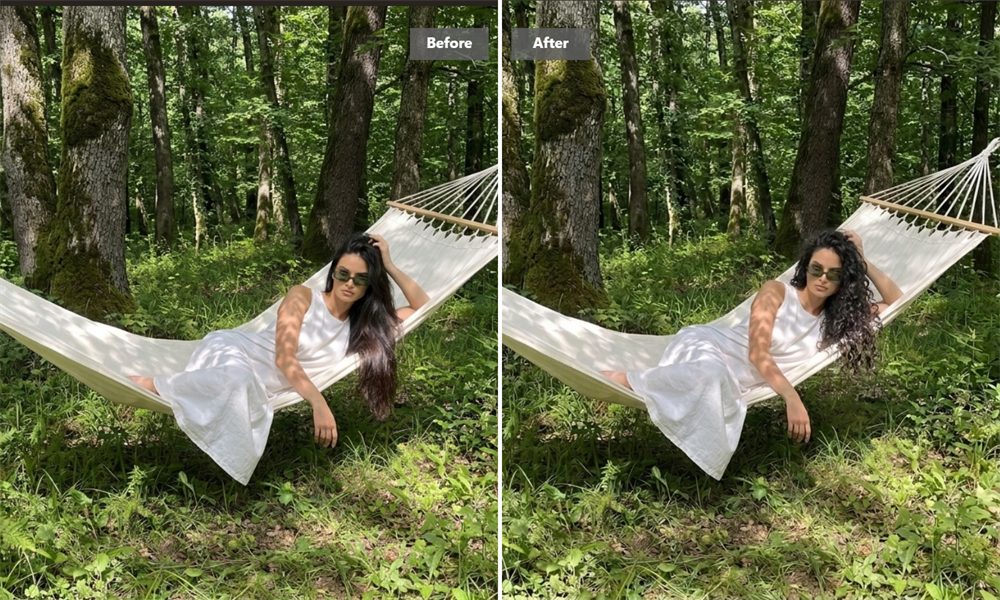
Take a Better Reference to the Salon
Finding the right words for a haircut or perm can be difficult. Generate a curly-hair image and use it as a visual reference when discussing the shape and overall direction you want with your stylist.
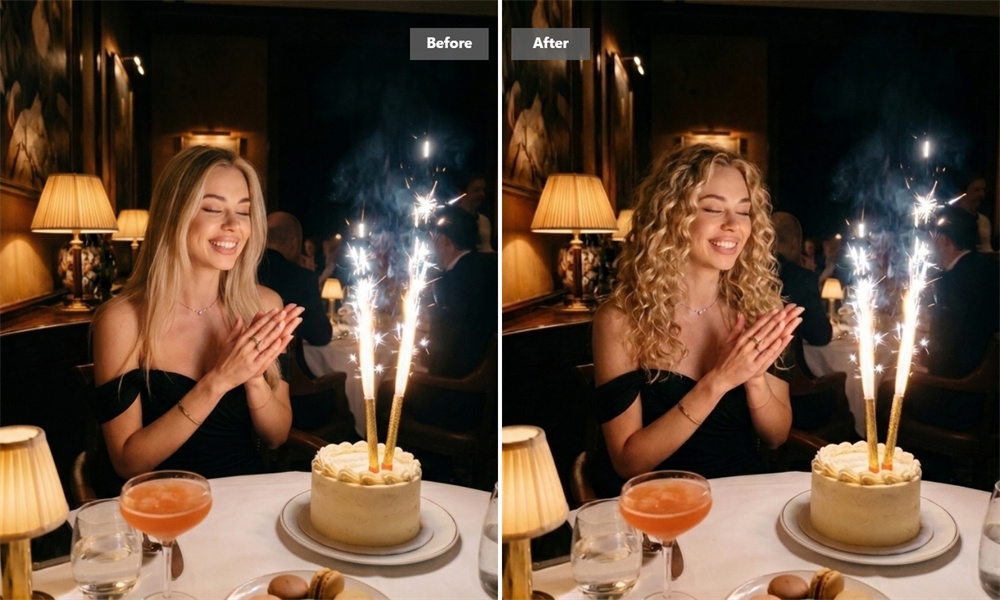
Make Your Portrait Stand Out
A hairstyle change is one of the simplest ways to refresh a profile image. Use your curly-hair result for a social post, avatar update, or a conversation-starting before-and-after with friends.
Consider the Everyday Side of Curls
Curls can look great, but they also come with their own styling routine. Seeing the look on your own photo makes it easier to decide whether the volume and texture match the way you like to wear your hair day to day.
How It Works
Upload
Choose a clear photo with your face and hair visible.
Generate
Guma adds a curly hairstyle to your image.
Download
Save your finished image and share it if you like.
Explore More Hair Filters
Curly Hair Filter FAQ
What is Guma’s curly hair filter?
It’s an online AI tool that adds a curly hairstyle to your photo. The result can help you consider a new style or create a fresh portrait. For more ways to transform your photos, explore our Image to Image tool.
How do I use it?
Upload a photo, generate the image, and download the result. A front-facing photo with visible hair usually works best.
Does it look like a real hairstyle?
The tool uses your face, hairline, and lighting as reference when creating the image. A sharp, well-lit photo gives it more detail to work with.
Can I use it before getting a perm?
Yes. It is a useful way to narrow down the look you want before discussing a perm with your stylist.
Which photo should I choose?
Use a clear, high-resolution image with your face and hair unobstructed. Avoid heavy shadows, blur, hats, and tightly tied hair.
Can I share the result?
Yes. Save it as a hairstyle reference, profile image, or social post, subject to Guma’s terms of use.
Is it free?
Registered Guma users receive daily free credits to try the tool. Premium plans add more generations and advanced capabilities.
Do I need an app?
No. You can use it in a supported web browser without installing software.