
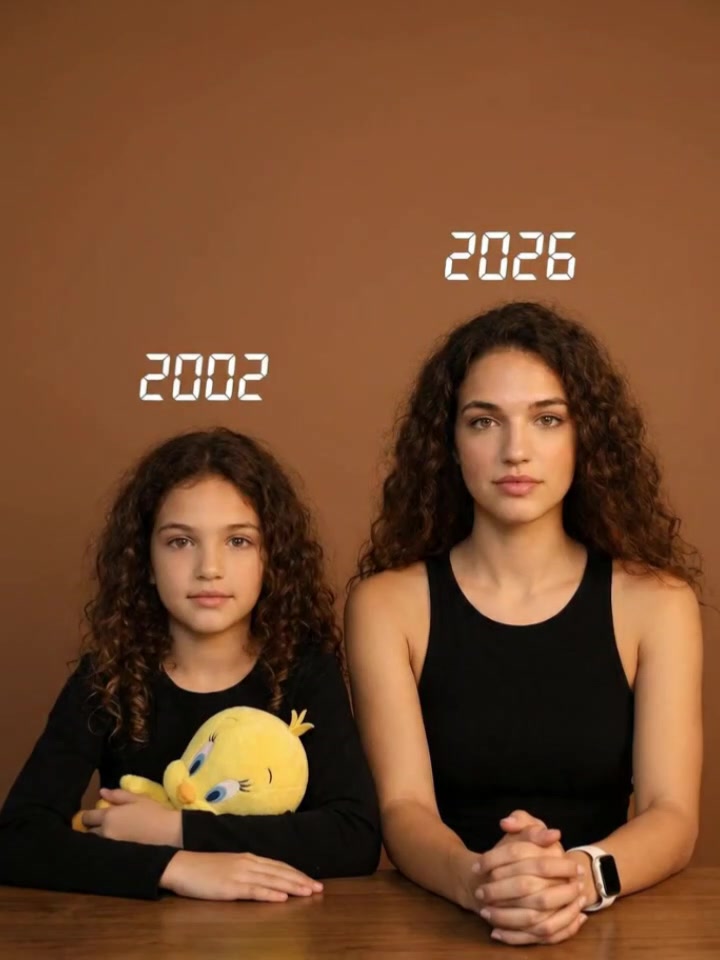
AI Hug Video Prompts
Animate heartfelt hugging videos with ready-to-use AI video prompt templates. Transform separate photos into emotional hugs with loved ones, younger selves, or late family members—all in seconds.
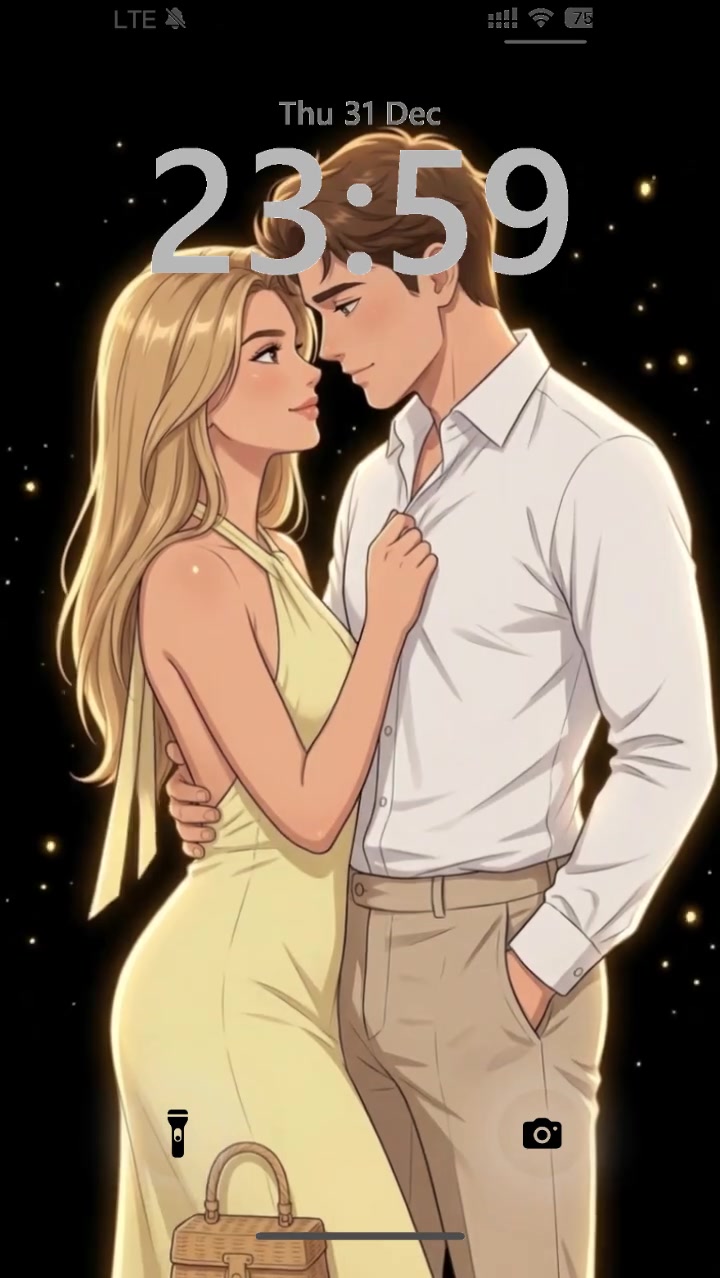
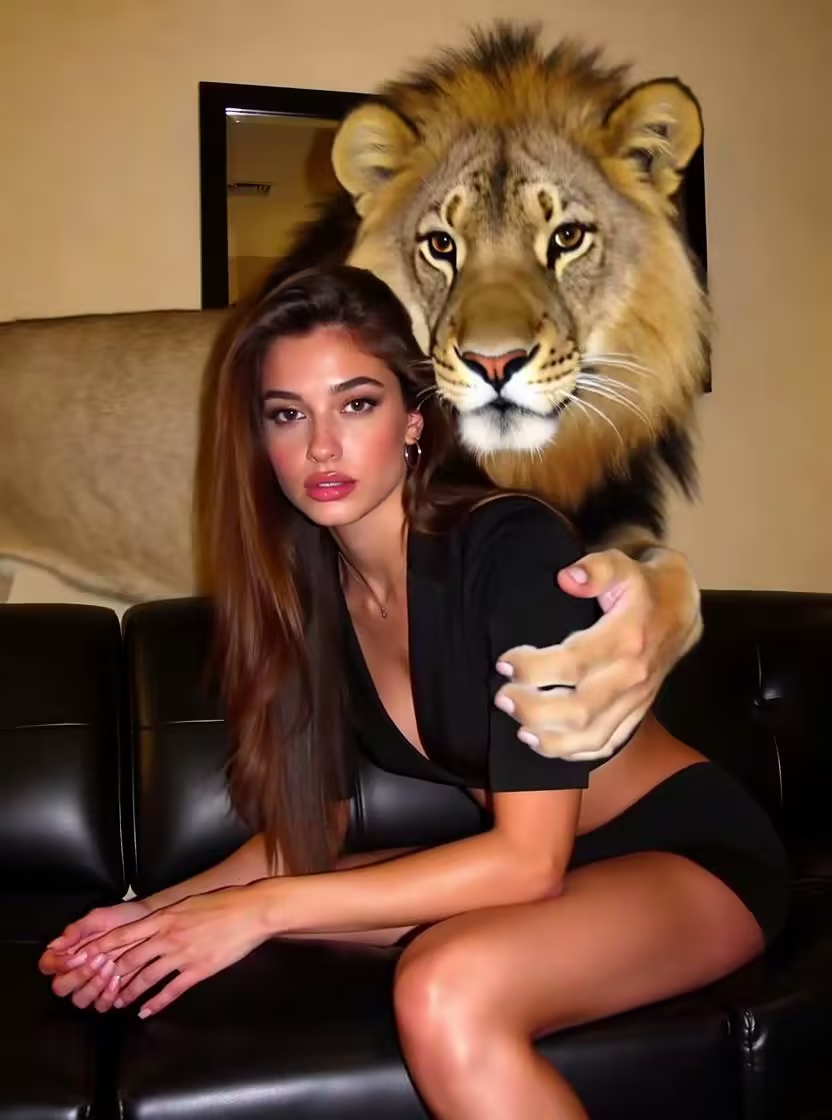
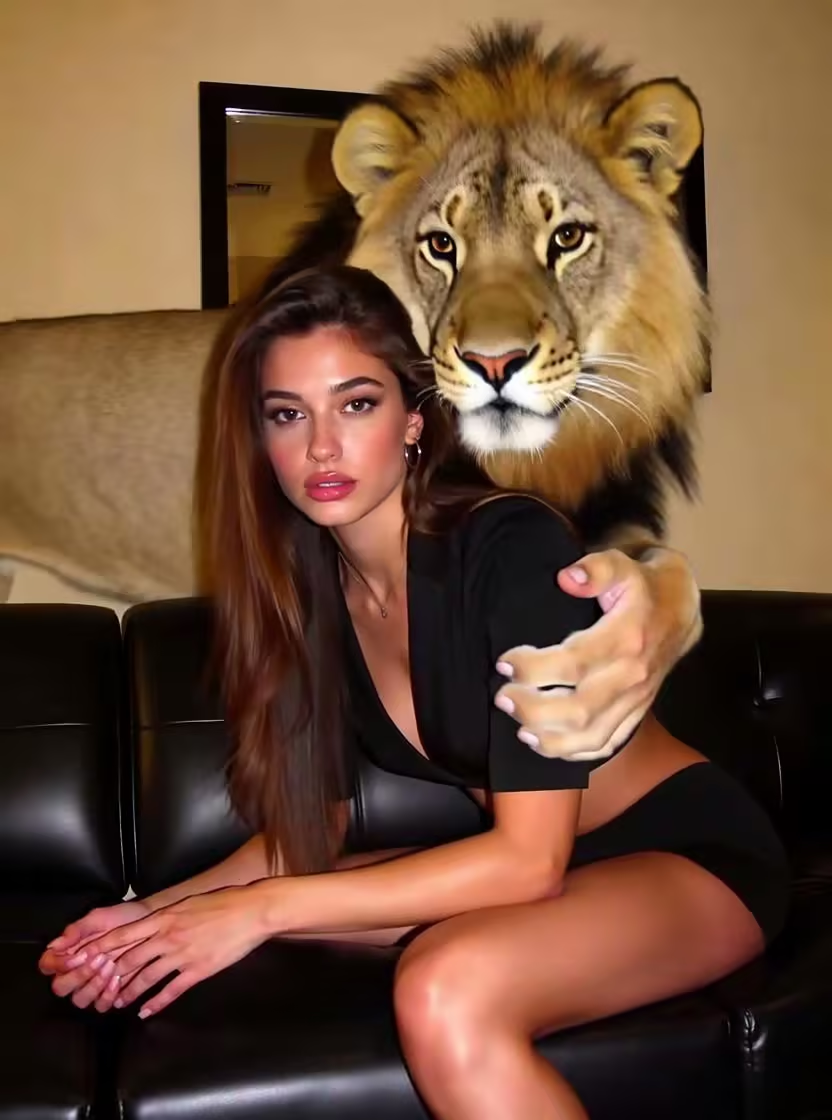
Turn Any Two Photos Into a Moving Hug Video
Want to bring separate pictures together in a warm, natural embrace? Easily transform your still portraits into warm, natural hugging videos using pre-tested motion styles. Pick a ready-to-use prompt style, drop in your photos, and turn still portraits into a smooth, heartwarming video hug in seconds.
Why Choose Guma.top to Make Your AI Hug Videos
Guma provides ready-to-use motion templates and automated spatial alignment, helping you turn your photos into warm embrace animations smoothly and reliably.
Faces Stay Recognizable
Our face tracking system preserves original smiles, skin tones, and subtle features throughout the entire embrace.
Merge Any Two Photos Smoothly
Upload two portraits taken years or miles apart. Guma automatically balances mismatched lighting and background scale before blending them.
Cinematic Camera Motion
Choose templates styled with slow zoom-ins, side sweeps, or warm sunset glow to give your video a movie-like feel.
Ready-to-Use Motion Recipes
Skip the trial and error. Apply pre-tested prompt templates designed to deliver smooth, natural interactions right away.
Create Your Video Hug in Three Easy Steps
1
Pick a Prompt Style and Upload Your Photos
Select a ready-to-use prompt template from our gallery, then drop in your single photo or two separate individual portraits.
2
Apply the Template and Generate
Confirm your chosen motion style and click generate to process the physical interaction.
3
Preview the Hug Animation and Download HD Video
Check the physical movement and facial stability, then export your crisp 1080p MP4 clip.
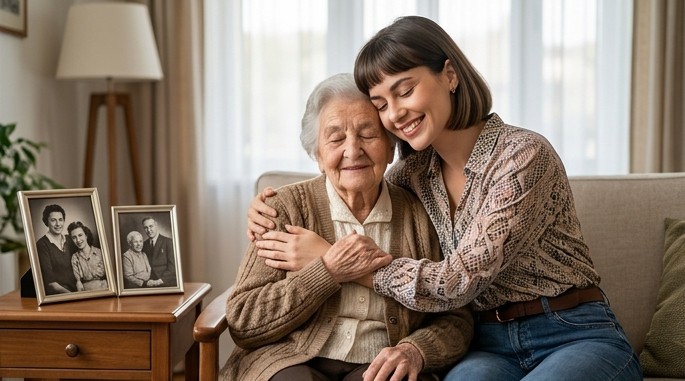
Recreate Moving Reunions with Memorial Photos
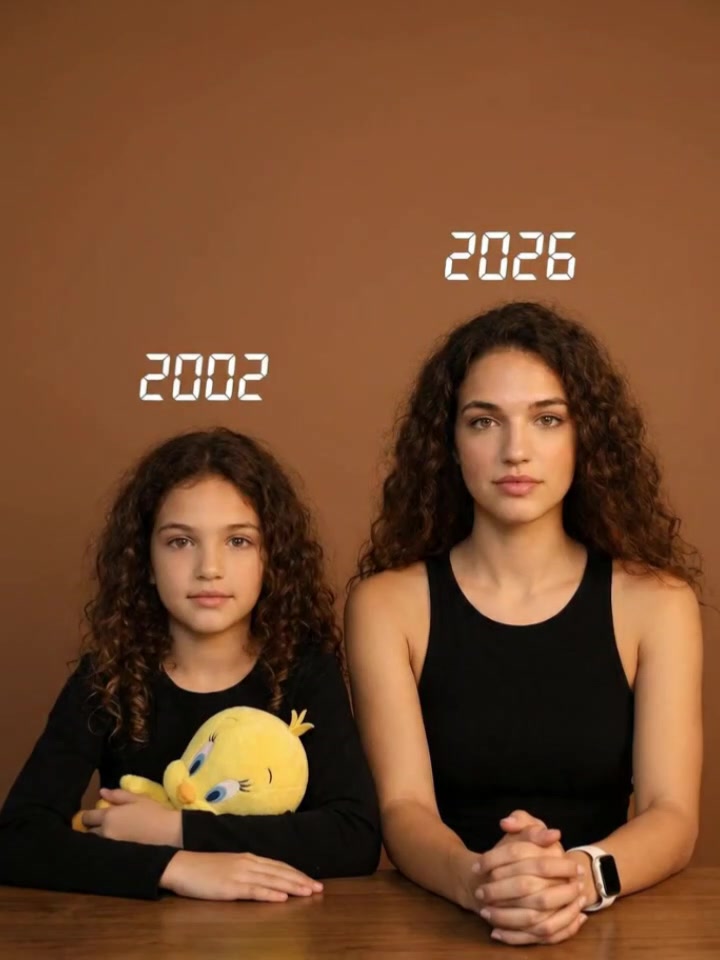
Reconnect with old memories or bridge geographical distance. Guma blends separate snapshots of late family members, distant friends, or your younger self into a gentle, quiet embrace that feels real and respectful.
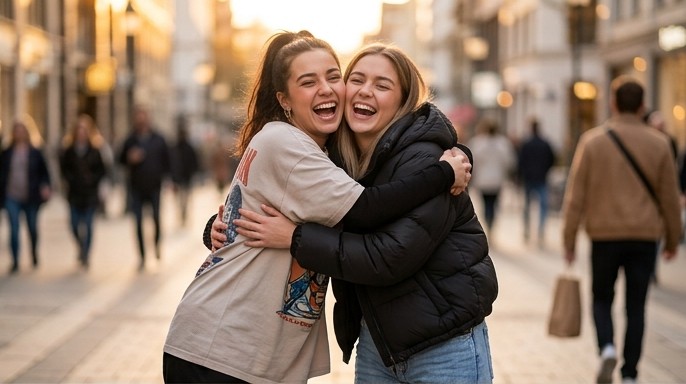
Make Heartwarming Video Clips for TikTok & Reels
Create emotional video content that hooks viewers instantly. Pair your photos with templates packed with cinematic lighting, slow-motion steps, and viral-ready camera moves.
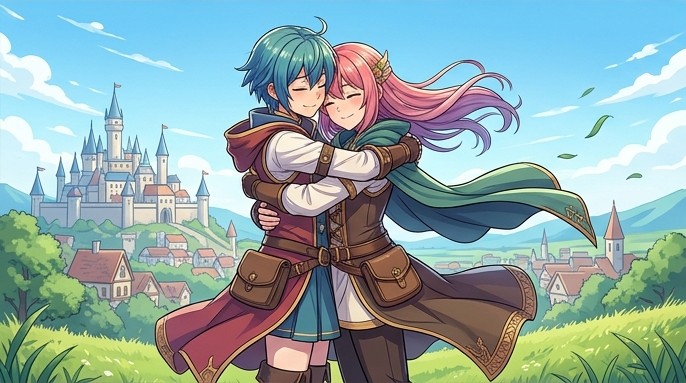
Animate Anime Character Art Without Ruining the Style
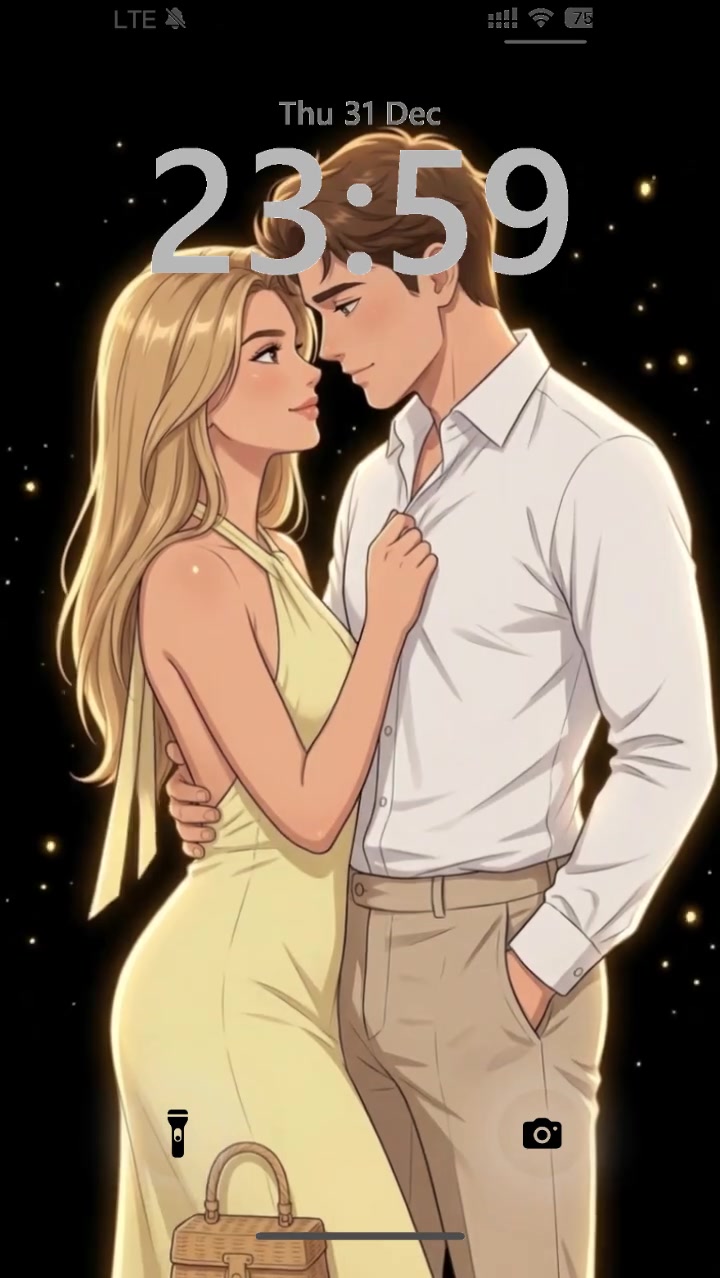
Bring webcomic pairs, fan art, or digital paintings into a shared animated hug. Guma protects your original artwork, keeping clean line art, sharp anime shading, and painterly textures intact during movement.

Capture Sweet Moments Between Pets & Owners
Turn everyday pet snapshots into adorable video moments. Use pet-focused templates to render gentle shoulder leans, head pats, and tail wags between you and your dog or cat.
Discover More AI Video Prompts Across Creative Categories
Looking for motion ideas beyond hugs? Browse Guma’s expanded prompt directory to find ready-to-use text templates for character movements, camera zooms, atmospheric lighting, and visual transitions across various video styles.
Powered by Industry-Leading AI Video Models
Choose the underlying AI model that best fits your visual style. Guma integrates top-tier video generation engines like Seedance, Kling, PixVerse, and Minimax, giving you the flexibility to switch between engines for photorealistic motion or artistic rendering.
Frequently Asked Questions About AI Hug Video Prompts on Guma
How do prompt templates ensure realistic AI hug movements?
Templates use a structured formula combining three essential layers: Action Cues, Camera Trajectories, and Lighting Tags. This combination gives the render engine precise spatial guidelines for natural motion.
Can I merge two photos with completely different lighting and quality?
Yes. Before creating the motion, Guma automatically balances exposure, color tones, and grain across both uploaded photos so your final video looks like both people were captured in the same environment.
How do I keep faces from warping during the video hug?
Upload clear, well-lit portraits where faces are not covered by heavy shadows, hands, or hats. High-clarity source images give the tracking system stable anchors throughout the embrace.
How long does it take from upload to final video download?
Most hug videos render in 30 to 90 seconds on Guma depending on video length and server queue traffic.