
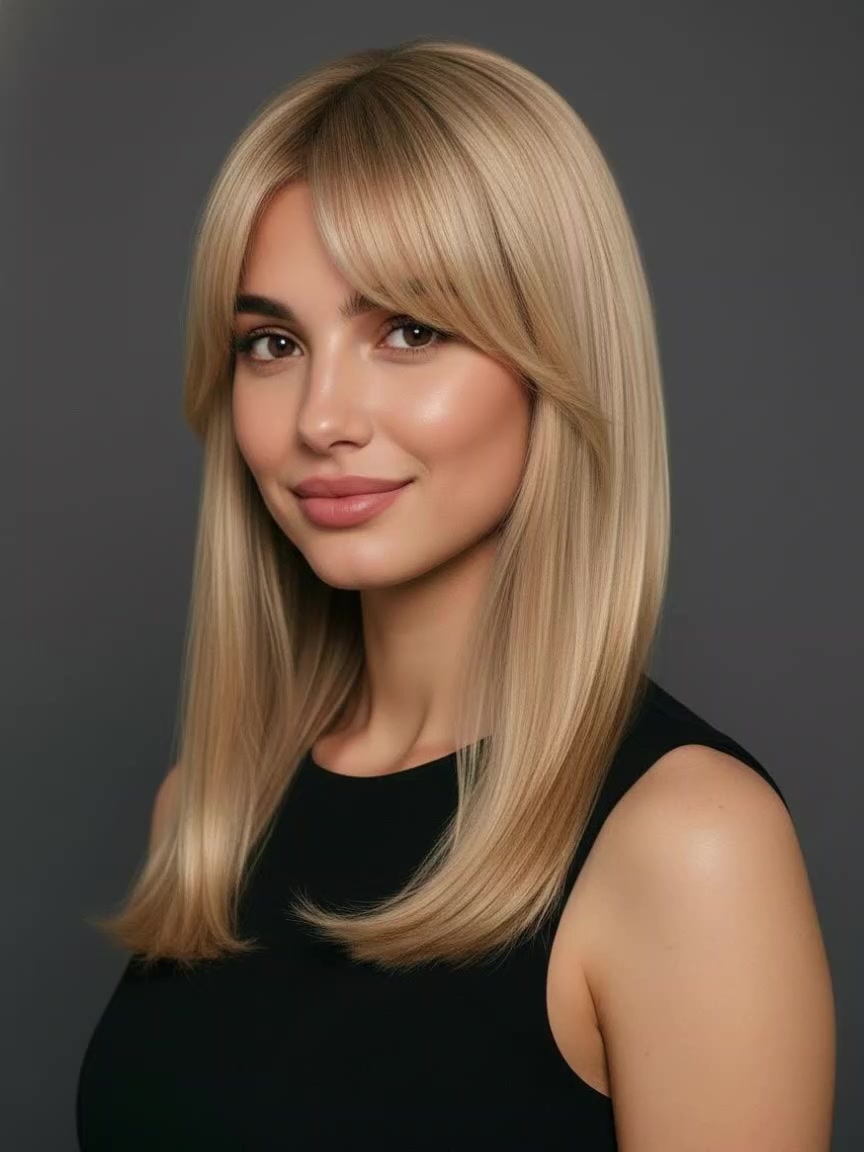
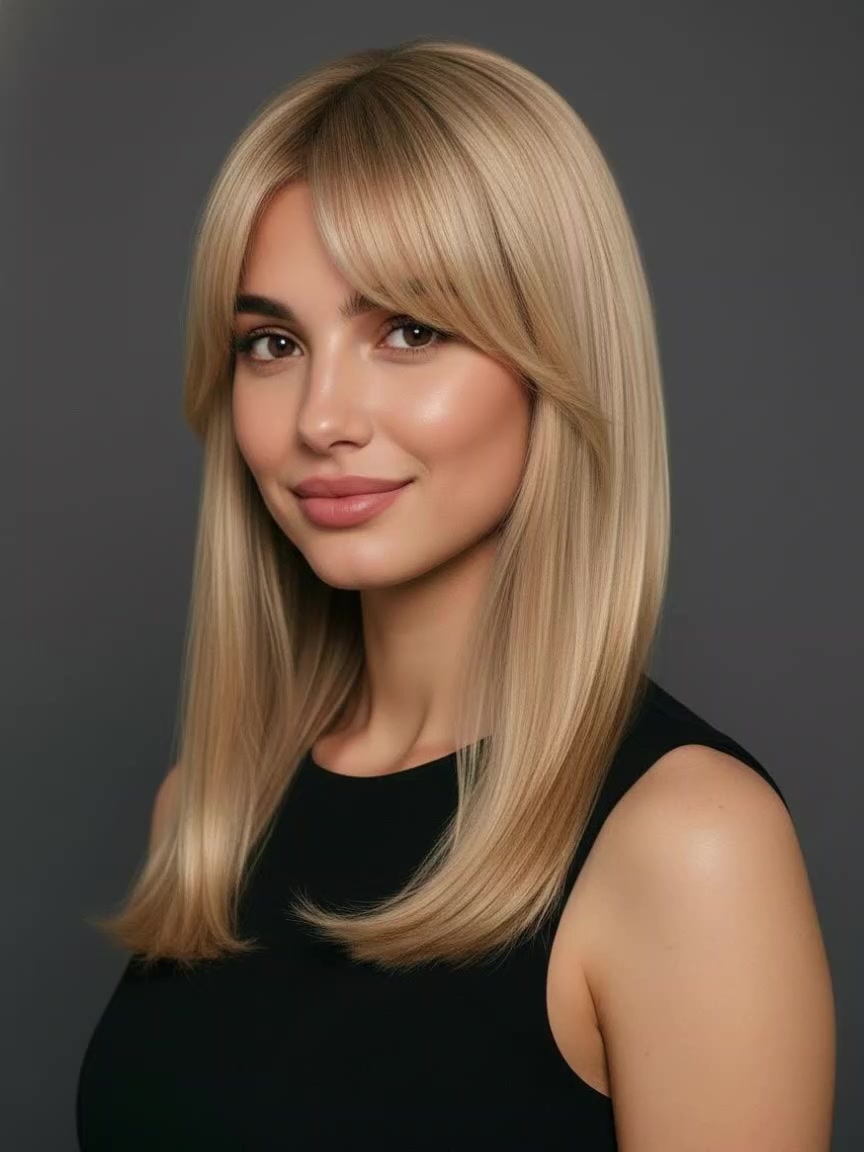
AI Hairstyle Changer Prompts
Try on various virtual hairstyles online with Guma's ready-to-use style options. Transform your photos into bobs, curtain bangs, or Pixie cuts—all in seconds.
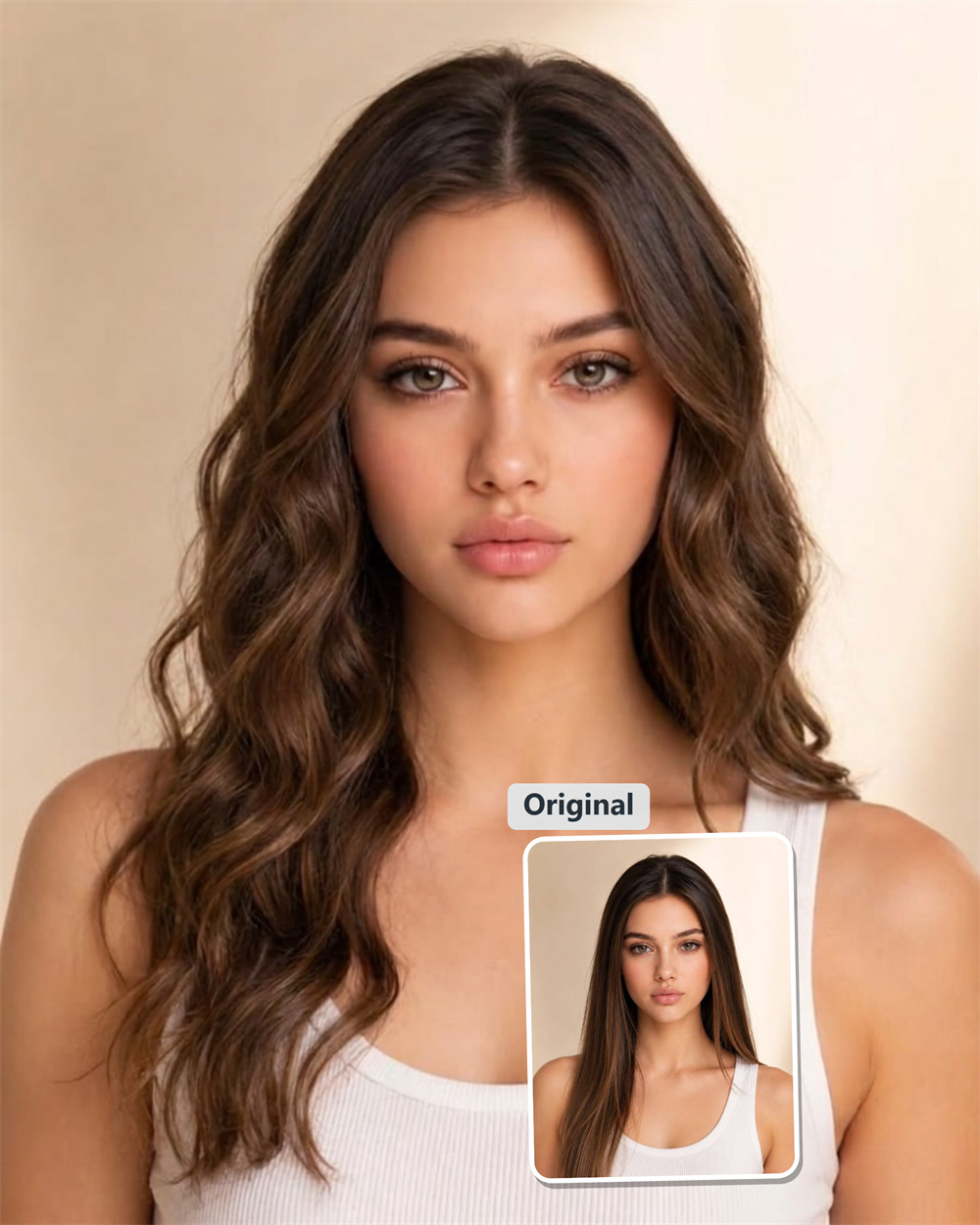
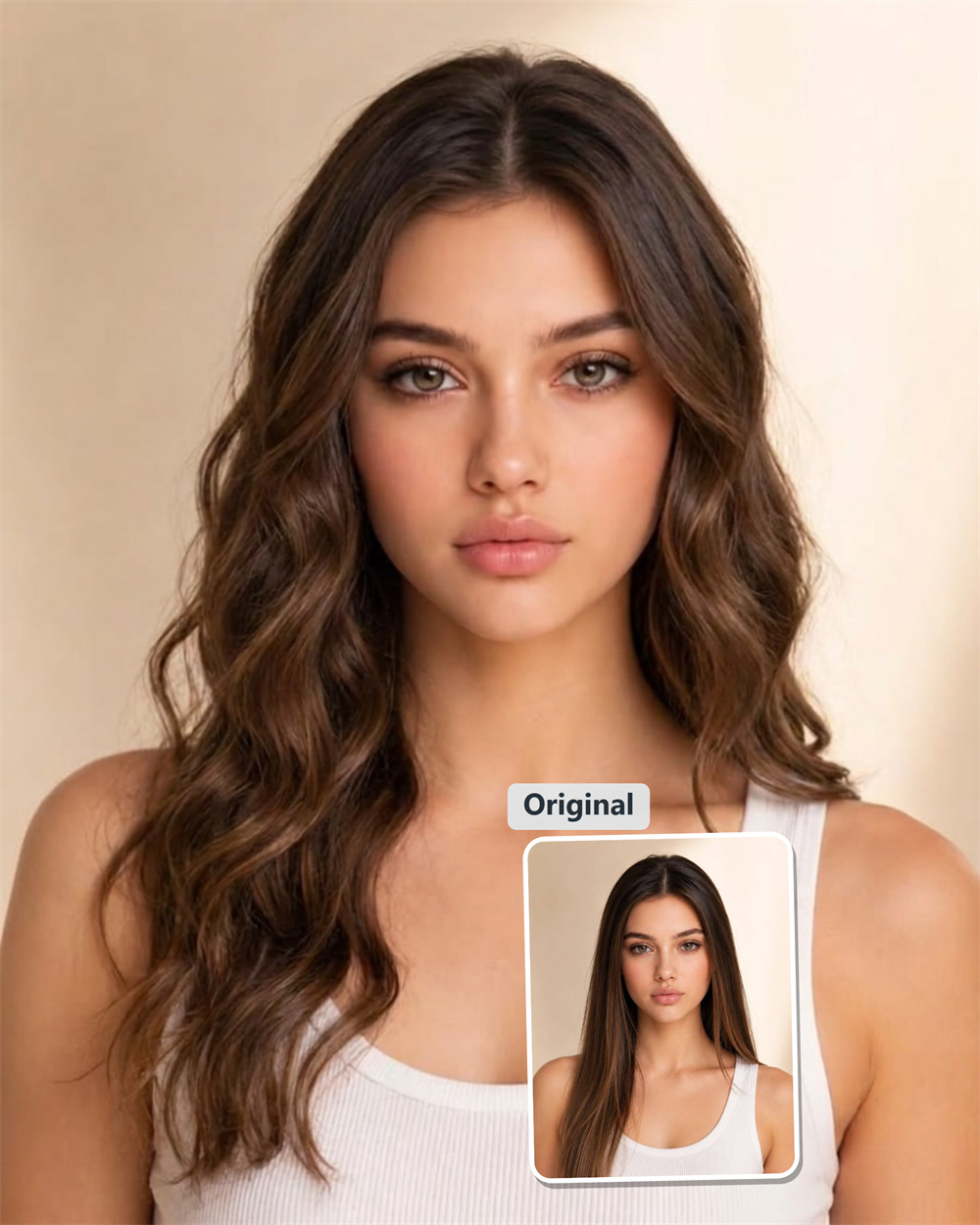
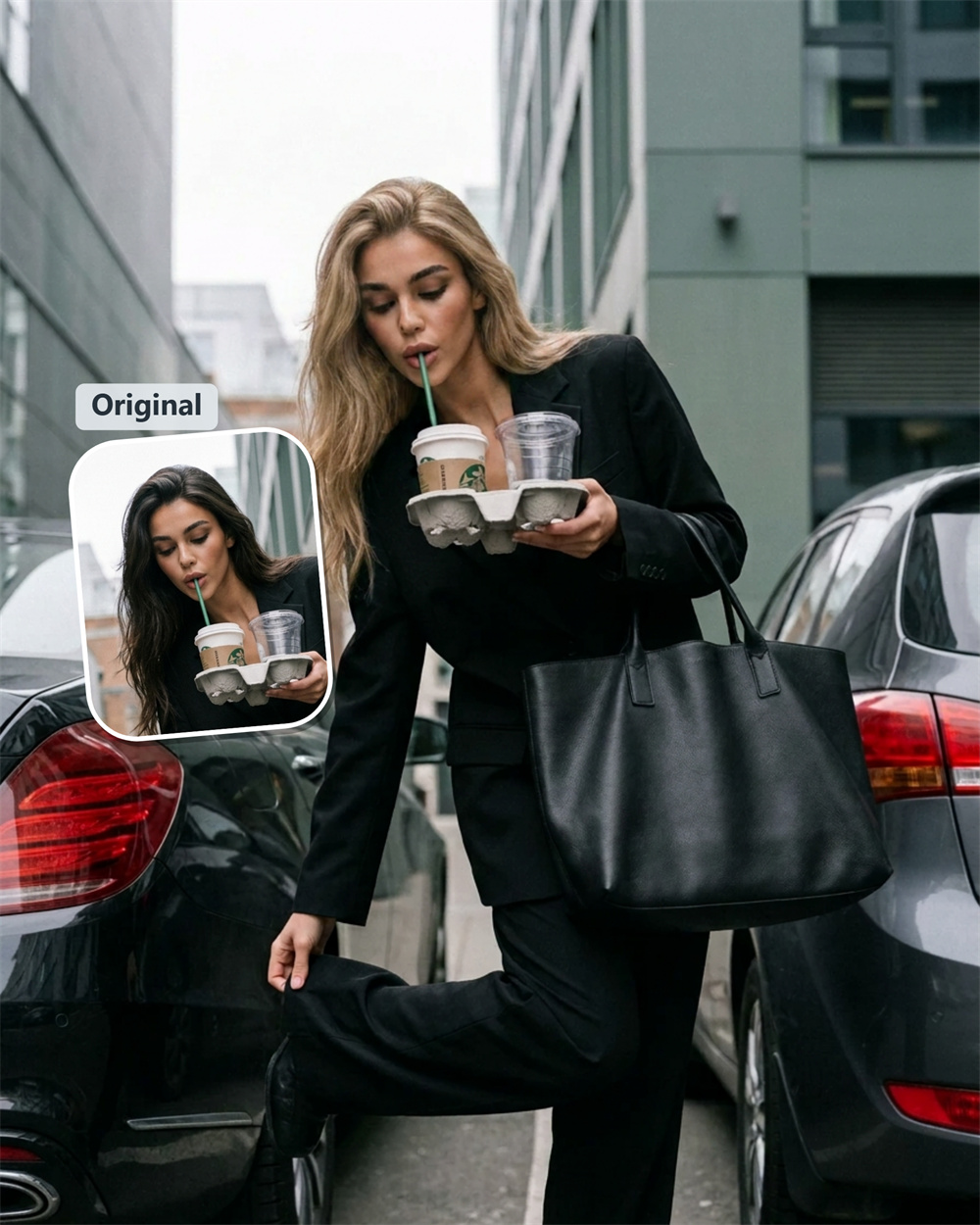
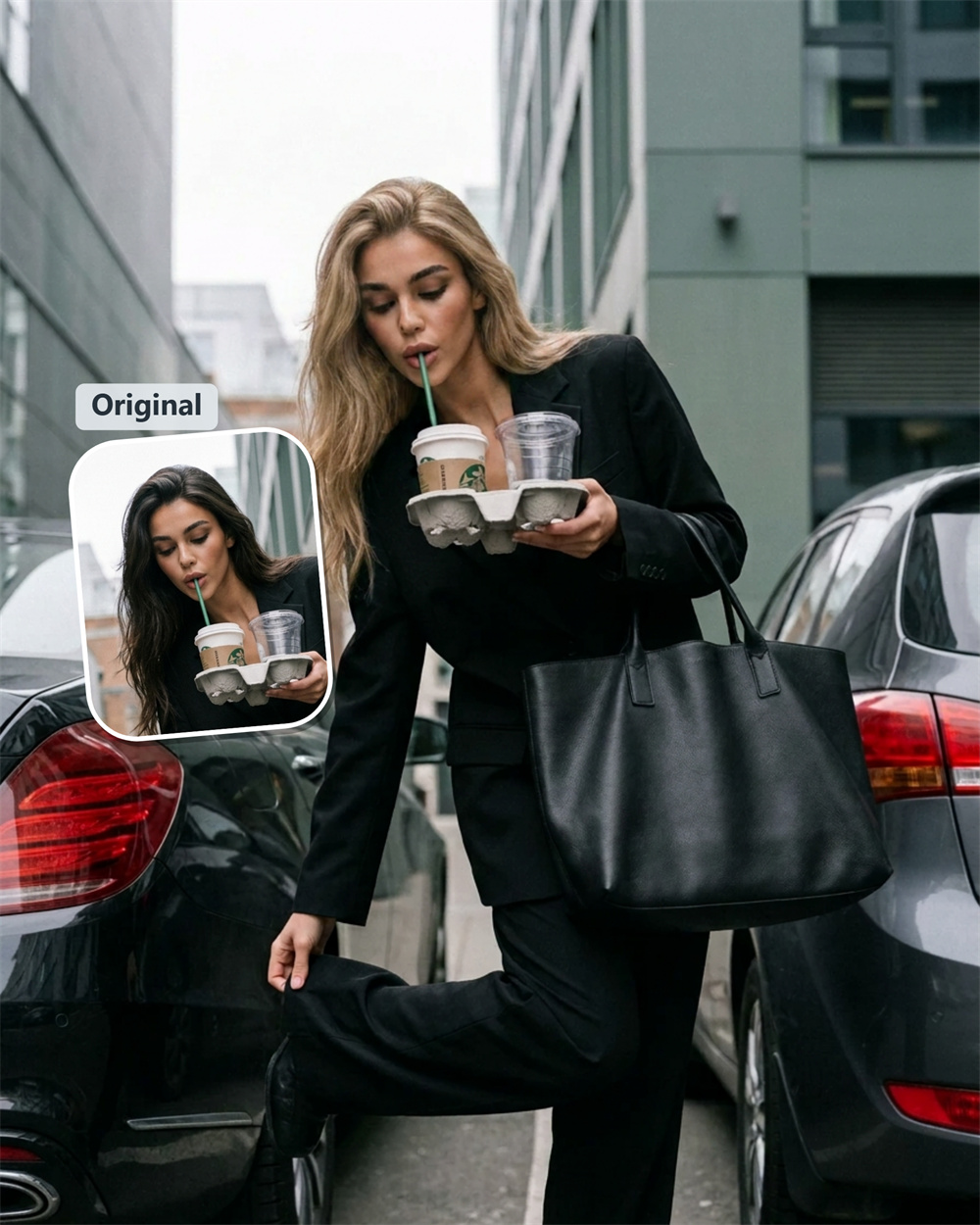
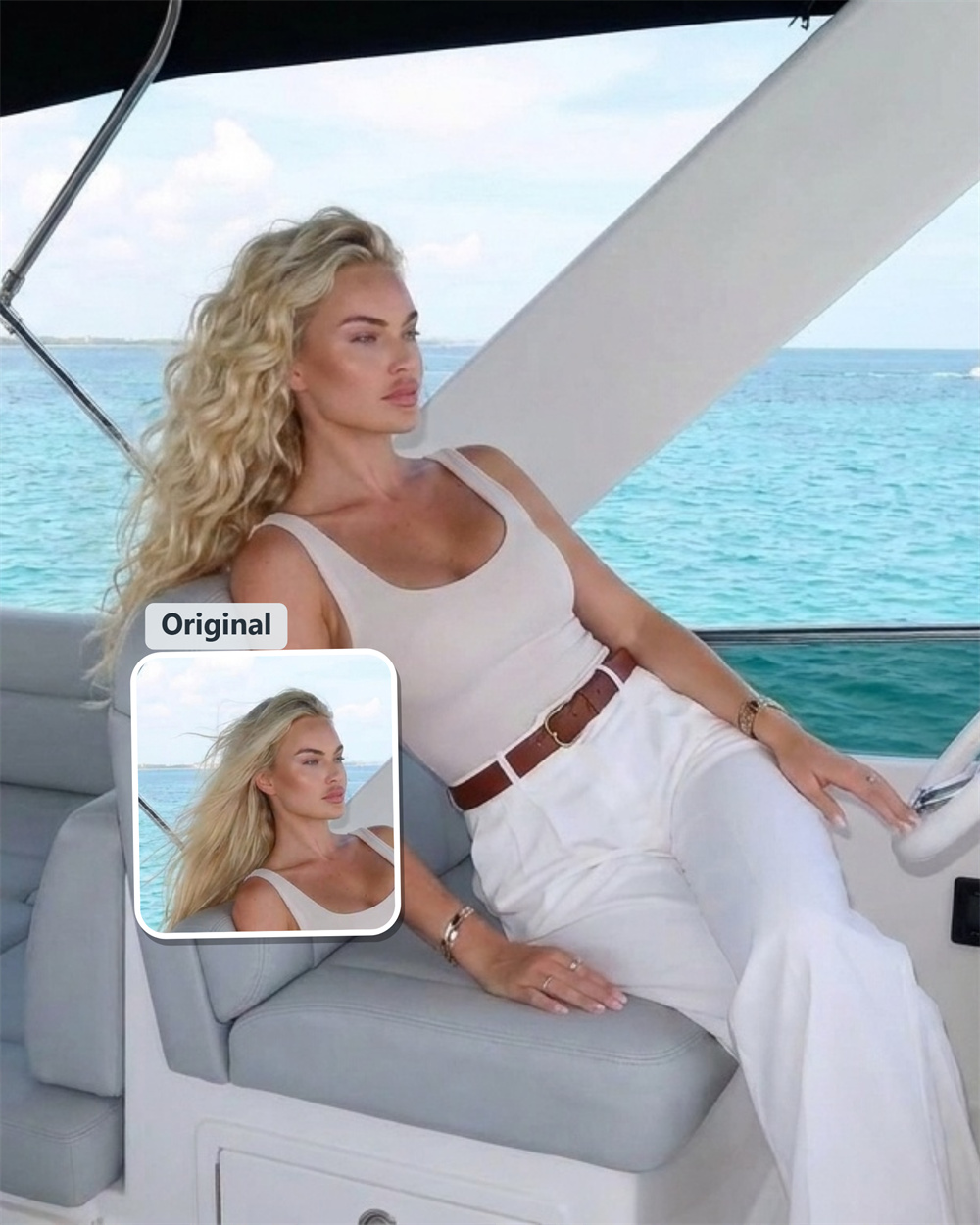
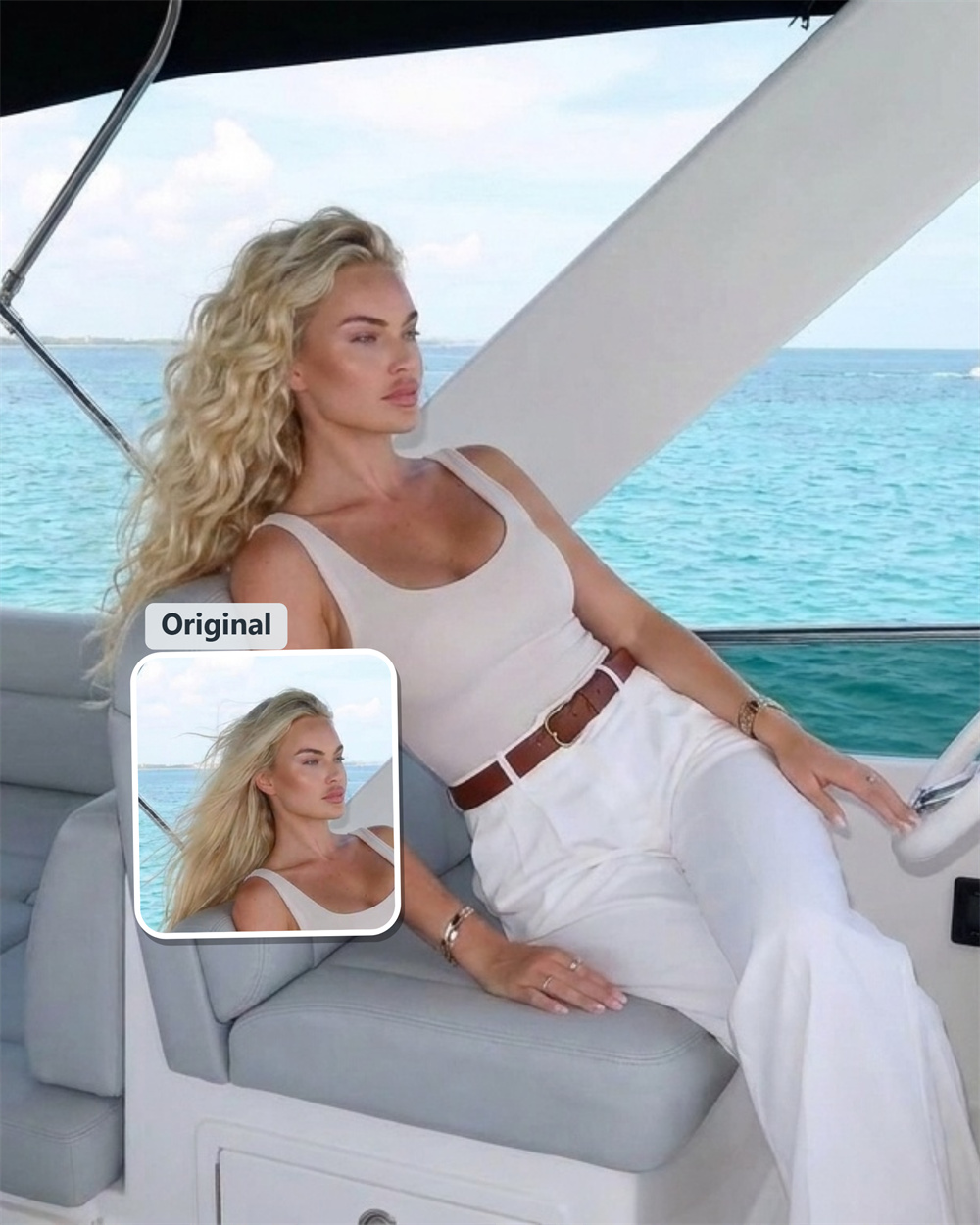
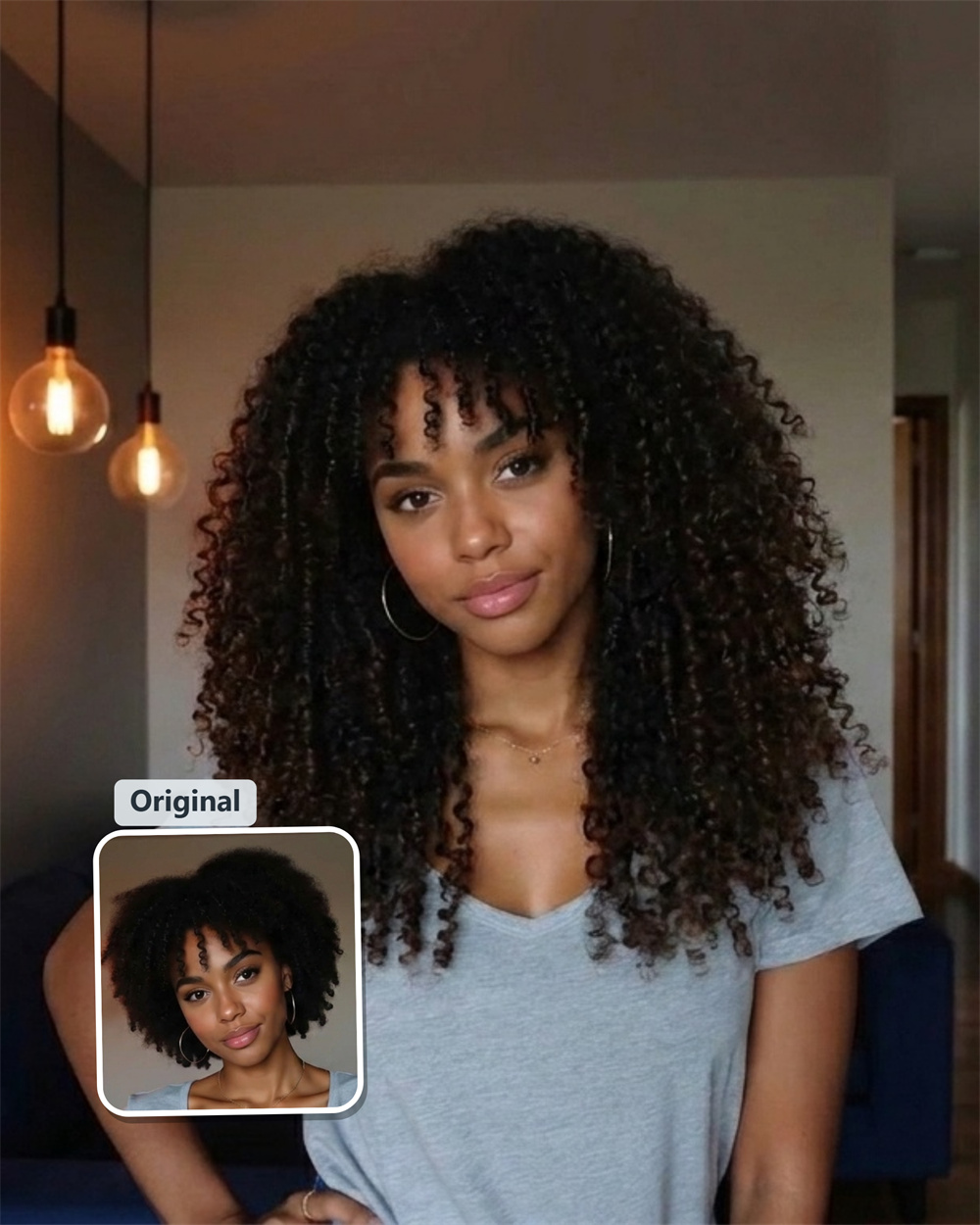
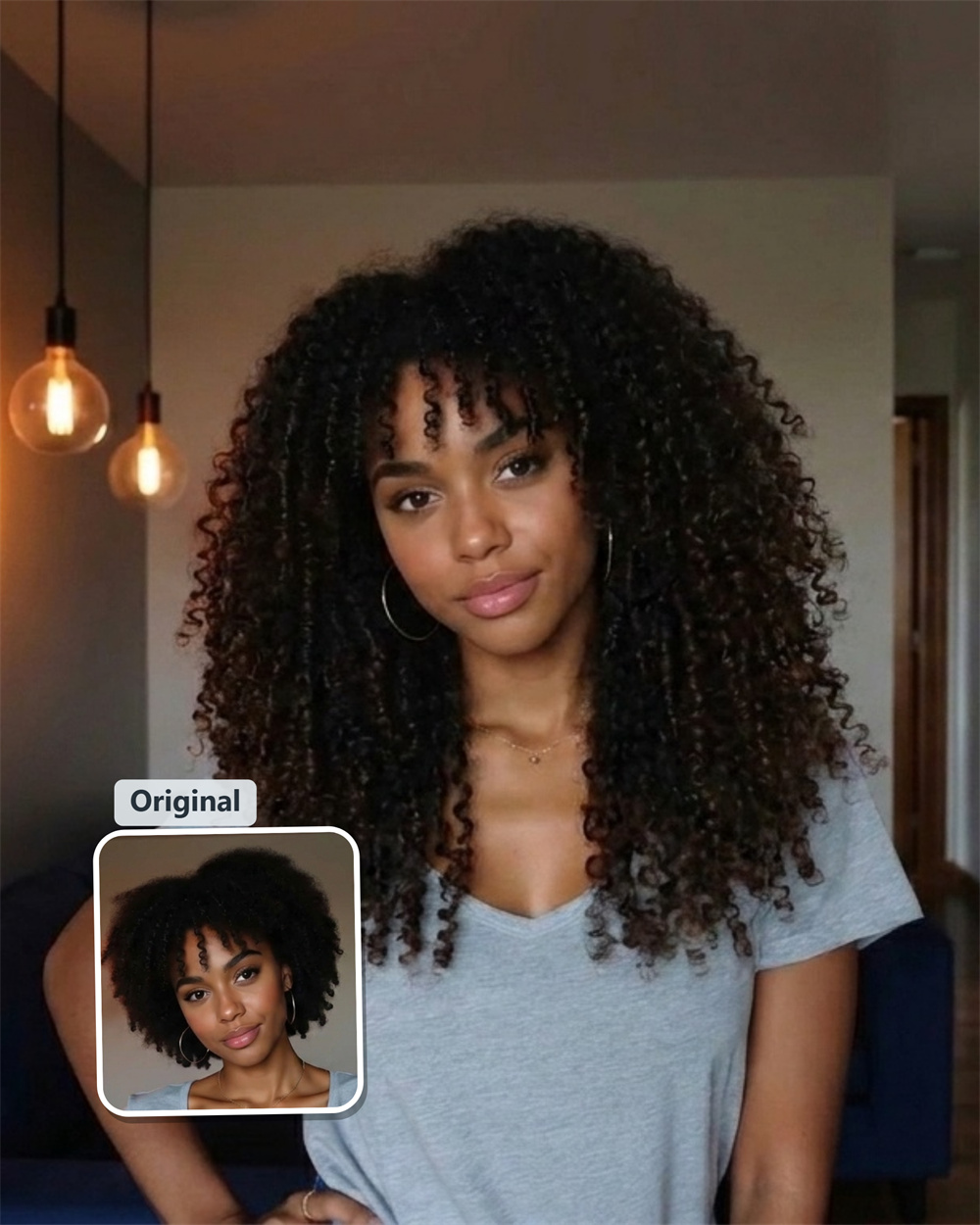
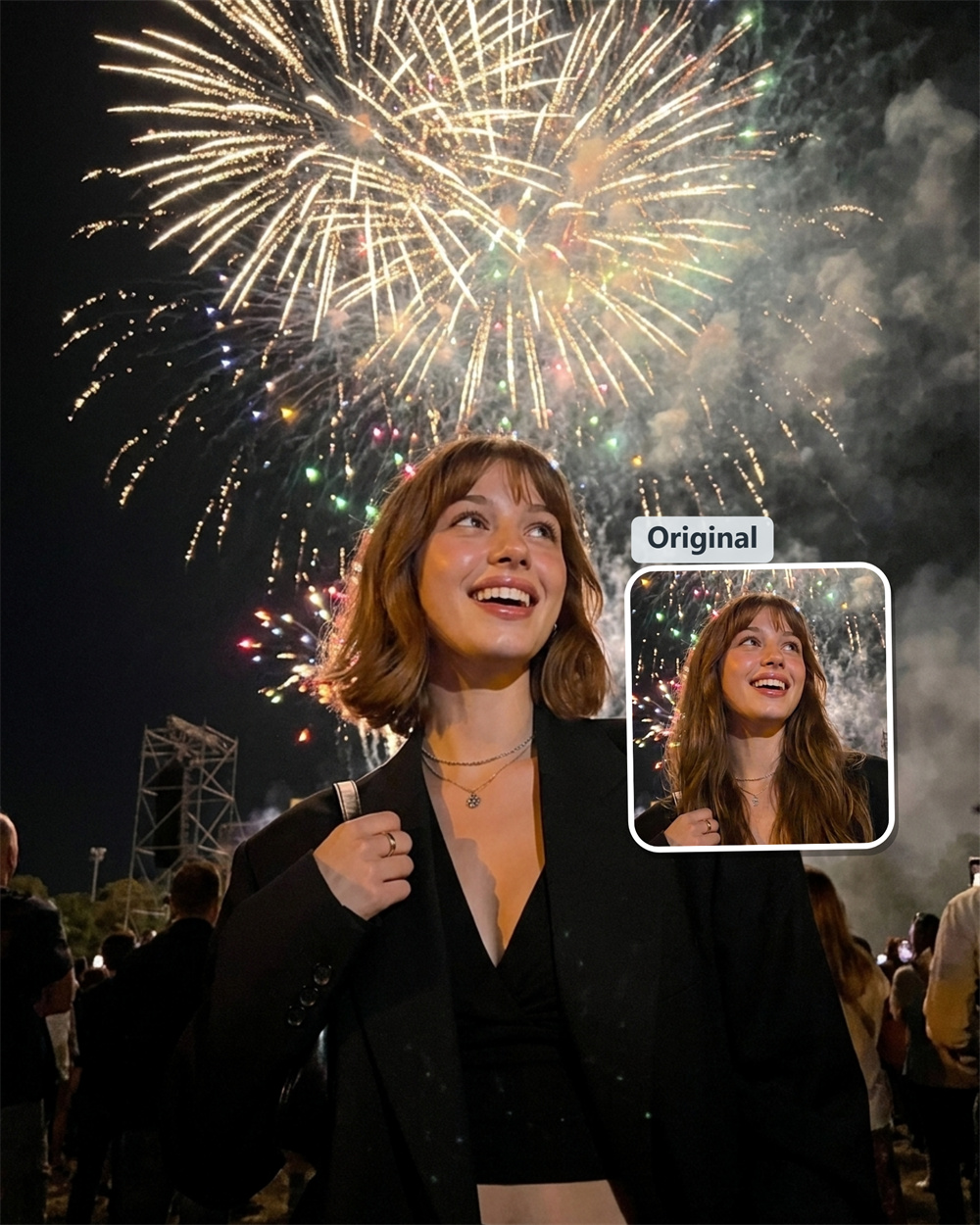
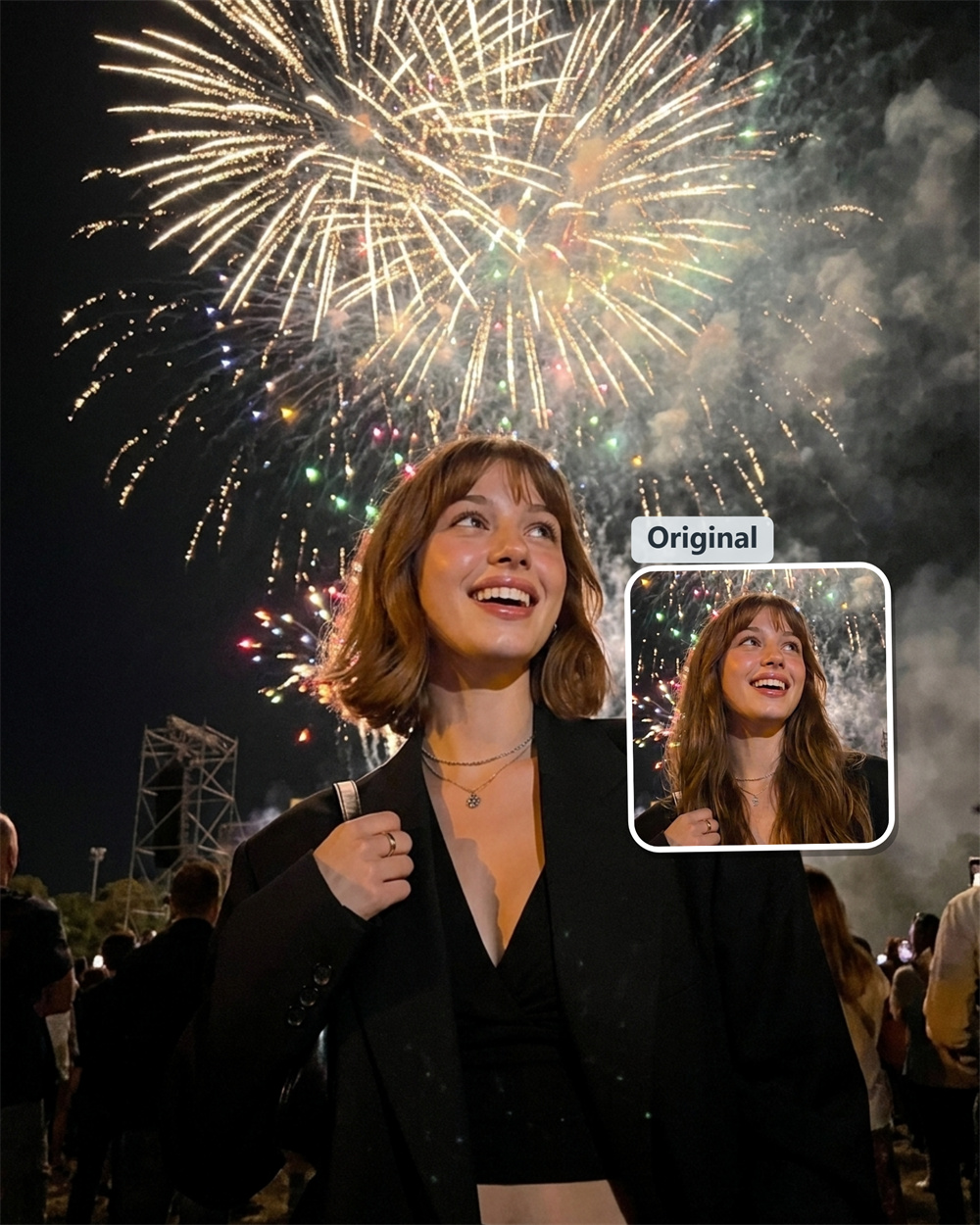
Try On Virtual Hairstyles Online
Curious how a different haircut might change your appearance? Add a portrait to Guma AI Hairstyle Changer and generate a fresh hairstyle concept based on your image. Consider new lengths, shapes, and textures before deciding which direction you may want to pursue.
Why Use Guma AI Hairstyle Changer
Guma offers a straightforward way to turn a portrait into a new hairstyle concept. The guided workflow removes the need for manual retouching, making it easy to experiment online and discover a look that feels worth considering.
Begin with a Familiar Face
Use your own portrait to see a hairstyle concept in a familiar setting, making the result easier to assess.
Skip Manual Photo Editing
Guma handles the transformation without masks, layers, or detailed retouching, keeping the workflow simple.
Get a Concrete Hairstyle Concept
Turn a general haircut idea into an image you can review, discuss, and refine before making a real change.
Work Directly in Your Browser
Create online without extra software, then continue with Guma's other image, video, template, and model tools.
Create a New Hairstyle Look in 3 Steps
1
Add a Clear Portrait
Choose a well-lit image with one person clearly visible and submit it through the page uploader.
2
Generate the Transformation
Start the AI Hairstyle Changer template and let Guma produce a new hairstyle interpretation from the source image.
3
Review the Finished Look
Check how the generated hairstyle works with the portrait and decide whether the concept matches the direction you had in mind.
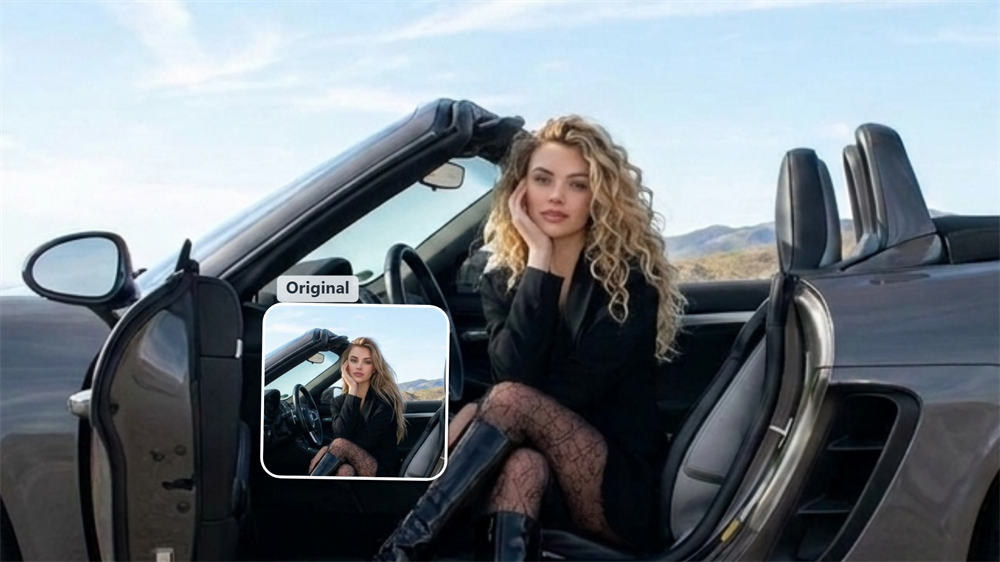
Consider the Balance Between Hair and Face Shape
Hair length and silhouette can change how the forehead, cheekbones, and jawline are visually framed. Viewing another hairstyle on the same portrait can make these differences easier to notice, even though the generated image is not a professional face-shape assessment or a guarantee of a real-world result. [Try the AI Hairstyle Changer Now]
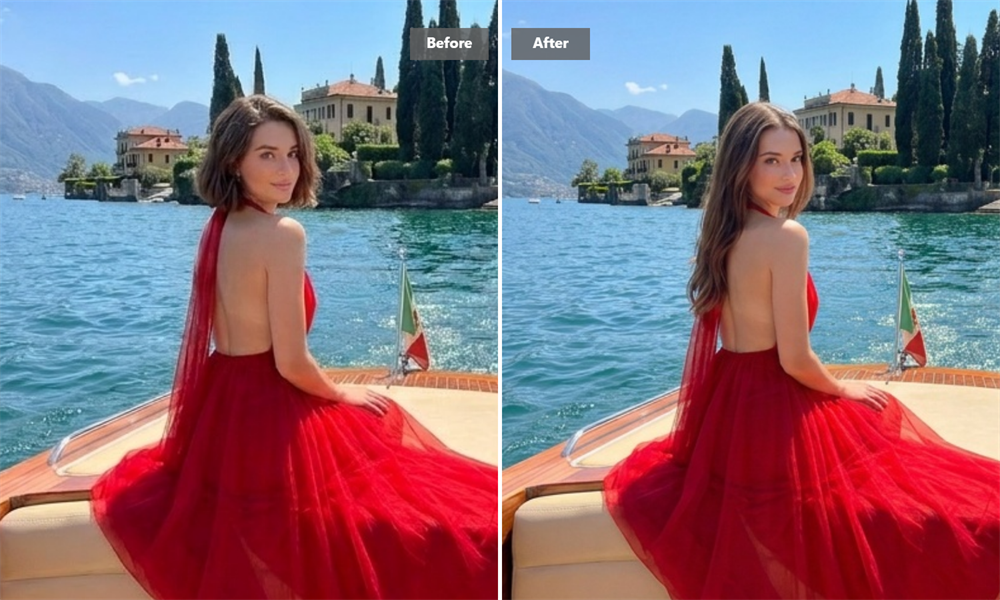
Turn a General Idea into Something You Can See
Terms such as “shorter,” “more layered,” or “softer around the face” can mean different things to different people. An AI-generated concept gives those ideas a visible form, helping you think more clearly about the overall shape and mood you prefer. [Try the AI Hairstyle Changer Now]
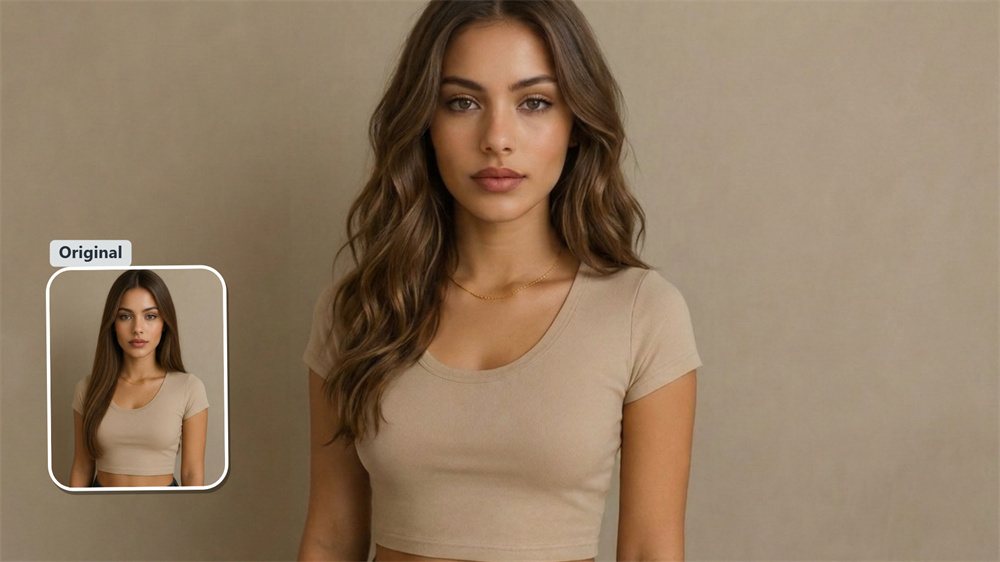
Make Hairstyle Conversations More Specific
Show the generated result to your hairstylist as a creative reference during your consultation. You can point out the length, outline, fringe, or texture that caught your attention, while your stylist advises how those elements could be adapted to your natural hair. [Try the AI Hairstyle Changer Now]
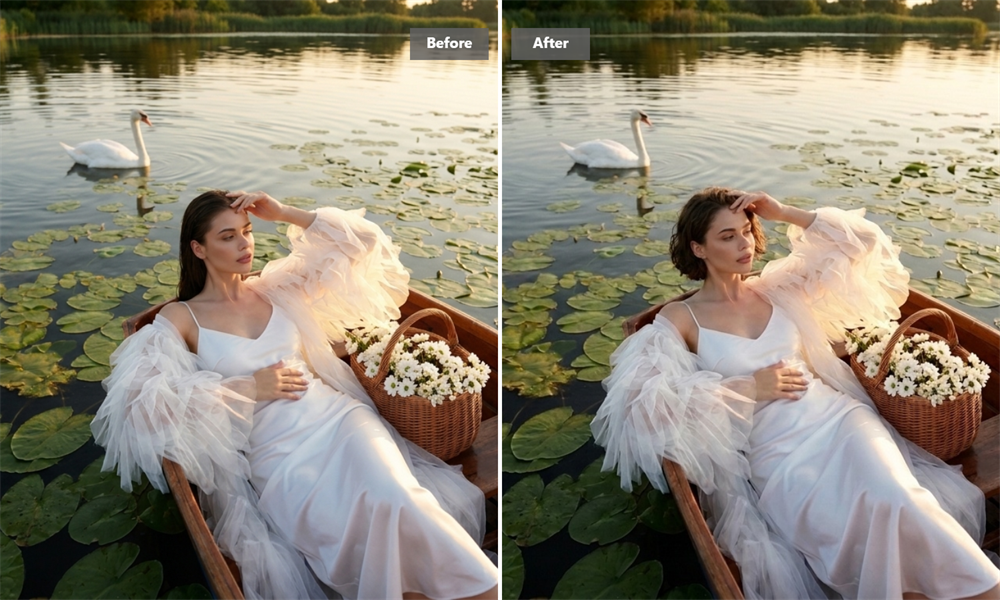
Try a Different Direction Without Changing Your Hair
A cropped shape, longer outline, soft layer, or textured finish can create a very different impression. An AI version offers a convenient way to consider an unfamiliar direction before making a physical change. [Try the AI Hairstyle Changer Now]
Scale Your Creative Ideas Across More Style Categories
Changing hairstyles is just the beginning of your visual creation journey. Guma is a flexible workflow engine for creative ideas across fantasy art, pet portraits, magazine covers, avatars, seasonal campaigns, and more.
Frequently Asked Questions About AI Hairstyle Changer
How realistic is the generated hairstyle?
The appearance of the result varies according to the source photo and the AI generation process. Good lighting and a clearly visible subject can support a more natural-looking output, but the image should be viewed as a creative interpretation rather than an exact forecast of a real haircut. For additional ways to transform an existing picture, visit Guma’s Image to Image tool.
What kind of portrait should I use?
Choose a sharp, well-lit image showing one person. Avoid heavy blur, strong shadows, covered hair, and objects blocking the face. The picture must also meet the file type and size requirements displayed in the uploader.
Can AI generation affect areas other than the hair?
Yes. Although the intended transformation centers on the hairstyle, the generation process may introduce differences in facial details, lighting, clothing, or the surrounding scene. Check the complete image rather than assuming every non-hair element will remain identical.
What happens to the image I submit?
Guma handles submitted content according to its current privacy practices and may use relevant service providers to complete the requested generation. Details about processing, security, retention, and deletion requests are available in the Guma Privacy Policy.
Can I show the result to a hairstylist?
Yes. It can help demonstrate the general direction you like, but it should not be treated as a technical cutting guide. Your stylist can assess whether the proposed shape, length, or texture is practical for your hair density, growth pattern, condition, and preferred maintenance routine.