
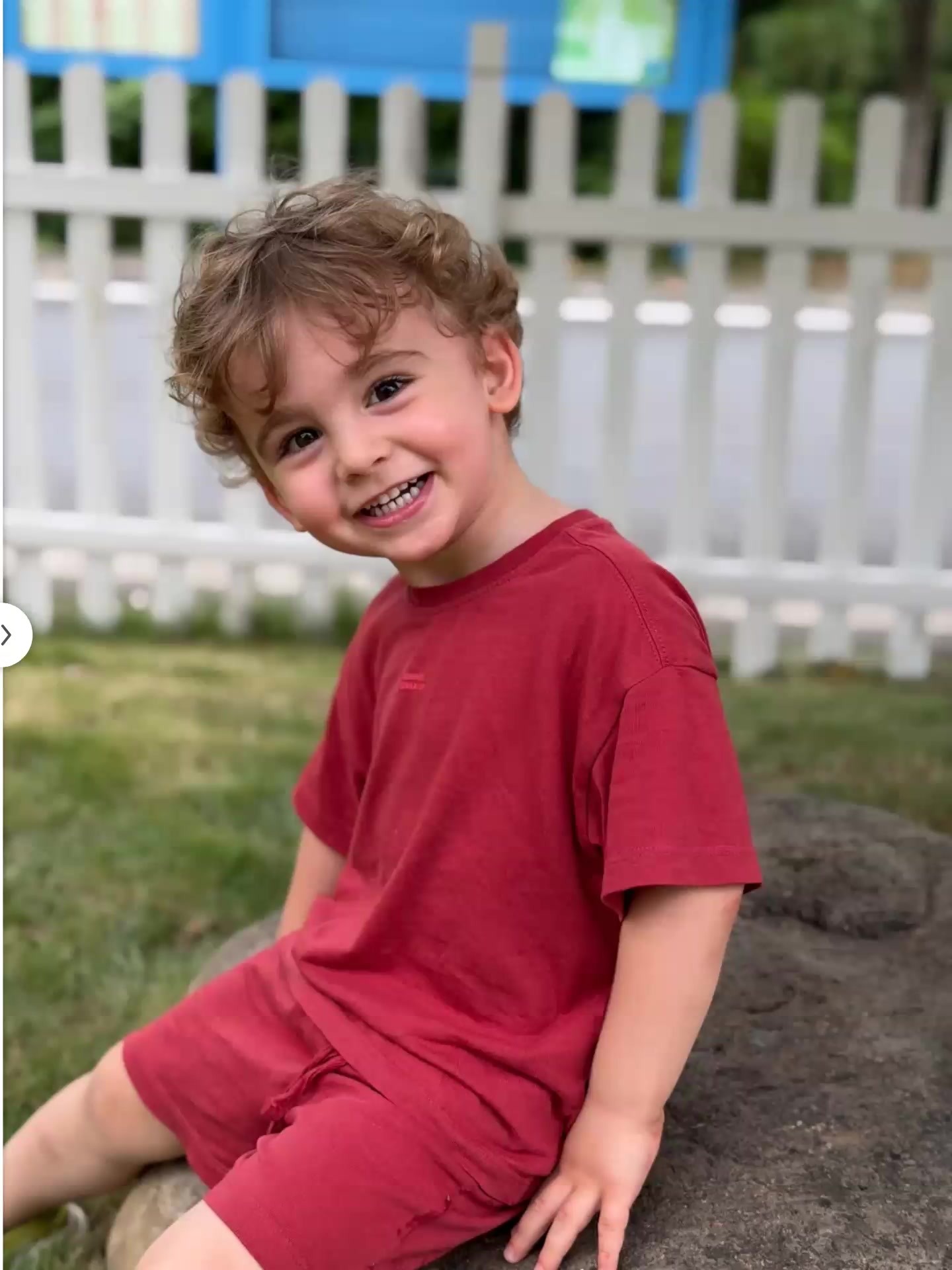
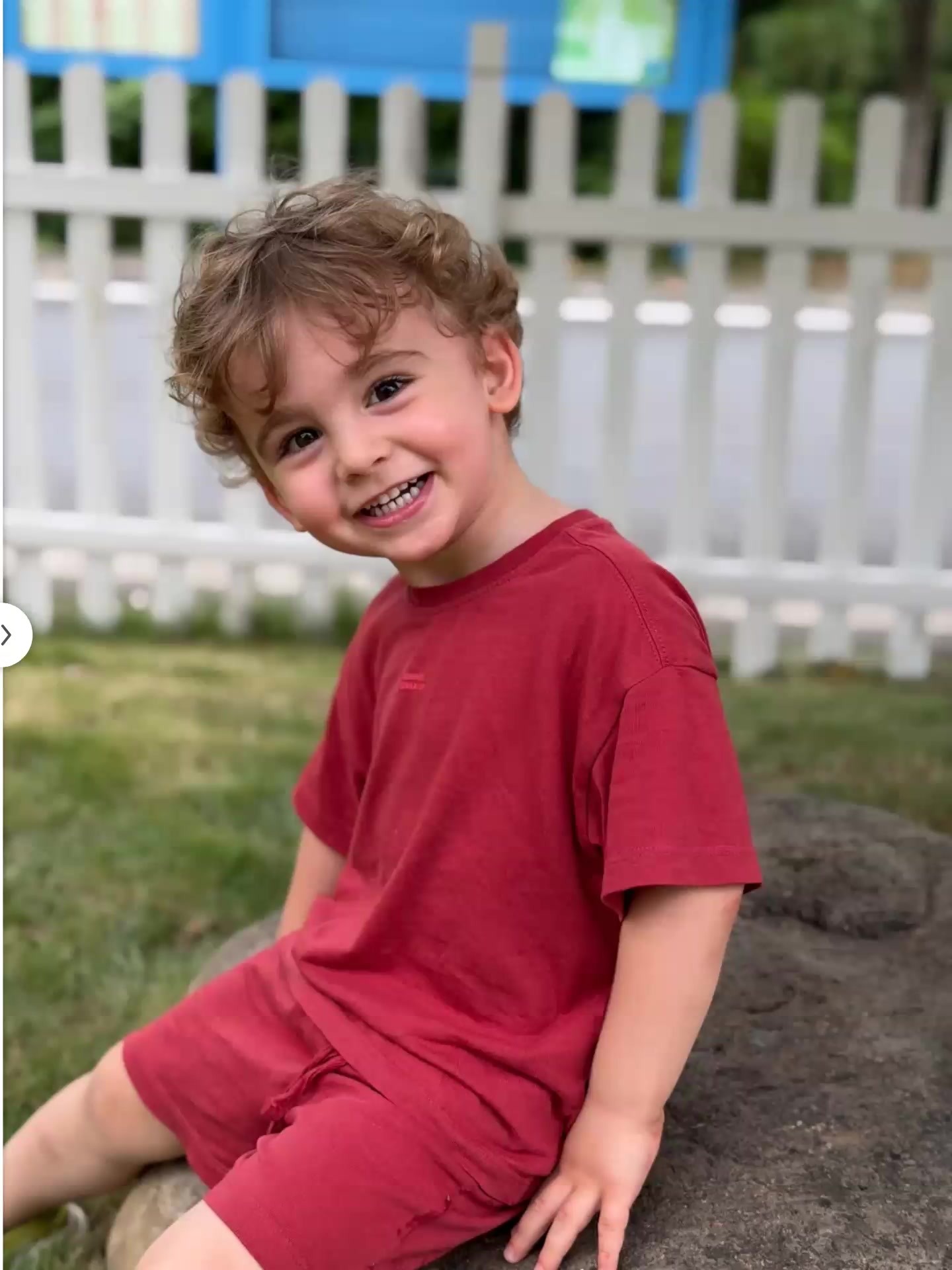
AI Age Filter Prompts
Create realistic age-changing portraits with ready-to-use AI prompt templates. Transform photos into childhood memories, middle-aged looks, or elderly artistic styles—all in seconds.
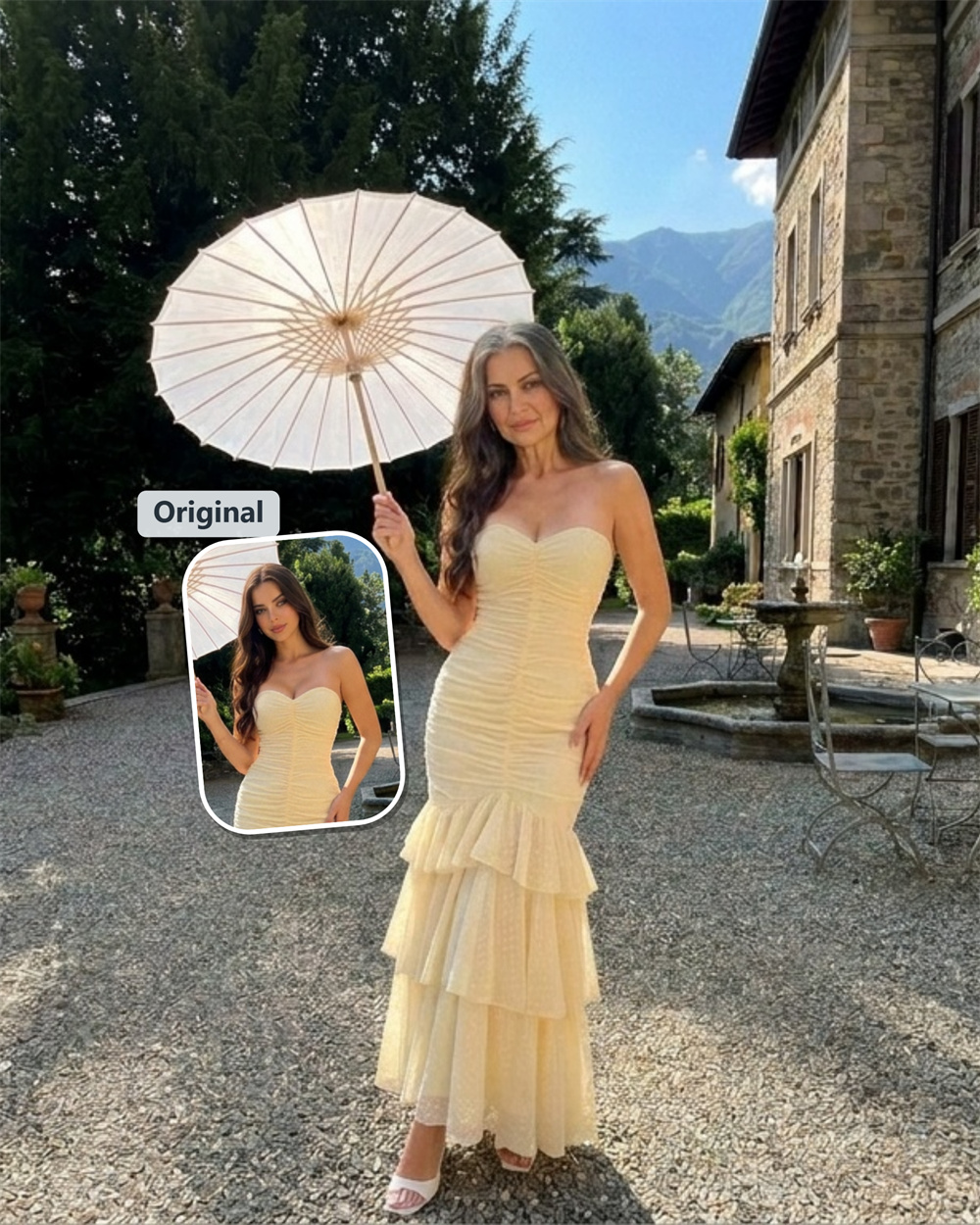
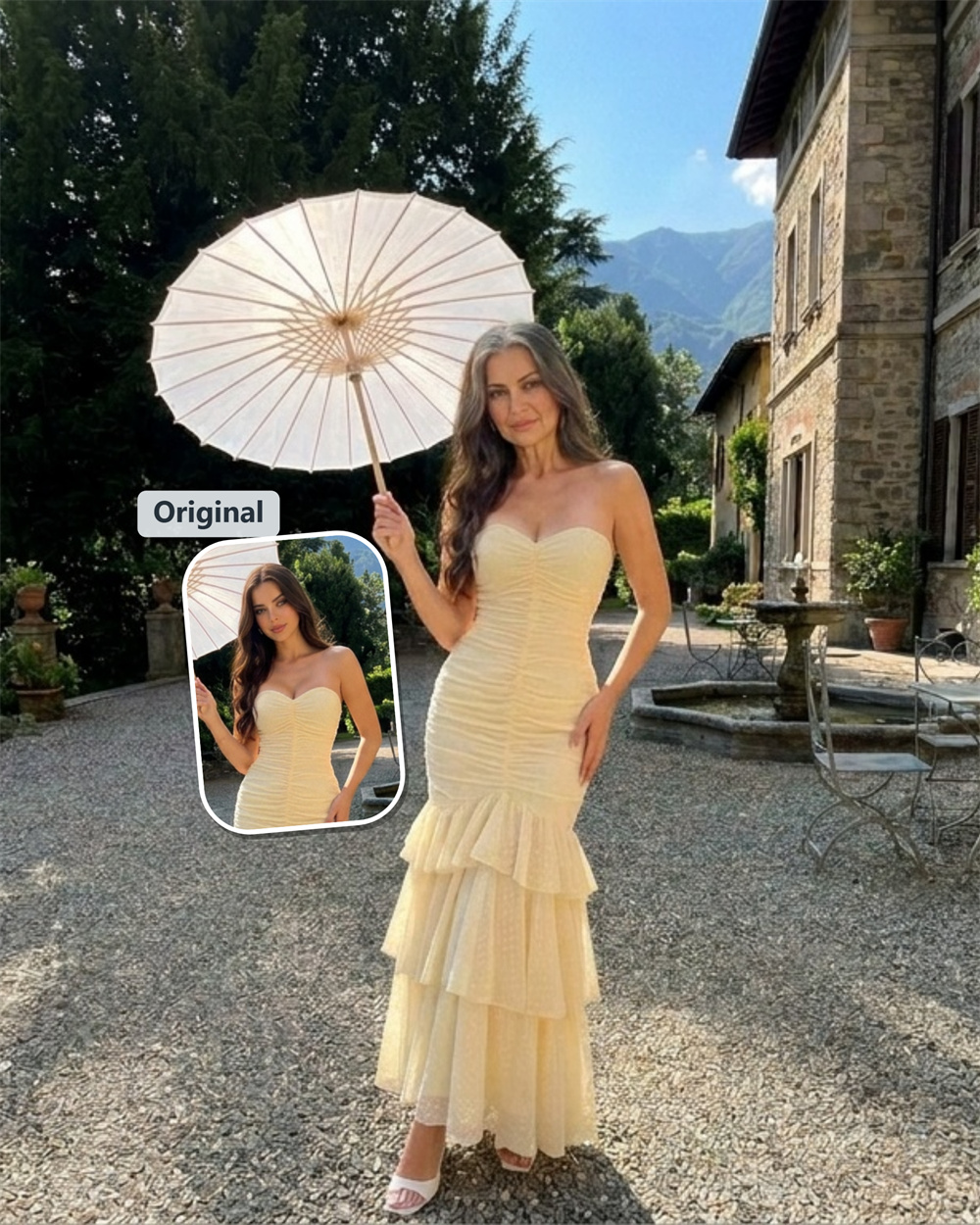
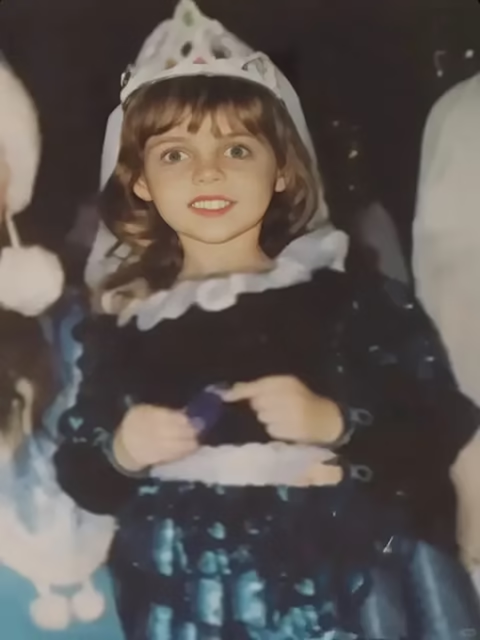
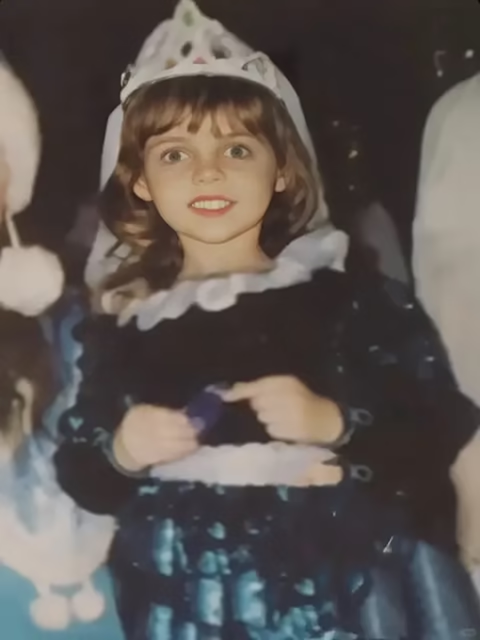
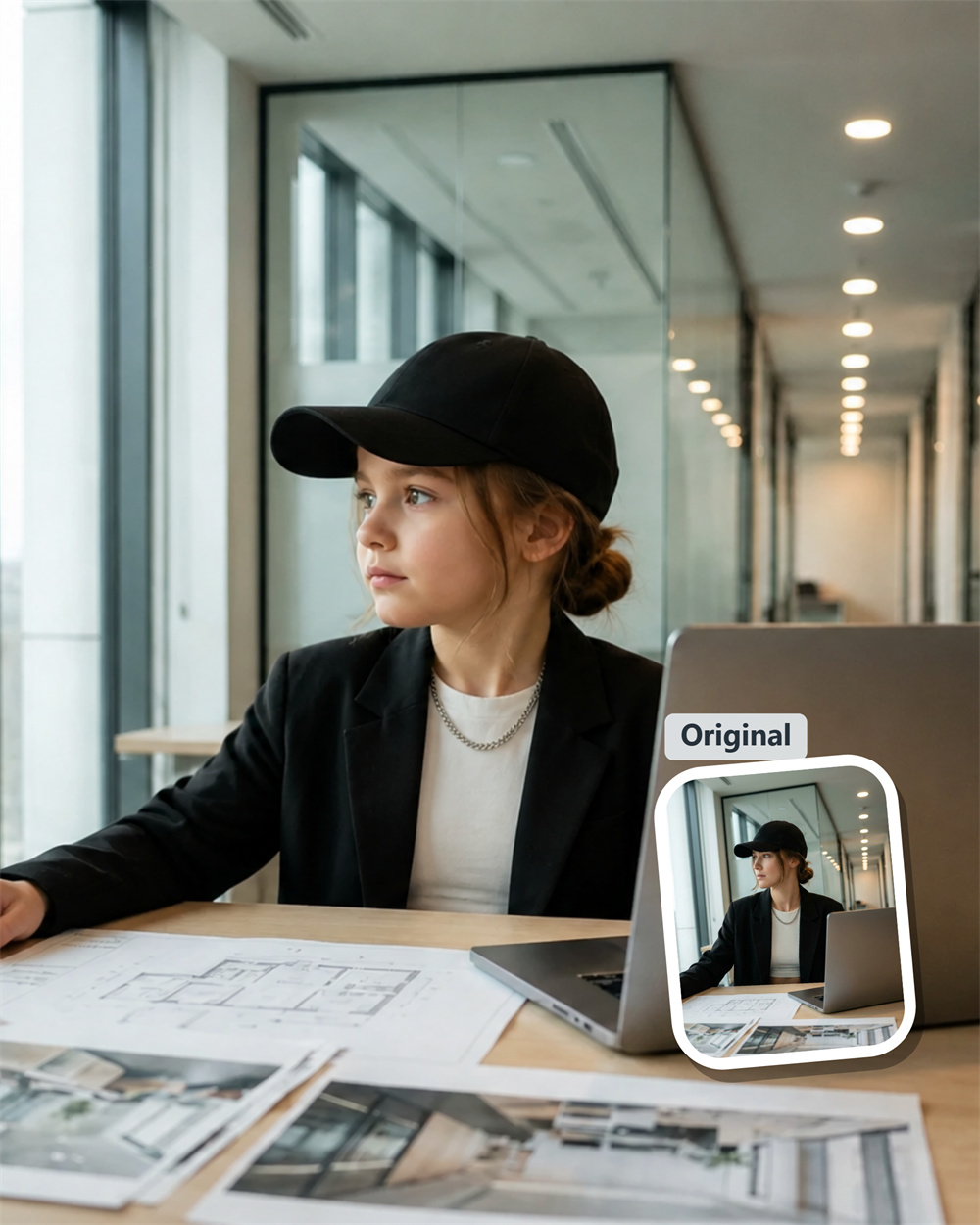
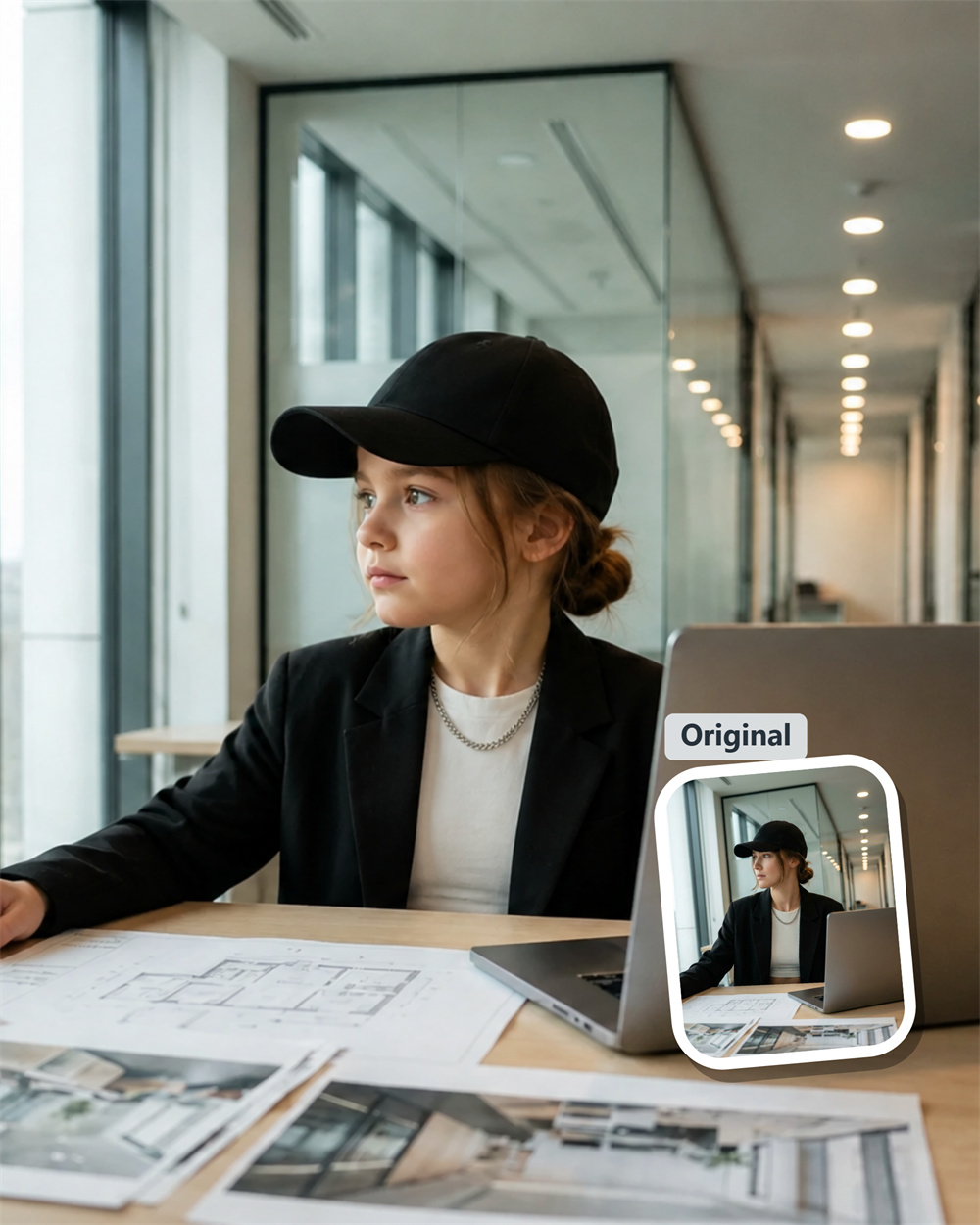
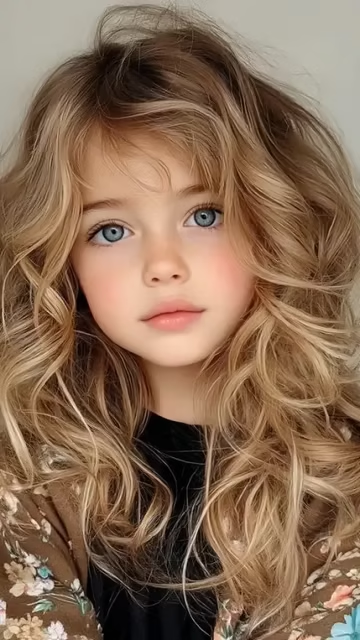
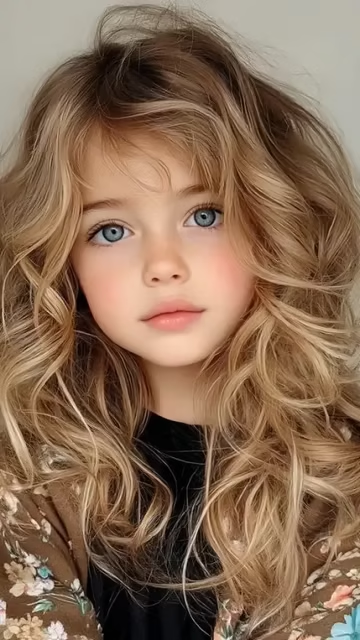
Explore Every Stage of Life with AI Age Filter Portraits
Keep your character recognizable while exploring every stage of life. Use structured AI Age Filter prompts to preserve natural facial structure, realistic skin texture, and consistent lighting as you transform a portrait from childhood to old age.
Why Choose Guma.top for AI Age Filter Workflows
Guma.top turns complex age transformation prompts into simple, repeatable workflows. Create consistent portraits across different life stages while keeping key facial features, visual style, and character identity aligned.
High-Fidelity Age Transformations
Generate detailed age changes with natural skin texture, realistic facial depth, subtle wrinkles, and believable hair changes. The result feels like the same person at a different stage of life.
Consistent Character Identity
Keep important facial anchors such as eye shape, jawline, mouth structure, and facial proportions stable while changing age-related details. This helps each version remain recognizable.
One-Click Prompt Workflows
Start with curated prompt structures instead of building every instruction from scratch. Apply an age transformation workflow in one click and spend more time refining the creative direction.
Private Session-Based Processing
Your uploaded files and generated visuals remain private during the active session. Files are processed in memory and cleared automatically after the session ends.
How to Create AI Age Filter Portraits with Precision
1
Upload Your Base Portrait
Upload a clear, front-facing portrait with natural lighting and visible facial features. Defined eyes, jawline details, and a simple background provide a stronger foundation for consistent age transformations.
2
Choose Your Target Age
Select the age stage you want to explore, from childhood and teenage years to midlife and advanced age. Use the available prompt workflow to guide the transformation toward your desired look.
3
Render and Export Your Portrait
Generate the age-transformed image and review details such as skin texture, facial depth, hair changes, and lighting. Export your high-resolution, watermark-free portrait when it is ready.
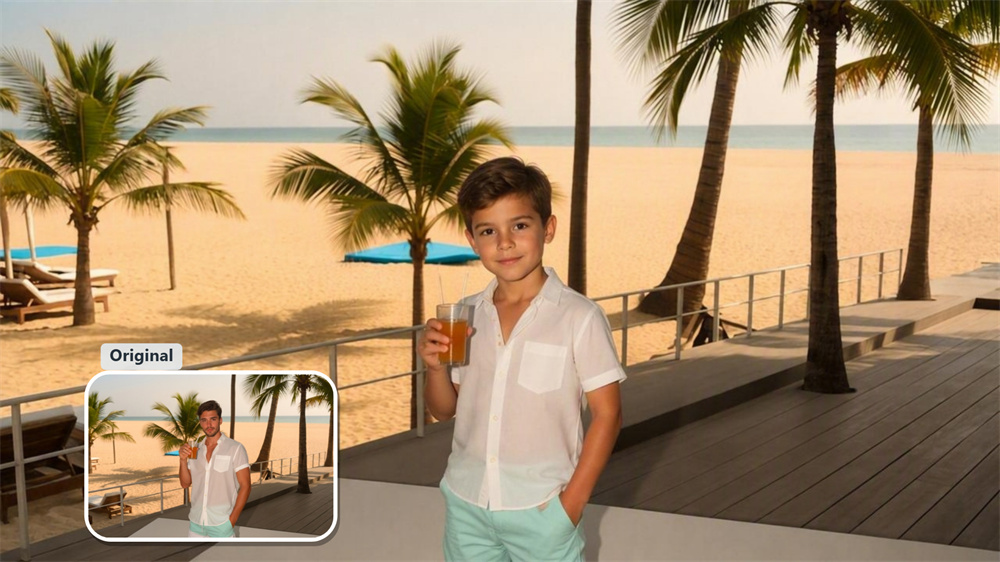
Step Back into Childhood with Soft Vintage Tones
Create a younger version with smooth skin, softer facial features, and a gentle vintage mood. This workflow preserves recognizable eye shapes and facial proportions while reducing age-related details for authentic childhood or teenage portraits.
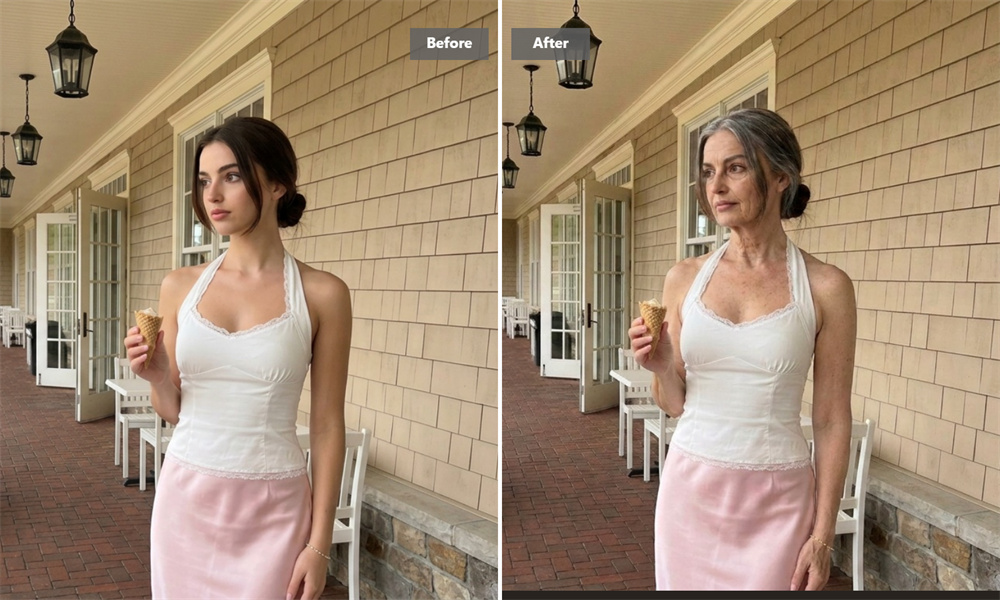
See Your Future Self with Natural Aging Details
Generate believable future-self portraits for storyboards, editorial concepts, and creative campaigns. The workflow adds realistic skin depth, subtle crow’s feet, natural hair graying, and age-appropriate facial details without changing the underlying facial structure.
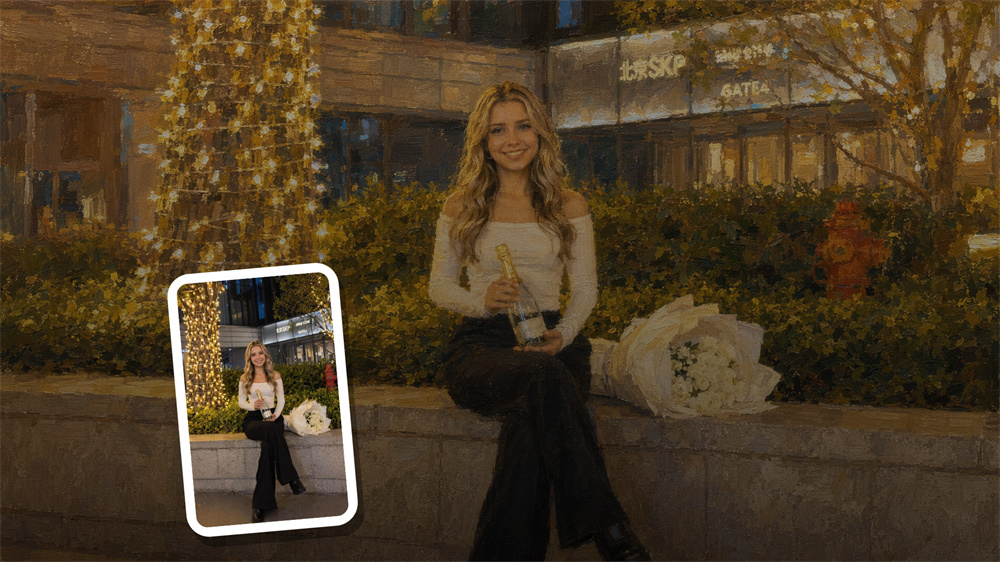
Turn Age Progression into Fine Art Portraits
Combine age transformation with dramatic film tones, moody lighting, or vintage canvas textures. Turn an everyday portrait into a distinctive piece of digital artwork for book covers, promotional visuals, and conceptual projects.
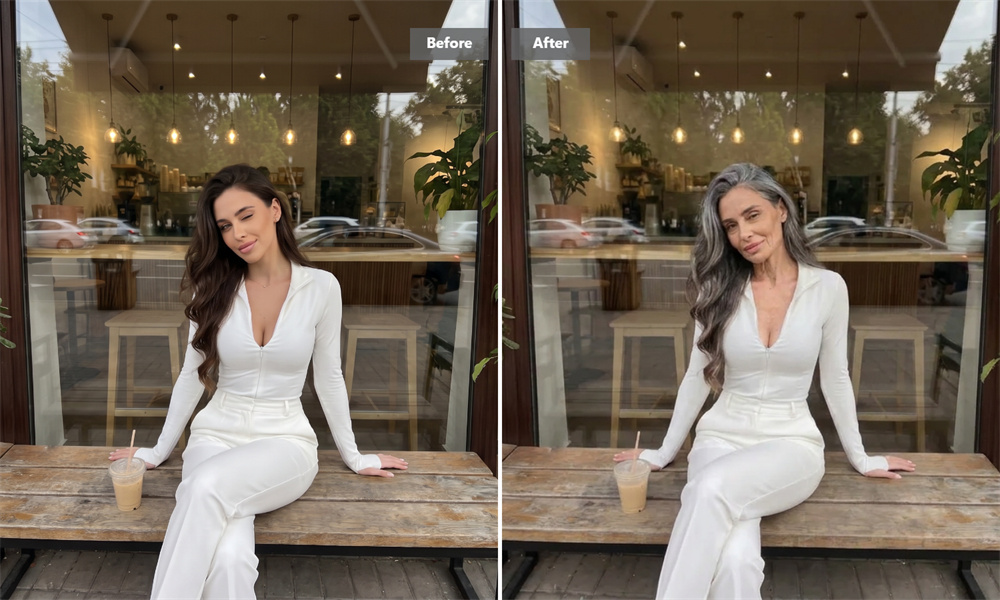
Create Refined Midlife Portraits with Professional Character
Use balanced midlife prompt workflows to introduce subtle maturity, refined gray at the temples, defined facial features, and a confident visual presence. These portraits work well for corporate headshots, personal branding, and social profiles.
Explore More Prompt Collections for Creative Inspiration
Discover more structured prompt collections for portrait creation, visual storytelling, and artistic experimentation. Browse different creative directions to build age-transformed images that fit your next project.
Explore Image and Video Models for AI Age Filter Creations
Use advanced image and video models to develop realistic age-transformed portraits, creative character studies, and visual stories across different stages of life.
Frequently Asked Questions About AI Age Filter Prompts
How do AI Age Filter prompts keep the character recognizable across different ages?
Structured prompt workflows preserve important facial anchor points such as bone structure, eye distance, mouth shape, and overall proportions while changing age-related details such as skin texture, wrinkles, and hair.
What type of portrait produces the best age transformation?
A clear, front-facing portrait with natural lighting usually produces the strongest result. Avoid extreme camera angles, heavy motion blur, obstructive accessories, and images where the face is too small to identify.
Can I create both younger and older versions from the same photo?
Yes. You can use the same base portrait to explore different stages of life, from childhood and teenage looks to midlife and advanced age. Each workflow changes age-specific details while keeping the main facial identity consistent.
Can I use age-transformed portraits for creative projects?
Age-transformed portraits can support storyboards, editorial concepts, character development, marketing visuals, personal branding, and other creative projects. Make sure you have permission to use the source photo and follow the terms that apply to your intended use.
Why use a structured workflow instead of a single-word prompt?
A single-word prompt may produce inconsistent facial features, lighting, or age details. A structured workflow gives the generator clearer instructions, helping reduce unwanted changes and making it easier to recreate a visual direction.
Can I create different visual styles from the same age-transformed portrait?
Yes. After choosing an age direction, you can explore different visual styles such as vintage photography, cinematic lighting, fine art textures, editorial portraits, and professional headshots while keeping the age concept consistent.