
AI Smoke Dissolve Effect
Transform Portraits into Rising Smoke
Watch characters seamlessly vaporize into wisps of white smoke with Guma. This effect naturally dissolves subject boundaries, turning body outlines and clothing into soft rising mist while matching the scene's ambient light and shadows. Perfect for fantasy portraiture, cinematic cover art, and surreal graphics—delivering a deep, ethereal aura in seconds.
AI Prompt
"Generate a 5-second hyper-realistic video, shot in portrait orientation, with 4K ultra‑high‑definition and a cyberpunk cinematic texture. Camera settings: pixel resolution 1.6; natural grain level 3.0; realism parameter 1.6. Lighting transitions are smooth and organic, resulting in a short film depicting a cybernetic rainy night street scene with particle‑dissipation effects—evoking the sensation of white mist vaporizing. The camera maintains a fixed, eye‑level perspective throughout, without any zooming, panning, or tilting. Visual changes are achieved solely through the natural upward movement and dissipation of particles. Character 1—the central figure—is the sole focal point; before dissipation, their facial features remain 100% faithful to the uploaded reference image, preserving their cool, composed demeanor and maintaining an aloof, icy cyber‑urban sci‑fi atmosphere. [Video Description – 5 Seconds] A close‑up, eye‑level shot focusing only on the subject’s waist and above, set against a cyberpunk‑style rainy city street. The ground is a dark, wet, reflective asphalt surface, flanked by buildings adorned with glowing neon signs in orange‑red and cyan‑blue hues. Cool blue‑green and warm orange‑red neon lights cast blurred, kaleidoscopic reflections on the slick pavement, creating a dimly lit ambiance. Soft neon glow gently illuminates the character’s area, while the background carries the natural hazy, misty quality of a rainy night. The overall aesthetic evokes the organic graininess of vintage sci‑fi music videos. At the opening, Character 1 stands perfectly centered as the visual anchor. During the preparatory phase, Character 1 faces the camera calmly and motionless. At the first second, the particle‑dissipation effect is triggered: the figure rapidly transforms from bottom to top into swirling white particles that dissipate into thin smoke. All actions revolve around Character 1, seamlessly synchronized with the particle effects: - Character 1 (the sole central figure): Initially positioned at the exact center of the frame, facing straight ahead with a cold, composed expression, eyes locked forward and no superfluous gestures. Their stance remains steady. As the particle effect activates, the body gradually disintegrates from the lower half upward into fine, cold‑white particles that rise naturally with the airflow, eventually vanishing entirely, leaving only faint traces of particles lingering slowly in the alleyway. 0–1 second: A close‑up, eye‑level shot shows Character 1 fully framed at the center, bathed in soft neon reflections casting gentle halos across the wet pavement. The entire street exudes a quiet, hazy rainy‑night mood. Character 1 maintains a stoic, expressionless demeanor, standing still with no unnecessary movement, creating a calm, stable composition—no particle effects yet engaged. 1–3 seconds: The scene and camera position remain unchanged. The particle‑dissipation effect initiates swiftly from the lower edge of Character 1’s form, with delicate, cold‑white particles beginning to spread upward along the outline. Within moments, these particles envelop the torso and arms, drifting gently with subtle air currents. Character 1’s face continues to gaze directly ahead, their stern expression undisturbed. As the particles ascend rapidly, the facial contours become increasingly obscured, blurring into semi‑transparency. The transition feels fluid and seamless, without any abrupt jolts or stuttering. 3–5 seconds: Particles continue to rise steadily, quickly covering the head region. By this stage, Character 1’s full silhouette has been replaced by flowing, billowing clouds of white particles. These cold‑white particles ascend gracefully, their density diminishing rapidly until they fade away completely. Ultimately, the figure disappears entirely, leaving behind an empty, neon‑lit cyberstreet under the rain. The neon reflections on the wet pavement remain vivid, while wisps of faint, smoky particles drift upward, blending softly into the night. The scene settles into a serene, desolate cyber‑urban landscape, concluding the dissolution process smoothly and naturally. [Key Highlights] The complete 5‑second video adheres to a fixed, eye‑level viewpoint, captured in a single continuous take—with no hard cuts, flashing whites, or camera movements. The setting remains constant: a cyberpunk rainy city street, featuring wet, reflective dark asphalt, glowing orange‑red and cyan‑blue neon signs on either side, interwoven neon reflections dancing on the pavement, and the natural, hazy mist of a rainy night. Character 1 begins centered in the frame, with proportions and facial features staying consistent throughout. The gradual, upward‑moving transformation into particles must feel natural and fluid, with realistic, finely textured particle effects. Only the following elements are permitted: Character 1’s static, frontal pose at the start; rapid particle coverage moving upward; natural upward flow and dispersion of particles; the final complete disappearance of the figure; and the slow fading of residual particles. No alterations to facial features or proportions are allowed, nor significant shifts in positioning. Avoid zooming, panning, tilting, or changing scenes. Ensure smooth, non‑jerky particle dynamics, preventing any artificial or jarring textures. Do not introduce extraneous characters, display player controls, progress bars, or screenshot overlays, and avoid overly bright lighting that disrupts the subdued, rainy‑night atmosphere. Preserve the cool, detached cyberpunk aesthetic of dissolution, emphasizing a gentle, seamless transition. Conclude with an empty, atmospheric view of the rainy street, retaining its dreamy, hazy nocturnal charm."
Turn Any Portrait Into Pure Smoke in 3 Simple Steps
Upload your portrait or character photo
Select a sharp image of the person or figure you want to vanish. Clear contrast between your subject and the background gives the cleanest results.
Apply the smoke dispersion rendering
Start the rendering process. The algorithm detects figure outlines and converts edges into flowing smoke tendrils and atmospheric glow.
Save and download your output
Review the particle details and lighting integration, then export your high-resolution render ready for publishing or further editing.
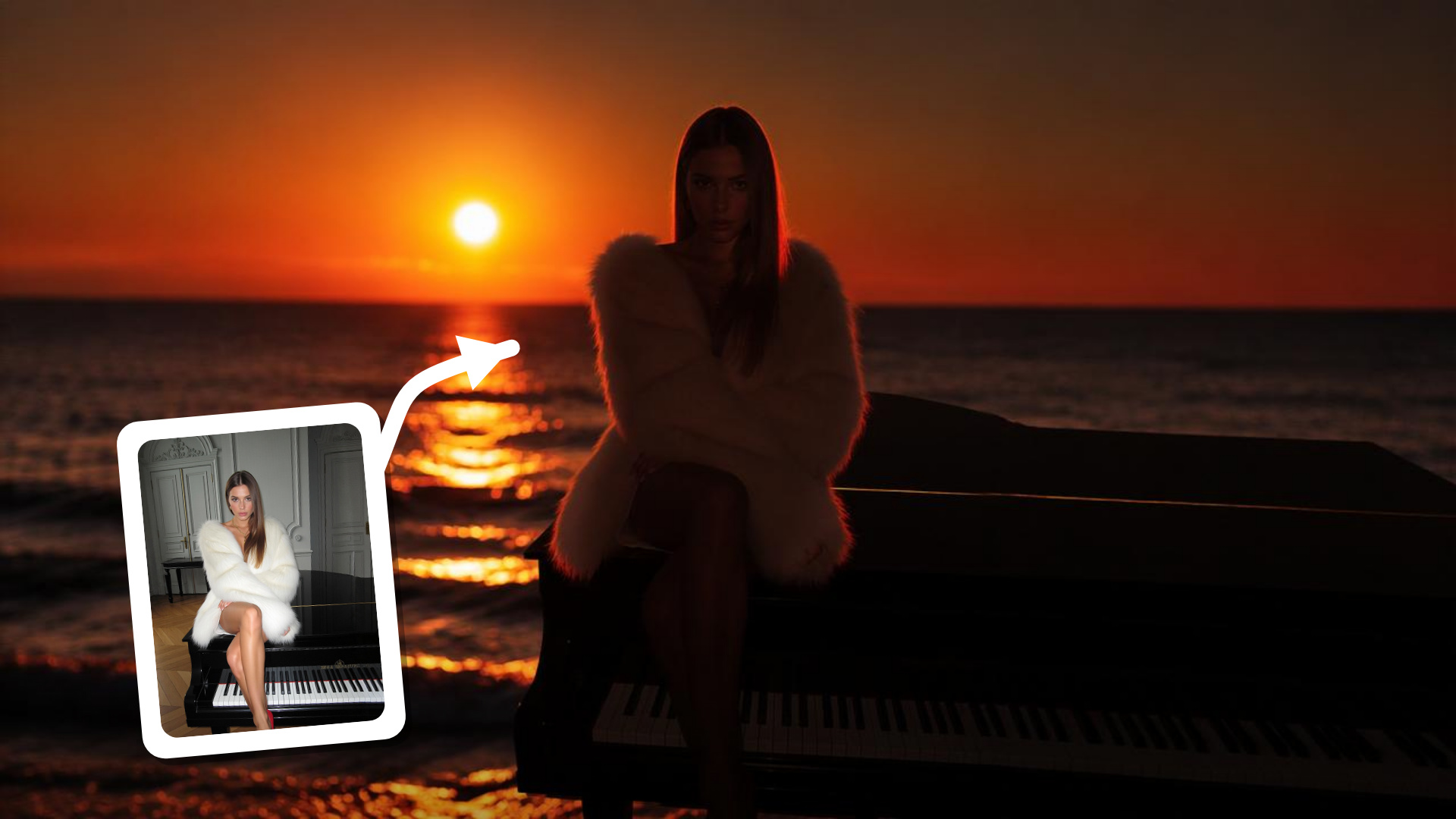
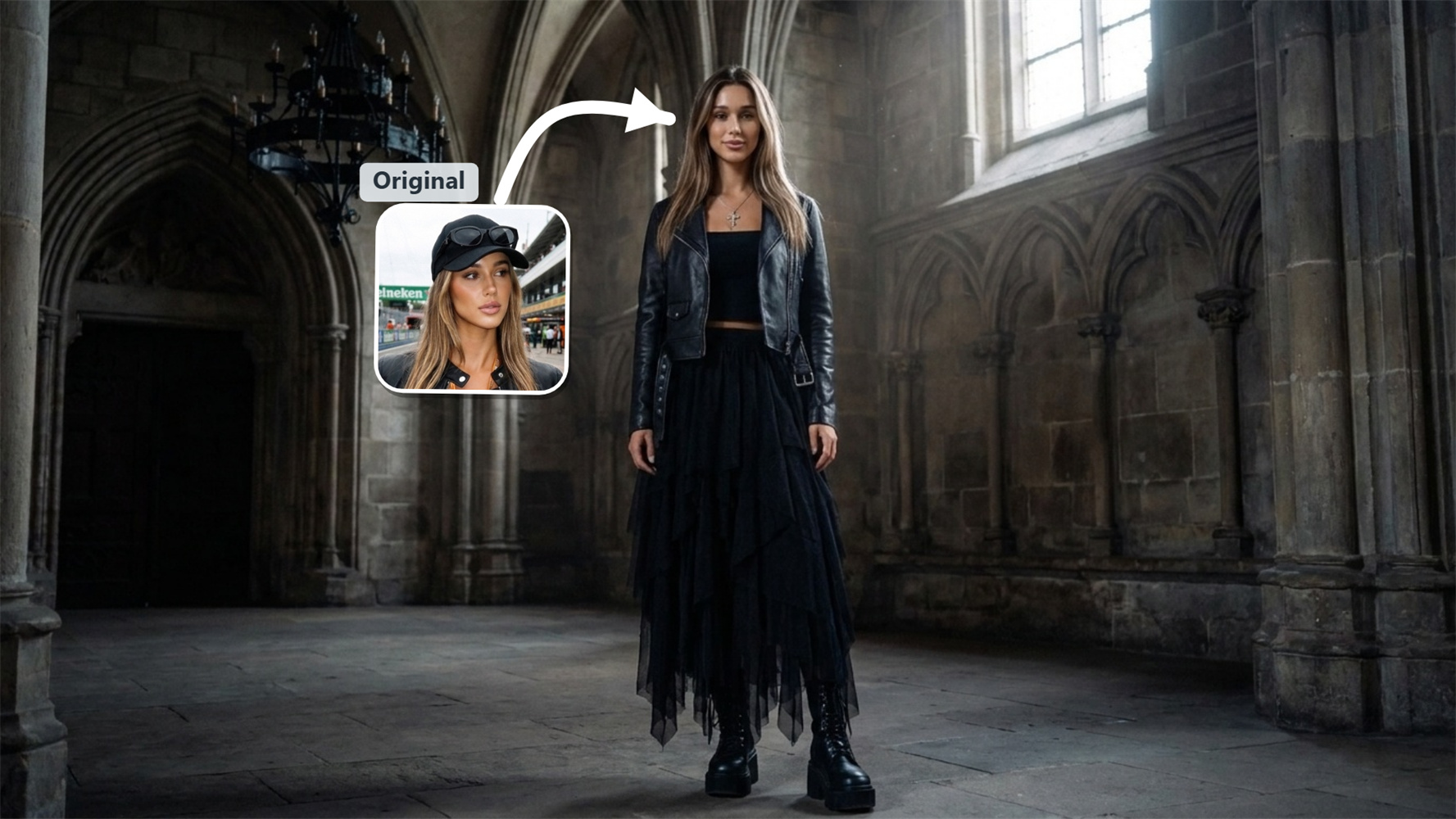
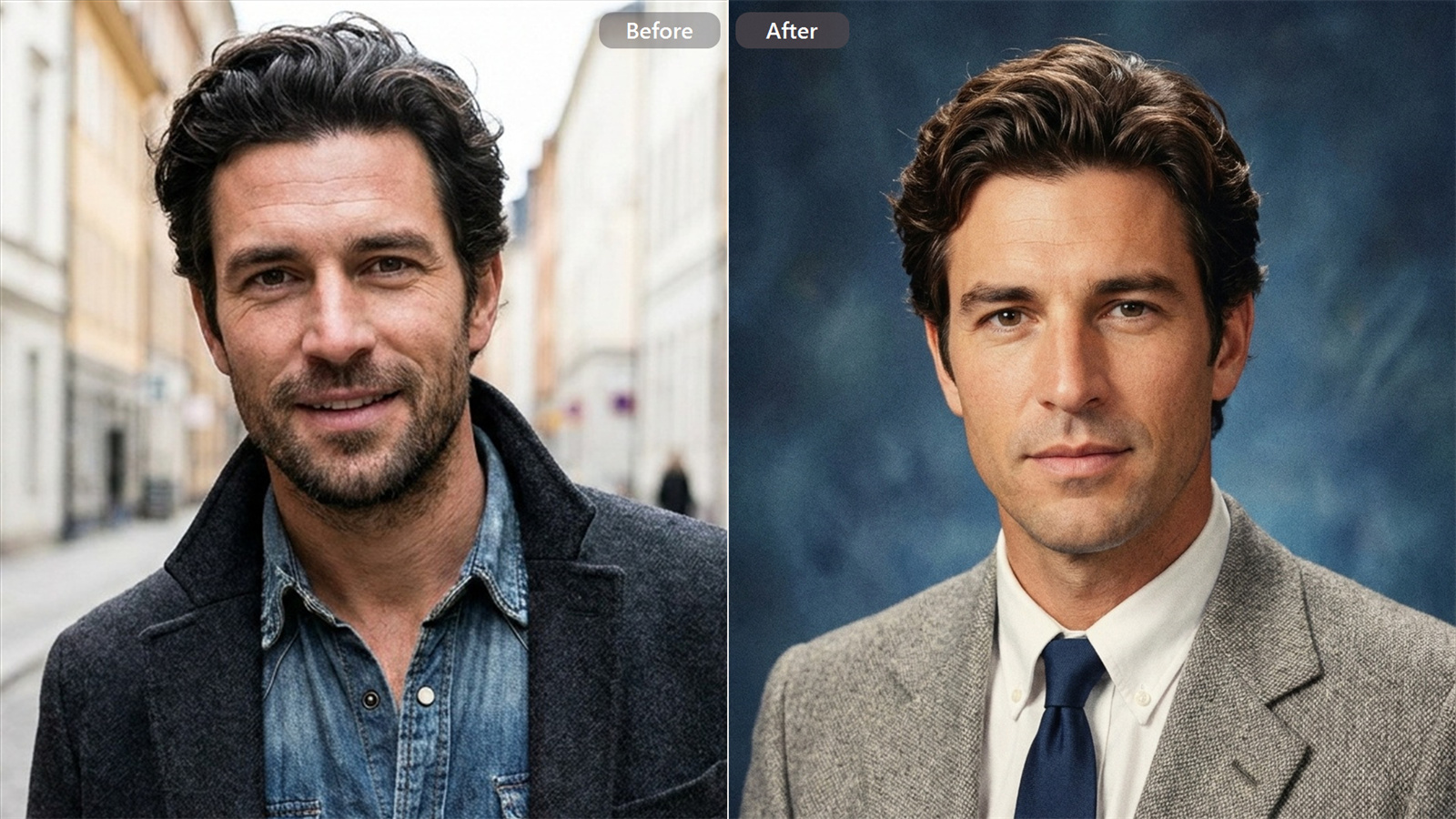
Related AI Portrait Effects and Creative Tools

Frequently Asked Questions
How does this smoke dissolve effect work on character details?
The effect breaks down outer edges like hair, clothing, and limbs into fine vapor and rising smoke plumes. It transforms the subject itself into light and particle wisps while preserving background depth.
Does this tool work on dark or low-light photos?
Yes. Night shots and dark backgrounds often produce the most dramatic outcomes. The contrast makes white smoke trails, subtle glow, and surrounding shadow shifts stand out clearly.
Can I use this effect on non-human subjects?
You can upload statues, product silhouettes, fantasy creatures, or graphic elements. Anything with a distinct outline can be converted into the same disappearing smoke mist.
What photo resolution works best for smoke particle details?
Clear, medium-to-high resolution images work best. Higher source quality allows the AI to render finer smoke strands, realistic particle dispersion, and smoother light transitions around disappearing edges.
How long does it take to render the smoke dissolve effect?
Rendering usually takes just a few seconds per photo. The processing runs cloud GPU rendering in real time, so you can preview and download your high-definition results almost instantly without waiting in long queues.
Ready to Turn Your Photos Into Mystical Smoke Art?
Experience the AI Smoke Dissolve Effect on Guma Today