
How to Use Seedance 2.5: Prompt Guide & Examples
A good Seedance 2.5 video rarely starts with a “cinematic” prompt full of style words. It starts with a simple plan: who is in the shot, what happens, when the camera moves, and how the scene ends.
That sounds basic, but it is where most first attempts go wrong. A vague prompt can still produce a beautiful frame. The trouble starts when the character changes clothes halfway through, the product label shifts, the camera moves too early, or the clip ends before anything really happens.
This guide shows you how to write Seedance 2.5 prompts that are easier to control. You will find a reusable prompt structure, image-to-video tips, timestamp examples, and practical fixes for the problems that tend to waste a generation.
Quick check before you start: open the settings in Seedance 2.5 and look at your available duration, reference slots, audio controls, and camera settings. Because Seedance 2.5 uses a joint audio-visual generation model, sound cues in your prompt can directly drive synchronous audio and ambient noise without post-production editing.
Start with this Seedance 2.5 prompt template
If you only remember one thing, use this basic structure:
[Subject] + [main action] + [setting] + [timed beats] + [camera] + [lighting] + [audio] + [continuity/negative rules]
You do not need to fill every section every time. For a simple image-to-video clip, you may only need the subject, motion, and camera. For a 30-second product ad or short story, you need a little more structure. The goal is to stop the model from guessing about the details that matter most.
Here is the reusable framework:
[Subject] does [main action] in [setting].
[Timed beats, if needed]
Camera: [starting framing + one movement]
Lighting: [simple visual direction]
Audio: [sound effects, ambient noise, or silent/no music]
Keep: [details that must stay consistent]
Avoid: [mistakes or elements you want to prevent]
Pick the right starting point: text to video or image to video
Use text to video when you want to create a scene from scratch:
- Cinematic short scenes
- Fantasy concepts and story ideas
- Mood-based social clips and visual experiments
Use image to video when the starting look already matters:
- Product ads and fashion content
- Character-led videos
- Branded environments, specific rooms, or precise compositions
If you are working from an image, do not waste prompt space describing every visible object again. Let the reference handle appearance. Use the prompt to tell the scene what should move and what should happen next.
Give the video one thing to do
A lot of weak prompts describe a mood but not an event:
A beautiful woman at a train station, blue hour, cinematic lighting, emotional.
There is nothing wrong with the visual direction, but it does not tell Seedance 2.5 where to go. Try this structured approach instead:
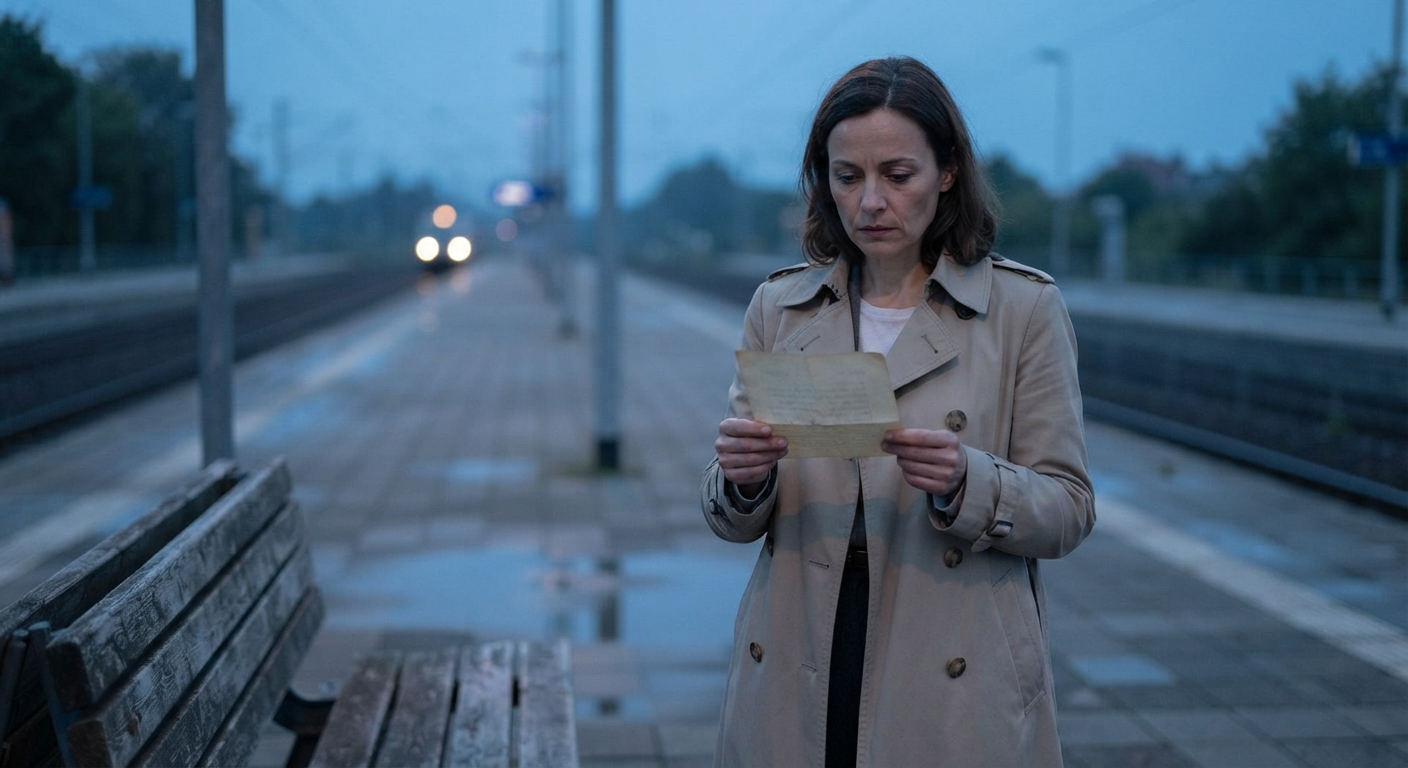
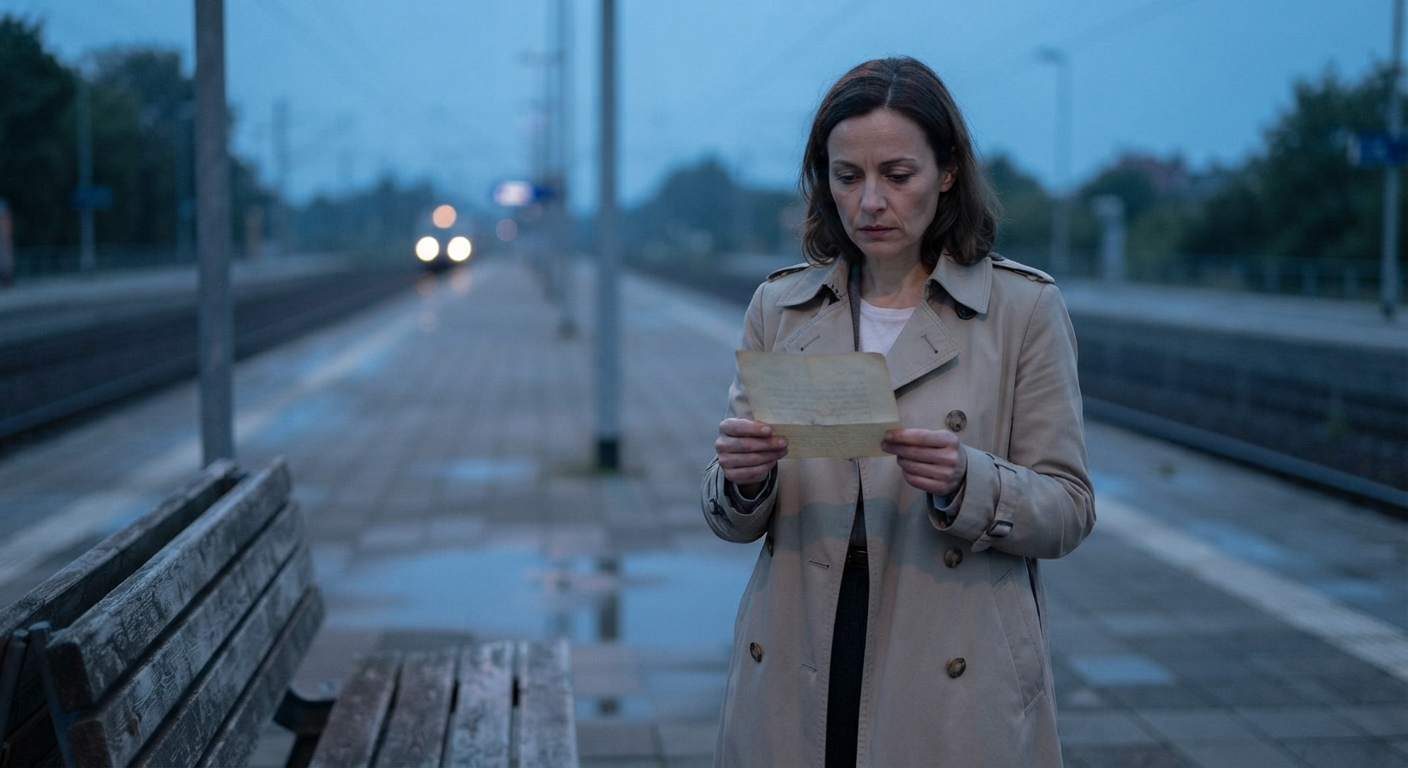
Create a cinematic scene on a quiet train platform at blue hour.
0–5s: A woman in a beige coat stands beside a bench, holding an old letter.
5–20s: The camera slowly tracks toward her as distant train lights appear behind her. She reads the letter and takes one quiet breath.
20–30s: The train arrives. She looks toward it and smiles with relief as the camera settles into a close-up.
Lighting: Soft cool lighting, subtle wind, realistic movement.
Audio: Natural station ambience and growing metallic train rumble.
Keep: The same face, beige coat, letter, bench, and platform layout throughout.
Avoid: Subtitles, background music, duplicate people, abrupt scene changes.
Use timestamps for longer clips
For a 30-second Seedance 2.5 video, keep it focused. Three timed beats are usually enough:
- 0–5s: Set up the subject and location.
- 5–20s: Show the main action.
- 20–30s: Land the reveal, reaction, or final frame.
Timestamps help most when actions need to happen in a specific order. Ensure the action sequence is physical and logical:
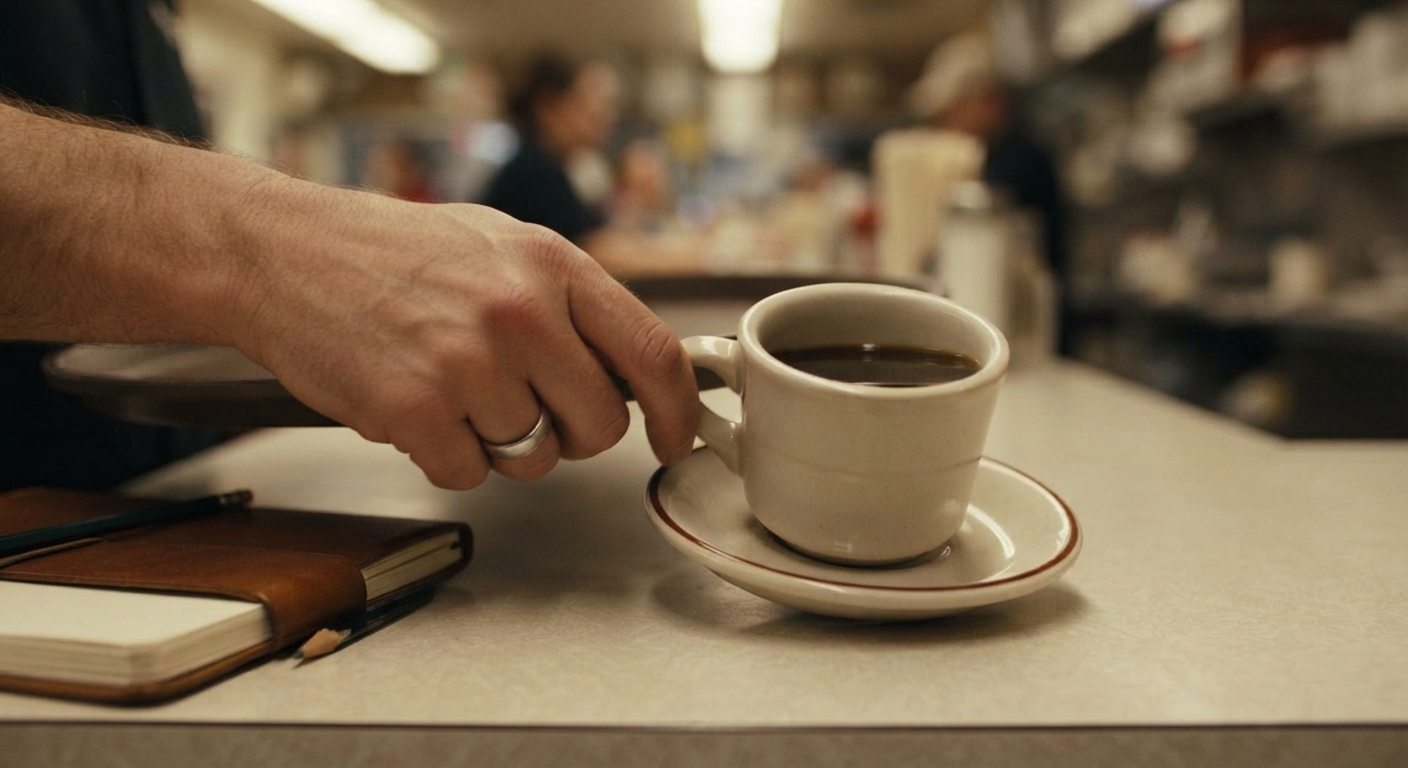
- 0–4s: The tray catches the cup handle.
- 4–8s: The cup tips after contact, and coffee spills across the counter.
- 8–12s: The customer looks down and moves the sketchbook away.
Give each reference one job
Seedance 2.5 supports multiple input types. To avoid visual confusion, assign every reference slot a single clear responsibility:
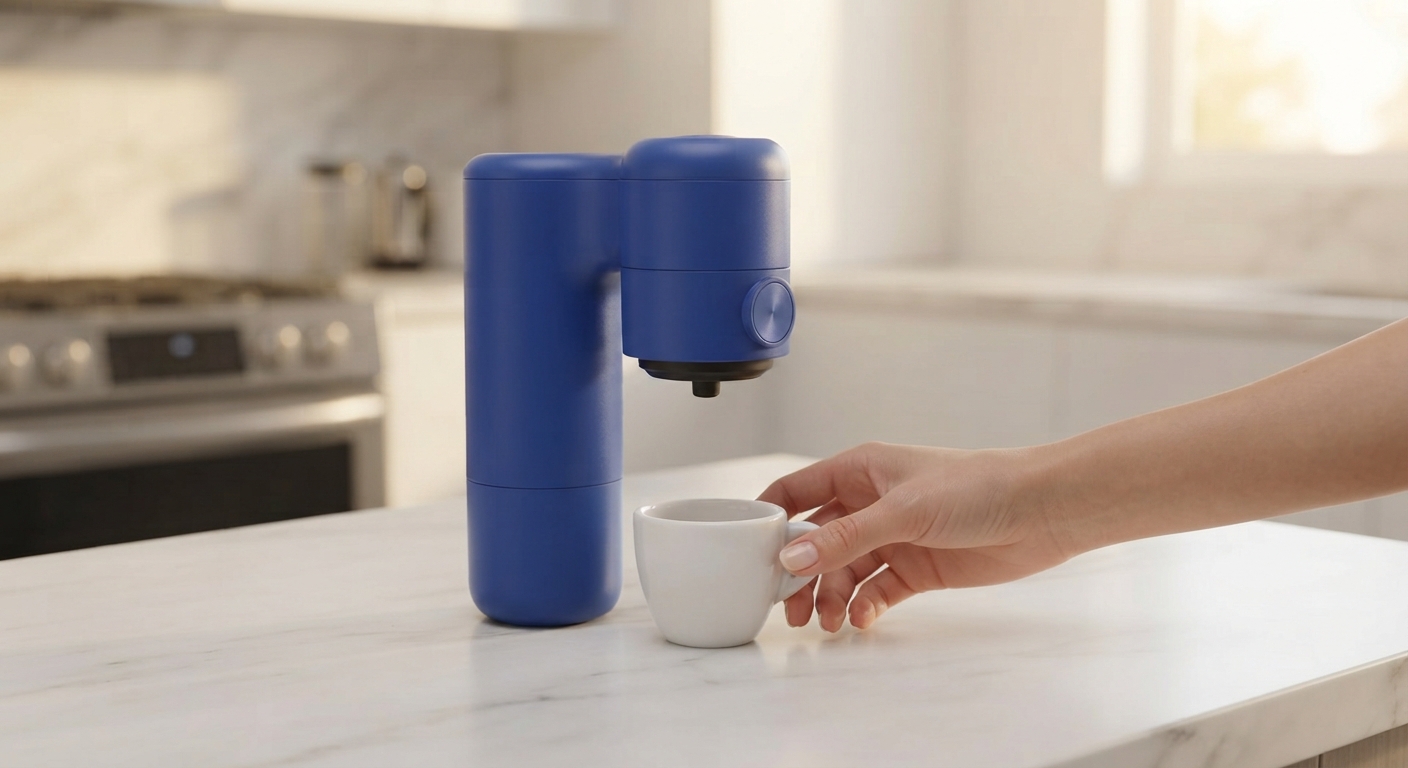
- Product Reference Image: Preserves the espresso maker shape, label, copper button, and cobalt-blue finish.
- Location Reference Image: Controls the kitchen layout and warm morning light.
- Video Reference: Guides the slow handheld camera tracking path only.
- Audio Reference (if used): Matches the pacing or tone of the sound background.
Rule of thumb: one reference should answer one main question (appearance, location, motion, or audio).
Keep camera instructions simple
Vague phrases like "dynamic camera" often cause erratic movement. Be specific:
- Where is the camera at the beginning?
- What single move does it make?
- When does it move?
Product Example: Keep the camera locked for the first four seconds. Begin a slow push-in when espresso starts filling the cup.
Add sound where it actually helps
Seedance 2.5 generates audio alongside video. Link sound directly to the visual action that creates it:
As the train enters the station, its low metallic rumble grows louder beneath the ambient wind.
Pick key sounds that enhance realism—like footsteps, room tone, pouring liquids, or button clicks—rather than listing every possible effect.
Seedance 2.5 prompt examples
Product video prompt
Create a 15-second product video in a bright modern kitchen.
0–4s: A cobalt-blue portable espresso maker sits on a clean marble counter.
4–10s: A hand places a small cup beneath it and presses the round copper button.
10–15s: Fresh espresso fills the cup as the camera makes a slow close-up push-in.
Keep: Product shape, black grip ring, copper button, label, and blue finish from the reference image.
Lighting & Audio: Warm morning light, realistic liquid movement, soft kitchen ambience, and a subtle mechanical click sound.
Avoid: Text overlays, extra products, distorted hands.
Character consistency prompt
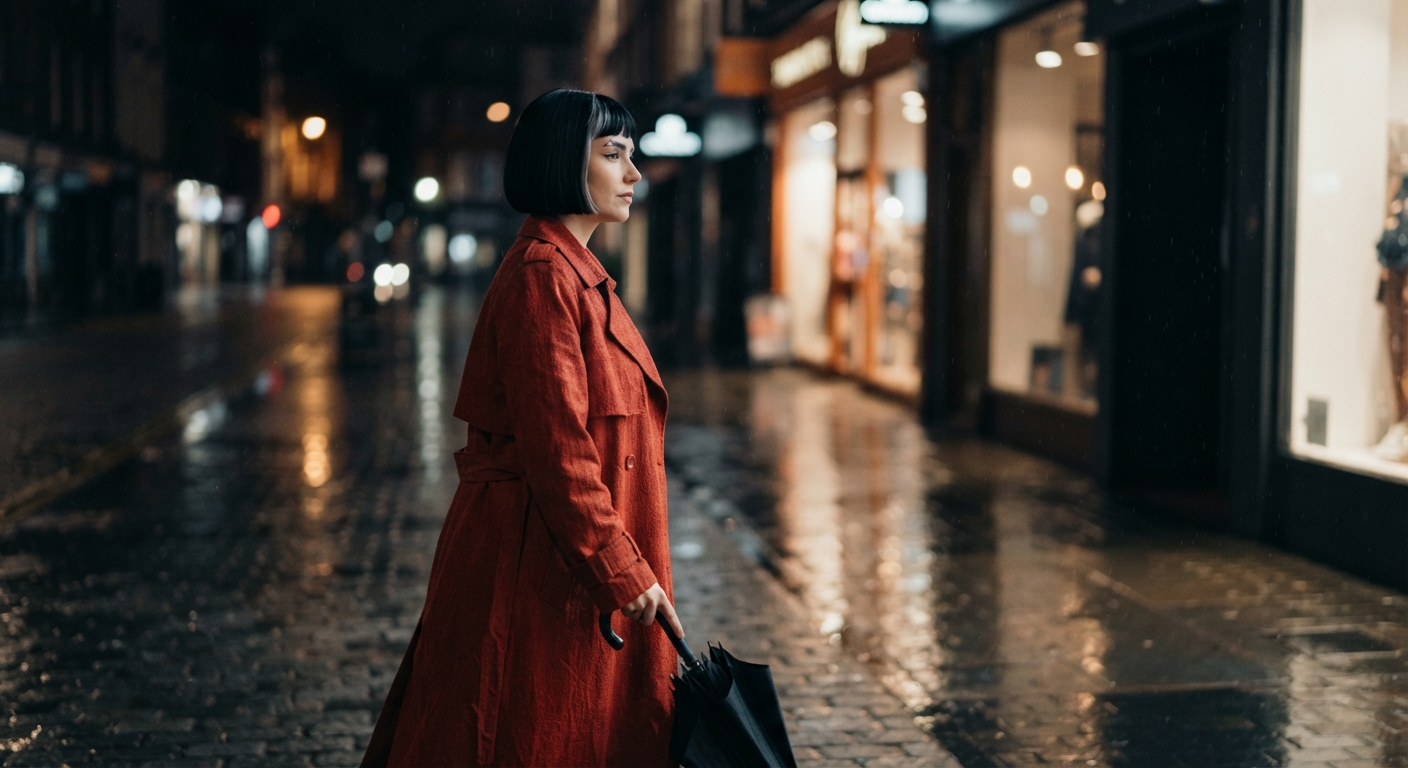
Create a 20-second fashion video on a rainy city street at night.
A woman with a short black bob haircut, a silver streak above her left eyebrow, and a rust-red trench coat walks past glowing shop windows.
0–8s: Keep a wide side view as she walks with a black umbrella.
8–15s: Move beside her at shoulder height.
15–20s: She stops beneath a streetlight and turns toward the camera.
Keep: The same face, hairstyle, coat, boots, and umbrella in every shot.
Environment & Audio: Wet pavement reflections, natural walking speed, soft rain audio, and distant traffic tone.
Avoid: Extra characters in foreground, wardrobe changes.
UGC-style video prompt
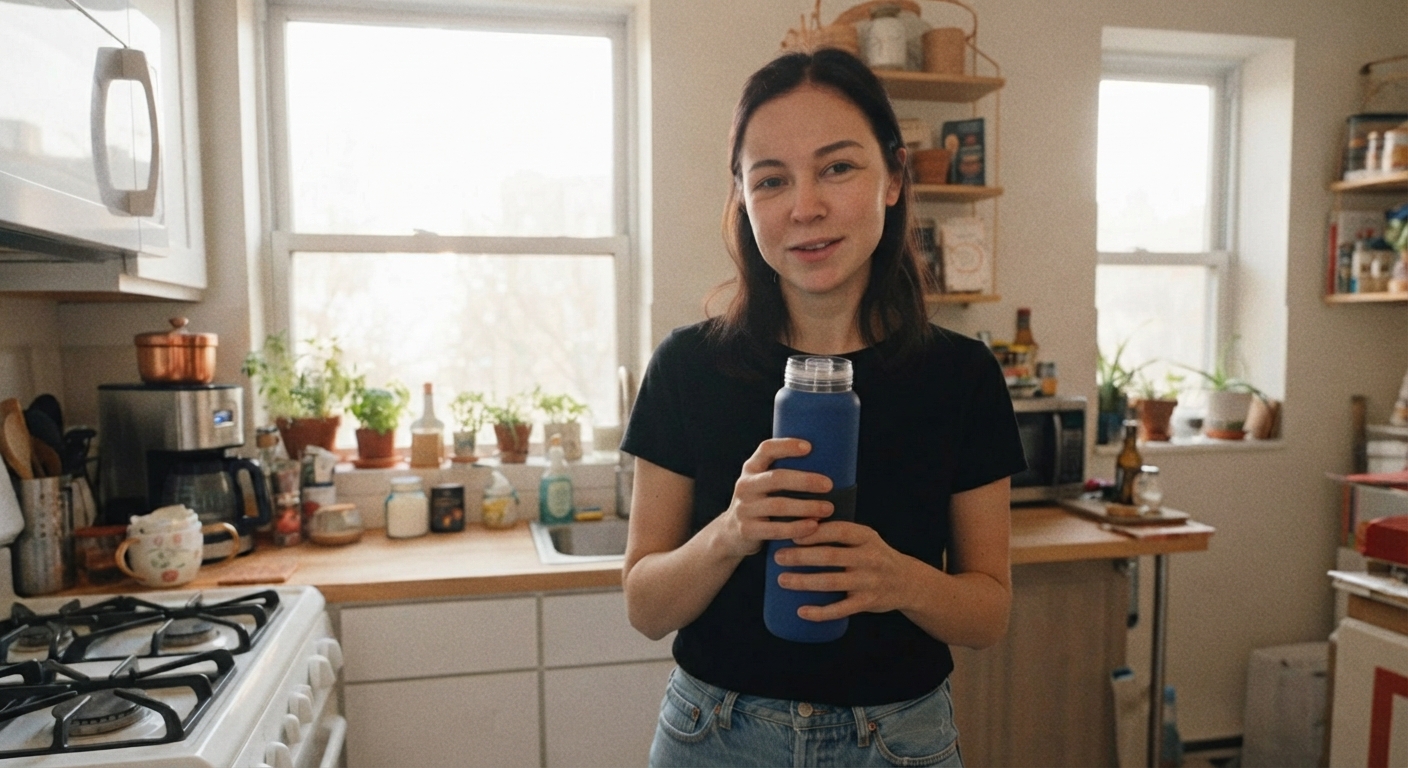
Create a 12-second vertical UGC-style video in a small apartment kitchen.
0–3s: A young woman holds a blue reusable water bottle close to the camera.
3–9s: She takes a sip, points to the bottle lid, and explains a feature in a conversational tone.
9–12s: She places the bottle on the counter and gives a small approving nod.
Framing & Tone: Handheld smartphone framing, natural window light, casual delivery.
Keep: Same woman, bottle, kitchen layout, and clothing throughout.
Avoid: Studio lighting, subtitles, exaggerated gestures, background music.
Short story prompt
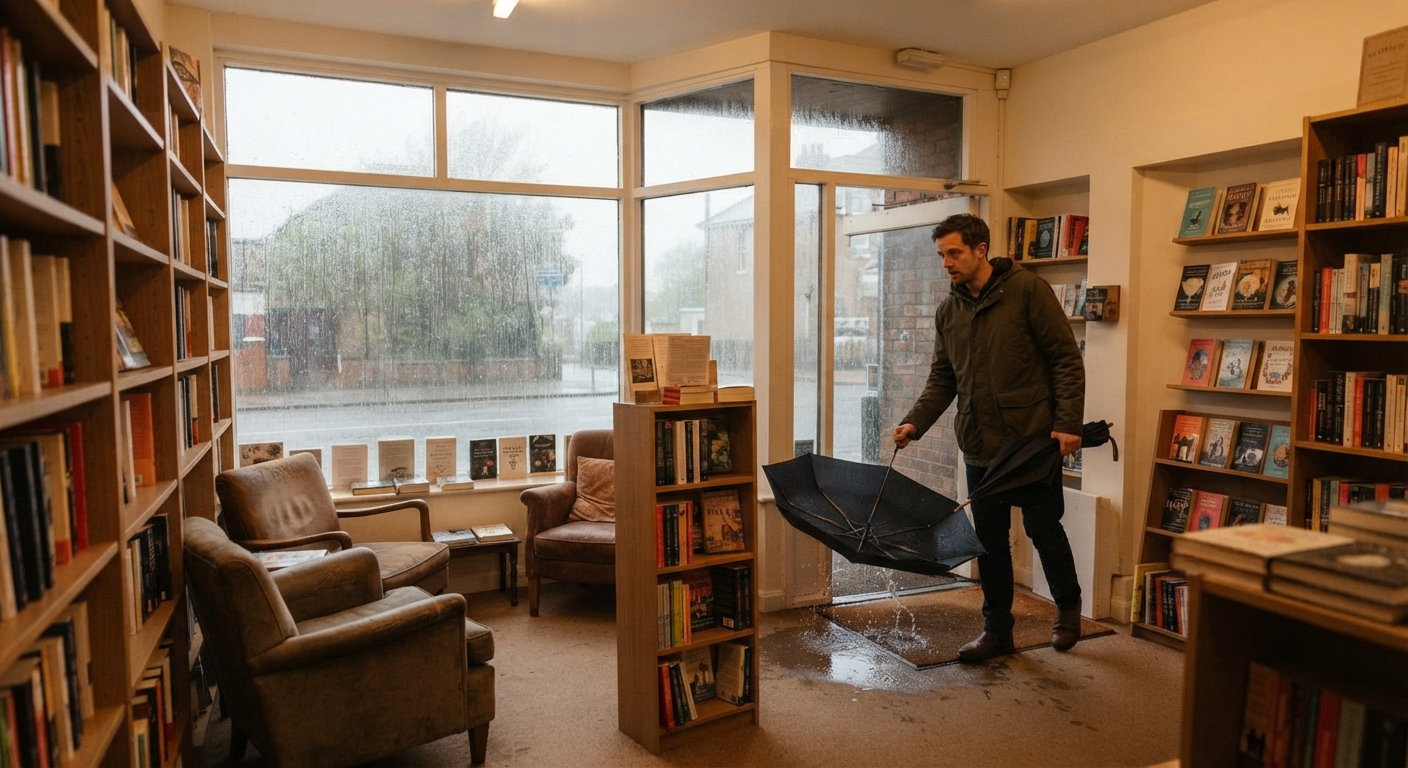
Create a 30-second cinematic short scene in a small bookstore during rain.
0–6s: A man enters, folds a wet umbrella, and looks around.
6–18s: He finds a handwritten note inside an old book and reads it near the window.
18–30s: He looks outside, notices someone waiting across the street, and smiles.
Camera: Begins wide, tracks into a medium shot while he reads, ends on a close-up reaction.
Lighting & Audio: Warm indoor lighting, rain patter against the glass, and quiet bookstore room tone.
Keep: Same man, umbrella, book, note, and bookstore layout from start to finish.
Fix the problem you can actually see
If a generation is 80% correct, tweak only the failing component:
- The face or outfit shifts: Anchor 3–5 specific visual traits (e.g., short black bob haircut, silver streak, rust-red coat) and keep them identical across all prompt sections.
- Actions happen out of order: Use strict timestamps and physical triggers (e.g., The finger depresses the copper button. Espresso begins flowing two seconds later.).
- Camera ignores instructions: Simplify to one starting frame, one motion, and one timing trigger.
- Product changes shape: Rely on the Product Reference slot rather than text descriptions, and explicitly lock key visual elements under the Keep: section.
- Unwanted captions or music: Add explicit negative rules: No subtitles, no visible text, no background music.
- The clip feels unfinished: Give the final frame an explicit action: The customer takes a sip, sets the espresso cup back on the marble counter, and the camera holds for the final second.
Frequently asked questions
What is the best Seedance 2.5 prompt format?
Use a structured breakdown: Subject, Action, Setting, Camera, Audio, and Continuity Rules. Add timestamps for multi-step or 30-second clips.
How do I write a 30-second Seedance 2.5 prompt?
Divide the scene into three logical beats: setup (0–5s), main action (5–20s), and payoff/reaction (20–30s). Focus on one clear event rather than multiple competing plotlines.
Can Seedance 2.5 handle native audio generation?
Yes. Seedance 2.5 generates sound synchronized with video movement. Describe sound effects and background tone directly in your prompt text.
How do I keep characters consistent across shots?
Upload a clear Character Reference image and list key non-negotiable details (haircut, distinctive accessories, clothing colors) in the prompt's Keep: section.