
AI Baby Generator
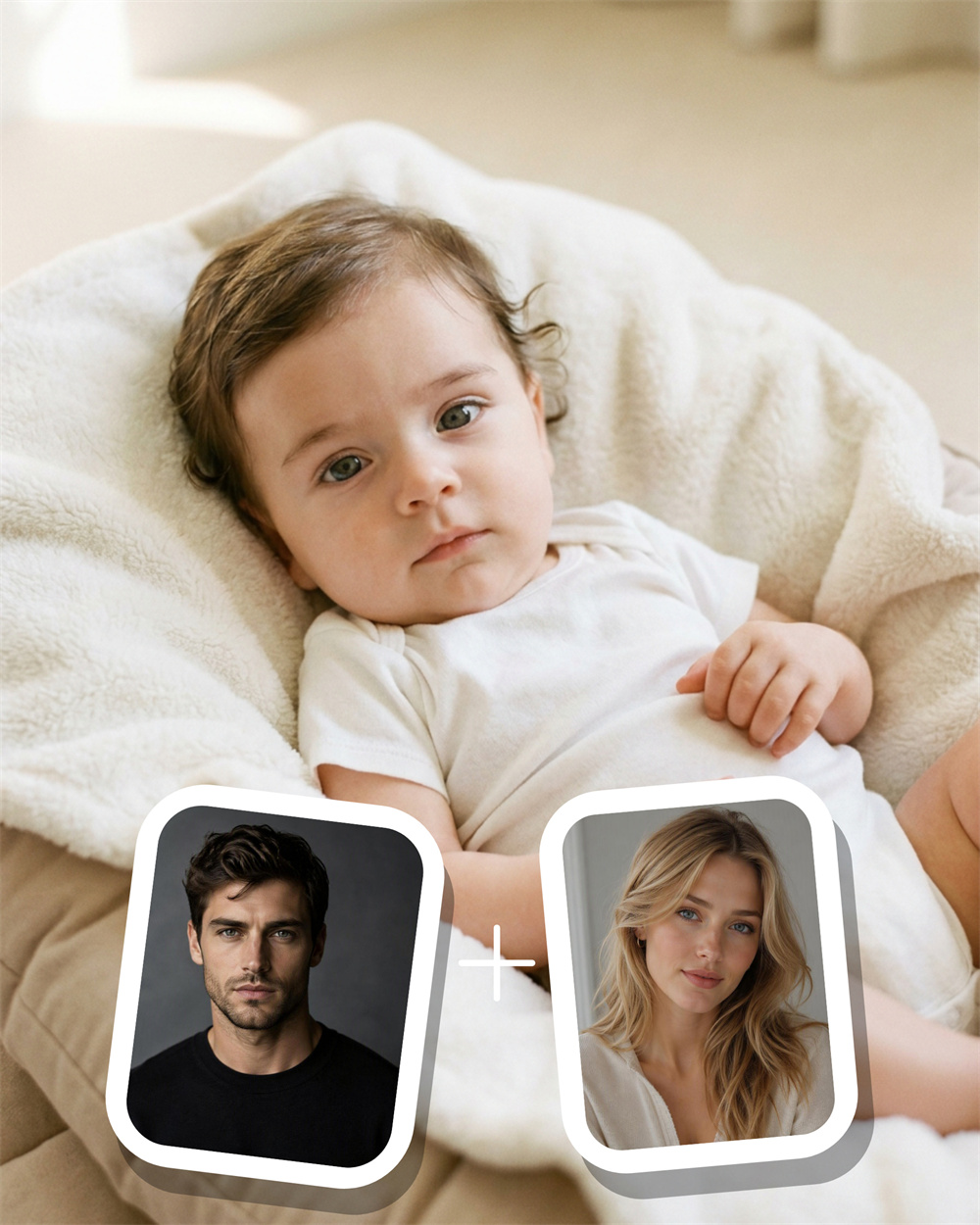
See Your Future Baby Face in Moments
Guma’s AI baby generator turns two clear parent photos into a one-of-a-kind baby image in just a few steps. It gives you a creative answer to the familiar question, “What might our baby look like?”—with an experience that stays simple from upload to download.
AI Prompt
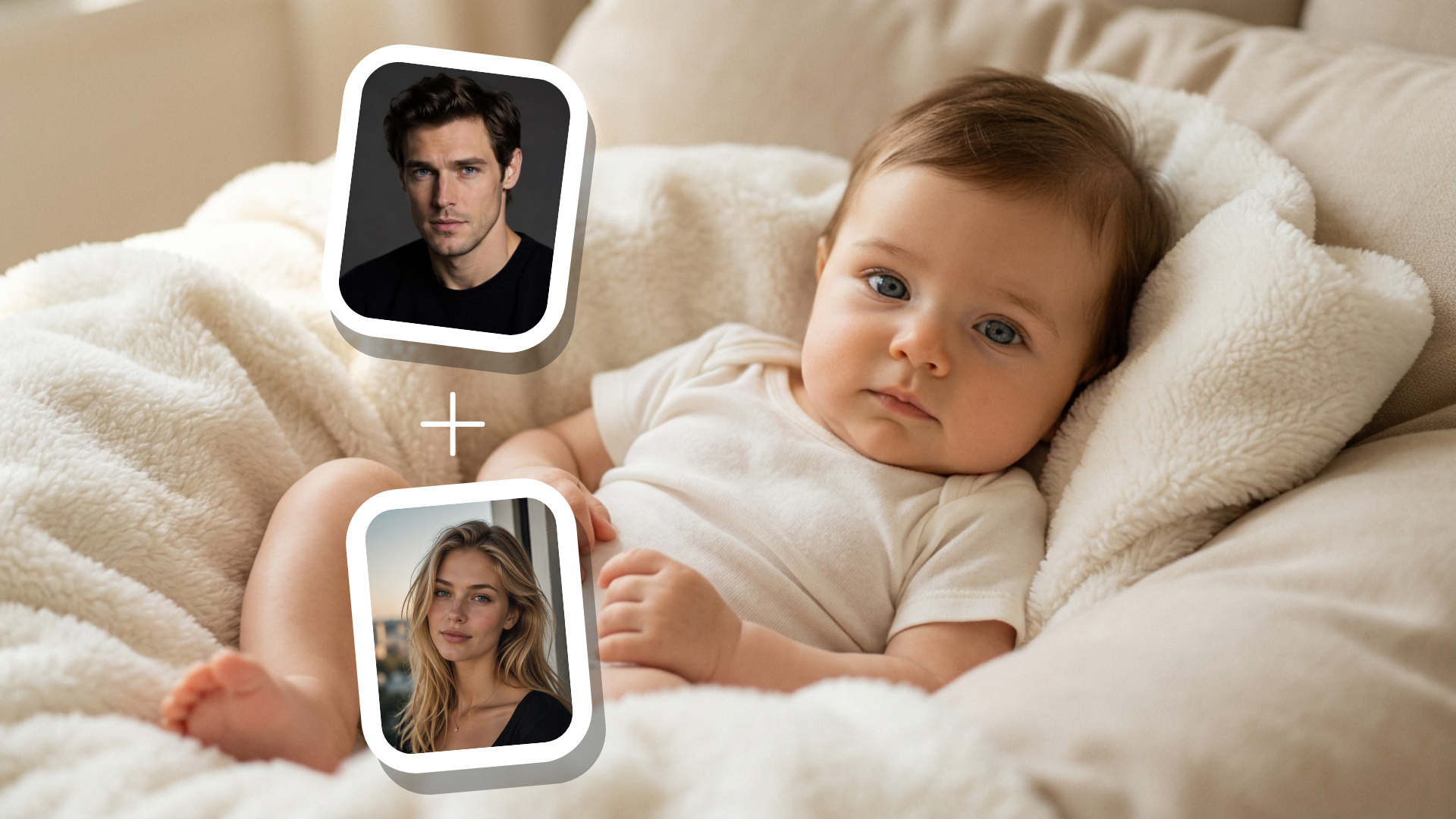
Using the uploaded photo of two adults as a reference for the character’s appearance, {{naturally integrate the visible facial features, eye contours, eyebrow expressions, and soft facial lines of the reference individuals: 1.6}}, generate an image of a young baby. The baby’s face should appear natural, authentic, and free from any exaggerated features. The baby has fine, short hair on both sides, with delicate and naturally smooth skin. The baby’s gaze is calm and gentle, directed toward the camera; the lips are softly closed, and the expression is serene yet curious. The baby is lying half-reclined on a soft, fluffy cream-white velvet rug and a light beige infant cushion. The baby’s body is positioned slightly below the center of the frame, with the head resting between the folds of the rug. Both hands are naturally curved and placed near the chest and abdomen, while one leg is partially visible—overall, the baby’s posture is relaxed and at ease. The baby is wearing a pure white, short-sleeved onesie with a round neckline, made from soft cotton fabric. The outfit features no patterns or text, fits snugly yet comfortably, and has a natural snap closure at the bottom. The scene is illuminated by warm, natural indoor light coming softly from the upper-left corner, gently highlighting the baby’s face and the velvet rug. The background is a blurred, light beige depiction of the interior environment, devoid of any distinct furniture details. The photograph is a close-up portrait taken from a slightly elevated angle above the baby’s face—a slight downward shot—with a shallow depth of field, focusing sharply on the eyes, cheeks, and upper body. The overall color palette consists of creamy white, light beige, and soft, warm skin tones, characterized by low contrast, clean and gentle hues, and a genuine, camera-like texture.
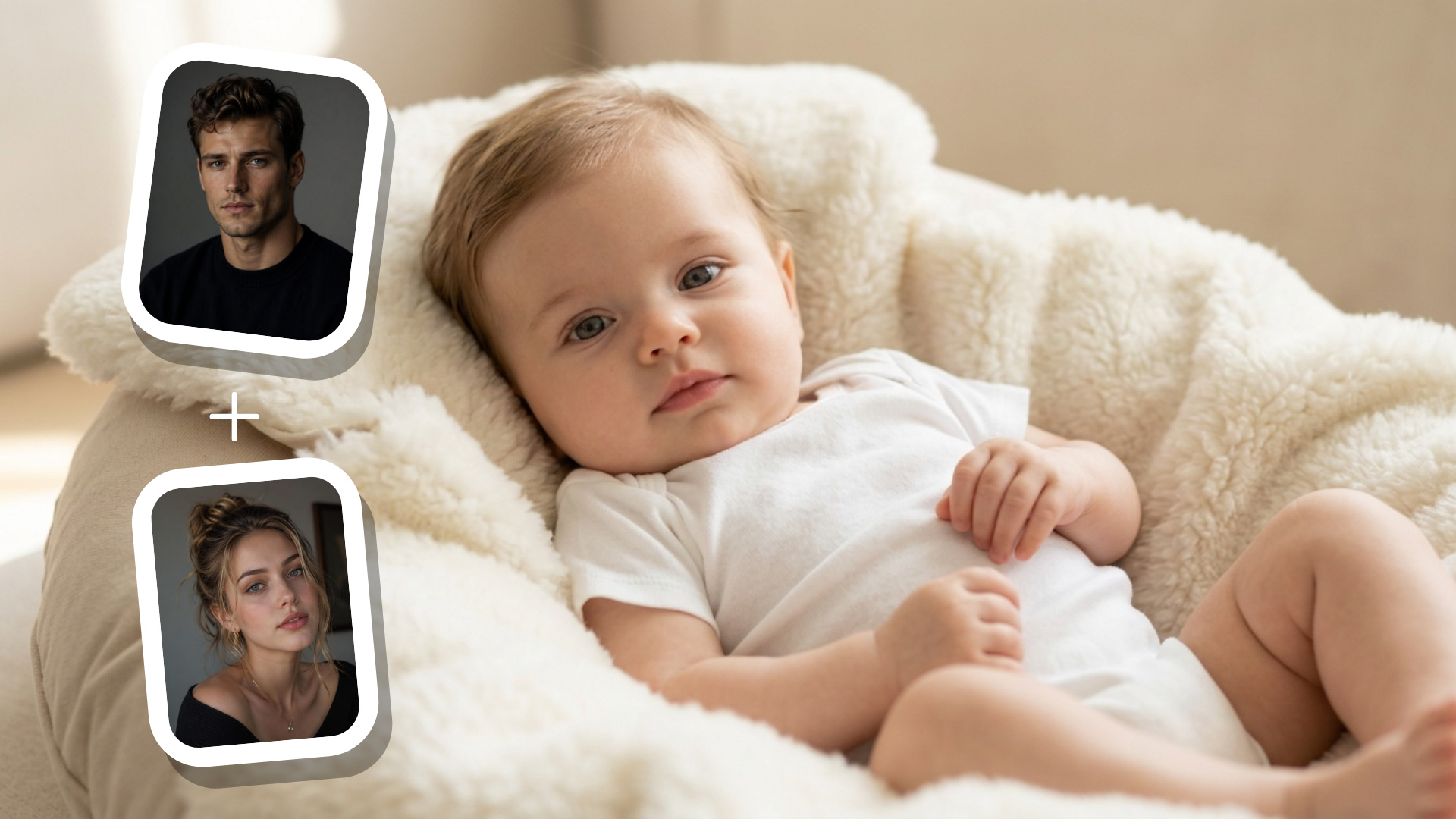
From Two Portraits to a New Baby Image
Start with one photo of each parent, and the AI brings visible details together into a fresh baby-face result. It looks at elements such as face shape, eyes, smile, and hair to create an image that feels personal to the photos you chose.
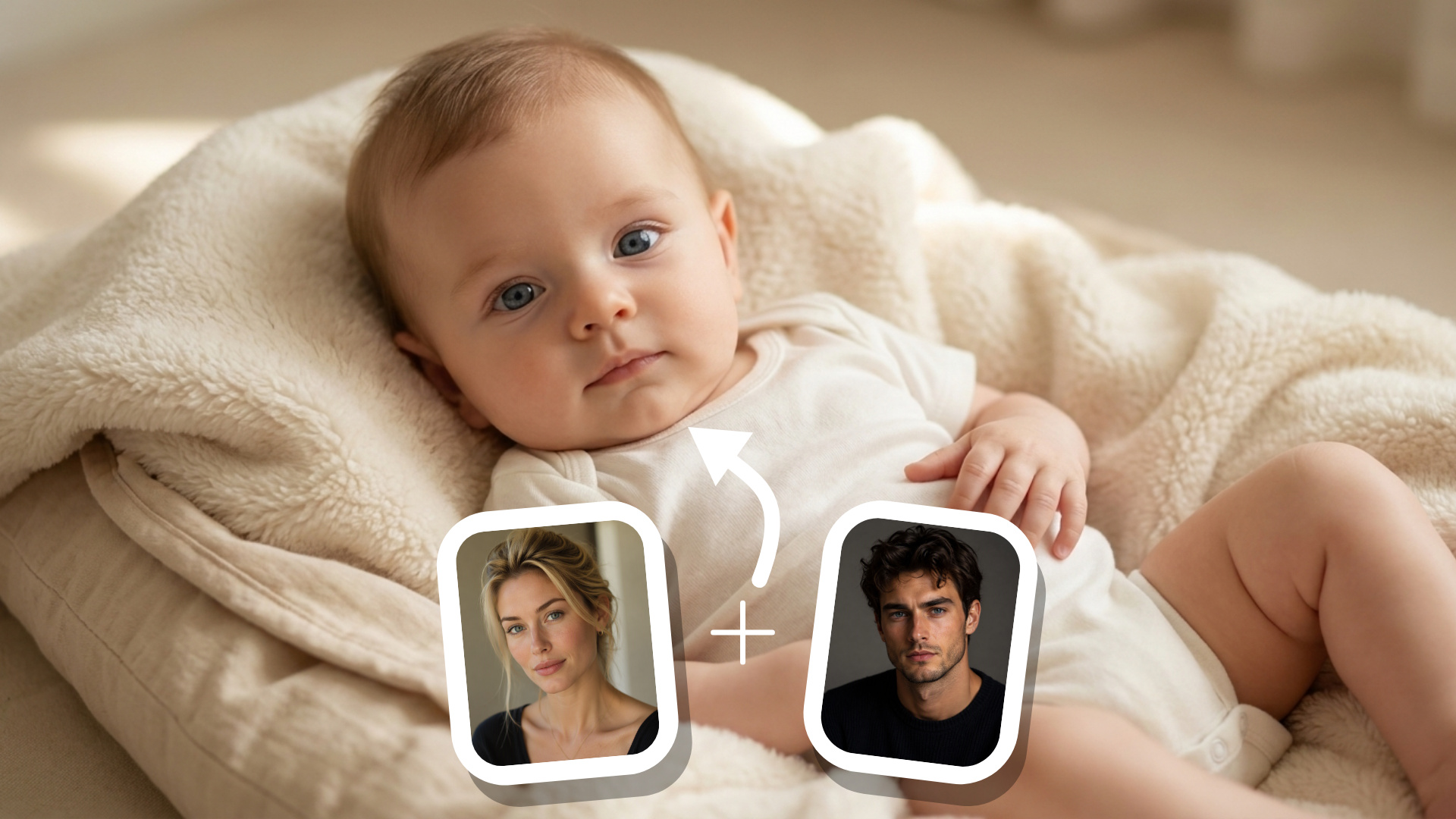
Better Source Photos, Stronger Results
Clear, front-facing portraits help the generator work more effectively. Natural lighting, a visible face, and minimal photo editing usually give it the most useful detail to work from. You do not need professional photos; a straightforward selfie is often enough.
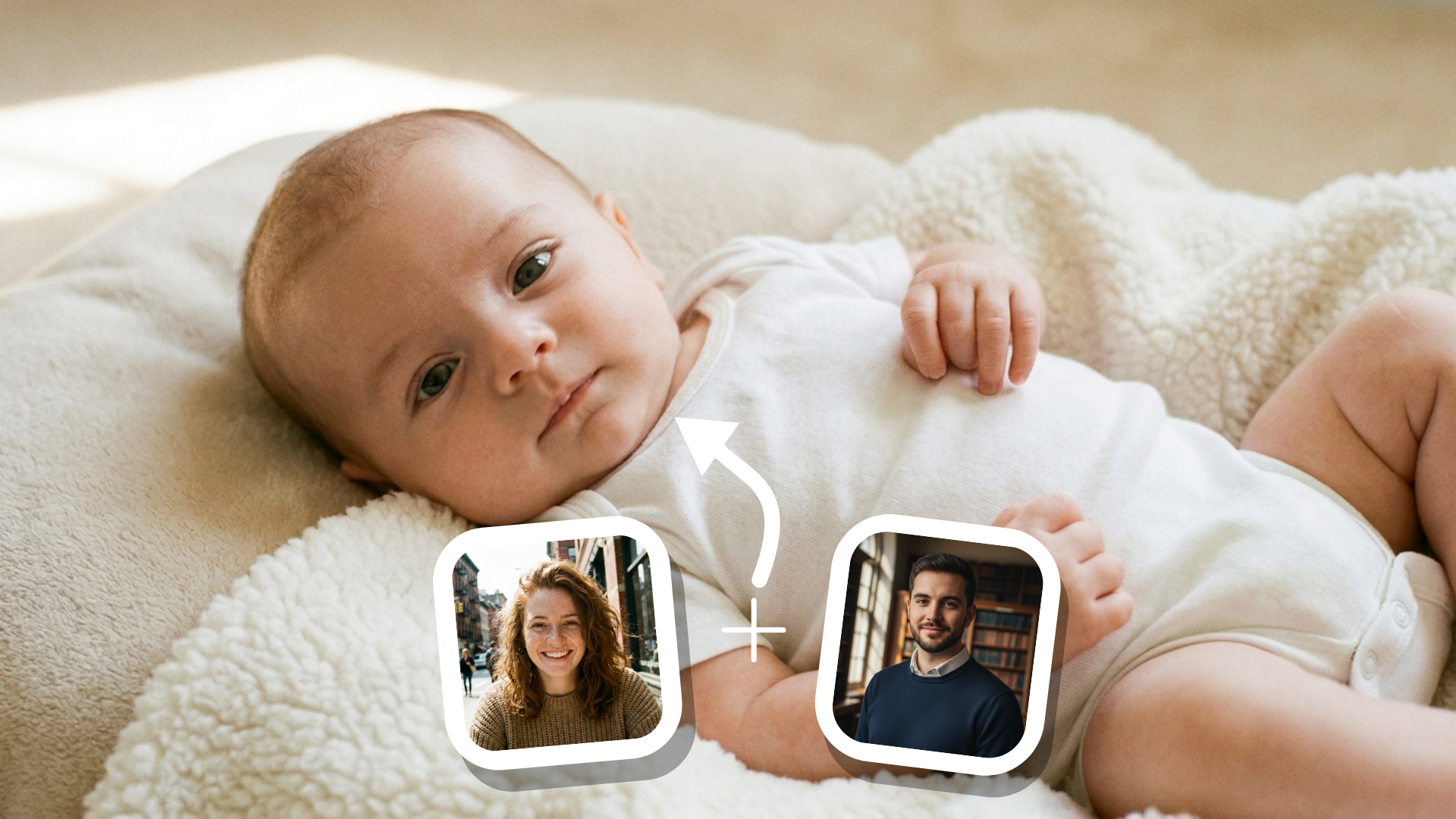
Explore What Your Future Baby Could Look Like
A future baby generator makes an old curiosity easier to picture. Rather than relying on guesswork, you can create an AI baby photo from the faces you provide and see a new interpretation in moments. Each image is generated from your individual uploads.
Created for Curiosity, Not Certainty
A baby face generator creates a visual interpretation, not a scientific prediction. It cannot determine a real child’s genetics, health, personality, or exact appearance. Keeping that expectation clear lets you enjoy the image for what it is: a thoughtful AI-made keepsake.
How to Generate Baby Images With Guma AI
Upload
Add one clear, front-facing photo of each parent.
Generate
Let Guma AI create a personalized baby image from the uploaded photos.
Download
Download your completed image when it is ready.
Explore More AI Photo Ideas

FAQ
What is an AI baby generator?
An AI baby generator creates a baby image by combining visible details from two uploaded photos. It is designed for creative exploration and does not provide medical or genetic information. If you want to create images for other ideas, explore our AI Image Generator.
Will the image show exactly what a real future child will look like?
No. The result is an AI-created interpretation, not an exact forecast. A real child’s appearance depends on genetics and many other factors that cannot be determined from photos alone.
Which photos work best?
Use clear, well-lit, front-facing images with one visible face in each photo. Avoid heavy filters, dark lighting, sunglasses, or images where the face is partly covered.
Can I use the baby face generator for free?
Yes. Create an account to receive daily free credits and start generating images. If you need more credits, you can upgrade to a premium subscription.
How long does it take to generate an image?
Most results are ready in moments. Processing time can vary slightly depending on image quality and current demand.