
AI Emoji Generator
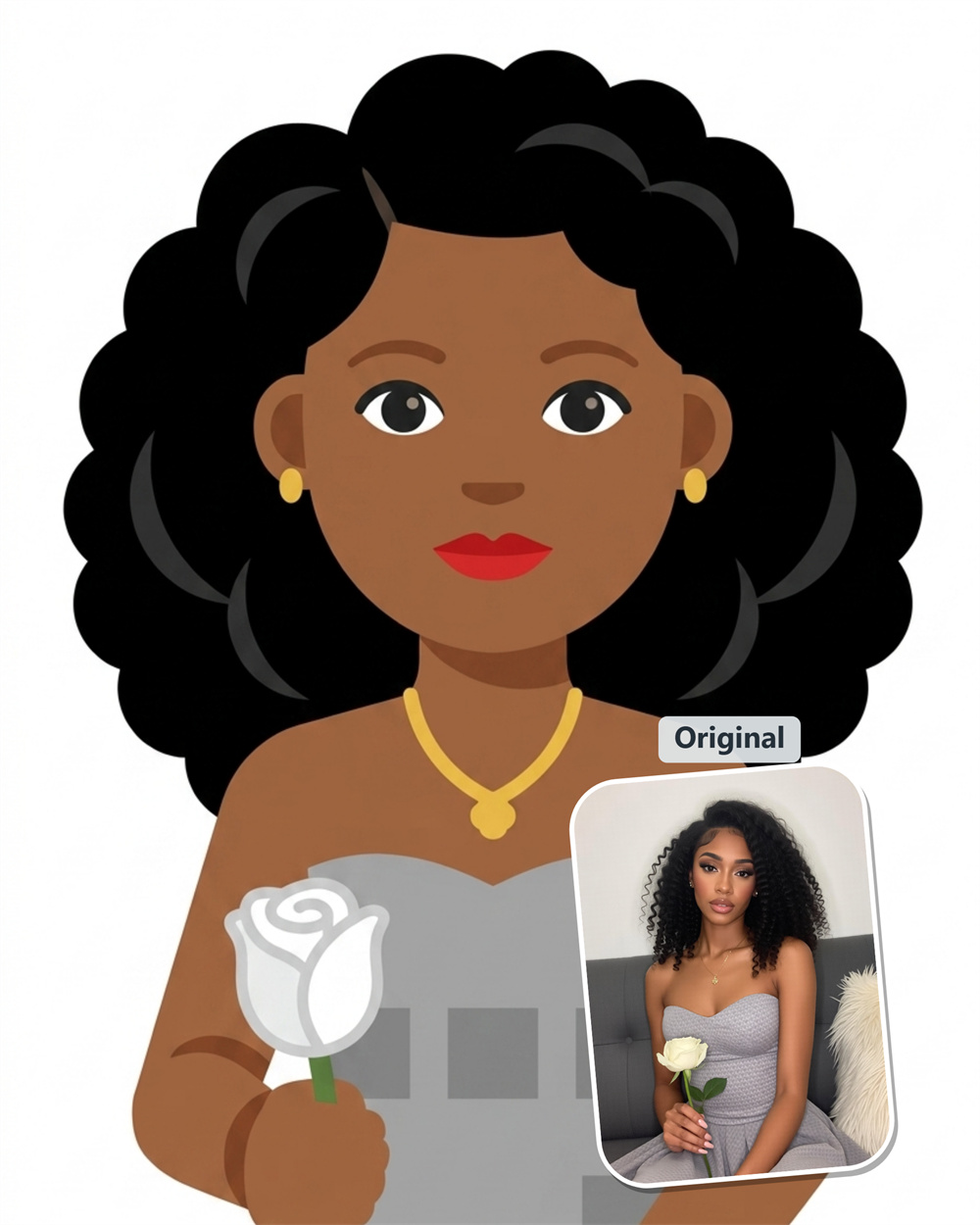
Turn a Photo into an Emoji with AI
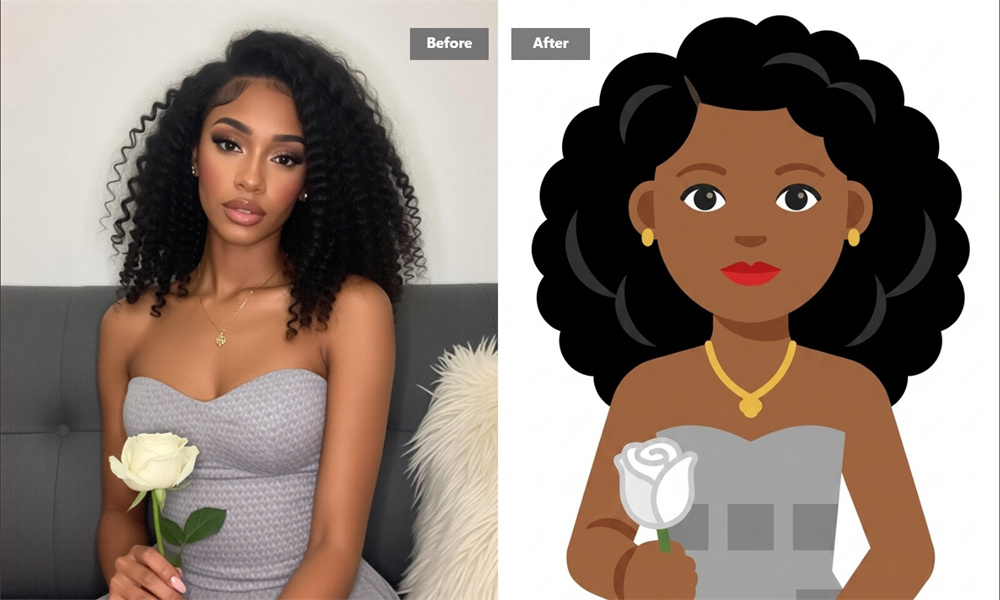
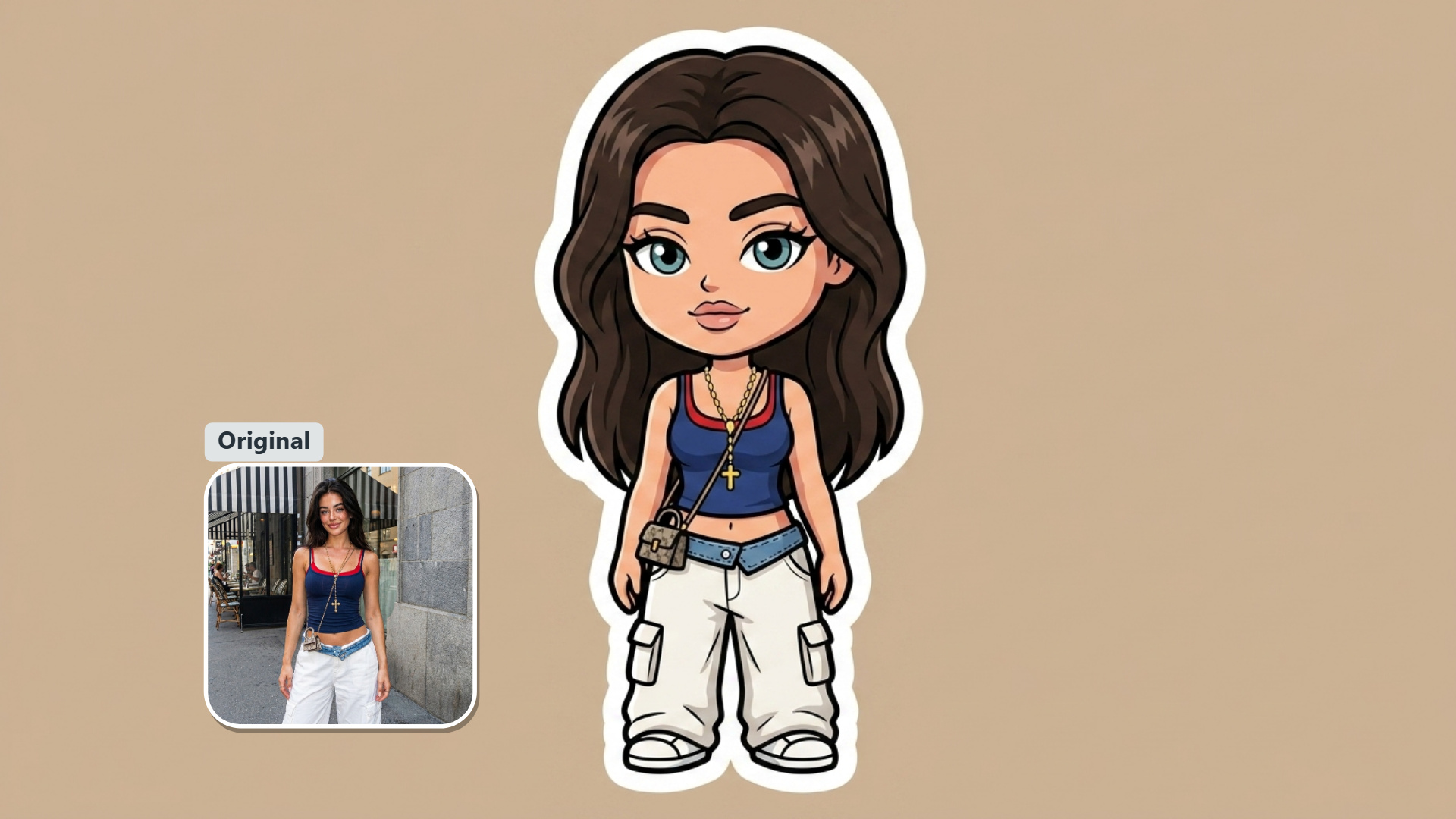
Give any photo a playful new look with Guma’s AI emoji generator. Upload an image, generate an expressive emoji in seconds, and download it for chats, social posts, or sharing with friends.
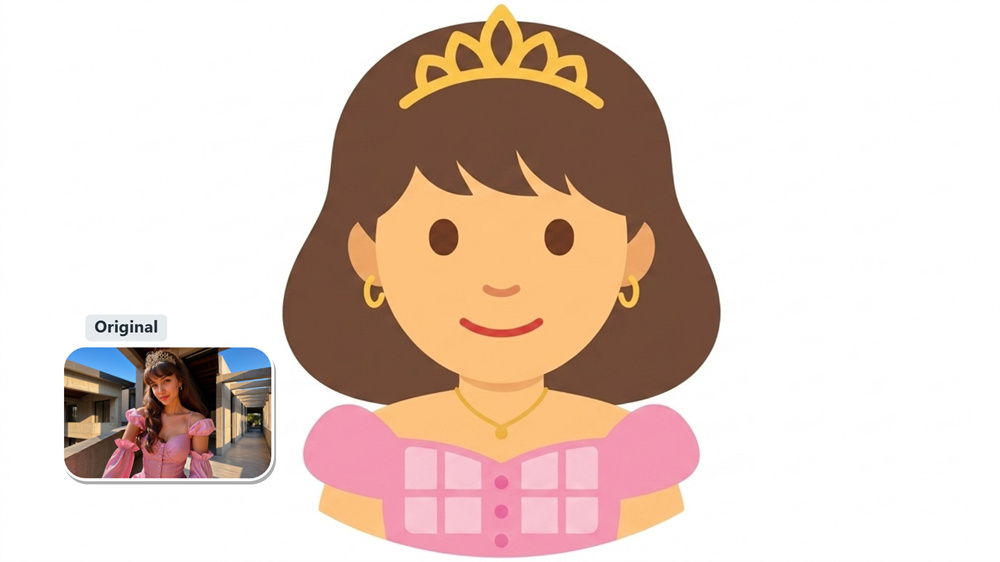
Create a Personal Emoji for Group Chats
Turn a favorite selfie, pet photo, or familiar face into a reaction your friends will recognize right away. A photo emoji adds a more personal touch to group conversations, whether you are celebrating good news, reacting to a joke, or simply checking in.
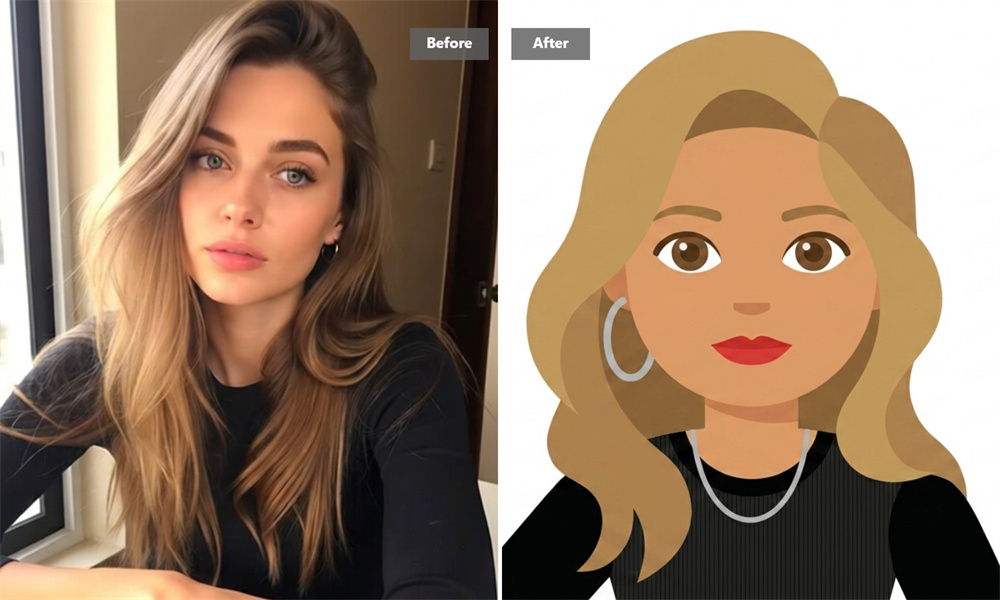
Add More Personality to Social Posts
Create an emoji image from a photo to make a comment, story, or post feel less generic. Use a memorable expression, a pet’s funny face, or a picture from a recent event to add a small visual that fits naturally alongside your social content.
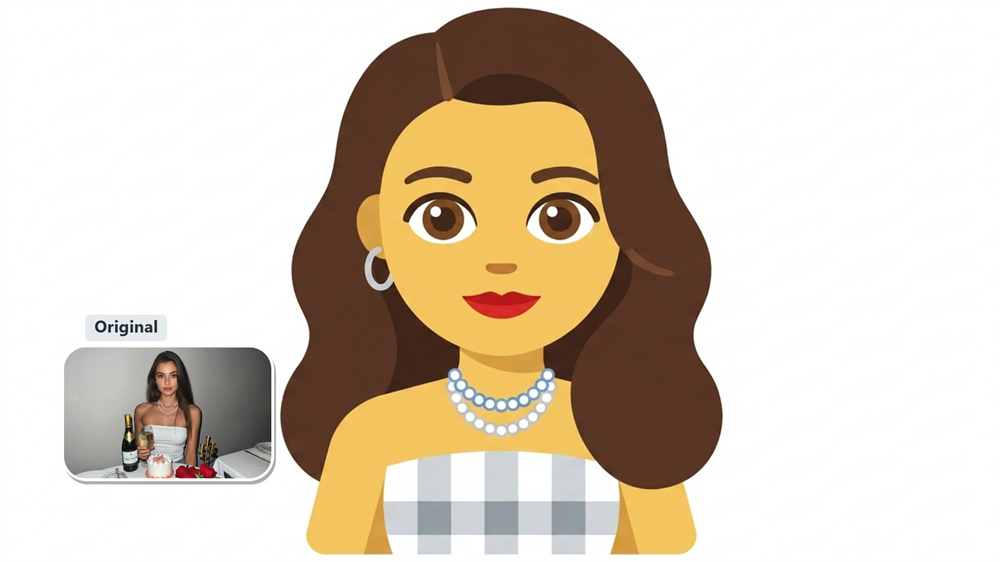
Turn Pet Photos into Fun Reactions
Pets already have a talent for expressing exactly how they feel. Transform a clear photo of your dog, cat, or other companion into an emoji-style image for quick replies and lighthearted sharing. It is an easy way to keep a favorite pet moment close at hand.
Save a Memorable Moment in Emoji Form
Some photos capture a reaction better than words ever could—a surprised look, a celebration, or an inside joke with friends. Turn that moment into an emoji image, download it, and keep it ready whenever the same feeling comes up again.
How to Create an Emoji from a Photo with Guma
Upload a Photo
Choose a clear image with one visible person, pet, character, or object.
Generate Your Emoji
Let Guma transform your photo into an expressive emoji image.
Download the Result
Save your finished emoji image and share it when you are ready.
Explore More Creative Photo Effects
FAQ
What is an AI emoji generator?
An AI emoji generator turns a photo into an emoji-style image. Upload a source image to Guma, generate the result, and download it for sharing. To make images for more creative use cases, explore our image-to-image feature.
Can I make an emoji from my own photo?
Yes. Upload a clear photo with a recognizable subject, such as a portrait, pet, character, or object, then generate an emoji image from it.
Which photos work best for AI photo emojis?
Clear, well-lit images with one main subject usually work best. Portraits, pet photos, and simple objects are easier to recognize than crowded, dark, or blurry photos.
Is Guma’s AI emoji generator free to use?
You can start using Guma with daily free credits after creating an account. If you need more image generations or access to additional AI tools, you can upgrade to a paid plan.
Where can I use a photo emoji?
You can download the generated image for chats, social posts, personal projects, or community sharing. Check the image size and file format requirements of the platform before uploading.
Do I need design skills to make a photo emoji?
No. Start with a suitable photo, generate the emoji image with Guma, and download the result—no manual drawing or complex editing is required.